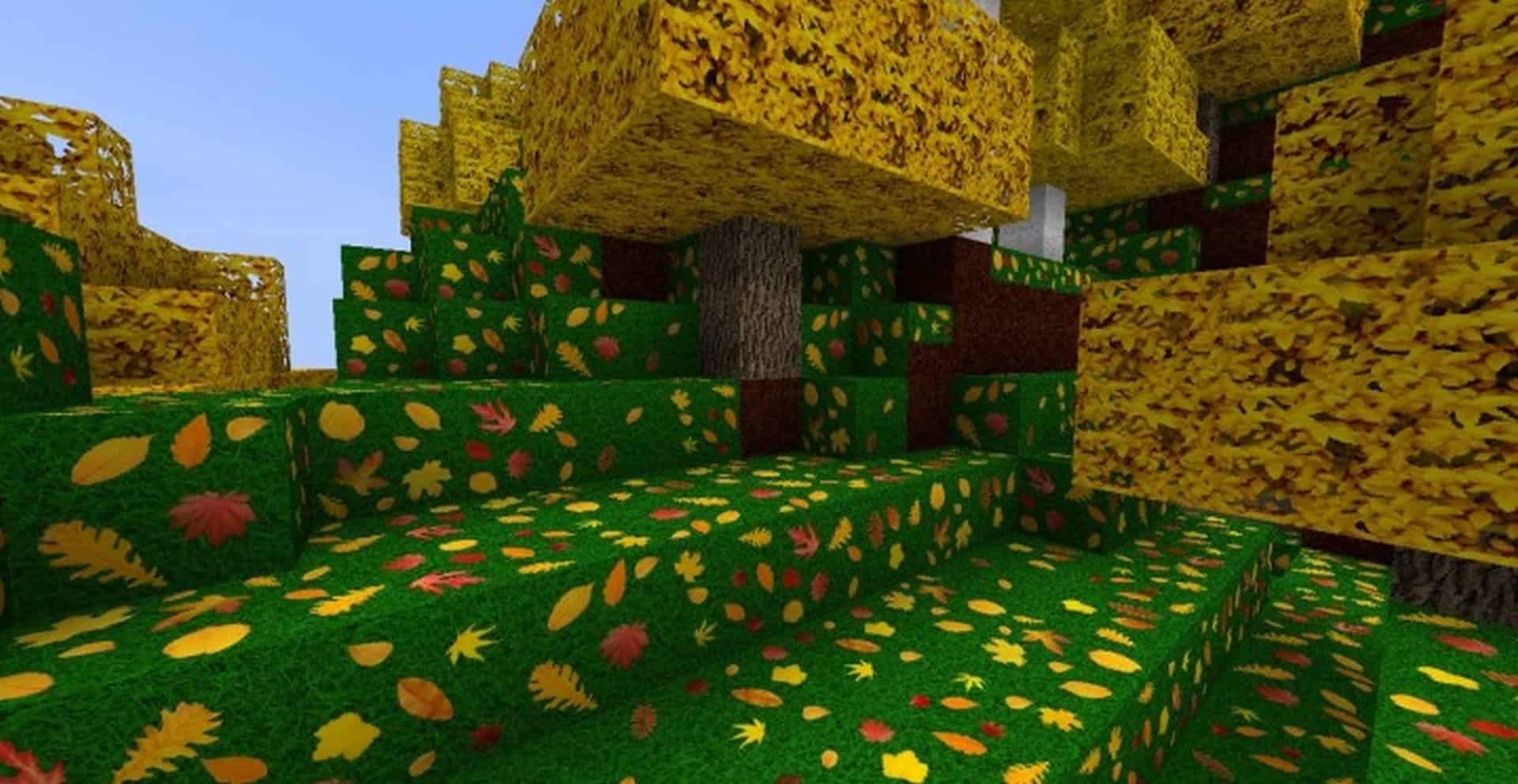
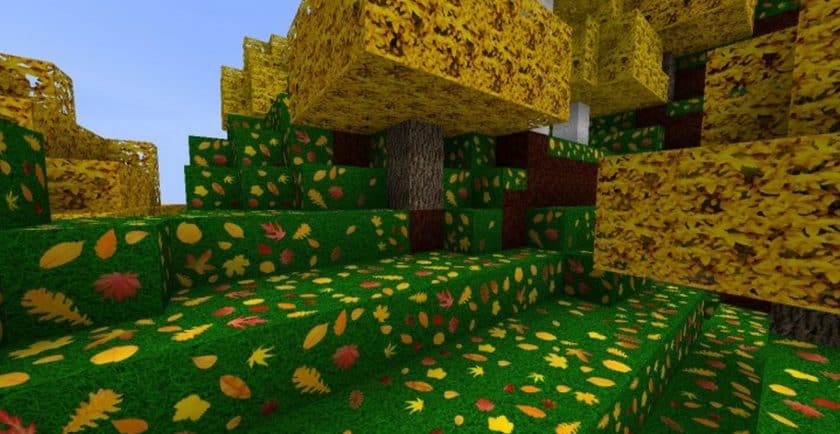
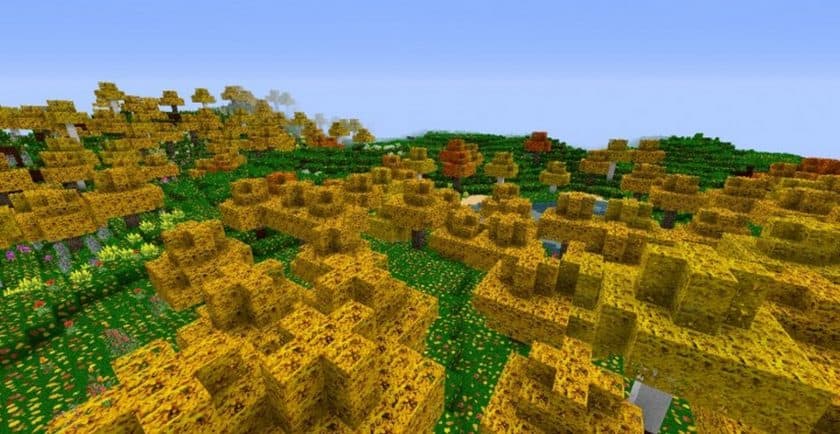
The first thing that stood out to me with the Zedercraft Autumn HD Resource Pack is that it doesn’t try to copy a movie, game, or cartoon. Instead, it takes something much simpler—the feeling of autumn—and builds the entire visual style around it. After playing with the pack, I found that the seasonal changes are surprisingly effective. Trees and foliage shift toward warm yellow, orange, and red tones, while some plants and terrain textures receive similar treatment. Even areas that normally look plain in vanilla Minecraft can feel much more atmospheric once the autumn colors are everywhere. It’s a great fit if you enjoy building cozy cabins, forests, parks, or countryside-style worlds.
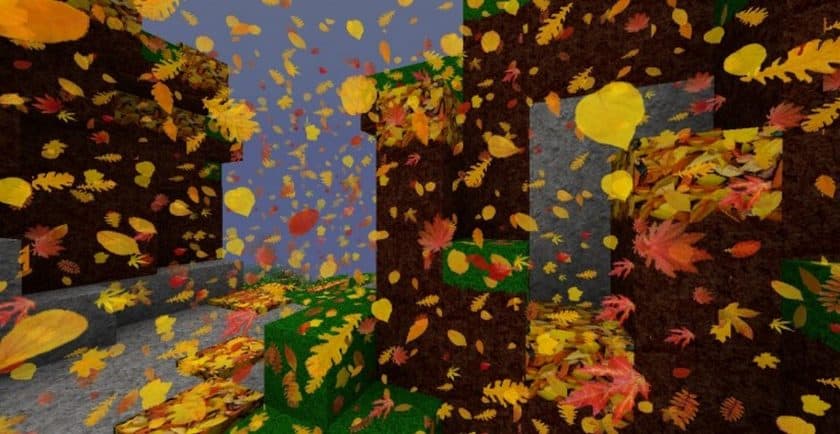
The falling-leaf effect is another detail that makes the pack feel different from a standard texture overhaul. Leaves drift through the air as if they’re being carried by a light breeze, giving forests a much more seasonal atmosphere. The pack also goes well beyond simply recoloring foliage. Zedercraft Autumn HD comes in 128x and 256x resolutions, so the textures have considerably more detail than Minecraft’s default 16x assets. Blocks, items, and environmental surfaces look sharper and less pixelated when viewed up close. There are also additional changes to particles, mobs, armor, weapons, fonts, the GUI, and even the main menu, so it feels like a proper autumn-themed overhaul rather than a simple color swap.
The main thing I’d keep in mind before installing it is the hardware requirement. Those higher resolutions naturally demand more resources, especially the 256x version, so players with older PCs may want to start with 128x. The pack also isn’t designed for a completely vanilla setup because its special color features require OptiFine HD or MCPatcher. Once everything is configured correctly, though, the result is quite impressive. If you want your Minecraft world to feel like late autumn without completely changing the game’s identity, Zedercraft Autumn HD is a genuinely interesting pack to try.
Zedercraft Autumn HD is compatible with all of the following Minecraft versions: 1.16.5 – 1.16.4 – 1.16.3 – 1.16.2 – 1.16.1 – 1.16 – 1.15.2 – 1.15.1 – 1.15 – 1.14.4 – 1.14.3 – 1.14.2 – 1.14 – 1.13.2 – 1.13.1 – 1.13 – 1.12.2 – 1.12 – 1.11.2 – 1.11 – 1.10.2 – 1.10 – 1.9.4 – 1.9
Zedercraft Autumn HD — Screenshots
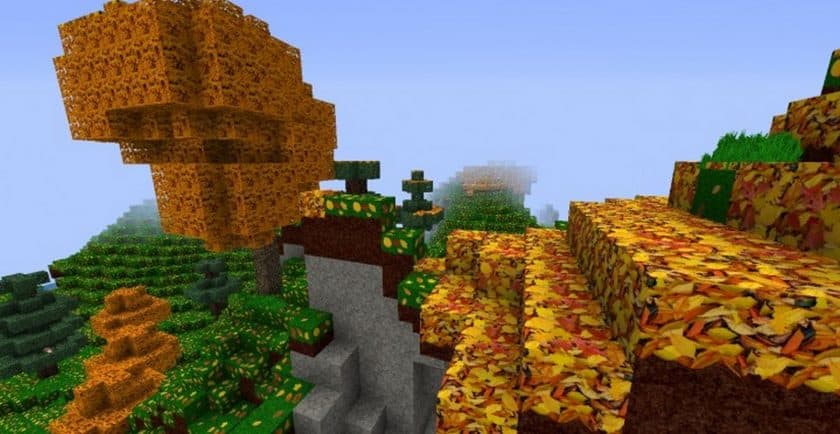
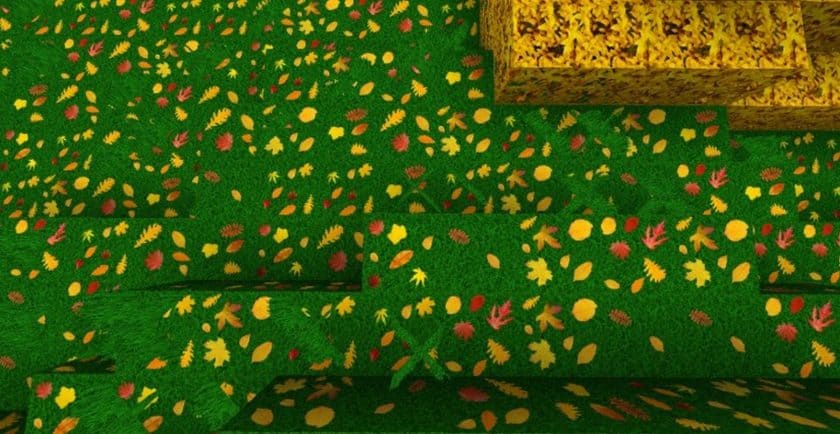
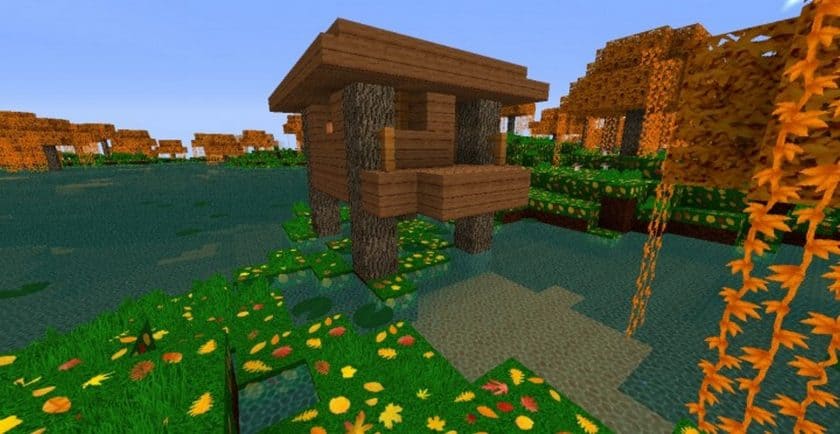
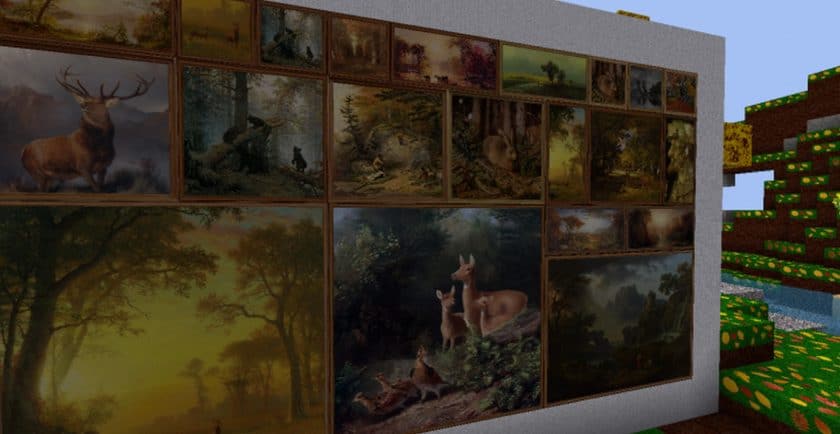
How to install Zedercraft Autumn HD Resource Pack:
- Most source packages require Optifine, so be sure to download and install it. – a general recommended step for all packages, Optifine is also needed for most shaders
- Download the Zedercraft Autumn HD texture pack for Minecraft from the download section below. – if there are many different versions, just choose the one you like, is compatible with your version/edition of minecraft that you think your computer can handle in terms of performance.
- Launch the game client via the Minecraft launcher.
- Click “Options” in the main menu.
- Click on “Resource Packs…” from the options menu.
- Click “Open Resource Pack Folder”. – a folder named “resourcepacks” will appear.
- Move the .zip file you downloaded in the first step into the newly opened “resourcepacks” folder.
- Click “Done”.
- Click on “Resource Packs…” again.
- Your package should appear in the left window, just hover over it and click on the arrow pointing to the right.
QUICK TIP: Sometimes when activating a pack, the game may say that the pack is made for a newer or older version of Minecraft. This is just a warning, it doesn’t affect your game in any way and you can still activate and enjoy the pack by just clicking “Yes” when prompted.
- Click “Done” again.
- The package has now been successfully loaded and is ready to use in your world!
- We never modify or modify resource packs in any way. None of the resource packs, shader mods or tools you see on this site are hosted on our servers. We only use official download links provided by official authors. Therefore, they are completely safe.
- Since the links are official and we update them manually – the links may stop working with each new update. We try to update the links as fast as possible and usually we update everything on time and users don’t have any problems, but if suddenly any link stops working – let us know through comments below.
- Don’t forget to leave a comment below and vote for the pack. In this way, you will help the authors to constantly improve the project. If you want to support the author(s), be sure to check the author links right below the download links.
Zedercraft Autumn HD Texture Pack Download
DOWNLOAD LINKS
(256x) (1.16.x – 1.14.x) Download Zedercraft Autumn HD Resource Pack
(128x) (1.16.x – 1.14.x) Download Zedercraft Autumn HD Resource Pack
(256x) (1.13.x) Download Zedercraft Autumn HD Resource Pack
(128x) (1.13.x) Download Zedercraft Autumn HD Resource Pack
(256x) (1.12.x – 1.11.x) Download Zedercraft Autumn HD Resource Pack
(128x) (1.12.x – 1.11.x) Download Zedercraft Autumn HD Resource Pack
(256x) (1.10.x – 1.9.x) Download Zedercraft Autumn HD Resource Pack
(128x) (1.10.x – 1.9.x) Download Zedercraft Autumn HD Resource Pack
Official links:
Check out the Zedercraft Autumn Resource Pack on the official resource
Download Instructions:
CurseForge: The download will start by itself after a few seconds.
Mediafire: Click the big blue “DOWNLOAD” button.
Google Drive: Click the small download icon (a down arrow) at the top-right corner to start the download.
Disclaimer
We are not the creators of any texture packs or shader packs shared on this site. All credit goes to the original authors. We do not edit or change any files in any way. Also, none of the downloads are hosted on our servers — we only provide official links shared by the original creators. That means all downloads are completely safe.
❗Note: Since we manually add the official links, so some may stop working after updates. If you find a broken link, tell us in the comments and we’ll fix it as soon as we can.
If you like a pack, please leave a comment and vote for it — this helps the creators improve their work. You can also support them directly through the links below the download section.