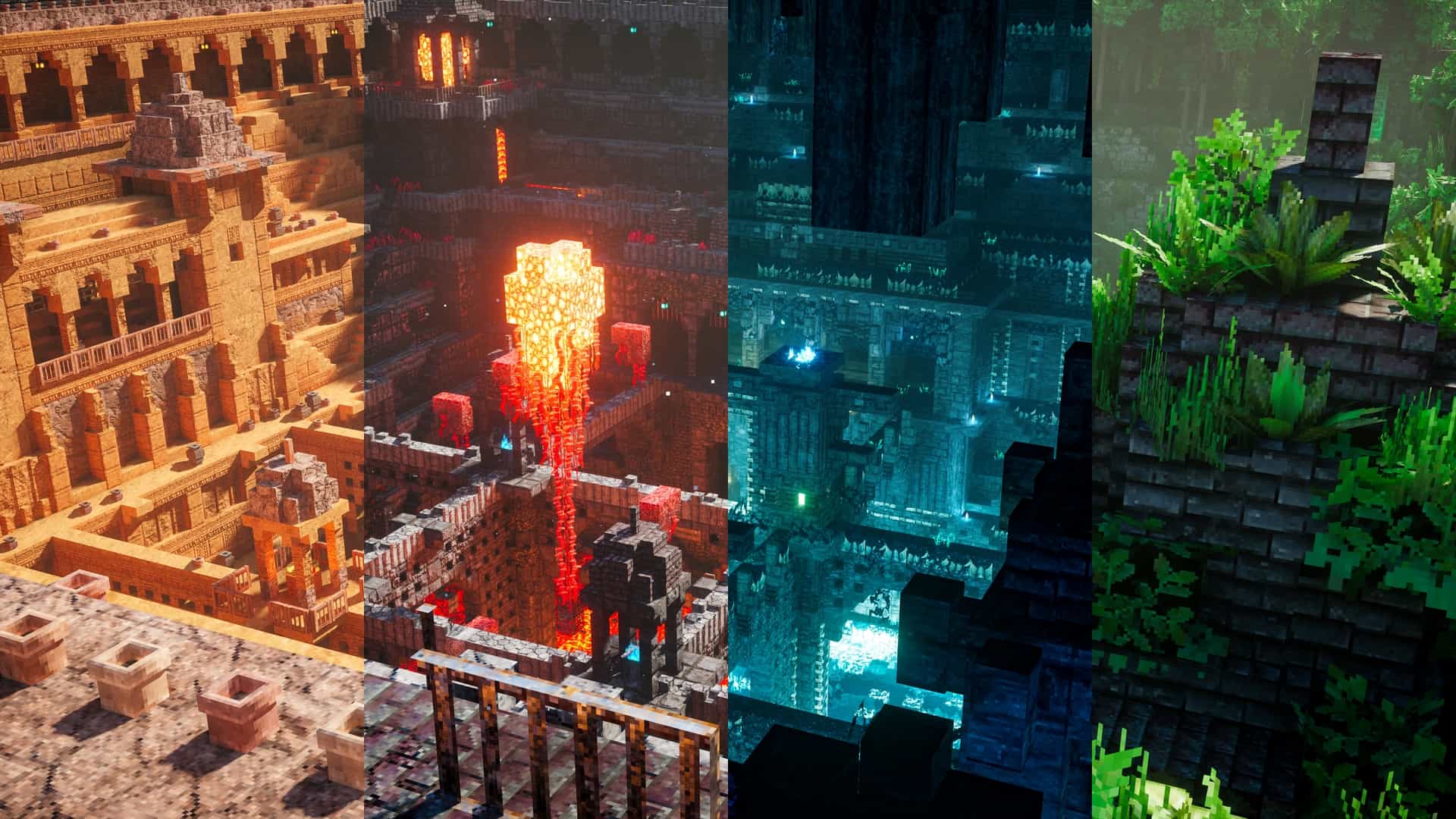
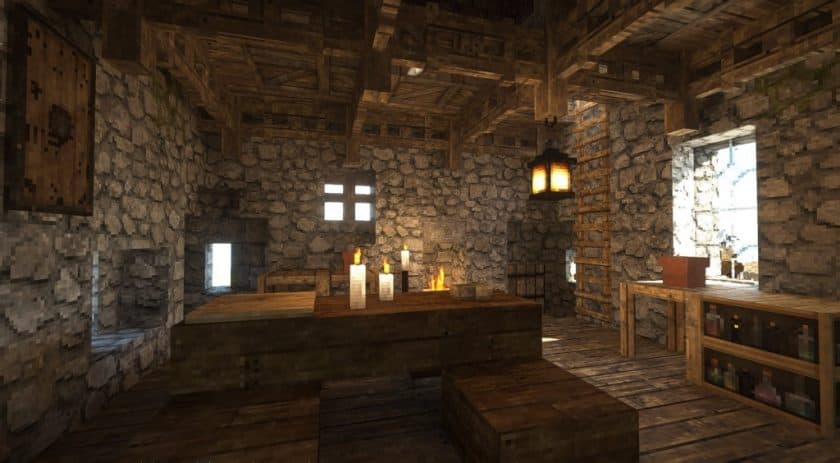
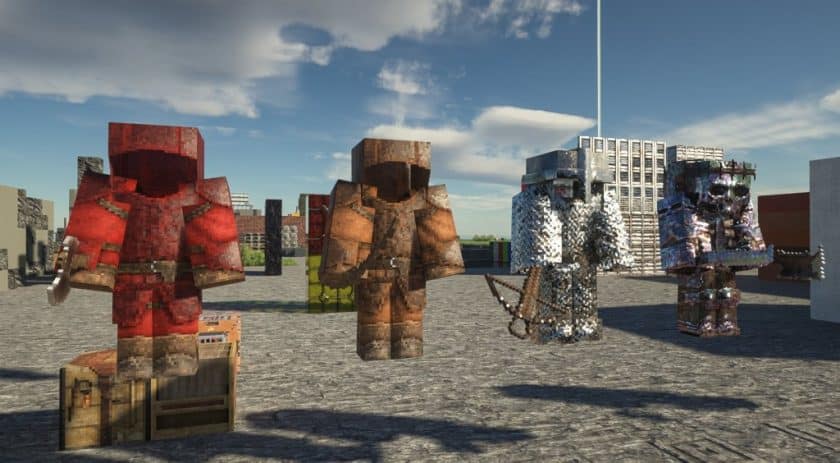
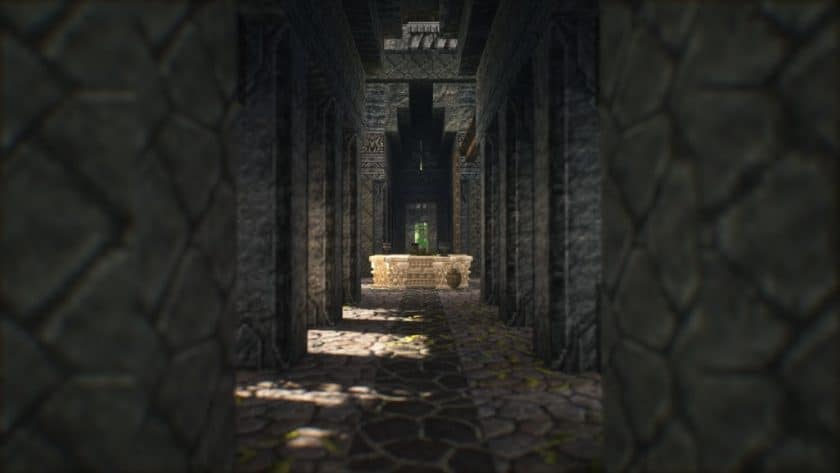
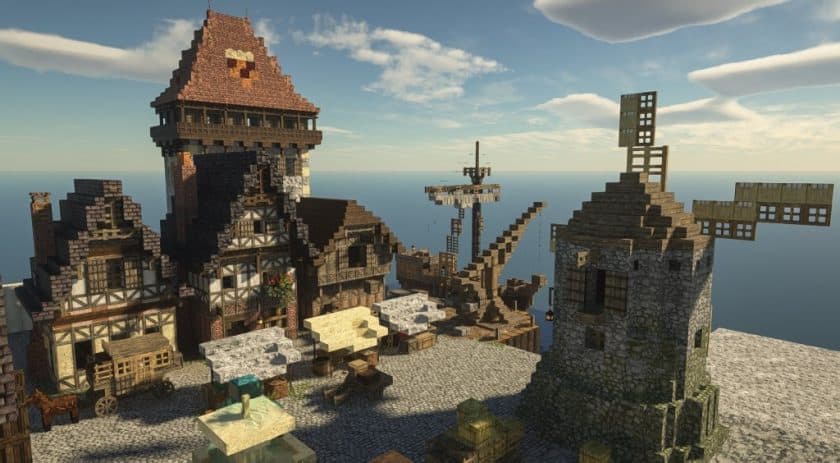
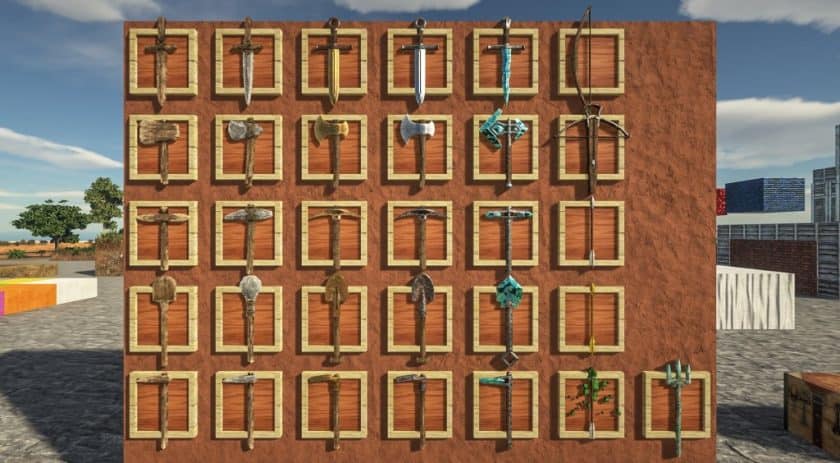
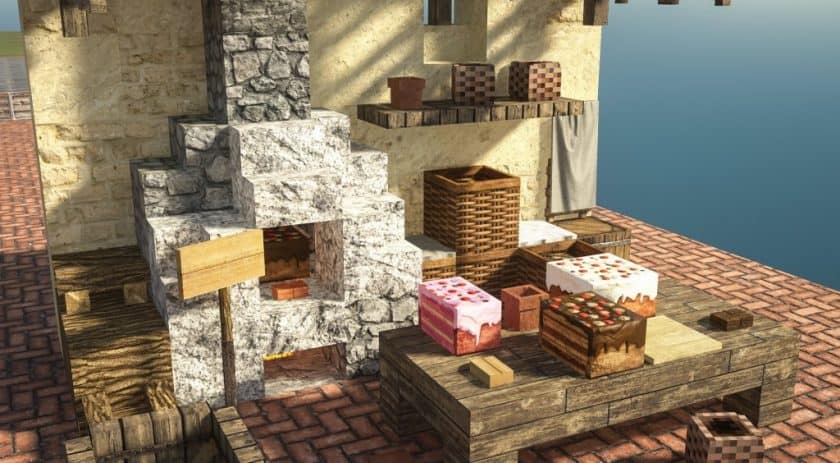
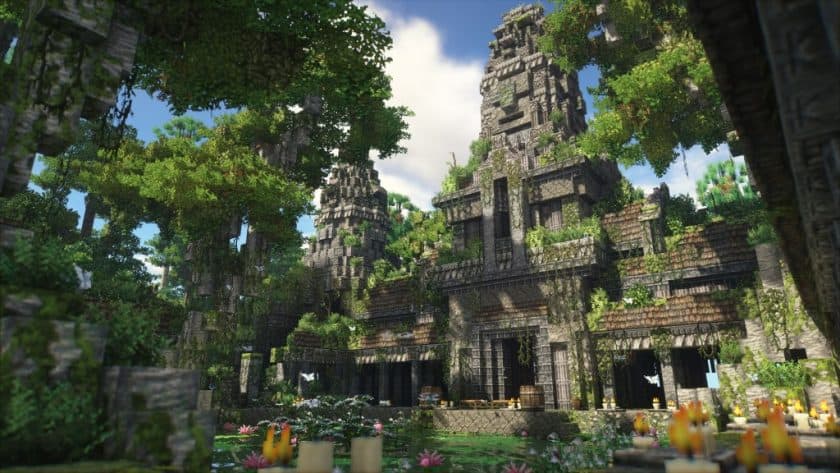
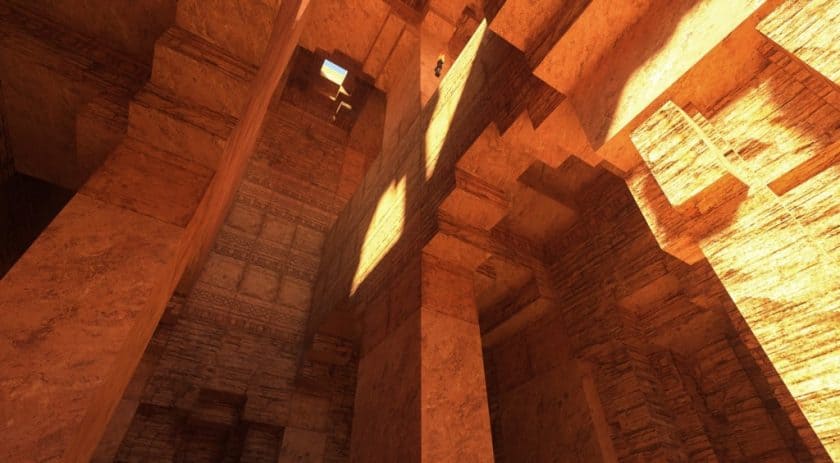
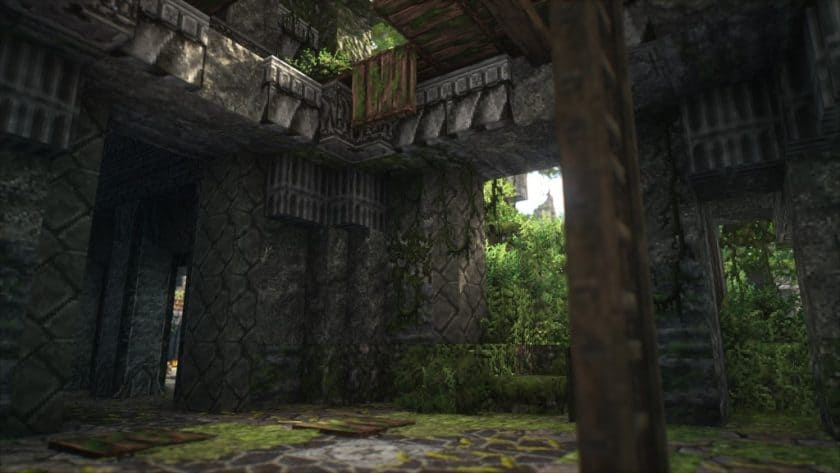
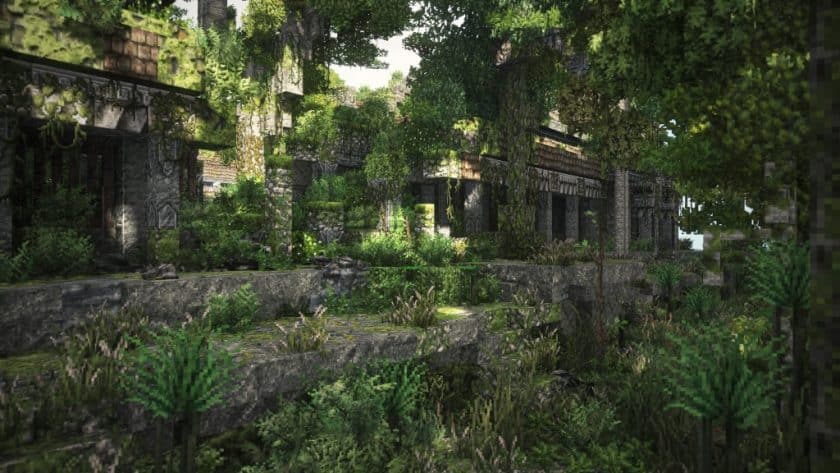
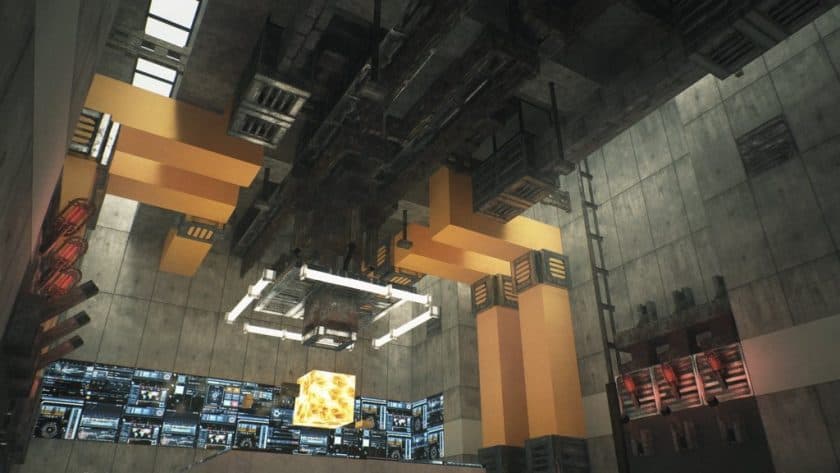
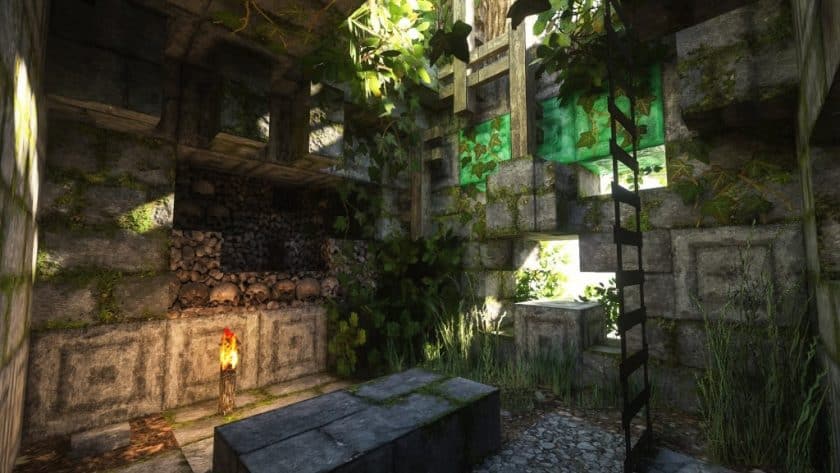
Patrix Resource Pack is ideal for you if you like to give your Minecraft environment more real and gorgeous appearance. Designed by Patrix1221, this texture pack totally alters the appearance of the game with premium materials.
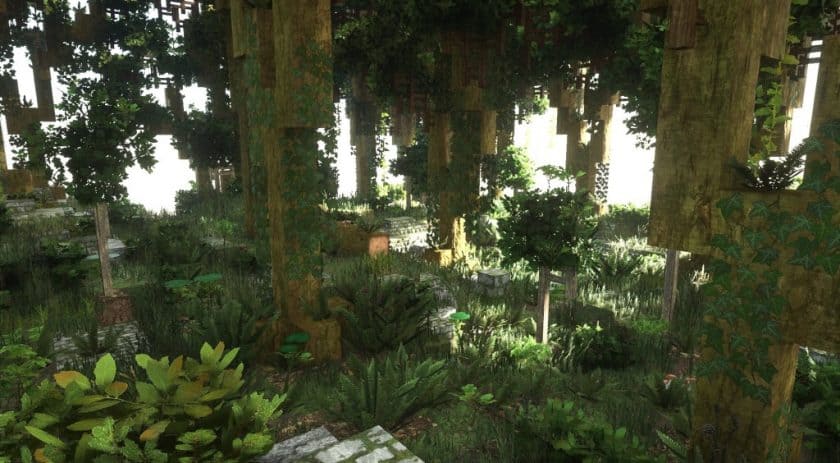
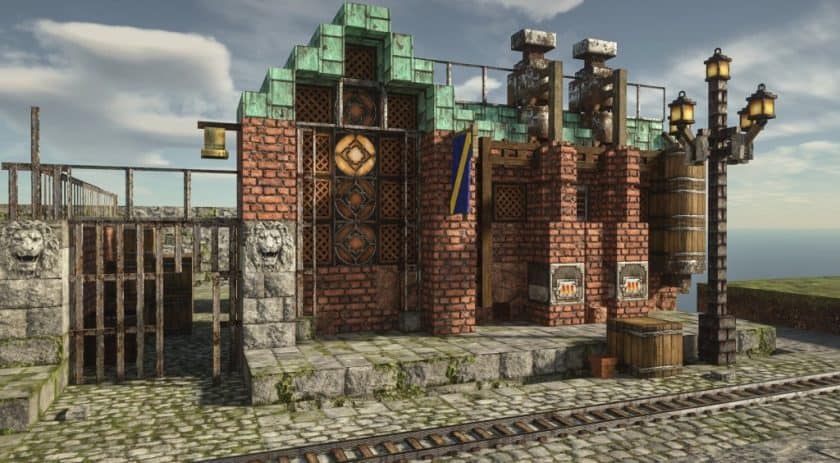
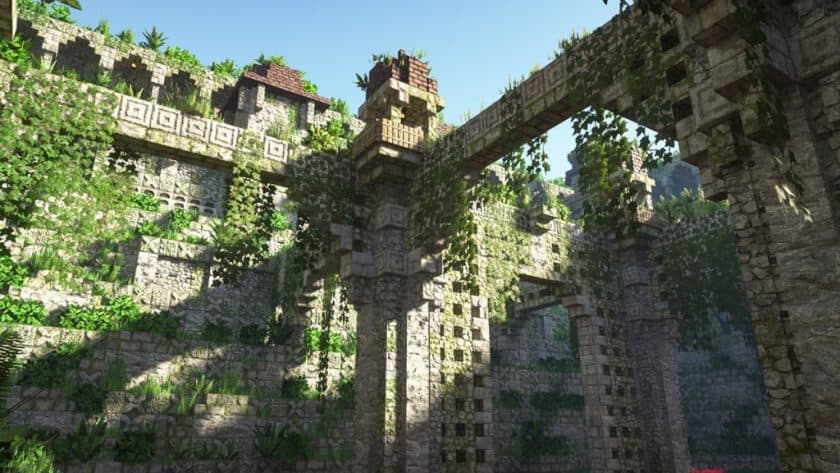
The Patrix Resource Pack gives Minecraft’s bricks, objects, and environment far more detail. Everything appears more natural, brighter, and smoother. Simple blocks like mud or cobblestone, trees, grass, stones, and even basic building materials come to seem really lifelike. Those who enjoy creating or simply wish their Minecraft to look nicer will find the bundle excellent.
Three resolutions for this texture pack are 32×32, 128×128, and 256×256.
- If you wish faster game running but also better graphics, the 32×32 version is ideal.
- More detail and yet performance on most systems come from the 128×128 version.
- Strong PC users seeking the best degree of detail will find the 256×256 variant perfect.
Your game will seem lot more vibrant and alive regardless of the version you choose.
The Patrix Pack’s meticulous construction is one of its remarkable features. The author constantly changes it to improve it even more and correct problems. It also performs effectively with shaders, thus the game’s water, shadows, and lighting will seem much more lifelike.
Many players claim Patrix to be among the best resource packs ever produced. Also, we agree! It makes Minecraft seem to be a brand-new game.
So, don’t delay if you like to enjoy Minecraft with a fresh and stunning style.
Patrix should be compatible with all of these Minecraft versions: 26.3 – 26.2 – 26.1.2 – 26.1.1 – 26.1 – 1.21.11 – 1.21.10 – 1.21.9 – 1.21.8 – 1.21.7 – 1.21.6 – 1.21.5 – 1.21.4 – 1.21.3 – 1.21.2 – 1.21.1 – 1.21 – 1.20.6 – 1.20.5 – 1.20.4 – 1.20.3 – 1.20.2 – 1.20.1 – 1.20 – 1.19.4 – 1.19.3 – 1.19.2 – 1.19.1 – 1.19 – 1.18.2 – 1.18.1 – 1.18 – 1.17.1 – 1.17 – 1.16.5 – 1.16.4 – 1.16.3 – 1.16.2 – 1.16.1 – 1.16 – 1.15.2 – 1.15.1 – 1.15
Note: Patrix is available in multiple resolution variants, including 32×, 128×, and 256×. Higher resolutions provide more detailed textures but require more powerful hardware for optimal performance.
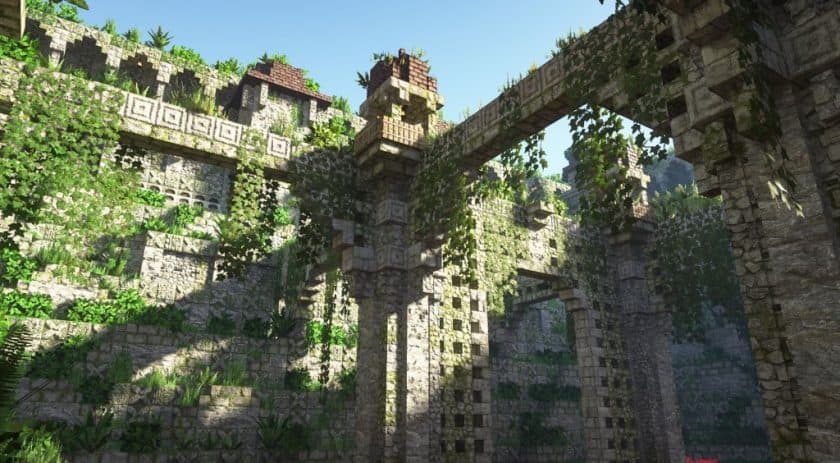
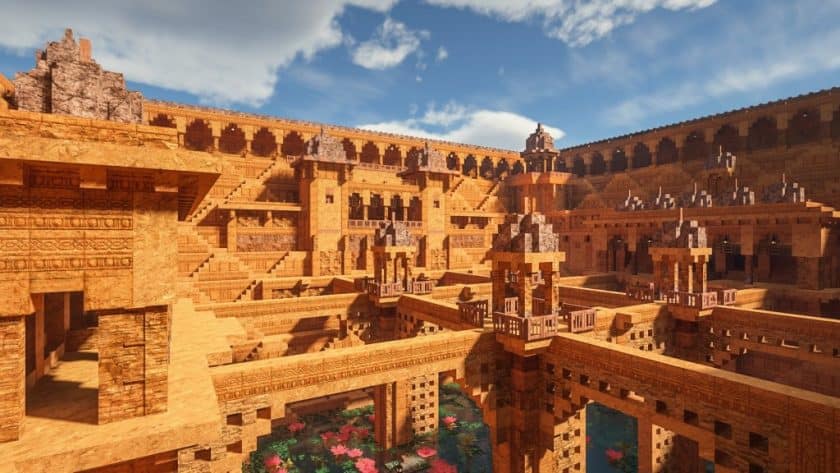
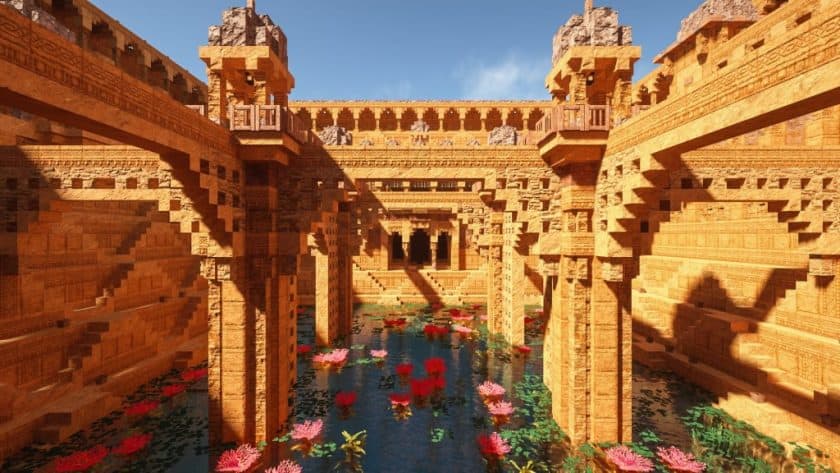
Patrix — Video and Screenshots
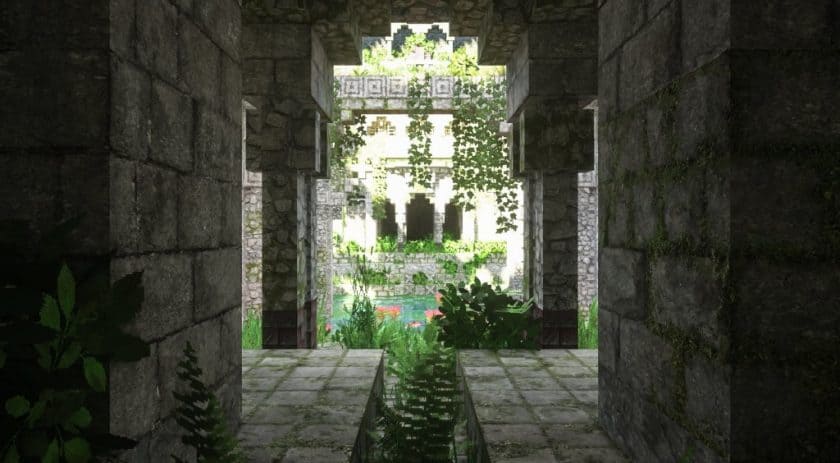
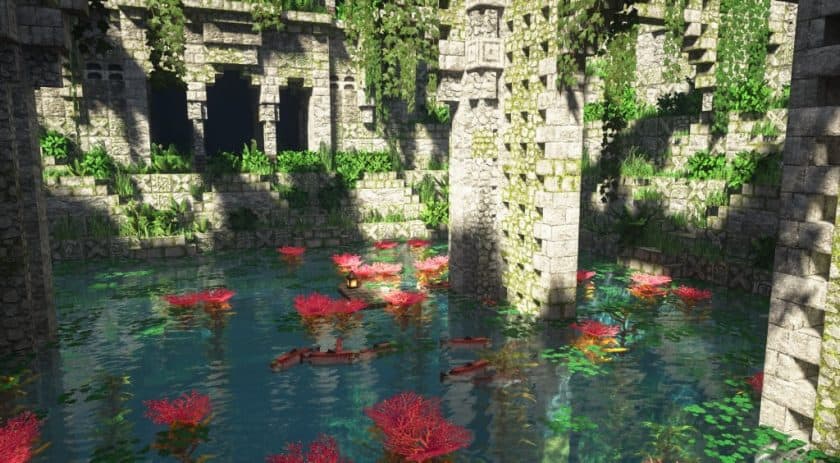
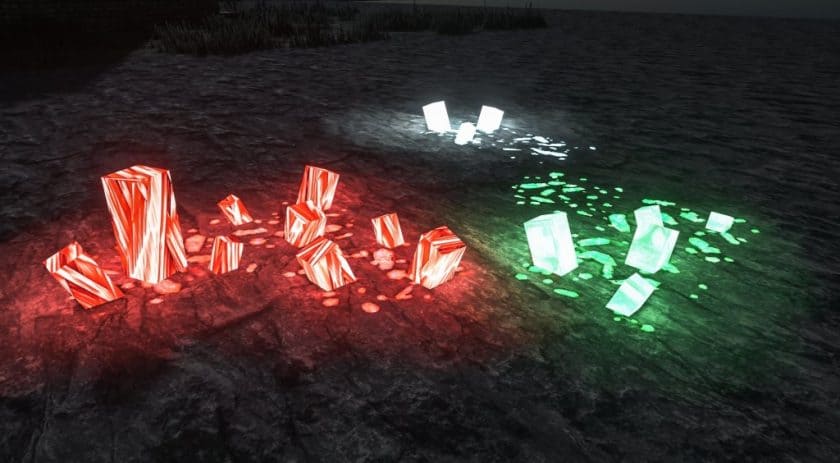
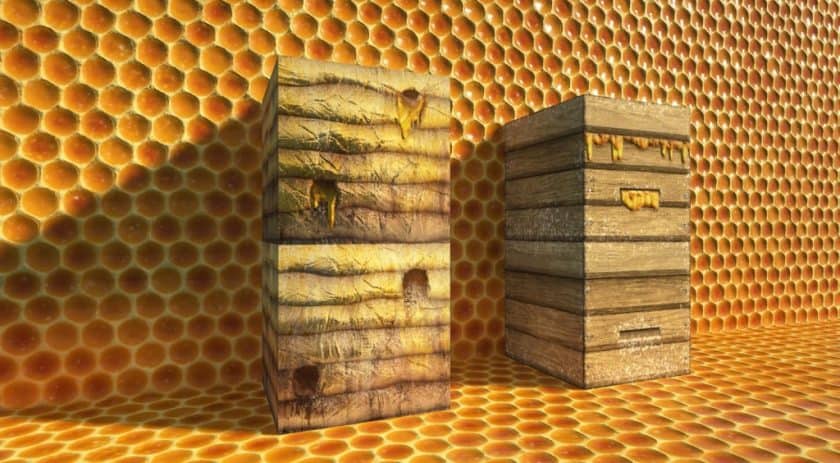
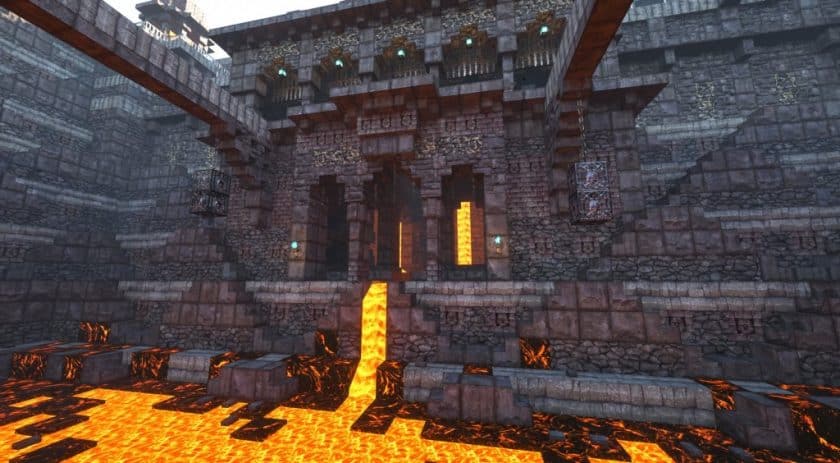
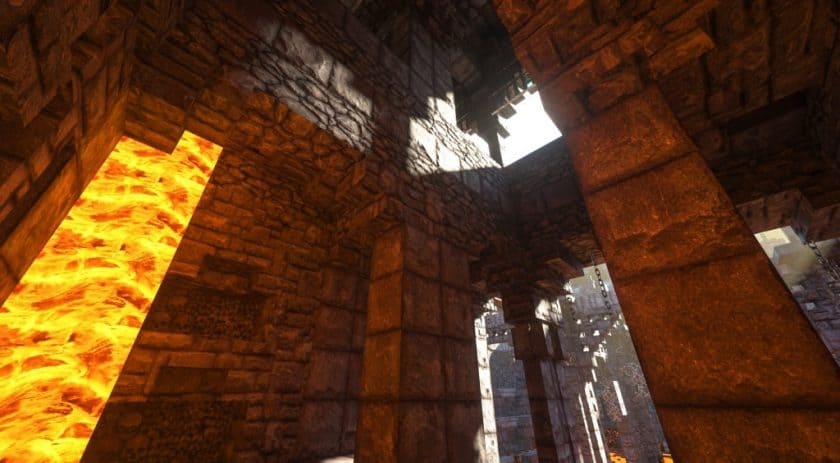
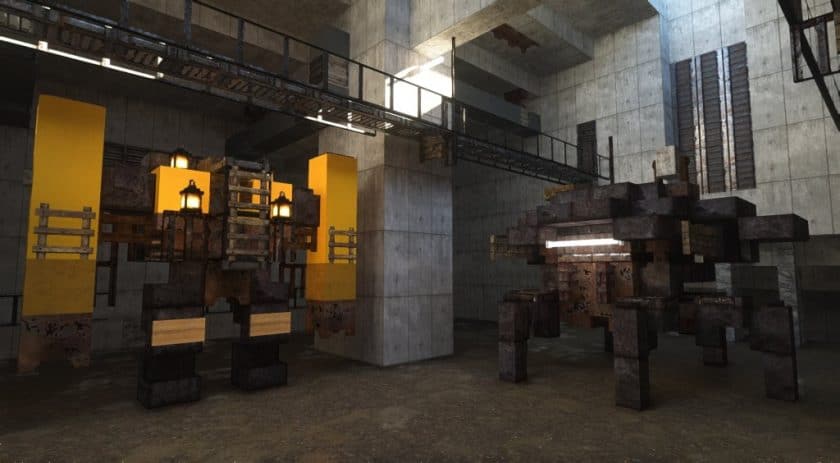
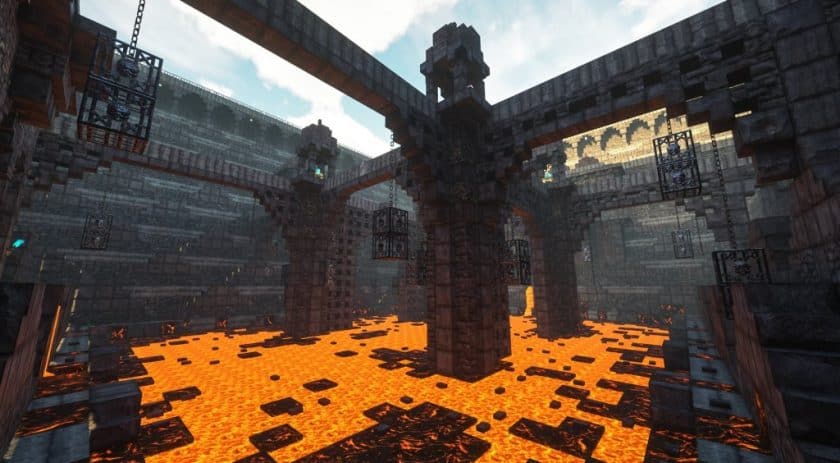
How to install Patrix Resource Pack:
- Most source packages require Optifine, so be sure to download and install it. – a general recommended step for all packages, Optifine is also needed for most shaders
- Download the Patrix texture pack for Minecraft from the download section below. – if there are many different versions, just choose the one you like, is compatible with your version/edition of minecraft that you think your computer can handle in terms of performance.
- Launch the game client via the Minecraft launcher.
- Click “Options” in the main menu.
- Click on “Resource Packs…” from the options menu.
- Click “Open Resource Pack Folder”. – a folder named “resourcepacks” will appear.
- Move the .zip file you downloaded in the first step into the newly opened “resourcepacks” folder.
- Click “Done”.
- Click on “Resource Packs…” again.
- Your package should appear in the left window, just hover over it and click on the arrow pointing to the right.
QUICK TIP: Sometimes when activating a pack, the game may say that the pack is made for a newer or older version of Minecraft. This is just a warning, it doesn’t affect your game in any way and you can still activate and enjoy the pack by just clicking “Yes” when prompted.
- Click “Done” again.
- The package has now been successfully loaded and is ready to use in your world!
Important:
- Basic: all the basic vanilla textures you want.
- Addons: optional extra custom textures to match the vanilla game.
- bonus: optional extra custom textures that don’t fit in the vanilla game.
- Models: optional extra custom models, works with any res versions.
Patrix Texture Pack Download
- “Quality Settings > Attached Textures”. Imagination
- “Quality Settings > Natural Textures”. Off
- “Quality Settings > Custom Colors”. On
- “Quality Settings > Custom Entity Models”. On
- “Quality Settings > Random Entities” on On
- “Quality Settings > Anisotropic Filtering” on Off
- “Detail Settings > Alternate Blocks” on On
- “Detail Settings > Trees”. Smart or Imagination
- “Performance Settings > Smart Animation”. On
- “Shaders > Shader Options” a enable any emission/subsurface scattering options in LabPBR format
DOWNLOAD LINKS
Java Edition:
[256x – 128x] [26.3.x – 1.15.x] Download Patrix Resource Pack – for Patrons only;
[32x] [26.3.x] Download Patrix Resource Pack – absolutely free;
[32x] [26.2.x] Download Patrix Resource Pack – absolutely free;
[32x] [26.1.x] Download Patrix Resource Pack – absolutely free;
[32x] [1.21.x] Download Patrix Resource Pack – absolutely free;
[32x] [1.20.6 – 1.20.2] Download Patrix Resource Pack – absolutely free;
[32x] [1.20.1 – 1.20] Download Patrix Resource Pack – absolutely free;
[32x] [1.19.x] Download Patrix Resource Pack – absolutely free;
Add-ons (Java Edition):
Contains optional extra features that fits vanilla gameplay. Check the included “features list” text file inside to see detailed descriptions of what this pack adds and how to use the features.
[256x – 128x] [26.3.x – 1.15.x] Patrix Add-on – for Patrons only;
[32x] [26.3.x] Patrix Addon – absolutely free;
[32x] [26.2.x] Patrix Addon – absolutely free;
[32x] [26.1.x] Patrix Addon – absolutely free;
[32x] [1.21.x] Patrix Addon – absolutely free;
[32x] [1.20.6 – 1.20.2] Patrix Addon – absolutely free;
[32x] [1.20.1 – 1.20] Patrix Addon – absolutely free;
[32x] [1.19.x] Patrix Addon – absolutely free;
Bonus (Java Edition):
Contains optional extra features that doesn’t fit vanilla gameplay. Check the included “features list” text file inside to see detailed descriptions of what this pack adds and how to use the features.
[256x – 128x] [26.3.x – 1.15.x] Patrix Bonus – for Patrons only;
[32x] [26.3.x] Patrix Bonus – absolutely free;
[32x] [26.2.x] Patrix Bonus – absolutely free;
[32x] [26.1.x] Patrix Bonus – absolutely free;
[32x] [1.21.x] Patrix Bonus – absolutely free;
[32x] [1.20.6 – 1.20.2] Patrix Bonus – absolutely free;
[32x] [1.20.1 – 1.20] Patrix Bonus – absolutely free;
[32x] [1.19.x] Patrix Bonus – absolutely free;
Models (Java Edition):
Contains optional extra custom models. Check the included “features list” text file inside to see detailed descriptions of what this pack adds and how to use the features.
[256x – 128x] [26.3.x – 1.15.x] Patrix Models – for Patrons only;
[32x] [26.3.x] Patrix Models – absolutely free;
[32x] [26.2.x] Patrix Models – absolutely free;
[32x] [26.1.x] Patrix Models – absolutely free;
[32x] [1.21.x] Patrix Models – absolutely free;
[32x] [1.20.6 – 1.20.2] Patrix Models – absolutely free;
[32x] [1.20.1 – 1.20] Patrix Models – absolutely free;
[32x] [1.19.x] Patrix Models – absolutely free;
Download Instructions:
CurseForge: The download will start by itself after a few seconds.
Mediafire: Click the big blue “DOWNLOAD” button.
Google Drive: Click the small download icon (a down arrow) at the top-right corner to start the download.
Disclaimer
We are not the creators of any texture packs or shader packs shared on this site. All credit goes to the original authors. We do not edit or change any files in any way. Also, none of the downloads are hosted on our servers — we only provide official links shared by the original creators. That means all downloads are completely safe.
❗Note: Since we manually add the official links, so some may stop working after updates. If you find a broken link, tell us in the comments and we’ll fix it as soon as we can.
If you like a pack, please leave a comment and vote for it — this helps the creators improve their work. You can also support them directly through the links below the download section.