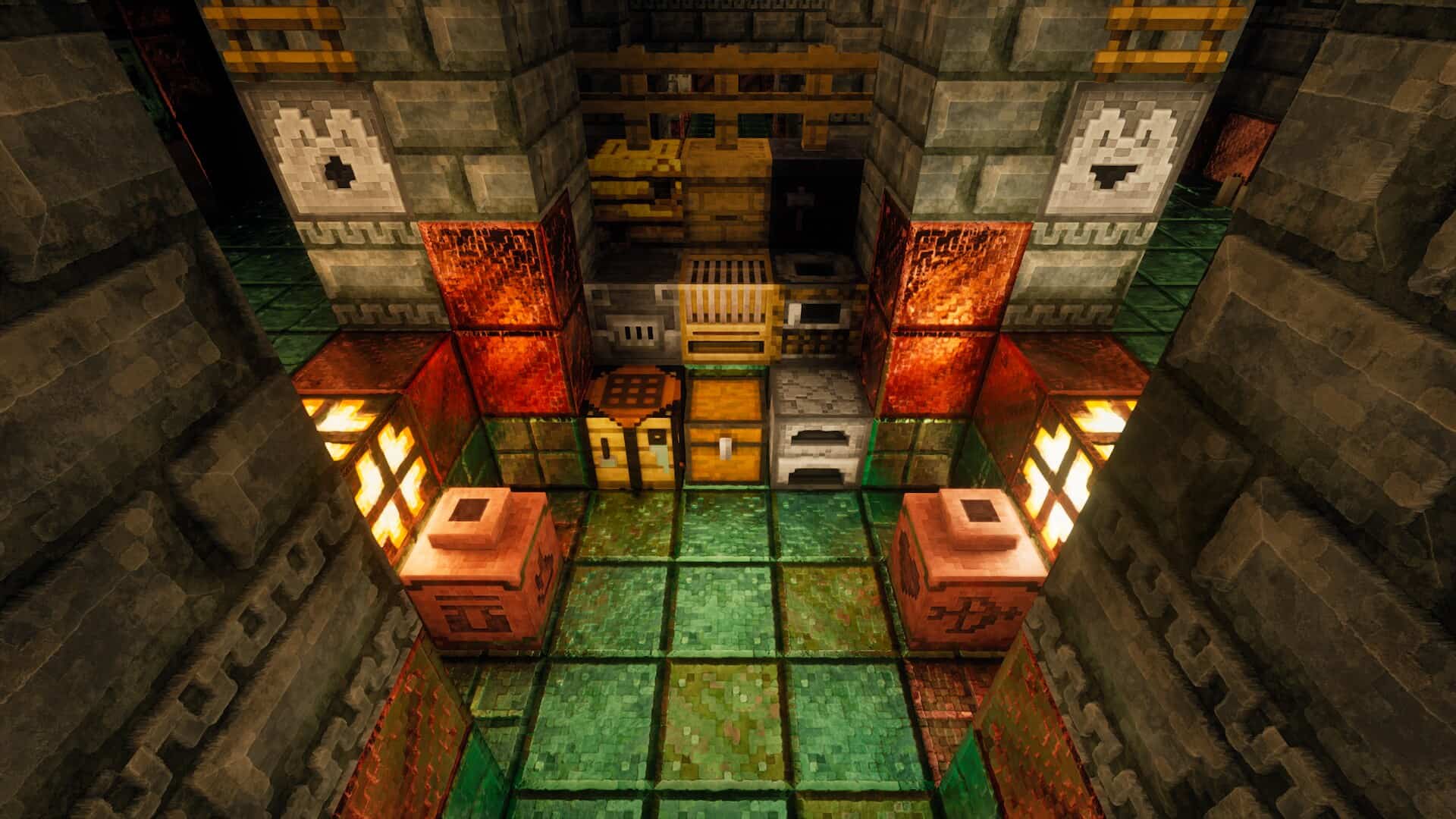
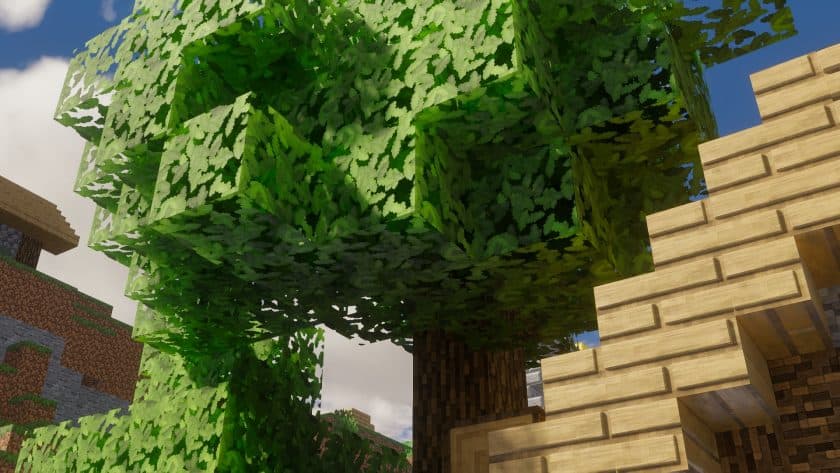
I’ve been testing the Pixlli Resource Pack recently, and it’s a solid choice if you want Minecraft to look much sharper without completely changing its original style. It focuses on detailed textures, cleaner visuals, and a polished look that makes building and exploring more enjoyable. If you’re looking for a Pixlli Texture Pack that balances quality with a familiar Minecraft feel, this one is definitely worth checking out.
Features
- Available in 128x and 256x resolutions for players who prefer high-quality textures.
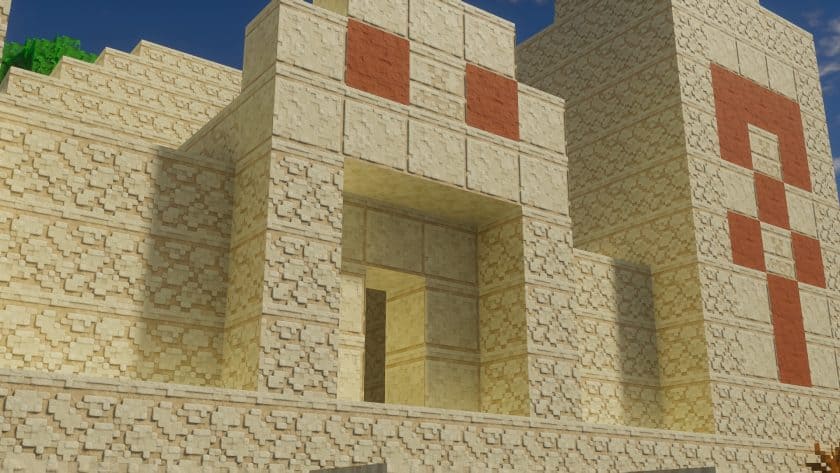
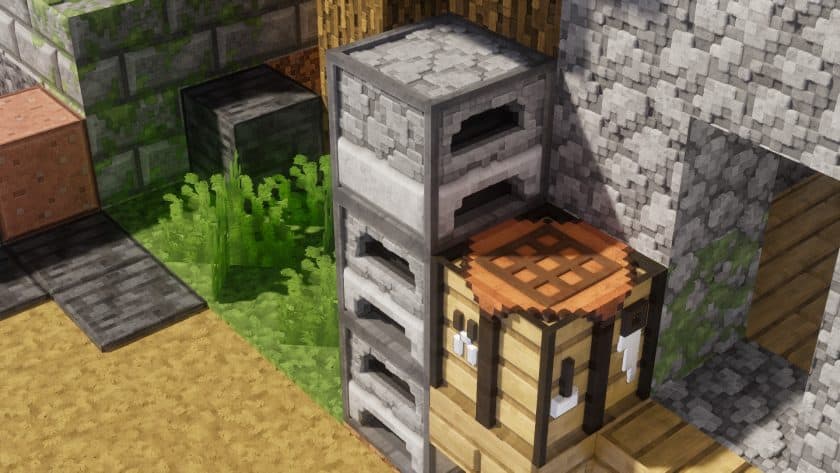
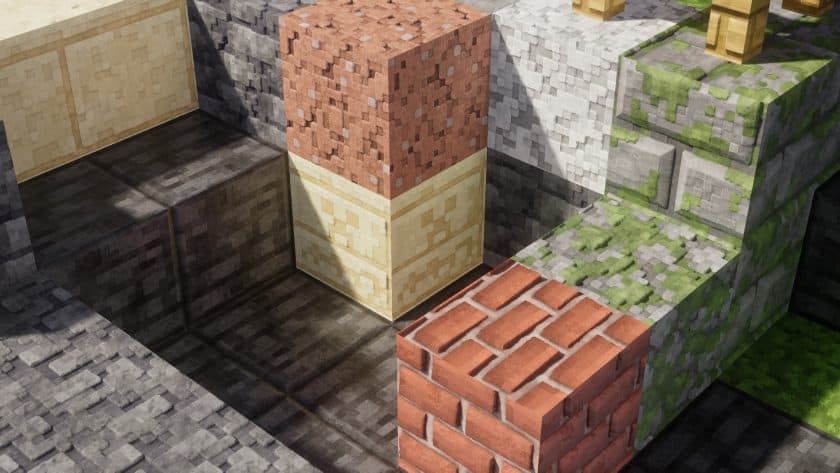
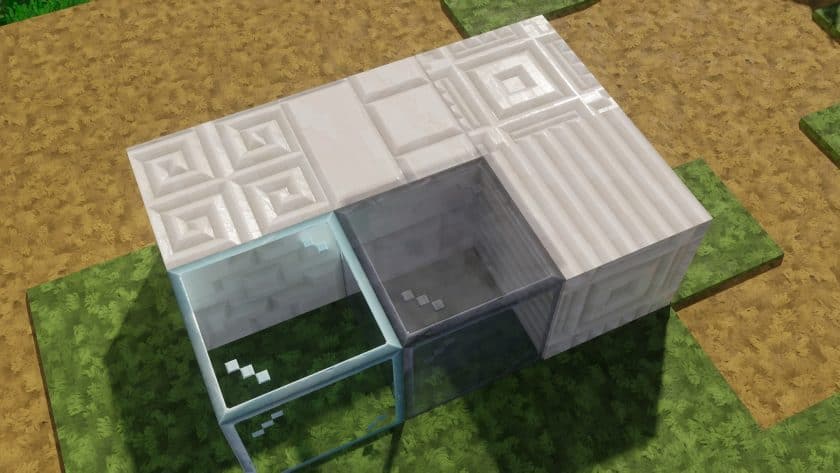
- The Pixlli Resource Pack gives blocks much more detail while keeping them recognizable.
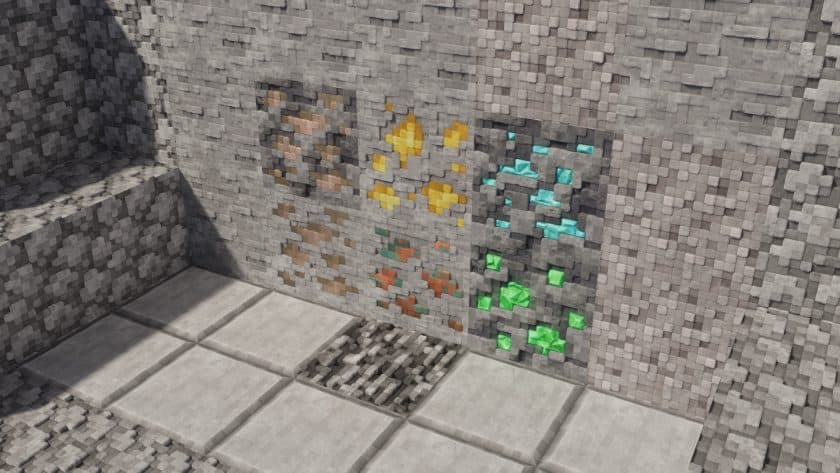
- Great for survival worlds thanks to cleaner ores, wood, stone, and environmental textures.
- PvP works well, although the higher resolution may not be ideal for competitive players on older hardware.
- Items, tools, weapons, and armor have a more refined appearance.
- Improved block textures make large builds look more realistic and polished.
- The GUI feels cleaner and easier to read without drifting too far from vanilla.
- Mobs receive higher-quality textures that fit naturally into the game.
- Supports shaders nicely, making lighting and reflections stand out even more.
- A good option for players searching to download Pixlli Resource Pack for enhanced visual quality.
Compatibility
Minecraft Versions Supported: 26.2 – 26.1.2, 26.1.1, 26.0, 1.21.11, 1.21.10, 1.21.9, 1.21.8, 1.21.7, 1.21.6, 1.21.5, 1.21.4, 1.21.3, 1.21.2, 1.21.1, 1.21, 1.20.6, 1.20.5, 1.20.4, 1.20.3, 1.20.2, 1.20.1, 1.20, 1.19.4, 1.19.3, 1.19.2, 1.19.1, 1.19, 1.18.2, 1.18.1, 1.18, 1.17.1, 1.17, 1.16.5, 1.16.4, 1.16.3, 1.16.2, 1.16.1, 1.16, 1.15.2, 1.15.1, 1.15, 1.14.4, 1.14.3, 1.14.2, 1.14, 1.13.2, 1.13.1, 1.13, 1.12.2, 1.12, 1.11.2, and 1.11
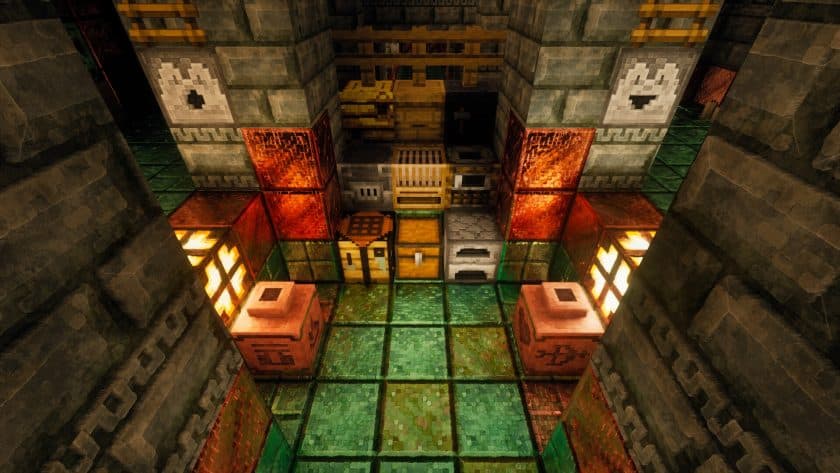
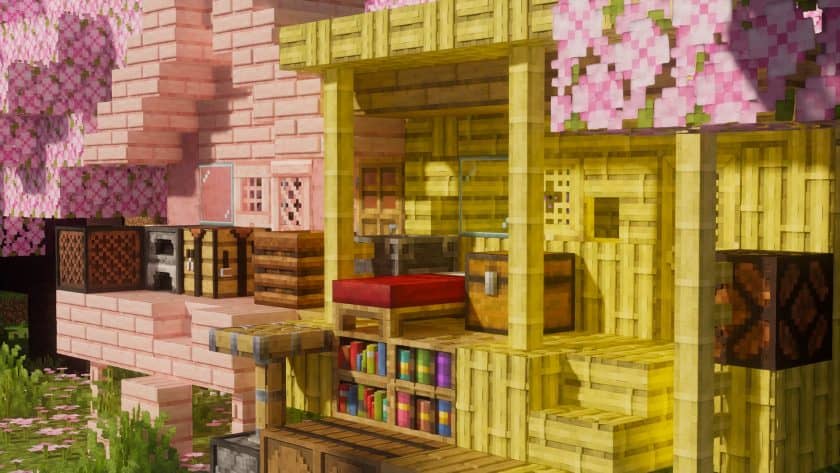
Pixlli Resource Pack — Screenshots
How to install Pixlli Resource Pack:
- Most source packages require OptiFine, so be sure to download and install it. – a general recommended step for all packages, Optifine is also needed for most shaders
- Download the Pixlli texture pack for Minecraft from the download section below. – if there are many different versions, just choose the one you like, is compatible with your version/edition of minecraft that you think your computer can handle in terms of performance.
- Launch the game client via the Minecraft launcher.
- Click “Options” in the main menu.
- Click on “Resource Packs…” from the options menu.
- Click “Open Resource Pack Folder”. – a folder named “resourcepacks” will appear.
- Move the .zip file you downloaded in the first step into the newly opened “resourcepacks” folder.
- Click “Done”.
- Click on “Resource Pack…” again.
- Your package should appear in the left window, just hover over it and click on the arrow pointing to the right.
QUICK TIP: Sometimes when activating a pack, the game may say that the pack is made for a newer or older version of Minecraft. This is just a warning, it doesn’t affect your game in any way and you can still activate and enjoy the pack by just clicking “Yes” when prompted.
- Click “Done” again.
- The package has now been successfully loaded and is ready to use in your world!
Recommended shader settings:
- Terrain > Vertex Attribute Fix: ON
- Terrain > Parallax Occlusion Mapping > Enabled: ON
- Terrain > Parallax Occlusion Mapping > Samples: 128
- Terrain > Reflections > Resourcepack Reflections: ON
Pixlli Texture Pack Download
- Shader Options > Normal Map > RP Support: Parallax
- Shader Options > Normal Map > RP Resolution: 128-1024
Download Links ↓
Java Edition:
[128x] [26.2.x – 1.13.x] Download Pixlli Resource Pack – absolutely free;
[128x] [1.12.x – 1.11.x] Download Pixlli Resource Pack – absolutely free;
[256x – 512x] [26.2.x – 1.11.x] Download Pixlli Resource Pack – for Patreon subscribers only;
[256x – 512x] [1.21.x – 1.11.x] Download Pixlli Resource Pack – for Boosty subscribers only;
Download instructions:
Curseforge: download starts automatically after a few seconds;
Mediafire: click the big blue button with the text “DOWNLOAD”;
Google Drive: in the top right corner you will see a small download icon (down arrow), click it and the download should start;