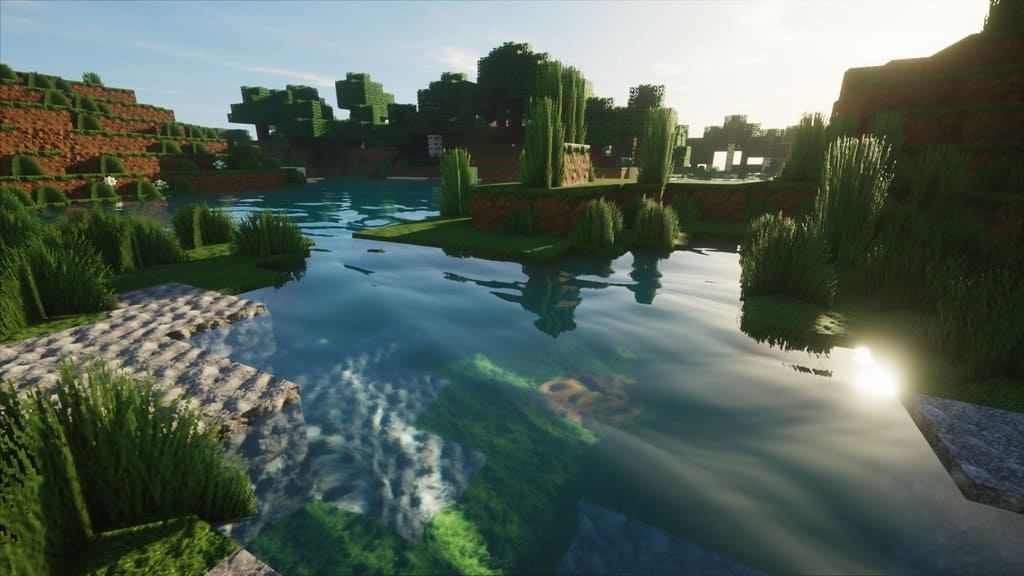
Minecraft looks simple… and that’s exactly why most of us fell in love with it.
But let’s be honest — after playing for a while, that same simplicity starts to feel flat.
The lighting feels dead, water looks lifeless, and everything just blends together.
That’s the point where I usually switch to something like SEUS.
Because this isn’t one of those shaders that just “makes things brighter”—it completely changes how Minecraft feels to play.
What Makes SEUS Different
When I first tried SEUS, the biggest thing I noticed wasn’t the water or the sky… it was the lighting.
Vanilla Minecraft treats light like a flat filter.
SEUS treats it like an actual system.
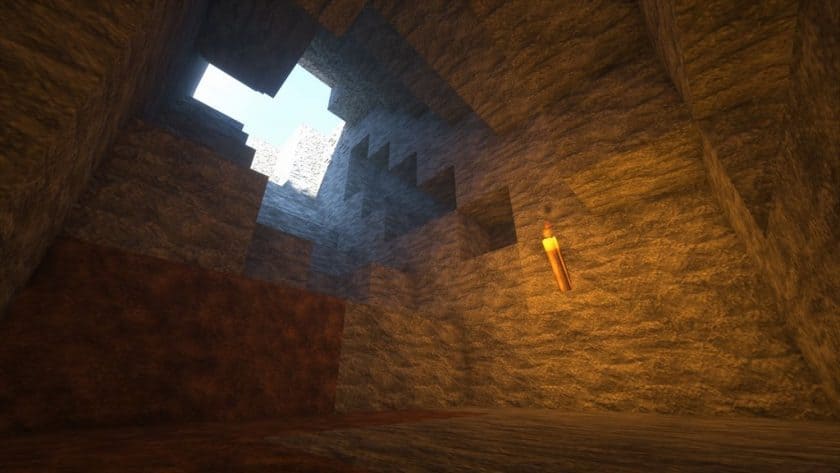
Torchlight feels warm and local.
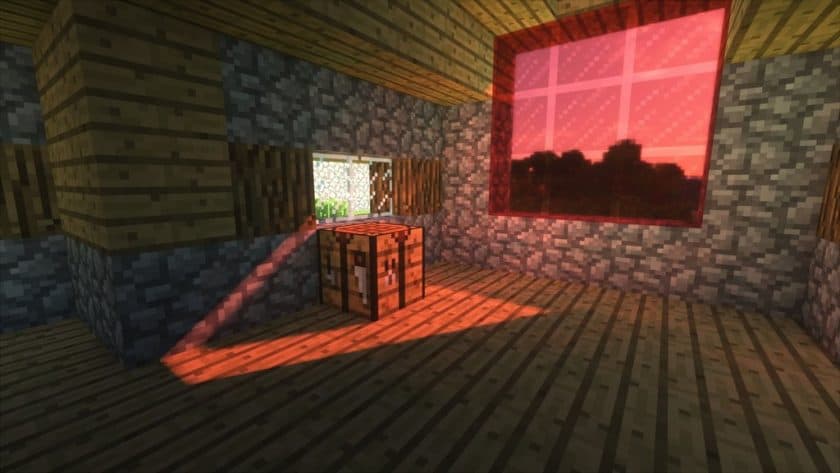
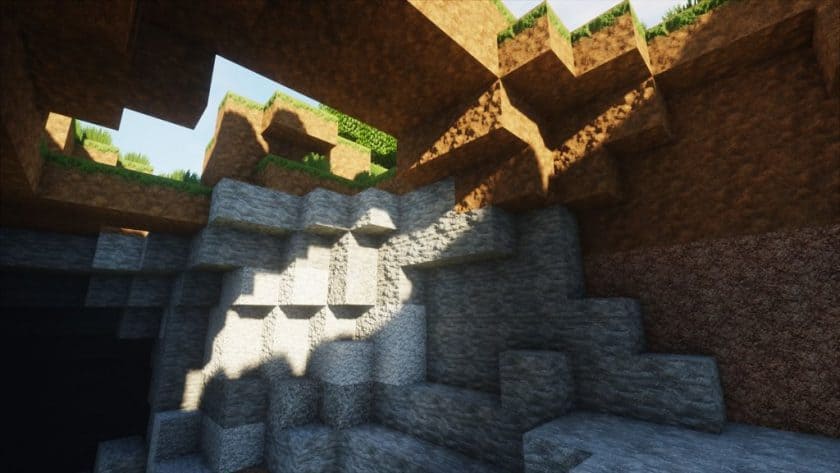
Sunlight actually hits surfaces at angles.
And shadows aren’t just darker blocks — they have direction, softness, and depth.
And once you notice that… you can’t unsee it.
Even small things like grass casting proper shadows or light fading naturally across blocks make the entire world feel more real without breaking the Minecraft style.
Lighting, Shadows & Atmosphere
This is where SEUS really carries itself.
I’ve used a lot of shaders, but SEUS has this very specific look — slightly cinematic, slightly realistic, but not overdone.
You’ll notice:
- Light actually spreads instead of just appearing
- Shadows change based on time of day
- Different light sources feel unique instead of identical
And this alone changes how your builds look.
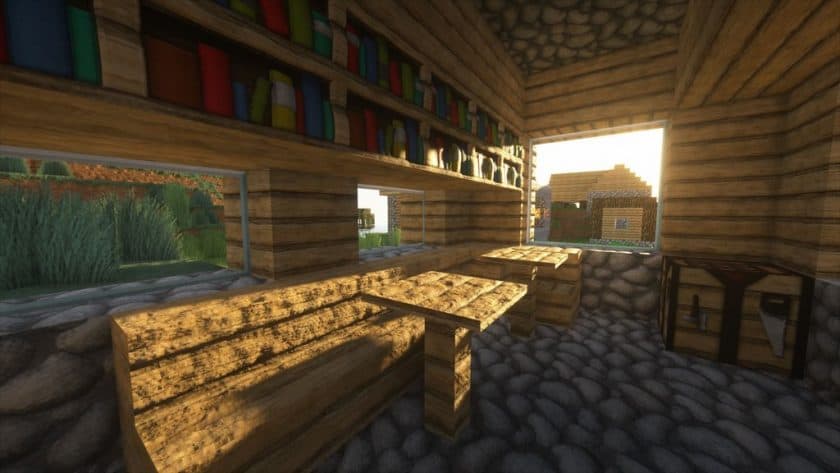
A simple house in vanilla feels basic.
The same house in SEUS feels like a scene.
Water, Sky & World Feel
Water is one of those things you ignore in vanilla… until you see it with SEUS.
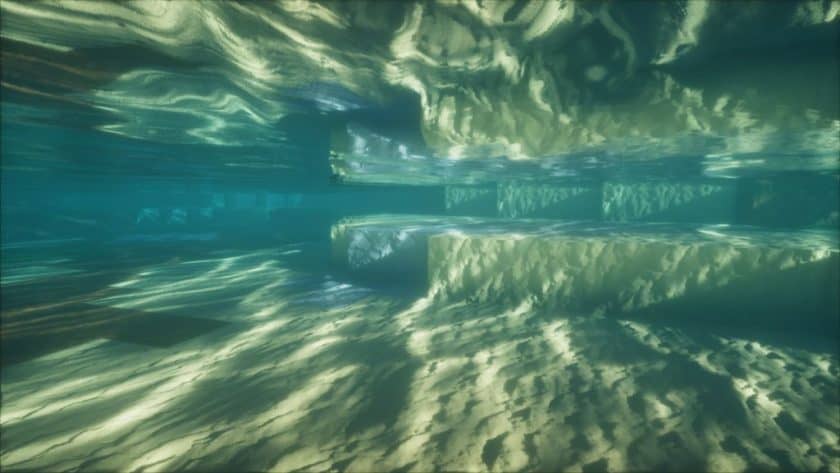
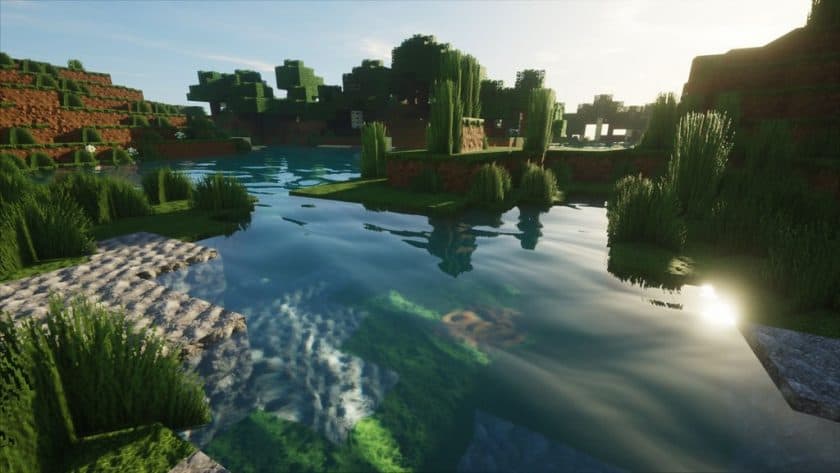
It reflects light properly, has depth, and actually reacts to the environment.
It’s not just a texture anymore — it feels like part of the world.
Same with the sky.
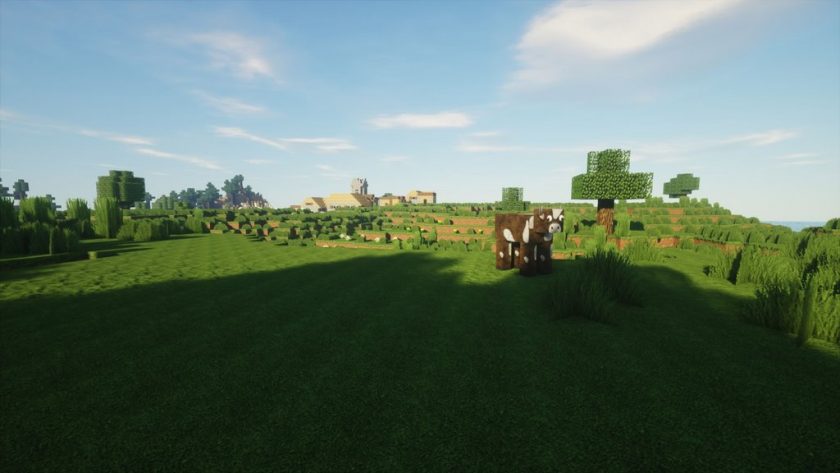
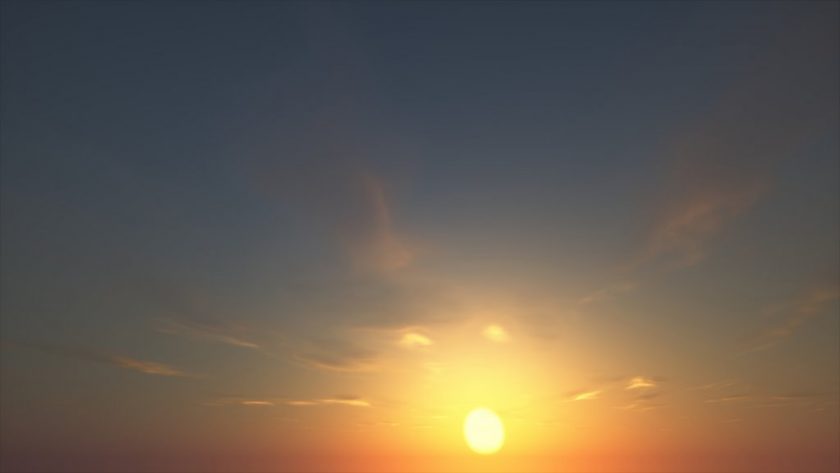
Instead of blocky clouds floating around, you get soft moving clouds that actually look like they belong there.
The whole environment feels less “generated” and more natural.
And somehow, even with all this realism… it still feels like Minecraft.
Performance (Important Before You Install)
I’ll be straight here — this is not a beginner or low-end shader.
SEUS is heavy.
If you’re on something like:
- GT 710
- Integrated graphics
- Low RAM setup
…this will struggle.
This shader is meant for:
- Mid to high-end PCs
- Players who care more about visuals than FPS
- Cinematic gameplay or content creation
If your goal is smooth gameplay on a weak PC, this is not the shader you start with.
Supported Minecraft Versions
Instead of throwing a messy list, here’s a clean breakdown:
Sonic Ether’s Unbelievable Shaders (SEUS) should work smoothly with all of these Minecraft versions: 26.3 – 26.2 – 26.1.2 – 26.1.1 – 26.1 – 1.21.11 – 1.21.10 – 1.21.9 – 1.21.8 – 1.21.7 – 1.21.6 – 1.21.5 – 1.21.4 – 1.21.3 – 1.21.2 – 1.21.1 – 1.21 – 1.20.6 – 1.20.5 – 1.20.4 – 1.20.3 – 1.20.2 – 1.20.1 – 1.20 – 1.19.4 – 1.19.3 – 1.19.2 – 1.19.1 – 1.19 – 1.18.2 – 1.18.1 – 1.18 – 1.17.1 – 1.17 – 1.16.5 – 1.16.4 – 1.16.3 – 1.16.2 – 1.16.1 – 1.16 – 1.15.2 – 1.15.1 – 1.15 – 1.14.4 – 1.14.3 – 1.14.2 – 1.14 – 1.13.2 – 1.13.1 – 1.13 – 1.12.2 – 1.12 – 1.11.2 – 1.11 – 1.10.2 – 1.10 – 1.9.4 – 1.9 – 1.8.9 – 1.8.8 – 1.8.6 – 1.8.1 – 1.8 – 1.7.10 – 1.7.9 – 1.7.4 – 1.7 – 1.6.4 – 1.6.2
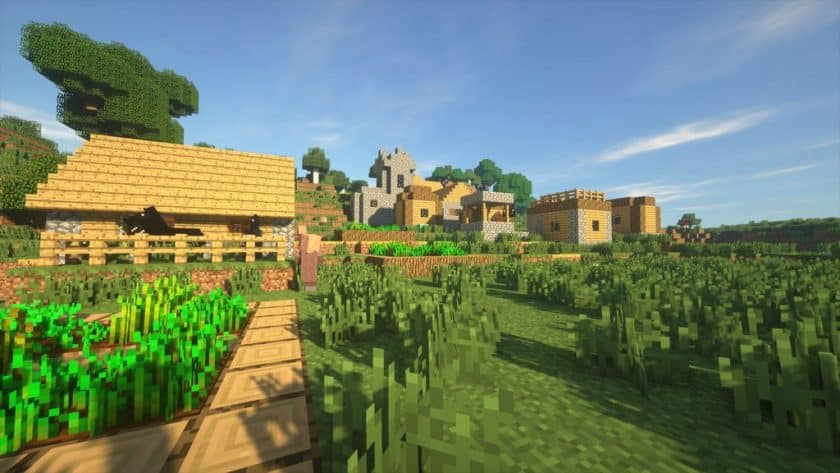
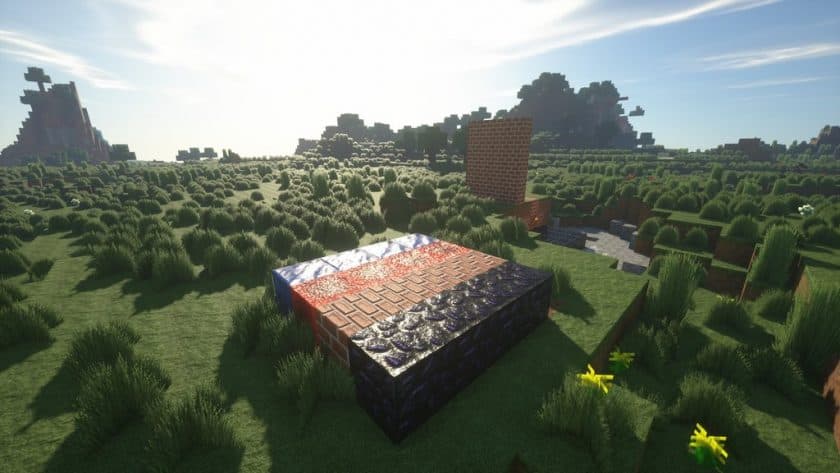
Sonic Ether’s Unbelievable Shaders (SEUS) — Video and Screenshots
How to Install Shader Pack (Simple and Easy 7 Steps)
- Install Minecraft: Make sure to have Minecraft on your PC.
- Set the Game Version: Open the Minecraft Launcher, go to the “Installations” tab, click “New Installation”, choose the version you want to play, and click “Create”.
- Install Optifine or Iris: Download and install Optifine or Iris (we recommend Iris for better performance).
- To download Iris, click here.
- To download Optifine, click here.
- Launch with the Shader Mod: Open the Minecraft Launcher again and select the Optifine or Iris profile you installed.
- Download the Shader Pack: Download the shader pack (.zip file) from the download section below. (Don’t unzip it!)
- Open the Shaderpacks Folder :
- For Optifine: Go to Options > Video Settings > Shaders > Shaders Folder
- For Iris: Go to Options > Video Settings > Shader Packs > Open Shader Pack Folder.
- Add and Activate the Shader Pack: Move the downloaded .zip file ️into the shaderpacks folder. Then go back to the game, select the shader pack from the list, and click “Done” to activate it.
Java Edition:
SEUS (Java Edition):
[SEUS Renewed 1.0.1] Download Sonic Ether’s Unbelievable Shaders Pack – for Minecraft 1.11.x and above;
[SEUS v11] Download Sonic Ether’s Unbelievable Shaders Pack – for Minecraft 1.10.x and below;
[SEUS v10.2 Ultra] Download Sonic Ether’s Unbelievable Shaders Pack – for Minecraft 1.10.x and below;
SEUS PTGI (Java Edition):
SEUS PTGI (Sonic Ether’s Unbelievable Shaders Path Traced Global Illumination) is essentially a shader pack variant that enables ray tracing without requiring an RTX graphics card.
[SEUS PTGI HRR 3] Download SEUS PTGI Shaders Pack – requires OptiFine HD U H4 or newer;
[SEUS PTGI HRR Test 2.1] Download SEUS PTGI Shaders Pack – requires OptiFine HD U G5 or newer;
[SEUS PTGI E12] Download SEUS PTGI Shaders Pack – requires OptiFine HD U F3 or newer;
[SEUS PTGI E11] Download SEUS PTGI Shaders Pack – requires OptiFine HD U F3 or newer;
Notes
- Shader by sonicether
- Files are always official — no edits
- Links may break after updates (they get fixed regularly)
- If something doesn’t work, just report it
Final Thoughts
If you’ve never used a proper high-end shader before… SEUS is one of those packs that sets your expectations instantly.
After using it, going back to vanilla lighting just feels wrong.
But at the same time — this is not for everyone.
If your PC can handle it, this is easily one of the best visual upgrades you can give your game.
If not… there are better lightweight options.