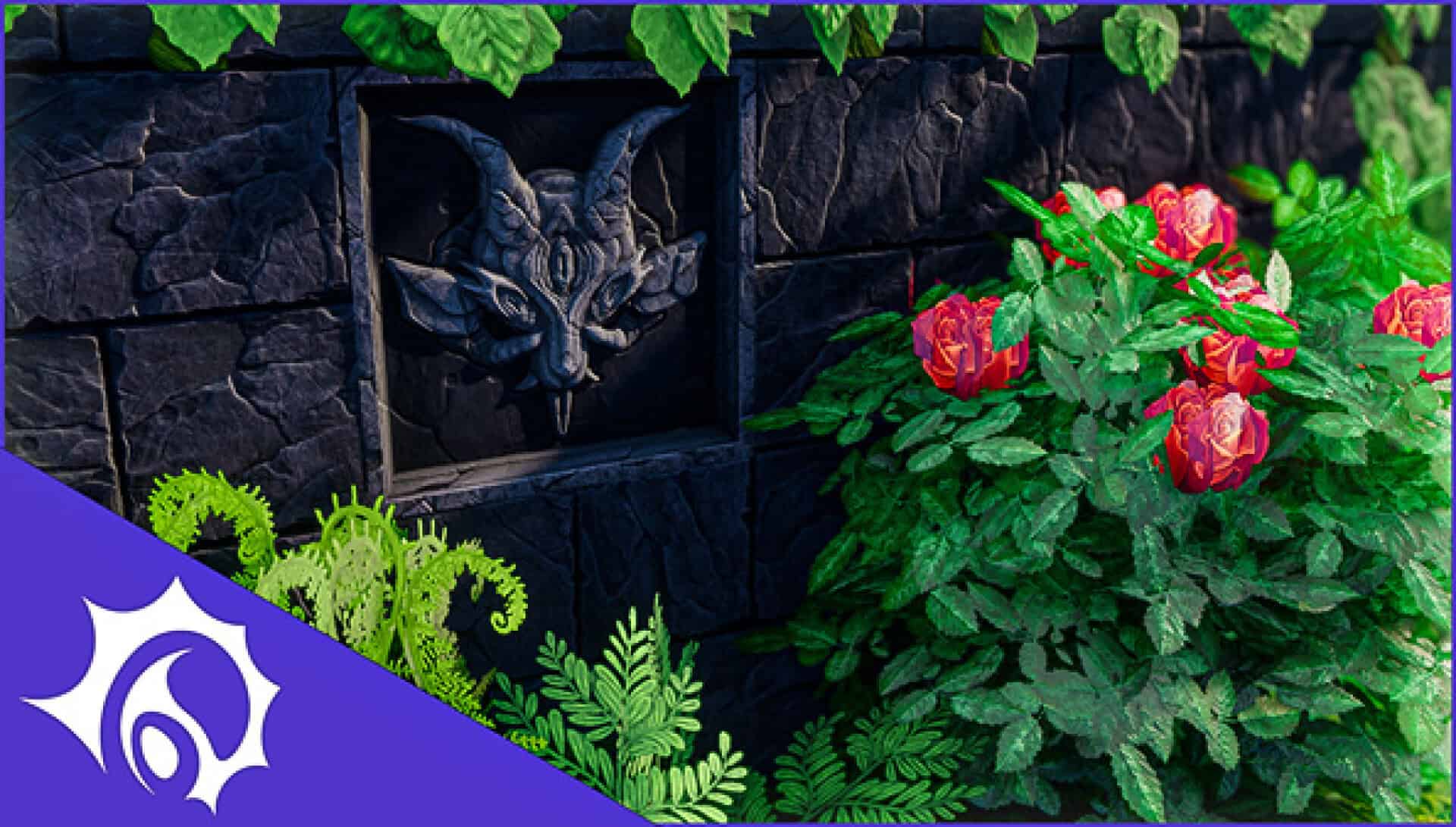
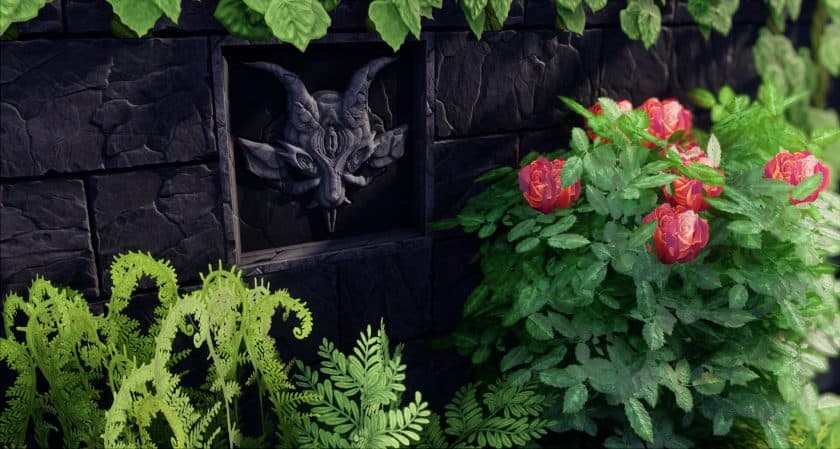
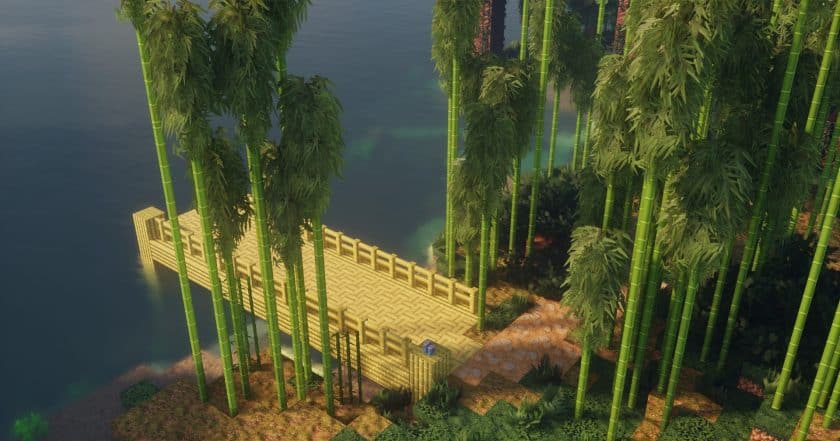
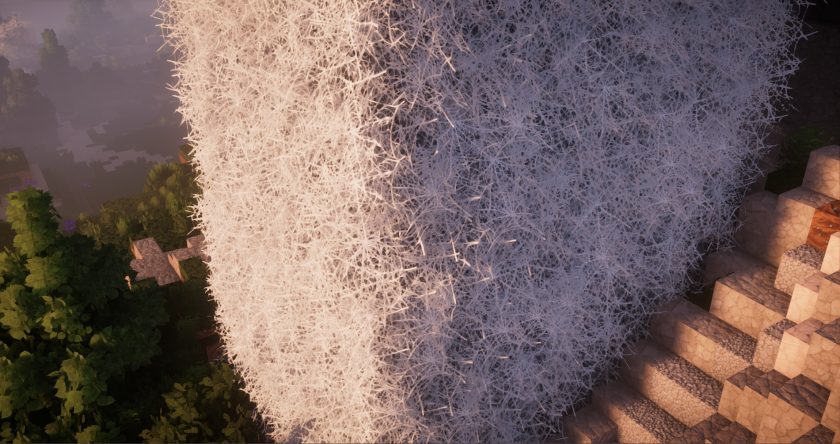
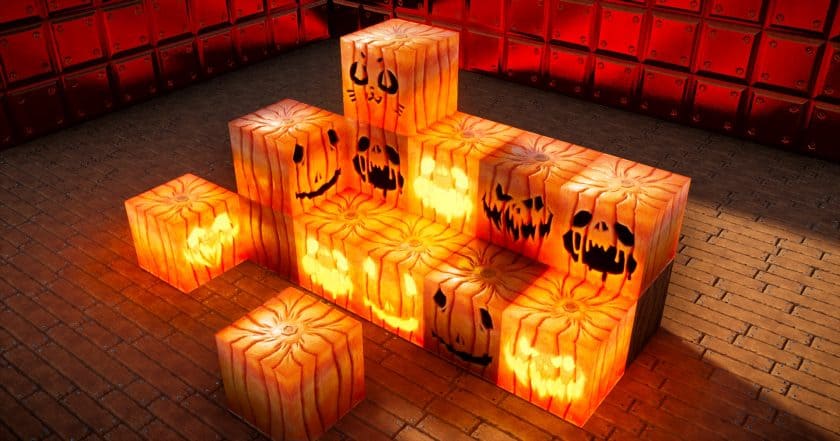
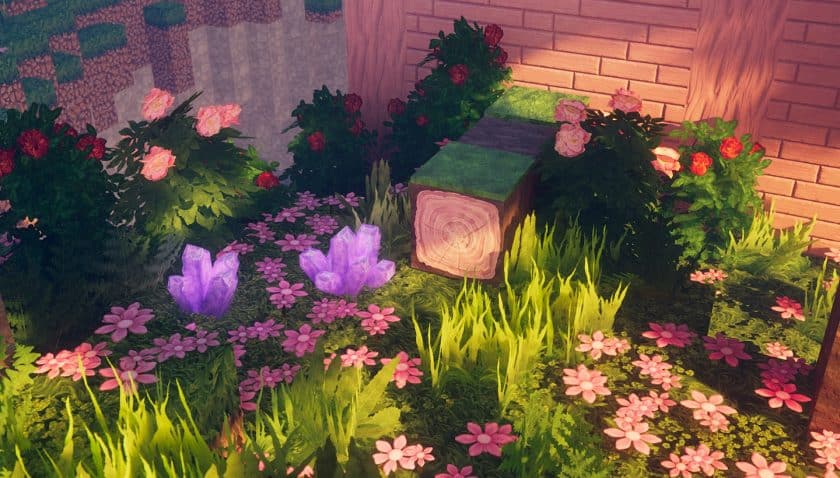
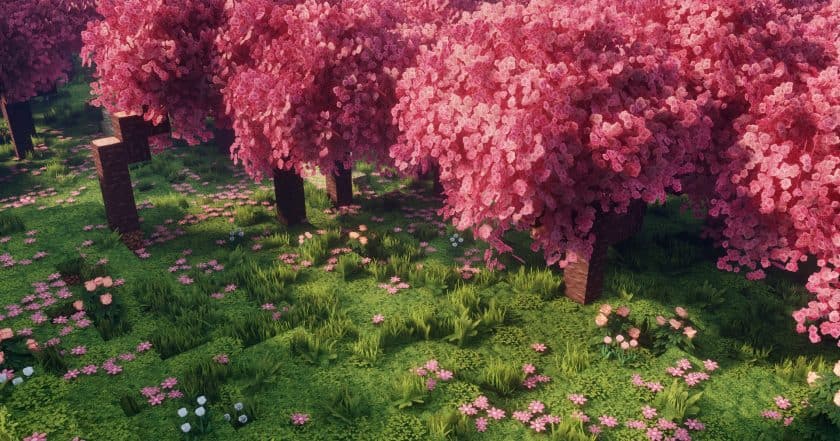
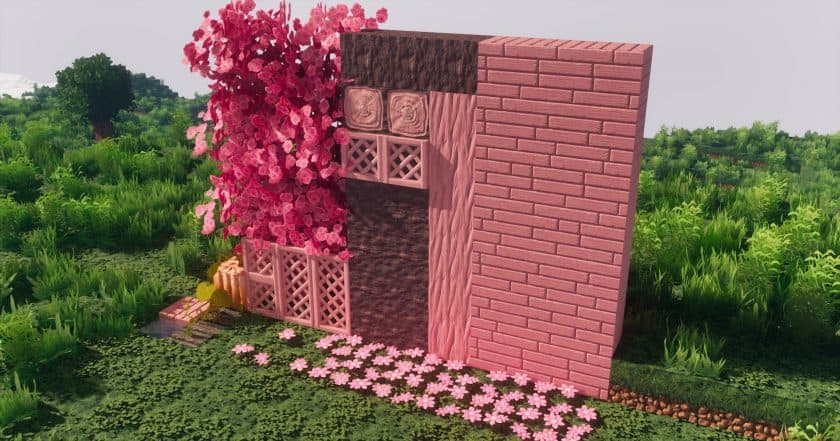
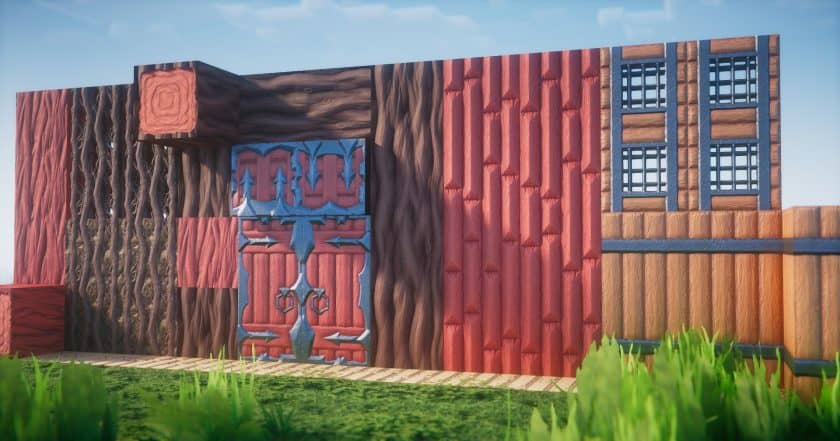
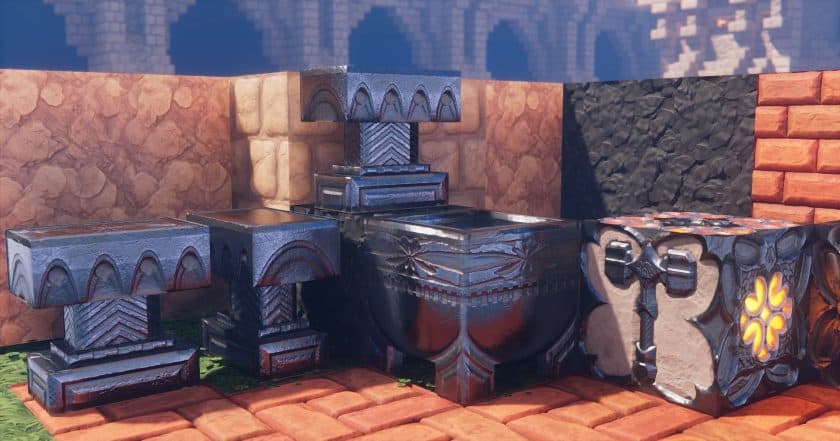
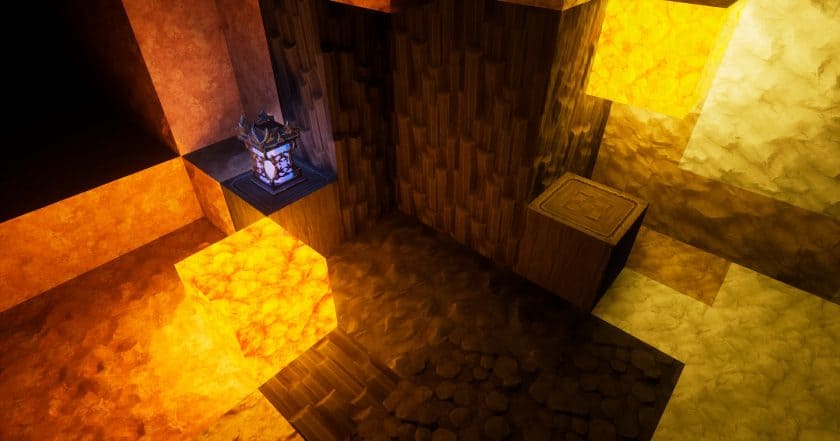
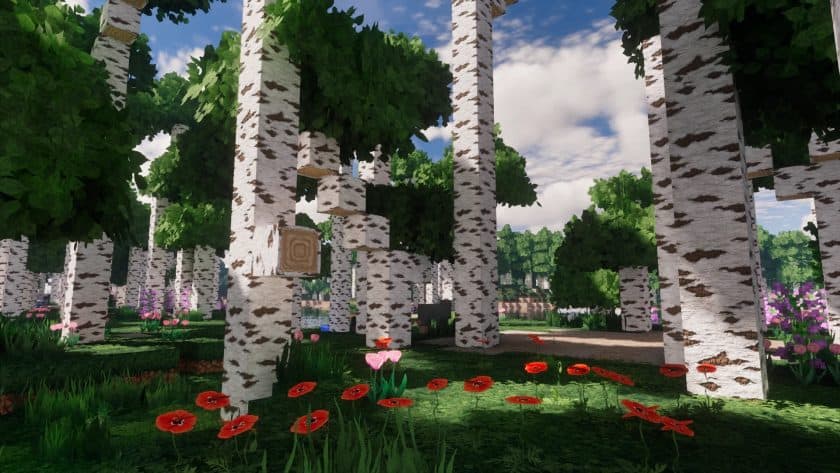
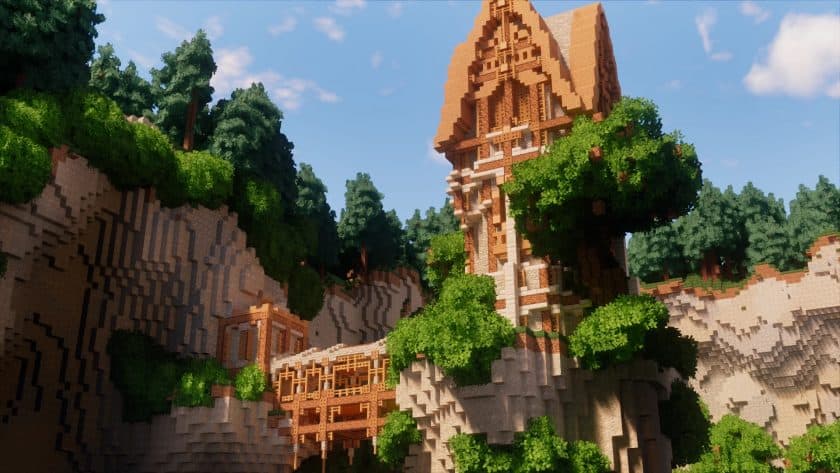
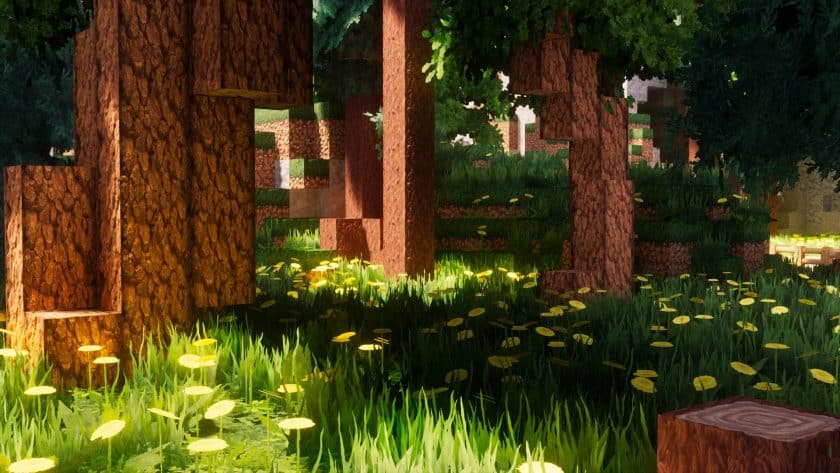
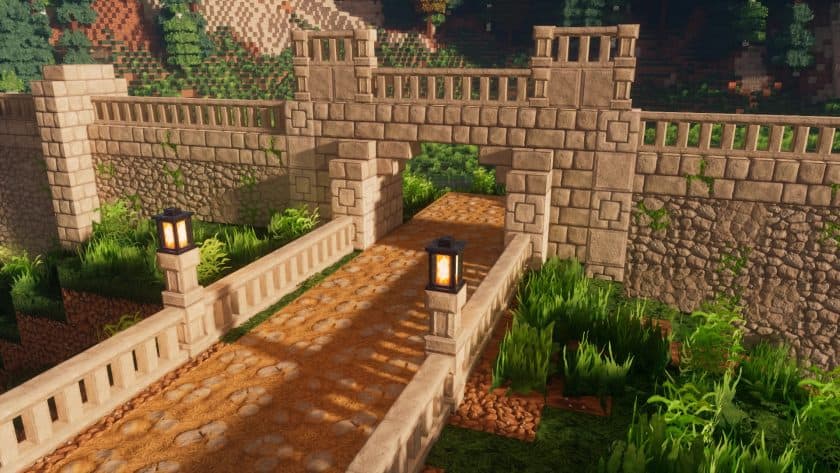
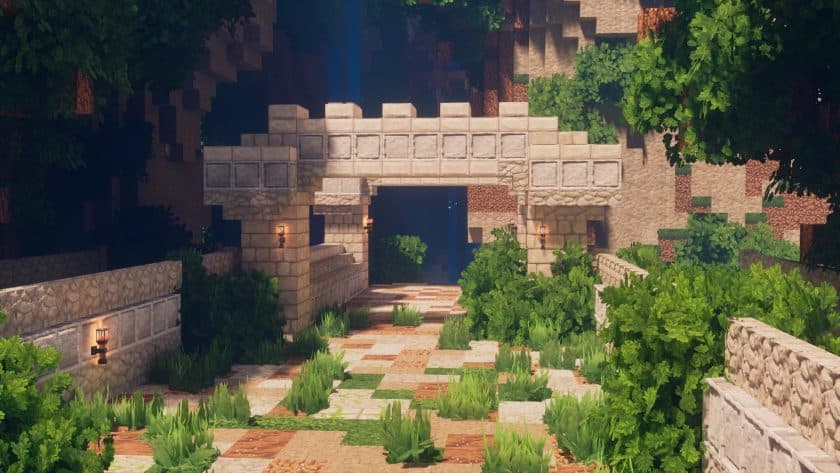
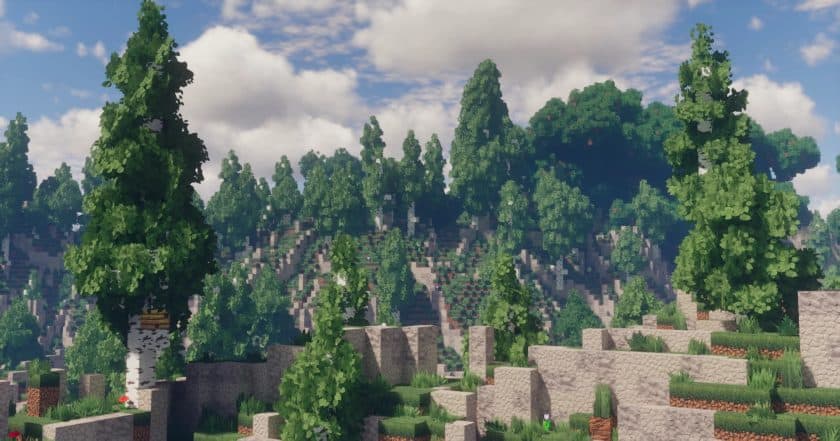
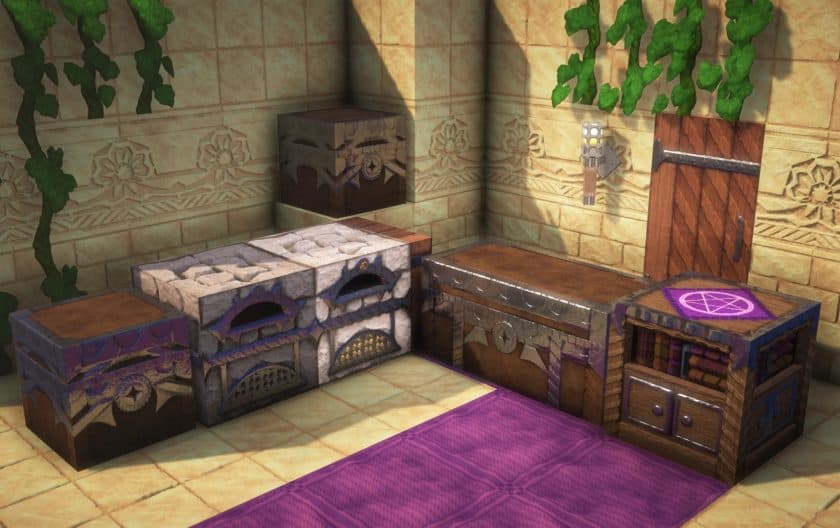
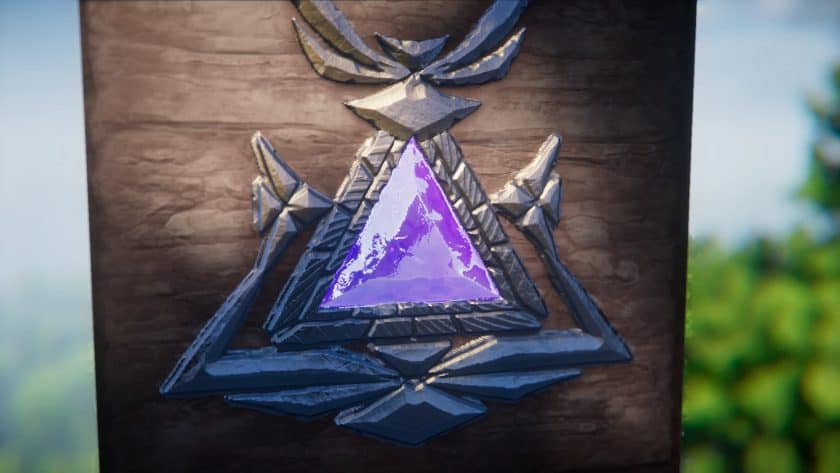
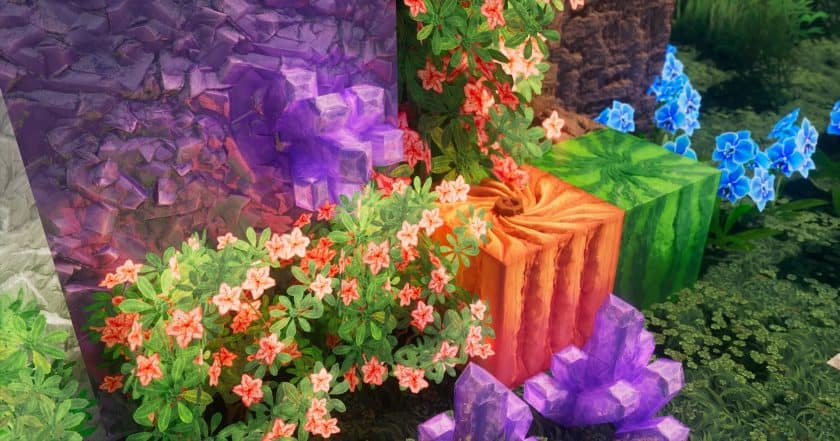
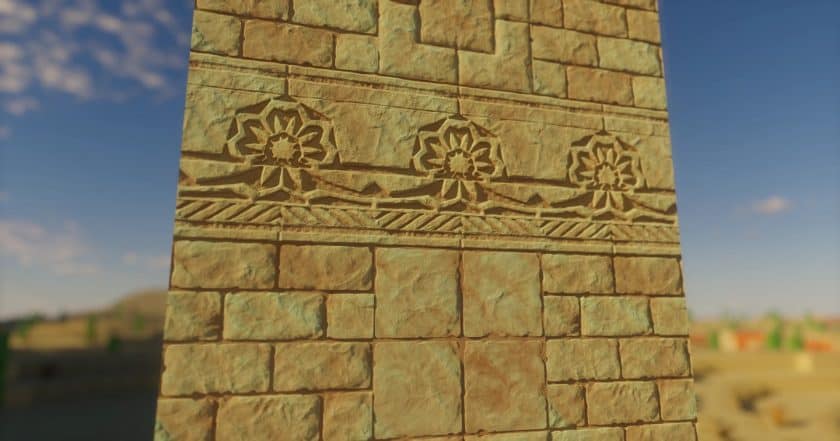
What surprised me most about the COVEN Resource Pack is how quickly it changes the mood of Minecraft without requiring OptiFine. I went into it expecting another fantasy-style pack with a few darker textures, but the overall presentation is much more cohesive than that. The blocks, items, environments, and small visual details all work together to give the game a mysterious, almost magical atmosphere. Forests feel deeper, old structures look more atmospheric, and even ordinary areas have a slightly enchanted quality that makes exploration more interesting.
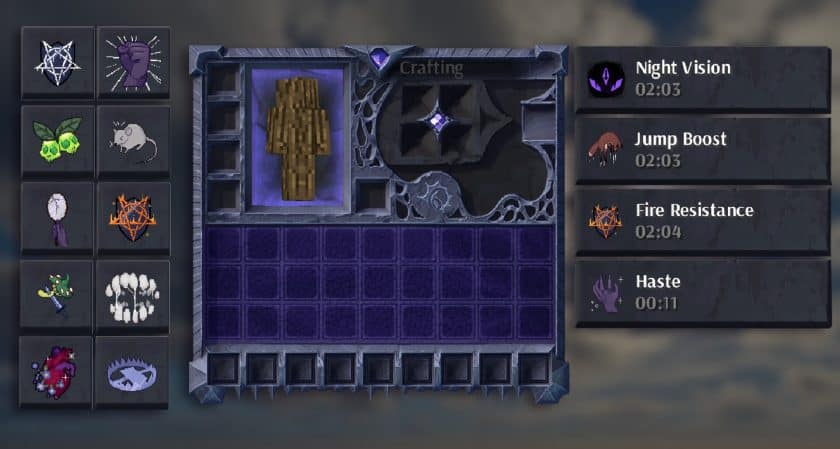
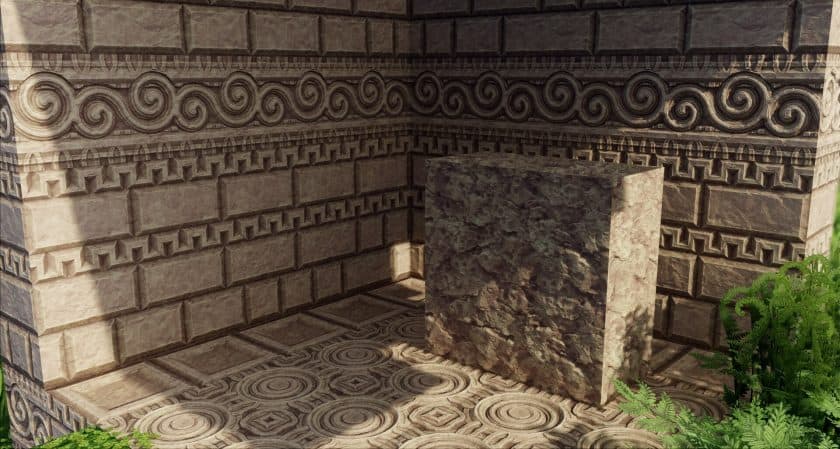
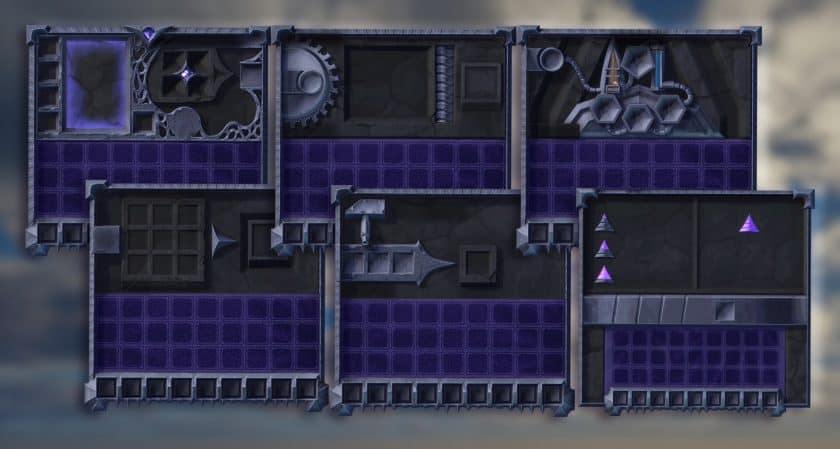
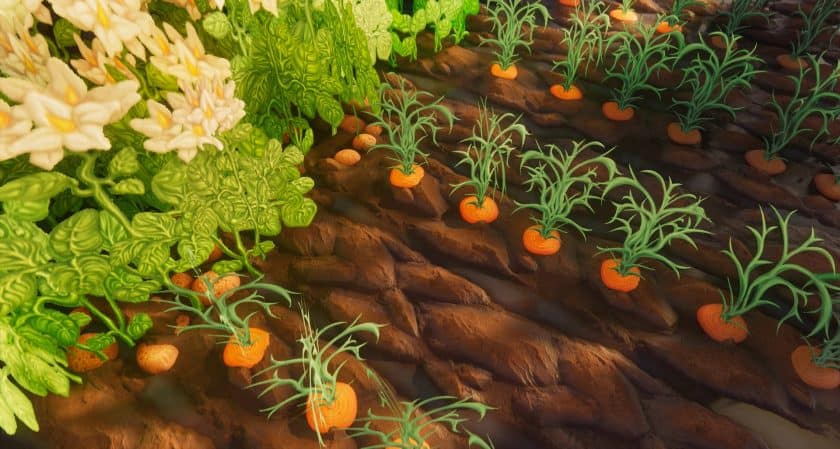
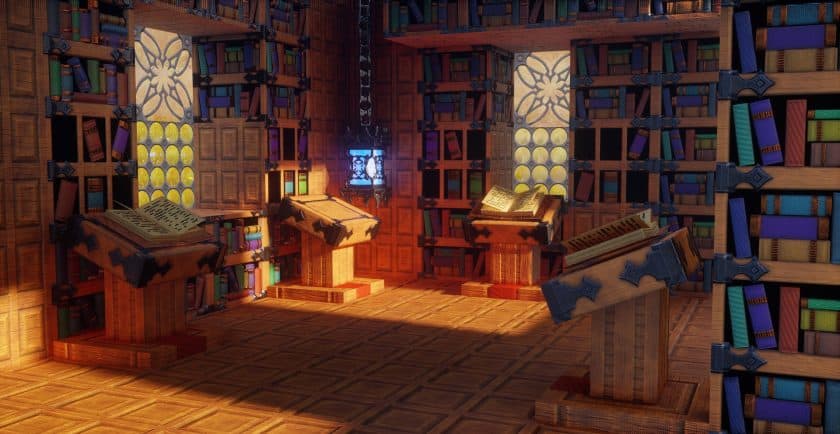
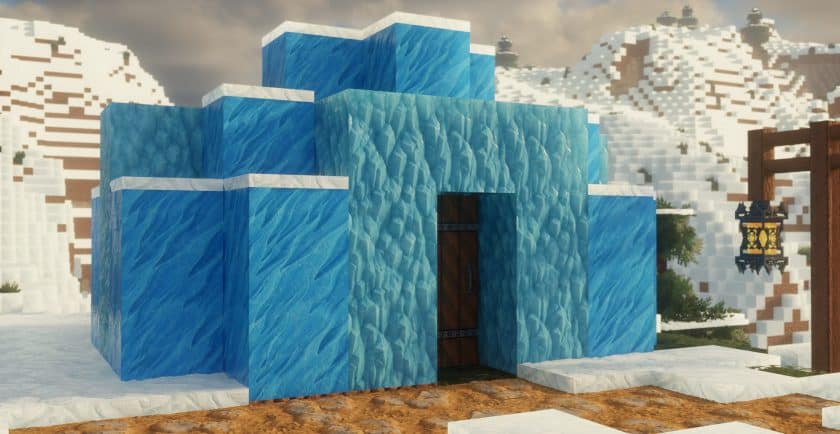
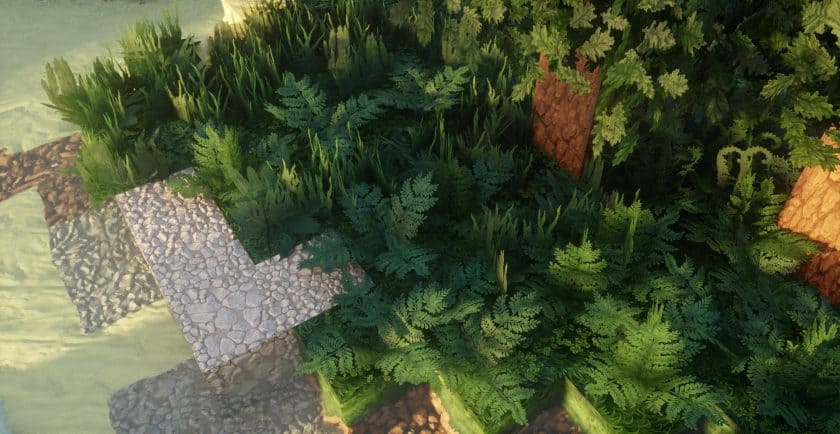
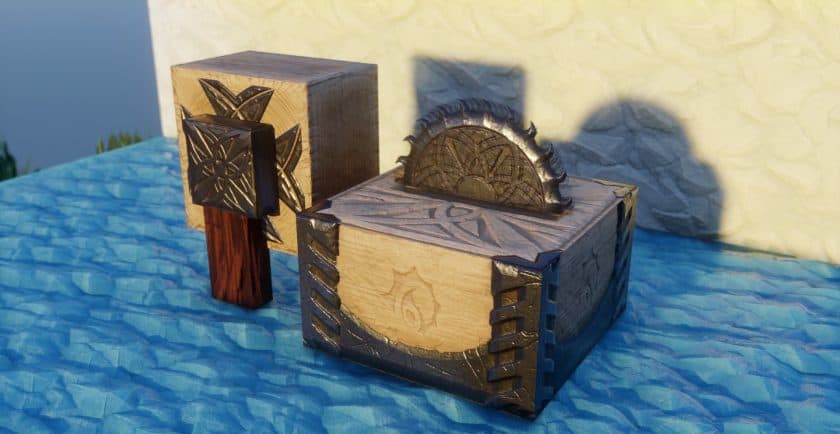
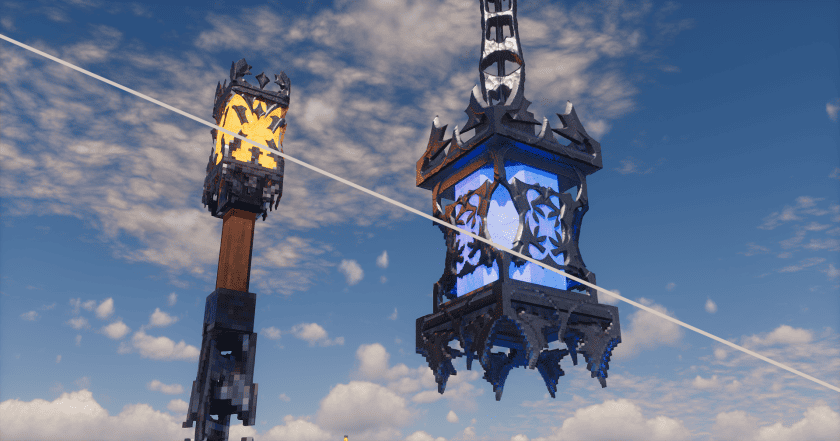
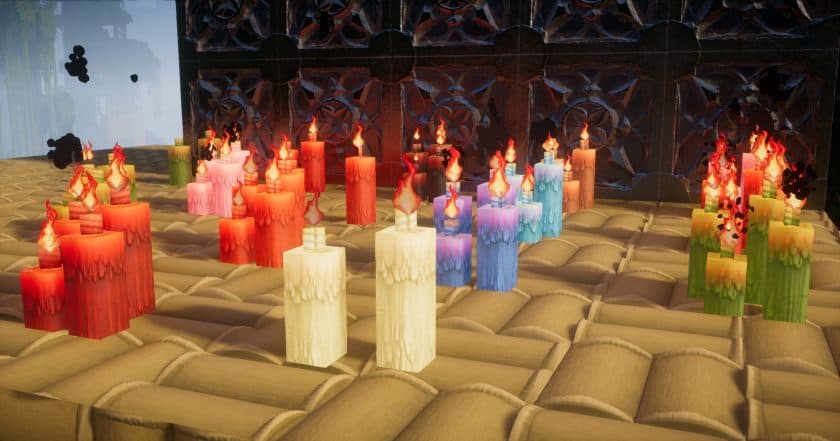
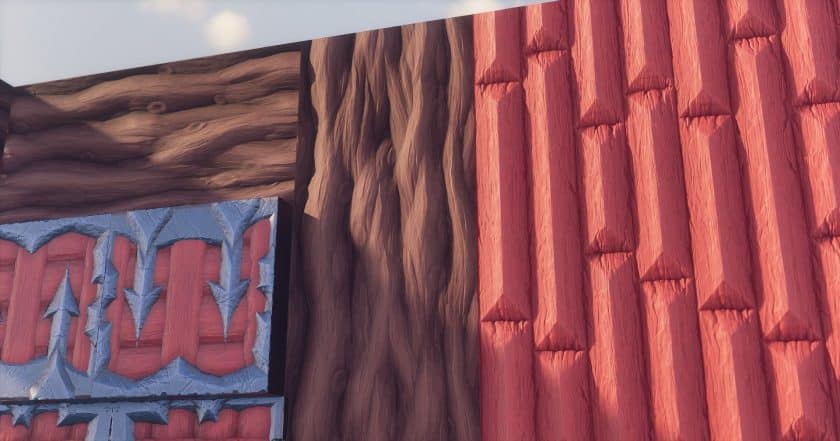
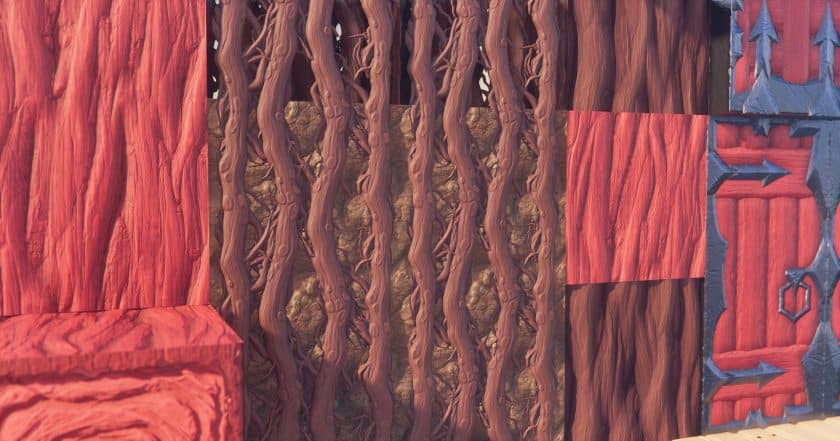
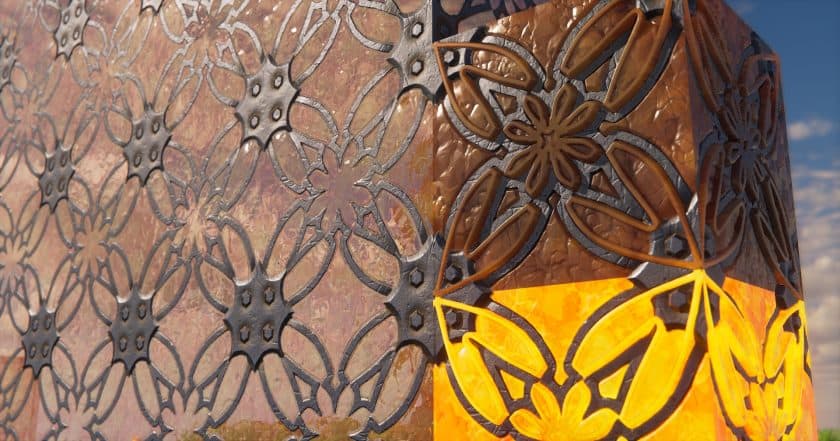
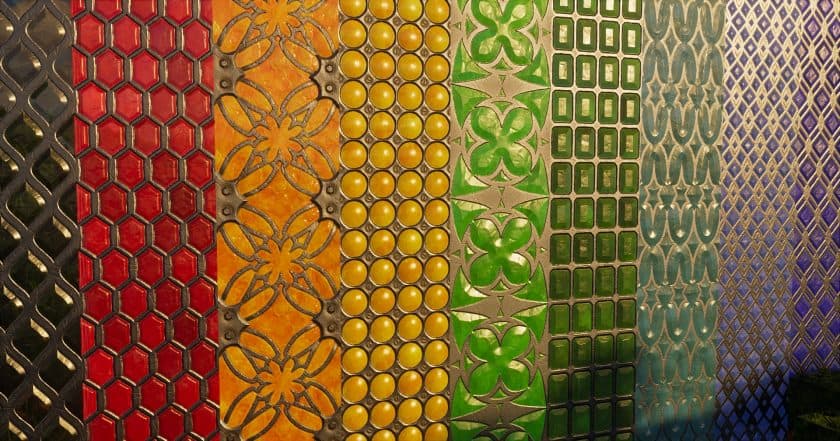
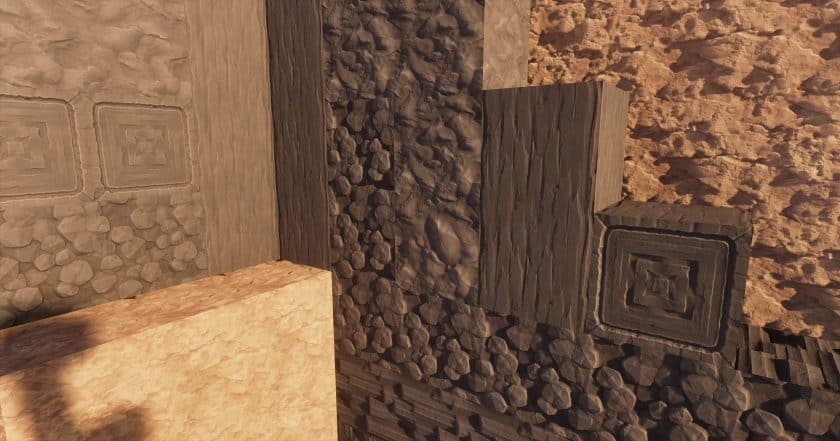
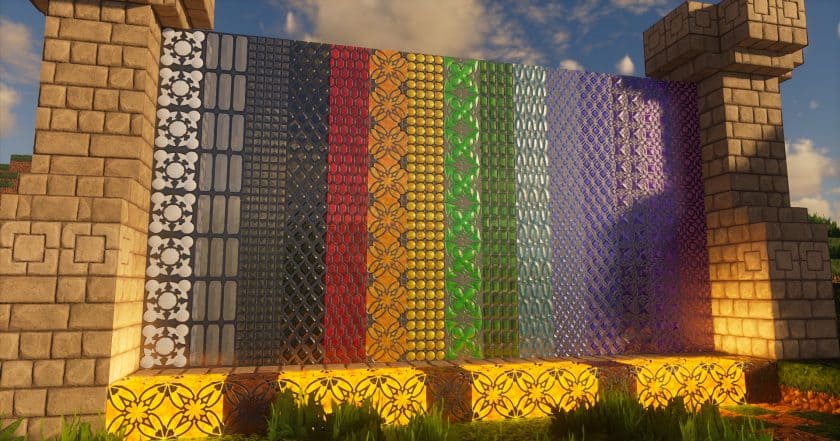
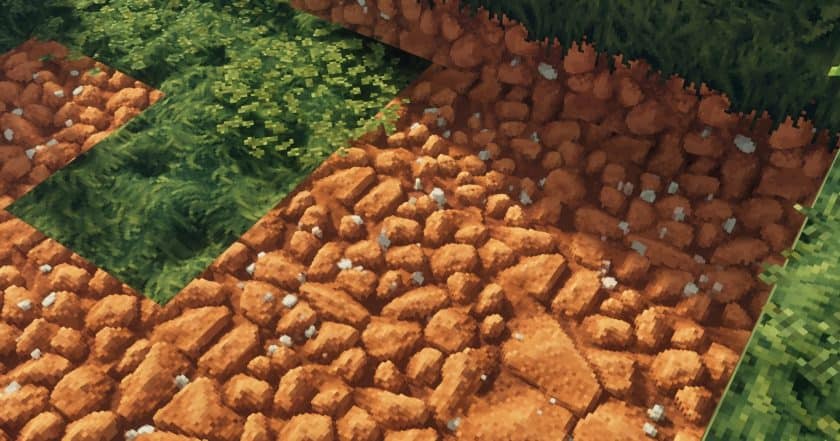
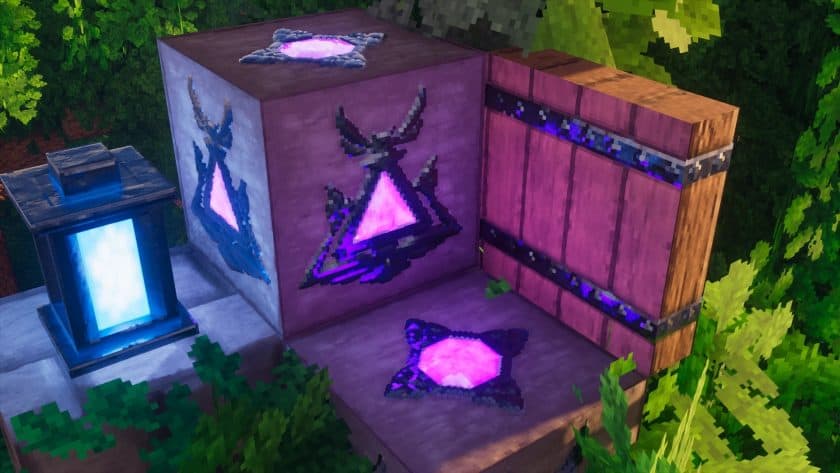
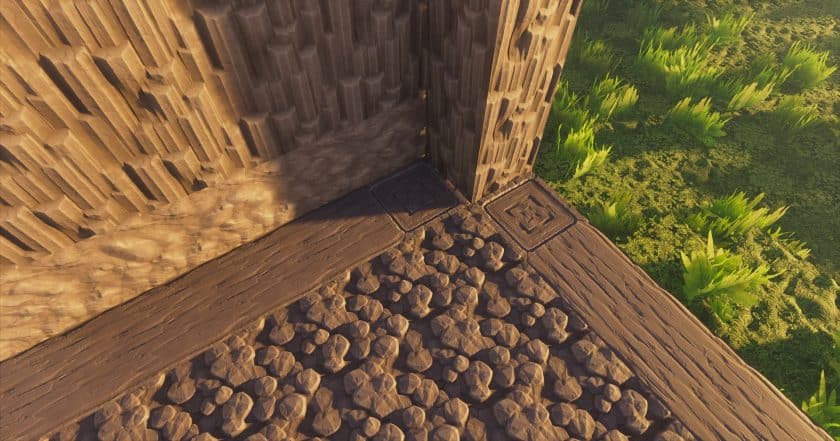
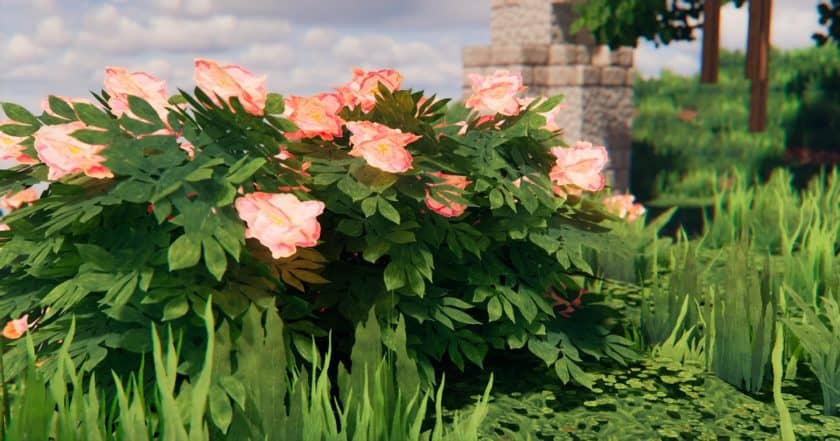
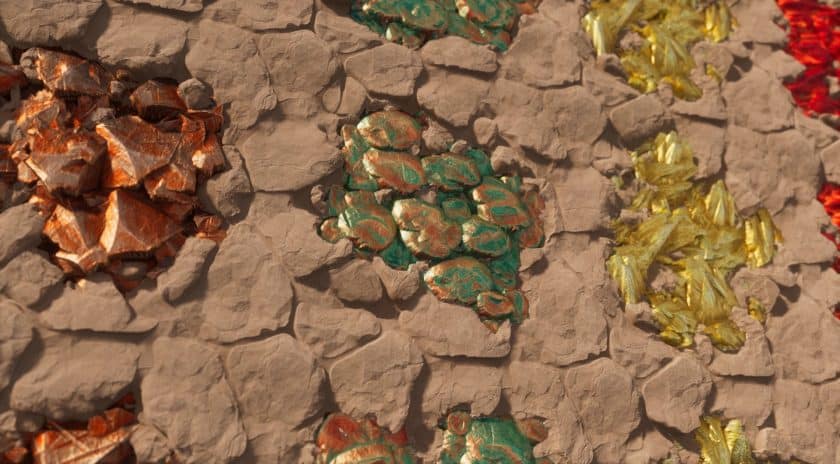
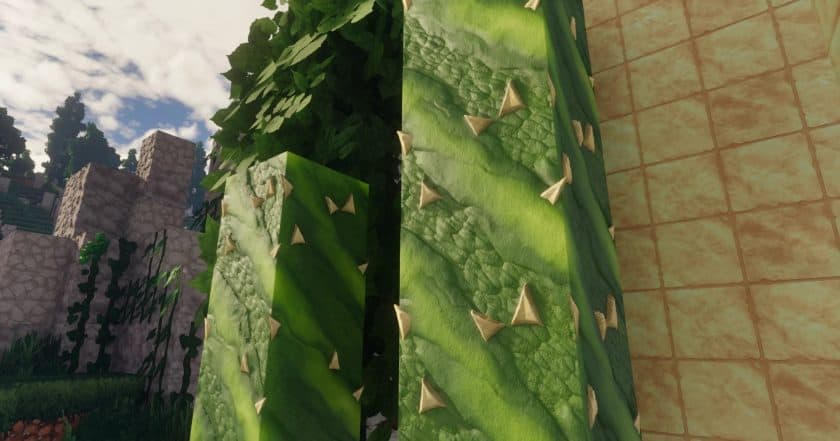
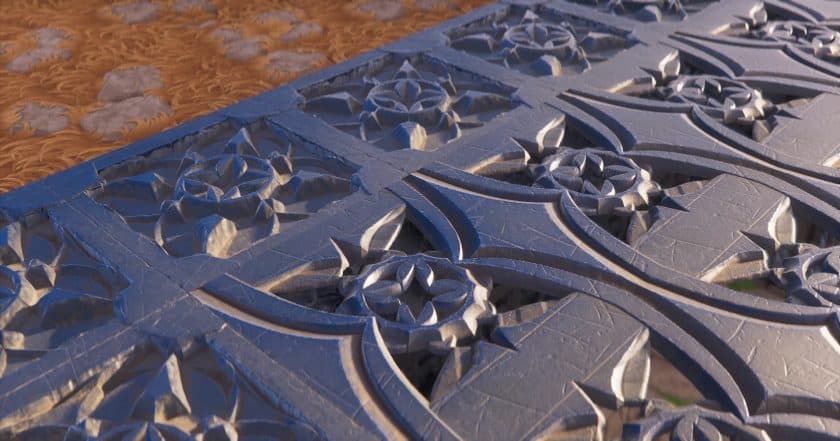
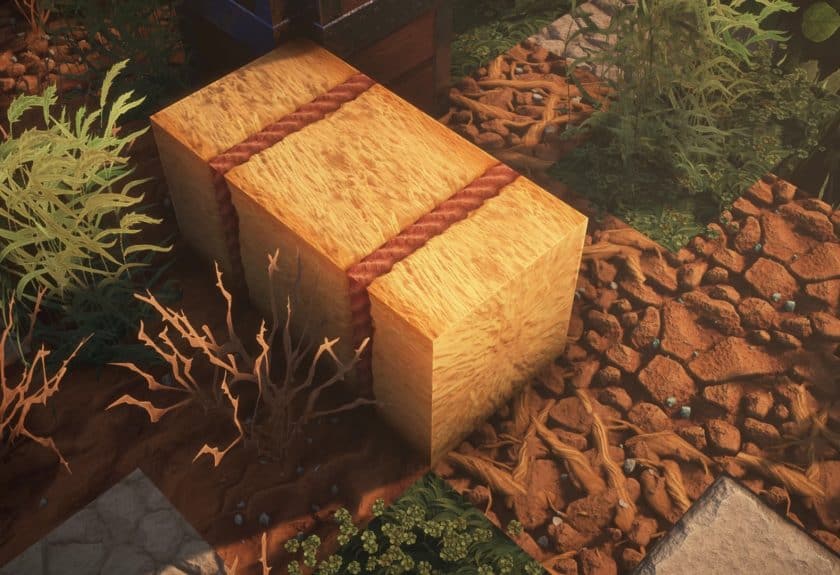
The biggest difference becomes obvious when you start looking closely at the textures. COVEN is available in resolutions ranging from 64x up to 512x, so there is quite a bit of flexibility depending on your hardware. The lower resolutions still look detailed enough to make a noticeable difference, while the higher versions add much more depth to individual blocks and items. I particularly liked the attention given to things such as wood, carpets, ores, foliage, and decorative blocks. The Nether and End also fit the theme much better, with stronger visual changes that make those dimensions feel less like simple variations of the vanilla world. There are also atmospheric particle and sound changes that help sell the fantasy and slightly eerie tone.
Another thing I appreciate about COVEN is that you can use it without relying on OptiFine. That’s convenient if you prefer keeping your setup simple or don’t use extra modifications. Of course, the 512x version is going to be considerably more demanding, so I’d stick with 64x or 128x on a weaker machine and move up only if your hardware can handle it comfortably. With the right resolution, the pack can look impressive without making the game unnecessarily difficult to run. Overall, COVEN is a strong choice if you’re after a darker fantasy atmosphere rather than another pack that simply makes vanilla Minecraft sharper. It gives exploration, building, and even quiet moments in your world a much more mysterious character.
COVEN is compatible with all of the following Minecraft versions: 1.21.11 – 1.21.10 – 1.21.8 – 1.21.7 – 1.21.6 – 1.21.5 – 1.21.4 – 1.21.3 – 1.21.2 – 1.21.1 – 1.21 – 1.20.6 – 1.20.5 – 1.20.4 – 1.20.3 – 1.20.2 – 1.20.1 – 1.20 – 1.19.4 – 1.19.3 – 1.19.2 – 1.19.1 – 1.19 – 1.18.2 – 1.18.1 – 1.18 – 1.17.1 – 1.17
COVEN — Video and screenshots
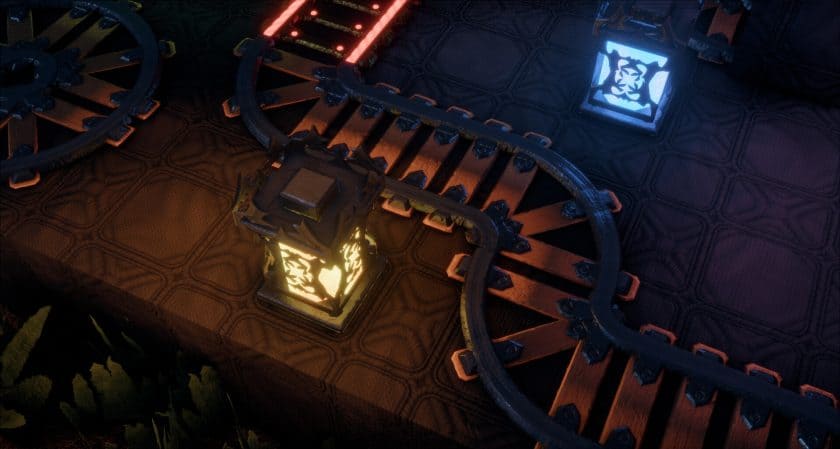
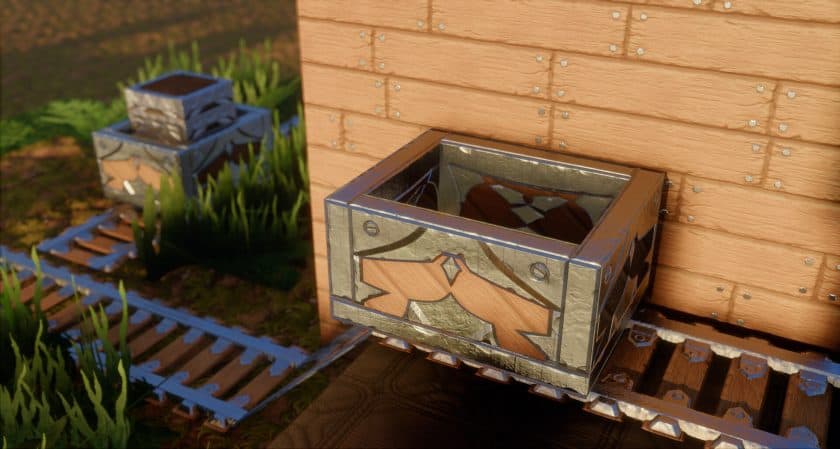
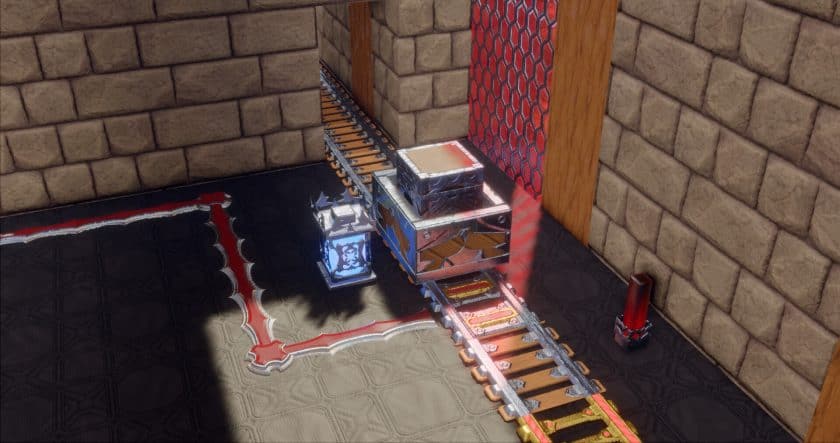


How to install COVEN Resource Pack:
- Download Optifine: Most of the texture packs and shaders need Optifine. That’s why, first download and install Optifine for the version of Minecraft you want to play.
- Download the Texture Pack: Get the texture pack you want from the download section. Choose the version that works with your Minecraft and your PC’s performance.
- Open Minecraft Launcher: 🚀 Start Minecraft using the official game launcher — or even TLauncher, if you use that.
- Go to Options: From the main menu, click on the “Options” button.
- Open Resource Packs: Inside Options, click on “Resource Packs…”.
- Open the Resource Pack Folder: Click on “Open Resource Pack Folder”— this will open a folder named “resourcepacks.”
- Move the Pack File: Copy or move the .zip file you downloaded into that “resourcepacks” folder. (Don’t unzip the file—Minecraft uses it as-is!)
- Go Back and Refresh: Close the folder and click “Done”, then go back into “Resource Packs…” again.
- Activate the Pack: You’ll see the pack on the left side. Hover over it and click the arrow to move it to the right (active side).
- Tip: If you get a message that the pack is for a different version, just click “”Yes”—it usually works fine.
- Click Done and Enjoy: Click “Done” again. Now your pack is ready to use in-game. It’s that easy!
Important:
-
- The package works without Optifine, but if you want PBR functionality you will need either Iris or Optifine.
- SEUS shaders are not recommended, it won’t work.
- Designed specifically for use with any LabPBR shader.
- Additional Reimagined or BSL shaders are recommended for best performance, KAPPA or Nostalgia/NostalgiaVX for best graphics.
COVEN Texture Pack Download
The pack works without Optifine, but if you want PBR functionality, you will need either Iris or Optifine (and shaders, of course). Get optifine here or get Iris here. SEUS shaders are not recommended, it won’t work.
Java Edition:
[64x] [1.21.x – 1.17.x] Download COVEN Resource Pack – absolutely free;
[128x] [1.21.x – 1.17.x] Download COVEN Resource Pack – for Supporters only;
[256x] [1.21.x – 1.17.x] Download COVEN Resource Pack – for Supporters only;
[512x] [1.21.x – 1.17.x] Download COVEN Resource Pack – for Supporters only;
Cull Leaves Mod:
Cull Leaves by Motschen adds culling to leaf blocks, providing a significant performance boost over vanilla. While not required for the COVEN resource pack, it greatly increases FPS in areas with dense foliage.
Download Cull Leaves Mod for Minecraft
Download Instructions:
CurseForge: The download will start by itself after a few seconds.
Mediafire: Click the big blue “DOWNLOAD” button.
Google Drive: Click the small download icon (a down arrow) at the top-right corner to start the download.
Disclaimer
We are not the creators of any texture packs or shader packs shared on this site. All credit goes to the original authors. We do not edit or change any files in any way. Also, none of the downloads are hosted on our servers — we only provide official links shared by the original creators. That means all downloads are completely safe.
❗Note: Since we manually add the official links, so some may stop working after updates. If you find a broken link, tell us in the comments and we’ll fix it as soon as we can.
If you like a pack, please leave a comment and vote for it — this helps the creators improve their work. You can also support them directly through the links below the download section.