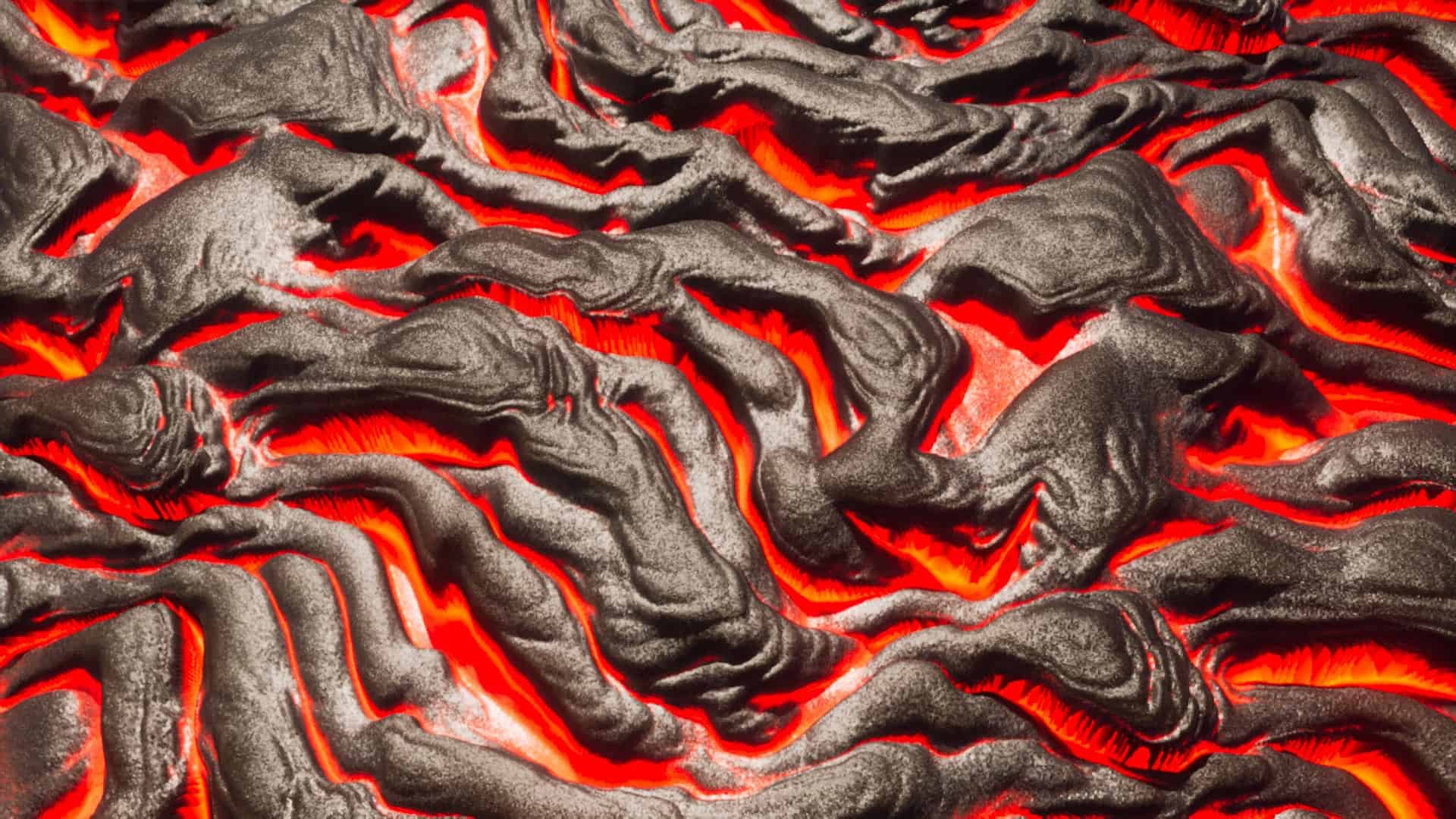
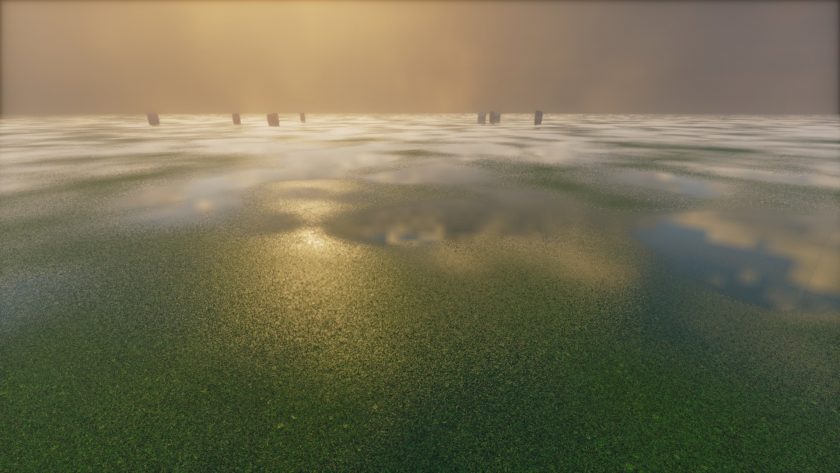
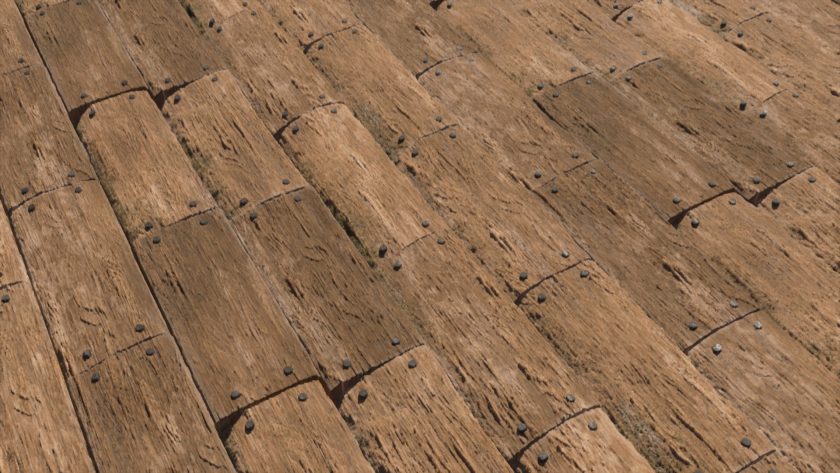
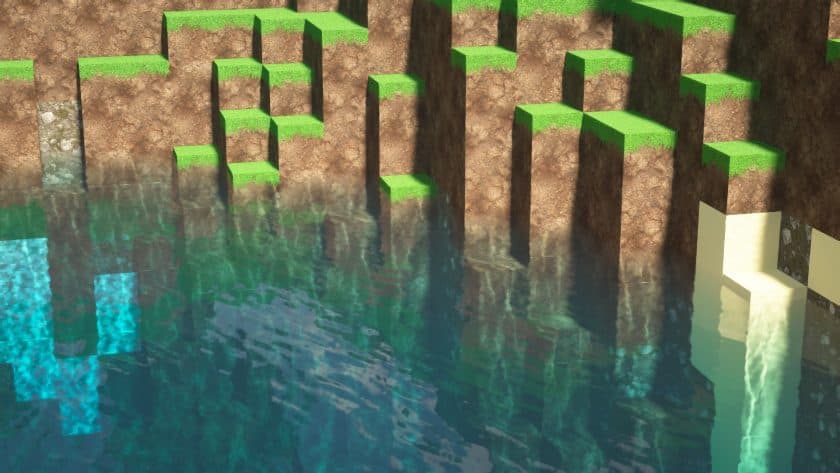
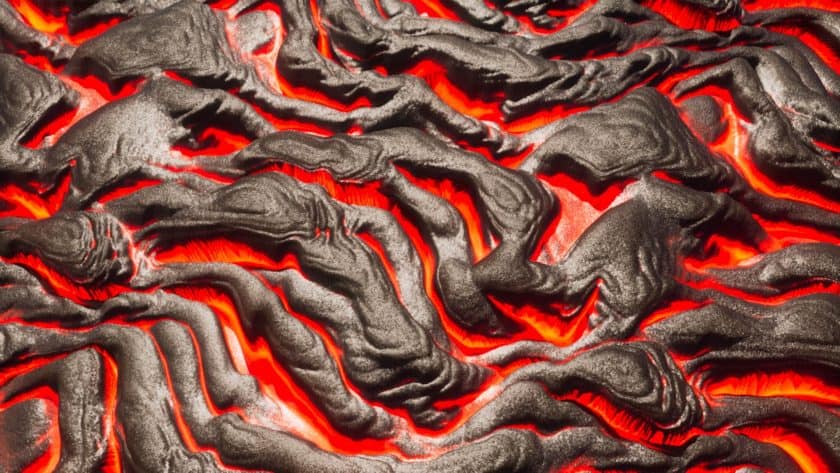
Pellucid HD replaces Minecraft’s cartoony graphics with realistic ones. Each scenario looks great and demands modern hardware. The game looks good with this resource pack, although it’s still in construction. Developers want to greatly improve it in the final edition. It benefits Minecraft lovers who wish to employ their new hardware for high-quality visuals. The resource pack gives Minecraft detailed graphics that perform well with the upgraded hardware. Minecraft players may feel guilty for “wasting” their new gaming PC on a simple game. Despite being Minecraft, the Pellucid HD texture pack makes it look techy and detailed. No place appears like standard Minecraft since every texture and object is distinct. This source pack is unique and cannot be confused with another. Before publishing, the developers adjusted and tested the graphics many times. Game woodlands look great with this resource collection. The shadows enhance the 2D leaf layers and match the game’s graphics. Small plants also cast realistic shadows. Some may dislike the graphic style, but I like the high-definition blend of realistic and non-realistic imagery. Smooth waves and amazing reflections make the ocean look real. It appears like a high-end 3D game, yet it fits the style. The appearance of subsurface settings is noteworthy. I remember vintage first-person shooters with similar lava and wall textures. Lava-filled caves in Doom and Quake had comparable graphics.
More lighting would improve the underground environment. They look excellent, but the burning lava might illuminate the walls more. Outside of underground locations, lighting is excellent. The lighting effects in this bundle are excellent. Lamps and other lighting make the game more realistic and beautiful. Everything glows realistically and the game’s lighting feels genuine. The arctic biome shows the texture pack’s originality. Apparently, developers were inspired by Arctic sceneries. Texture pack photos of arctic biomes with trees and buildings are stunning. A high-definition, realistic sky seems like a new large budget game. The developers employ colors nicely, and the sky, construction stones, and terrain blend perfectly. Nothing looks better than buildings. Detailed woodwork, blazing lighting, and multicolored blocks look wonderful in tiny homes and massive construction projects. The buildings appear good from afar. Despite its outstanding appearance, the developers intend to improve it greatly. Their goal is to test and improve their graphics till it becomes a popular texture pack. Try this texture pack that combines realistic and non-realistic components if you like the idea. Re-exploring Minecraft is fun because you want to see new images. The texture pack doesn’t work properly on low-end PCs but has modest system requirements. Try it without a new computer—you might be amazed how well it works. Due to too many high-res textures, it may slow in some locations.
Pellucid HD is compatible with all of the following Minecraft versions: 26.1.2 – 26.1.1 – 26.1 – 1.21.11 – 1.21.10 – 1.21.9 – 1.21.8 – 1.21.7 – 1.21.6 – 1.21.5 – 1.21.4 – 1.21.3 – 1.21.2 – 1.21.1 – 1.21 – 1.20.6 – 1.20.5 – 1.20.4 – 1.20.3 – 1.20.2 – 1.20.1 – 1.20 – 1.19.4 – 1.19.3 – 1.19.2 – 1.19.1 – 1.19 – 1.18.2 – 1.18.1 – 1.18 – 1.17.1 – 1.17 – 1.16.5 – 1.16.4 – 1.16.3 – 1.16.2 – 1.16.1 – 1.16
Pellucid HD — Video and screenshots
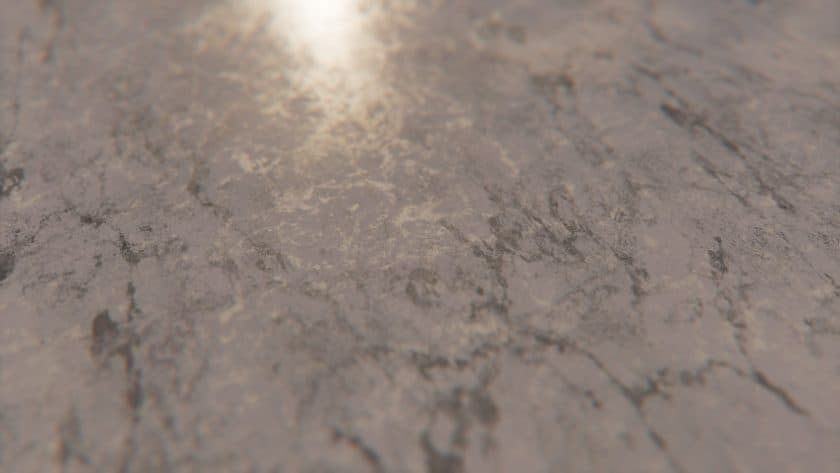
How to install Pellucid HD Resource Pack:
- Download Optifine: Most of the texture packs and shaders need Optifine. That’s why, first download and install Optifine for the version of Minecraft you want to play.
- Download the Texture Pack: Get the texture pack you want from the download section. Choose the version that works with your Minecraft and your PC’s performance.
- Open Minecraft Launcher: 🚀 Start Minecraft using the official game launcher — or even TLauncher, if you use that.
- Go to Options: From the main menu, click on the “Options” button.
- Open Resource Packs: Inside Options, click on “Resource Packs…”.
- Open the Resource Pack Folder: Click on “Open Resource Pack Folder”— this will open a folder named “resourcepacks.”
- Move the Pack File: Copy or move the .zip file you downloaded into that “resourcepacks” folder. (Don’t unzip the file—Minecraft uses it as-is!)
- Go Back and Refresh: Close the folder and click “Done”, then go back into “Resource Packs…” again.
- Activate the Pack: You’ll see the pack on the left side. Hover over it and click the arrow to move it to the right (active side).
- Tip: If you get a message that the pack is for a different version, just click “”Yes”—it usually works fine.
- Click Done and Enjoy: Click “Done” again. Now your pack is ready to use in-game. It’s that easy!
Recommended shaders:
Pellucid HD Texture Pack Download
DOWNLOAD LINKS
Java Edition:
[128x] [1.21.x – 1.16.x] Download Pellucid HD Resource Pack – for LabPBR shaders, absolutely free;
[128x] [1.20.x – 1.16.x] Download Pellucid HD Resource Pack – for SEUS shaders, absolutely free;
[256x] [1.21.x – 1.16.x] Download Pellucid HD Resource Pack – for Patrons only;
[512x] [1.21.x – 1.16.x] Download Pellucid HD Resource Pack – for Patrons only;
[1024x] [1.21.x – 1.16.x] Download Pellucid HD Resource Pack – for Patrons only;
Download Instructions:
CurseForge: The download will start by itself after a few seconds.
Mediafire: Click the big blue “DOWNLOAD” button.
Google Drive: Click the small download icon (a down arrow) at the top-right corner to start the download.
Disclaimer
We are not the creators of any texture packs or shader packs shared on this site. All credit goes to the original authors. We do not edit or change any files in any way. Also, none of the downloads are hosted on our servers — we only provide official links shared by the original creators. That means all downloads are completely safe.
❗Note: Since we manually add the official links, so some may stop working after updates. If you find a broken link, tell us in the comments and we’ll fix it as soon as we can.
If you like a pack, please leave a comment and vote for it — this helps the creators improve their work. You can also support them directly through the links below the download section.