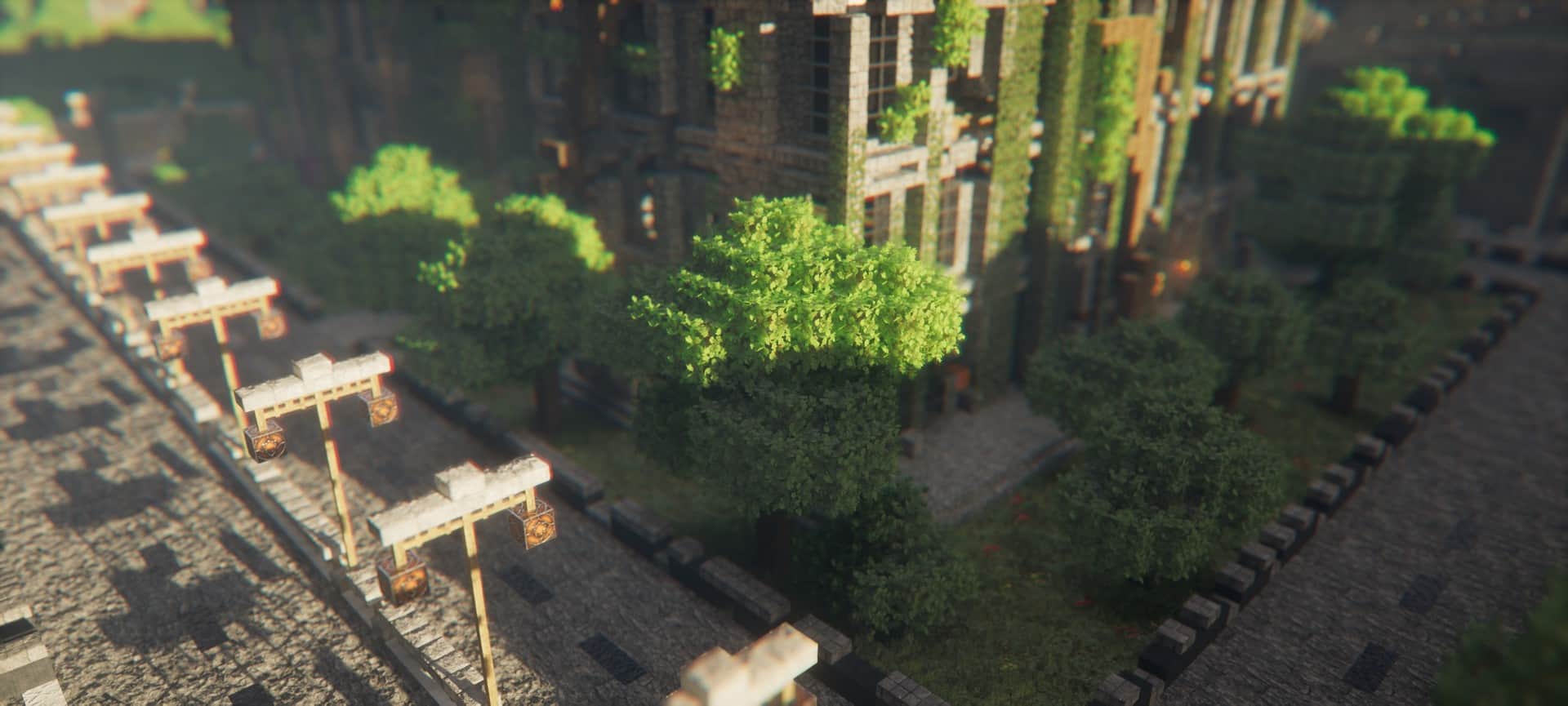
I’ve tested a lot of Minecraft shaders over the years, and Kappa Shaders is one of those packs that immediately feels like it was designed with atmosphere in mind rather than simply throwing every possible graphical effect onto the screen. Created by RRe36, the same developer behind Nostalgia and several other well-known shaders, Kappa has been around since 2019 and has continued to improve through regular updates. The first time I loaded one of my survival worlds with it enabled, the difference was obvious. Lighting felt softer and more natural, the sky had considerably more depth, and the entire landscape looked more convincing without completely hiding Minecraft’s blocky personality. If you’ve previously used shaders such as BSL or SEUS Renewed, some of the realistic touches will feel familiar, but Kappa definitely has an atmosphere of its own.
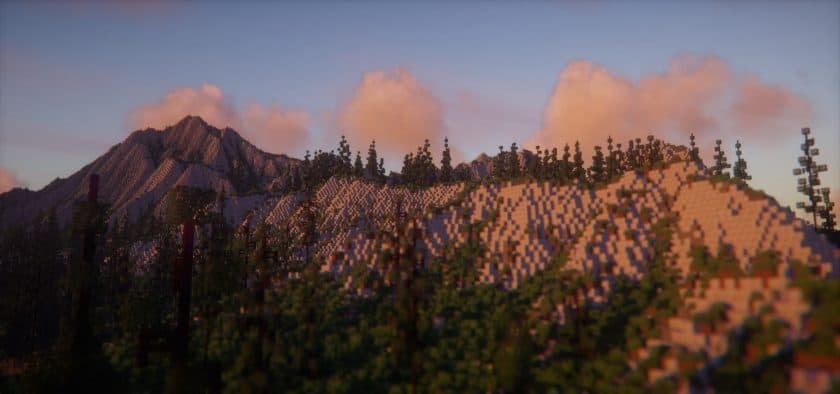
Water is easily one of my favorite parts of the Kappa Shader Pack. Rivers and lakes actually feel like part of the surrounding environment because they reflect the sky, terrain, and changing light much more naturally than vanilla water. It’s especially impressive around sunrise and sunset, when reflections stretch across the surface and the colors gradually change with the time of day. Lighting is equally important here. Sunlight creates much better depth across mountains and forests, while shadows give buildings and terrain a stronger sense of shape. At night, artificial light sources become much more noticeable, making villages, bases, and pathways feel warmer and more atmospheric. The clouds are another highlight—they’re large, detailed, and full of character, giving the sky a scale that vanilla Minecraft simply doesn’t have.
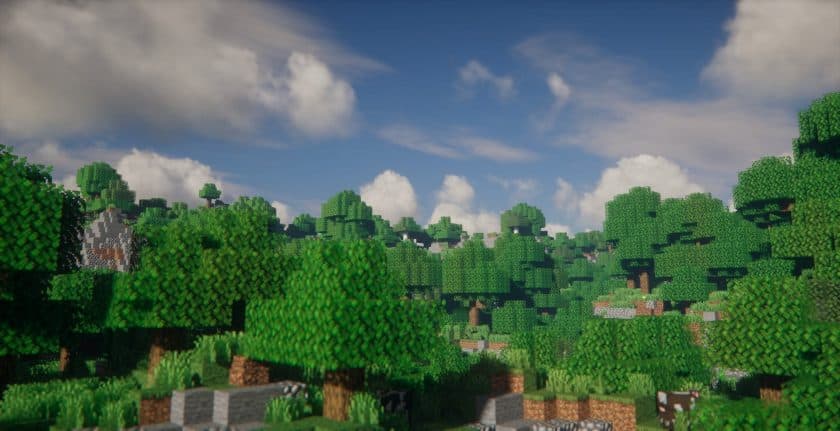
What I appreciate most after actually playing with Kappa for a while is that these effects aren’t limited to screenshots. Exploring forests, sailing across oceans, walking through rain, and simply watching the weather change all feel noticeably different. Vegetation and environmental effects give the world more movement, while improved lighting makes familiar biomes worth exploring again just to see how they look under different conditions. There are plenty of shaders that look amazing in a carefully staged screenshot but become distracting during a normal Survival session. Kappa feels much more like a complete graphical overhaul that you can actually spend time playing with, particularly if you enjoy exploration, building, or creating cinematic worlds.
Of course, Kappa Shaders isn’t something I’d recommend expecting to run like vanilla Minecraft. Realistic shadows, reflections, atmospheric effects, volumetric clouds, and advanced lighting all require additional GPU power, so performance depends heavily on your hardware and settings. If your PC struggles, lowering shadow quality, render distance, and some of the heavier effects can make a noticeable difference. On capable hardware, though, Kappa can completely transform the atmosphere of Minecraft. I’ve found it particularly impressive when paired with detailed builds and scenic survival worlds where lighting can really show off the environment. If you’re looking for a shader that sits comfortably among realistic options such as BSL and SEUS while maintaining its own distinctive visual style, Kappa Shaders is absolutely worth testing in one of your favorite worlds.
Kappa Shader should be compatible with all of these Minecraft versions: 26.3 – 26.2 – 26.1.2 – 26.1.1 – 26.1 – 1.21.11 – 1.21.10 – 1.21.9 – 1.21.8 – 1.21.7 – 1.21.6 – 1.21.5 – 1.21.4 – 1.21.3 – 1.21.2 – 1.21.1 – 1.21 – 1.20.6 – 1.20.5 – 1.20.4 – 1.20.3 – 1.20.2 – 1.20.1 – 1.20 – 1.19.4 – 1.19.3 – 1.19.2 – 1.19.1 – 1.19 – 1.18.2 – 1.18.1 – 1.18 – 1.17.1 – 1.17 – 1.16.5 – 1.16.4 – 1.16.3 – 1.16.2 – 1.16.1 – 1.16 – 1.15.2 – 1.15.1 – 1.15 – 1.14.4 – 1.14.3 – 1.14.2 – 1.14 – 1.13.2 – 1.13.1 – 1.13
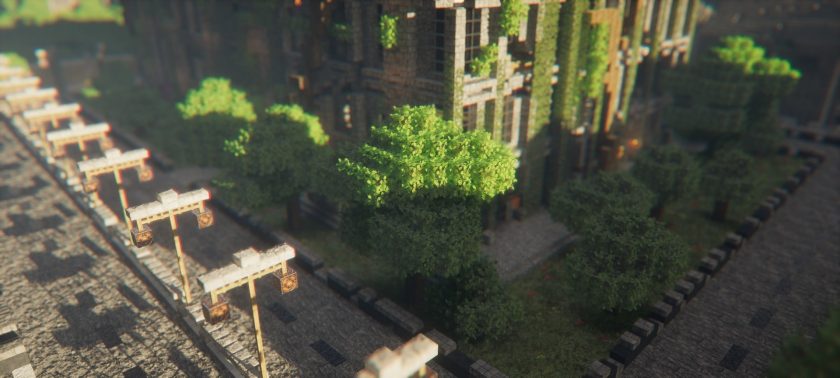
Kappa Shader — Screenshots
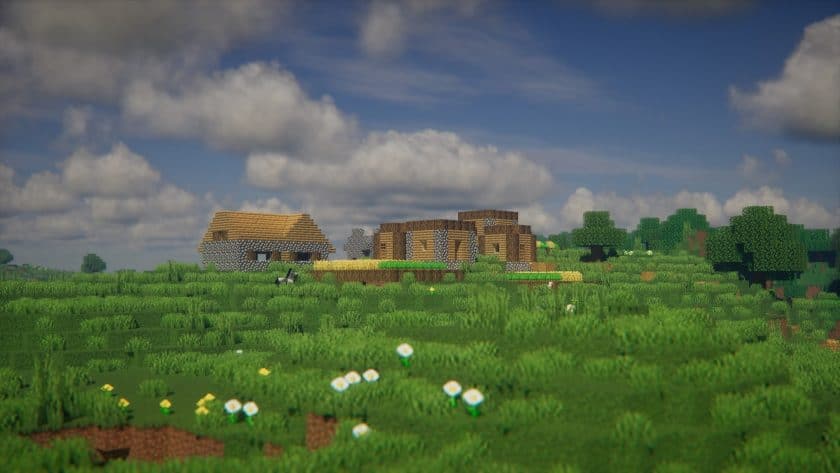
Kappa Shader Shader Pack Download
- Download and install Minecraft;
- Set your game profile for the version you want to run;
- Download and install Optifine; – optifine creates its own profile
- Open the Minecraft launcher and select the newly created optifine profile;
- Download the Kappa shaderpack from the links below;
- Start Minecraft;
- Open Options > Video Settings > Shaders > Shaderpack folder;
- Put the Kappa shaderpack (zipped file) into .minecraft\shaderpacks;
- Select Kappa Shaders in the list of in-game shaders;
- We never modify or modify resource packs in any way. None of the resource packs, shader mods or tools you see on this site are hosted on our servers. We only use official download links provided by official authors. Therefore, they are completely safe.
- Since the links are official and we update them manually – the links may stop working with each new update. We try to update the links as fast as possible and usually we update everything on time and users don’t have any problems, but if suddenly any link stops working – let us know through comments below.
- Don’t forget to leave a comment below and vote for the pack. In this way, you will help the authors to constantly improve the project. If you want to support the author(s), be sure to check the author links right below the download links.
DOWNLOAD LINKS
Java Edition:
[26.3.x – 1.16.x] Download Kappa shader pack
[1.15.x] Download Kappa shader pack
[1.14.x] Download Kappa shader pack
[1.13.x] Download Kappa shader pack
Download instructions:
Curseforge: download starts automatically after a few seconds;
Mediafire: click the big blue button with the text “DOWNLOAD”;
Google Drive: in the top right corner you will see a small download icon (down arrow), click it and the download should start;