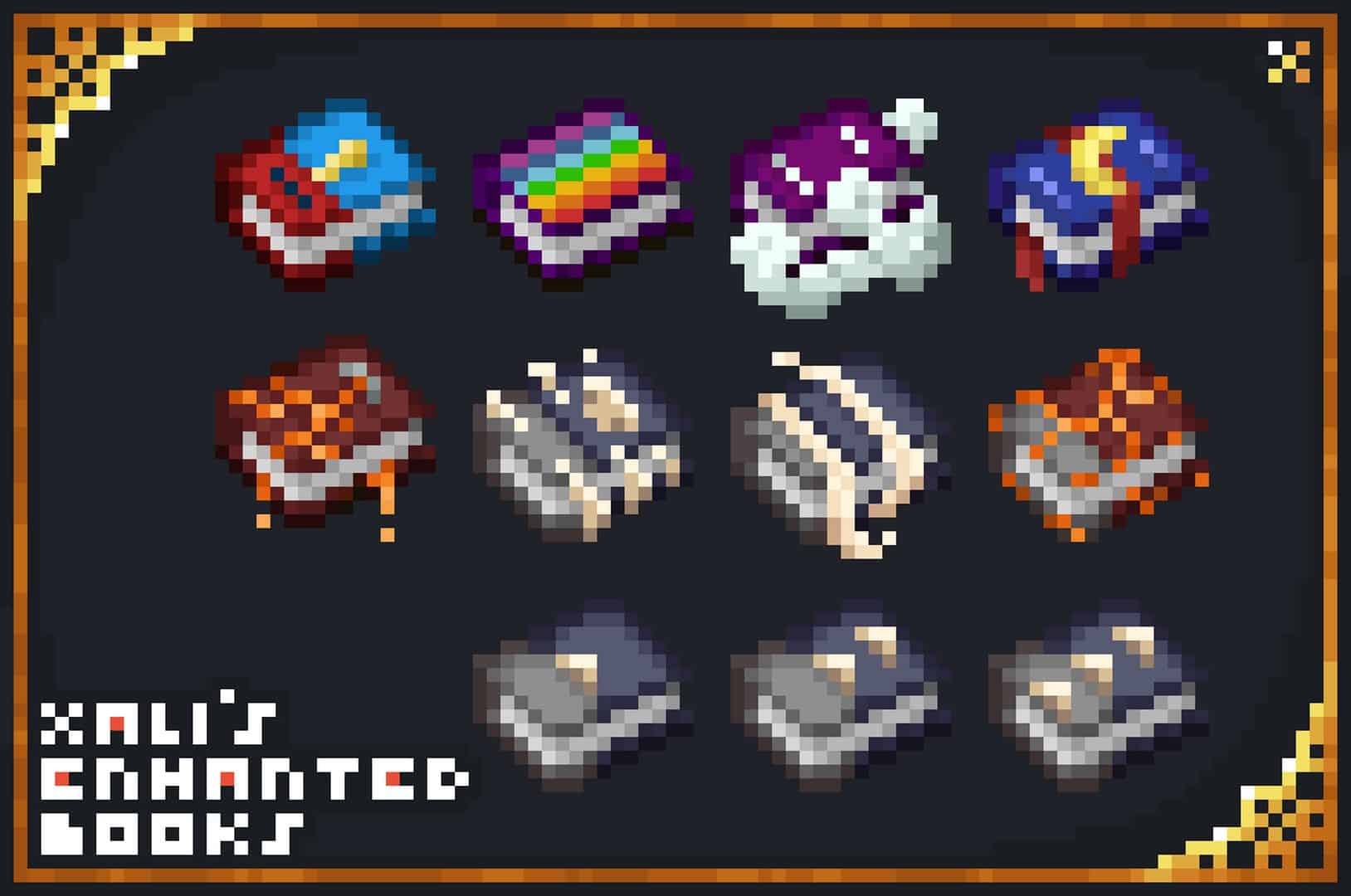
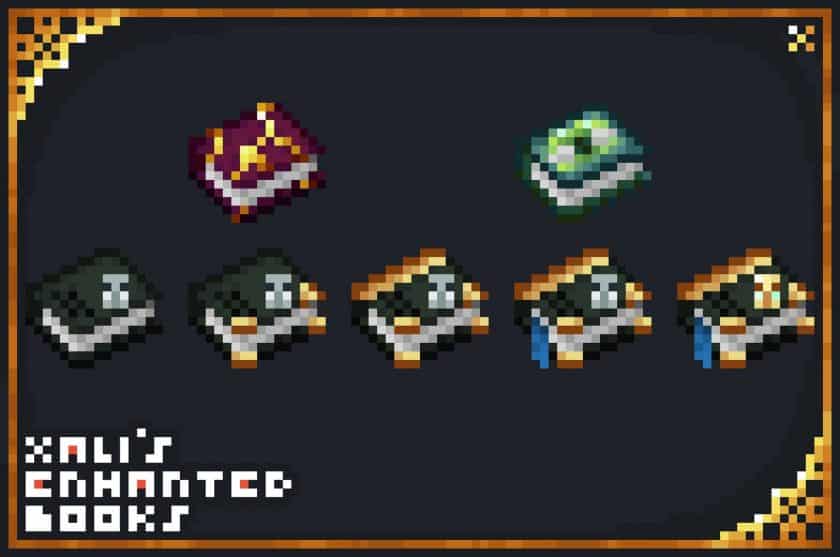
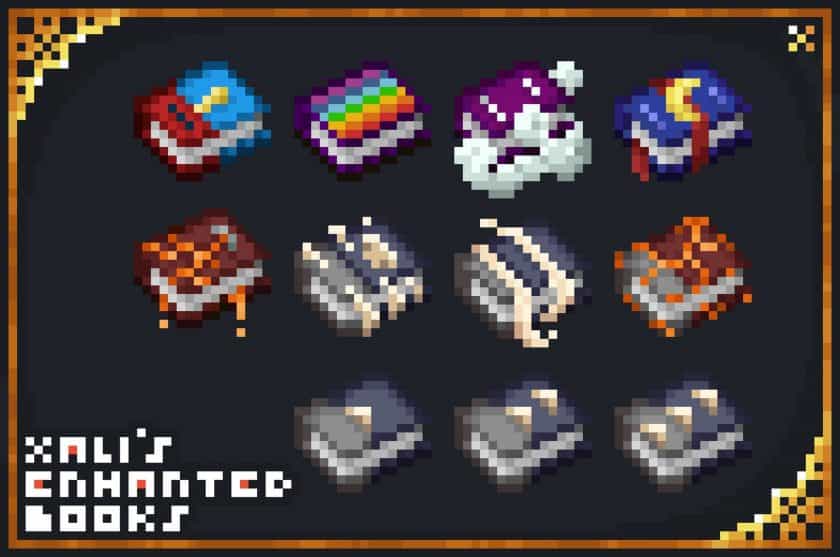
One of those small Minecraft annoyances becomes surprisingly obvious once you start dealing with a lot of enchanted books: they all look practically identical. I’ve had chests packed with books where finding the one I actually needed meant hovering over them one by one and reading every enchantment name. Xali’s Enchanted Books Resource Pack solves that problem in a very straightforward way by giving different enchantments their own visual identities. Instead of wasting time checking every book, you can recognize many of them at a glance and get back to whatever you were doing.
The pack doesn’t try to redesign Minecraft’s entire inventory or introduce flashy new graphics. Its focus is much more practical. Different enchanted books receive distinct colors and textures, making things such as Sharpness, Fire-related enchantments, and other useful books considerably easier to sort and recognize. This becomes especially helpful once you’ve accumulated large trading halls, storage rooms, or multiple chests full of enchanted books. I also like that the new designs still fit Minecraft’s original style rather than looking completely out of place. It’s a small visual change, but after using it, going back to a chest full of identical books can feel unnecessarily frustrating.
There is one important requirement to keep in mind. Depending on your Minecraft version and setup, you’ll need OptiFine or an alternative such as CIT Resewn for the pack’s custom item textures to work properly. Once the required features are available, the pack does exactly what it is supposed to do without changing the rest of your world. For players who regularly trade with villagers, organize storage, or simply collect lots of enchantments, this is one of those quality-of-life packs that becomes difficult to live without once you’ve gotten used to it. The listed compatibility covers versions from 1.13 through 1.21.11, making it useful across a wide range of Minecraft versions.
xali’s Enchanted Books is compatible with all of the following Minecraft versions: 1.21.11 – 1.21.10 – 1.21.9 – 1.21.8 – 1.21.7 – 1.21.6 – 1.21.5 – 1.21.4 – 1.21.3 – 1.21.2 – 1.21.1 – 1.21 – 1.20.6 – 1.20.5 – 1.20.4 – 1.20.3 – 1.20.2 – 1.20.1 – 1.20 – 1.19.4 – 1.19.3 – 1.19.2 – 1.19.1 – 1.19 – 1.18.2 – 1.18.1 – 1.18 – 1.17.1 – 1.17 – 1.16.5 – 1.16.4 – 1.16.3 – 1.16.2 – 1.16.1 – 1.16 – 1.15.2 – 1.15.1 – 1.15 – 1.14.4 – 1.14.3 – 1.14.2 – 1.14 – 1.13.2 – 1.13.1 – 1.13
Xali’s Enchanted Books — Screenshots
How to install Xali’s Enchanted Books Resource Pack:
- Download Optifine: Most of the texture packs and shaders need Optifine. That’s why, first download and install Optifine for the version of Minecraft you want to play.
- Download the Texture Pack: Get the texture pack you want from the download section. Choose the version that works with your Minecraft and your PC’s performance.
- Open Minecraft Launcher: 🚀 Start Minecraft using the official game launcher — or even TLauncher, if you use that.
- Go to Options: From the main menu, click on the “Options” button.
- Open Resource Packs: Inside Options, click on “Resource Packs…”.
- Open the Resource Pack Folder: Click on “Open Resource Pack Folder”— this will open a folder named “resourcepacks.”
- Move the Pack File: Copy or move the .zip file you downloaded into that “resourcepacks” folder. (Don’t unzip the file—Minecraft uses it as-is!)
- Go Back and Refresh: Close the folder and click “Done”, then go back into “Resource Packs…” again.
- Activate the Pack: You’ll see the pack on the left side. Hover over it and click the arrow to move it to the right (active side).
- Tip: If you get a message that the pack is for a different version, just click “”Yes”—it usually works fine.
- Click Done and Enjoy: Click “Done” again. Now your pack is ready to use in-game. It’s that easy!
Important:
- Requires Optifine.
- For this resource pack to work properly, you need to set the correct settings below:
ESC > Option > Video Setting > Quality > Connected Textures: Fancy

ESC > Option > Video Setting > Quality > Custom Item: ON
Xali’s Enchanted Books Texture Pack Download
DOWNLOAD LINKS
The Java Edition of this package requires Optifine to work and will not work without it! Get optifine here.
Java Edition:
(16x) (1.21.x – 1.13.x) Download xali’s Enchanted Books Resource Pack
Download Instructions:
CurseForge: The download will start by itself after a few seconds.
Mediafire: Click the big blue “DOWNLOAD” button.
Google Drive: Click the small download icon (a down arrow) at the top-right corner to start the download.
Disclaimer
We are not the creators of any texture packs or shader packs shared on this site. All credit goes to the original authors. We do not edit or change any files in any way. Also, none of the downloads are hosted on our servers — we only provide official links shared by the original creators. That means all downloads are completely safe.
❗Note: Since we manually add the official links, so some may stop working after updates. If you find a broken link, tell us in the comments and we’ll fix it as soon as we can.
If you like a pack, please leave a comment and vote for it — this helps the creators improve their work. You can also support them directly through the links below the download section.