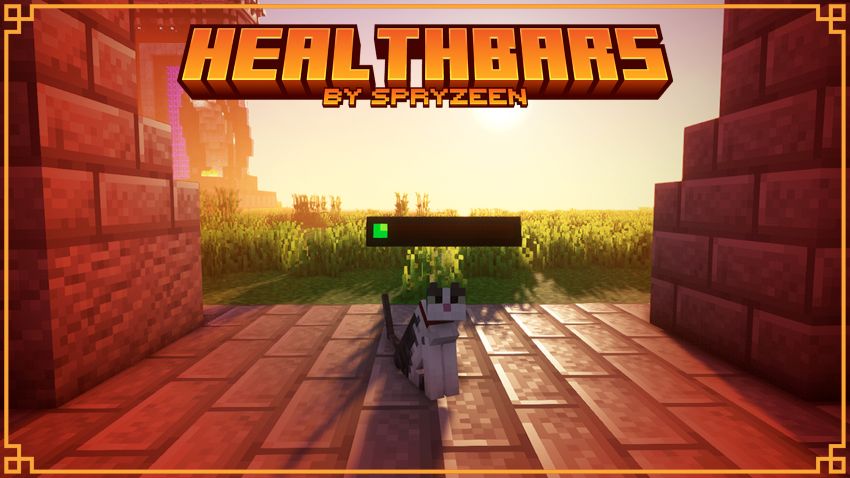
I’ve been testing Spryzeen’s Healthbars Resource Pack recently, and it’s one of those small quality-of-life packs that quickly becomes hard to play without. Instead of changing the entire look of Minecraft, it focuses on making combat and exploration easier by displaying health bars for mobs, which is especially useful during survival, boss fights, and multiplayer sessions. If you’re looking for a lightweight Spryzeen’s Healthbars Texture Pack, this one is definitely worth checking out.
One thing I like is that it keeps the vanilla style intact while adding useful visual information. You don’t have to learn a completely new interface, and the health bars blend naturally into the game without feeling distracting.
Spryzeen’s Healthbars Resource Pack Features
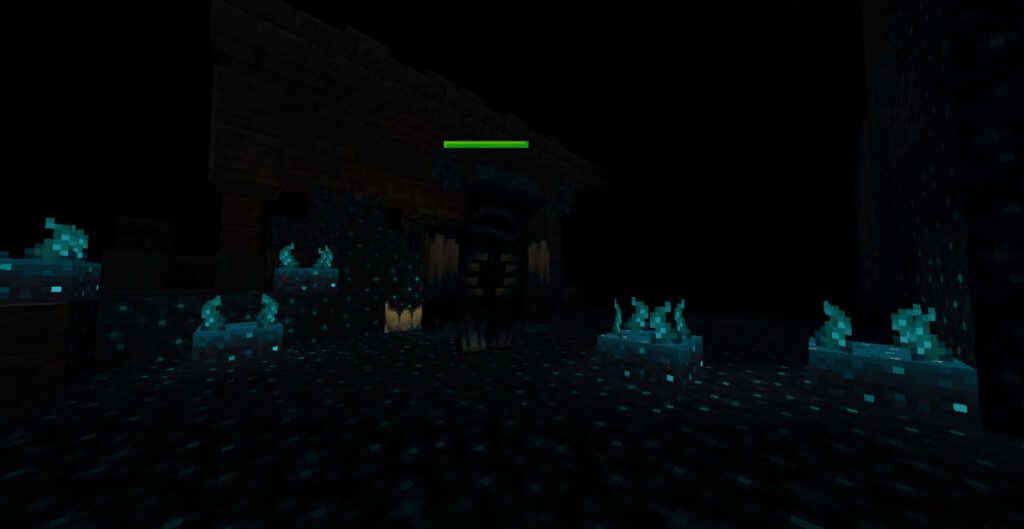
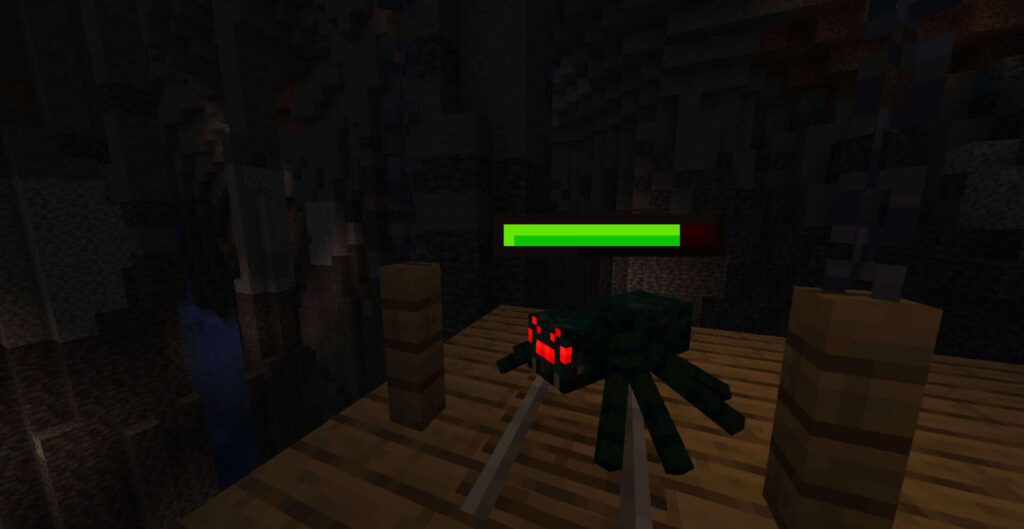
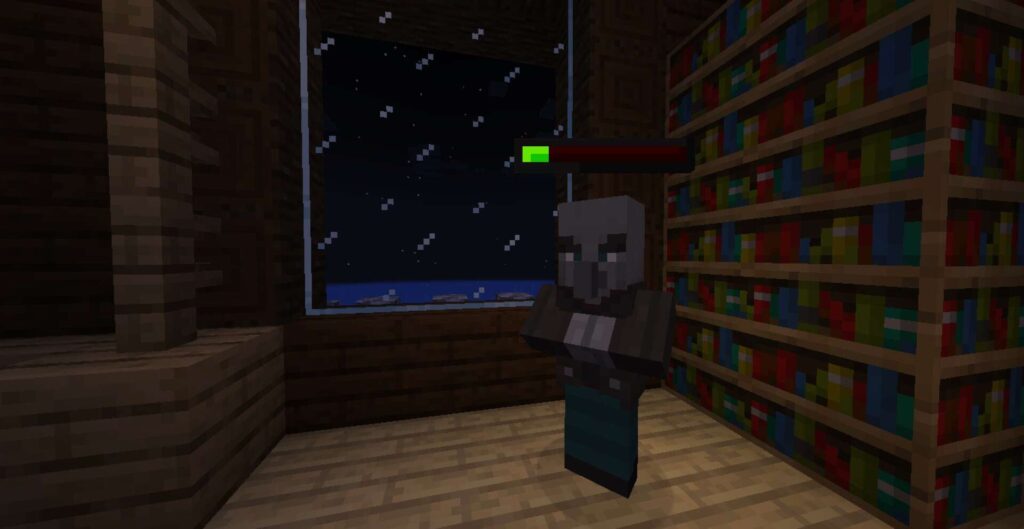
- Displays clear health bars above mobs for easier combat decisions.
- 16x resolution, making Spryzeen’s Healthbars Resource Pack lightweight and FPS-friendly.
- Excellent for PvP practice and PvE encounters where tracking enemy health matters.
- Great for Survival mode, especially when fighting multiple hostile mobs.
- Keeps the default Minecraft art style instead of introducing a cartoon or realistic overhaul.
- No custom sky included since the pack focuses on gameplay improvements.
- Doesn’t replace blocks or terrain textures, so world generation stays vanilla.
- Minimal GUI changes with the main focus on health indicators.
- Items and mobs remain familiar while becoming easier to manage during battles.
- Works well alongside many other visual resource packs because it changes very little outside of health displays.
Compatibility
Spryzeen’s Healthbars should be compatible with all of these Minecraft versions: 26.3 – 26.2 – 26.1.2 – 26.1.1 – 26.1 – 1.21.11 – 1.21.10 – 1.21.9 – 1.21.8 – 1.21.7 – 1.21.6 – 1.21.5 – 1.21.4 – 1.21.3 – 1.21.2 – 1.21.1 – 1.21 – 1.20.6 – 1.20.5 – 1.20.4 – 1.20.3 – 1.20.2 – 1.20.1 – 1.20 – 1.19.4 – 1.19.3 – 1.19.2 – 1.19.1 – 1.19 – 1.18.2 – 1.18.1 – 1.18 – 1.17.1 – 1.17 – 1.16.5 – 1.16.4 – 1.16.3 – 1.16.2 – 1.16.1 – 1.16
Spryzeen’s Healthbars – Screenshots
- OptiFine Required? No, although some features may work better depending on your setup.
- Fabric Supported? Yes, commonly used with Fabric-based installations.
- Forge Supported? Generally compatible for players using Forge.
- Iris Supported? Yes, and it pairs nicely with Iris if you’re also using shaders.
Performance
Because it’s only a 16x resource pack and doesn’t replace hundreds of textures, performance is excellent.
- Low-end PCs: Highly recommended. The lightweight design has little impact on FPS.
- Mid-range PCs: Runs smoothly while improving combat awareness.
- High-end PCs: Easy to combine with shader packs and additional visual enhancements.
If you enjoy survival worlds, hardcore mode, or multiplayer servers where knowing exactly how much health a mob has can make a difference, this pack adds useful information without changing Minecraft’s familiar appearance. It’s also a nice companion to larger visual packs since it doesn’t interfere with most texture overhauls.
Pros
- Very lightweight and FPS friendly.
- Health bars make combat easier to understand.
- Fits naturally with Minecraft’s vanilla look.
- Works well alongside many other resource packs.
- Great for survival, PvE, and PvP gameplay.
Cons
- Doesn’t improve blocks, items, or environmental textures.
- Players looking for a complete visual overhaul may find it too minimal.
- Some features may depend on your preferred loader or resource pack setup.
How to Install Spryzeen’s Healthbars Texture Pack (Simple 10 Steps)
- Download Optifine: Most of the texture packs and shaders need Optifine. That’s why, first download and install Optifine for the version of Minecraft you want to play.
- Download the Texture Pack: Get the texture pack you want from the download section. Choose the version that works with your Minecraft and your PC’s performance.
- Open Minecraft Launcher: 🚀 Start Minecraft using the official game launcher — or even TLauncher, if you use that.
- Go to Options: From the main menu, click on the “Options” button.
- Open Resource Packs: Inside Options, click on “Resource Packs…”.
- Open the Resource Pack Folder: Click on “Open Resource Pack Folder”— this will open a folder named “resourcepacks”.
- Move the Pack File: Copy or move the .zip file you downloaded into that “resourcepacks” folder. (Don’t unzip the file—Minecraft uses it as-is!)
- Go Back and Refresh: Close the folder and click “Done”, then go back into “Resource Packs…” again.
- Activate the Pack: You’ll see the pack on the left side. Hover over it and click the arrow to move it to the right (active side). Tip: If you get a message that the pack is for a different version, just click “”Yes”—it usually works fine.
- Click Done and Enjoy: Click “Done” again. Now your pack is ready to use in-game. It’s that easy!
Overall, Spryzeen’s Healthbars Resource Pack is more about improving gameplay than changing visuals. If you’ve been searching for a simple utility-focused Spryzeen’s Healthbars Texture Pack, this is a solid option that stays out of your way while making combat more informative.
Has anyone compared Spryzeen’s Healthbars Resource Pack with other health bar or HUD-focused packs? Or do you prefer keeping Minecraft completely vanilla? I’d be interested to hear which resource pack you currently use and whether you combine it with shaders or other QoL packs.
Download Link
Java Edition:
[16x] [26.3.x – 1.16.x] Download Spryzeen’s Healthbars Resource Pack
Download Instructions:
CurseForge: The download will start by itself after a few seconds.
Mediafire: Click the big blue “DOWNLOAD” button.
Google Drive: Click the small download icon (a down arrow) at the top-right corner to start the download.
Disclaimer
We are not the creators of any texture packs or shader packs shared on this site. All credit goes to the original authors. We do not edit or change any files in any way. Also, none of the downloads are hosted on our servers — we only provide official links shared by the original creators. That means all downloads are completely safe.
❗Note: Since we manually add the official links, so some may stop working after updates. If you find a broken link, tell us in the comments and we’ll fix it as soon as we can.
If you like a pack, please leave a comment and vote for it — this helps the creators improve their work. You can also support them directly through the links below the download section.