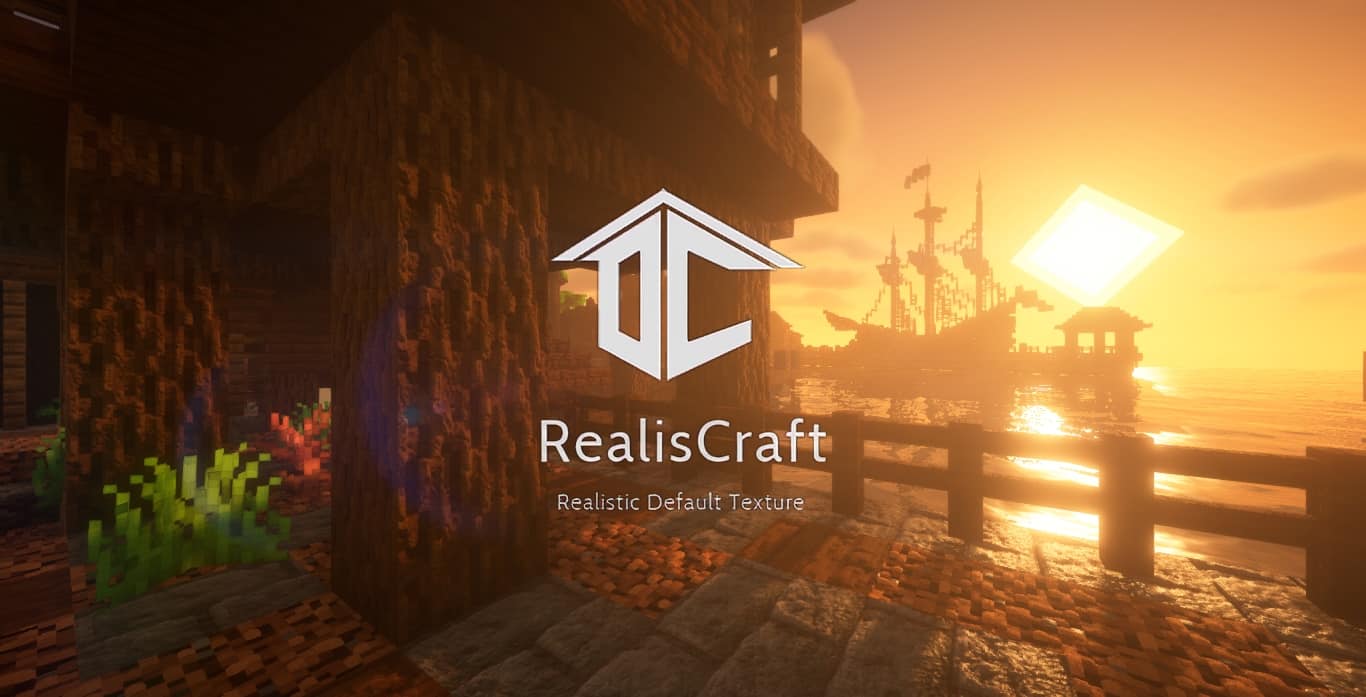
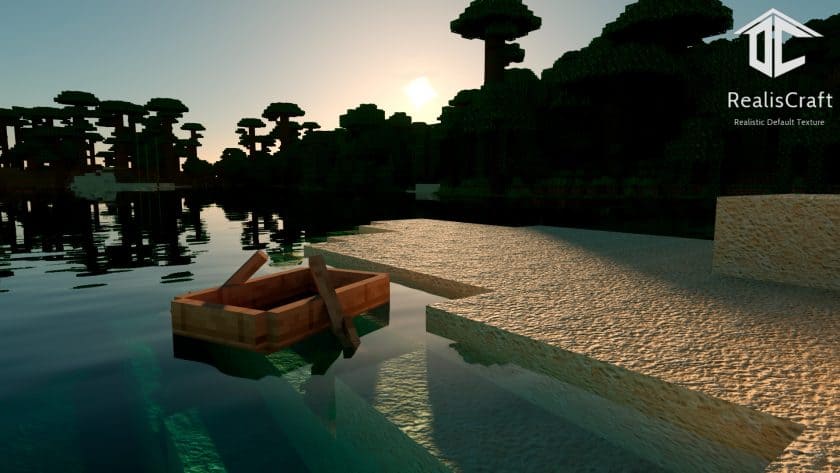
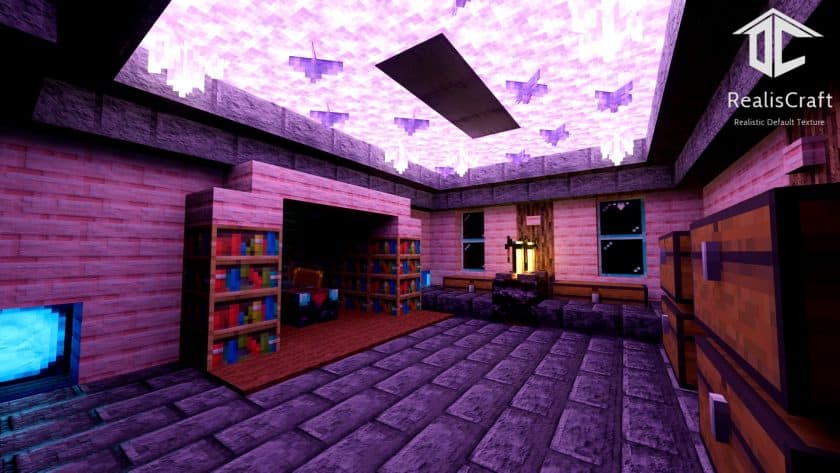
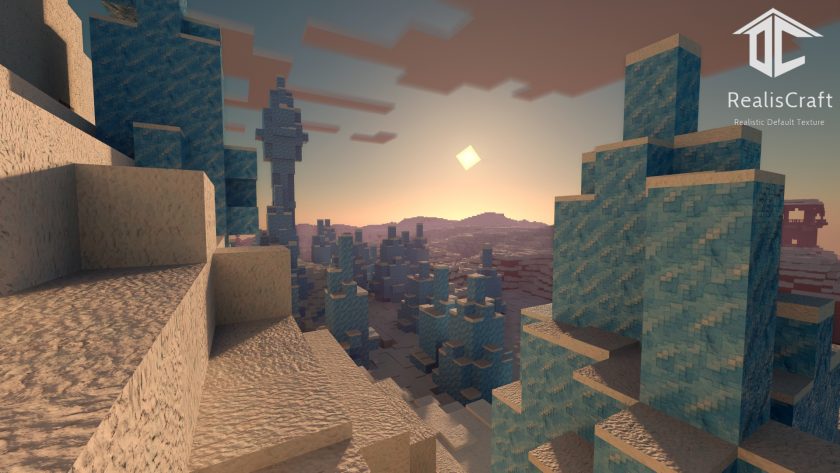
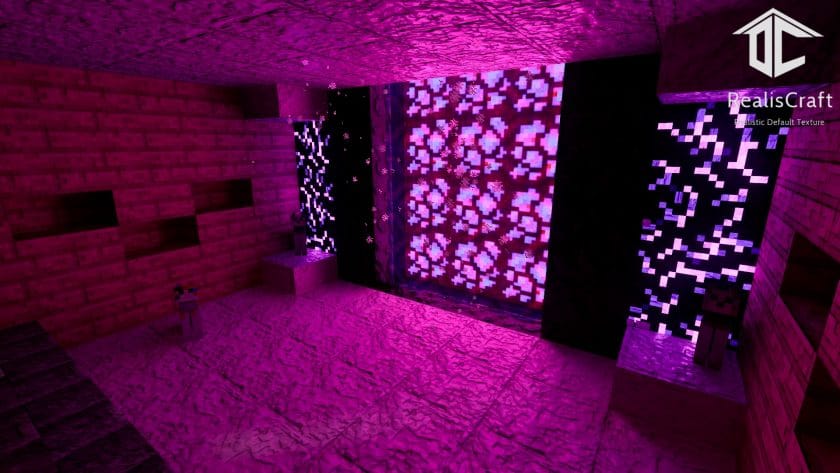
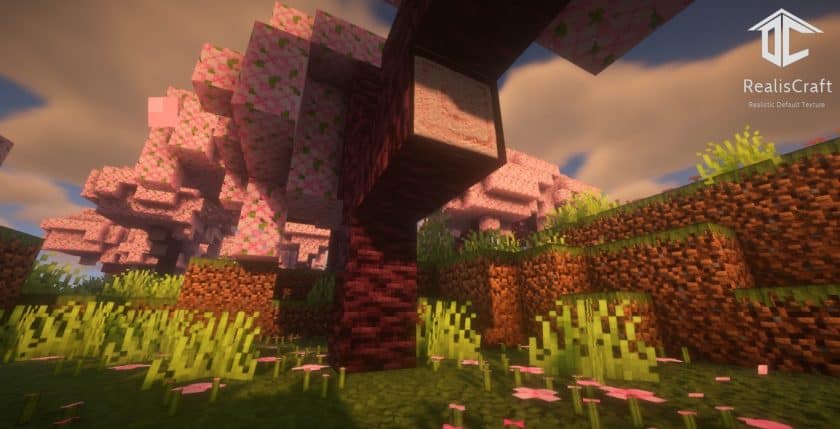
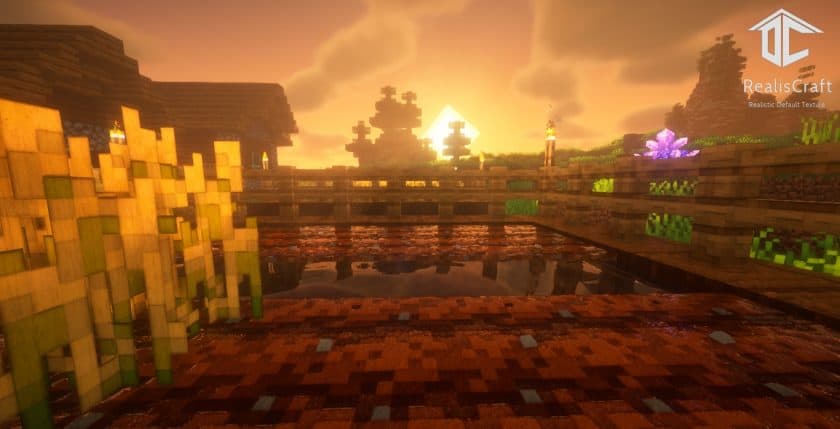
Ditch the realistic or vanilla-faithful texture choice. REALISCraft JE Resource Pack. Due to its July 2020 release, this bundle is likely unfamiliar to you. However, its heightened realism and cutting-edge mapping techniques have immediately garnered Minecraft community attention. You’ll notice RealisCraft’s unmatched attention to detail upon installation. This package’s best feature is its ideal blend of default textures with real-world components and implementations. One look at the grassy block will wow you. The grass growth levels are marked by tiny bumps. Block layouts are randomly created, so each is unique. In the ground under the grass, notches protrude from each block. All tree trunks contain odd bumps and abnormalities, making them remarkable and unique. Advanced mapping methods include Parallax Occlusion Mapping. This approach gives flat gaming surfaces the appearance of 3D. Simulating light-surface interactions adds realism. The effect is most noticeable on deep blocks like doors and lanterns. The pumpkin appears hollowed out, and you can nearly see inside. You won’t find this novel feature in most packs. You probably dislike rain like most Minecrafters. This unpleasant weather phenomenon is completely revamped with RealisCraft JE. New water drops and animations look better and simulate rain better. The region in front of the player is fairly clear, but the remainder seems like a rain screen.
This pack’s realistic feel comes from it being hard to tell what’s around you. Physically based rendering, another advanced mapping technique, creates these realistic situations. It models real-world light flow to create more realistic and accurate computer visuals of materials and settings. Thus, Minecraft materials are depicted more precisely, and light reflections from diverse surfaces have appropriate qualities. The game does not support this functionality, thus the package implements it. RealisCraft JE has a unique payment arrangement. Demo versions are free to download and use, but with limitations. The resolution is 128×128, only block-changing textures are included, and Subsurface Scattering and other mapping techniques that add realism are not supported. The commercial edition costs $1.7–$4.7 and includes 256x, 512x, 1024x, or 2048x resource packs. You must pay this monthly to get the latest updates. The developer charges for the full version to offset costs and effort. It makes sense given the amazing features. RealisCraft JE requires a strong computer to work smoothly. Shaders boost the game’s appearance in most screenshots and reviews. For those experiencing FPS issues, the 128×128 demo may be sufficient for their PC. Only Minecraft Java Edition is available, as the name implies. Recently, RealisCraft JE has been upgraded to include compatibility for Minecraft Bedrock and a new 4096×4096 version. Its creative nature and amazing textures make it worth trying.
RealisCraft is compatible with all of the following Minecraft versions: 26.3 – 26.2 – 26.1.2 – 26.1.1 – 26.1 – 1.21.11 – 1.21.10 – 1.21.9 – 1.21.8 – 1.21.7 – 1.21.6 – 1.21.5 – 1.21.4 – 1.21.3 – 1.21.2 – 1.21.1 – 1.21 – 1.20.6 – 1.20.5 – 1.20.4 – 1.20.3 – 1.20.2 – 1.20.1 – 1.20 – 1.19.4 – 1.19.3 – 1.19.2 – 1.19.1 – 1.19 – Bedrock Edition – PE
RealisCraft — Screenshots
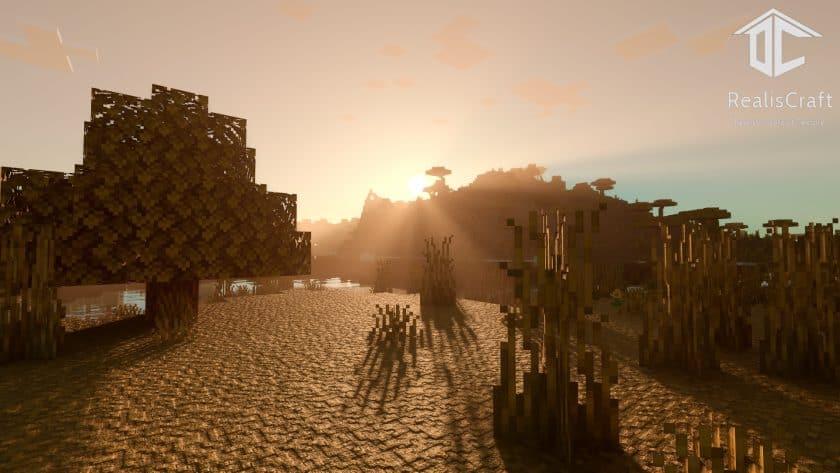
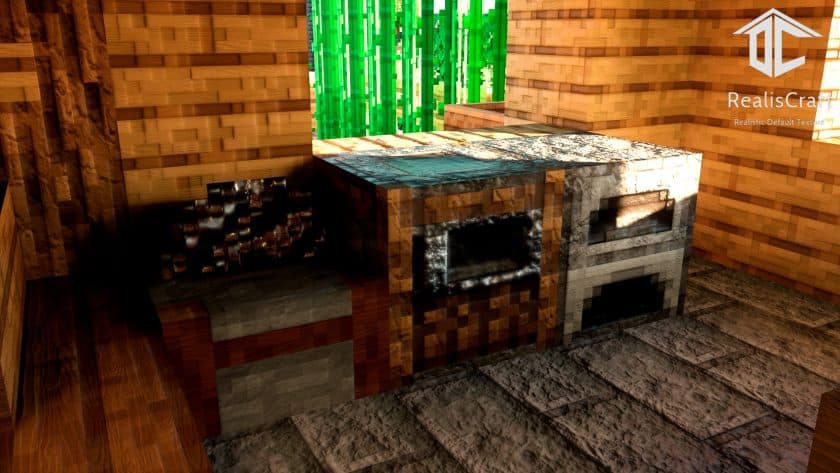
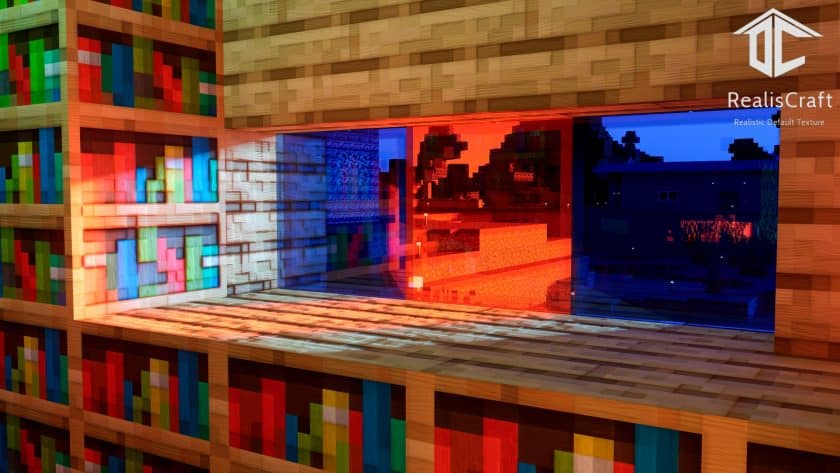
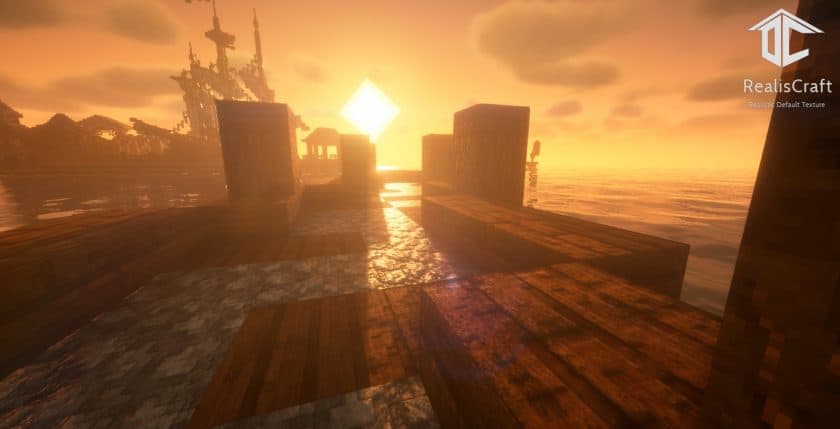
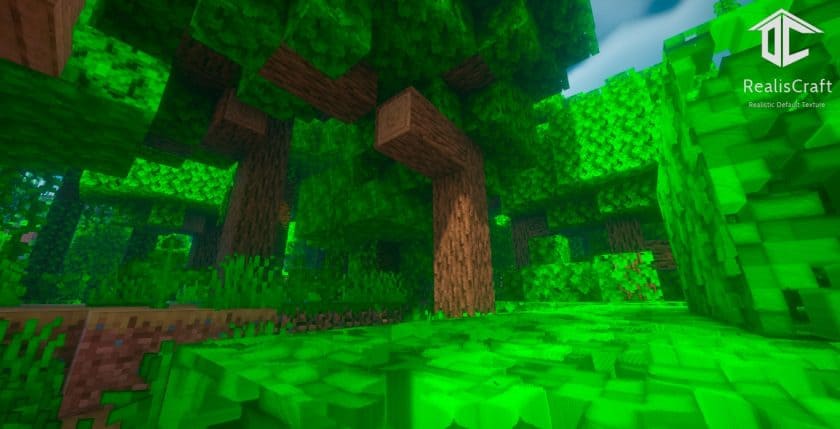
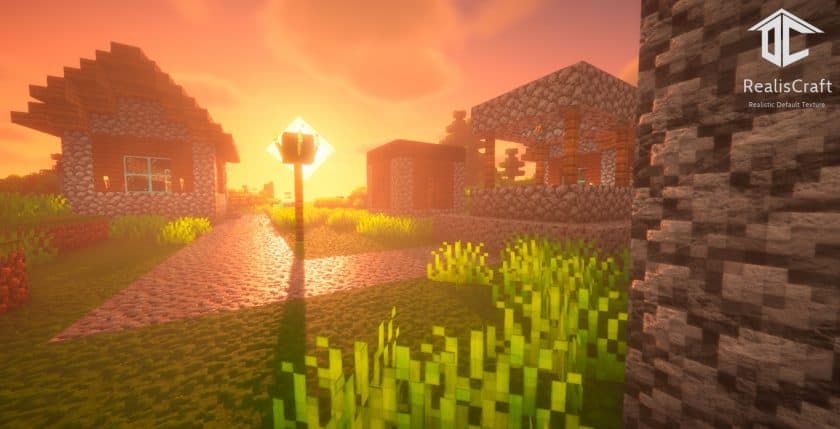
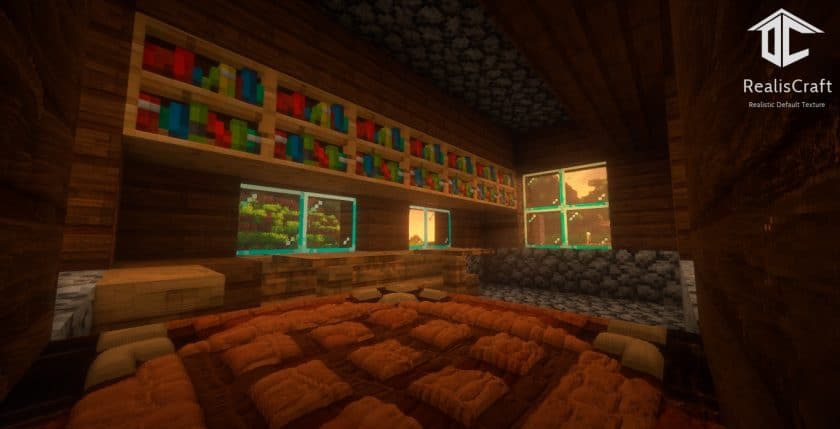
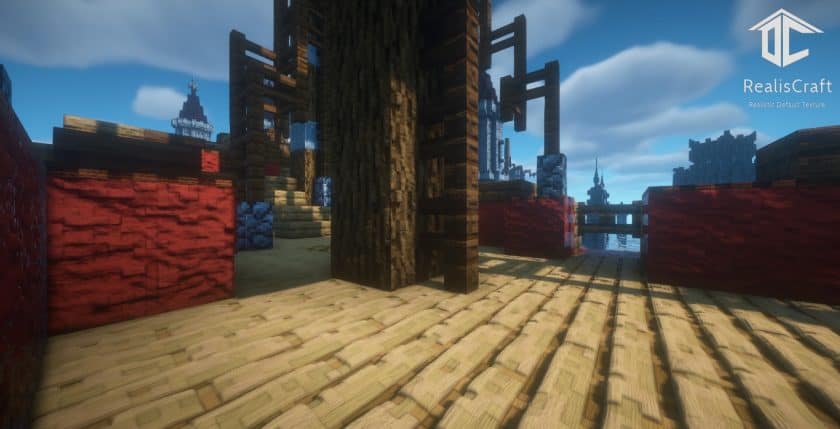
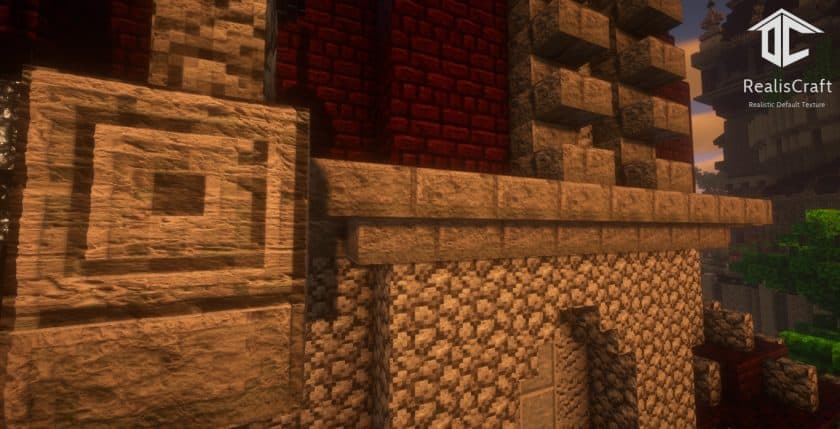
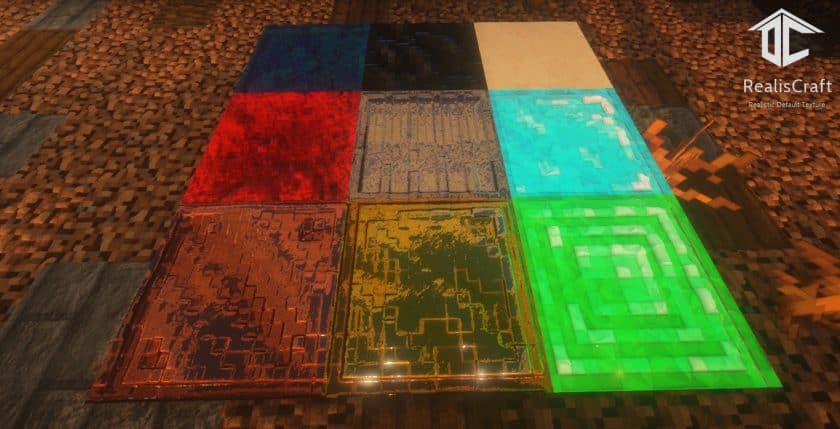
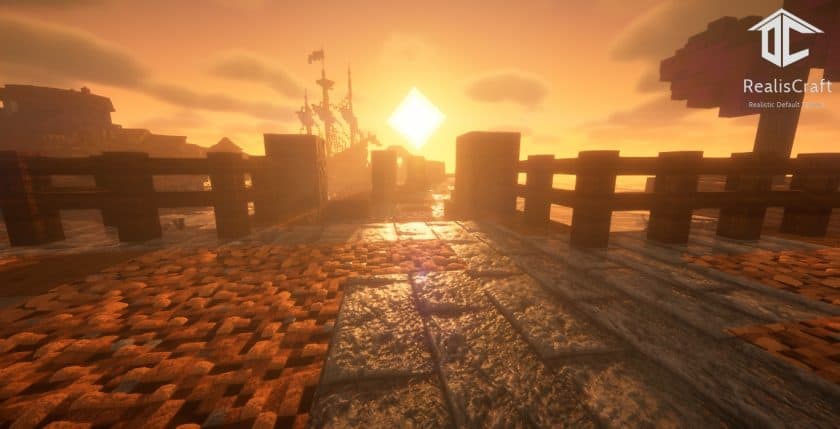
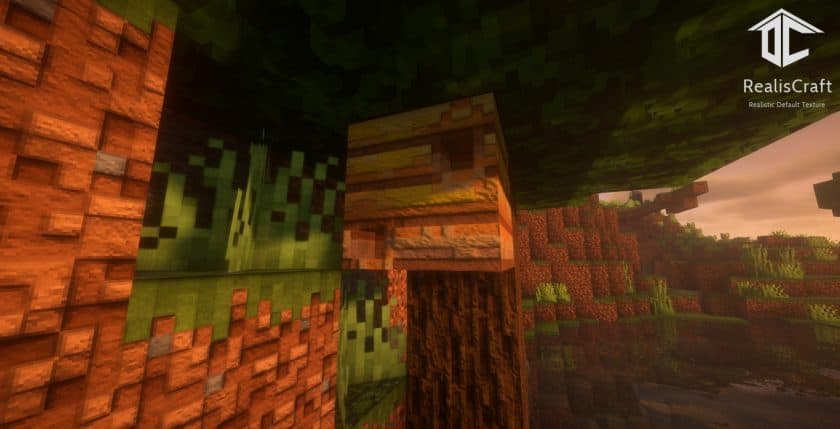
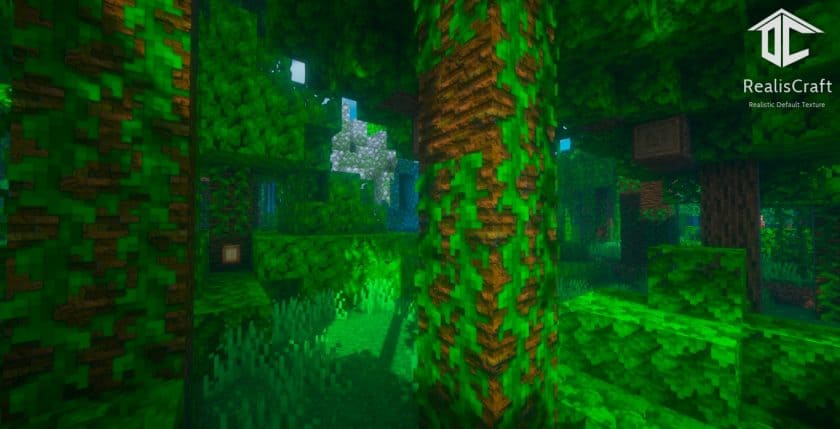
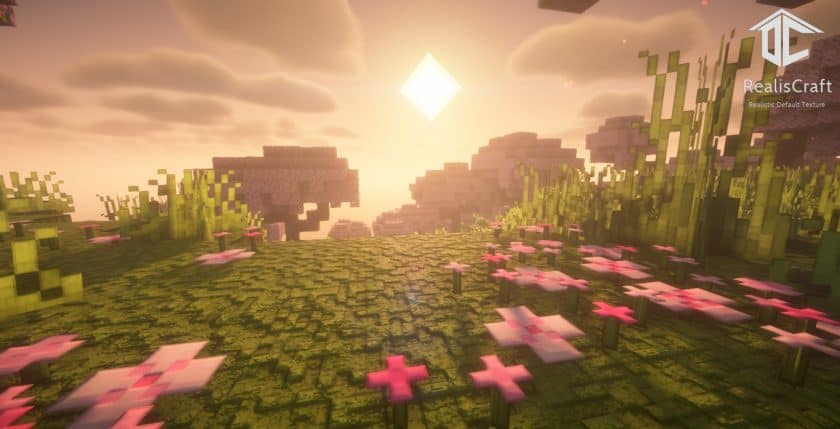
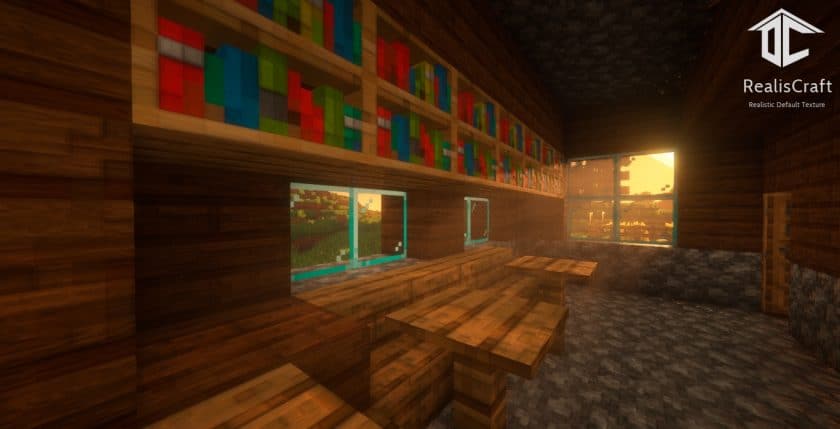
How to install RealisCraft Resource Pack:
- Download Optifine: Most of the texture packs and shaders need Optifine. That’s why, first download and install Optifine for the version of Minecraft you want to play.
- Download the Texture Pack: Get the texture pack you want from the download section. Choose the version that works with your Minecraft and your PC’s performance.
- Open Minecraft Launcher: 🚀 Start Minecraft using the official game launcher — or even TLauncher, if you use that.
- Go to Options: From the main menu, click on the “Options” button.
- Open Resource Packs: Inside Options, click on “Resource Packs…”.
- Open the Resource Pack Folder: Click on “Open Resource Pack Folder”— this will open a folder named “resourcepacks.”
- Move the Pack File: Copy or move the .zip file you downloaded into that “resourcepacks” folder. (Don’t unzip the file—Minecraft uses it as-is!)
- Go Back and Refresh: Close the folder and click “Done”, then go back into “Resource Packs…” again.
- Activate the Pack: You’ll see the pack on the left side. Hover over it and click the arrow to move it to the right (active side).
- Tip: If you get a message that the pack is for a different version, just click “”Yes”—it usually works fine.
- Click Done and Enjoy: Click “Done” again. Now your pack is ready to use in-game. It’s that easy!
List of changes:
- To achieve the same look as shown in the screenshots, you need to install the shader pack.
- RealisCraft JE currently only supports LabPBR, oldPBR support coming soon.
- To use RealisCraft, you need a high performance computer. It is recommended to try the demo version before upgrading to the full version.
- The plan is to release a 4096 x 4096 resolution, and Bedrock versions are in the works.
RealisCraft texture pack download
DOWNLOAD LINKS
Bedrock Edition:
[128x] [26.x – 1.18.x] [RTX] Download RealisCraft BE RealisCraft Resource Pack – absolutely free;
[128x] [26.x – 1.21.x] [Vibrant Visuals] Download RealisCraft BE Resource Pack – absolutely free;
[256x] [26.x – 1.19.x] Download RealisCraft BE Resource Pack – paid pack;
[512x] [26.x – 1.19.x] Download RealisCraft BE Resource Pack – paid pack;
[1024x] [26.x – 1.19.x] Download RealisCraft BE Resource Pack – paid pack;
[2048x] [26.x – 1.19.x] Download RealisCraft BE Resource Pack – paid pack;
Java Edition:
[128x] [26.3.x – 1.12.x] Download RealisCraft JE Resource Pack – absolutely free;
[256x] [26.3.x – 1.12.x] Download RealisCraft JE Resource Pack – paid pack;
[512x] [26.3.x – 1.12.x] Download RealisCraft JE Resource Pack – paid pack;
[1024x] [26.3.x – 1.12.x] Download RealisCraft JE Resource Pack – paid pack;
[2048x] [26.3.x – 1.12.x] Download RealisCraft JE Resource Pack – paid pack;
Download Instructions:
CurseForge: The download will start by itself after a few seconds.
Mediafire: Click the big blue “DOWNLOAD” button.
Google Drive: Click the small download icon (a down arrow) at the top-right corner to start the download.
Disclaimer
We are not the creators of any texture packs or shader packs shared on this site. All credit goes to the original authors. We do not edit or change any files in any way. Also, none of the downloads are hosted on our servers — we only provide official links shared by the original creators. That means all downloads are completely safe.
❗Note: Since we manually add the official links, so some may stop working after updates. If you find a broken link, tell us in the comments and we’ll fix it as soon as we can.
If you like a pack, please leave a comment and vote for it — this helps the creators improve their work. You can also support them directly through the links below the download section.