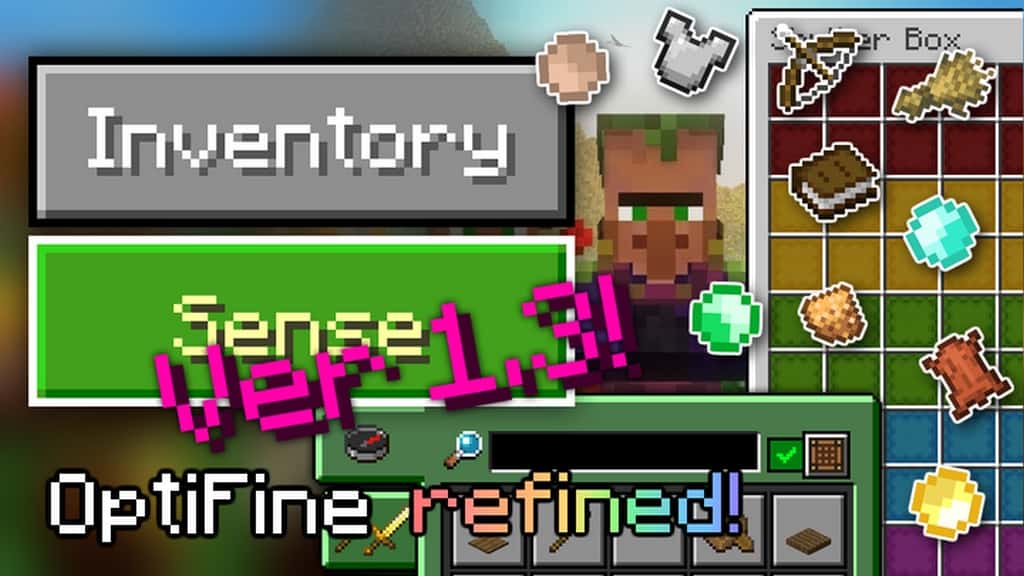
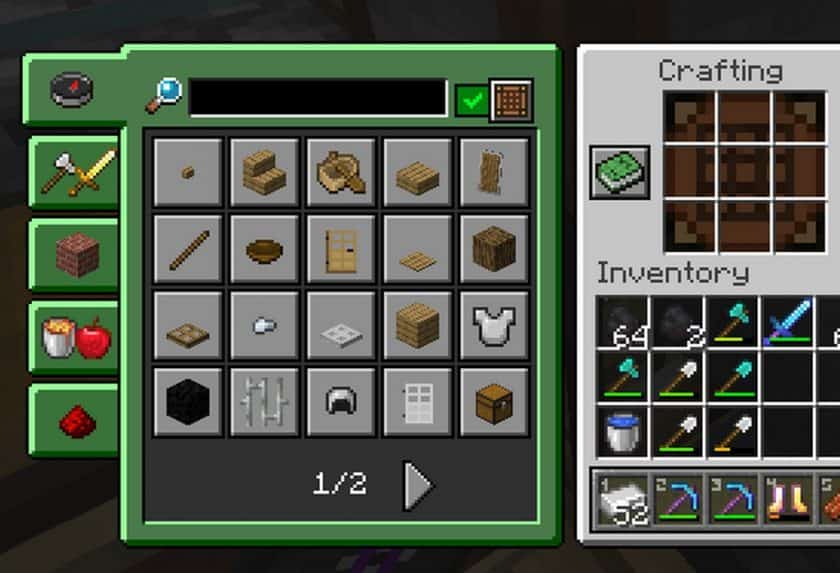
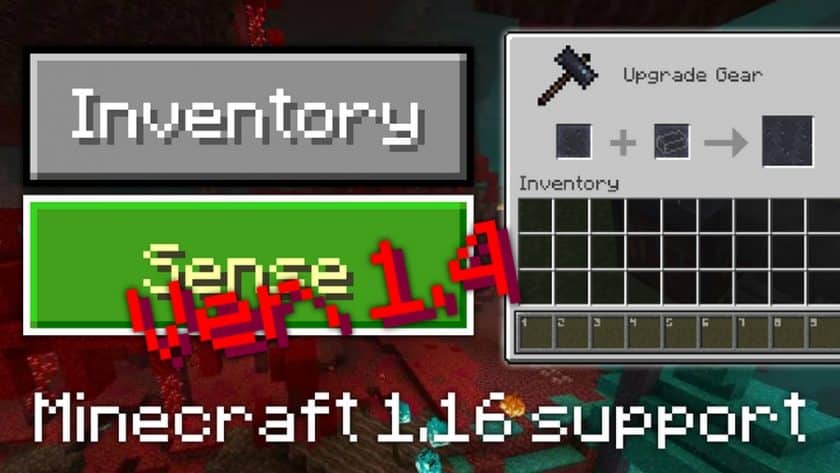
After using the InventorySense UI Resource Pack, I found that its biggest strength is how much cleaner the Minecraft interface feels without trying to completely redesign it. This is not the kind of pack that changes the entire visual identity of the game. Instead, it focuses almost entirely on the GUI and makes a series of small but useful improvements. The menus feel more organized, the overall design is more consistent, and the interface looks noticeably more polished than the default Minecraft UI. If you’ve spent a lot of time playing survival or managing large inventories, these little changes become surprisingly easy to appreciate.
One of the details I liked most is the improved hotbar layout, including the numbers displayed more clearly across the slots. The text fields also have a darker appearance, which makes certain interface elements easier to distinguish and gives the whole GUI a cleaner look. Everything follows the same visual style, so the changes don’t feel like random additions. After playing with it for a while, going back to the default interface can actually make it feel a little less refined. It’s a simple pack, but it focuses on the parts of Minecraft that you interact with constantly, which makes the improvements more noticeable during normal gameplay.
The InventorySense UI pack uses a 16×16 resolution and only changes the user interface rather than replacing Minecraft’s main block and item textures. Because of that, it is extremely lightweight and shouldn’t have any meaningful impact on FPS on hardware that already handles vanilla Minecraft comfortably. That’s one of the reasons I would recommend it to players who want a cleaner interface without installing a heavy visual overhaul. If you’re happy with Minecraft’s normal graphics but feel that the menus, hotbar, and inventory could use some refinement, InventorySense UI is a simple upgrade that fits naturally into the game.
InventorySense User Interface — Screenshots
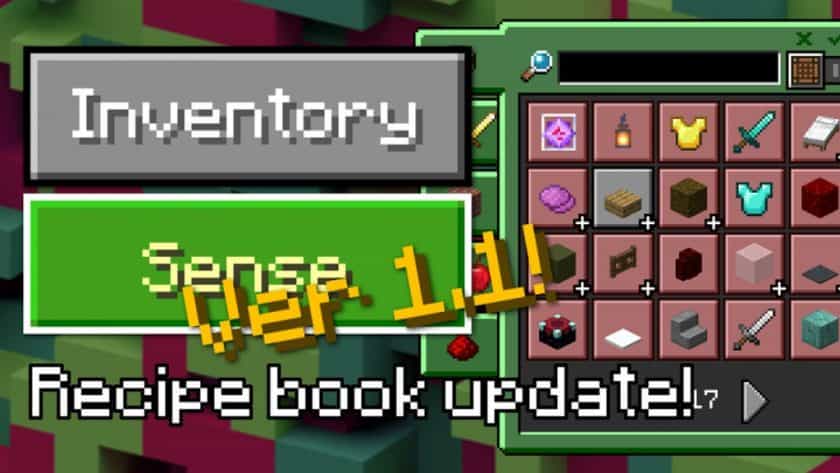
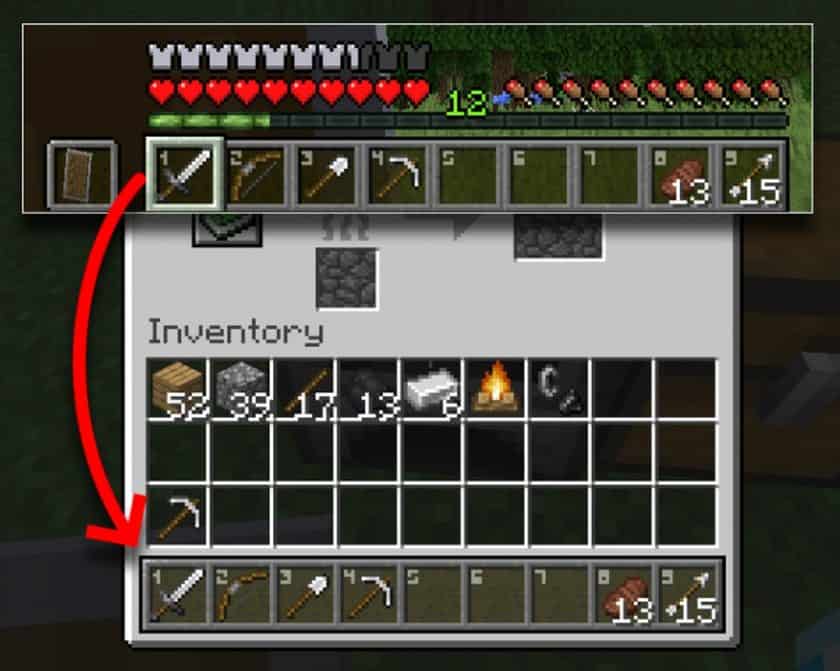
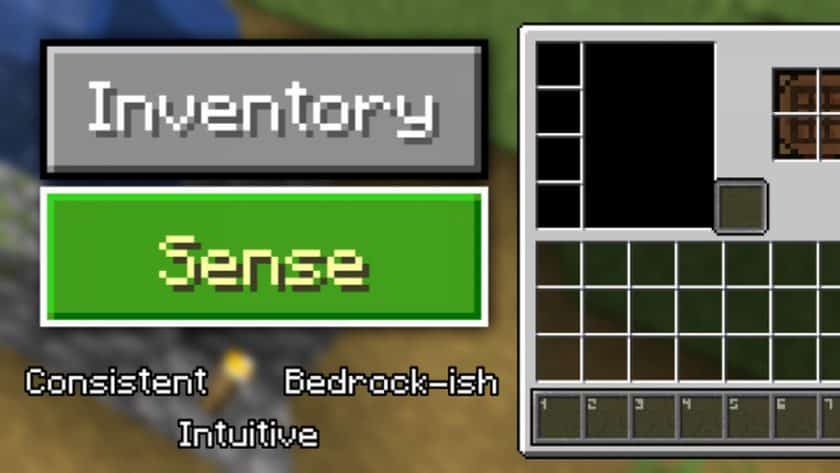
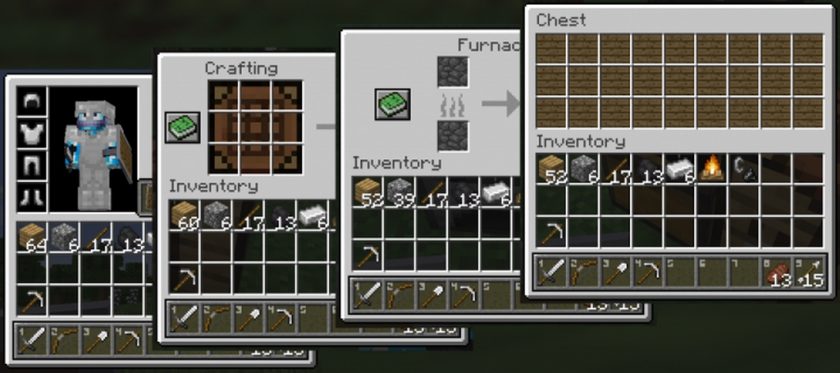
How to Install InventorySense UI Resource Pack (Simple 10 Steps)
- Download Optifine: Most of the texture packs and shaders need Optifine. That’s why, first download and install Optifine for the version of Minecraft you want to play.
- Download the Texture Pack: Get the texture pack you want from the download section. Choose the version that works with your Minecraft and your PC’s performance.
- Open Minecraft Launcher: Start Minecraft using the official game launcher — or even TLauncher, if you use that.
- Go to Options: From the main menu, click on the “Options” button.
- Open Resource Packs: Inside Options, click on “Resource Packs…”.
- Open the Resource Pack Folder: Click on “Open Resource Pack Folder”— this will open a folder named “resourcepacks”.
- Move the Pack File: Copy or move the .zip file you downloaded into that “resourcepacks” folder. (Don’t unzip the file—Minecraft uses it as-is!)
- Go Back and Refresh: Close the folder and click “Done”, then go back into “Resource Packs…” again.
- Activate the Pack: You’ll see the pack on the left side. Hover over it and click the ➡️ arrow to move it to the right (active side). Tip: If you get a message that the pack is for a different version, just click “”Yes”—it usually works fine.
- Click Done and Enjoy: Click “Done” again. Now your pack is ready to use in-game. It’s that easy!
InventorySense UI Resource Pack Download
Note: This texture pack needs Optifine or Iris to work on Java Edition. It won’t work without it.
We are not the creators of any texture packs or shader packs shared on this site. All credit goes to the original authors. We do not edit or change any files in any way. Also, none of the downloads are hosted on our servers — we only provide official links shared by the original creators. That means all downloads are completely safe.
❗Note: Since we manually add the official links, so some may stop working after updates. If you find a broken link, tell us in the comments and we’ll fix it as soon as we can.
If you like a pack, please leave a comment and vote for it — this helps the creators improve their work. You can also support them directly through the links below the download section.