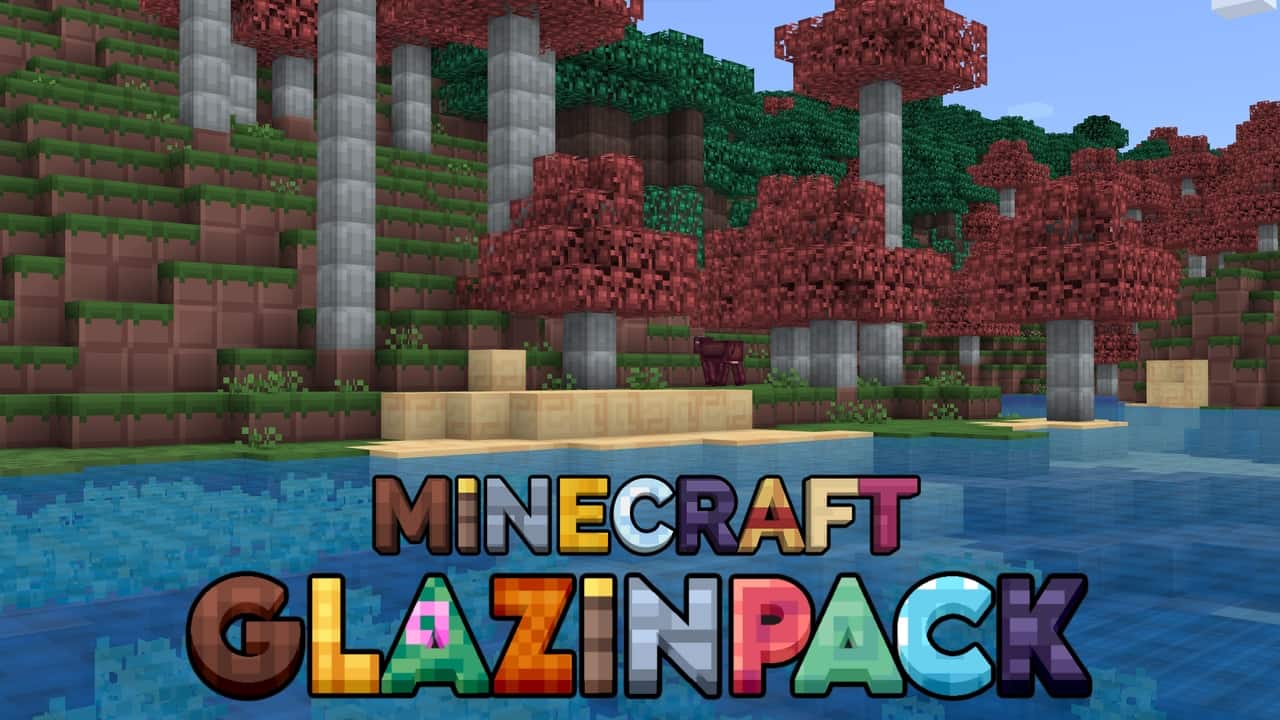
The Glazin Texture Pack takes a refreshingly simple approach to improving Minecraft. Instead of adding high-resolution textures, realistic details, or complicated visual effects, it focuses on making the game cleaner and easier to read. The pack uses an 8×8 resolution, which gives the world a noticeably lighter and less cluttered appearance while still keeping the familiar vanilla style. Colors and textures have been adjusted to make important blocks easier to identify, especially when you’re exploring darker areas or trying to spot resources from a distance. It may not be the most visually complex pack out there, but that’s exactly what makes Glazin appealing to players who prefer a clean and straightforward Minecraft experience.
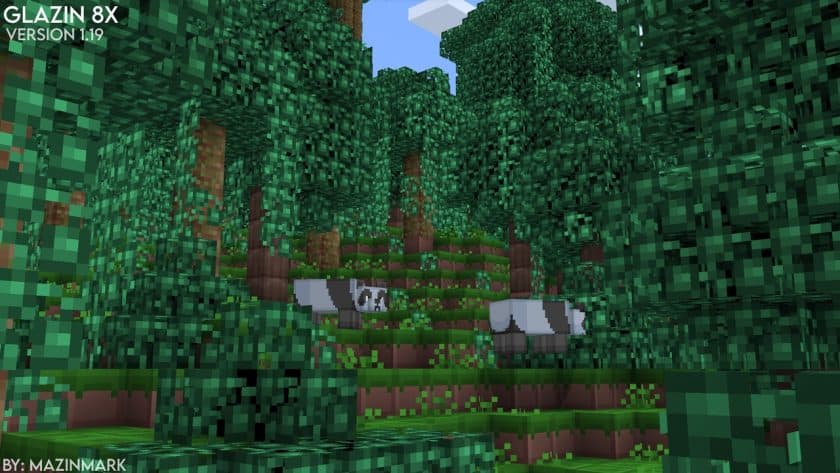
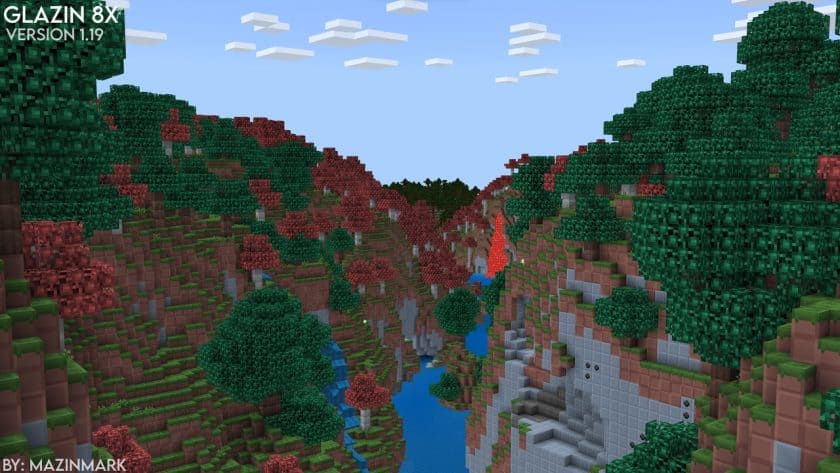
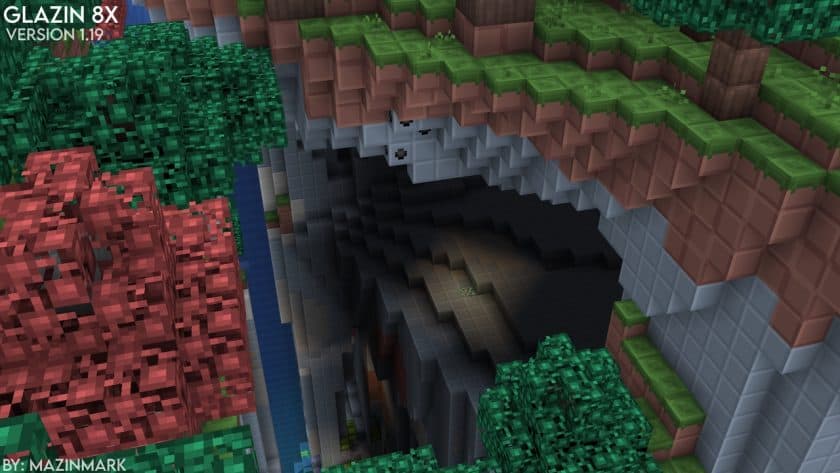
The pack was originally created by MazinMark as a hobby project and gained attention after its release in 2021. What I like about Glazin is that it doesn’t simply make everything look blurry because of the lower resolution. The textures have been carefully recolored and simplified, with certain blocks receiving stronger visual contrast so they remain recognizable even when you’re moving quickly through the world. There is very little unnecessary texture noise, which makes large builds and natural environments easier on the eyes. Items and important blocks also stand out better in crowded areas, something I found particularly useful while mining or exploring caves. It still looks like Minecraft, but the overall presentation feels lighter and more organized.
Performance is where Glazin 8x really makes the most sense. Because the textures are only 8×8, the pack is extremely lightweight and should run comfortably on almost any computer or device capable of running Minecraft. Players using older hardware or struggling with FPS can benefit from the reduced texture workload, although the exact performance improvement will naturally depend on the rest of the system. The low resolution also makes Glazin a practical option for multiplayer and PvP, where stable frame rates and clear visuals are often more important than detailed textures. I wouldn’t recommend it if you’re looking for realism or elaborate artwork, but that’s not what this pack is trying to achieve.
What makes Glazin Resource Pack worth trying is its balance between simplicity and usability. It doesn’t completely redesign Minecraft or introduce visual features that distract from gameplay. Instead, it removes some of the visual clutter, improves color clarity, and keeps the game running smoothly. If you’ve been playing on a low-end PC, want a lightweight pack for PvP, or simply prefer a cleaner version of vanilla Minecraft, Glazin is a surprisingly good choice. The best way to judge it is to switch between vanilla and Glazin in the same world—you’ll immediately notice how much cleaner and lighter the game feels.
Glazin is compatible with all of the following Minecraft versions: 1.21.10 – 1.21.9 – 1.21.8 – 1.21.7 – 1.21.6 – 1.21.5 – 1.21.4 – 1.21.3 – 1.21.2 – 1.21.1 – 1.21 – 1.19.4 – 1.19.3 – 1.19.2 – 1.19.1 – 1.19 – 1.18.2 – 1.18.1 – 1.18 – 1.12.2 – 1.12 – 1.8.9 – 1.8.8 – 1.8.1 – 1.8.6 – 1.8 – Bedrock Edition – PE
Glazin — Screenshots
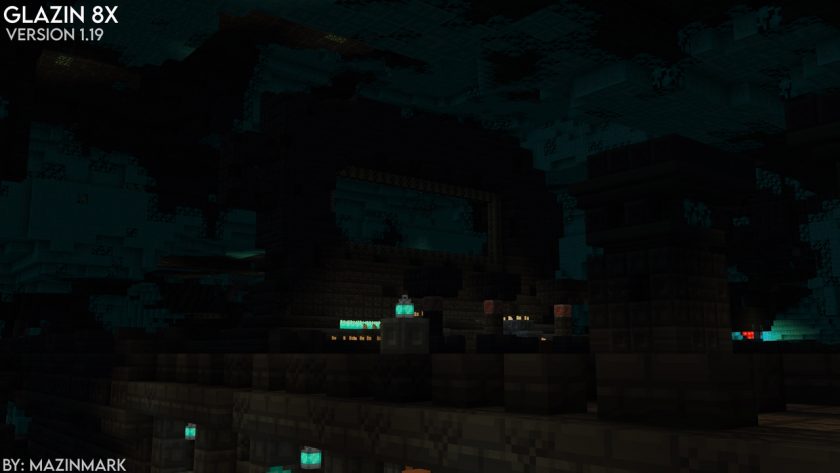
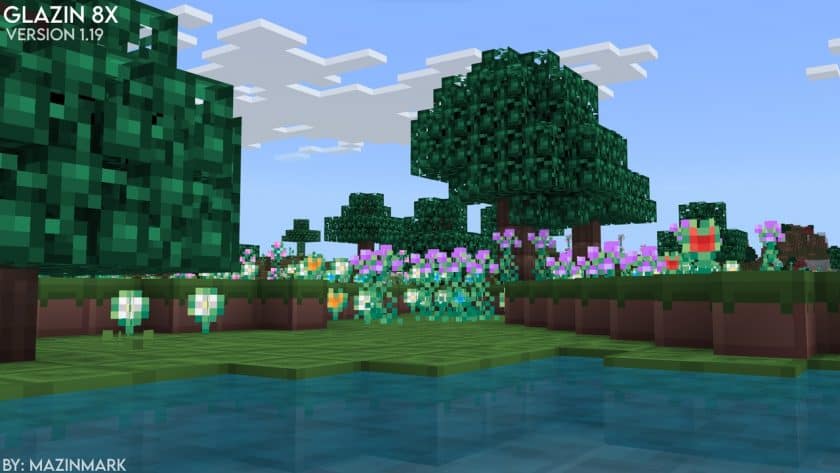
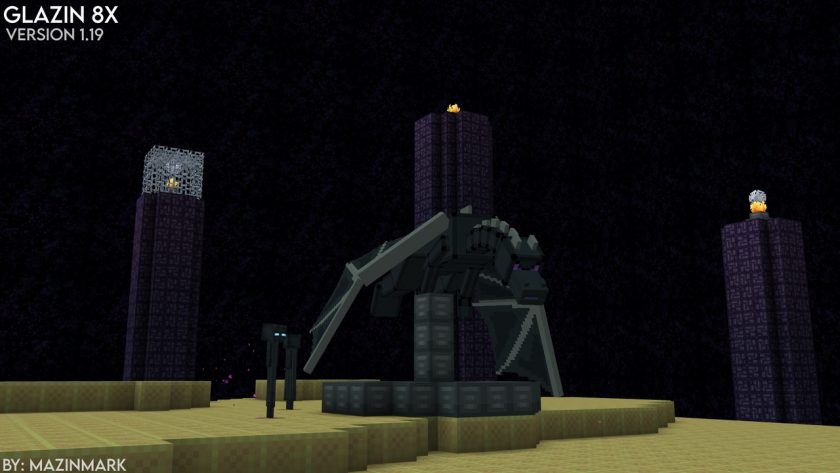
How to install Glazin Resource Pack:
- Most source packages require Optifine, so be sure to download and install it. – a general recommended step for all packages, Optifine is also needed for most shaders
- Download the Glazin texture pack for Minecraft from the download section below. – if there are many different versions, just choose the one you like, is compatible with your version/edition of minecraft that you think your computer can handle in terms of performance.
- Launch the game client via the Minecraft launcher.
- Click “Options” in the main menu.
- Click on “Resource Packs…” from the options menu.
- Click “Open Resource Pack Folder”. – a folder named “resourcepacks” will appear.
- Move the .zip file you downloaded in the first step into the newly opened “resourcepacks” folder.
- Click “Done”.
- Click on “Resource Pack…” again.
- Your package should appear in the left window, just hover over it and click on the arrow pointing to the right.
QUICK TIP: Sometimes when activating a pack, the game may say that the pack is made for a newer or older version of Minecraft. This is just a warning, it doesn’t affect your game in any way and you can still activate and enjoy the pack by just clicking “Yes” when prompted.
- Click “Done” again.
- The package has now been successfully loaded and is ready to use in your world!
- We never modify or modify resource packs in any way. None of the resource packs, shader mods or tools you see on this site are hosted on our servers. We only use official download links provided by official authors. Therefore, they are completely safe.
- Since the links are official and we update them manually – the links may stop working with each new update. We try to update the links as fast as possible and usually we update everything on time and users don’t have any problems, but if suddenly any link stops working – let us know through comments below.
- Don’t forget to leave a comment below and vote for the pack. In this way, you will help the authors to constantly improve the project. If you want to support the author(s), be sure to check the author links right below the download links.
Glazin Texture Pack download
Bedrock Edition:
Get Glazin for Bedrock Edition here – Glazin is available on the Marketplace for 490 Minecoins.
Java Edition:
[8x] [1.21.x] Download Glazin Resource Pack
[8x] [1.19.x – 1.18.x] Download Glazin Resource Pack
[8x] [1.12.x] Download Glazin Resource Pack
[8x] [1.8.x] Download Glazin Resource Pack
[8x] [1.4.x] Download Glazin Resource Pack
Download Instructions:
CurseForge: The download will start by itself after a few seconds.
Mediafire: Click the big blue “DOWNLOAD” button.
Google Drive: Click the small download icon (a down arrow) at the top-right corner to start the download.
Disclaimer
We are not the creators of any texture packs or shader packs shared on this site. All credit goes to the original authors. We do not edit or change any files in any way. Also, none of the downloads are hosted on our servers — we only provide official links shared by the original creators. That means all downloads are completely safe.
❗Note: Since we manually add the official links, so some may stop working after updates. If you find a broken link, tell us in the comments and we’ll fix it as soon as we can.
If you like a pack, please leave a comment and vote for it — this helps the creators improve their work. You can also support them directly through the links below the download sectio