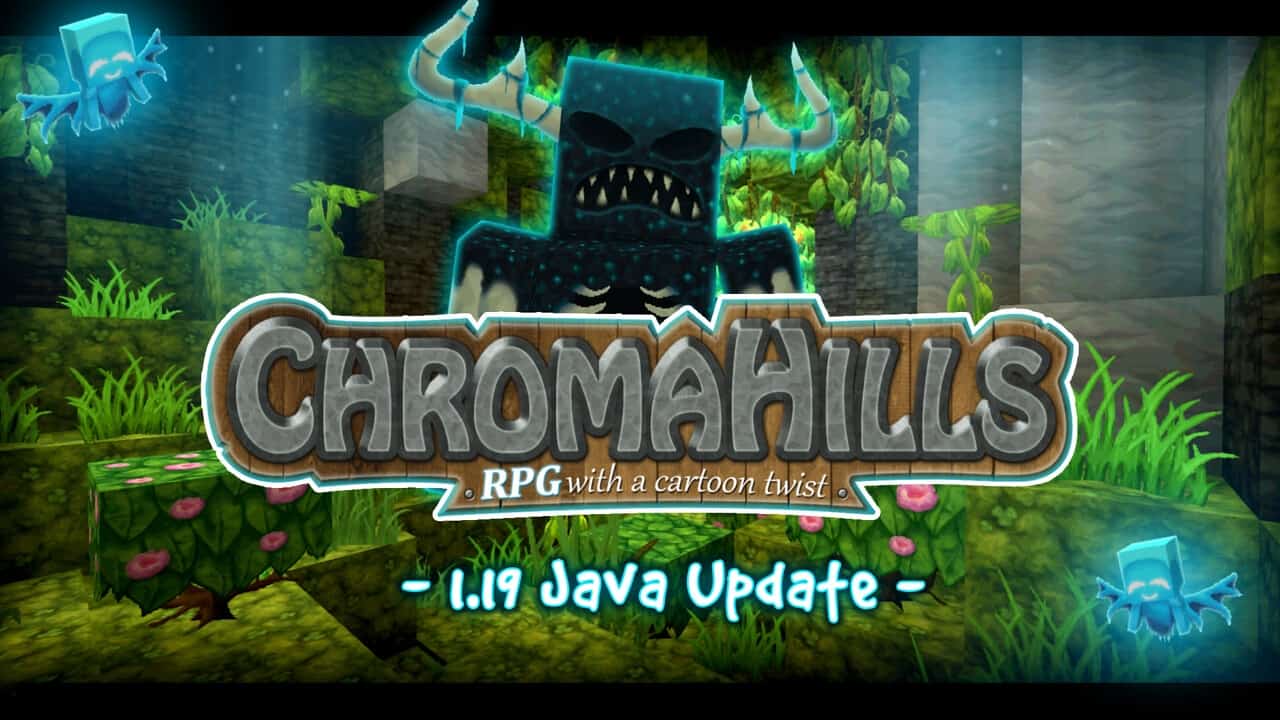
If you’re looking for a Minecraft pack that feels like a proper fantasy RPG without turning the game into something unrecognizable, Chroma Hills Resource Pack is one of the first packs I’d recommend trying. I’ve always liked resource packs that have a strong artistic identity, and Chroma Hills definitely has one. Instead of going for photorealistic textures, it uses a colorful, slightly cartoonish style with a strong medieval influence. The pack has been around since 2012, which is impressive on its own, but what makes it even more interesting is that it has continued to receive updates while many older Minecraft packs have disappeared. The work of developer SycloneSJS (Simon) is easy to appreciate once you start exploring because the pack feels carefully designed rather than simply being a collection of replacement textures.
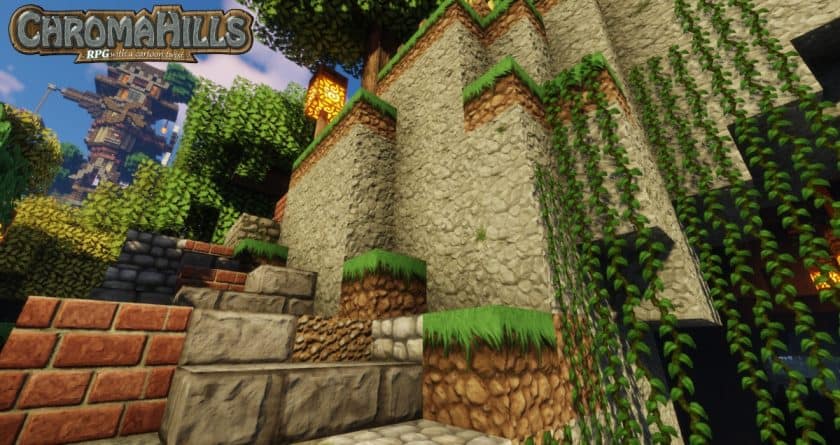
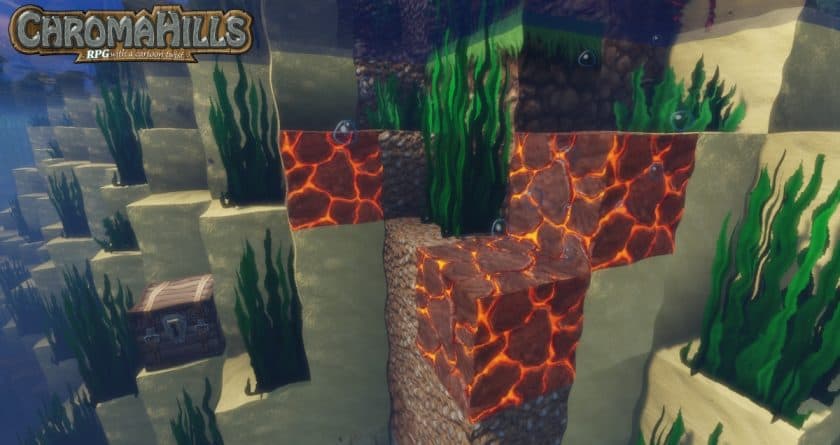
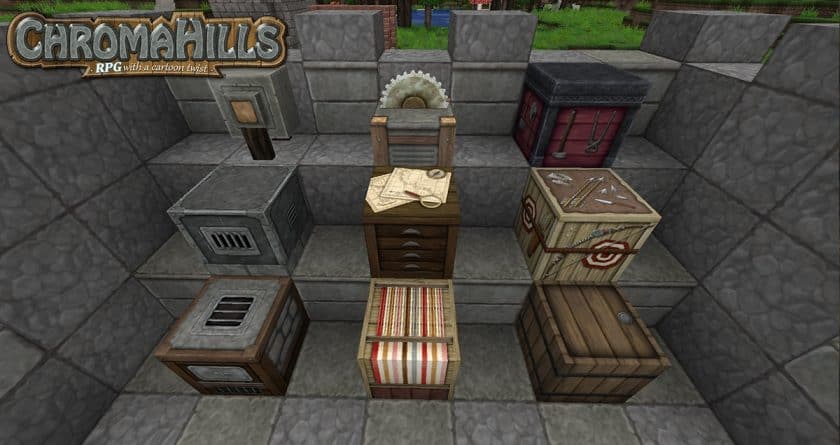
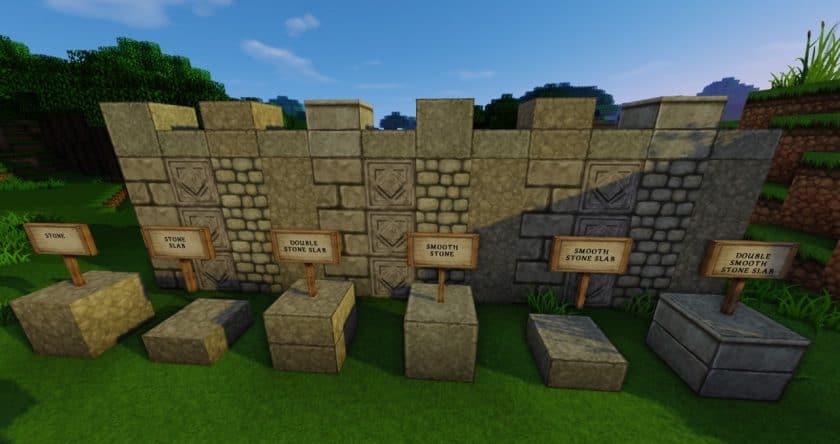
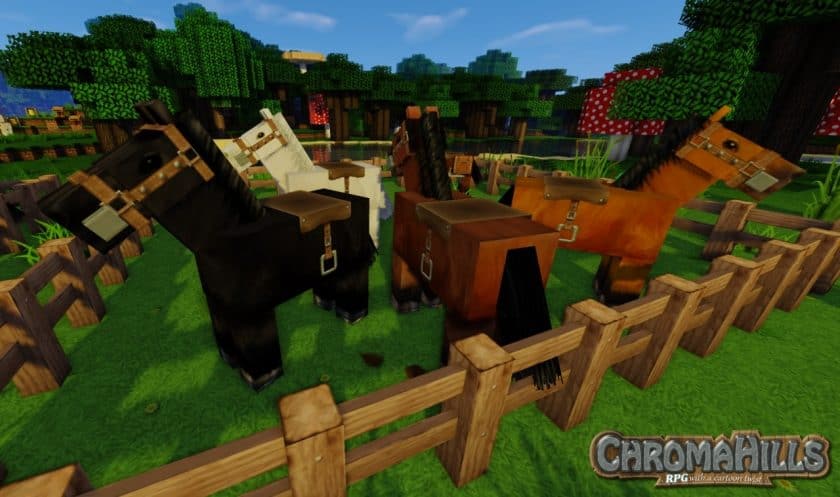
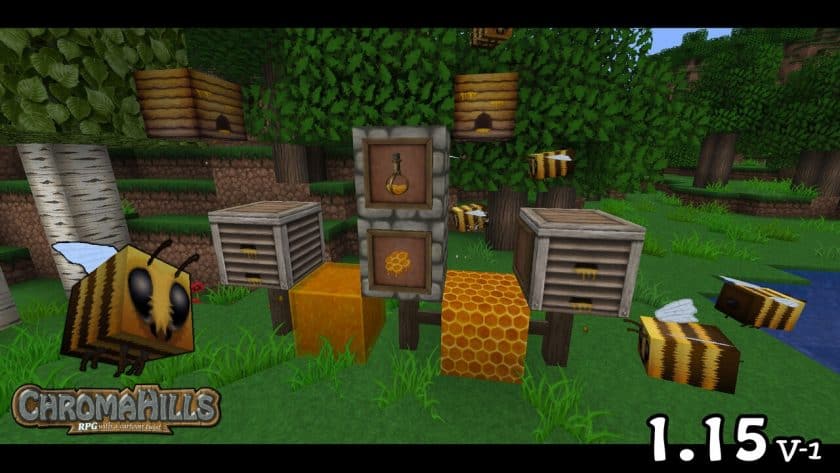
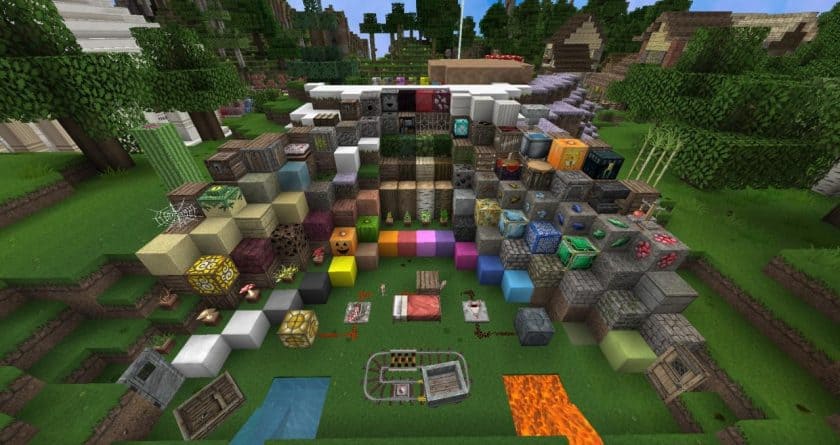
The visual difference is obvious as soon as you load into a world. Chroma Hills Texture Pack replaces and reworks a huge number of textures, with more than a thousand assets receiving some form of visual treatment. The lower-resolution version already uses 64x textures, so compared with vanilla’s 16x resolution, blocks have considerably more detail and much less pixelation. Stone, wood, ores, crops, flowers, sand, dirt, fences, doors, brick walls, trees, and many other building materials have been redesigned to fit the medieval theme. Some textures use darker and richer colors, which work particularly well when you’re building castles, towers, fortresses, dungeons, or old-fashioned villages. It gives ordinary survival areas a much stronger fantasy atmosphere without completely losing Minecraft’s recognizable shapes.
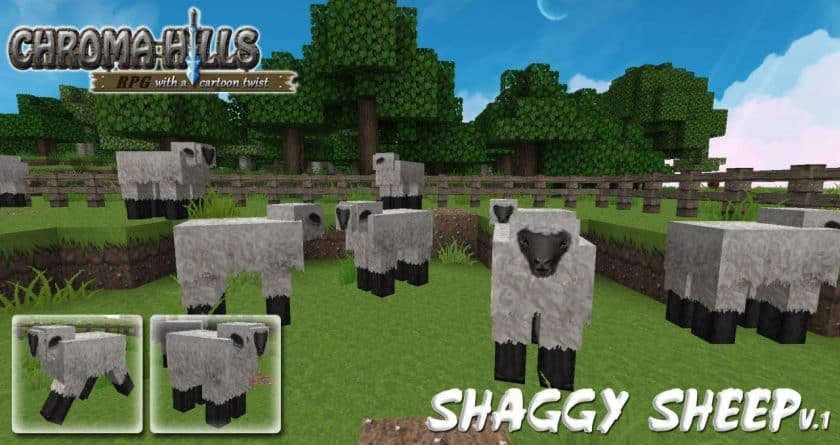
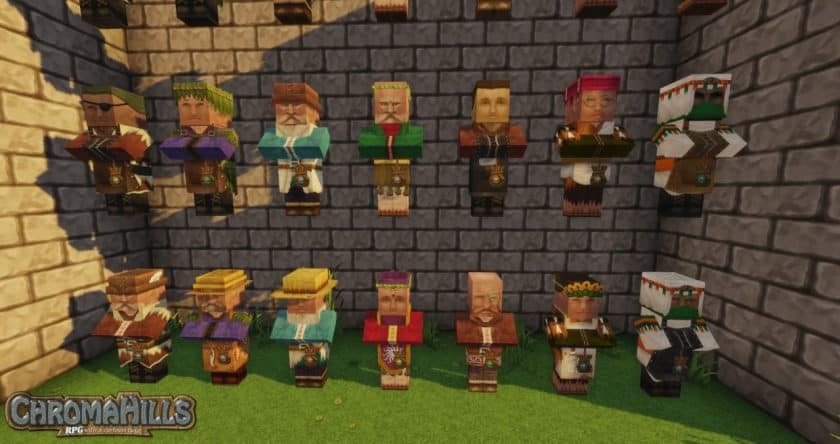
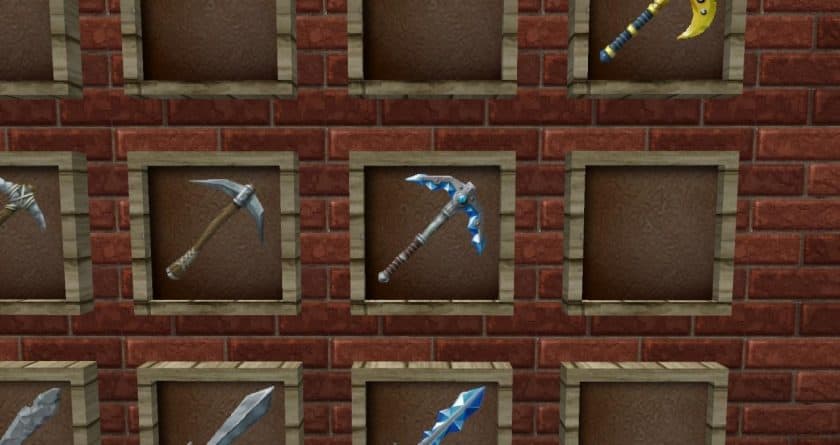
The attention to detail goes beyond blocks. Player skins and several mobs have been redesigned with medieval and fantasy-inspired clothing and appearances, while weapons and armor receive their own visual upgrades. The inventory and HUD have also been reworked to match the theme. I especially like the darker brown interface and the small decorative touches around inventory elements because they make the menus feel like part of the same world rather than a separate vanilla interface. The crafting screen and item icons follow the same visual direction, and the higher-resolution artwork makes inventory items much easier to appreciate. These changes may sound minor individually, but together they make the entire game feel much more cohesive.
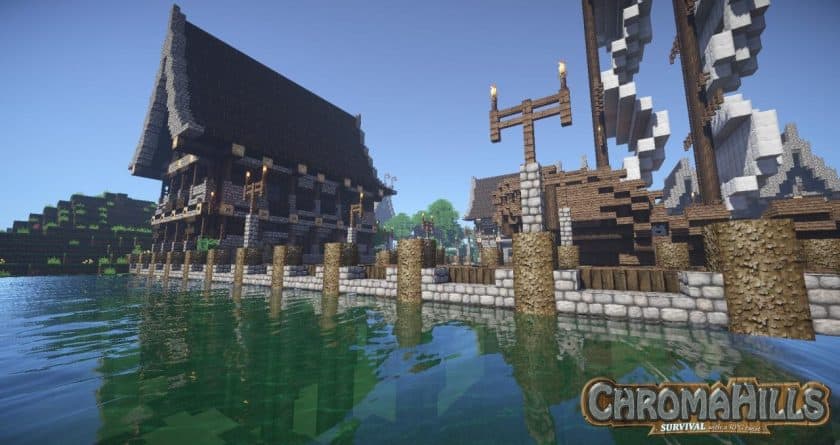
One area where the pack can look slightly less impressive is the sky and water, since those aren’t heavily changed by Chroma Hills itself. This becomes much less noticeable once you pair the pack with a suitable shader, especially if you’re already using shaders for improved lighting and shadows. The exact shader will depend on your hardware and personal preference, but Chroma Hills generally benefits from better environmental lighting because it brings out the detail in the textures. You’ll also want OptiFine if you want to take advantage of the pack’s advanced features and visual effects. Performance is surprisingly reasonable considering the amount of detail involved, although the exact FPS you get will depend on your system and the resolution you choose.
Another thing worth mentioning is that Chroma Hills remains accessible because the pack itself is available to players without requiring a purchase. The developer also accepts support through Patreon, which helps fund continued development and updates. After playing with it, I can understand why the pack has survived for so many years. It has a recognizable style, an enormous amount of content, and enough medieval atmosphere to completely change the mood of a survival world. If you’re building castles, RPG maps, fantasy villages, or simply want Minecraft to feel more like an adventure game, Chroma Hills is one of those classic resource packs that still deserves a place on your shortlist.
Chroma Hills is compatible with all of the following Minecraft versions: 1.19.4 – 1.19.3 – 1.19.2 – 1.19.1 – 1.19 – 1.18.2 – 1.18.1 – 1.18 – 1.17.1 – 1.17 – 1.16.5 – 1.16.4 – 1.16.3 – 1.16.2 – 1.16.1 – 1.16 – 1.15.2 – 1.15.1 – 1.15 – 1.14.4 – 1.14.3 – 1.14.2 – 1.14 – 1.13.2 – 1.13.1 – 1.13 – 1.12.2 – 1.12 – 1.11.2 – 1.11 – 1.10.2 – 1.10 – 1.9.4 – 1.9 – 1.8.9 – 1.8.8 – 1.8.1 – 1.8.6 – 1.8 – 1.7.10 – 1.7.9 – 1.7.4 – 1.7 – 1.6.4 – 1.6.2 – Bedrock edition – PE
Chroma Hills — Video and screenshots
How to install Chroma Hills Resource Pack:
- Most source packages require Optifine, so be sure to download and install it. – a general recommended step for all packages, Optifine is also needed for most shaders
- Download the Chroma Hills texture pack for Minecraft from the download section below. – if there are many different versions, just choose the one you like, is compatible with your version/edition of minecraft that you think your computer can handle in terms of performance.
- Launch the game client via the Minecraft launcher.
- Click “Options” in the main menu.
- Click on “Resource Packs…” from the options menu.
- Click “Open Resource Pack Folder”. – a folder named “resourcepacks” will appear.
- Move the .zip file you downloaded in the first step into the newly opened “resourcepacks” folder.
- Click “Done”.
- Click on “Resource Pack…” again.
- Your package should appear in the left window, just hover over it and click on the arrow pointing to the right.
QUICK TIP: Sometimes when activating a pack, the game may say that the pack is made for a newer or older version of Minecraft. This is just a warning, it doesn’t affect your game in any way and you can still activate and enjoy the pack by just clicking “Yes” when prompted.
- Click “Done” again.
- The package has now been successfully loaded and is ready to use in your world!
- We never modify or modify resource packs in any way. None of the resource packs, shader mods or tools you see on this site are hosted on our servers. We only use official download links provided by official authors. Therefore, they are completely safe.
- Since the links are official and we update them manually – the links may stop working with each new update. We try to update the links as fast as possible and usually we update everything on time and users don’t have any problems, but if suddenly any link stops working – let us know through comments below.
- Don’t forget to leave a comment below and vote for the pack. In this way, you will help the authors to constantly improve the project. If you want to support the author(s), be sure to check the author links right below the download links.
Download Links
Bedrock Edition:
Get Chroma Hills HD Resource Pack for Bedrock Edition here – Chroma Hills is available on the Marketplace for 990 Minecoins.
Java Edition:
[128x] [1.19.x] Download Chroma Hills RPG Resource Pack
[128x] [1.18.x – 1.17.x] Download Chroma Hills RPG Resource Pack
[128x] [1.16.x] Download Chroma Hills RPG Resource Pack
[128x] [1.15.x] Download Chroma Hills RPG Resource Pack
[128x] [1.14.x] Download Chroma Hills RPG Resource Pack
[128x] [1.13.x] Download Chroma Hills RPG Resource Pack
[128x] [1.12.x] Download Chroma Hills RPG Resource Pack
[128x] [1.11.x – 1.6.x] Download Chroma Hills RPG Resource Pack
Download Instructions:
CurseForge: The download will start by itself after a few seconds.
Mediafire: Click the big blue “DOWNLOAD” button.
Google Drive: Click the small download icon (a down arrow) at the top-right corner to start the download.
Disclaimer
We are not the creators of any texture packs or shader packs shared on this site. All credit goes to the original authors. We do not edit or change any files in any way. Also, none of the downloads are hosted on our servers — we only provide official links shared by the original creators. That means all downloads are completely safe.
❗Note: Since we manually add the official links, so some may stop working after updates. If you find a broken link, tell us in the comments and we’ll fix it as soon as we can.
If you like a pack, please leave a comment and vote for it — this helps the creators improve their work. You can also support them directly through the links below the download section.