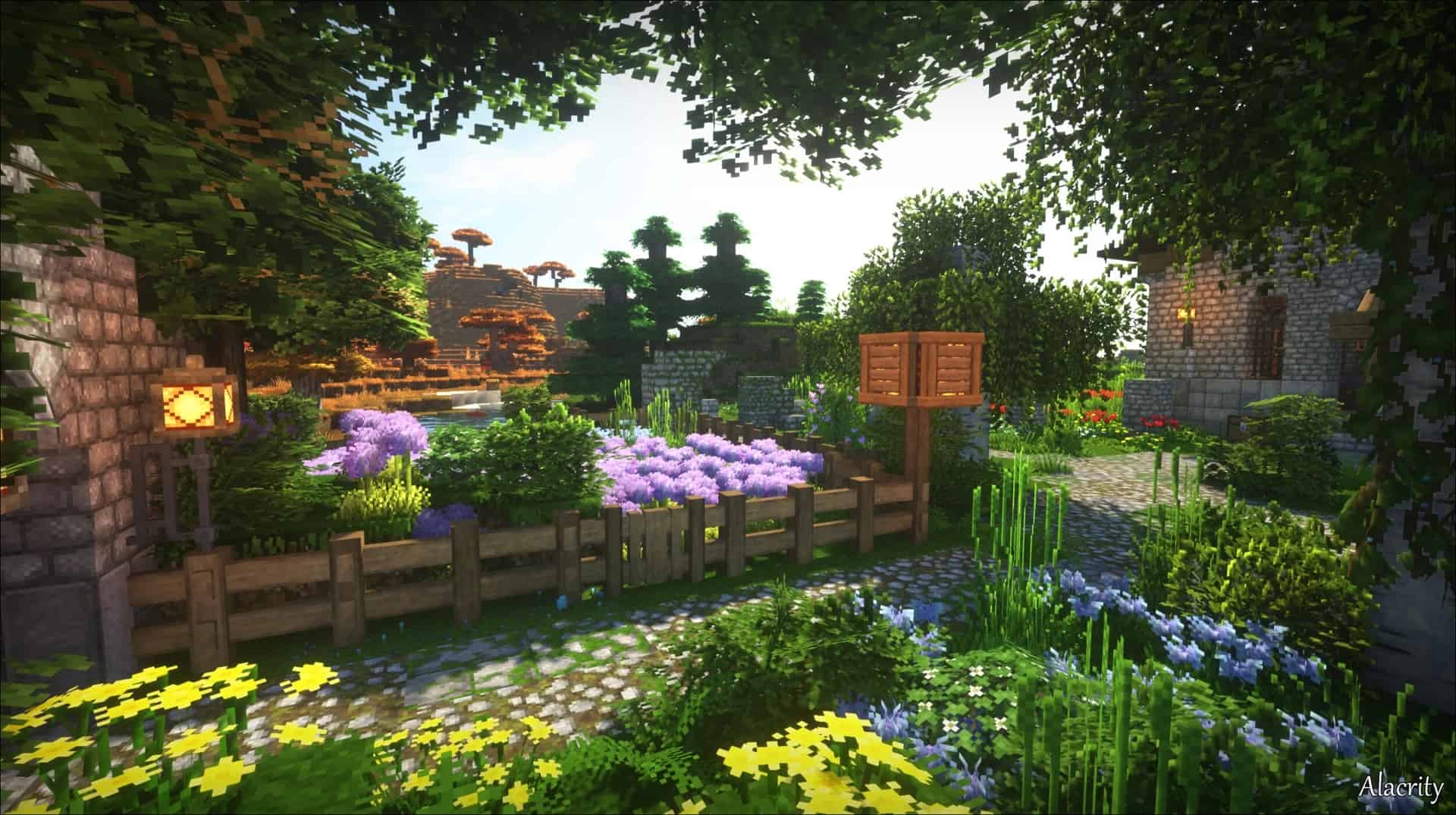
The Alacrity Resource Pack is an excellent choice for Minecraft players who want a fresh visual upgrade without losing the charm of the vanilla game. Unlike many resource packs that completely redesign Minecraft, Alacrity enhances the existing art style with more detailed textures, richer colors, and a rustic medieval atmosphere. The result is a world that feels familiar yet noticeably more polished, making it perfect for both new and experienced players.
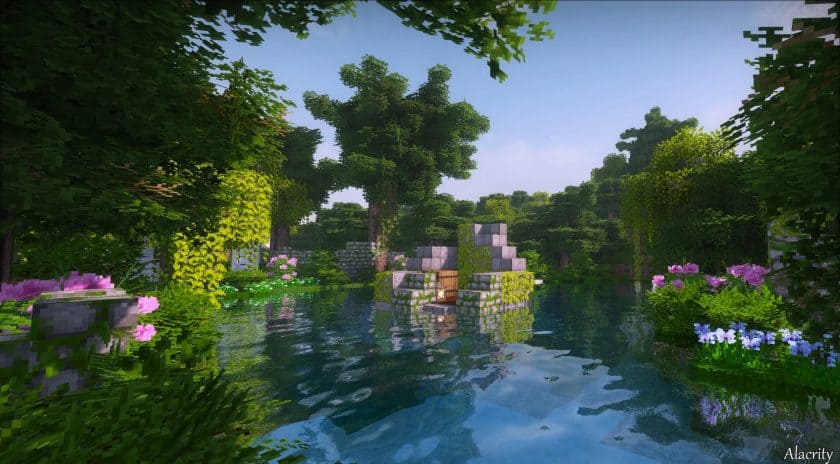
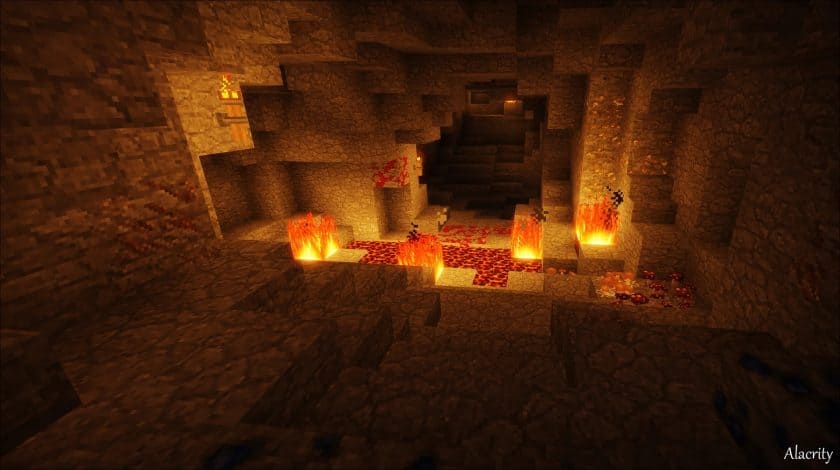
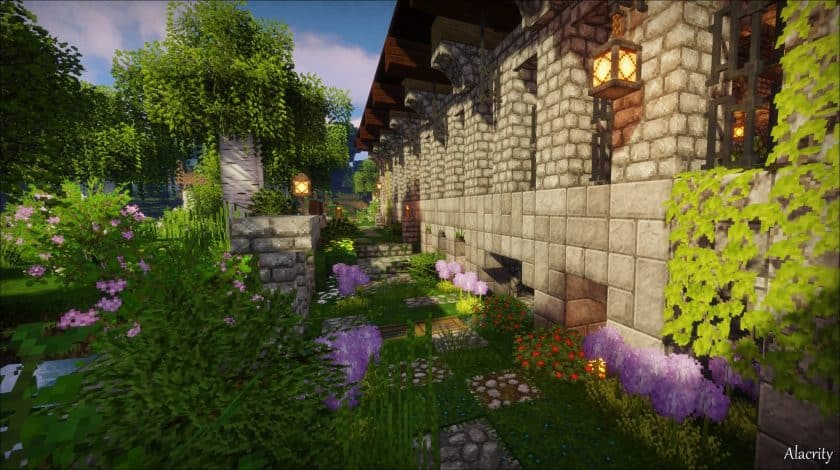
One of the standout features of the Alacrity Texture Pack is its beautifully redesigned natural environment. Trees feature fuller leaves with a more realistic shape, while grass and plants appear denser and more vibrant across every biome. Water and lava have cleaner, smoother textures, and many blocks include subtle 3D details that add extra depth without looking overdone. Connected textures help eliminate visible seams between blocks, creating cleaner walls, paths, and buildings that look much more natural. The pack also updates weapons, armor, mobs, and decorative items with a medieval-inspired design that fits perfectly into Minecraft’s survival experience.
Despite offering detailed textures and impressive 3D effects, Alacrity maintains a 32×32 resolution, making it far less demanding than many high-resolution resource packs. For the best experience, it’s recommended to use OptiFine or the Continuity mod, as these enable connected textures and other advanced visual features. Most modern computers can run the pack smoothly, and pairing it with compatible shaders creates an even more immersive world with realistic lighting and shadows. If you’re looking for a resource pack that modernizes Minecraft while staying true to its original style, the Alacrity Resource Pack is definitely worth trying.
Alacrity should work smoothly with all of these Minecraft versions: 26.3 – 26.2 – 26.1.2 – 26.1.1 – 26.1 – 1.21.11 – 1.21.10 – 1.21.9 – 1.21.8 – 1.21.7 – 1.21.6 – 1.21.5 – 1.21.4 – 1.21.3 – 1.21.2 – 1.21.1 – 1.21 – 1.20.6 – 1.20.5 – 1.20.4 – 1.20.3 – 1.20.2 – 1.20.1 – 1.20 – 1.19.4 – 1.19.3 – 1.19.2 – 1.19.1 – 1.19 – 1.18.2 – 1.18.1 – 1.18 – 1.17.1 – 1.17 – 1.16.5 – 1.16.4 – 1.16.3 – 1.16.2 – 1.16.1 – 1.16
Alacrity — Screenshots
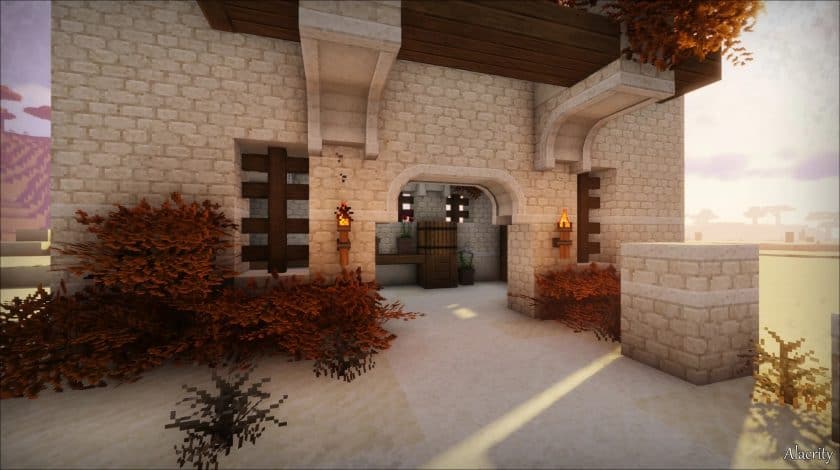
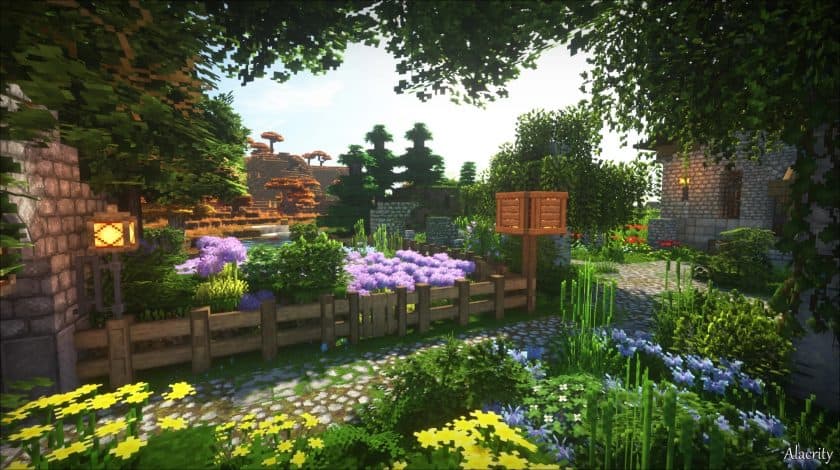
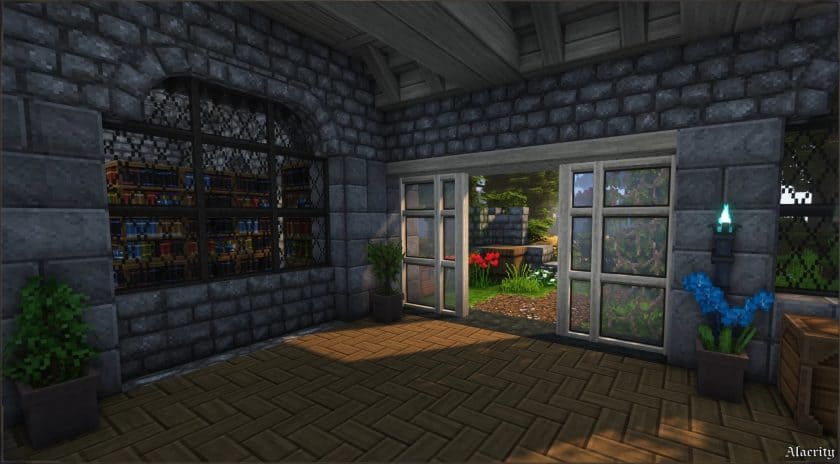
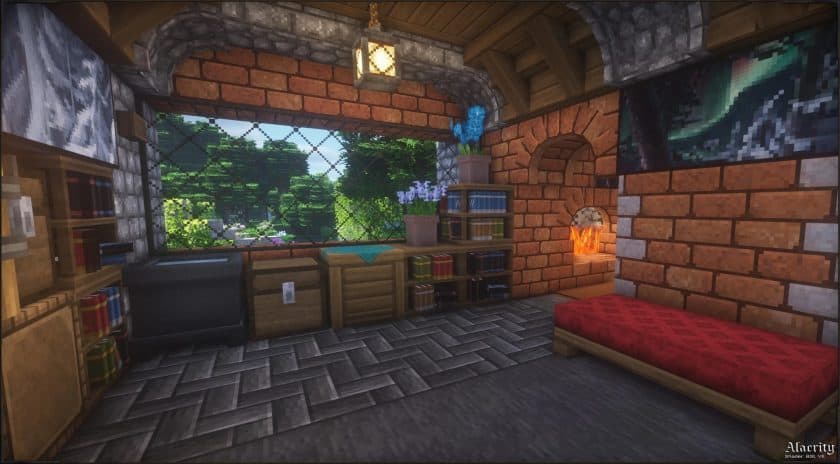
How to install Alacrity Resource Pack:
- Most source packages require Optifine, so be sure to download and install it. – a general recommended step for all packages, Optifine is also needed for most shaders
- Download the Alacrity texture pack for Minecraft from the download section below. – if there are many different versions, just choose the one you like, is compatible with your version/edition of minecraft that you think your computer can handle in terms of performance.
- Launch the game client via the Minecraft launcher.
- Click “Options” in the main menu.
- Click on “Resource Packs…” from the options menu.
- Click “Open Resource Pack Folder”. – a folder named “resourcepacks” will appear.
- Move the .zip file you downloaded in the first step into the newly opened “resourcepacks” folder.
- Click “Done”.
- Click on “Resource Pack…” again.
- Your package should appear in the left window, just hover over it and click on the arrow pointing to the right.
QUICK TIP: Sometimes when activating a pack, the game may say that the pack is made for a newer or older version of Minecraft. This is just a warning, it doesn’t affect your game in any way and you can still activate and enjoy the pack by just clicking “Yes” when prompted.
- Click “Done” again.
- The package has now been successfully loaded and is ready to use in your world!
- We never modify or modify resource packs in any way. None of the resource packs, shader mods or tools you see on this site are hosted on our servers. We only use official download links provided by official authors. Therefore, they are completely safe.
- Since the links are official and we update them manually – the links may stop working with each new update. We try to update the links as fast as possible and usually we update everything on time and users don’t have any problems, but if suddenly any link stops working – let us know through comments below.
- Don’t forget to leave a comment below and vote for the pack. In this way, you will help the authors to constantly improve the project. If you want to support the author(s), be sure to check the author links right below the download links.
Download Links
Java Edition:
[32x] [26.3.x – 1.20.4] Download Alacrity Resource Pack
[32x] [1.20.3 – 1.16.x] Download Alacrity Resource Pack
Addons:
Download Add-ons on Official Website
Download instructions:Curseforge: download starts automatically after a few seconds;
Mediafire: click the big blue button with the text “DOWNLOAD”;
Google Drive: in the top right corner you will see a small download icon (down arrow), click it and the download should start;