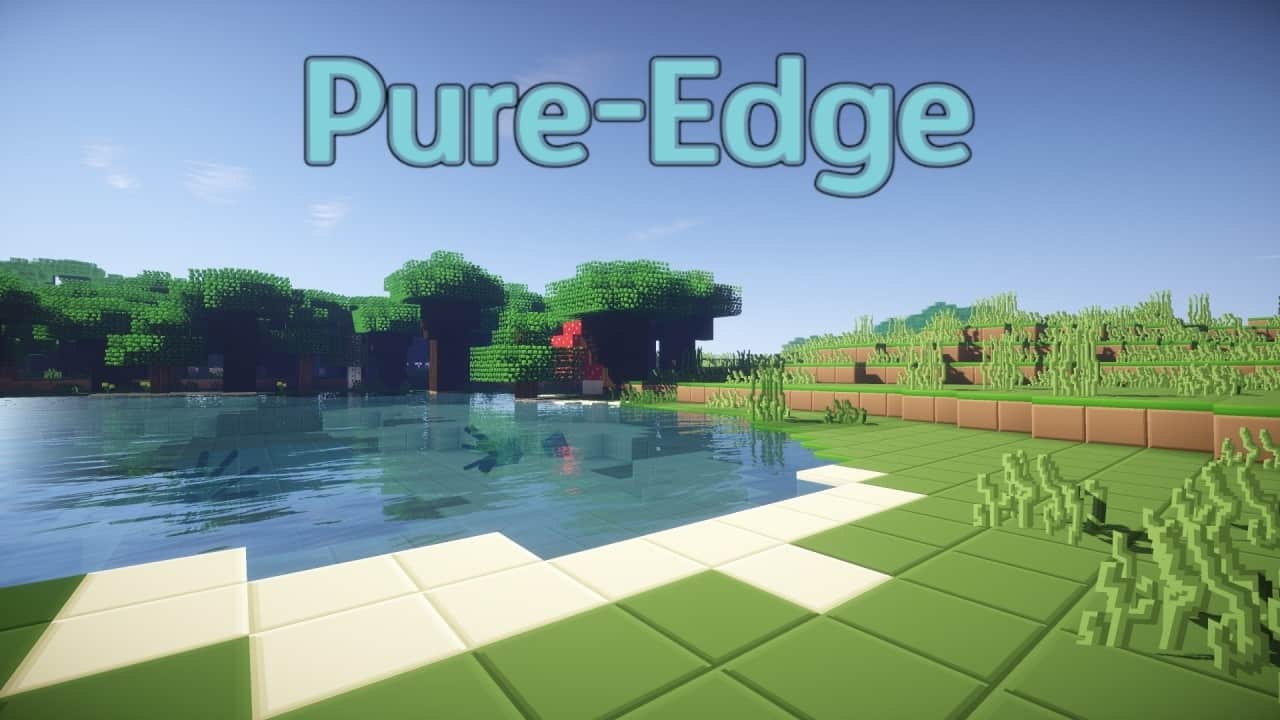
The Zorocks Pure Edge Resource Pack isn’t the kind of pack that tries to impress you with massive textures or dramatic visual changes, and that’s exactly what I like about it. After using it, I found that its main strength is how carefully it cleans up the vanilla Minecraft look without taking away what makes the game recognizable. The project has been worked on since 2012, and that long development history shows in the consistency of the textures. Everything feels like it belongs together rather than looking like a collection of random replacements. The pack follows a very clean, minimalist style, with clearer edges and simplified textures that make blocks easier to distinguish. It also keeps much of vanilla Minecraft’s original color palette, so the world still feels familiar while looking more polished.
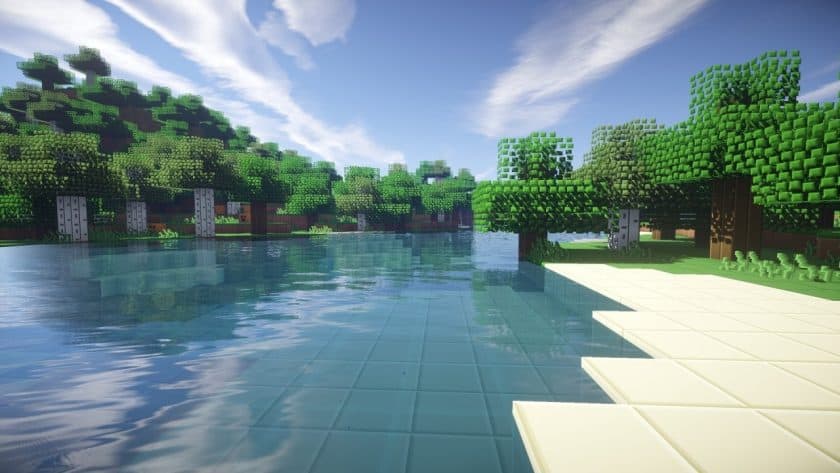
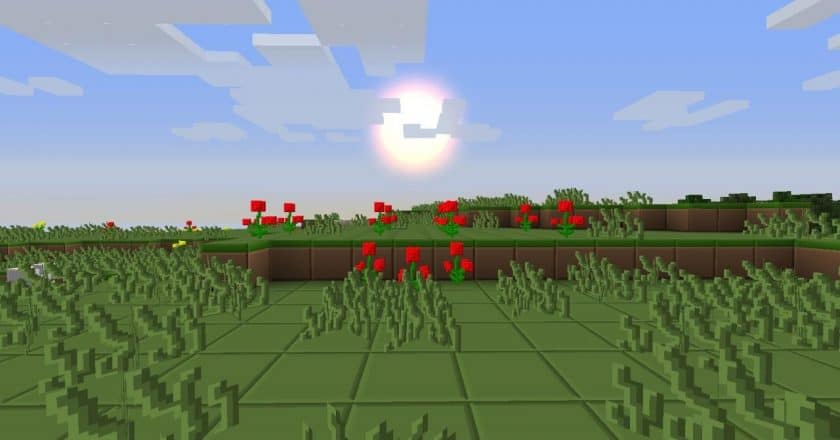
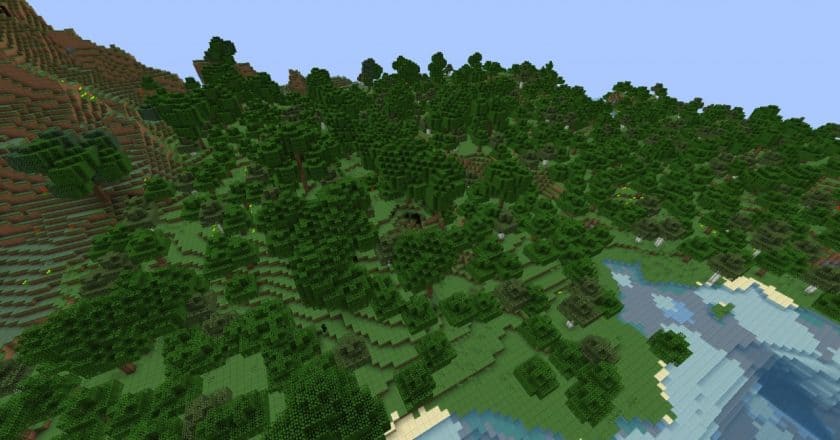
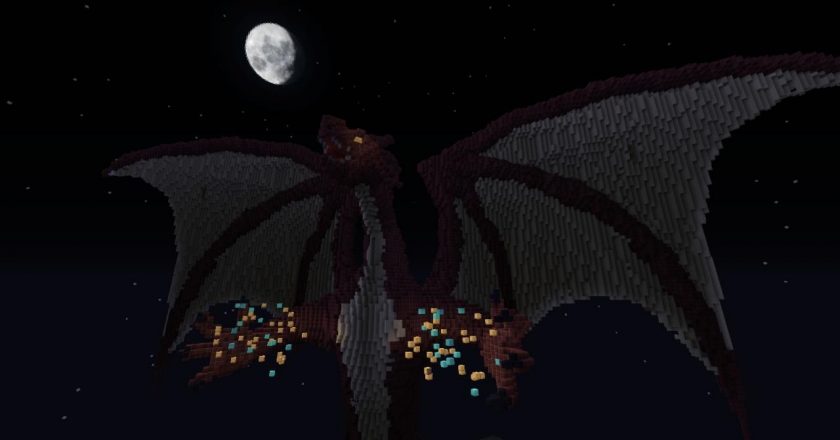
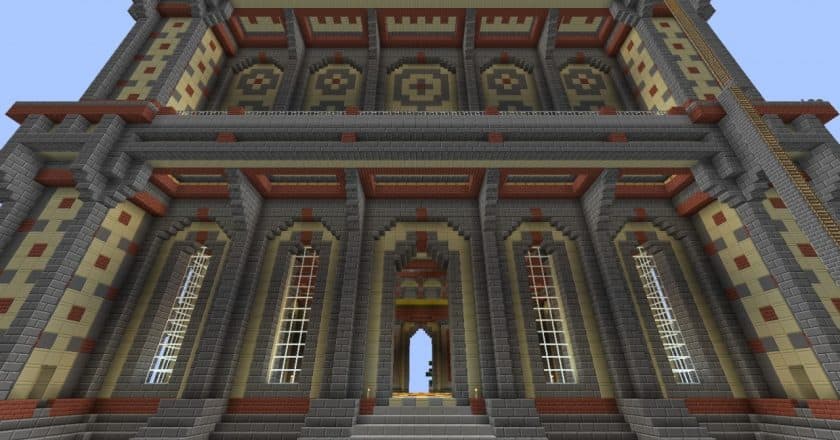
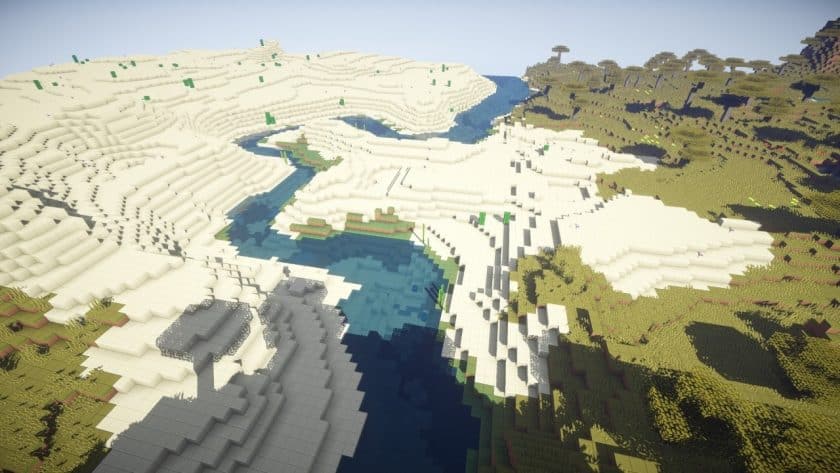
One of the details I particularly noticed is how consistently the style is applied across different parts of the game. Water and lava have more defined, block-like appearances, while items such as swords and tools have cleaner pixel art that fits nicely with the surrounding environment. The leaves are probably one of the most interesting changes, with individual leaf blocks made up of tiny green cubes that give trees a surprisingly distinctive appearance. Grass and other vegetation follow a similar color scheme, and the different grass heights add a little extra character when you’re walking through fields. The Nether also gets some nice touches, especially the glowstone, which has a softer yellow appearance. Mobs remain close to their vanilla designs, although a few receive cleaner or slightly more stylized details. Glass is another noticeable improvement: instead of the usual lines across the texture, the pack gives glass and glass panes a much cleaner transparent appearance.
The Zorocks Pure Edge Texture Pack also makes a few small changes to the interface, particularly the hotbar and inventory separators. They’re less intrusive, which makes the UI feel a little more spacious. Performance is another major reason I’d consider this pack. It uses 32x textures, only twice the resolution of vanilla Minecraft, so it doesn’t demand anything close to what a 128x or 256x pack would require. On a decent system, it should run comfortably, and the simplified textures may even help keep things smooth. If you want connected glass textures, you’ll need OptiFine or another setup that provides the required CTM support. Overall, I’d recommend Zorocks Pure Edge to anyone who wants Minecraft to look cleaner and more organized rather than completely different. It is a subtle pack, but that’s precisely why it works so well for long-term survival worlds, building, and everyday gameplay.
Zorocks Pure-Edge is compatible with all of the following Minecraft versions: 1.16.5 – 1.16.4 – 1.16.3 – 1.16.2 – 1.16.1 – 1.16 – 1.15.2 – 1.15.1 – 1.15 – 1.14.4 – 1.14.3 – 1.14.2 – 1.14
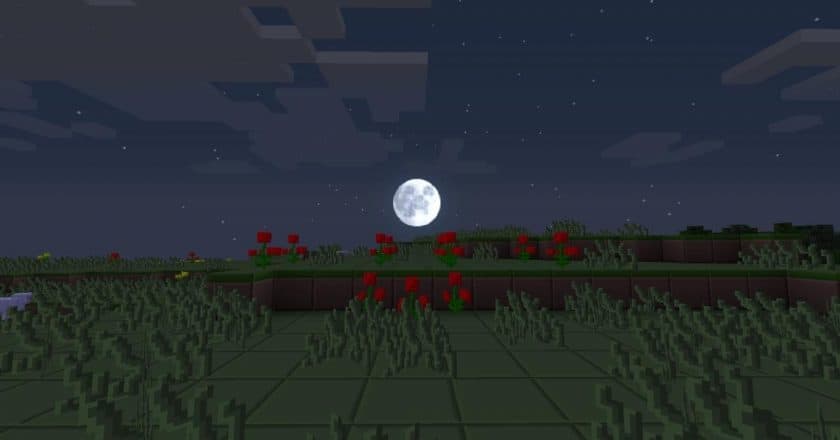
Zorocks Pure-Edge — Screenshots
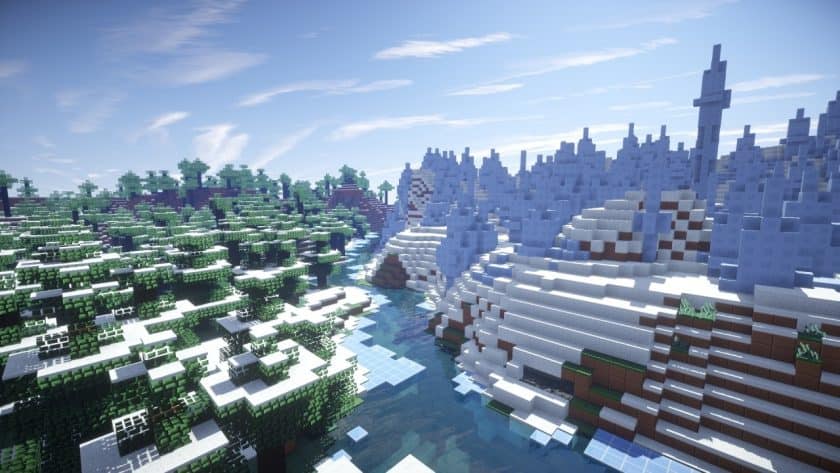
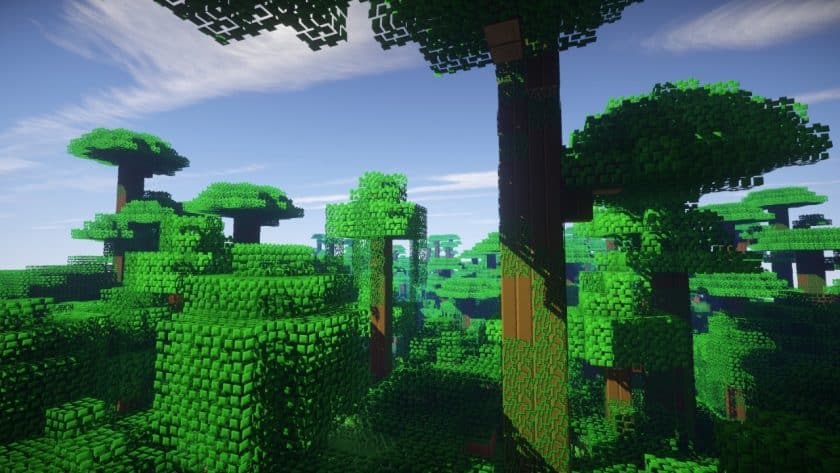
How to install Zorocks Pure-Edge Resource Pack:
- Install Minecraft: Make sure to have Minecraft on your PC.
- Set the Game Version: Open the Minecraft Launcher, go to the “Installations” tab, click “New Installation”, choose the version you want to play, and click “Create”.
- Install Optifine or Iris: Download and install Optifine or Iris (we recommend Iris for better performance).
- To download Iris, click here.
- To download Optifine, click here.
- Launch with the Shader Mod: Open the Minecraft Launcher again and select the Optifine or Iris profile you installed.
- Download the Shader Pack: Download the shader pack (.zip file) from the download section below. (Don’t unzip it!)
- Open the Shaderpacks Folder :
- For Optifine: Go to Options > Video Settings > Shaders > Shaders Folder
- For Iris: Go to Options > Video Settings > Shader Packs > Open Shader Pack Folder.
- Add and Activate the Shader Pack: Move the downloaded .zip file ️into the shaderpacks folder. Then go back to the game, select the shader pack from the list, and click “Done” to activate it.
- We never modify or modify resource packs in any way. None of the resource packs, shader mods or tools you see on this site are hosted on our servers. We only use official download links provided by official authors. Therefore, they are completely safe.
- Since the links are official and we update them manually – the links may stop working with each new update. We try to update the links as fast as possible and usually we update everything on time and users don’t have any problems, but if suddenly any link stops working – let us know through comments below.
- Don’t forget to leave a comment below and vote for the pack. In this way, you will help the authors to constantly improve the project. If you want to support the author(s), be sure to check the author links right below the download links.
Zorocks Pure-Edge Texture Pack Download
Java Edition:
[16x] [1.16.x – 1.14.x] Download Zorocks Pure-Edge Resource Pack
[32x] [1.16.x – 1.14.x] Download Zorocks Pure-Edge Resource Pack
Download Instructions:
CurseForge: The download will start by itself after a few seconds.
Mediafire: Click the big blue “DOWNLOAD” button.
Google Drive: Click the small download icon (a down arrow) at the top-right corner to start the download.
Disclaimer
We are not the creators of any texture packs or shader packs shared on this site. All credit goes to the original authors. We do not edit or change any files in any way. Also, none of the downloads are hosted on our servers — we only provide official links shared by the original creators. That means all downloads are completely safe.
❗Note: Since we manually add the official links, so some may stop working after updates. If you find a broken link, tell us in the comments and we’ll fix it as soon as we can.
If you like a pack, please leave a comment and vote for it — this helps the creators improve their work. You can also support them directly through the links below the download section.