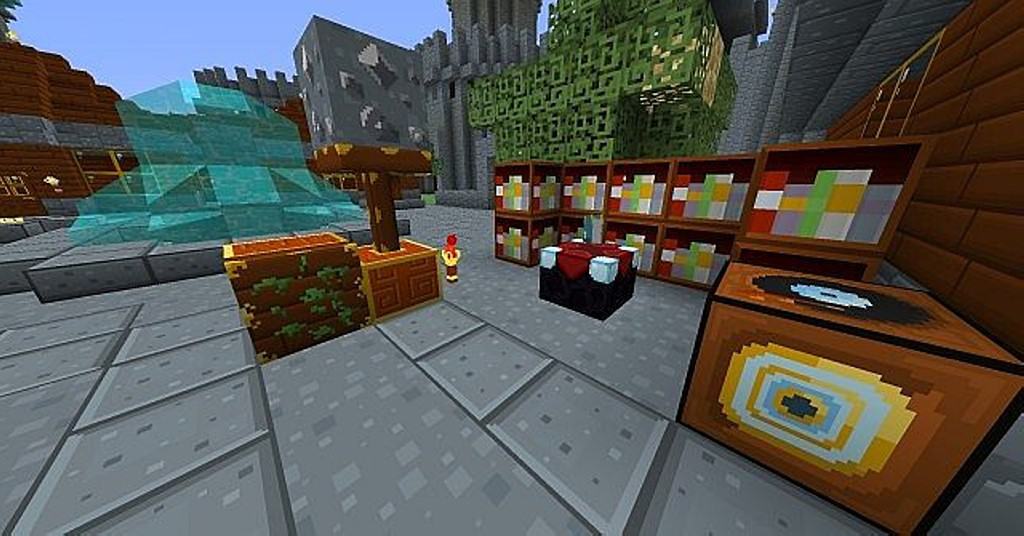
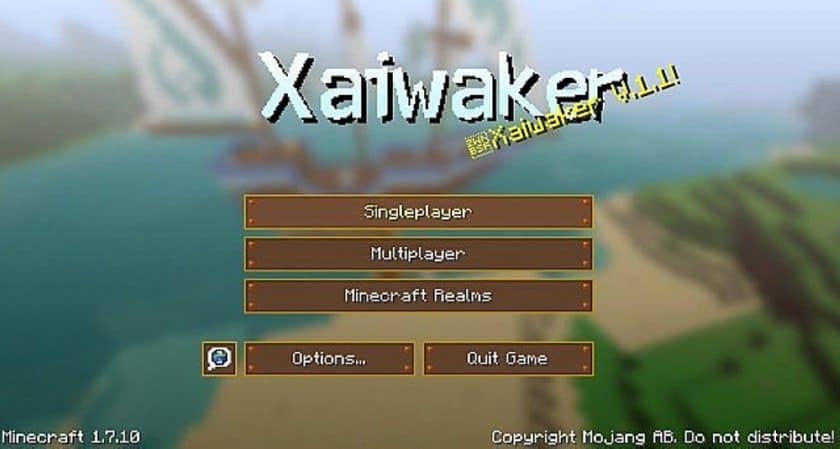
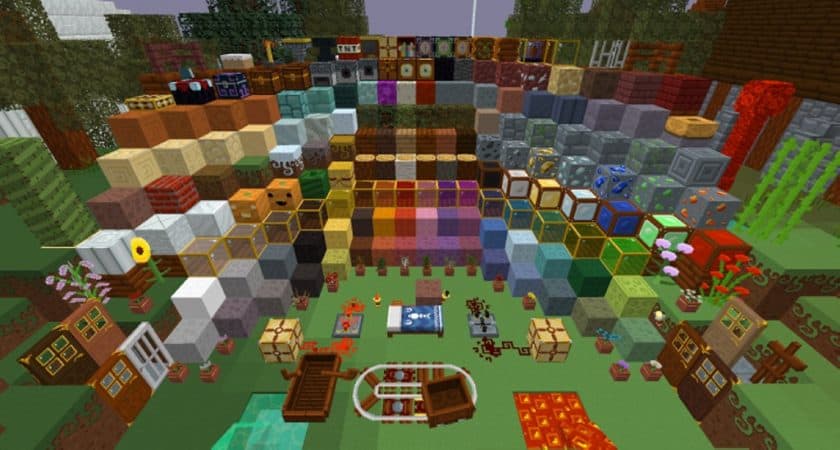
After spending some time with the Xaiwaker Swirly Resource Pack, I can understand why it has attracted attention from players who want something different from the usual Minecraft visuals. The pack was created by kyctarniq after the original Xaiwaker Resource Pack became open source, and it feels more like an expanded and polished take on that original style rather than a completely separate concept. The familiar foundation is still there, but the textures have been given their own personality. The overall look immediately reminded me of the colorful charm found in games like Zelda and Animal Crossing. Everything feels brighter, more playful, and a little more relaxed than standard Minecraft, which makes exploring and building feel noticeably different without losing the basic Minecraft identity.
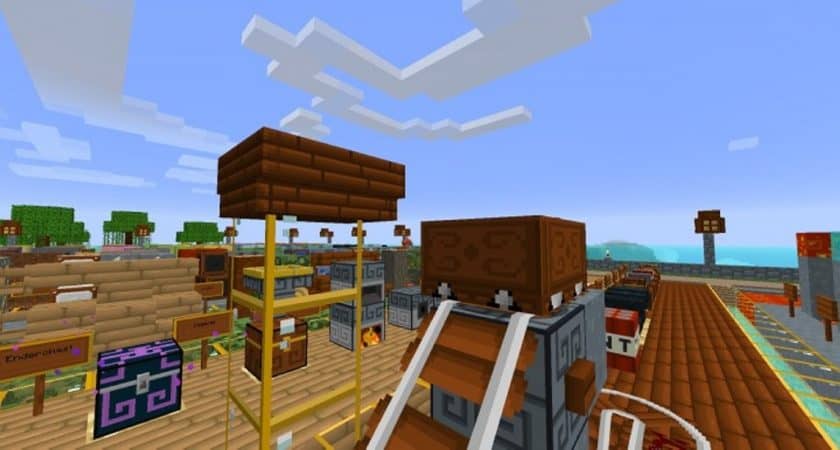
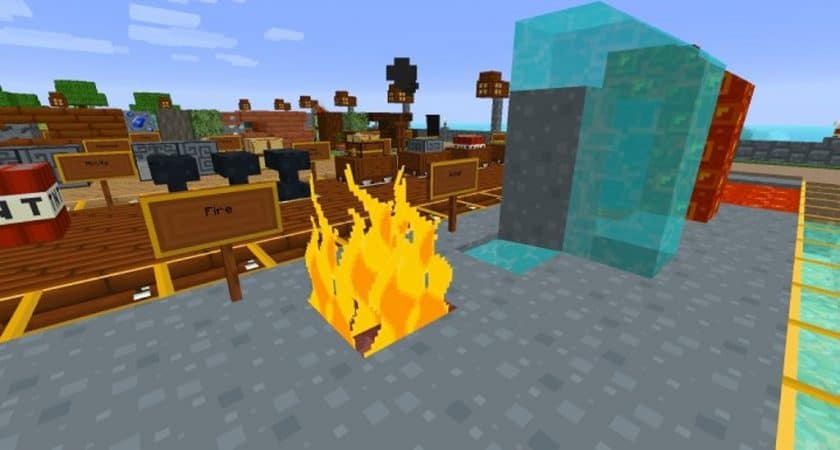
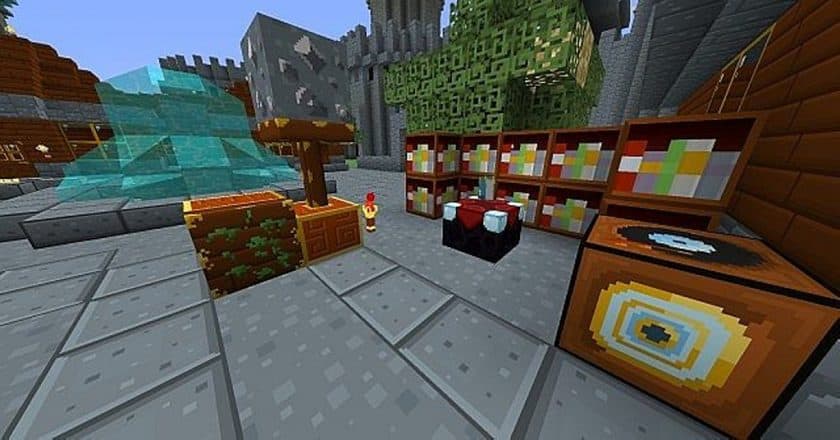
The biggest reason I enjoyed Xaiwaker Swirly is its use of color. The textures are bright and lively, but they don’t simply copy the appearance of another game. Blocks, terrain, and other elements have their own distinctive look, giving the world a cheerful atmosphere that is quite different from most traditional resource packs. If you’ve been using realistic, medieval, or heavily detailed packs for a long time, this one can feel like a refreshing change of pace. It works particularly well for players who want their builds to have a more colorful and creative personality rather than trying to make Minecraft look photorealistic. There’s enough visual variation to keep the world interesting while still maintaining the familiar block-based structure of the game.
Another practical advantage is that Xaiwaker Swirly Texture Pack comes in both 16x and 32x resolutions. The 16x version is a good choice for older or lower-end systems because it stays close to vanilla Minecraft’s original resolution, while the 32x version gives the textures a little more room for additional detail if your PC can handle it comfortably. That makes the pack fairly accessible instead of being aimed only at players with powerful hardware. It was also designed for older Minecraft versions, including the 1.12.x era, so players running those versions can still enjoy its colorful style. Overall, I’d recommend Xaiwaker Swirly to anyone who feels that their Minecraft world needs a bit more personality and color without going down the realistic-resource-pack route.
Xaiwaker Swirly is compatible with all of the following Minecraft versions: 1.17.1 – 1.17 – 1.12.2 – 1.12 – 1.11.2 – 1.11 – 1.10.2 – 1.10 – 1.9.4 – 1.9 – 1.8.9 – 1.8.8 – 1.8.1 – 1.8.6 – 1.8 – 1.7.10 – 1.7.9 – 1.7.4 – 1.7 – 1.6.4 – 1.6.2
Xaiwaker Swirly — Video and screenshots
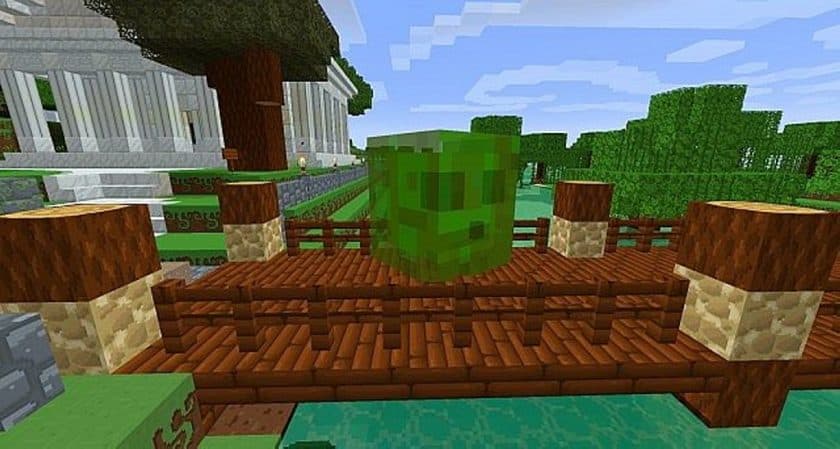
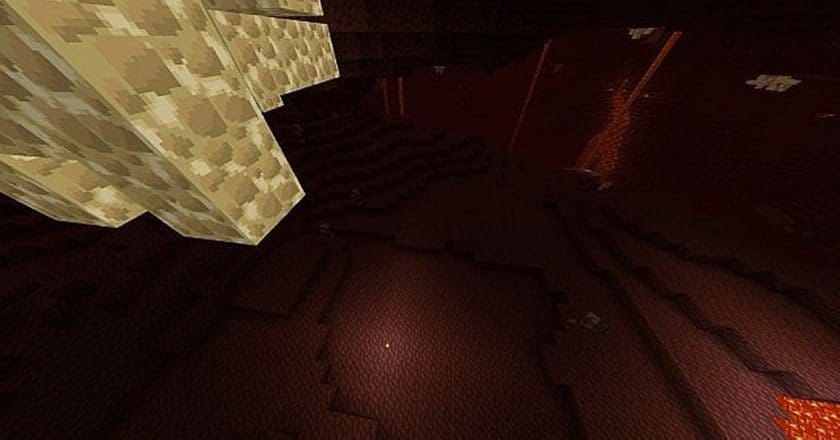
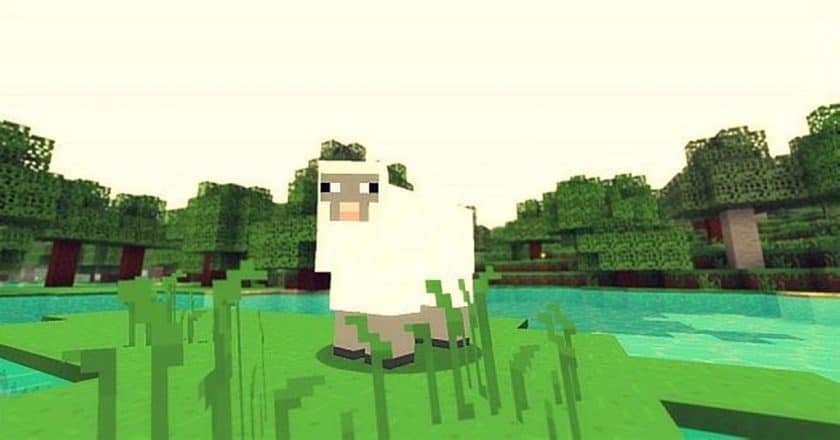
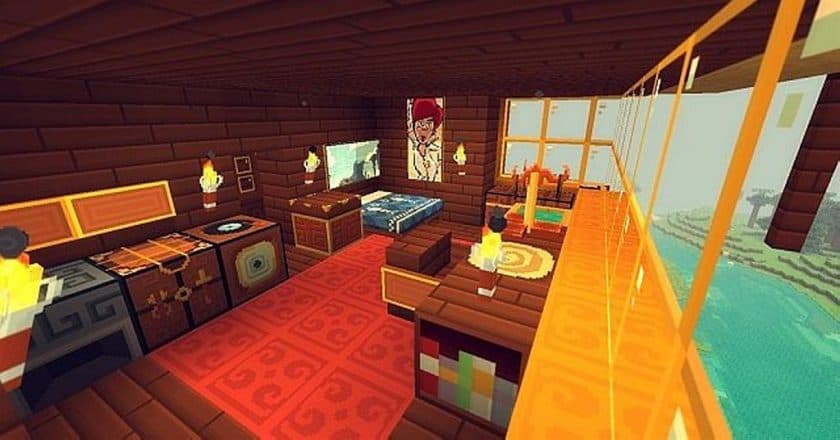
How to install Xaiwaker Swirly Resource Pack:
- Install Minecraft: Make sure to have Minecraft on your PC.
- Set the Game Version: Open the Minecraft Launcher, go to the “Installations” tab, click “New Installation”, choose the version you want to play, and click “Create”.
- Install Optifine or Iris: Download and install Optifine or Iris (we recommend Iris for better performance).
- To download Iris, click here.
- To download Optifine, click here.
- Launch with the Shader Mod: Open the Minecraft Launcher again and select the Optifine or Iris profile you installed.
- Download the Shader Pack: Download the shader pack (.zip file) from the download section below. (Don’t unzip it!)
- Open the Shaderpacks Folder :
- For Optifine: Go to Options > Video Settings > Shaders > Shaders Folder
- For Iris: Go to Options > Video Settings > Shader Packs > Open Shader Pack Folder.
- Add and Activate the Shader Pack: Move the downloaded .zip file ️into the shaderpacks folder. Then go back to the game, select the shader pack from the list, and click “Done” to activate it.
- We never modify or modify resource packs in any way. None of the resource packs, shader mods or tools you see on this site are hosted on our servers. We only use official download links provided by official authors. Therefore, they are completely safe.
- Since the links are official and we update them manually – the links may stop working with each new update. We try to update the links as fast as possible and usually we update everything on time and users don’t have any problems, but if suddenly any link stops working – let us know through comments below.
- Don’t forget to leave a comment below and vote for the pack. In this way, you will help the authors to constantly improve the project. If you want to support the author(s), be sure to check the author links right below the download links.
Xaiwaker Swirly Texture Pack Download
DOWNLOAD LINKS
Java Edition:
(32x) (1.17.x) Download Xaiwaker Swirly Resource Pack
(32x) (1.12.x – 1.10.x) Download Xaiwaker Swirly Resource Pack
(16x) (1.12.x – 1.10.x) Download Xaiwaker Swirly Resource Pack
(32x) (1.9.x) Download Xaiwaker Swirly Resource Pack
(16x) (1.9.x) Download Xaiwaker Swirly Resource Pack
(32x) (1.8.x) Download Xaiwaker Swirly Resource Pack
(16x) (1.8.x) Download Xaiwaker Swirly Resource Pack
(32x) (1.7.x – 1.6.x) Download Xaiwaker Swirly Resource Pack
(16x) (1.7.x – 1.6.x) Download Xaiwaker Swirly Resource Pack
Download Instructions:
CurseForge: The download will start by itself after a few seconds.
Mediafire: Click the big blue “DOWNLOAD” button.
Google Drive: Click the small download icon (a down arrow) at the top-right corner to start the download.
Disclaimer
We are not the creators of any texture packs or shader packs shared on this site. All credit goes to the original authors. We do not edit or change any files in any way. Also, none of the downloads are hosted on our servers — we only provide official links shared by the original creators. That means all downloads are completely safe.
❗Note: Since we manually add the official links, so some may stop working after updates. If you find a broken link, tell us in the comments and we’ll fix it as soon as we can.
If you like a pack, please leave a comment and vote for it — this helps the creators improve their work. You can also support them directly through the links below the download section.