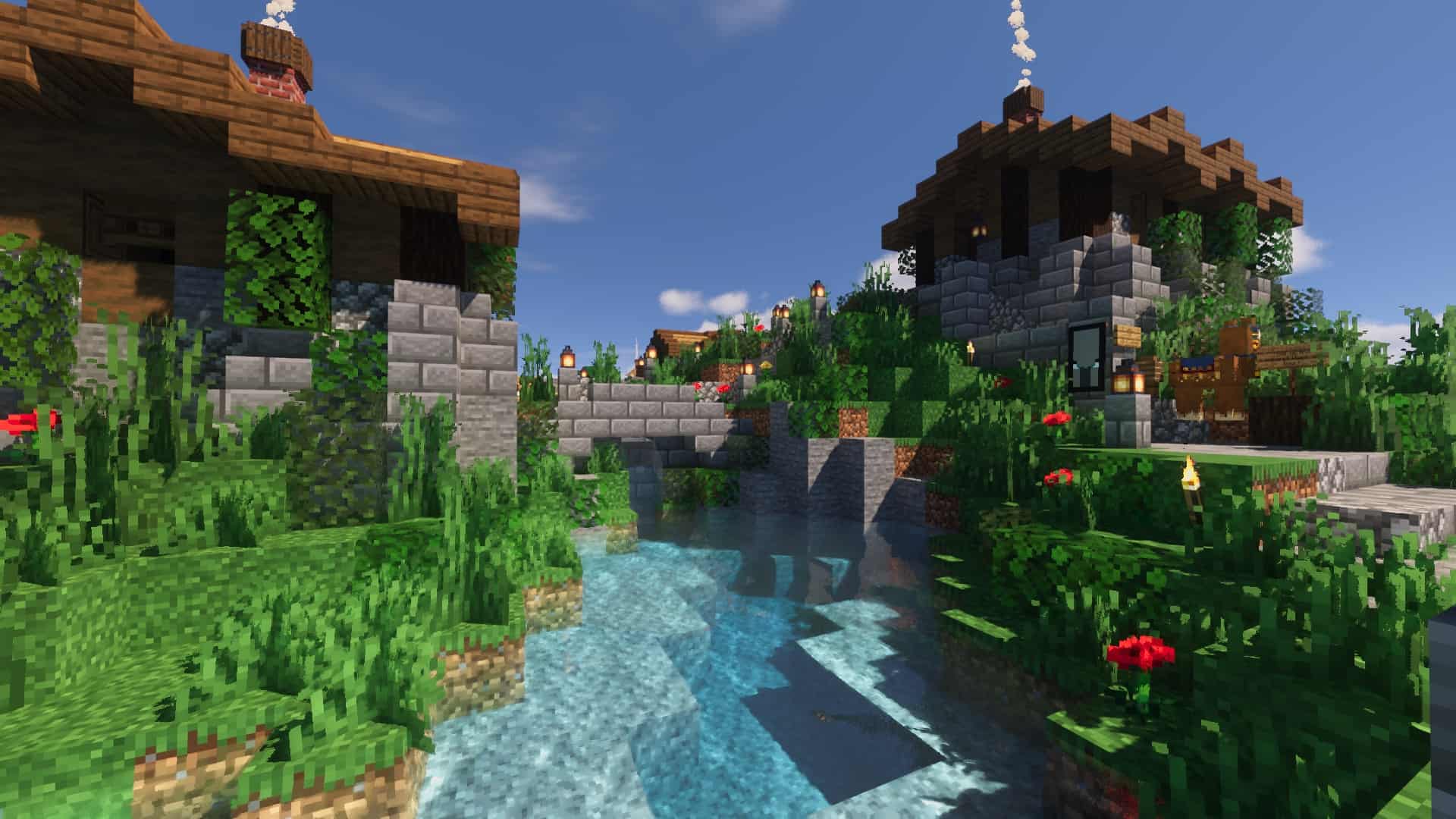
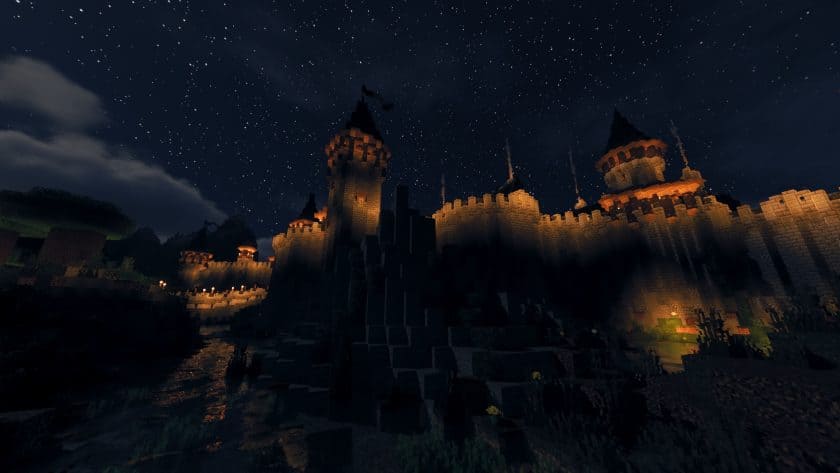
If you’ve ever wanted Minecraft to look more cinematic without completely replacing its familiar visual style, Voyager 2.0 is a shader pack worth checking out. I spent some time playing with it, and the biggest difference is clearly in the lighting and atmosphere. Created by symbiome67, Voyager 2.0 was released in 2021 as an improved version of the earlier Voyager shader, with fixes, better optimization, and additional visual effects. The sky immediately stands out when you load into a world. Clouds are smoother and much less blocky, while the sun and moon have more convincing shapes and lighting. Sunsets take on a warm orange glow, and nighttime feels considerably more atmospheric once the stars and moon appear. It doesn’t change Minecraft’s core gameplay, but the lighting alone makes familiar locations feel surprisingly different.
The changes become even more noticeable once you start moving through different environments. Shadows have softer edges and react more naturally to the surrounding light, which gives trees, buildings, and terrain considerably more depth. Water is another highlight for me. Voyager 2.0 adds stronger reflections and much more convincing surface lighting, making rivers and lakes look far more dynamic than they do in vanilla Minecraft. None of these effects would necessarily seem revolutionary on their own, but when the lighting, shadows, sky, water, and particles are working together, the entire world feels more polished. It’s the kind of shader where you can revisit an area you’ve explored dozens of times and still notice something that looks different under the new lighting.
The main thing to keep in mind is performance. Like most visually ambitious shaders, Voyager 2.0 can reduce FPS, particularly on older hardware, so I wouldn’t recommend it for competitive PvP where every frame matters. Compatibility with graphics hardware can also vary, and the original setup requirements call for OptiFine HD, with different OptiFine builds recommended depending on your Minecraft version. It also supports several popular mods, although combining shaders with other visual modifications can sometimes produce artifacts or unexpected glitches. For survival, exploration, and building, though, Voyager 2.0 can be a great upgrade if your PC has enough headroom. It manages to make Minecraft feel more atmospheric and modern while still keeping the game recognizable.
Voyager Shaders 2.0 is compatible with all of the following Minecraft versions: 26.3 – 26.2 – 26.1.2 – 26.1.1 – 26.1 – 1.21.11 – 1.21.10 – 1.21.9 – 1.21.8 – 1.21.7 – 1.21.6 – 1.21.5 – 1.21.4 – 1.21.3 – 1.21.2 – 1.21.1 – 1.21 – 1.20.6 – 1.20.5 – 1.20.4 – 1.20.3 – 1.20.2 – 1.20.1 – 1.20 – 1.19.4 – 1.19.3 – 1.19.2 – 1.19.1 – 1.19 – 1.18.2 – 1.18.1 – 1.18 – 1.17.1 – 1.17 – 1.16.5 – 1.16.4 – 1.16.3 – 1.16.2 – 1.16.1 – 1.16
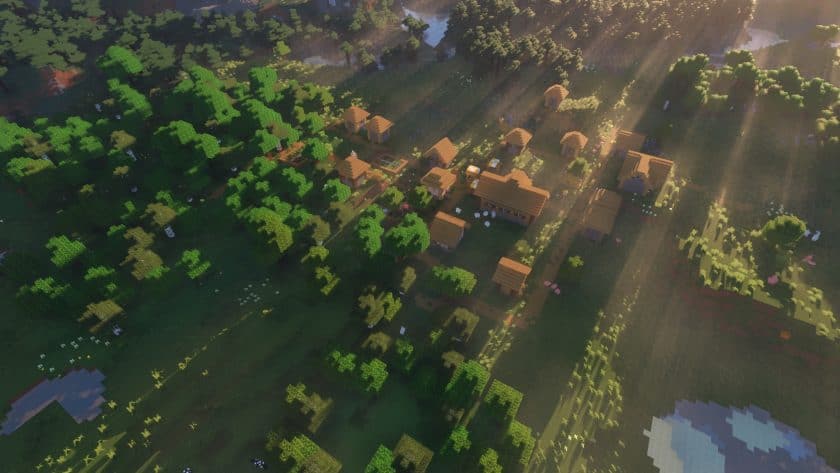
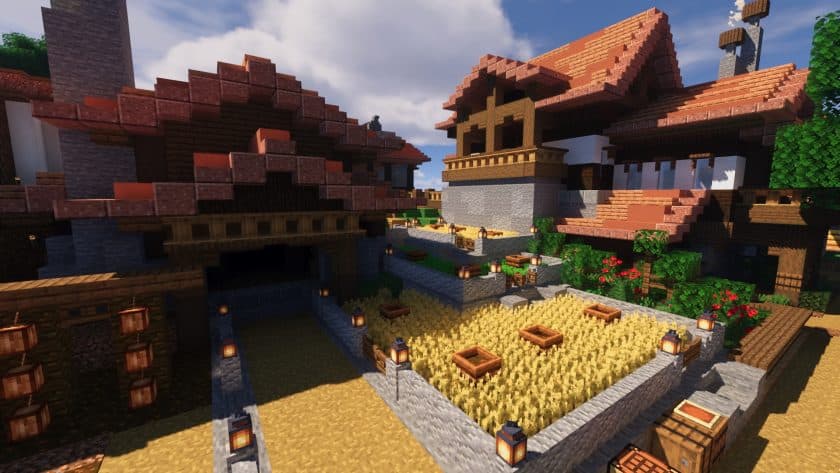
Voyager Shaders 2.0 — Screenshots
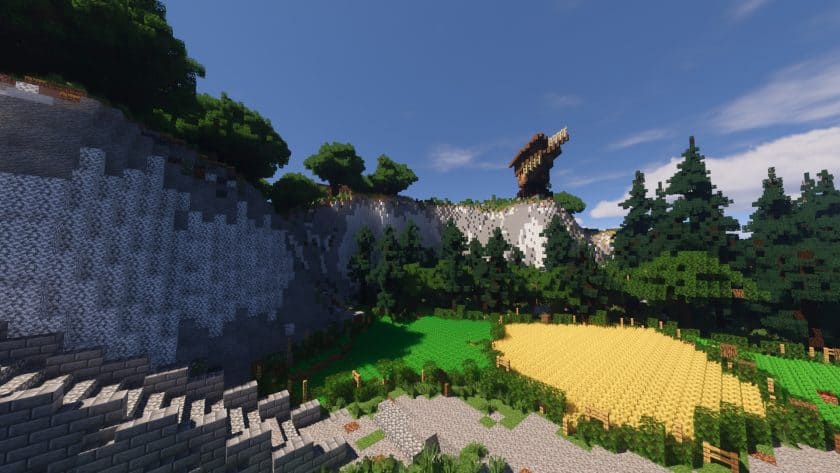
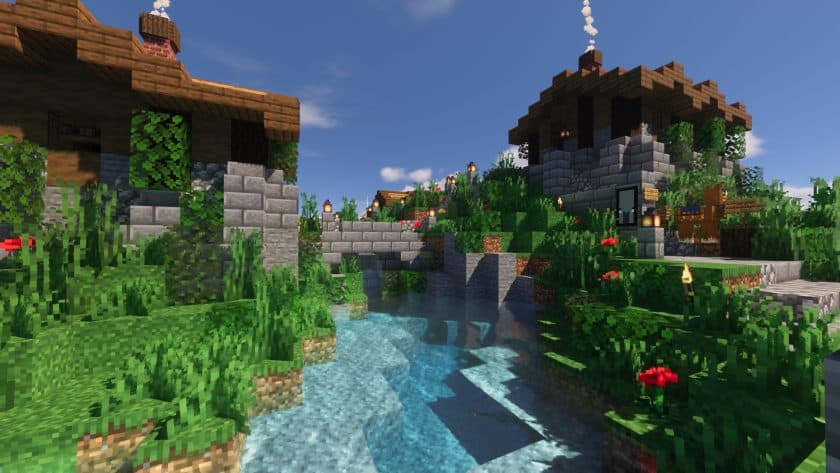
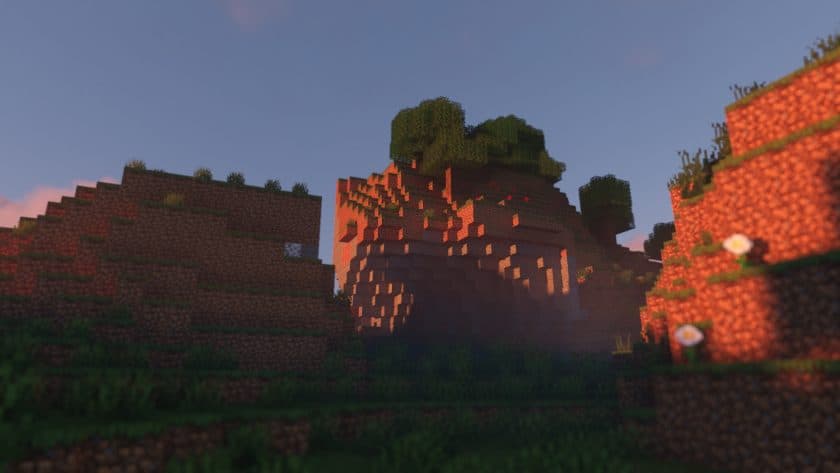
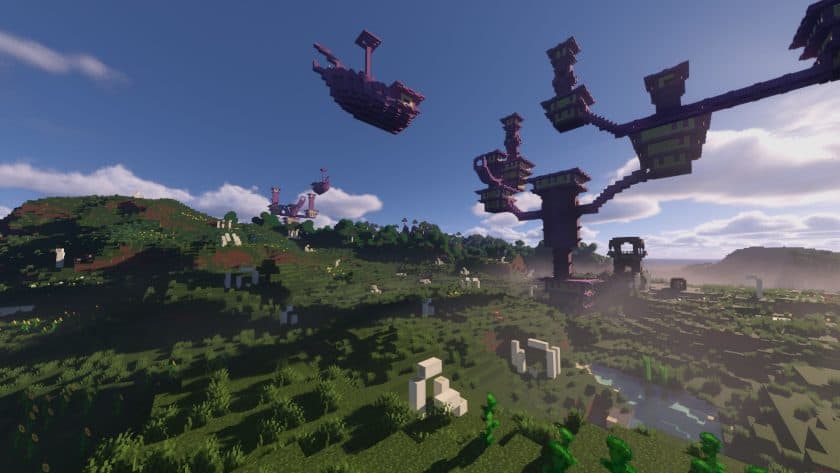
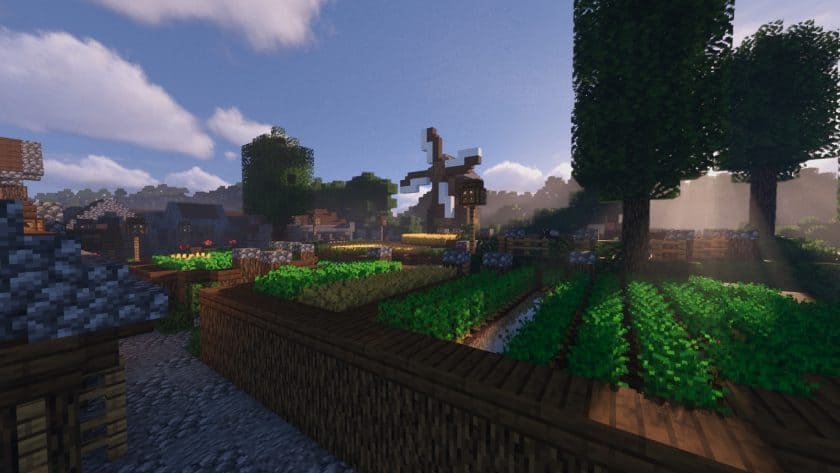
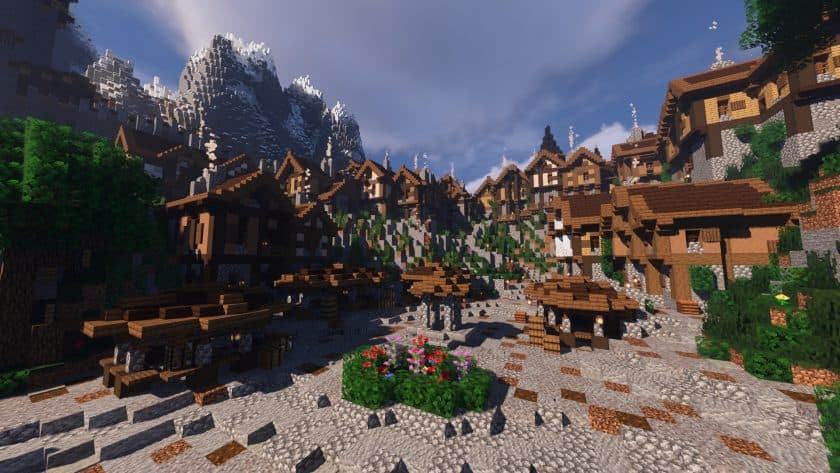
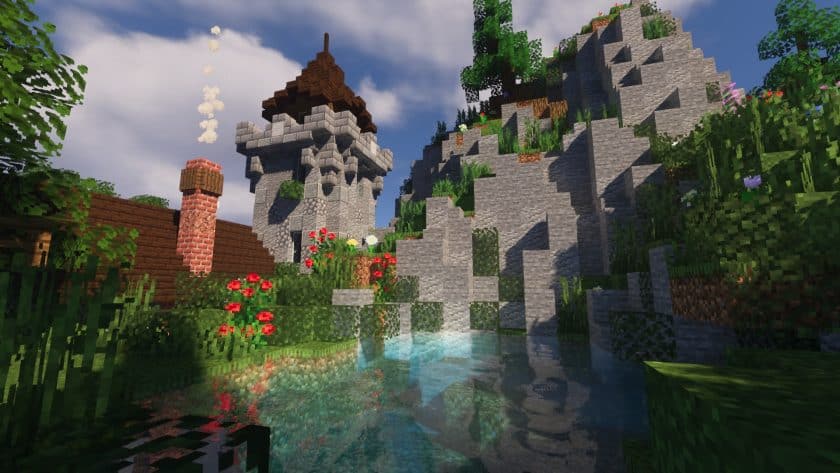
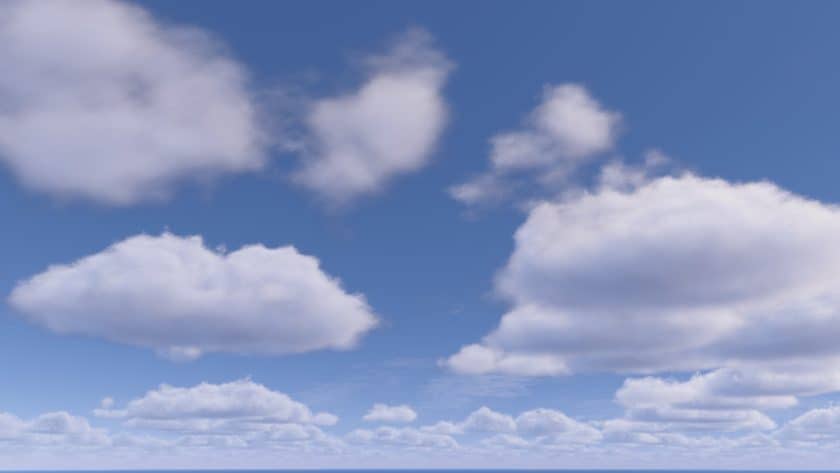
Voyager Shaders 2.0 Shader Pack Download
- Install Minecraft: Make sure to have Minecraft on your PC.
- Set the Game Version: Open the Minecraft Launcher, go to the “Installations” tab, click “New Installation”, choose the version you want to play, and click “Create”.
- Install Optifine or Iris: Download and install Optifine or Iris (we recommend Iris for better performance).
- To download Iris, click here.
- To download Optifine, click here.
- Launch with the Shader Mod: Open the Minecraft Launcher again and select the Optifine or Iris profile you installed.
- Download the Shader Pack: Download the shader pack (.zip file) from the download section below. (Don’t unzip it!)
- Open the Shaderpacks Folder :
- For Optifine: Go to Options > Video Settings > Shaders > Shaders Folder
- For Iris: Go to Options > Video Settings > Shader Packs > Open Shader Pack Folder.
- Add and Activate the Shader Pack: Move the downloaded .zip file ️into the shaderpacks folder. Then go back to the game, select the shader pack from the list, and click “Done” to activate it.
Supported mods:
- Biome O Plenty
- Botany
- Abnormal atmospheric
- Abnormal autumn
- Abnormal environment
- Abnormal Neapolitan
- Abnormal water update
- Abnormal busier bees
- Earth mob mod
- Desolation
- Astral Witchcraft
- Farmer’s Delight
- Oh biomes you go
- Ecotones
- Land surfaces
- Wild world
- Dynamic trees
Download Links
Java Edition:
Download Instructions:
CurseForge: The download will start by itself after a few seconds.
Mediafire: Click the big blue “DOWNLOAD” button.
Google Drive: Click the small download icon (a down arrow) at the top-right corner to start the download.
Disclaimer
We are not the creators of any texture packs or shader packs shared on this site. All credit goes to the original authors. We do not edit or change any files in any way. Also, none of the downloads are hosted on our servers — we only provide official links shared by the original creators. That means all downloads are completely safe.
❗Note: Since we manually add the official links, so some may stop working after updates. If you find a broken link, tell us in the comments and we’ll fix it as soon as we can.
If you like a pack, please leave a comment and vote for it — this helps the creators improve their work. You can also support them directly through the links below the download section.