One thing I noticed pretty quickly while using TrappedChest Resource Pack is that it feels like a pack that has had a long journey. It originally appeared back in 2013 and went through a period where development was fairly quiet, but the newer updates have given it a noticeable visual refresh. The pack now feels much more complete, with a cleaner overall presentation and plenty of detailed textures that make the world more interesting without completely losing the familiar Minecraft look. If you enjoy resource packs that sit somewhere between vanilla and high-end realism, TrappedChest is an interesting one to explore.
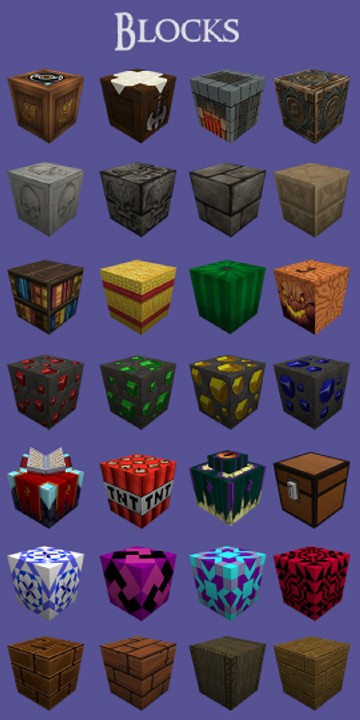
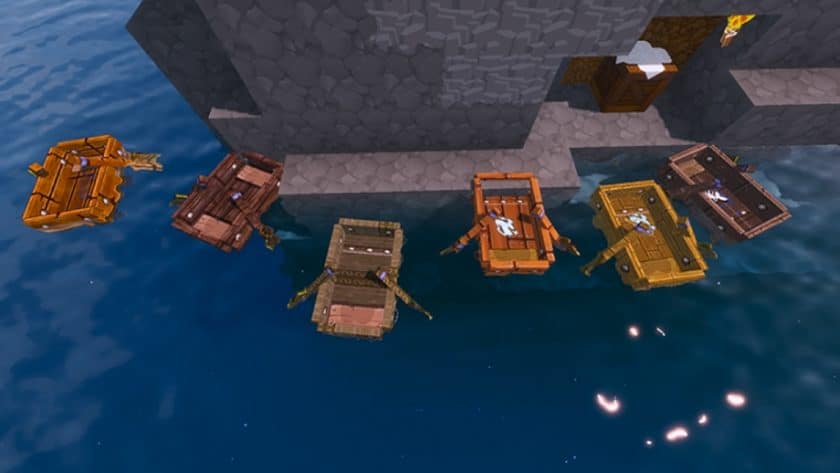
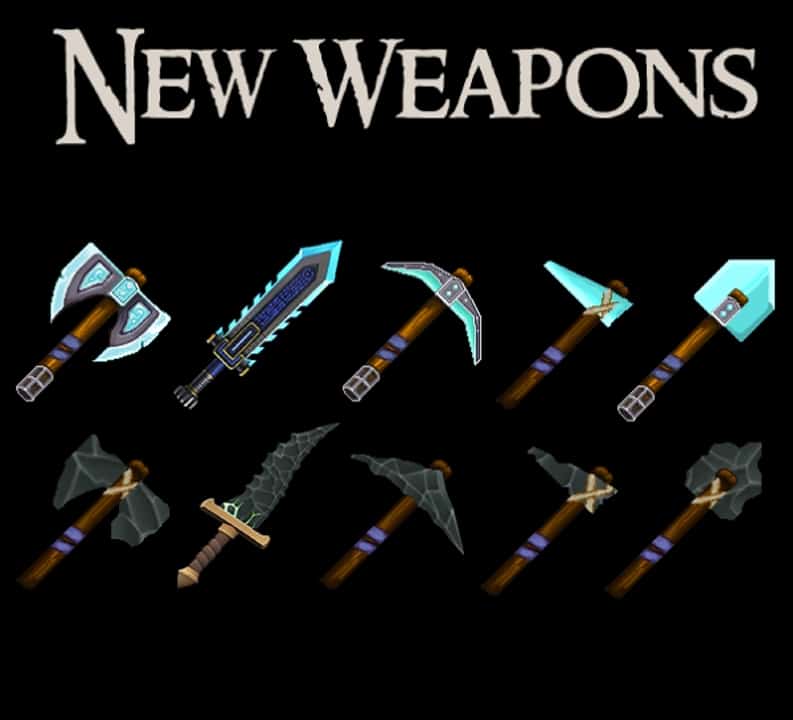
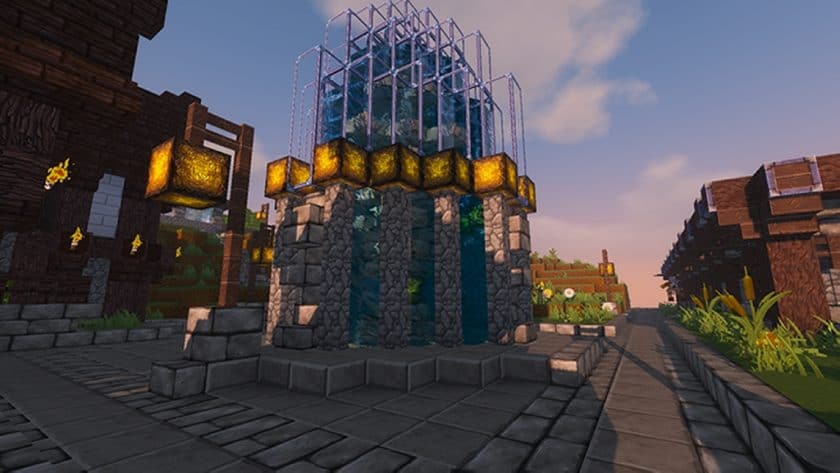
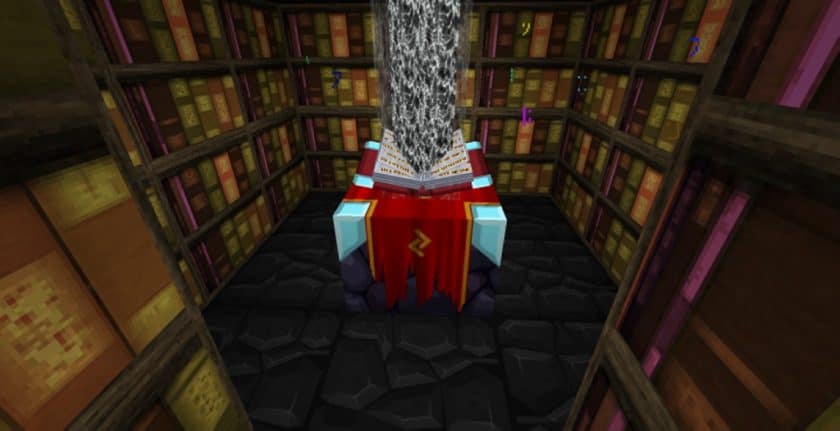
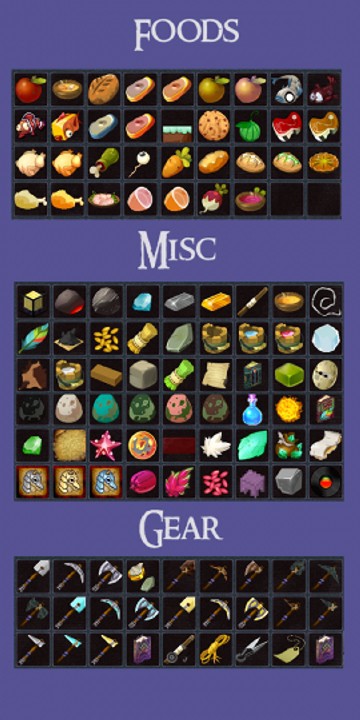
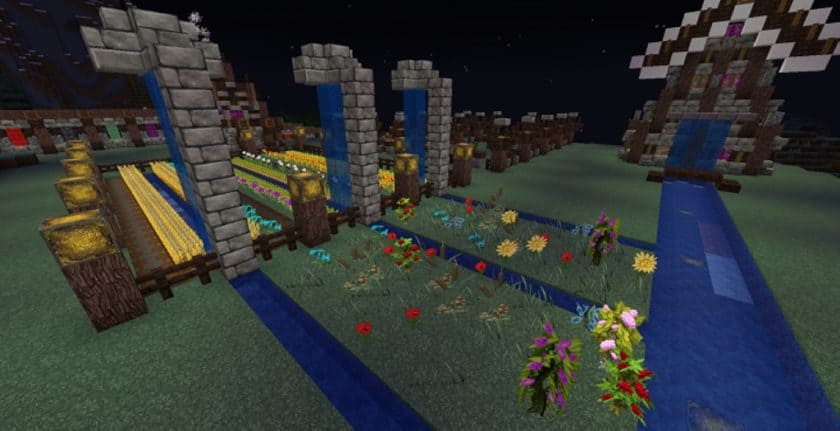
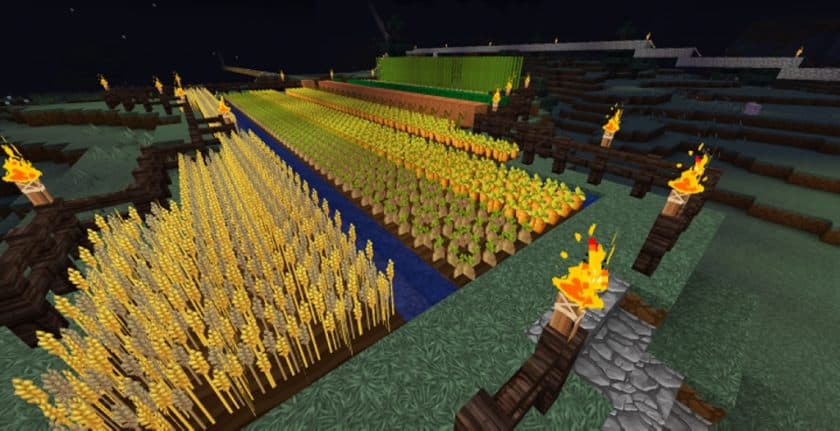
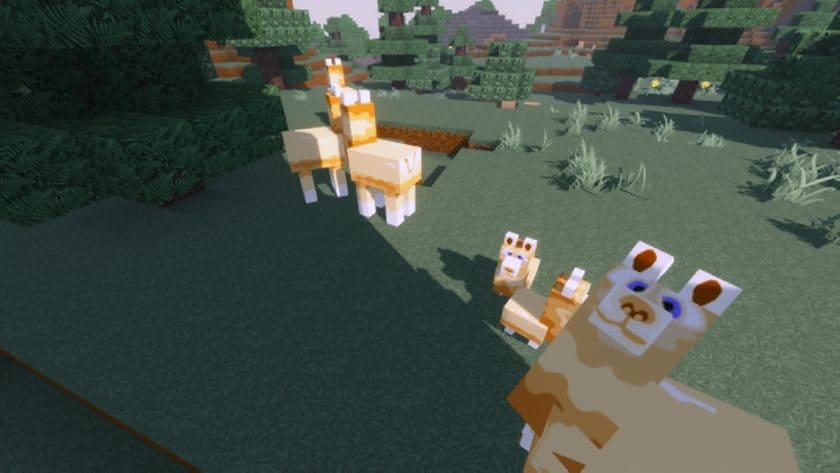
The textures are where the pack really starts to stand out. They use stronger colors, cleaner surfaces, and noticeably less visual noise than the default textures, so blocks are easier to distinguish while still having plenty of detail. I also liked the extra texture variations and small visual changes scattered throughout the pack because they stop the environment from feeling repetitive. The interface gets some attention as well, with a more polished and glossy appearance that fits the rest of the pack instead of looking like a separate design. At 128×128 resolution, the textures have plenty of room for fine details, and you can definitely see the difference when you get close to blocks, items, and structures.
There is one important trade-off, though: TrappedChest is considerably more demanding than a lightweight 16x pack. If you’re playing on an older or weaker PC, the higher resolution can lead to lower FPS or longer loading times, so I’d test it in a copy of your main world before committing to it. A reasonably powerful system should handle it much better. The pack also relies on features provided by OptiFine or MCPatcher, depending on the Minecraft version you’re using, so make sure the required support is available before installing it. If your hardware can handle the resolution, TrappedChest offers a detailed and colorful visual upgrade that is quite different from the usual vanilla-style packs.
TrappedChest is compatible with all of the following Minecraft versions: 1.13.2 – 1.13.1 – 1.13 – 1.12.2 – 1.12 – 1.11.2 – 1.11
TrappedChest — Screenshots
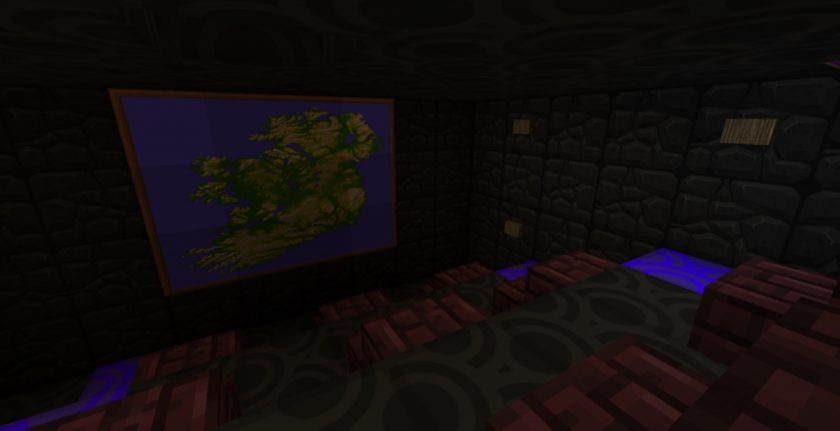
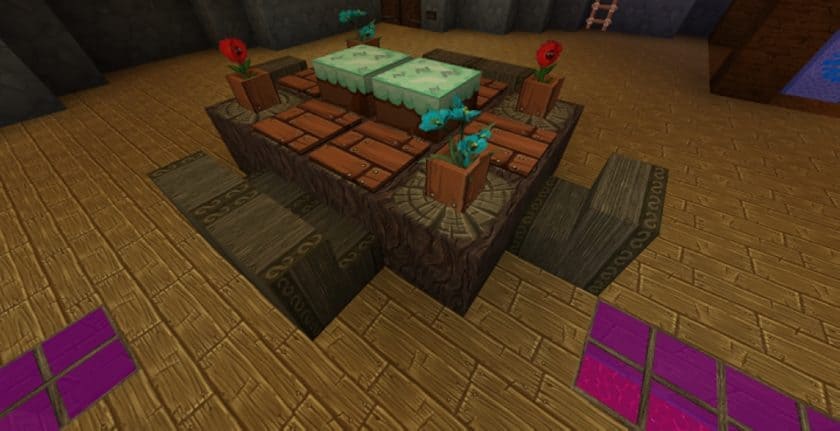
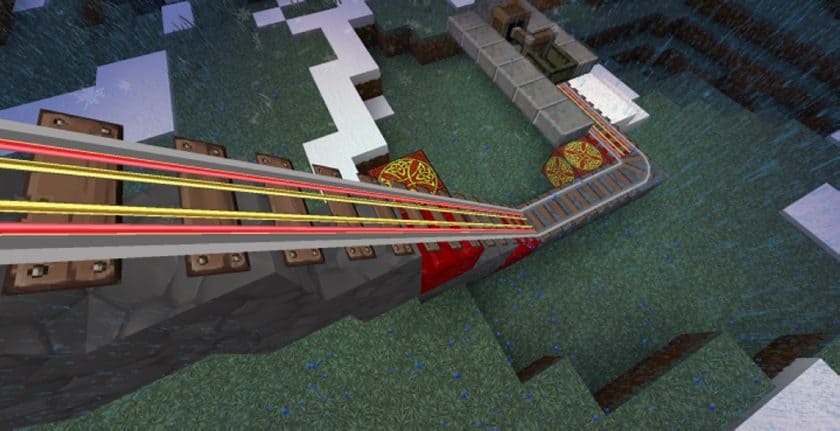
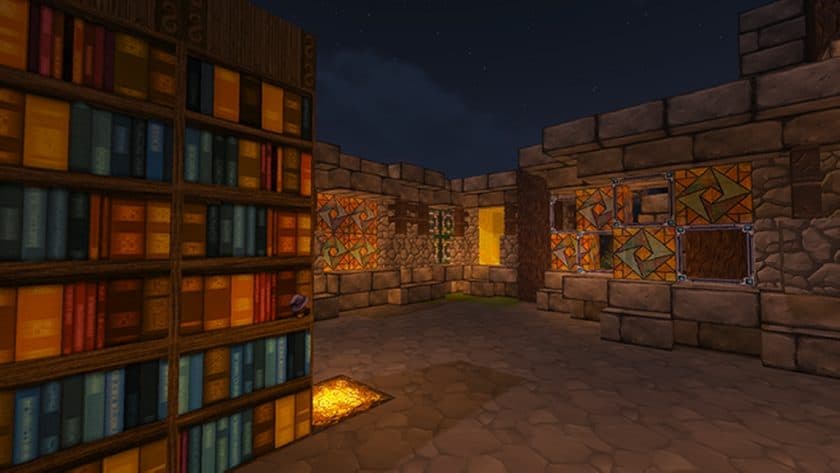
How to install TrappedChest Resource Pack:
- Download Optifine: Most of the texture packs and shaders need Optifine. That’s why, first download and install Optifine for the version of Minecraft you want to play.
- Download the Texture Pack: Get the texture pack you want from the download section. Choose the version that works with your Minecraft and your PC’s performance.
- Open Minecraft Launcher: 🚀 Start Minecraft using the official game launcher — or even TLauncher, if you use that.
- Go to Options: From the main menu, click on the “Options” button.
- Open Resource Packs: Inside Options, click on “Resource Packs…”.
- Open the Resource Pack Folder: Click on “Open Resource Pack Folder”— this will open a folder named “resourcepacks.”
- Move the Pack File: Copy or move the .zip file you downloaded into that “resourcepacks” folder. (Don’t unzip the file—Minecraft uses it as-is!)
- Go Back and Refresh: Close the folder and click “Done”, then go back into “Resource Packs…” again.
- Activate the Pack: You’ll see the pack on the left side. Hover over it and click the arrow to move it to the right (active side).
- Tip: If you get a message that the pack is for a different version, just click “”Yes”—it usually works fine.
- Click Done and Enjoy: Click “Done” again. Now your pack is ready to use in-game. It’s that easy!
- We never modify or modify resource packs in any way. None of the resource packs, shader mods or tools you see on this site are hosted on our servers. We only use official download links provided by official authors. Therefore, they are completely safe.
- Since the links are official and we update them manually – the links may stop working with each new update. We try to update the links as fast as possible and usually we update everything on time and users don’t have any problems, but if suddenly any link stops working – let us know through comments below.
- Don’t forget to leave a comment below and vote for the pack. In this way, you will help the authors to constantly improve the project. If you want to support the author(s), be sure to check the author links right below the download links.
TrappedChest texture pack download
DOWNLOAD LINKS
(128x) (1.13.x) Download TrappedChest Resource Pack
(128x) (1.12.x – 1.11.x) Download TrappedChest Resource Pack
Official links:
Check out the TrappedChest Resource Pack on the official resource
Download Instructions:
CurseForge: The download will start by itself after a few seconds.
Mediafire: Click the big blue “DOWNLOAD” button.
Google Drive: Click the small download icon (a down arrow) at the top-right corner to start the download.
Disclaimer
We are not the creators of any texture packs or shader packs shared on this site. All credit goes to the original authors. We do not edit or change any files in any way. Also, none of the downloads are hosted on our servers — we only provide official links shared by the original creators. That means all downloads are completely safe.
❗Note: Since we manually add the official links, so some may stop working after updates. If you find a broken link, tell us in the comments and we’ll fix it as soon as we can.
If you like a pack, please leave a comment and vote for it — this helps the creators improve their work. You can also support them directly through the links below the download section.