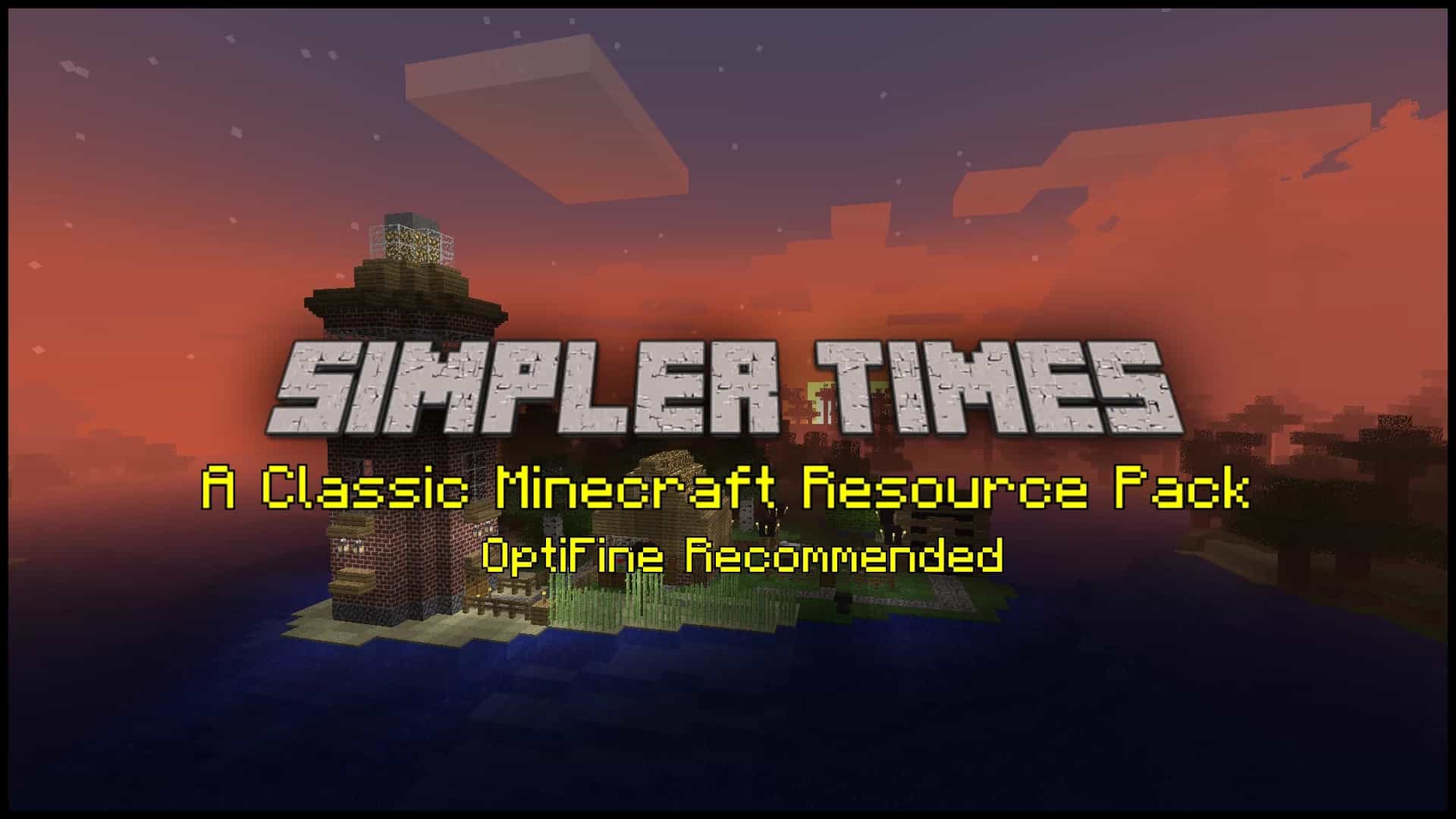
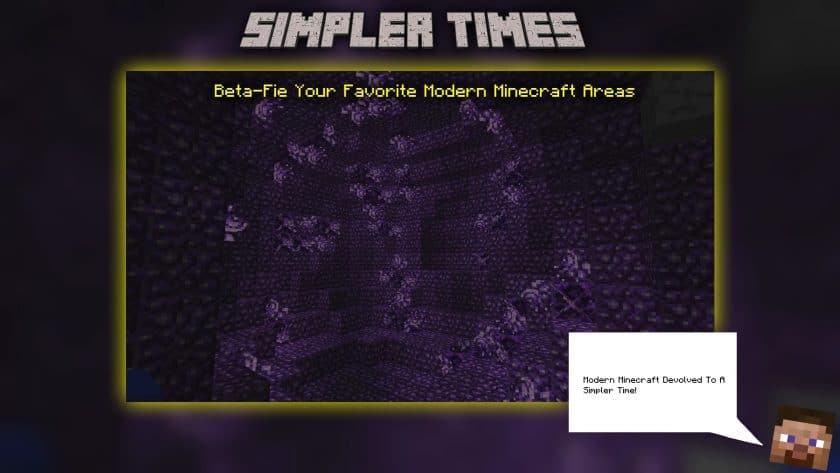
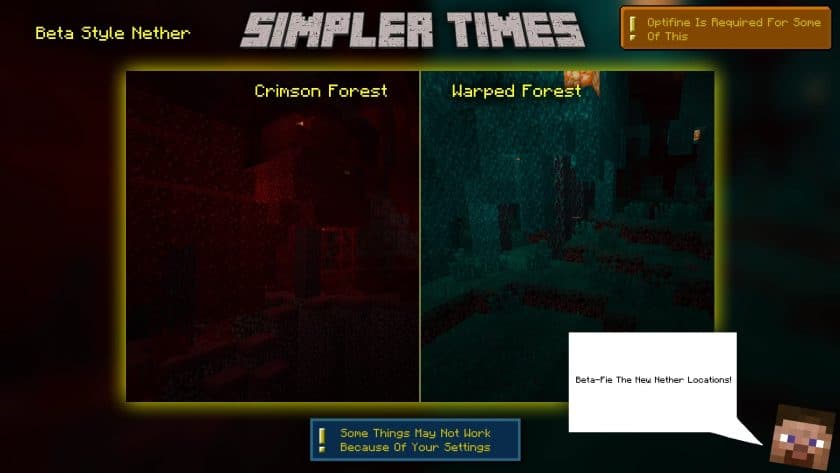
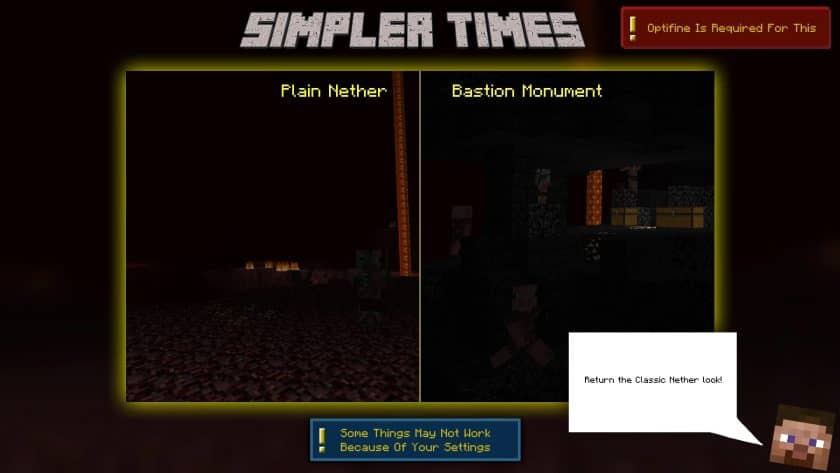
There’s something surprisingly satisfying about loading into Minecraft and seeing it look like the older versions you remember. Simpler Times Resource Pack is built around exactly that feeling, bringing back the rougher textures, darker atmosphere, and unmistakable visual character of Minecraft’s Alpha and Beta era. After spending some time with it, I found that it doesn’t simply slap old textures onto the current game. Newer blocks and areas are given a retro treatment as well, so places like the Nether’s newer biomes, Crimson Forests, and Bastions don’t feel completely disconnected from the old-school style.
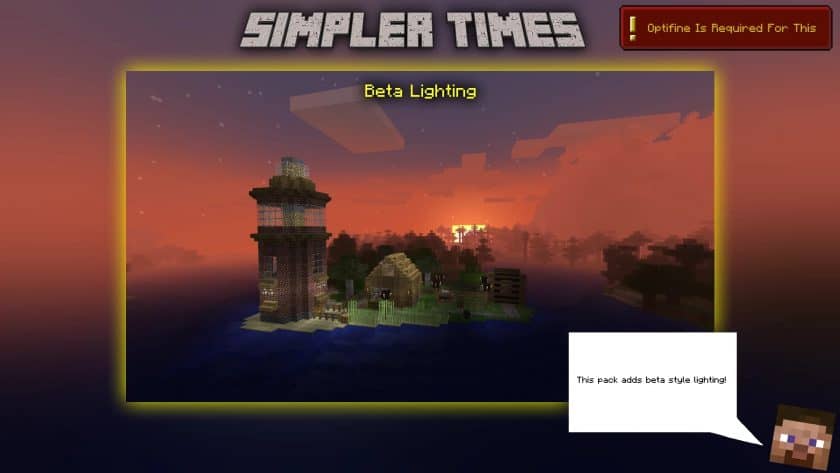
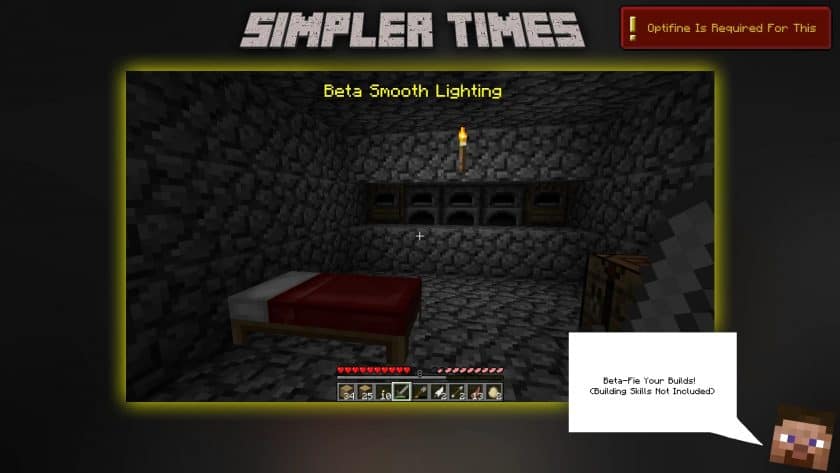
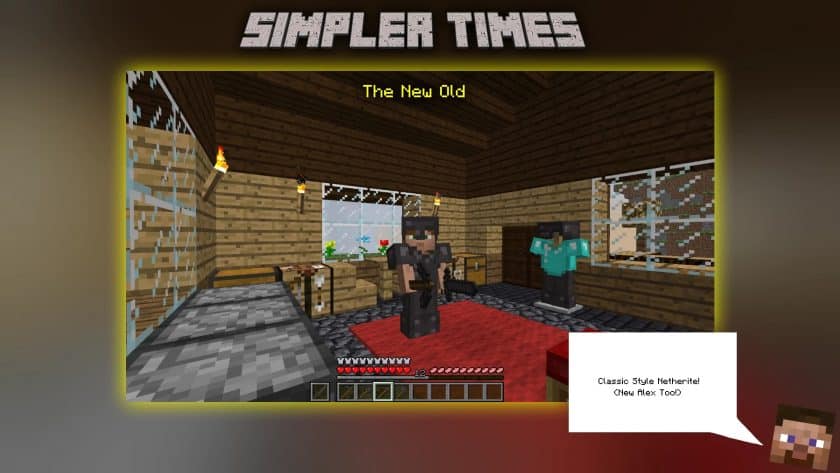
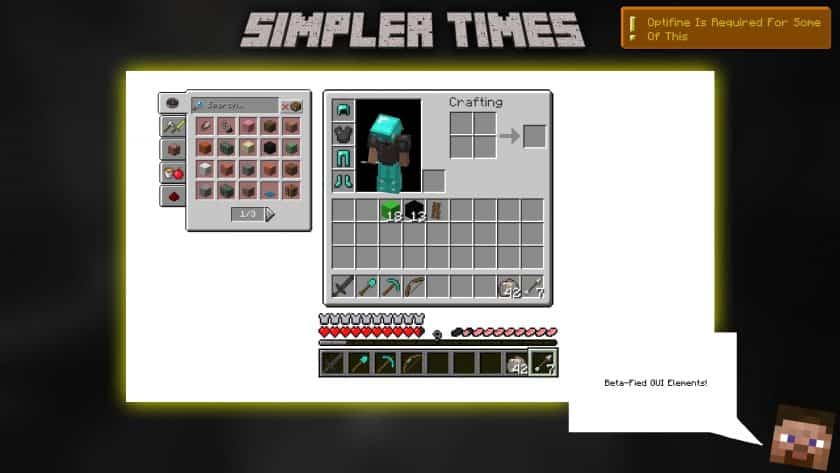
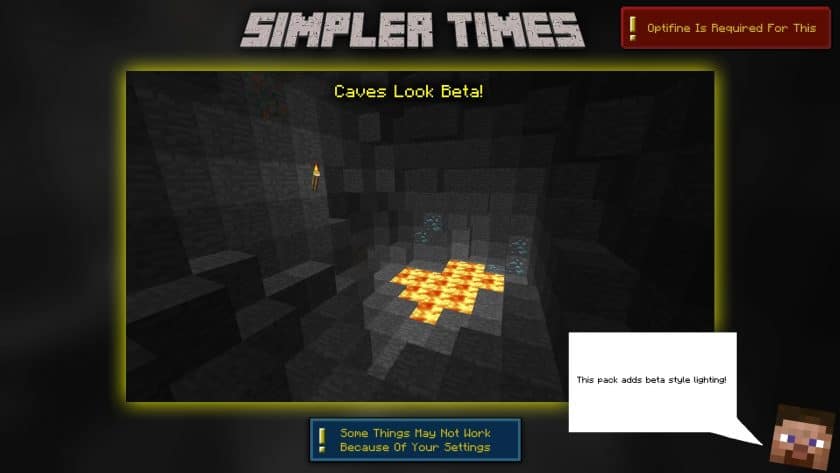
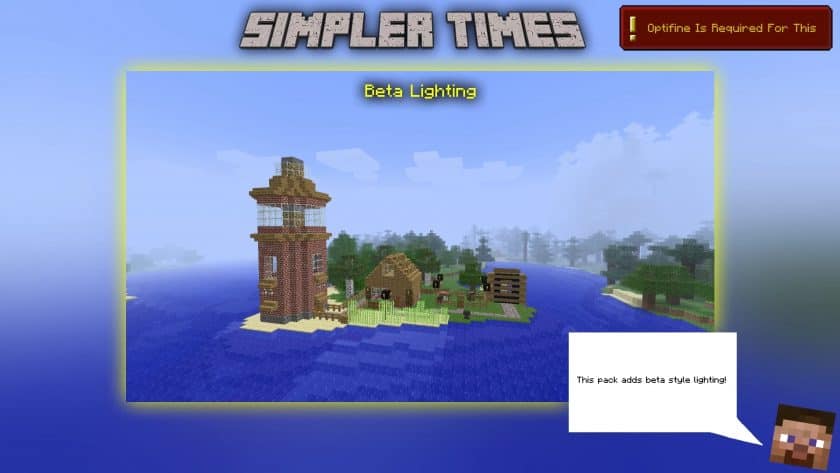
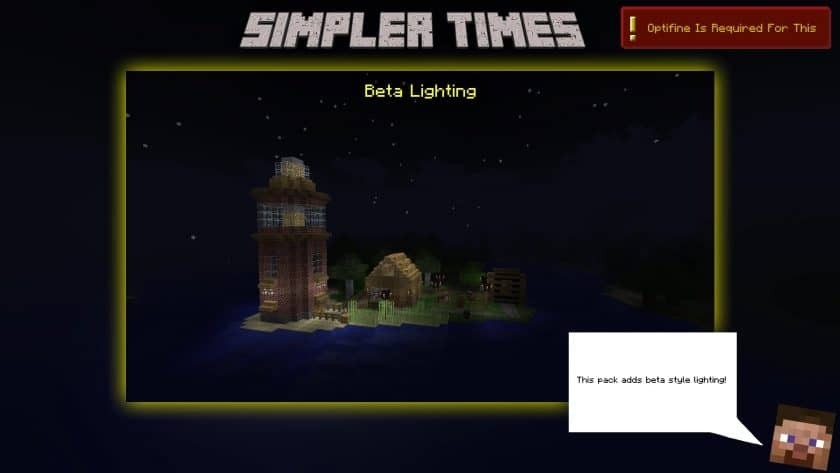
The atmosphere is probably the strongest part of the pack. The lighting feels much closer to classic Minecraft, with deeper sunsets, cooler mornings, and rougher textures on things like cobblestone and Netherrack. The old-style GUI and item names also help sell the nostalgia when you’re managing your inventory. Armor and tools have that chunky, heavily pixelated appearance older players will immediately recognize, while newer materials such as Netherite are redesigned to fit the same visual language. Even the End receives a more classic-looking sky, which helps make the entire game feel surprisingly consistent despite containing years of newer content.
What really impressed me, though, is that Simpler Times goes beyond textures. The pack also restores several classic Minecraft sounds, including sounds associated with villagers, animals, mobs, and player damage. There are also around ten CIT (Custom Item Texture) options that let you rename certain items to give them completely different appearances—for example, renaming an emerald to “Ruby” changes its texture. Most importantly, everything stays at 16×16 resolution, so the pack is extremely lightweight and should have virtually no performance impact on a system that can already run vanilla Minecraft. Some features require OptiFine, so you’ll want to check the recommended settings for the version you’re playing. With versions available for the 1.16–1.19 era, Simpler Times is a great choice if you want the modern Minecraft experience with the atmosphere and personality of its early days.
Simpler Times is compatible with all of the following Minecraft versions: 1.19.4 – 1.19.3 – 1.19.2 – 1.19.1 – 1.19 – 1.18.2 – 1.18.1 – 1.18 – 1.17.1 – 1.17 – 1.16.5 – 1.16.4 – 1.16.3 – 1.16.2 – 1.16.1 – 1.16
Simpler Times — Screenshots
How to install Simpler Times Resource Pack:
- Download Optifine: Most of the texture packs and shaders need Optifine. That’s why, first download and install Optifine for the version of Minecraft you want to play.
- Download the Texture Pack: Get the texture pack you want from the download section. Choose the version that works with your Minecraft and your PC’s performance.
- Open Minecraft Launcher: 🚀 Start Minecraft using the official game launcher — or even TLauncher, if you use that.
- Go to Options: From the main menu, click on the “Options” button.
- Open Resource Packs: Inside Options, click on “Resource Packs…”.
- Open the Resource Pack Folder: Click on “Open Resource Pack Folder”— this will open a folder named “resourcepacks.”
- Move the Pack File: Copy or move the .zip file you downloaded into that “resourcepacks” folder. (Don’t unzip the file—Minecraft uses it as-is!)
- Go Back and Refresh: Close the folder and click “Done”, then go back into “Resource Packs…” again.
- Activate the Pack: You’ll see the pack on the left side. Hover over it and click the arrow to move it to the right (active side).
- Tip: If you get a message that the pack is for a different version, just click “”Yes”—it usually works fine.
- Click Done and Enjoy: Click “Done” again. Now your pack is ready to use in-game. It’s that easy!
- mipmap levels: OFF
- Mipmap Type: Nearest
- Anisotropic filtering: OFF
- Antialiasing: OFF
- Graphics: Fast
- Continuous lighting: OFF
- Smooth lighting: OFF
- Brightness: Moody
- Dynamic lights: OFF
- Attack Indicator: OFF
- Clouds: Spectacular
- Trees: Spectacular
- Render distance: 8
- GUI scale: 4
- FOV: 70/Normal
- Fog: Spectacular
- Fog Start: 0.2
- Biome Blend: 15×15
Simpler Times Texture Pack Download
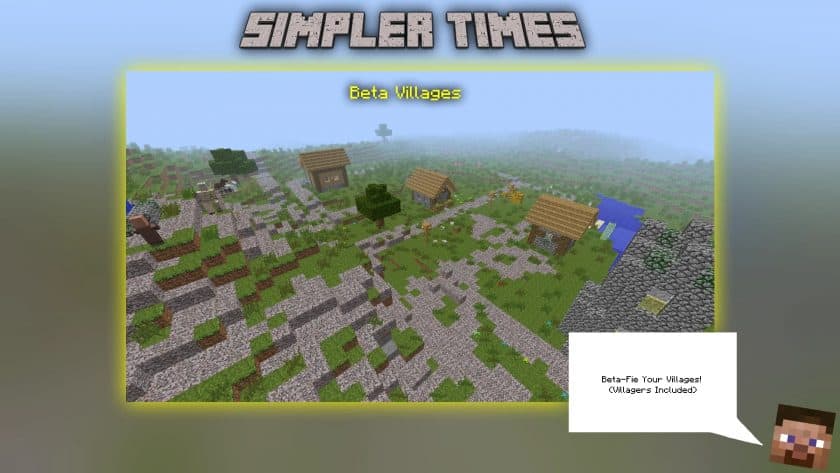
- Beta textures.
- Beta sounds.
- Beta lighting.
- Beta Nether Fog.
- Beta End Sky.
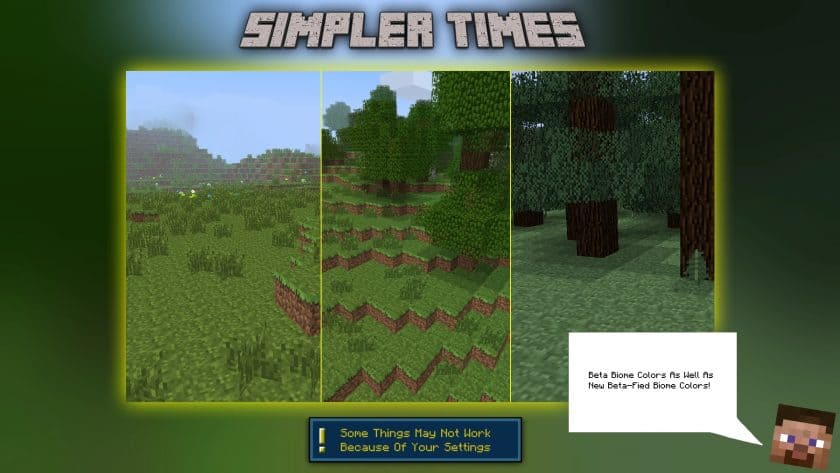
- Biome beta colors.
- Beta sky colors.
- Beta item labels.
- Beta item names.
- Beta block names.
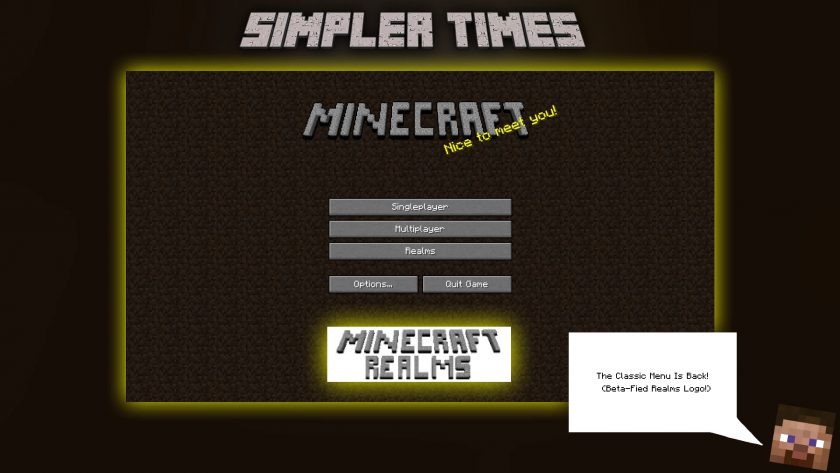
- Beta GUI elements.
- Beta leaf colors.
- Beta sheets.
- Beta offer.
- Beta-fied newer GUI elements.
- Beta-Fied Newer Blocks. (Stonemason, smoker, blast furnace, etc.)
- Beta-Fied Newer Items.
- Beta-Fied Door.
- Beta-Fied Moss Stuff.
- Beta-Fied Flowers.
- Beta-Fied XP Bar.
- Advances are now achievements.
- Combat indicators removed.
- 2D head items.
- 2D bedding items.
- A flash of old charm.
- Andesite, Diorite, Granite, Deepslate and Dripstone all have similar textures to stone to stay consistent.
- Minecon coral texture.
- MORE!
DOWNLOAD LINKS
The Java Edition of this package requires Optifine to work and will not work without it! Get optifine here.
Java Edition:
(16x) (1.19.x – 1.16.x) Download Simpler Times Resource Pack
Add-ons (Java Edition):
Ancient Times Add-on – Alpha-Fies Simpler Times;
Beta-Fier plugin – place it on any deck and make it feel like you’re using that resource deck in Beta Minecraft;
Black Outlines plugin – gives many objects a sharp black outline;
A consistent supplement – Cooked pork chops = texture of cooked steak, black dye = ink sac, etc.;
Supplement for ore emissions – makes ores glow in the dark;
Green Ender add-on – makes purple green as it once was;
MOAR Nostalgia add-on – it adds basic nostalgic stuff that you may or may not want in your game;
No Enchantments addon – removes enchantment related things like enchantment shine. (you can still cast spells, you just won’t see it);
Old Ore add-on – turns raw ores into their old blocky counterparts;
Picture Perfect Beds add-on – makes all beds red;
Picture Perfect Blocks plugin – useful for taking authentic screenshots;
Picture Perfect Emissive Rudes plugin – emission ore supplement, but suitable for Picture Perfect blocks;
Picture Perfect GUI Elements plugin – removes hunger and other new things to make her look old;
Remove the Grass add-on – removes all leaves on the ground;
Slim add Steve – turns Alex into a lean, armed Steve;
Download Instructions:
CurseForge: The download will start by itself after a few seconds.
Mediafire: Click the big blue “DOWNLOAD” button.
Google Drive: Click the small download icon (a down arrow) at the top-right corner to start the download.
Disclaimer
We are not the creators of any texture packs or shader packs shared on this site. All credit goes to the original authors. We do not edit or change any files in any way. Also, none of the downloads are hosted on our servers — we only provide official links shared by the original creators. That means all downloads are completely safe.
❗Note: Since we manually add the official links, so some may stop working after updates. If you find a broken link, tell us in the comments and we’ll fix it as soon as we can.
If you like a pack, please leave a comment and vote for it — this helps the creators improve their work. You can also support them directly through the links below the download section.