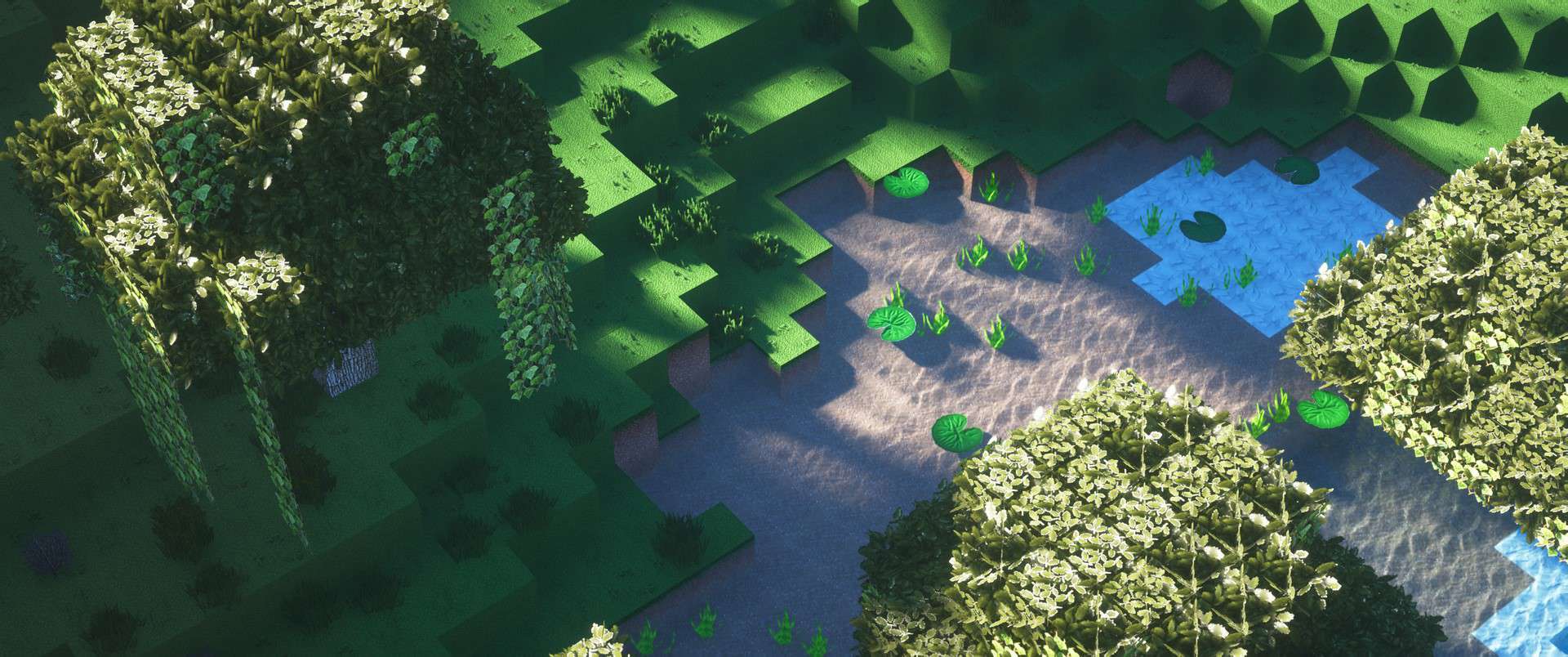
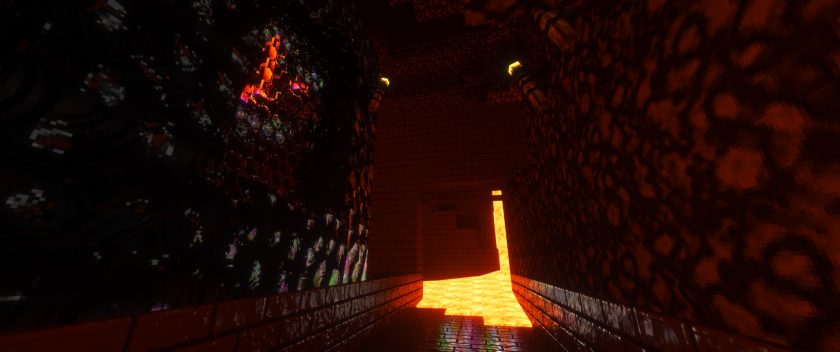
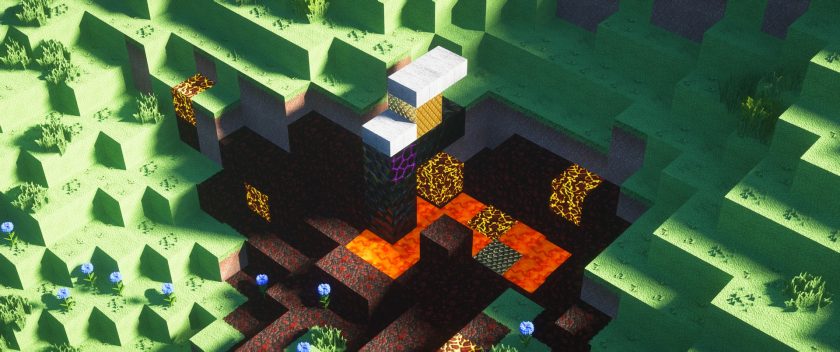
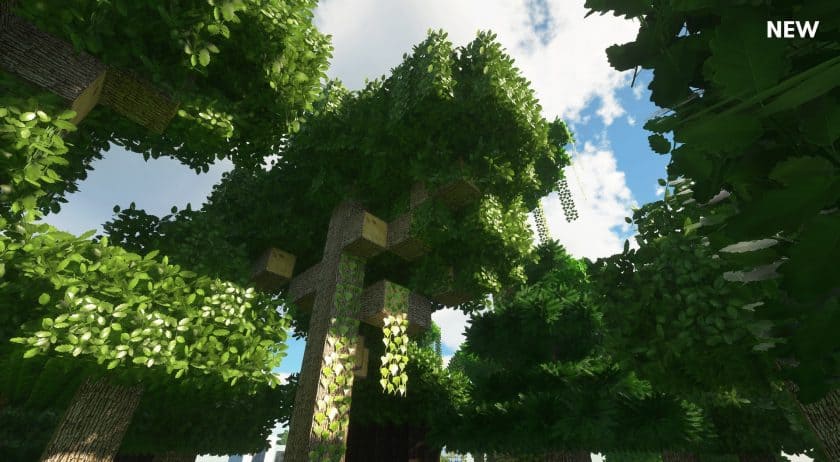
After spending several hours exploring and building with the Realism Mats Resource Pack, it’s clear that this pack is designed for players who want Minecraft to look as realistic as possible. Unlike many texture packs that simply sharpen the original textures, Realism Mats replaces almost every surface with handcrafted, photo-inspired artwork. Trees, rocks, wooden planks, bricks, metals, and countless other blocks receive completely new textures that give the world a far more natural appearance. Even though the visuals are dramatically different from vanilla Minecraft, the pack still feels surprisingly polished because the textures are consistent throughout the entire game. You can tell a huge amount of work has gone into every material, making landscapes and buildings look much richer than they do with the default textures.
One of the biggest highlights for me was the level of detail on items and 3D models. Tools, weapons, and everyday objects no longer look like simple flat icons—they have realistic textures and additional depth that make them feel much closer to physical objects. Holding a sword or using different tools feels noticeably different because of the improved artwork. The same attention to detail carries over to many building blocks, where wood grain, stone surfaces, bricks, and other materials have realistic patterns that completely change the atmosphere of your world. If you enjoy creating realistic cities, countryside homes, castles, or cinematic builds, Realism Mats Texture Pack provides an excellent foundation for those kinds of projects.
The pack is available in multiple resolutions, making it suitable for different types of hardware. There’s a 64x version that serves as a great starting point for most players, while higher-resolution editions offer even sharper textures for those with more powerful systems. Naturally, the larger resolutions require additional graphics power and memory, so choosing the right version for your PC is important if you want smooth gameplay. Pairing the pack with a high-quality shader can make the results even more impressive, as realistic lighting and shadows help bring out all of the extra surface detail. Just keep in mind that combining high-resolution textures with shaders will increase the hardware requirements significantly.
Another thing I appreciate about Realism Mats Resource Pack is that it’s actively maintained by a developer who clearly puts a lot of time into creating and refining the artwork. New textures are carefully designed rather than generated automatically, which helps give the entire pack a consistent visual style. A free version is available for players who want to test the pack before deciding whether the premium higher-resolution editions are worth it. After trying it myself, I’d recommend starting with the free version to see how it performs on your system. If you’re looking for one of the most realistic Minecraft texture packs available and don’t mind moving away from the traditional vanilla appearance, Realism Mats is definitely worth experiencing.
Realism Mats is compatible with all of the following Minecraft versions: 1.21.5 – 1.21.4 – 1.21.3 – 1.21.2 – 1.21.1 – 1.21 – 1.20.6 – 1.20.5 – 1.20.4 – 1.20.3 – 1.20.2 – 1.20.1 – 1.20 – 1.19.4 – 1.19.3 – 1.19.2 – 1.19.1 – 1.19 – 1.18.2 – 1.18.1 – 1.18 – 1.17.1 – 1.17 – 1.16.5 – 1.16.4 – 1.16.3 – 1.16.2 – 1.16.1 – 1.16 – 1.12.2 – 1.12
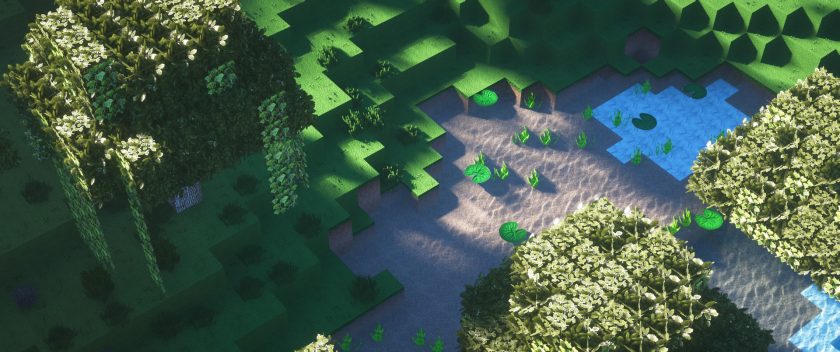
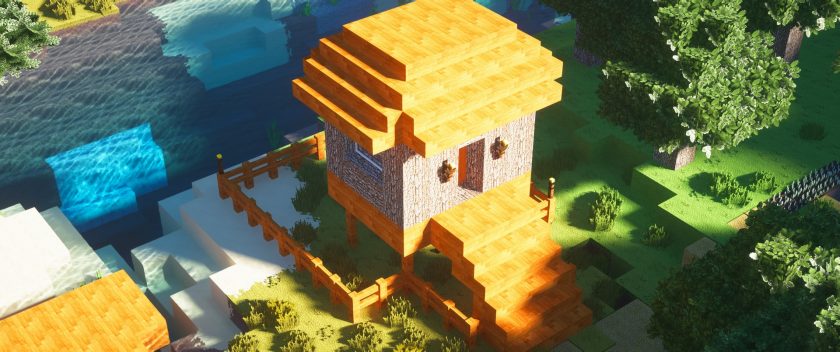
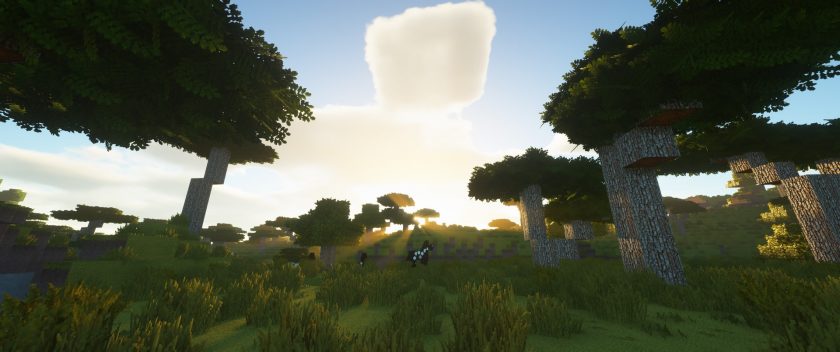
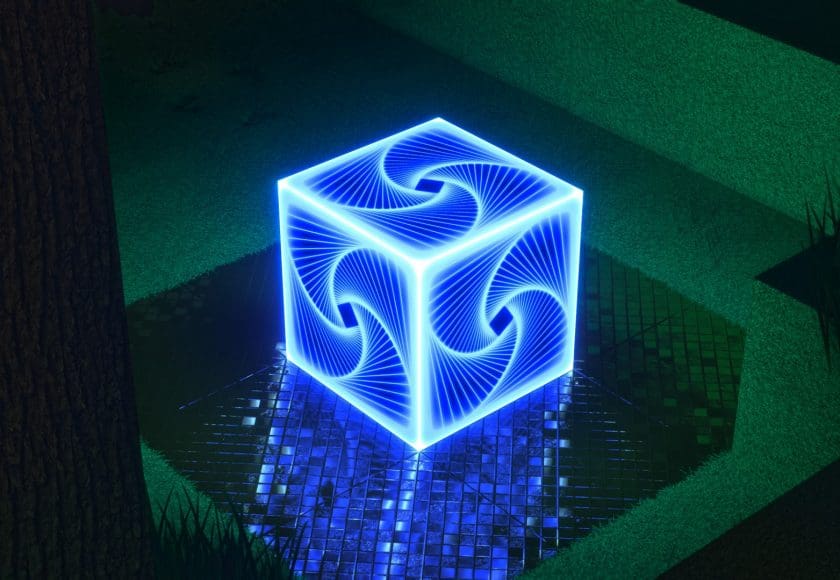
Realistic mats — Video and screenshots
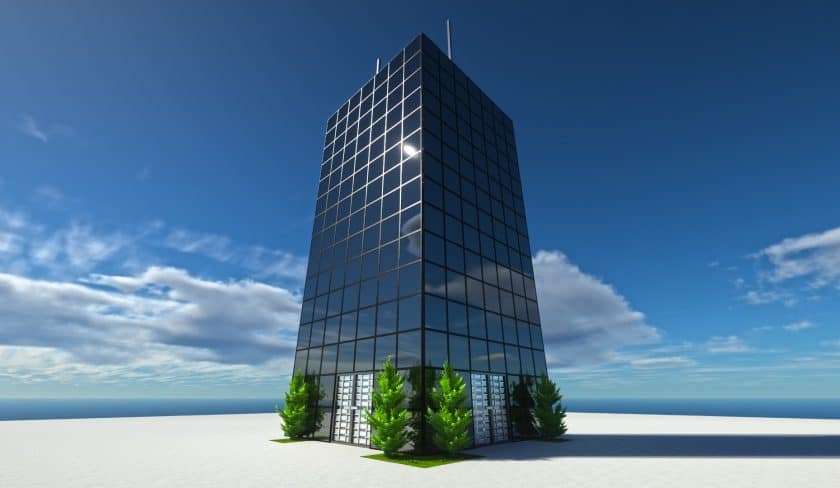
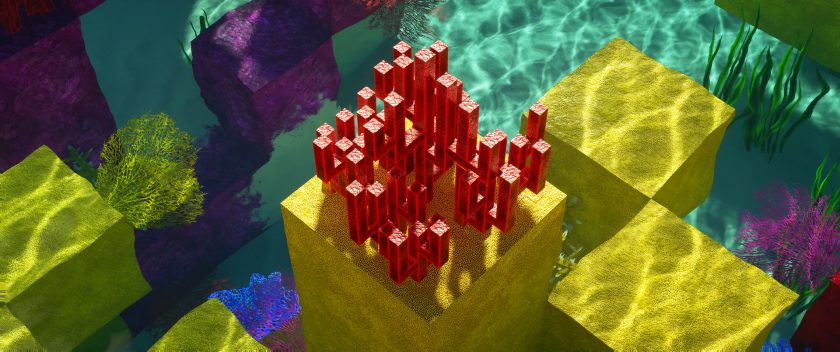
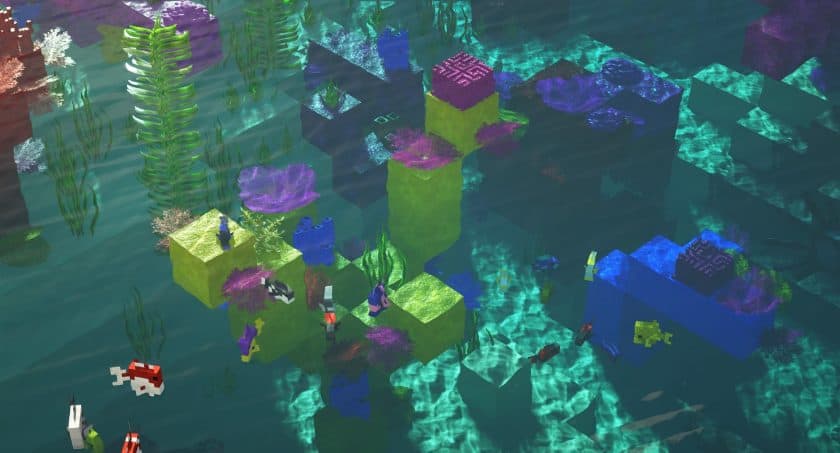
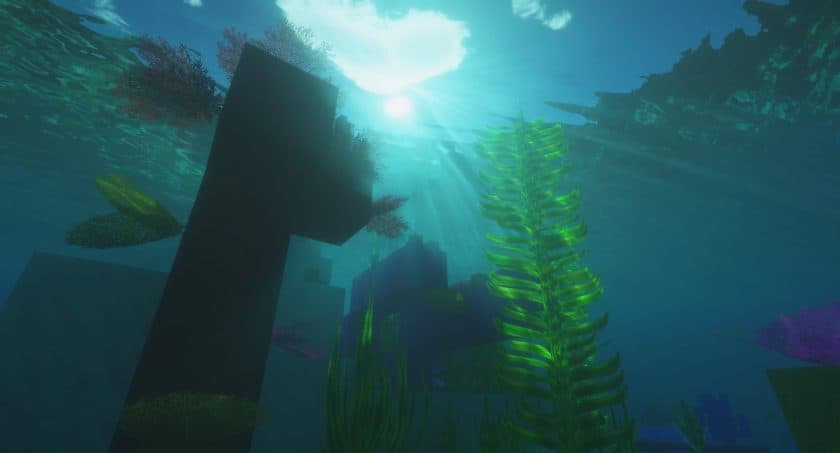
How to Install Realism Mats Texture Pack (Simple 10 Steps)
- Download Optifine: Most of the texture packs and shaders need Optifine. That’s why, first download and install Optifine for the version of Minecraft you want to play.
- Download the Texture Pack: Get the texture pack you want from the download section. Choose the version that works with your Minecraft and your PC’s performance.
- Open Minecraft Launcher: 🚀 Start Minecraft using the official game launcher — or even TLauncher, if you use that.
- Go to Options: From the main menu, click on the “Options” button.
- Open Resource Packs: Inside Options, click on “Resource Packs…”.
- Open the Resource Pack Folder: Click on “Open Resource Pack Folder”— this will open a folder named “resourcepacks”.
- Move the Pack File: Copy or move the .zip file you downloaded into that “resourcepacks” folder. (Don’t unzip the file—Minecraft uses it as-is!)
- Go Back and Refresh: Close the folder and click “Done”, then go back into “Resource Packs…” again.
- Activate the Pack: You’ll see the pack on the left side. Hover over it and click the arrow to move it to the right (active side). Tip: If you get a message that the pack is for a different version, just click “”Yes”—it usually works fine.
- Click Done and Enjoy: Click “Done” again. Now your pack is ready to use in-game. It’s that easy!
Recommended shaders:
Realism texture pack download
Java Edition:
[64x] [1.21.x] Download Realism Mats Resource Pack – absolutely free;
[64x] [1.19.x – 1.12.x] Download Realism Mats Resource Pack – absolutely free;
[256x] [1.21.x – 1.12.x] Download Realism Mats Resource Pack – for Patrons;
[512x] [1.21.x – 1.12.x] Download Realism Mats Resource Pack – for Patrons;
[1024x] [1.21.x – 1.12.x] Download Realism Mats Resource Pack – for Patrons;
Optimized Flora Add-on (Java Edition):
[256x – 1024x] [1.19.x – 1.12.x] Download Realism Mats Resource Pack – better looking leaves & vines;
Download Instructions:
CurseForge: The download will start by itself after a few seconds.
Mediafire: Click the big blue “DOWNLOAD” button.
Google Drive: Click the small download icon (a down arrow) at the top-right corner to start the download.
Disclaimer
We are not the creators of any texture packs or shader packs shared on this site. All credit goes to the original authors. We do not edit or change any files in any way. Also, none of the downloads are hosted on our servers — we only provide official links shared by the original creators. That means all downloads are completely safe.
❗Note: Since we manually add the official links, so some may stop working after updates. If you find a broken link, tell us in the comments and we’ll fix it as soon as we can.
If you like a pack, please leave a comment and vote for it — this helps the creators improve their work. You can also support them directly through the links below the download section.