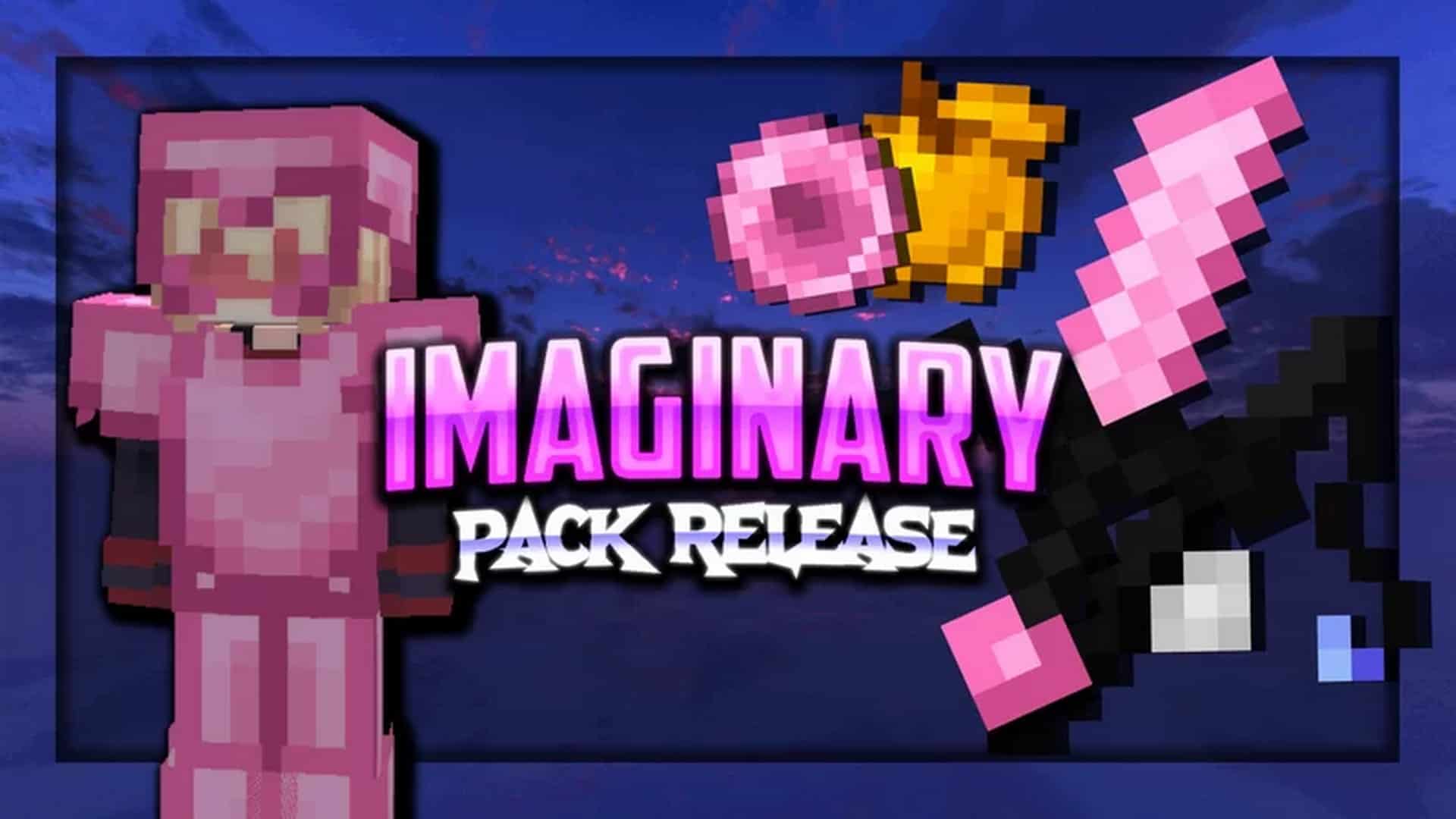
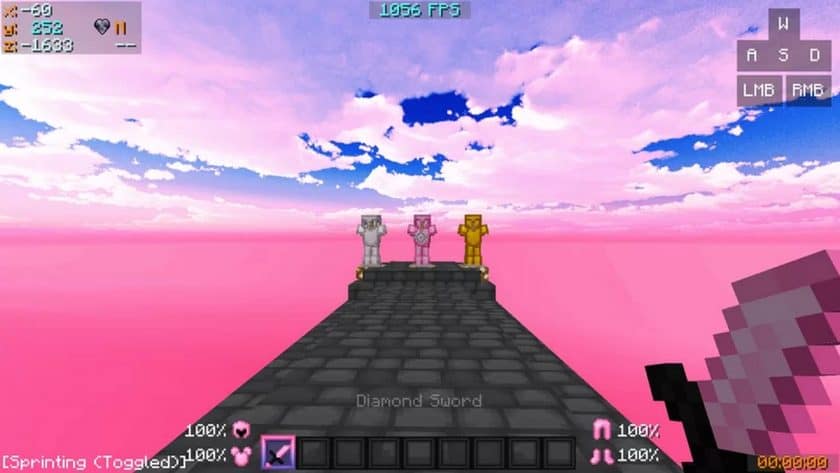
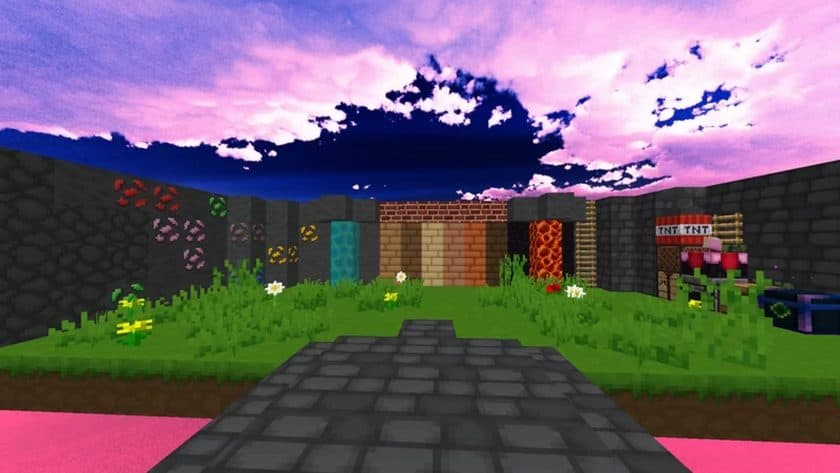
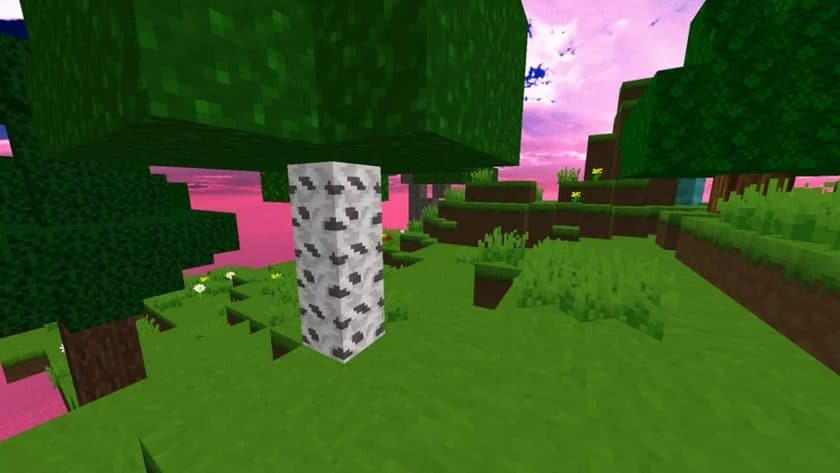
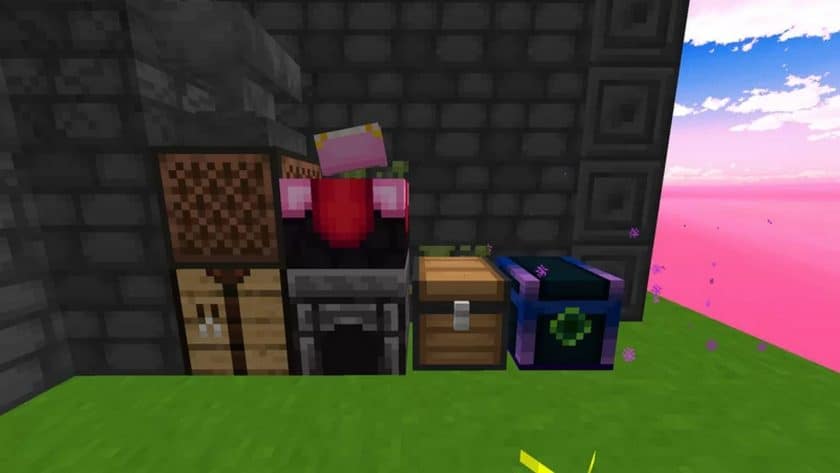
If you’re coming from standard Minecraft PvP, Imaginary PvP Resource Pack feels different almost immediately. It isn’t trying to make Minecraft look realistic or dramatically increase texture quality; instead, it focuses on making important gameplay elements easier to see during a fight. The pack keeps the familiar 16x resolution, so the overall look still feels like vanilla Minecraft, but the colors and contrast are adjusted to make weapons, armor, blocks, players, and other useful objects stand out more clearly. For fast-paced modes, that small visual change can actually make a noticeable difference.
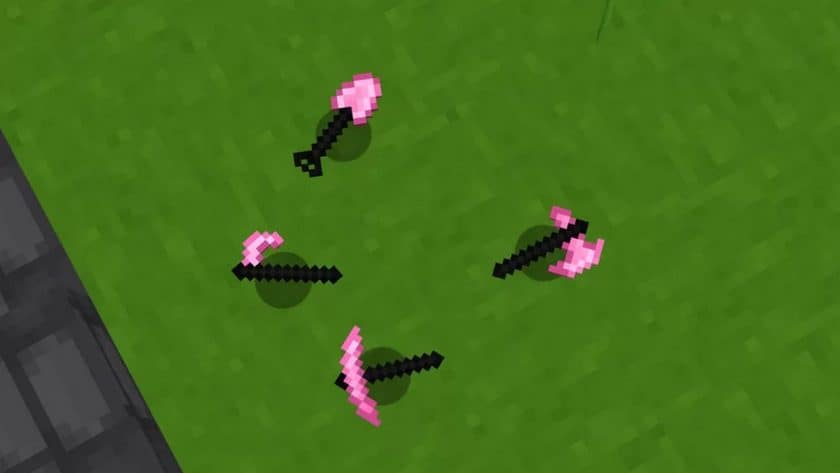
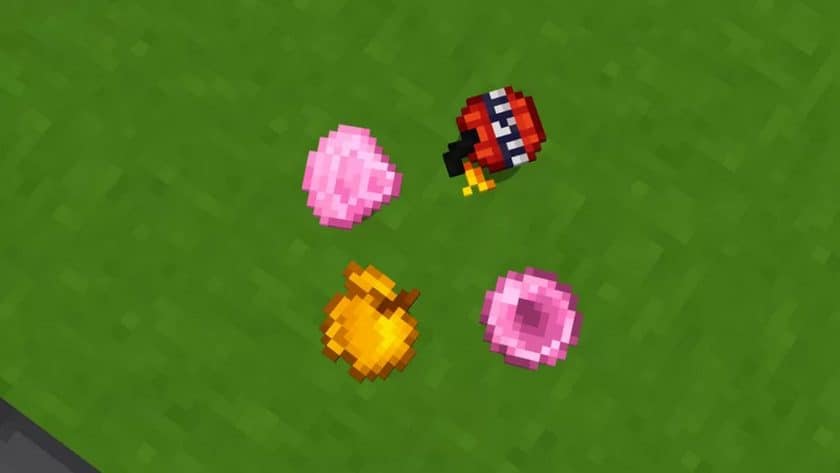
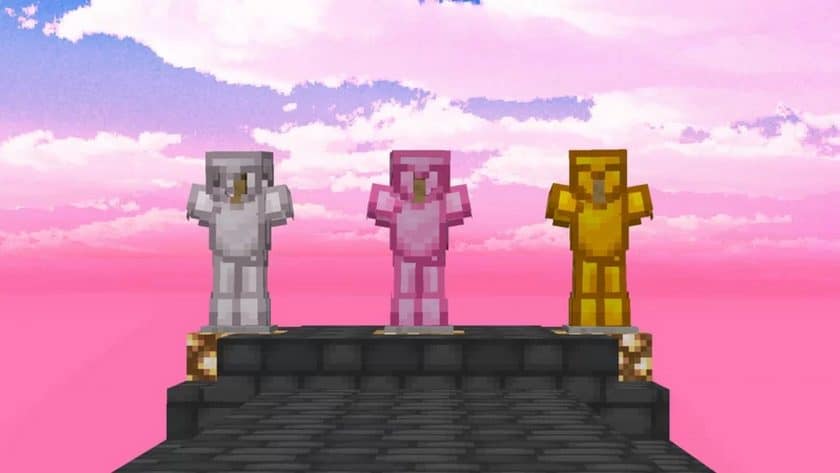
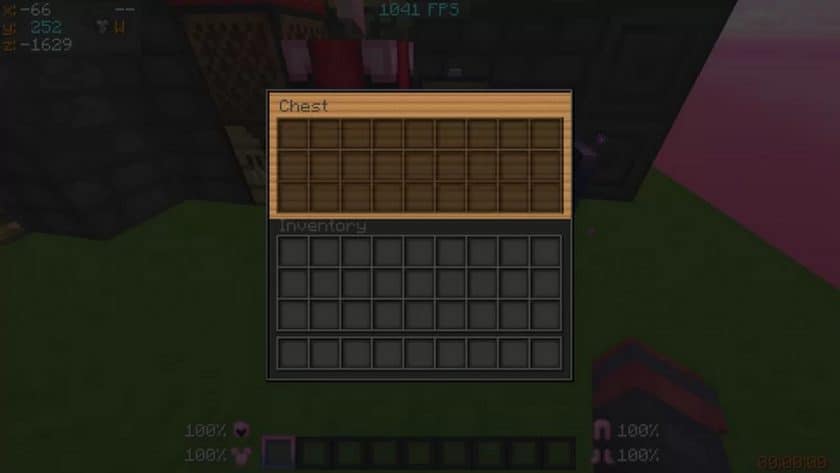
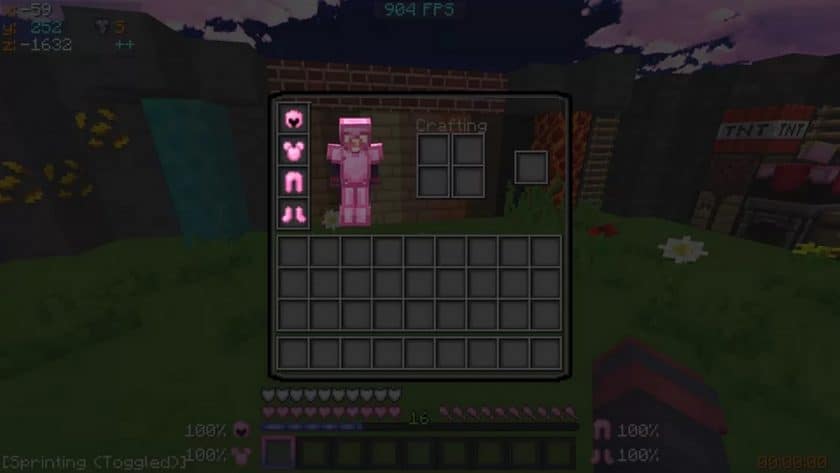
A lot of the work here is centered around visibility. Several textures have been brightened or darkened to create stronger separation between objects, while weapons, armor, and item icons receive more distinctive designs. One of the most recognizable choices is the heavy use of pink tones across certain equipment and UI elements, along with the pink-tinted sky and water. It definitely gives the pack a unique personality, although the color scheme won’t be everyone’s favorite. The GUI has also been simplified, removing some unnecessary visual clutter and making inventory management quicker. From my experience, that makes the pack particularly comfortable for modes such as SkyWars, Treasure Wars, and Survival Games, where spotting things quickly matters.
Performance is another strong point. Since Imaginary PvP stays at 16x instead of using high-resolution textures, it remains lightweight and should work well even on older systems. That’s important for PvP because stable FPS is usually much more valuable than fancy graphics. OptiFine is needed if you want to use the custom sky features, and the developer recommends keeping your render distance at 8 chunks or higher. The pack is aimed at older Minecraft versions, with support covering 1.7 through 1.8.9, so it’s mainly worth checking out if you’re playing classic Minecraft PvP. Overall, Imaginary PvP doesn’t reinvent Minecraft—it simply makes the visuals cleaner, brighter, and more combat-friendly.
Imaginary PvP is compatible with all of the following Minecraft versions: 1.8.9 – 1.8.8 – 1.8.1 – 1.8.6 – 1.8 – 1.7.10 – 1.7.9 – 1.7.4 – 1.7
Imaginary PvP — Video and screenshots



How to install Imaginary PvP Resource Pack:
- Download Optifine: Most of the texture packs and shaders need Optifine. That’s why, first download and install Optifine for the version of Minecraft you want to play.
- Download the Texture Pack: Get the texture pack you want from the download section. Choose the version that works with your Minecraft and your PC’s performance.
- Open Minecraft Launcher: 🚀 Start Minecraft using the official game launcher — or even TLauncher, if you use that.
- Go to Options: From the main menu, click on the “Options” button.
- Open Resource Packs: Inside Options, click on “Resource Packs…”.
- Open the Resource Pack Folder: Click on “Open Resource Pack Folder”— this will open a folder named “resourcepacks.”
- Move the Pack File: Copy or move the .zip file you downloaded into that “resourcepacks” folder. (Don’t unzip the file—Minecraft uses it as-is!)
- Go Back and Refresh: Close the folder and click “Done”, then go back into “Resource Packs…” again.
- Activate the Pack: You’ll see the pack on the left side. Hover over it and click the arrow to move it to the right (active side).
- Tip: If you get a message that the pack is for a different version, just click “”Yes”—it usually works fine.
- Click Done and Enjoy: Click “Done” again. Now your pack is ready to use in-game. It’s that easy!
- We never modify or modify resource packs in any way. None of the resource packs, shader mods or tools you see on this site are hosted on our servers. We only use official download links provided by official authors. Therefore, they are completely safe.
- Since the links are official and we update them manually – the links may stop working with each new update. We try to update the links as fast as possible and usually we update everything on time and users don’t have any problems, but if suddenly any link stops working – let us know through comments below.
- Don’t forget to leave a comment below and vote for the pack. In this way, you will help the authors to constantly improve the project. If you want to support the author(s), be sure to check the author links right below the download links.
Imaginary PvP Texture Pack Download
DOWNLOAD LINKS
Java Edition:
(16x) (1.8.x) (Default) Download Imaginary PvP Resource Pack
(16x) (1.8.x) (Green) Download Imaginary PvP Resource Pack
(16x) (1.8.x) (Red) Download Imaginary PvP Resource Pack
(16x) (1.8.x) (Purple) Download Imaginary PvP Resource Pack
(16x) (1.8.x) (Baby Blue) Download Imaginary PvP Resource Pack
(16x) (1.8.x) (Purple & Blue Fade) Download Imaginary PvP Resource Pack – also called periwinkle color;
(16x) (1.8.x) (Peach & Pink Fade) Download Imaginary PvP Resource Pack – also called Bubblerose color;
(16x) (1.8.x) (Pink & Blue Fade) Download Imaginary PvP Resource Pack – also called cotton candy color;
Download Instructions:
CurseForge: The download will start by itself after a few seconds.
Mediafire: Click the big blue “DOWNLOAD” button.
Google Drive: Click the small download icon (a down arrow) at the top-right corner to start the download.
Disclaimer
We are not the creators of any texture packs or shader packs shared on this site. All credit goes to the original authors. We do not edit or change any files in any way. Also, none of the downloads are hosted on our servers — we only provide official links shared by the original creators. That means all downloads are completely safe.
❗Note: Since we manually add the official links, so some may stop working after updates. If you find a broken link, tell us in the comments and we’ll fix it as soon as we can.
If you like a pack, please leave a comment and vote for it — this helps the creators improve their work. You can also support them directly through the links below the download section.