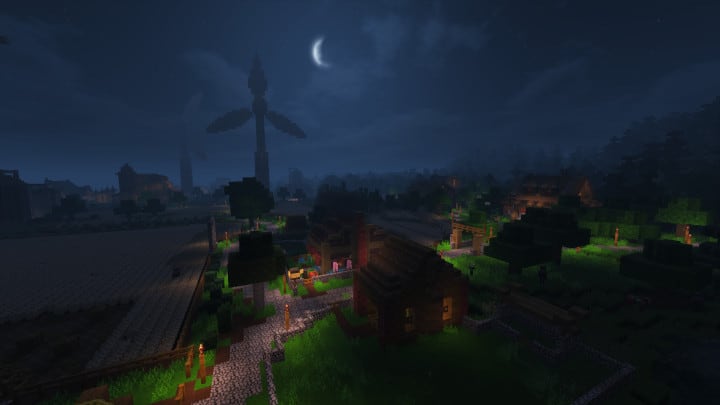
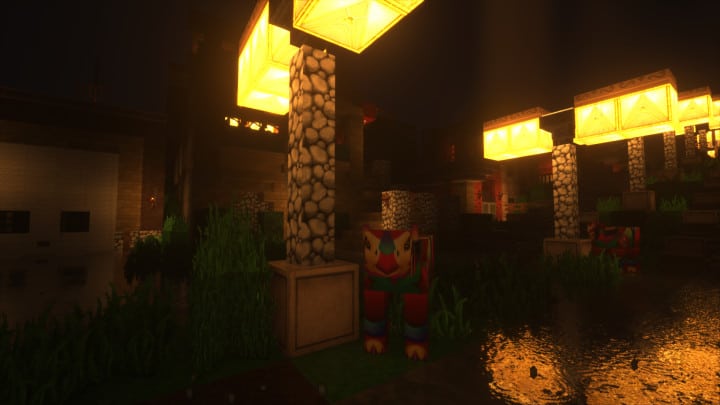
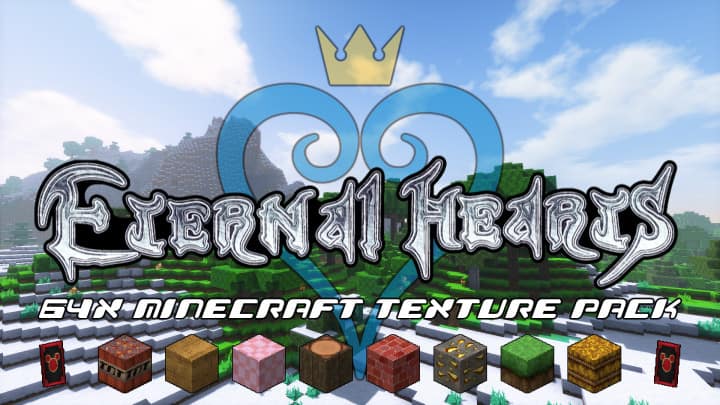
After spending some time with the Eternal Hearts Resource Pack, I can see why it stands out among themed Minecraft packs. It’s heavily inspired by the Kingdom Hearts series, but you don’t need to be familiar with the franchise to enjoy it. The pack adds a large collection of new items and visual elements while still keeping the basic Minecraft experience recognizable. What I noticed first was the extra detail in the textures. Blocks and objects have a cleaner appearance with less visual noise, while the darker color palette gives the world a more fantasy-focused atmosphere. If you’re building an RPG-style world, the overall look fits surprisingly well.
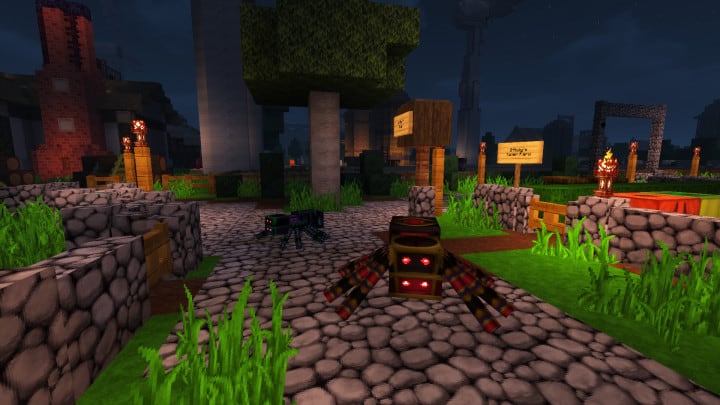
The Kingdom Hearts influence becomes much clearer once you start exploring the custom content. The new items follow a consistent art direction rather than feeling like random additions, which helps the pack feel like a complete theme instead of just a collection of replacement textures. Even players who have never played Kingdom Hearts can get plenty of use out of the pack because the additional items and visuals can work nicely for adventure maps, fantasy builds, and custom RPG environments. I also like that the project continues to receive updates, with new content and improvements helping it stay relevant as Minecraft develops.
The main thing you’ll want to consider before installing Eternal Hearts is its 64x resolution. That’s a significant jump from vanilla Minecraft’s 16x textures, so the pack naturally demands more from your hardware. On a decent gaming PC, the extra detail is well worth it, but players using older or lower-end systems may notice slower loading or reduced FPS. Overall, I’d recommend Eternal Hearts to players who enjoy themed resource packs and want something with a strong fantasy identity, lots of custom content, and noticeably more detailed visuals than standard Minecraft.
Eternal Hearts is compatible with all of the following Minecraft versions: 1.13.2 – 1.13.1 – 1.13 – 1.12.2 – 1.12 – 1.11.2 – 1.11
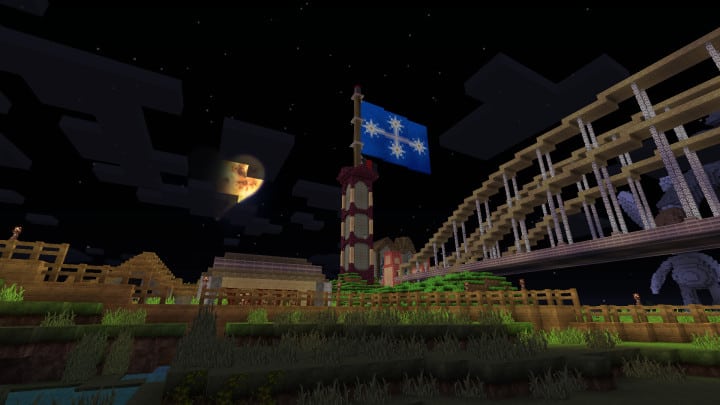
Eternal Hearts — Screenshots
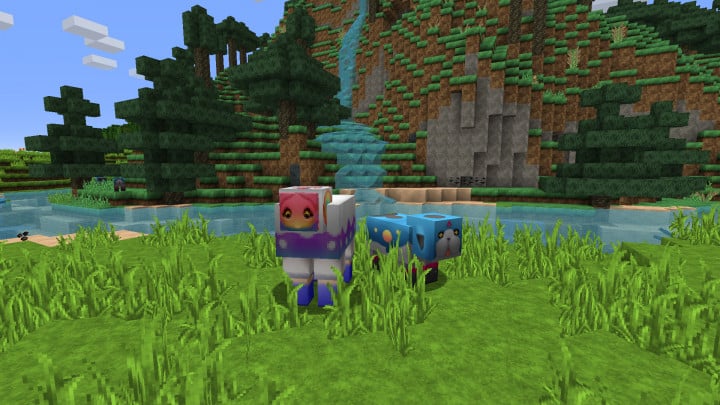
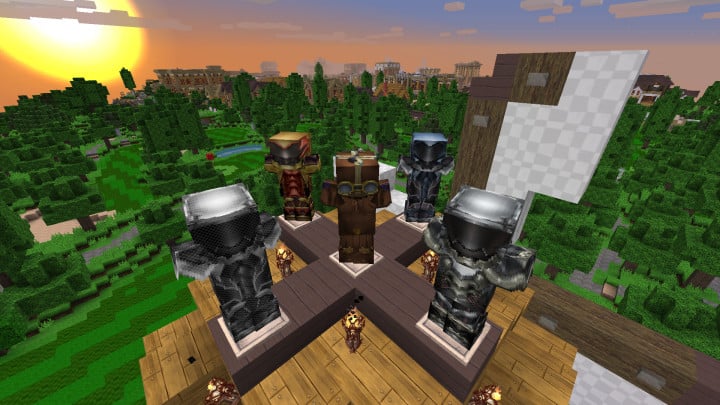
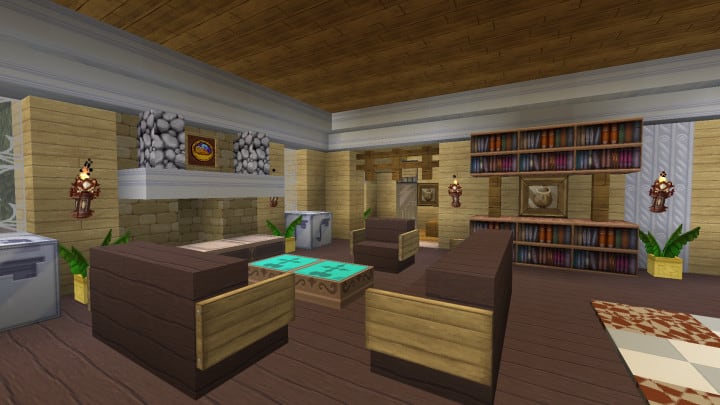
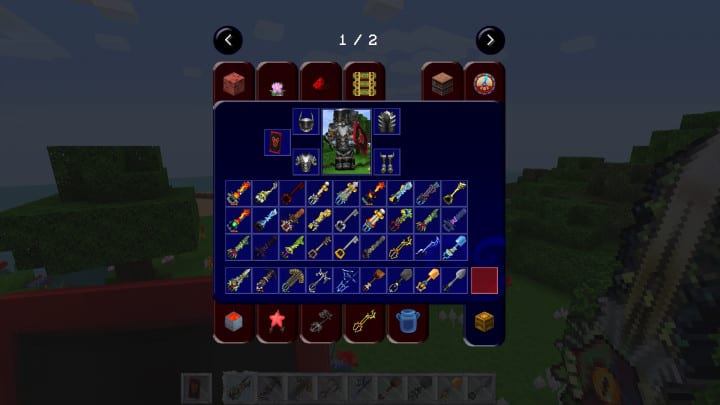
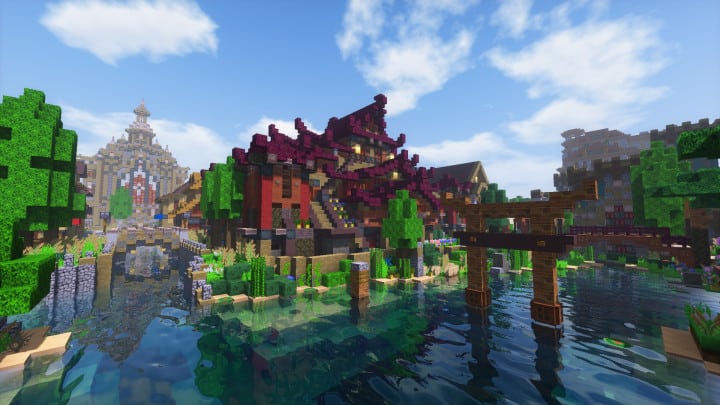
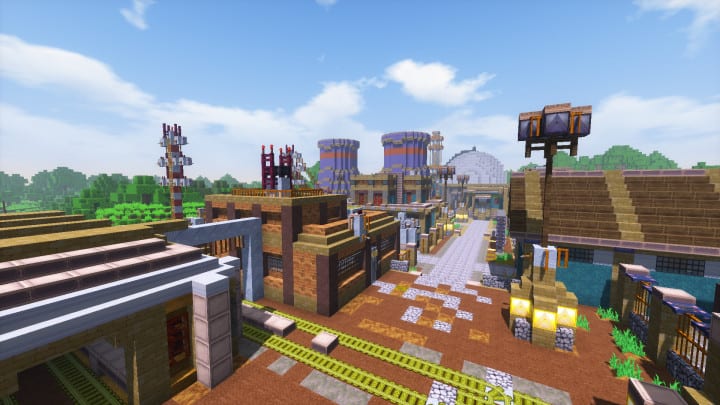
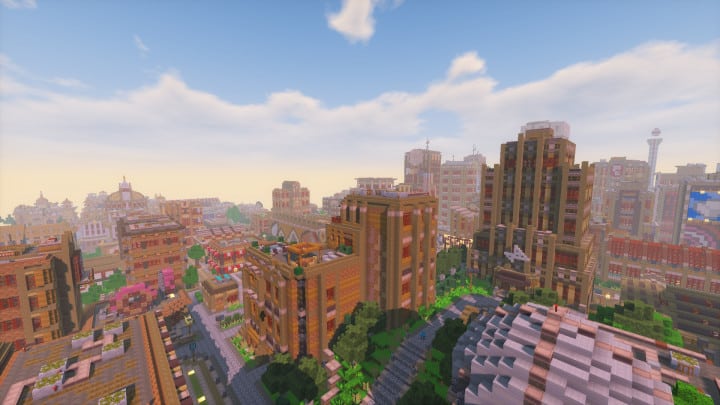
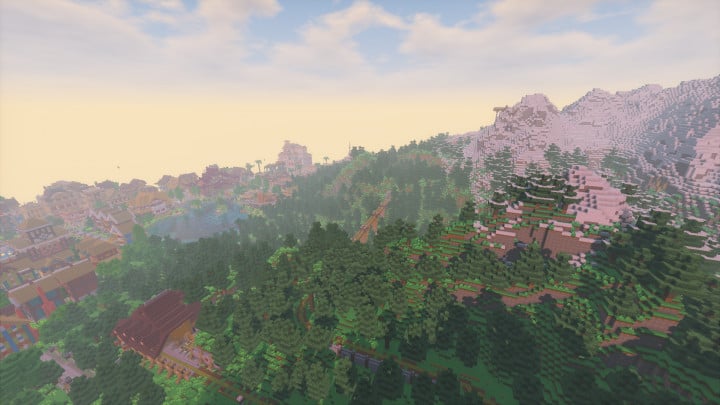
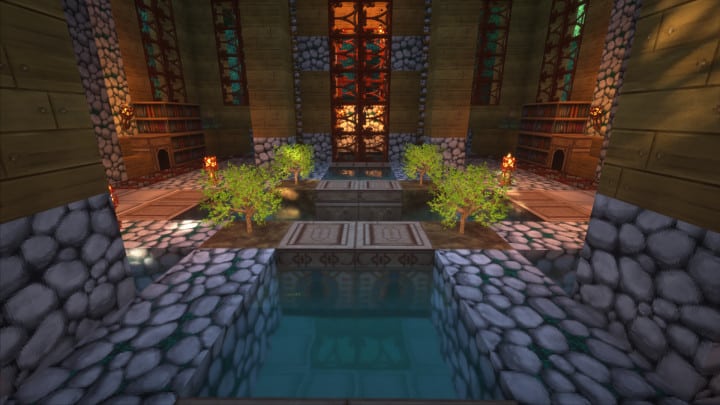
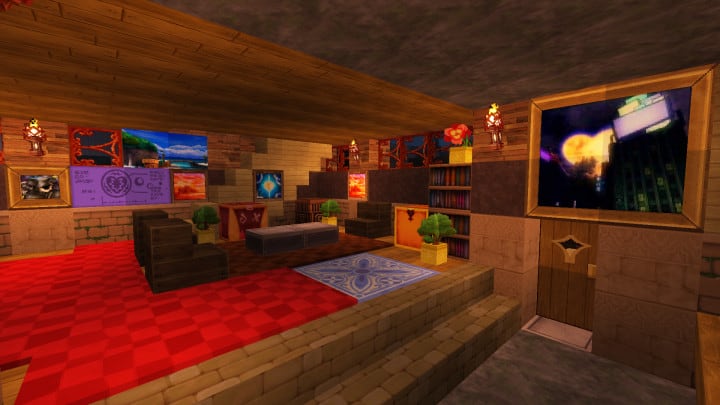
How to install Eternal Hearts Resource Pack:
- Download Optifine: Most of the texture packs and shaders need Optifine. That’s why, first download and install Optifine for the version of Minecraft you want to play.
- Download the Texture Pack: Get the texture pack you want from the download section. Choose the version that works with your Minecraft and your PC’s performance.
- Open Minecraft Launcher: 🚀 Start Minecraft using the official game launcher — or even TLauncher, if you use that.
- Go to Options: From the main menu, click on the “Options” button.
- Open Resource Packs: Inside Options, click on “Resource Packs…”.
- Open the Resource Pack Folder: Click on “Open Resource Pack Folder”— this will open a folder named “resourcepacks.”
- Move the Pack File: Copy or move the .zip file you downloaded into that “resourcepacks” folder. (Don’t unzip the file—Minecraft uses it as-is!)
- Go Back and Refresh: Close the folder and click “Done”, then go back into “Resource Packs…” again.
- Activate the Pack: You’ll see the pack on the left side. Hover over it and click the arrow to move it to the right (active side).
- Tip: If you get a message that the pack is for a different version, just click “”Yes”—it usually works fine.
- Click Done and Enjoy: Click “Done” again. Now your pack is ready to use in-game. It’s that easy!
Supported mods:
- Applied Energistics 2, Astral Sorcery, Trinkets, Tinker’s Construct, TerraFirmaCraft, Kingdom Keys, Biomes O Plenty, End Metals, Iron Chest, Storage Drawers.
Eternal Hearts Texture Pack Download
DOWNLOAD LINKS
[64x] [1.13.x] Download Eternal Hearts Resource Pack
[64x] [1.12.x – 1.11.x] Download Eternal Hearts Resource Pack
Add-ons:
Download Eternal Hearts Soundpack Add-On
[64x] [1.12.x – 1.11.x] Download Eternal Hearts Mod Add-On
Official links:
Check out the Eternal Hearts Resource Pack on the Official Source
Download Instructions:
CurseForge: The download will start by itself after a few seconds.
Mediafire: Click the big blue “DOWNLOAD” button.
Google Drive: Click the small download icon (a down arrow) at the top-right corner to start the download.
Disclaimer
We are not the creators of any texture packs or shader packs shared on this site. All credit goes to the original authors. We do not edit or change any files in any way. Also, none of the downloads are hosted on our servers — we only provide official links shared by the original creators. That means all downloads are completely safe.
❗Note: Since we manually add the official links, so some may stop working after updates. If you find a broken link, tell us in the comments and we’ll fix it as soon as we can.
If you like a pack, please leave a comment and vote for it — this helps the creators improve their work. You can also support them directly through the links below the download section.