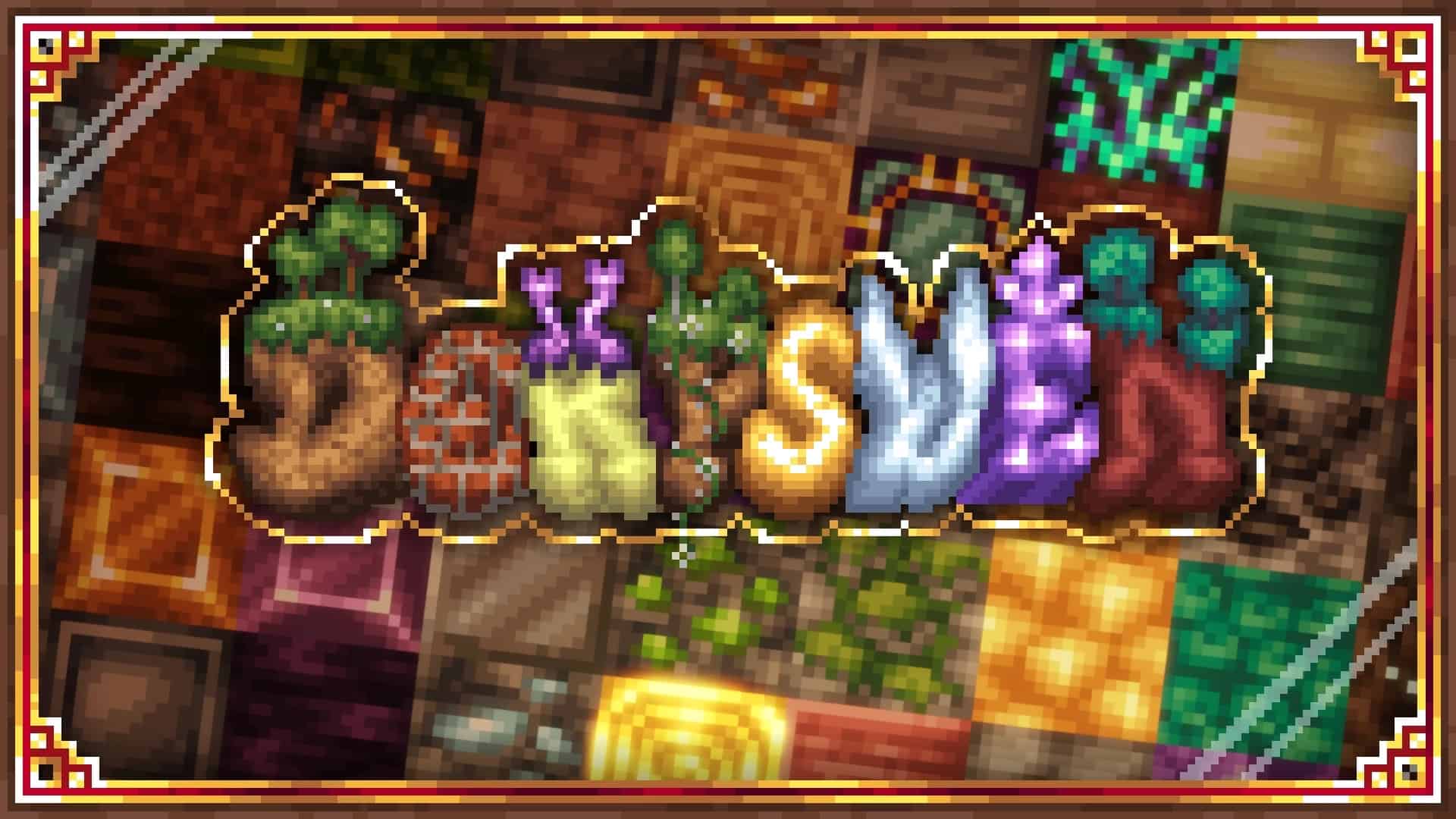
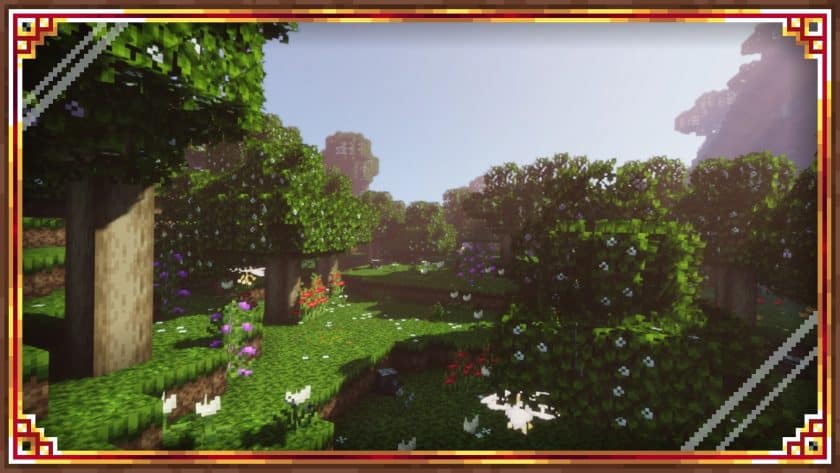
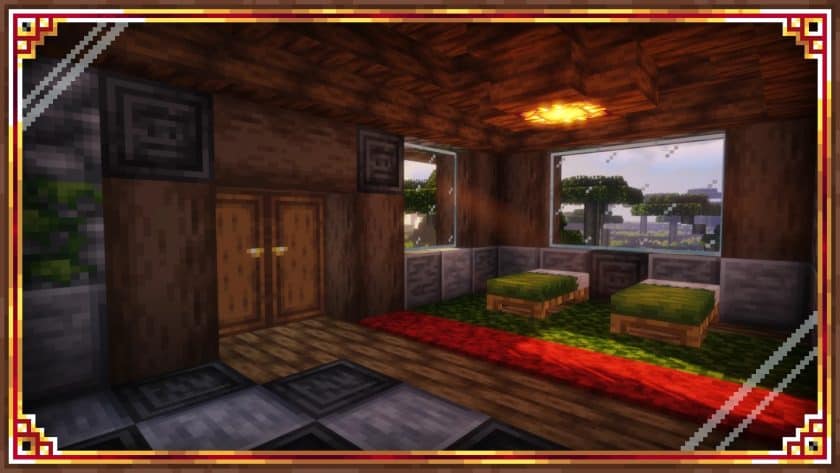
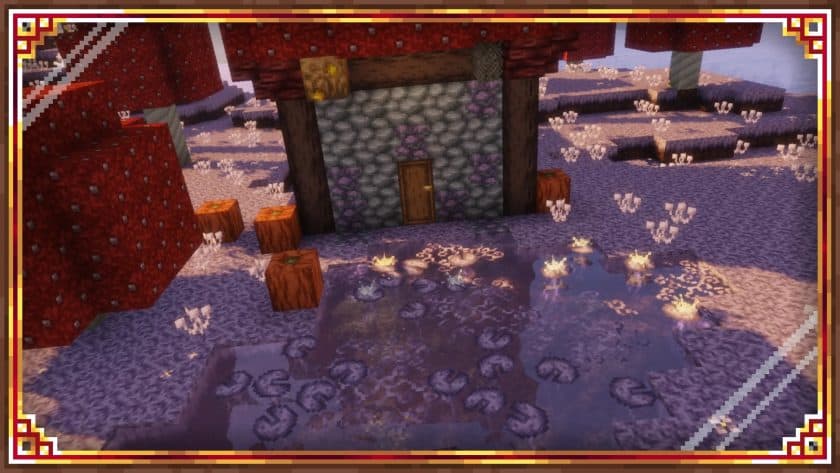
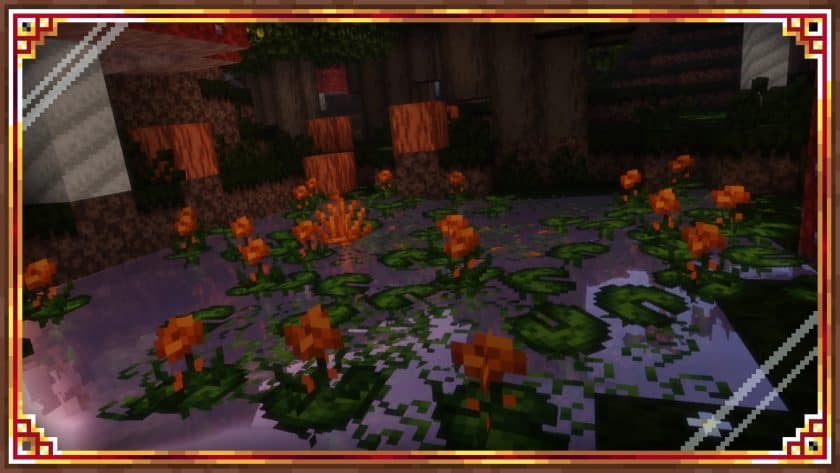
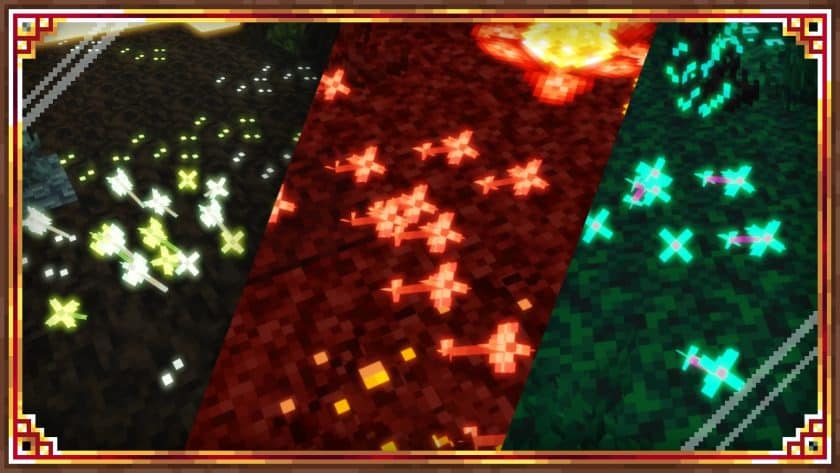
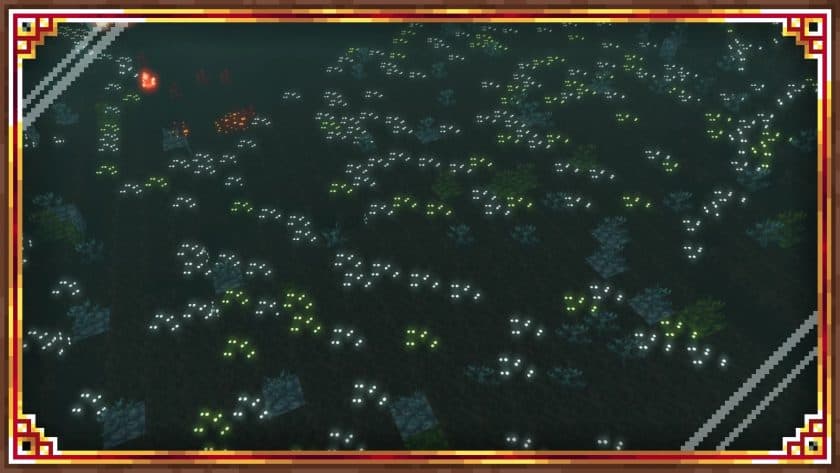
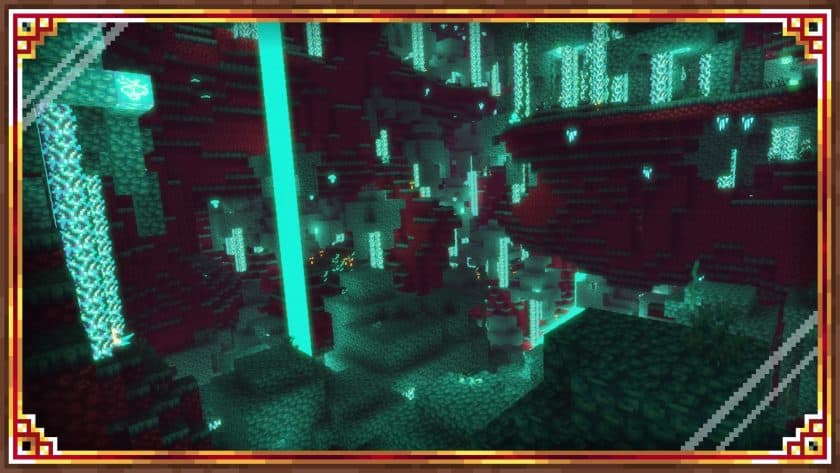
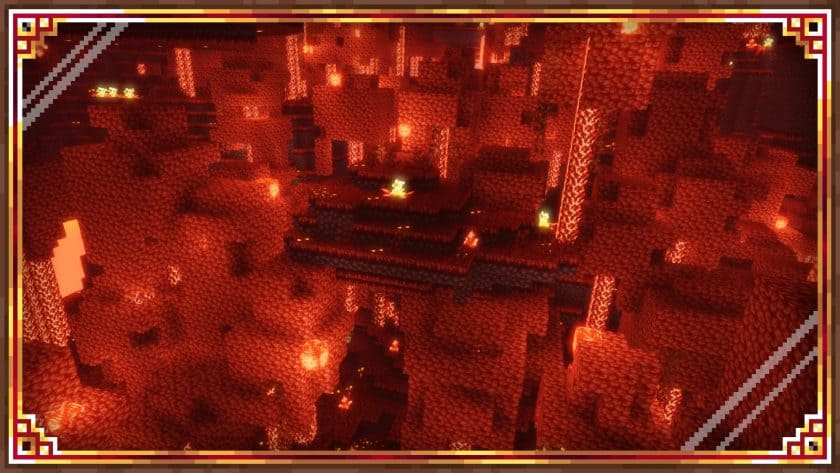
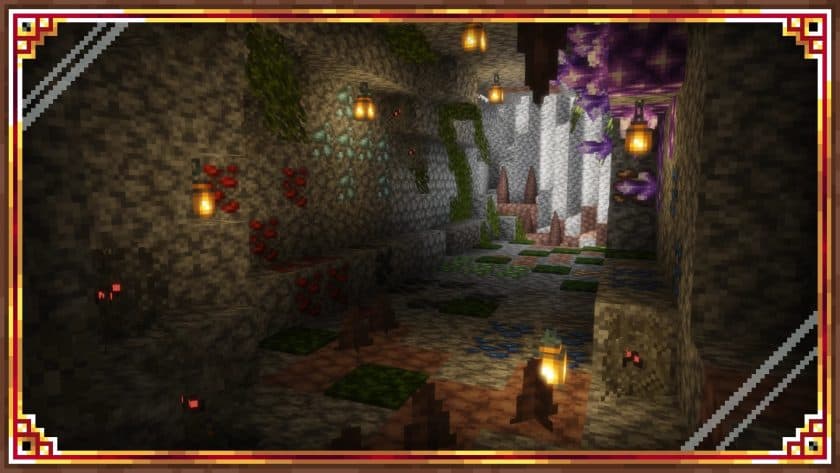
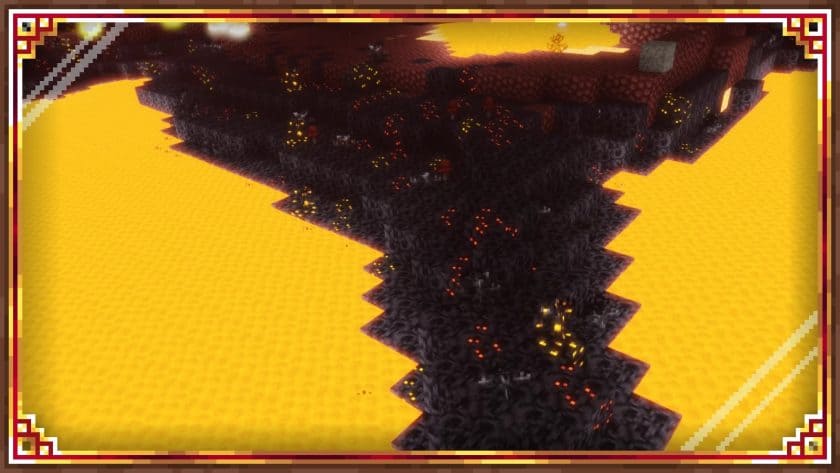
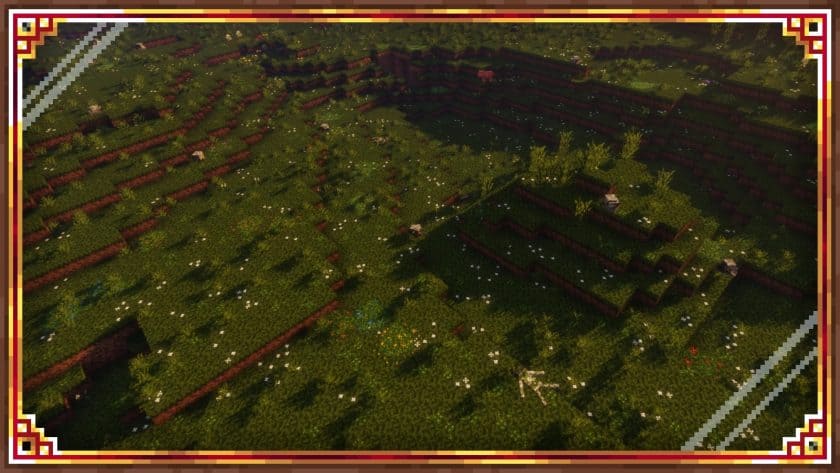
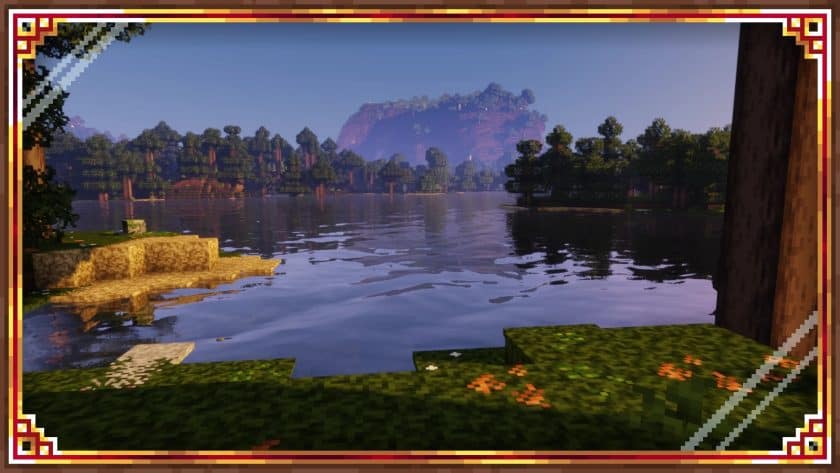
What I liked about Derpswen Resource Pack is that it doesn’t try to turn Minecraft into some ultra-realistic game. After spending some time with it, I found that its cartoon-inspired visuals actually fit Minecraft’s blocky world really well, while the darker medieval touches give it a bit more character. The pack was created by DERPWARE and has been in development since 2020, with regular updates adding new textures and features. At the time of the source material, around 65% of the game’s assets had been covered, along with more than 25 custom sounds. The first thing you’ll notice is the playful visual style. Flowers, ores, stone, mud, rocks, and several other familiar blocks have been redesigned, with some textures leaning toward a medieval or fantasy aesthetic. That makes the pack especially interesting for players who enjoy building castles, dungeons, villages, or other themed environments.
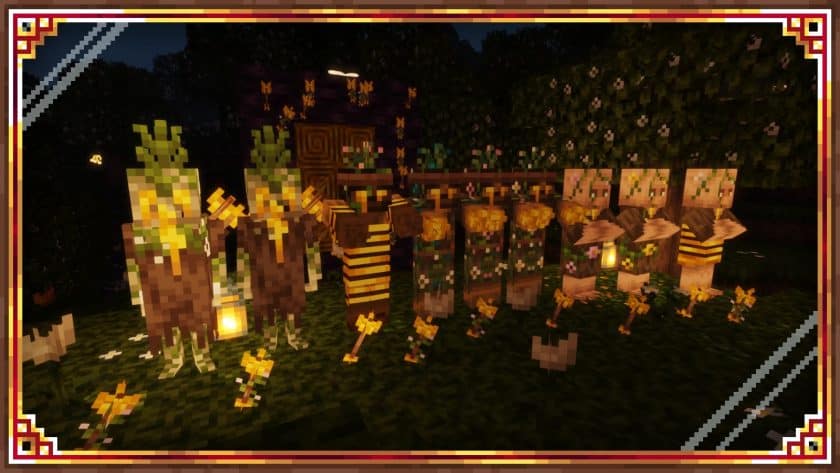
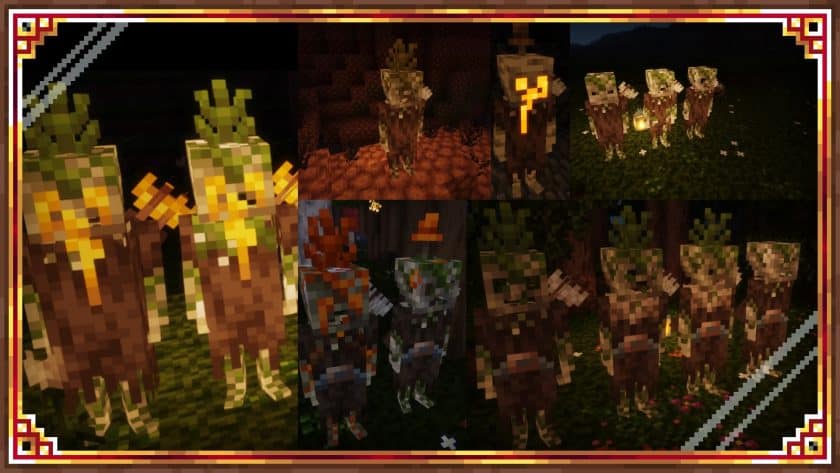
The mob and character changes are another part I enjoyed while playing with Derpswen. Wolves, foxes, pigs, villagers, and other creatures receive new appearances, and some player-related textures have their own subtle effects. These changes aren’t so extreme that you stop recognizing Minecraft, but they give the world a much more distinctive personality. The sound additions are arguably just as important. More than 25 sounds have been introduced, including distant wolf cries, cricket noises, zombie and skeleton ambience, and various environmental effects. Some existing sounds are also adjusted so certain details stand out more clearly. Walking through a dark forest or exploring a dungeon feels noticeably different when those extra sounds are working in the background.
One thing I appreciate about Derpswen is that it sticks to 16x resolution, so you don’t need a powerful gaming PC just to run the textures. The pack itself should be fairly accessible, although some of its additional features can have an impact on performance depending on your configuration. There’s a configuration and help file included with the pack that explains the available settings and gives you options for optimizing it. Derpswen doesn’t overhaul the vanilla sky, water, or lighting, so adding a compatible shader can take the visuals a step further, although shaders will naturally require more system resources and may occasionally cause visual issues. Overall, I’d recommend Derpswen to players who want something colorful, slightly quirky, and medieval-inspired without losing the familiar Minecraft feel.
Derpswen is compatible with all of the following Minecraft versions: 1.20.4 – 1.20.3 – 1.20.2 – 1.20.1 – 1.20 – 1.19.4 – 1.19.3 – 1.19.2 – 1.19.1 – 1.19 – 1.18.2 – 1.18.1 – 1.18
Derpswen — Screenshots
How to install Derpswen Resource Pack:
- Download Optifine: Most of the texture packs and shaders need Optifine. That’s why, first download and install Optifine for the version of Minecraft you want to play.
- Download the Texture Pack: Get the texture pack you want from the download section. Choose the version that works with your Minecraft and your PC’s performance.
- Open Minecraft Launcher: 🚀 Start Minecraft using the official game launcher — or even TLauncher, if you use that.
- Go to Options: From the main menu, click on the “Options” button.
- Open Resource Packs: Inside Options, click on “Resource Packs…”.
- Open the Resource Pack Folder: Click on “Open Resource Pack Folder”— this will open a folder named “resourcepacks.”
- Move the Pack File: Copy or move the .zip file you downloaded into that “resourcepacks” folder. (Don’t unzip the file—Minecraft uses it as-is!)
- Go Back and Refresh: Close the folder and click “Done”, then go back into “Resource Packs…” again.
- Activate the Pack: You’ll see the pack on the left side. Hover over it and click the arrow to move it to the right (active side).
- Tip: If you get a message that the pack is for a different version, just click “”Yes”—it usually works fine.
- Click Done and Enjoy: Click “Done” again. Now your pack is ready to use in-game. It’s that easy!
Important information:
- Optifine highly recommended
- Attached textures on
- Alternating blocks on
- Emission textures on
- Custom colors on
- Random entities on
- Enable custom entity models (necessarily)
- Enable smart trees (almost necessary)
Derpswen Texture Pack Download
Java Edition:
[16x] [1.20.x – 1.18.x] Download Derpswen Resource Pack
Add-ons (Java Edition):
Download Instructions:
CurseForge: The download will start by itself after a few seconds.
Mediafire: Click the big blue “DOWNLOAD” button.
Google Drive: Click the small download icon (a down arrow) at the top-right corner to start the download.
Disclaimer
We are not the creators of any texture packs or shader packs shared on this site. All credit goes to the original authors. We do not edit or change any files in any way. Also, none of the downloads are hosted on our servers — we only provide official links shared by the original creators. That means all downloads are completely safe.
❗Note: Since we manually add the official links, so some may stop working after updates. If you find a broken link, tell us in the comments and we’ll fix it as soon as we can.
If you like a pack, please leave a comment and vote for it — this helps the creators improve their work. You can also support them directly through the links below the download section.