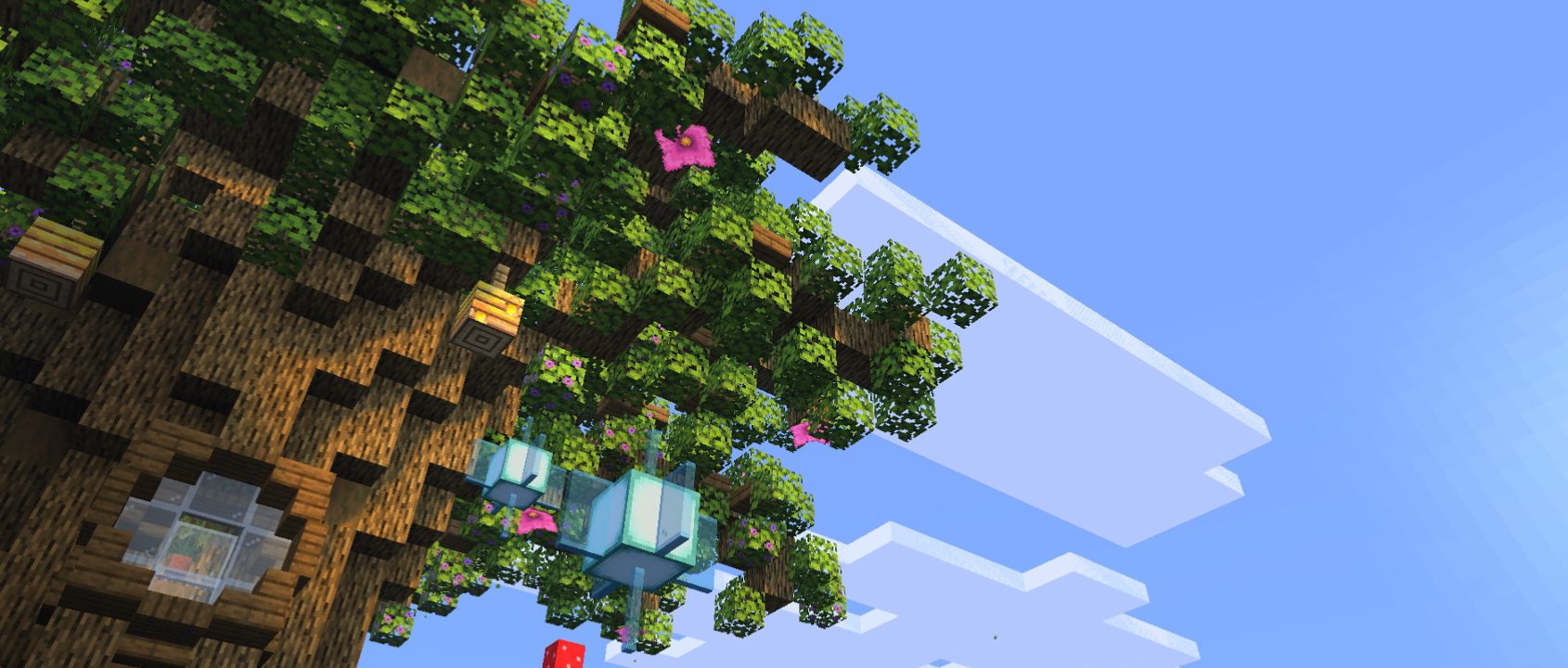
So if you want your Minecraft to look way better without dropping frames or frying your PC with heavy shaders, this setup is going to save you. In the video, I showed how you can get that dynamic shader look while keeping almost 100% of your performance—even on an old CPU or integrated graphics. And the best part is that this isn’t just one pack; you can layer it with other textures, custom skies, animations, and mods to create an incredible setup.
1. The Foundation: Re-Shaded
The magic behind this whole setup is a resource pack called Re-Shaded. Instead of forcing your GPU to compute dynamic lighting in real-time, it achieves that shader effect using smart textures and colors, so the FPS impact is almost nonexistent. If you’re running Fabric with Sodium, you’ll also need a quick helper mod so Sodium lets the core shaders render properly. Also, if you see an “incompatible version” warning in your menu, don’t worry about it—if it works in-game, you’re totally safe to ignore it.
- Re-Shaded: Replaces core shaders using textures and colors for that shadow and lighting illusion without killing your FPS.
- Sodium Core Shader Support: Required if you run Fabric with Sodium so the core shaders can render smoothly.
2. Combine with a Custom Texture Pack
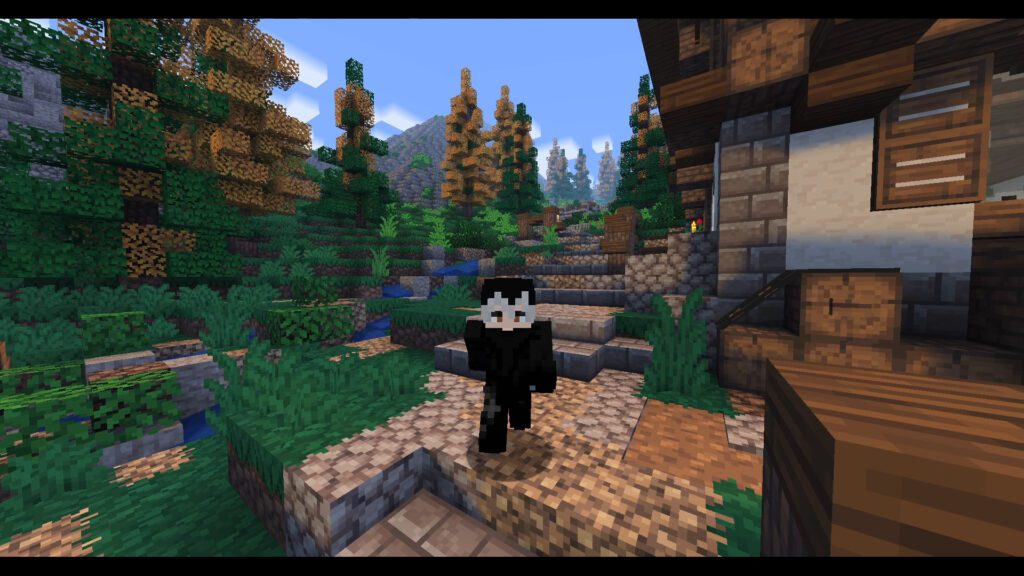
What I really love about Re-Shaded is that you don’t have to use it alone. You can throw another resource pack underneath it, and Re-Shaded will apply its shader look right on top of those new textures. Some packs can look a bit too oversaturated when combined, but I tested a bunch and found a few that look absolutely amazing together.
- Pixel Perfection Legacy: My personal favorite to pair with Re-Shaded—it keeps the classic Minecraft vibe while giving everything a gorgeous overhaul.
- Whimscape: Another incredible choice that blends naturally with the lighting and color palette.
- Yuushya 16x: A clean, stylized 16x pack that works great as a base layer.
- Quadral: Gives your world a unique, vibrant block design.
- Nature X: Looks awesome for nature details, but heads up—it requires extra supporting mods like Continuity and Polytone to work right.
3. Sky Enhancements
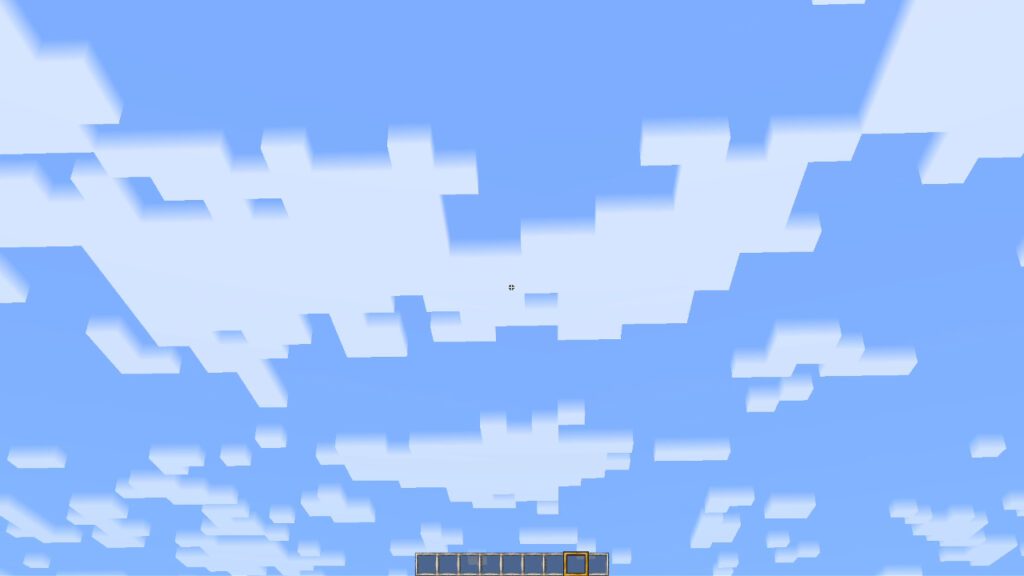
So in the video, I talked about two sky-related packs. Both are good, but I will say Dramatic Skys could be a little heavy for some setups, whereas I used Story Mode Clouds and they are just perfect to use for that clean, upgraded feel.
- Dramatic Skys: Gives you clean, realistic, performance-friendly skies.
- Story Mode Clouds: Overhauls the original blocky clouds with the stylized look from Minecraft Story Mode.
4. Mob & Character Animations
To take this even further and make your world feel alive, you can add custom animations so things aren’t just standing around stiffly. We can upgrade the mob movements and give your own player character much smoother motions for walking, running, and sleeping. Just make sure you grab the required EMF and ETF mods first so the custom models and textures actually render.
- Fresh Animations: Overhauls mob movements, facial expressions, and poses to bring mobs to life.
- Fresh Moves: Gives your own player character fluid animations for walking, running, swimming, and sneaking.
- Entity Model Features (EMF) & Entity Texture Features (ETF): The essential companion mods needed to make custom mob and player animations work on Fabric.
5. Quality-of-Life & Visual Mods
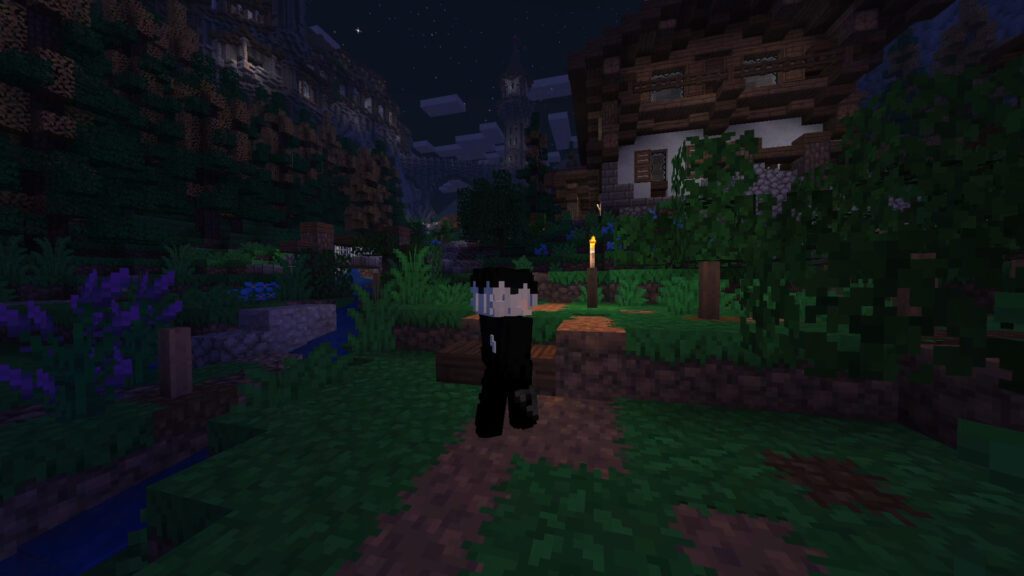
At this point, we can add a few extra mods for those small details that tie the whole cinematic look together. These won’t hurt your performance much, but they make the game feel way more modern and polished. You can tweak your HUD, get connected glass, make your skin pop, and even fix the third-person camera.
- Continuity: Gives you seamless connected textures for glass and sandstone without needing OptiFine.
- Simple HUD Enhanced: Cleans up your interface and lets you customize on-screen elements easily.
- 3D Skin Layers: Turns the second layer of your player skin into actual 3D geometry for extra detail.
- Enhanced Visuals: Adds visual effects like screen tilt or damage effects during gameplay for extra immersion.
- Shoulder Surfing Reloaded & Smooth Third Person: Overhaul the third-person camera to make your game look and feel like a cinematic action-adventure game.
Final Thoughts & Performance
So after putting all of this together, you get a Minecraft world that looks like it’s running real shaders while keeping your FPS super high. I know adding all these mods might feel like a lot, but it’s completely up to you which ones you want to mix and match. Make sure to grab all the download links above and enjoy your new lag-free look!