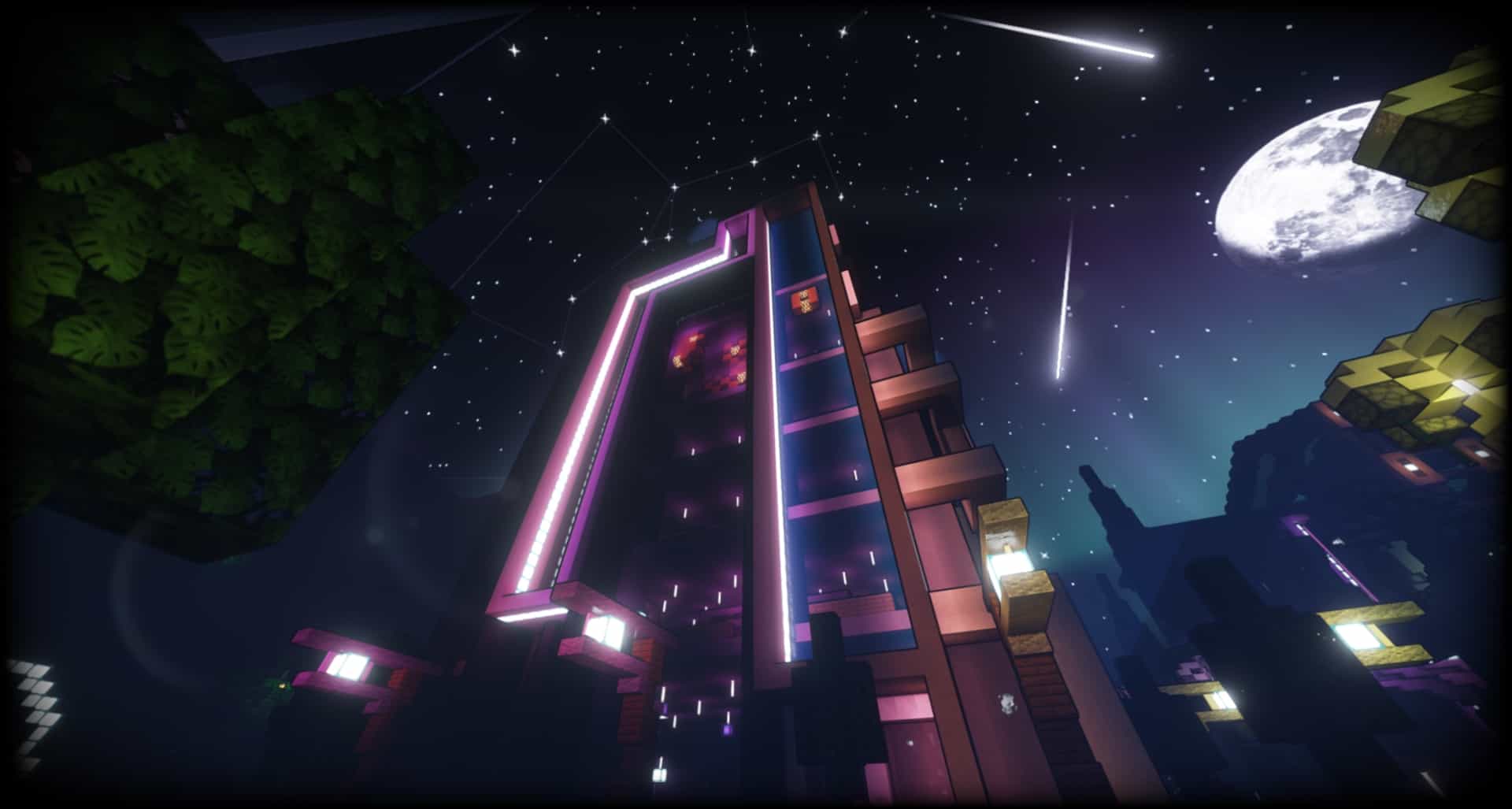
The AstraLex Shaders pack is designed to give Minecraft a stunning visual upgrade with realistic lighting, cinematic effects, and beautifully enhanced environments. Built on the popular BSL Shaders foundation, AstraLex introduces a variety of advanced graphical improvements that make the game feel more immersive while maintaining smooth performance on compatible systems.
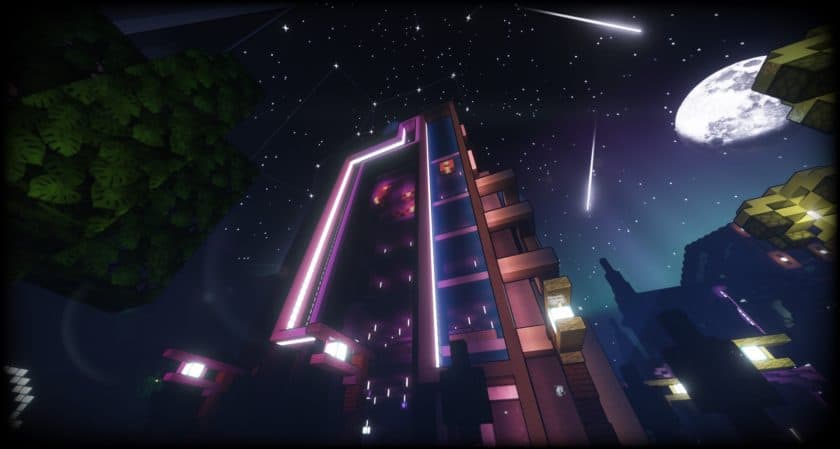
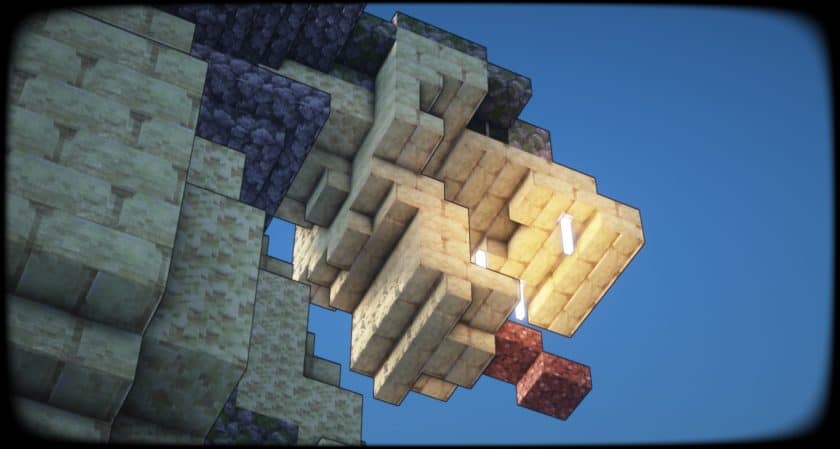
One of the biggest highlights of AstraLex is its dynamic lighting system. Sunlight and moonlight have been carefully refined to create a more natural atmosphere throughout the day and night. As the weather changes or the sun moves across the sky, lighting conditions adjust realistically, producing beautiful god rays, soft shadows, and glowing horizons that completely transform the look of the world.
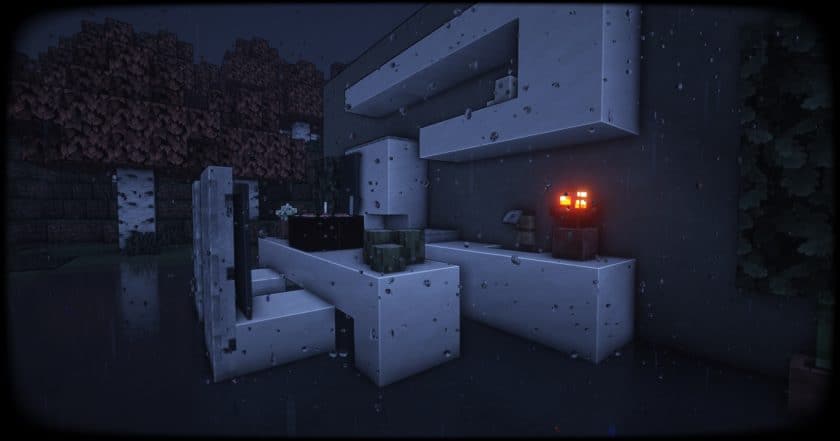
The shader also improves environmental effects with richer colors, enhanced reflections, realistic clouds, atmospheric fog, and more vibrant skies. These subtle changes make every biome feel alive, whether you’re exploring forests, climbing mountains, or watching the sunset over an ocean.
AstraLex is especially popular among Minecraft content creators. Its cinematic visual effects make it an excellent choice for recording gameplay, creating trailers, taking screenshots, or producing YouTube videos. Features such as HDR lighting, depth of field, bloom, motion blur, and other post-processing effects help create professional-looking scenes without requiring external editing tools.
Although these cinematic effects look incredible, some players may prefer to disable a few of them during regular survival gameplay for improved visibility and higher frame rates. Fortunately, AstraLex offers extensive customization options, allowing you to adjust lighting quality, shadows, bloom, reflections, and other graphical settings to match your hardware and personal preferences.
Since AstraLex is based on BSL Shaders, it retains the smooth visual style that many Minecraft players already enjoy while adding its own collection of unique enhancements. This combination creates a balanced experience that feels both realistic and artistic without straying too far from Minecraft’s original design.
For the best experience, AstraLex works with OptiFine on supported Minecraft versions, although many players also use it through Iris Shaders with Sodium on newer versions of the game. Before installing the shader, make sure you have a compatible shader loader installed.
Overall, AstraLex Shaders is an excellent option for players who want cinematic visuals, realistic lighting, and highly customizable graphics. Whether you’re building impressive worlds, recording Minecraft videos, or simply exploring your favorite survival map, AstraLex delivers one of the most visually impressive shader experiences available.
AstraLex Shaders (BSL Edit) should work smoothly with all of these Minecraft versions: 26.3 – 26.2 – 26.1.2 – 26.1.1 – 26.1 – 1.21.11 – 1.21.10 – 1.21.9 – 1.21.8 – 1.21.7 – 1.21.6 – 1.21.5 – 1.21.4 – 1.21.3 – 1.21.2 – 1.21.1 – 1.21 – 1.20.6 – 1.20.5 – 1.20.4 – 1.20.3 – 1.20.2 – 1.20.1 – 1.20 – 1.19.4 – 1.19.3 – 1.19.2 – 1.19.1 – 1.19 – 1.18.2 – 1.18.1 – 1.18 – 1.17.1 – 1.17 – 1.16.5 – 1.16.4 – 1.16.3 – 1.16.2 – 1.16.1 – 1.16
AstraLex Shaders (BSL Edit) — Video and screenshots
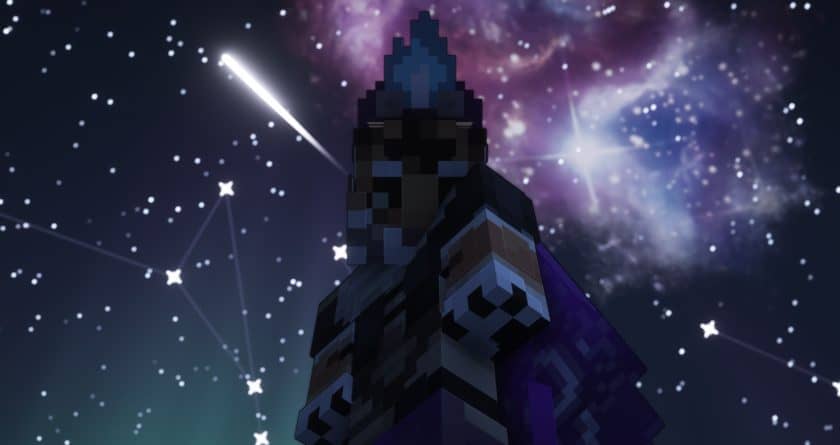
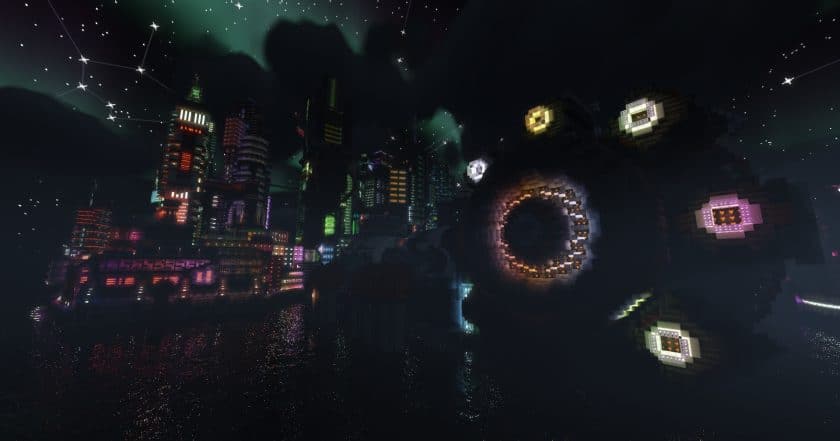
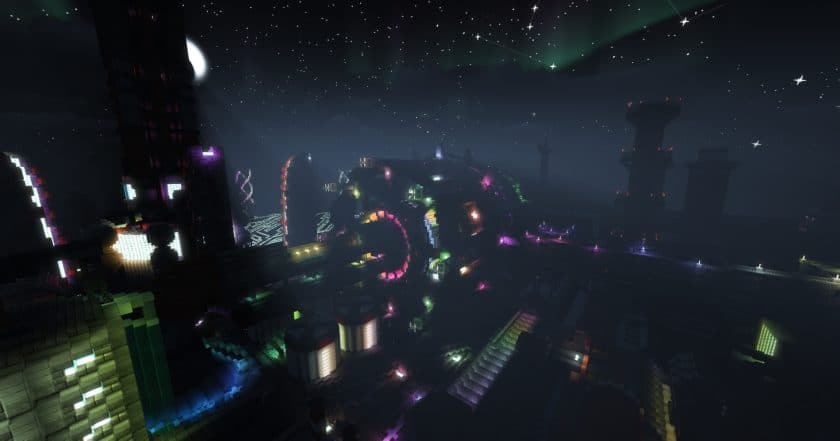
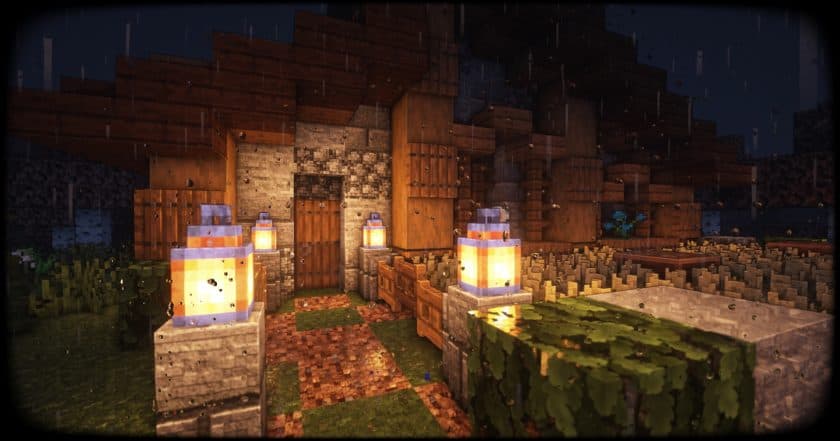
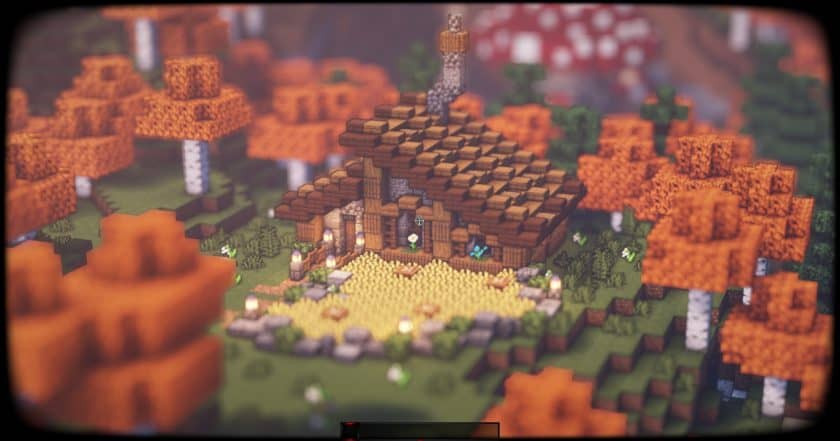
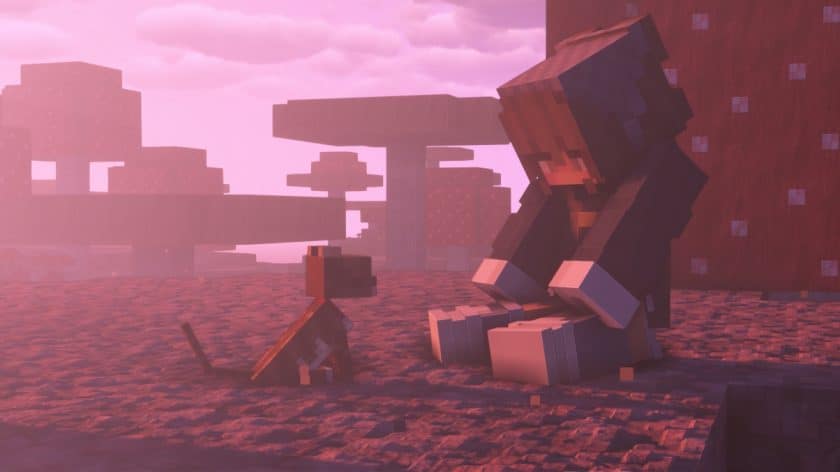
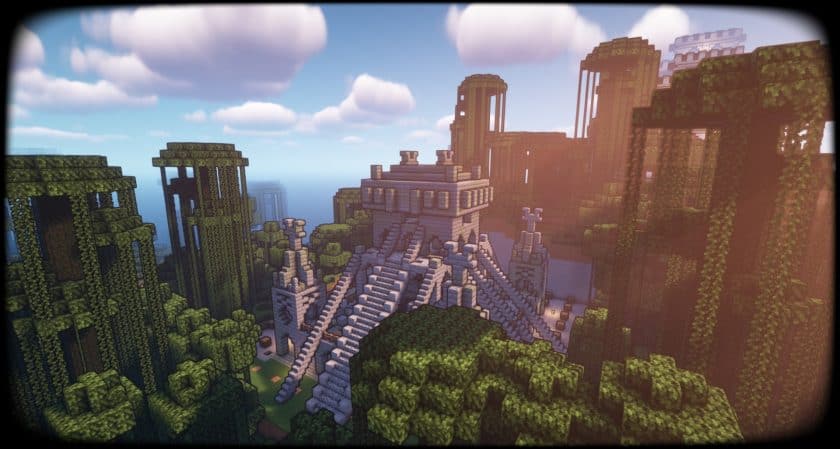
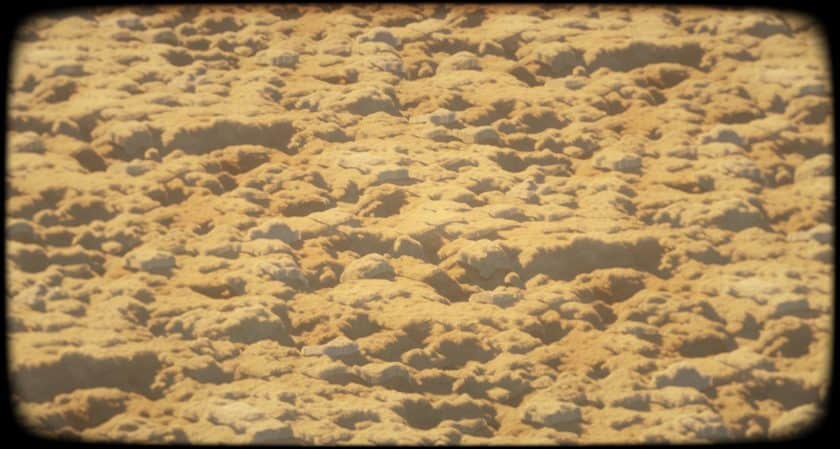
AstraLex Shaders (BSL Edit) Shader Pack Download
- Install Minecraft: Make sure to have Minecraft on your PC.
- Set the Game Version: Open the Minecraft Launcher, go to the “Installations” tab, click “New Installation”, choose the version you want to play, and click “Create”.
- Install Optifine or Iris: Download and install Optifine or Iris (we recommend Iris for better performance).
- To download Iris, click here.
- To download Optifine, click here.
- Launch with the Shader Mod: Open the Minecraft Launcher again and select the Optifine or Iris profile you installed.
- Download the Shader Pack: Download the shader pack (.zip file) from the download section below. (Don’t unzip it!)
- Open the Shaderpacks Folder :
- For Optifine: Go to Options > Video Settings > Shaders > Shaders Folder
- For Iris: Go to Options > Video Settings > Shader Packs > Open Shader Pack Folder.
- Add and Activate the Shader Pack: Move the downloaded .zip file ️into the shaderpacks folder. Then go back to the game, select the shader pack from the list, and click “Done” to activate it.
- AstraLex Shaders (BSL Edit) is credited to LexBoosT.
- We never modify or modify resource packs in any way. None of the resource packs, shader mods or tools you see on this site are hosted on our servers. We only use official download links provided by official authors. Therefore, they are completely safe.
- Since the links are official and we update them manually – the links may stop working with each new update. We try to update the links as fast as possible and usually we update everything on time and users don’t have any problems, but if suddenly any link stops working – let us know through comments below.
- Don’t forget to leave a comment below and vote for the pack. In this way, you will help the authors to constantly improve the project. If you want to support the author(s), be sure to check the author links right below the download links.
The Java Edition of this shader pack requires Optifine or Iris to run and will not work without them! Get optifine here or get Iris here.
Java Edition:
[26.3.x – 1.16.x] Download AstraLex Shader Pack
Download Instructions:
CurseForge: The download will start by itself after a few seconds.
Mediafire: Click the big blue “DOWNLOAD” button.
Google Drive: Click the small download icon (a down arrow) at the top-right corner to start the download.
Disclaimer
We are not the creators of any texture packs or shader packs shared on this site. All credit goes to the original authors. We do not edit or change any files in any way. Also, none of the downloads are hosted on our servers — we only provide official links shared by the original creators. That means all downloads are completely safe.
❗Note: Since we manually add the official links, so some may stop working after updates. If you find a broken link, tell us in the comments and we’ll fix it as soon as we can.
If you like a pack, please leave a comment and vote for it — this helps the creators improve their work. You can also support them directly through the links below the download section.