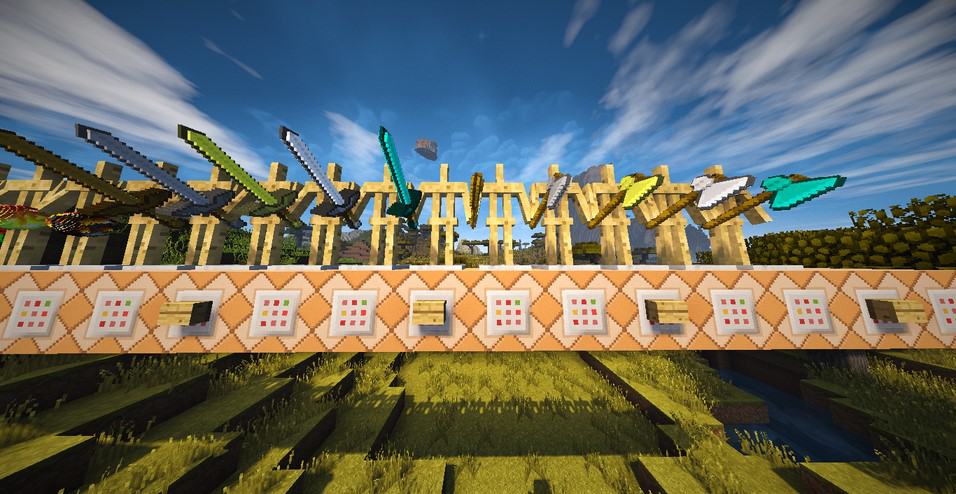
Step into a more tangible Minecraft world with the Faithful 3D resource pack, an innovative creation by Bamatois that elevates the beloved Faithful aesthetic to new heights. Building upon the iconic 32x resolution, this pack takes advantage of Minecraft’s 1.8 update and beyond, introducing stunning three-dimensional models for many of the game’s familiar blocks and items. No longer will your world feel flat; instead, everything from intricate tools to rugged cobblestone now boasts a noticeable depth, making your crafting, building, and adventuring feel significantly more immersive.
Exploring a world with Faithful 3D is an experience of familiar beauty enhanced. Blocks like crafting tables, furnaces, and bookshelves now truly stand out with their detailed protrusions and indentations, adding a rich tactile quality to your environment. Trees appear more robust, their logs gaining actual dimension, and even humble dirt blocks seem to have more character. This thoughtful redesign maintains the clean, vibrant, and vanilla-friendly feel that the Faithful series is known for, ensuring that your Minecraft experience remains true to its roots while gaining a remarkable visual upgrade.
Despite its enhanced detail, Faithful 3D remains optimized for a smooth gameplay experience. The 32x resolution strikes an excellent balance between visual fidelity and performance, making it accessible to a wide range of systems. Players who appreciate the classic Minecraft look but crave an extra layer of realism and depth will find Faithful 3D to be an essential addition. It’s a pack that doesn’t just change textures; it transforms the way you perceive and interact with your blocky universe, inviting you to rediscover the subtle beauty hidden within every corner of your world. Prepare to see Minecraft in a whole new dimension, where every block tells a richer, more sculptural story.
| Minecraft Version | Compatibility |
|---|---|
| 1.9.4 | ✅ Supported |
| 1.9 | ✅ Supported |
| 1.8.6 | ✅ Supported |
| 1.8 | ✅ Supported |
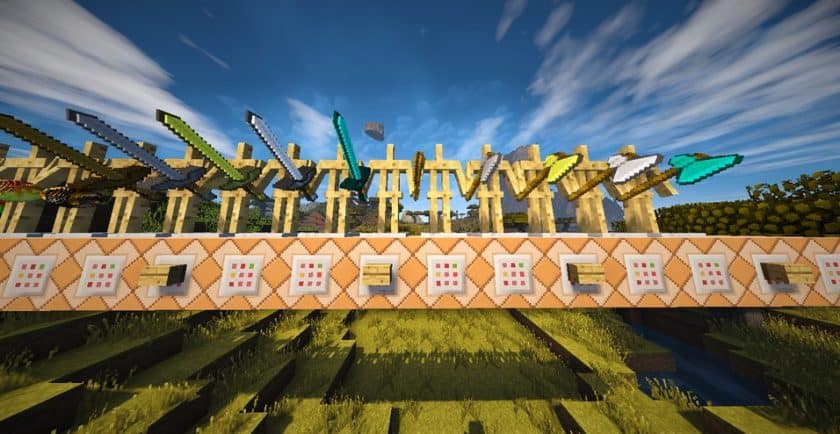
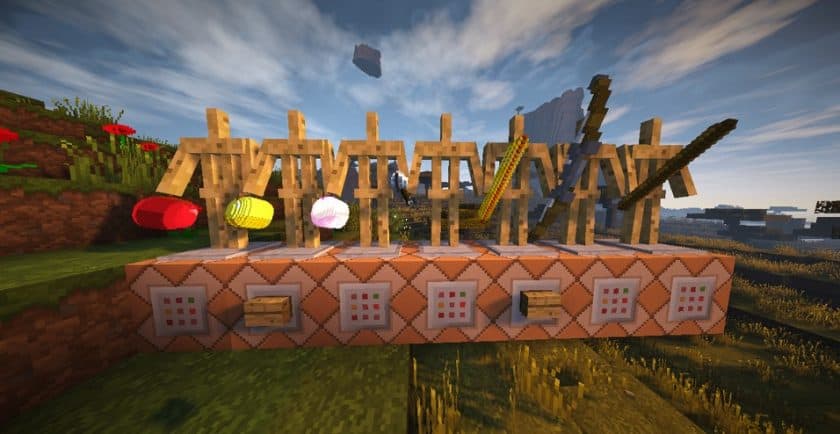
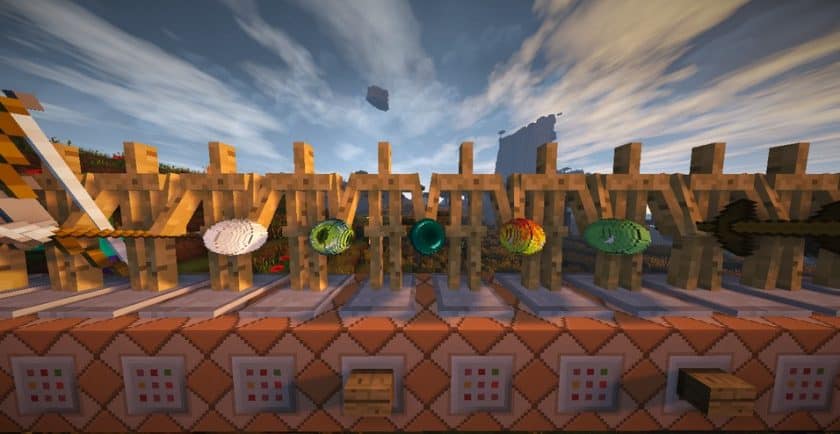
Faithful 3D – Screenshots
How to Install Texture Pack (Simple 10 Steps)
- Download Optifine: Most of the texture packs and shaders need Optifine. That’s why, first download and install Optifine for the version of Minecraft you want to play.
- Download the Texture Pack: Get the texture pack you want from the download section. Choose the version that works with your Minecraft and your PC’s performance.
- Open Minecraft Launcher: Start Minecraft using the official game launcher – or even TLauncher, if you use that.
- Go to Options: From the main menu, click on the “Options” button.
- Open Resource Packs: Inside Options, click on “Resource Packs…”.
- Open the Resource Pack Folder: Click on “Open Resource Pack Folder” – this will open a folder named “resourcepacks”.
- Move the Pack File: Copy or move the .zip file you downloaded into that “resourcepacks” folder. (Don’t unzip the file – Minecraft uses it as-is!)
- Go Back and Refresh: Close the folder and click “Done”, then go back into “Resource Packs…” again.
- Activate the Pack: You’ll see the pack on the left side. Hover over it and click the arrow to move it to the right (active side). Tip: If you get a message that the pack is for a different version, just click “Yes” – it usually works fine.
- Click Done and Enjoy: Click “Done” again. Now your pack is ready to use in-game. It’s that easy!
Download
(32x) (1.9) (1.8) Download Faithful 3D Resource Pack
Download Instructions
-
CurseForge: If the pack is hosted on CurseForge, the download will begin automatically after a few seconds. If it does not start, use the “Download” button shown on the page.
-
Modrinth: If the download is from Modrinth, click the file version that matches your Minecraft build, then press the Download button. Modrinth usually offers multiple releases, so make sure you pick the correct version before installing.
-
Mediafire: On Mediafire, click the large blue Download button to start the file download. Avoid any extra pop-ups or buttons that are not related to the direct download.
-
Google Drive: For Google Drive, click the small download icon at the top right corner of the page. It looks like a downward arrow. The file will be saved to your computer immediately.
Disclaimer We do not create or modify any of the texture packs or shader packs shared on this website. All credit goes to the original creators, and every download link we provide is the official link from their page, which keeps all downloads safe. Some links may stop working after updates, so if you find a broken one, let us know in the comments and we will update it quickly. If you like a pack, consider supporting the creator by visiting their official page or website that we have linked below, and feel free to leave a comment or vote to help their work reach more players.