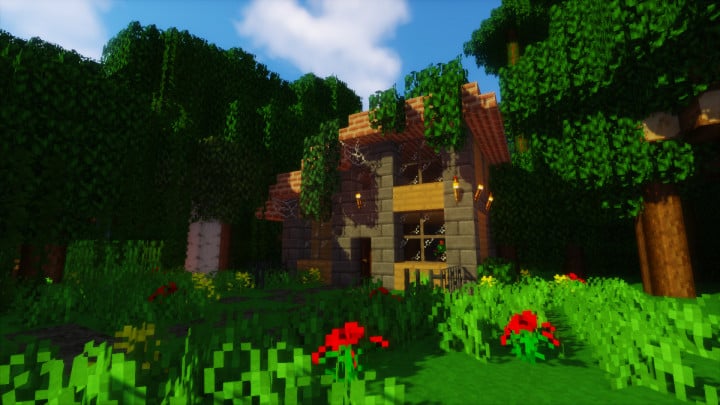
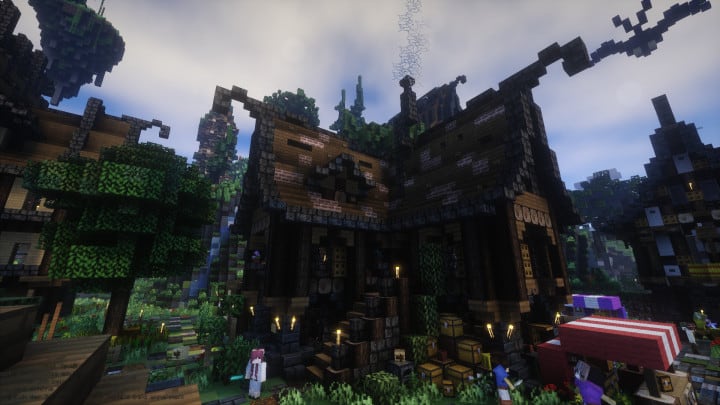
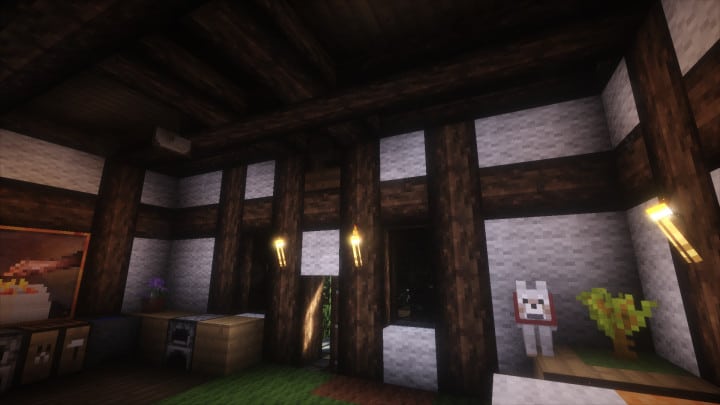
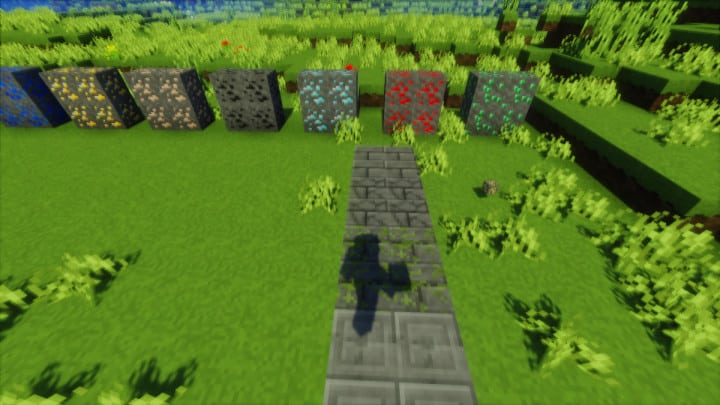
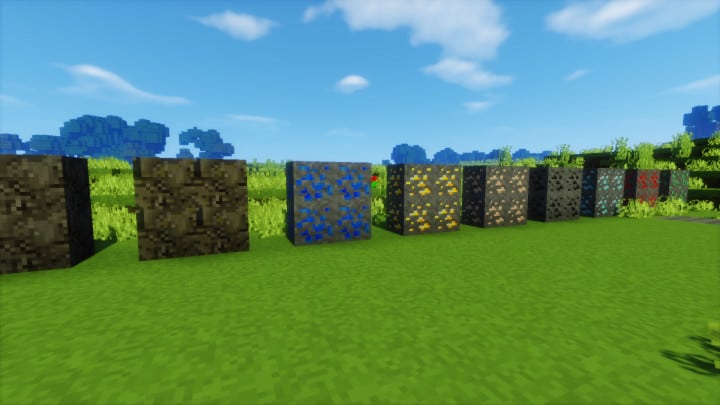
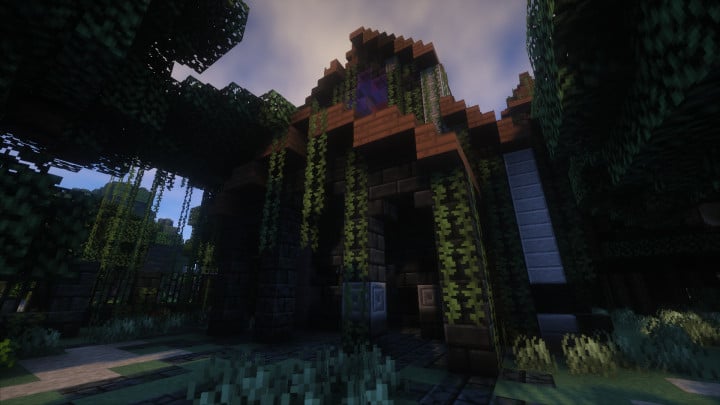
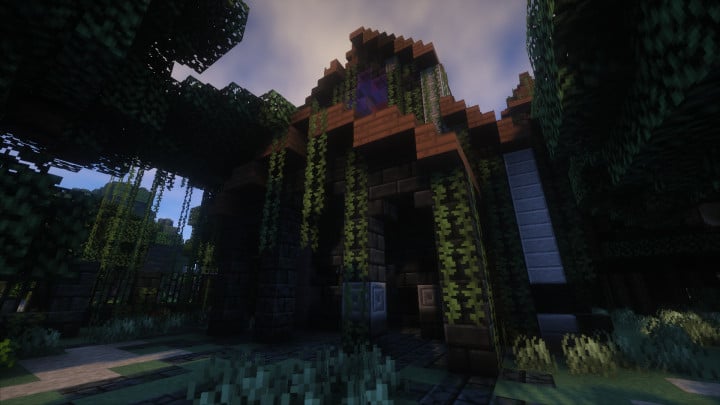
Early Rustic Reborn Resource Pack is a premium Minecraft texture pack that combines the familiar vanilla art style with a beautifully detailed rustic theme. Designed for players who appreciate Minecraft’s original look but want a much sharper and more realistic visual experience, this pack enhances nearly every texture while maintaining the game’s classic identity. Its carefully crafted artwork gives blocks, buildings, and landscapes a warm, handcrafted appearance that feels both immersive and authentic.
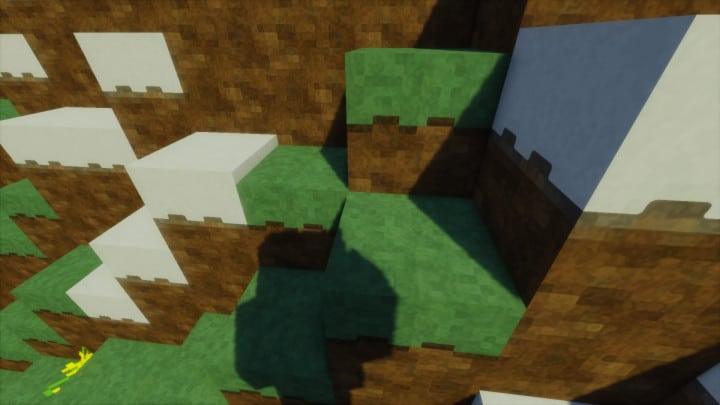
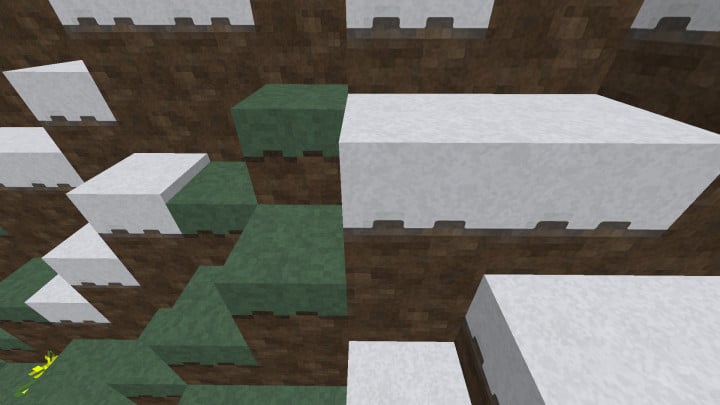
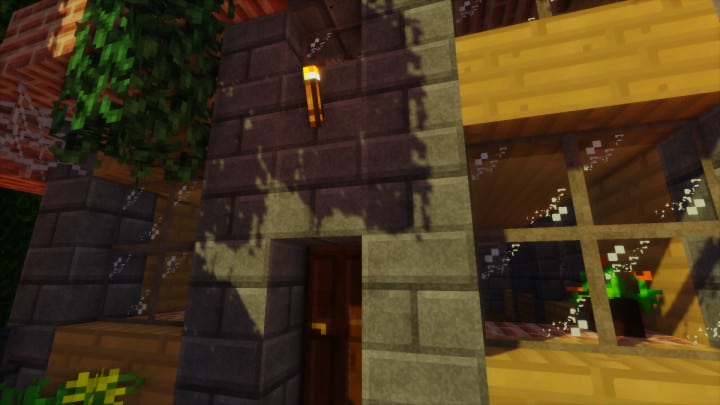
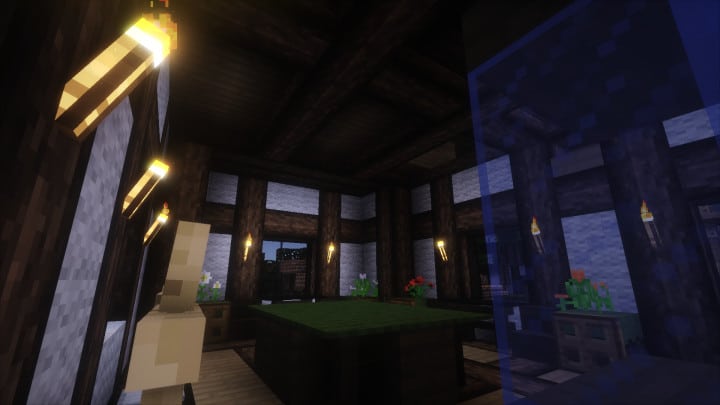
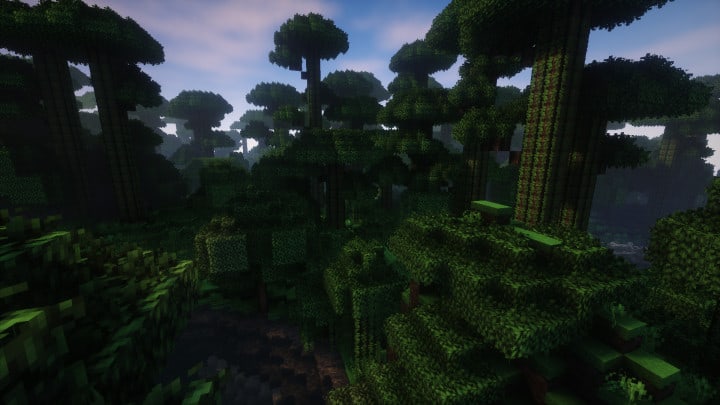
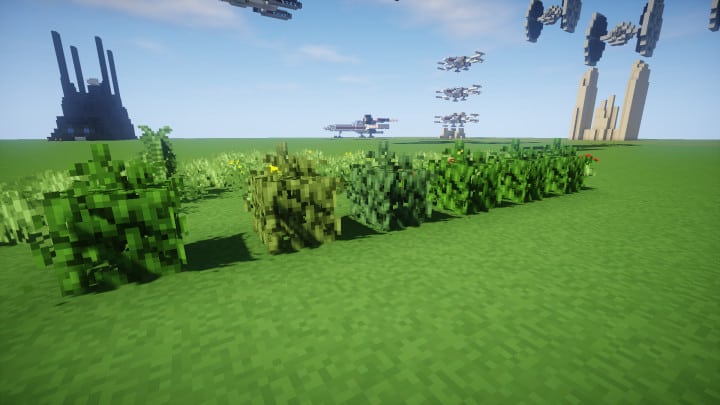
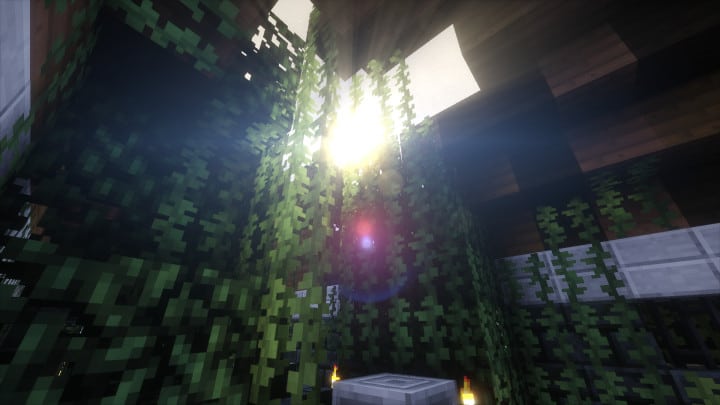
One of the standout features of Early Rustic Reborn Texture Pack is its incredibly detailed 512x resolution, which delivers outstanding texture quality across the entire game. Wood, stone, bricks, foliage, and other natural materials feature rich surface details that make the Minecraft world feel more lifelike without abandoning its iconic blocky design. Every environment benefits from cleaner textures, improved color balance, and a refined rustic atmosphere that adds depth and character to both survival and creative worlds. For players whose computers cannot comfortably handle the highest resolution, the pack is also available in lower resolutions, allowing more users to enjoy its enhanced visuals while maintaining smooth gameplay.
Because of its high-resolution textures, Early Rustic Reborn Resource Pack performs best on modern gaming PCs with dedicated graphics hardware. Players with powerful systems can fully appreciate the pack’s exceptional level of detail, especially when paired with compatible shader packs that enhance lighting, reflections, and shadows. Whether you’re building medieval villages, exploring scenic landscapes, or creating cinematic Minecraft worlds, the Early Rustic Reborn Resource Pack delivers a stunning visual upgrade that preserves the spirit of vanilla Minecraft while adding a beautiful rustic touch.
| Minecraft Version | Compatibility |
|---|---|
| 1.12.2 | ✅ Supported |
| 1.12 | ✅ Supported |
| 1.11.2 | ✅ Supported |
| 1.11 | ✅ Supported |
| 1.10.2 | ✅ Supported |
| 1.10 | ✅ Supported |
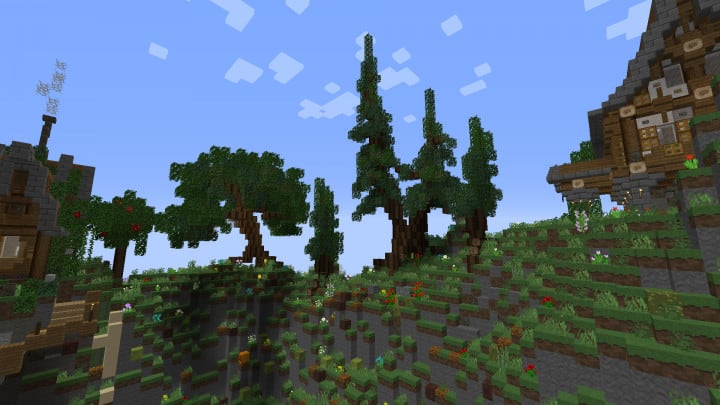
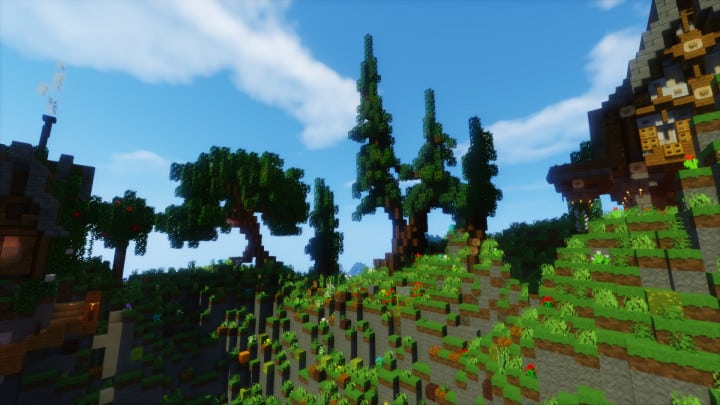
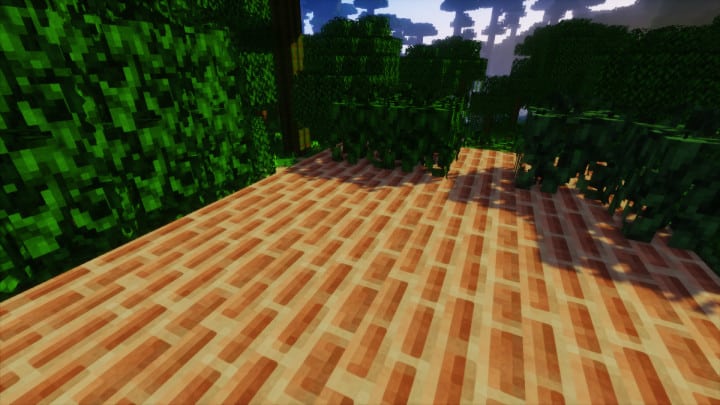
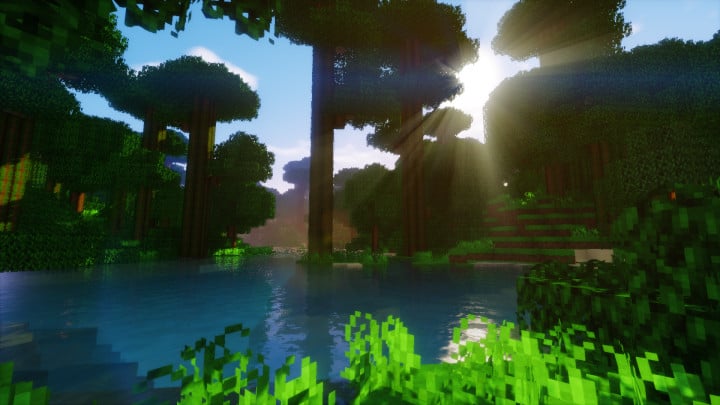
Early Rustic Reborn Resource Pack – Screenshots
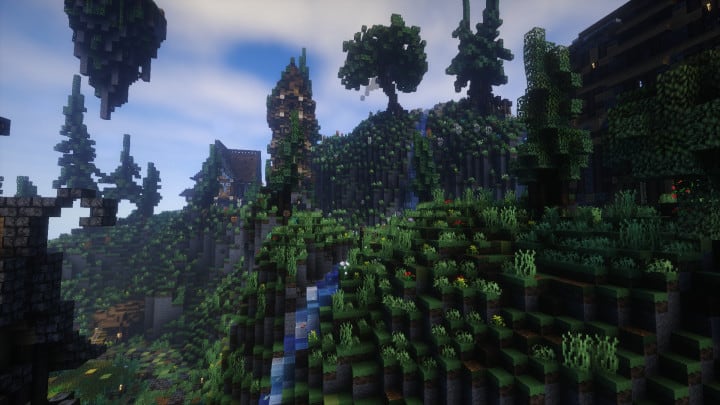
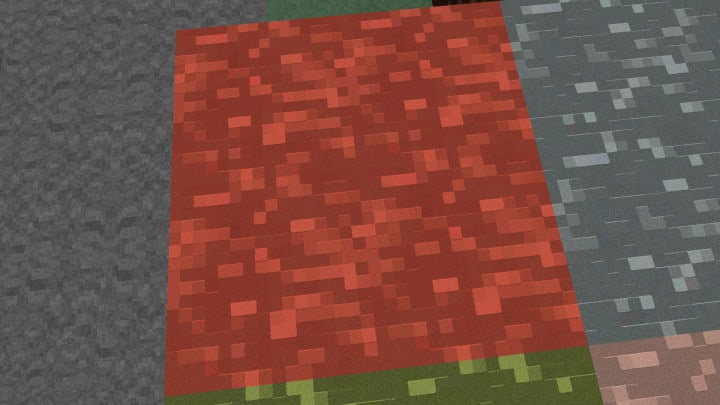
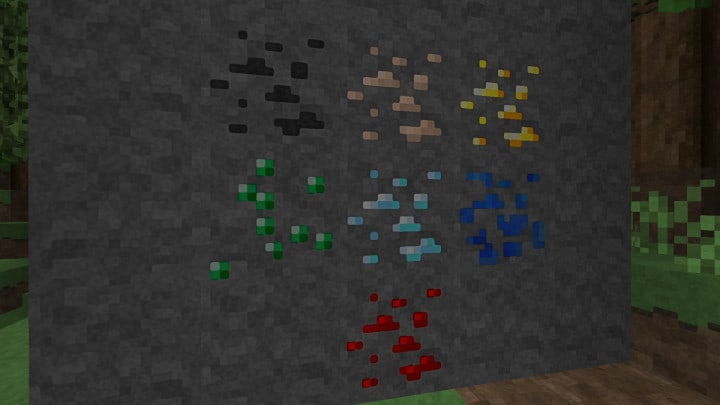
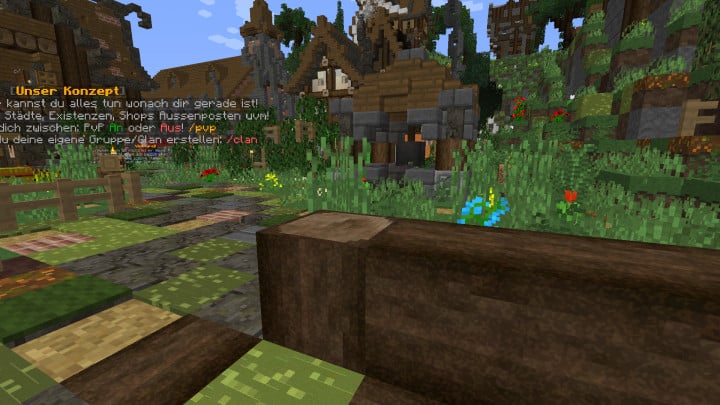
How to Install Texture Pack (Simple 10 Steps)
- Download Optifine: Most of the texture packs and shaders need Optifine. That’s why, first download and install Optifine for the version of Minecraft you want to play.
- Download the Texture Pack: Get the texture pack you want from the download section. Choose the version that works with your Minecraft and your PC’s performance.
- Open Minecraft Launcher: Start Minecraft using the official game launcher – or even TLauncher, if you use that.
- Go to Options: From the main menu, click on the “Options” button.
- Open Resource Packs: Inside Options, click on “Resource Packs…”.
- Open the Resource Pack Folder: Click on “Open Resource Pack Folder” – this will open a folder named “resourcepacks”.
- Move the Pack File: Copy or move the .zip file you downloaded into that “resourcepacks” folder. (Don’t unzip the file – Minecraft uses it as-is!)
- Go Back and Refresh: Close the folder and click “Done”, then go back into “Resource Packs…” again.
- Activate the Pack: You’ll see the pack on the left side. Hover over it and click the arrow to move it to the right (active side). Tip: If you get a message that the pack is for a different version, just click “Yes” – it usually works fine.
- Click Done and Enjoy: Click “Done” again. Now your pack is ready to use in-game. It’s that easy!
Download
Java Edition:
(16x) (1.12 – 1.10) Download Early Rustic Reborn Resource Pack
(32x) (1.12 – 1.10) Download Early Rustic Reborn Resource Pack
(512x) (1.12 – 1.10) Download Early Rustic Reborn Resource Pack
Download Instructions
- CurseForge: If the pack is hosted on CurseForge, the download will begin automatically after a few seconds. If it does not start, use the “Download” button shown on the page.
- Modrinth: If the download is from Modrinth, click the file version that matches your Minecraft build, then press the Download button. Modrinth usually offers multiple releases, so make sure you pick the correct version before installing.
- Mediafire: On Mediafire, click the large blue Download button to start the file download. Avoid any extra pop-ups or buttons that are not related to the direct download.
- Google Drive: For Google Drive, click the small download icon at the top right corner of the page. It looks like a downward arrow. The file will be saved to your computer immediately.
Disclaimer: We do not create or modify any of the texture packs or shader packs shared on this website. All credit goes to the original creators, and every download link we provide is the official link from their page, which keeps all downloads safe. Some links may stop working after updates, so if you find a broken one, let us know in the comments and we will update it quickly. If you like a pack, consider supporting the creator by visiting their official page or website that we have linked below, and feel free to leave a comment or vote to help their work reach more players.