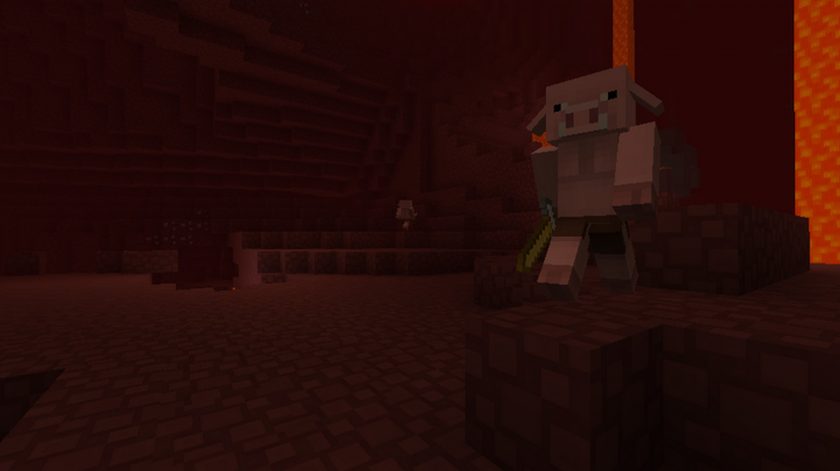
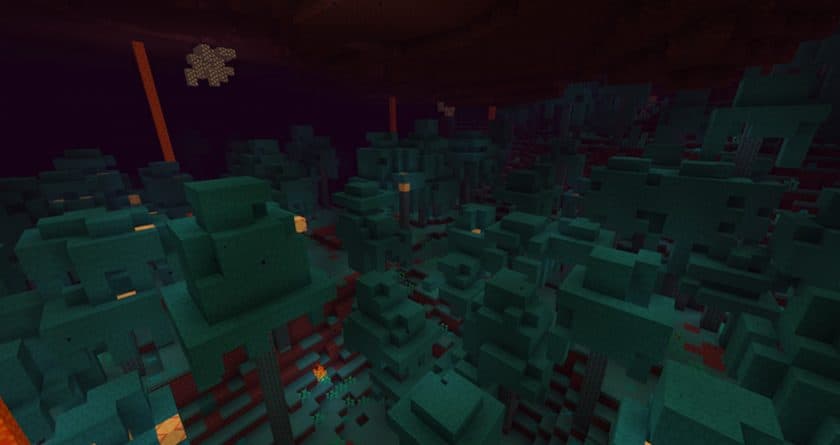
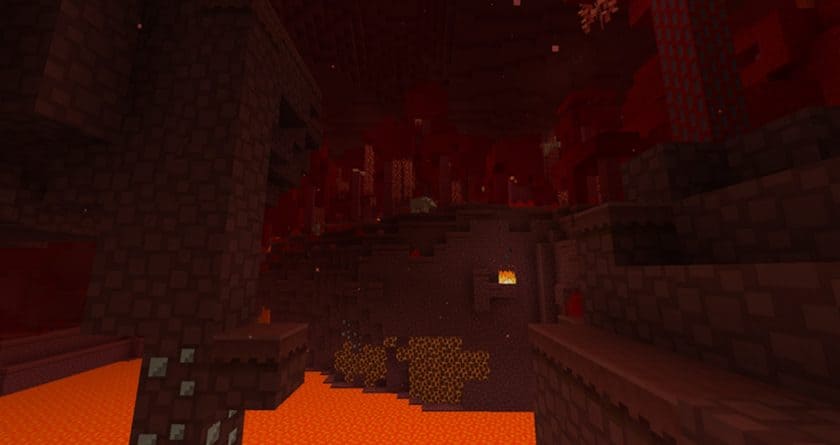
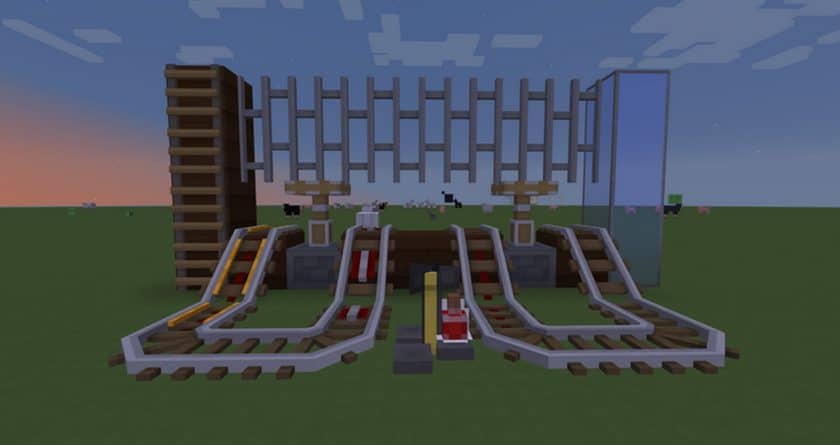
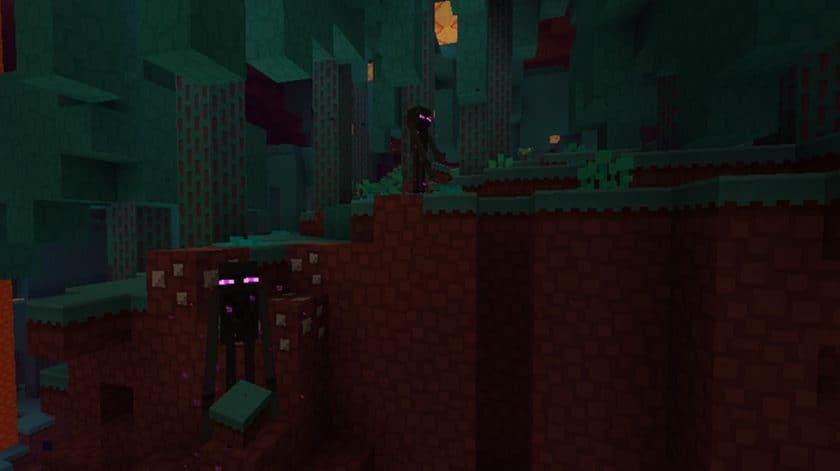
Stepping into a world with the Paper-Cut Out resource pack is like unfolding a beautifully crafted pop-up book within Minecraft. Gone are the chunky, blocky textures, replaced instead with an artistic vision that renders everything as if it were meticulously cut from paper. This pack immediately struck me with its refreshing simplicity and elegant charm. From the moment I loaded it, the entire landscape transformed, taking on a delightful flat, two-dimensional appearance that surprisingly adds depth through its unique aesthetic. Ores, for instance, are no longer rugged chunks but rather stylized, flat icons that slot perfectly into this papercraft universe, making exploration feel like navigating a whimsical diorama.
One of the immediate benefits I noticed was the seamless performance. Given its minimalist design and tiny texture files, the Paper-Cut Out pack is incredibly lightweight, loading almost instantly and causing no slowdowns, even on modest systems. This means you can dive straight into your adventures without worrying about lag or complex installations; it’s truly a drag-and-drop affair. The ease of use extends beyond setup; its clean, uncluttered visual vibe creates a serene and focused gameplay atmosphere. What’s more, despite its distinct style, this resource pack boasts remarkable compatibility. Its smaller footprint and straightforward approach mean it plays nicely with a wide array of sophisticated mods and modpacks, requiring minimal fuss. This versatility, combined with its charming, easy-on-the-eyes visuals, firmly positions the Paper-Cut Out pack as an accessible and enjoyable choice for any Minecraft player seeking a fresh, uncomplicated aesthetic.
Paper Cut-Out should be compatible with all of these Minecraft versions: 1.20.4 – 1.20.3 – 1.20.2 – 1.20.1 – 1.20 – 1.19.4 – 1.19.3 – 1.19.2 – 1.19.1 – 1.19 – 1.18.2 – 1.18.1 – 1.18 – 1.17.1 – 1.17 – 1.16.5 – 1.16.4 – 1.16.3 – 1.16.2 – 1.16.1 – 1.16 – 1.15.2 – 1.15.1 – 1.15 – 1.14.4 – 1.14.3 – 1.14.2 – 1.14 – 1.11.2 – 1.11 – 1.10.2 – 1.10 – Bedrock Edition – PE
Paper Cut-Out Resource Pack – Screenshots & Videos
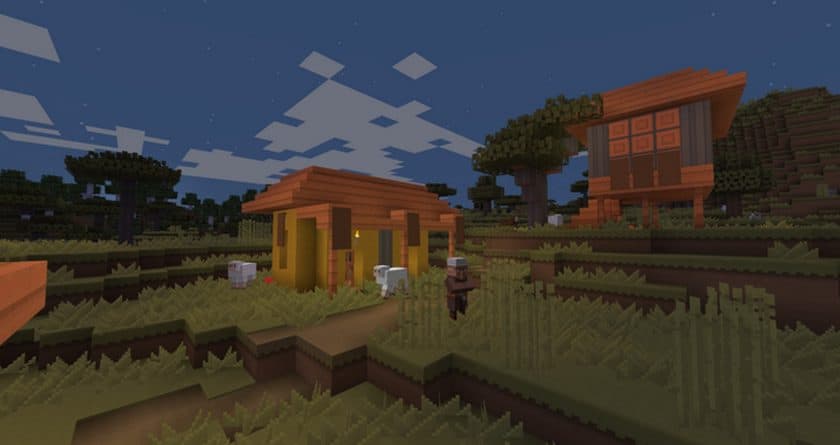
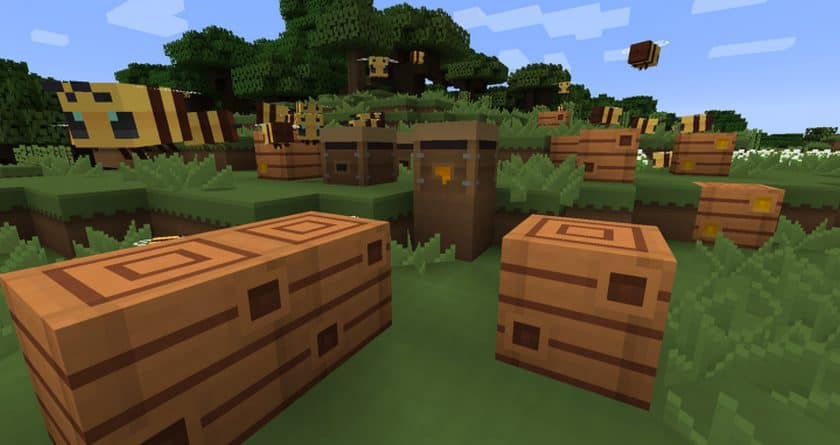
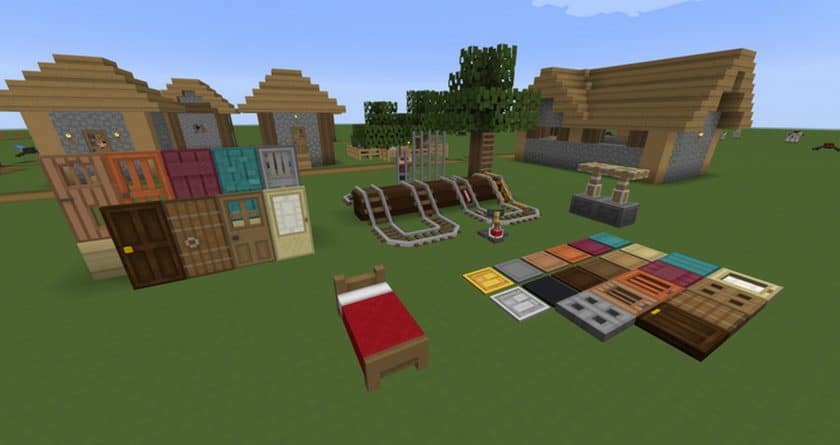
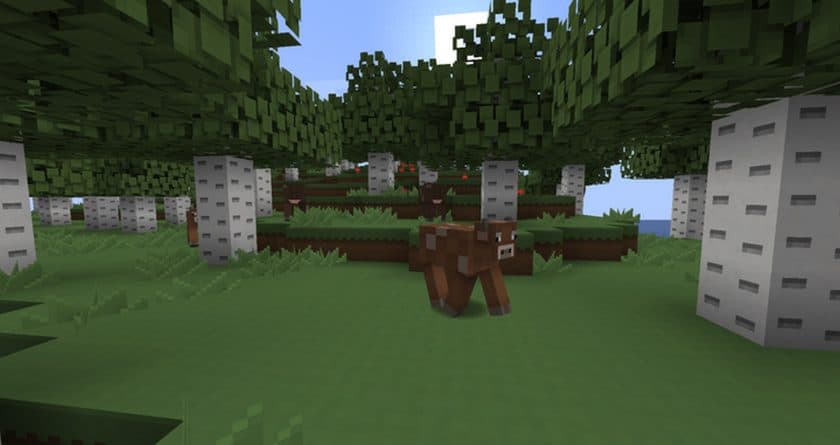
How to Install Texture Pack (Simple 10 Steps)
- Download Optifine: Most of the texture packs and shaders need Optifine. That’s why, first download and install Optifine for the version of Minecraft you want to play.
- Download the Texture Pack: Get the texture pack you want from the download section. Choose the version that works with your Minecraft and your PC’s performance.
- Open Minecraft Launcher: Start Minecraft using the official game launcher – or even TLauncher, if you use that.
- Go to Options: From the main menu, click on the “Options” button.
- Open Resource Packs: Inside Options, click on “Resource Packs…”.
- Open the Resource Pack Folder: Click on “Open Resource Pack Folder” – this will open a folder named “resourcepacks”.
- Move the Pack File: Copy or move the .zip file you downloaded into that “resourcepacks” folder. (Don’t unzip the file – Minecraft uses it as-is!)
- Go Back and Refresh: Close the folder and click “Done”, then go back into “Resource Packs…” again.
- Activate the Pack: You’ll see the pack on the left side. Hover over it and click the arrow to move it to the right (active side). Tip: If you get a message that the pack is for a different version, just click “Yes” – it usually works fine.
- Click Done and Enjoy: Click “Done” again. Now your pack is ready to use in-game. It’s that easy!
Download
Bedrock Edition:
Download the Paper Cut-Out Bedrock Edition Resource Pack
Java Edition:
(16x) (1.20.2+) Download a set of paper cutting resources
(16x) (1.20.x – 1.20.1) Download Paper Cut-Out Resource Pack
(16x) (1.19.x – 1.18.x) Download Paper Cut-Out Resource Pack
(16x) (1.17.x – 1.14.x) Download Paper Cut-Out Resource Pack
(16x) (1.11.x – 1.10.x) Download Paper Cut-Out Resource Pack
Download Instructions
- CurseForge: If the pack is hosted on CurseForge, the download will begin automatically after a few seconds. If it does not start, use the “Download” button shown on the page.
- Modrinth: If the download is from Modrinth, click the file version that matches your Minecraft build, then press the Download button. Modrinth usually offers multiple releases, so make sure you pick the correct version before installing.
- Mediafire: On Mediafire, click the large blue Download button to start the file download. Avoid any extra pop-ups or buttons that are not related to the direct download.
- Google Drive: For Google Drive, click the small download icon at the top right corner of the page. It looks like a downward arrow. The file will be saved to your computer immediately.
Disclaimer We do not create or modify any of the texture packs or shader packs shared on this website. All credit goes to the original creators, and every download link we provide is the official link from their page, which keeps all downloads safe. Some links may stop working after updates, so if you find a broken one, let us know in the comments and we will update it quickly. If you like a pack, consider supporting the creator by visiting their official page or website that we have linked below, and feel free to leave a comment or vote to help their work reach more players.