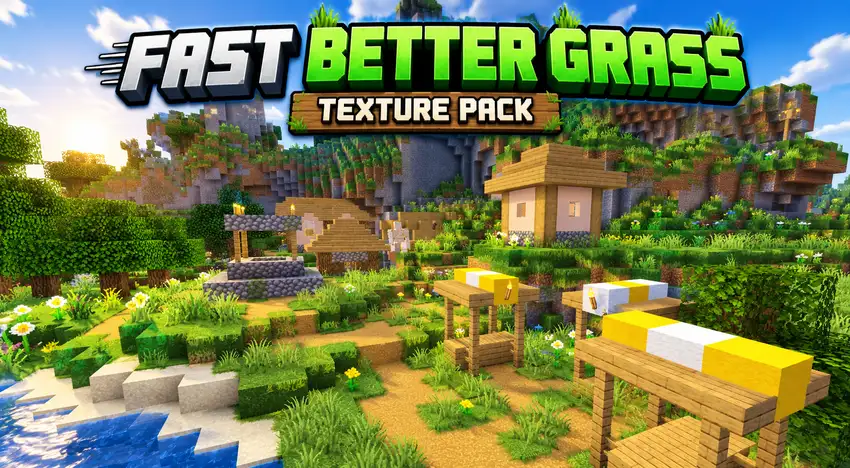
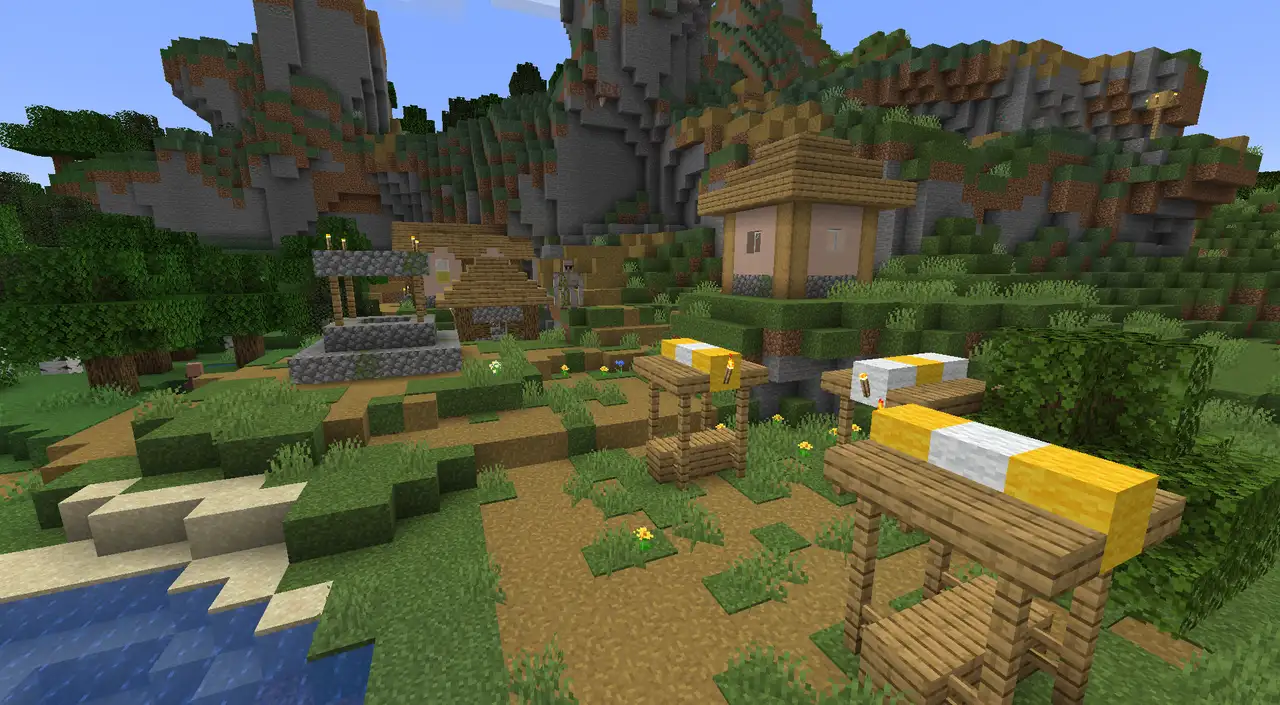
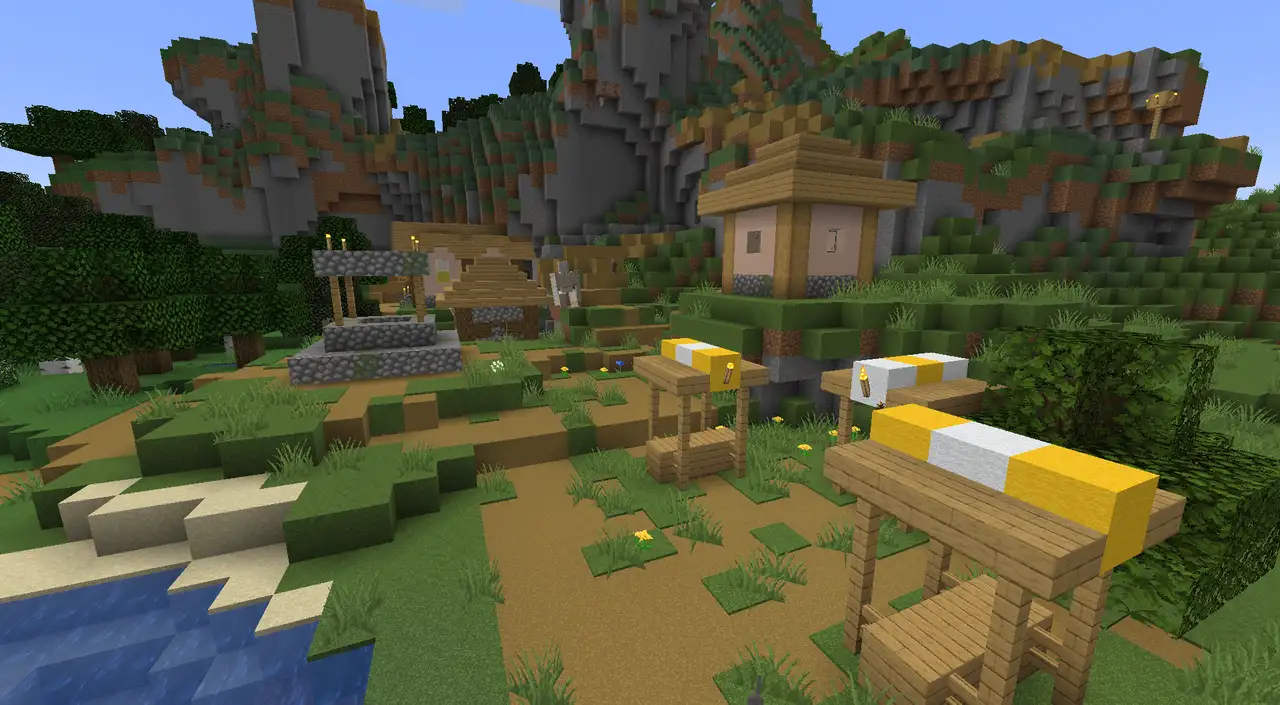
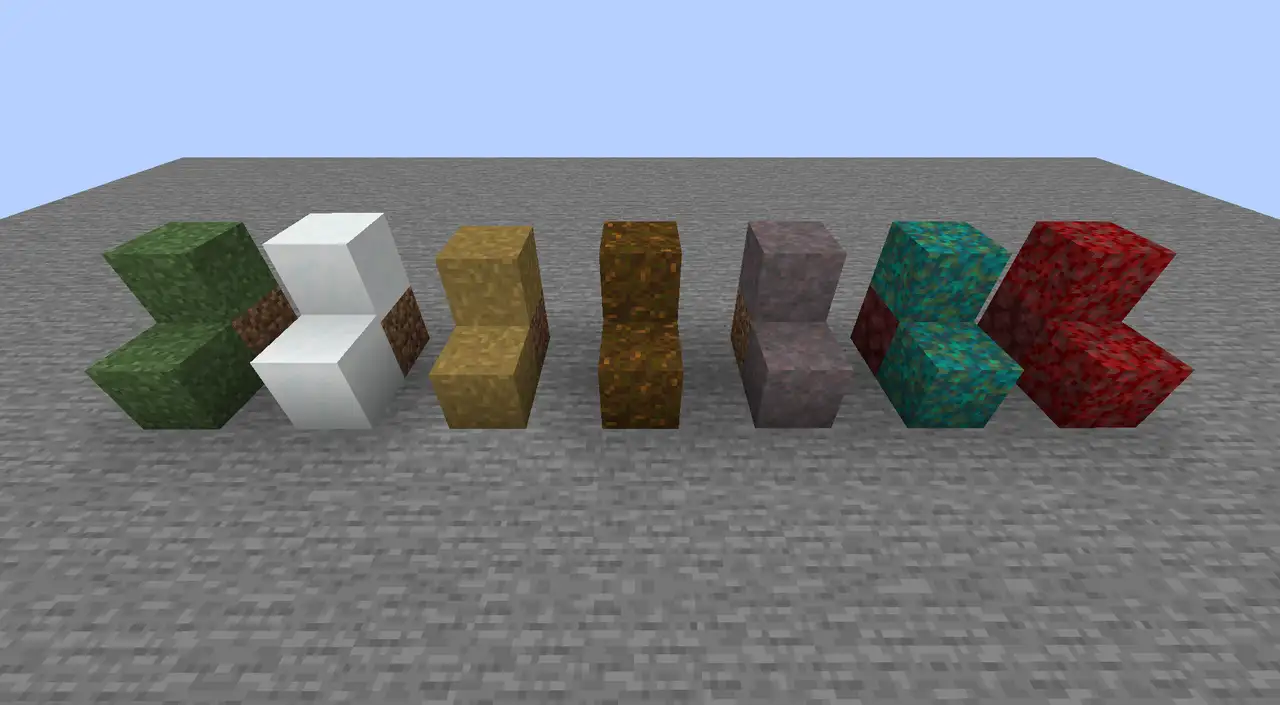
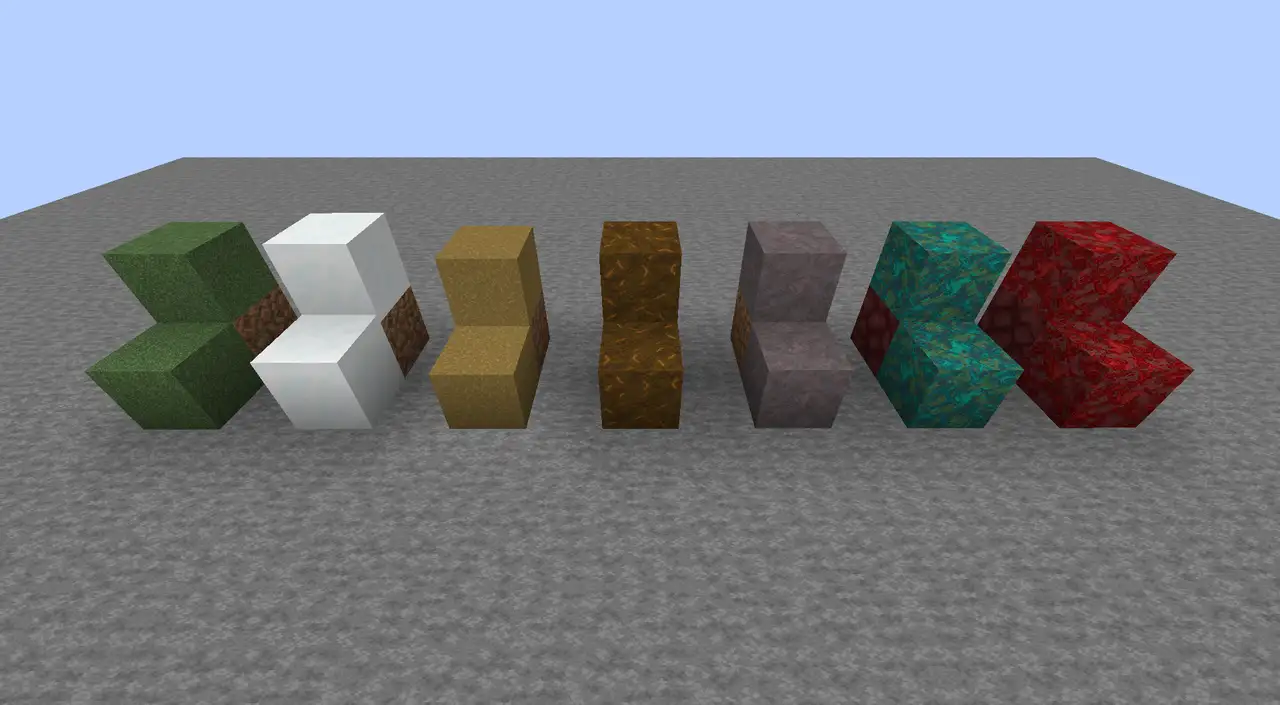
One thing I really like about this resource pack is how it makes grassy blocks blend together more naturally. Instead of showing the usual side textures, it extends the top texture down the sides of grass blocks, snow-covered grass blocks, dirt paths, podzol, mycelium, warped nylium, and crimson nylium. This small change makes the terrain look cleaner and more consistent, especially when exploring villages. Dirt paths get extra attention, too, as their texture spreads onto the block underneath, helping village paths blend more smoothly into the surrounding ground.
The pack works much like OptiFine’s Better Grass feature in Fast mode, but you don’t need OptiFine or any other mod to use it. It achieves the effect by changing vanilla block models rather than adding or replacing textures. That means it works well alongside other resource packs and keeps the file size small. It can also work with packs that modify block models themselves, making it a flexible option for different setups. As a bonus, the lightweight design can provide a minor performance improvement.
There are a few limitations to keep in mind. The pack currently imitates only Better Grass’s Fast mode, so the Fancy mode effect isn’t available yet. Support for older Minecraft versions is also not planned. Still, if you want more seamless-looking terrain without installing mods or changing your existing textures, this is a simple and useful addition to your resource pack collection.
Fast Better Grass should be compatible with all of these Minecraft versions: 26.3 – 26.2 – 26.1.2 – 26.1.1 – 26.1 – 1.21.11 – 1.21.10 – 1.21.9 – 1.21.8 – 1.21.7 – 1.21.6 – 1.21.5 – 1.21.4 – 1.21.3 – 1.21.2 – 1.21.1 – 1.21 – 1.20.6 – 1.20.5 – 1.20.4 – 1.20.3 – 1.20.2 – 1.20.1 – 1.20 – 1.19.4 – 1.19.3 – 1.19.2 – 1.19.1 – 1.19
Fast Better Grass – Screenshorts:
How to install Fast Better Grass Resource Pack:
- Download Optifine: Most of the texture packs and shaders need Optifine. That’s why, first download and install Optifine for the version of Minecraft you want to play.
- Download the Texture Pack: Get the texture pack you want from the download section. Choose the version that works with your Minecraft and your PC’s performance.
- Open Minecraft Launcher: 🚀 Start Minecraft using the official game launcher — or even TLauncher, if you use that.
- Go to Options: From the main menu, click on the “Options” button.
- Open Resource Packs: Inside Options, click on “Resource Packs…”.
- Open the Resource Pack Folder: Click on “Open Resource Pack Folder”— this will open a folder named “resourcepacks.”
- Move the Pack File: Copy or move the .zip file you downloaded into that “resourcepacks” folder. (Don’t unzip the file—Minecraft uses it as-is!)
- Go Back and Refresh: Close the folder and click “Done”, then go back into “Resource Packs…” again.
- Activate the Pack: You’ll see the pack on the left side. Hover over it and click the arrow to move it to the right (active side).
- Tip: If you get a message that the pack is for a different version, just click “”Yes”—it usually works fine.
- Click Done and Enjoy: Click “Done” again. Now your pack is ready to use in-game. It’s that easy!
Fast Better Grass was created by Fabulously Optimized and is owned by robotkoer.
- We do not modify or edit any resource packs. All resource packs, shaders and tools found on this website are linked directly to official sources rather than hosted on our own servers. We provide only the official download links from the original creators to ensure that your files are safe and secure.
- These official links are updated manually and may occasionally stop working when a new version is released. We work hard to keep everything current so that you have a smooth experience. Please let us know in the comments if you find a link that no longer works.
- Minecraft is a trademark of Mojang Studios and has no official connection to this website. Our goal is simply to share the best creations from the community with other players.
- Please consider leaving a comment or voting for your favorite packs. This feedback helps authors improve their projects over time. You can also support the creators directly by visiting the official links located below the download section.
Download Links
Java Edition:
[26.3.x – 1.19.x] Download Fast Better Grass Texture Pack