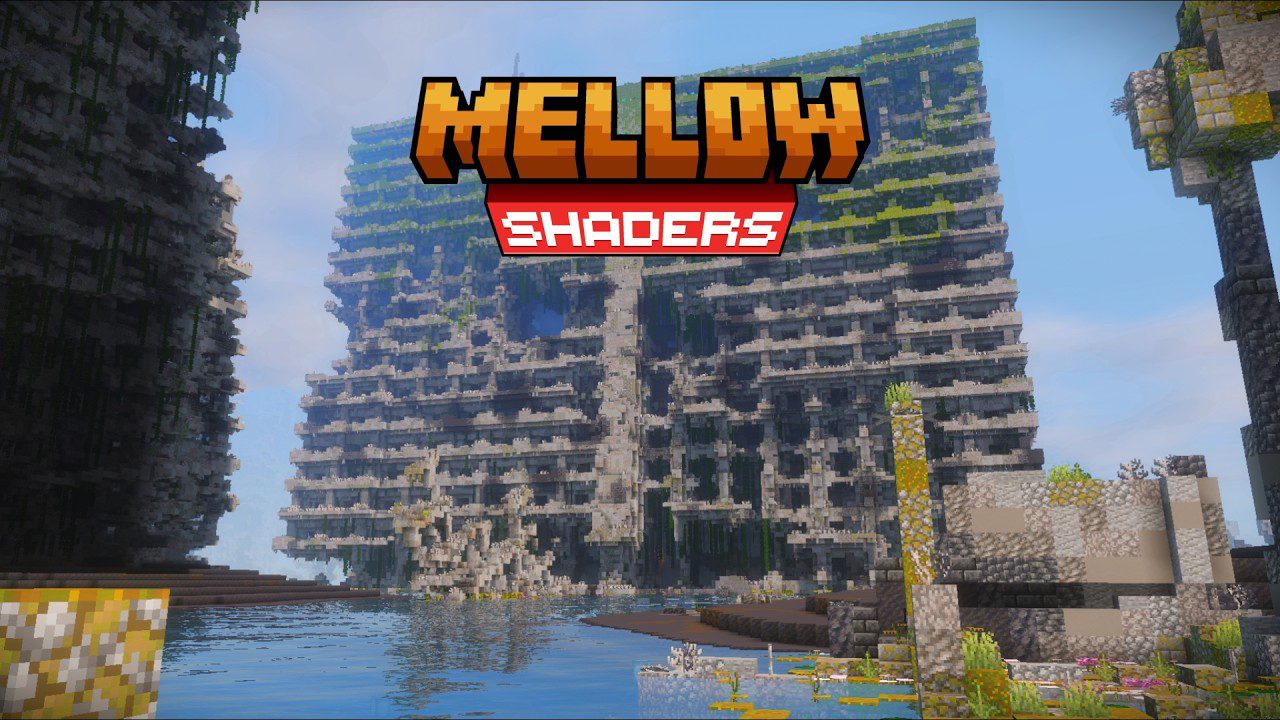
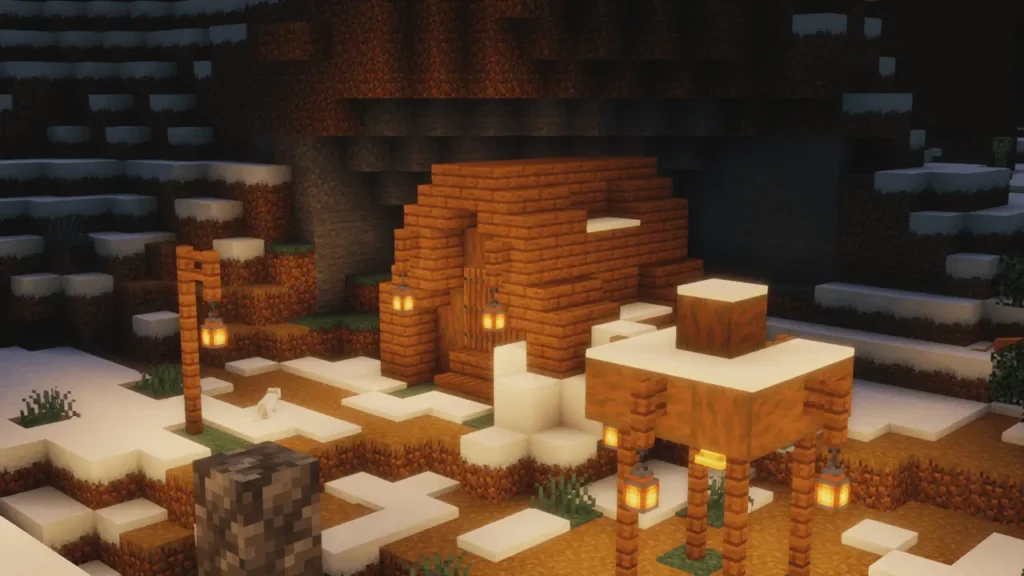
I’ve tested plenty of low-end shaders that claim to run smoothly, but most of them barely change the look of Minecraft. They usually keep the game close to vanilla, with weak lighting and shadows that don’t feel immersive. That’s why Mellow Shaders immediately caught my attention. It’s lightweight, simple, and still manages to make the world feel brighter and more alive. The soft shadows, gentle lighting, and slightly warmer tones give Minecraft a cozy vibe, and the best part is that it doesn’t tank your FPS like other shaders do.
What I like the most about Mellow Shaders is the balance it strikes. On my RTX 2060, I easily hit 300 FPS, which is insane for something that actually improves visuals. Even though it doesn’t have the most advanced dynamic lighting like some heavy packs, it still looks way better than most low-end shaders I’ve tried. And yes, if you’re on older hardware like a GT 710, it’s still worth testing because of how optimized it is. That’s what makes it stand out for me — it feels playable on almost any setup without looking “too vanilla.”
For those wondering, Mellow Shaders was created by Eldeston and is actively updated with support for the latest Minecraft versions, including 26.3 and older releases down to 1.8. So whether you’re building cozy houses, survival worlds, or just exploring, this shader is a safe pick. I’ve seen many shader packs that promise performance but compromise on quality. Mellow actually gives you both — smooth frames and visuals that feel like a genuine upgrade. If you’re tired of shaders that only boost FPS but don’t improve the atmosphere, this one might be your solution.
Mellow Shaders Packs is compatible with all of the following Minecraft versions: 26.3 – 26.2 – 26.1.2 – 26.1.1 – 26.1 – 1.21.11 – 1.21.10 – 1.21.9 – 1.21.8 – 1.21.7 – 1.21.6 – 1.21.5 – 1.21.4 – 1.21.3 – 1.21.2 – 1.21.1 – 1.21 – 1.20.6 – 1.20.5 – 1.20.4 – 1.20.3 – 1.20.2 – 1.20.1 – 1.20 – 1.19.4 – 1.19.3 – 1.19.2 – 1.19.1 – 1.19 – 1.18.2 – 1.18.1 – 1.18 – 1.17.1 – 1.17 – 1.16.5 – 1.16.4 – 1.16.3 – 1.16.2 – 1.16.1 – 1.16 – 1.15.2 – 1.15.1 – 1.15 – 1.14.4 – 1.14.3 – 1.14.2 – 1.14.1 – 1.14 – 1.13.2 – 1.13.1 – 1.13 – 1.12.2 – 1.12.1 – 1.12 – 1.11.2 – 1.11.1 – 1.11 – 1.10.2 – 1.10.1 – 1.10 – 1.9.4 – 1.9.3 – 1.9.2 – 1.9.1 – 1.9 – 1.8.9 – 1.8.8 – 1.8.7 – 1.8.6 – 1.8.5 – 1.8.4 – 1.8.3 – 1.8.2 – 1.8.1 – 1.8
Video & Screenshots of Mellow Shaders
https://youtu.be/Xtx1QRqY5W0
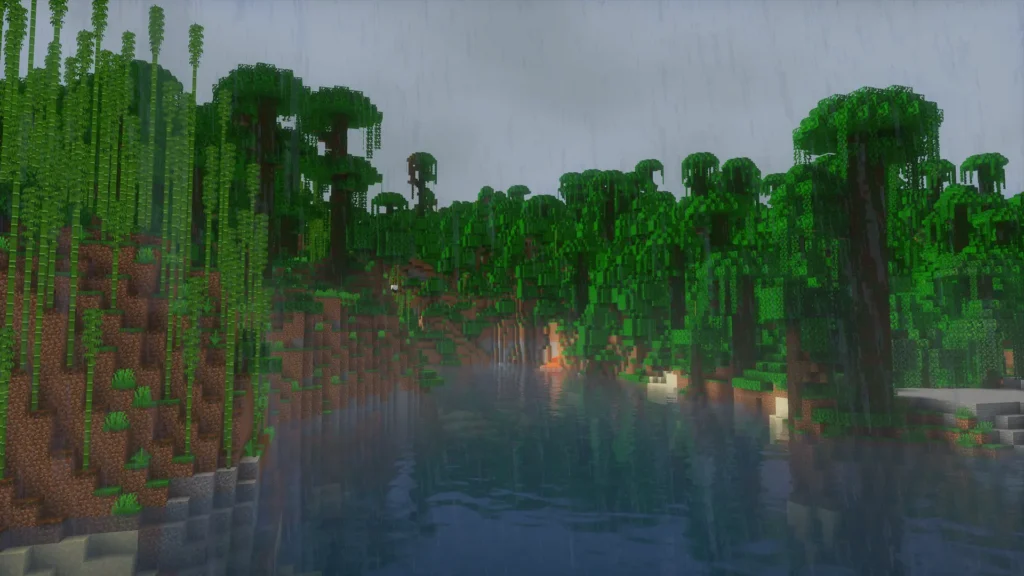
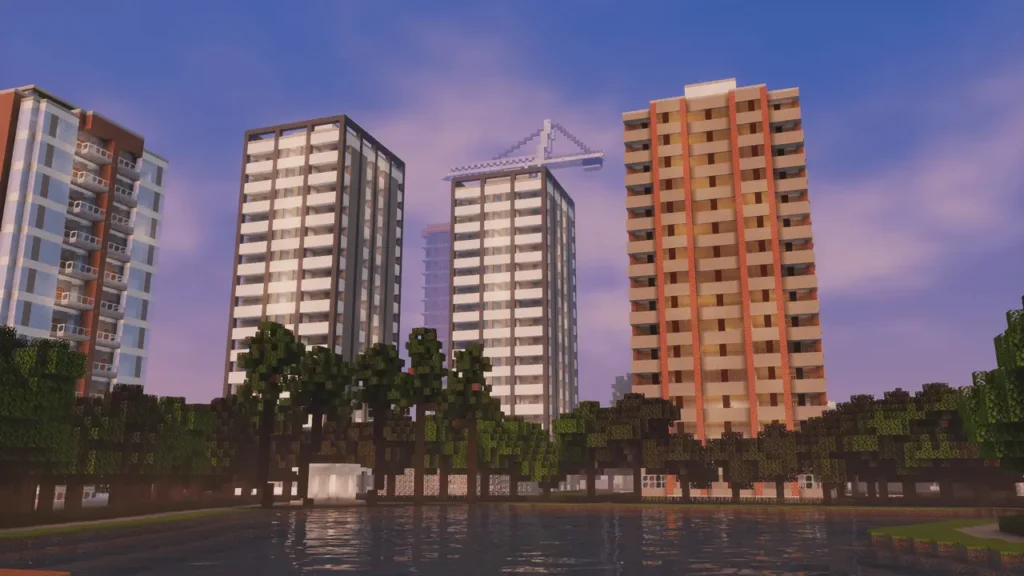
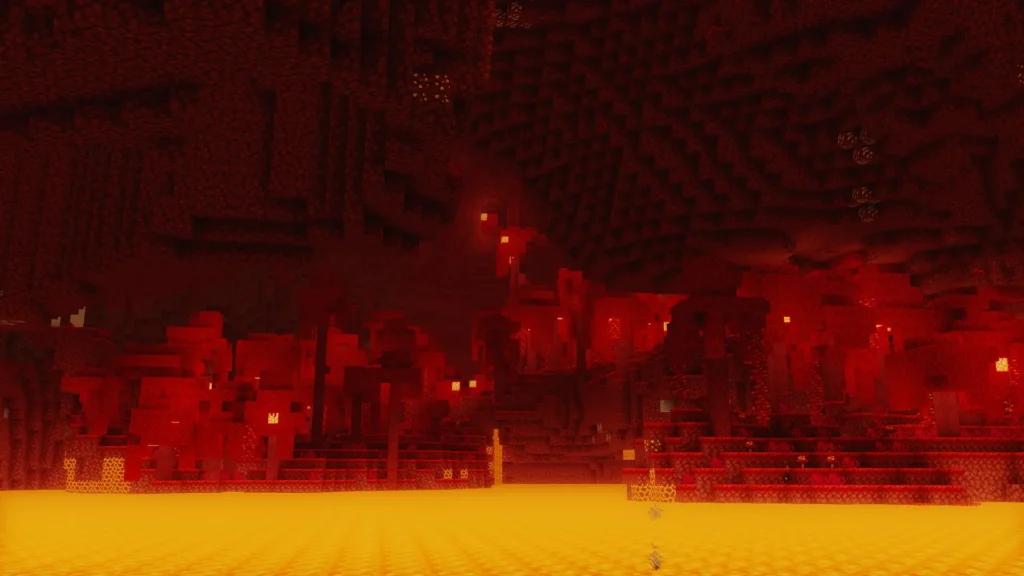
How to Install Shader Pack (Simple 7 Steps)
- Install Minecraft: Make sure to have Minecraft on your PC.
- Set the Game Version: Open the Minecraft Launcher, go to the “Installations” tab, click “New Installation”, choose the version you want to play, and click “Create”.
- Install Optifine or Iris: Download and install Optifine or Iris (we recommend Iris for better performance).
- To download Iris, click here.
- To download Optifine, click here.
- Launch with the Shader Mod: Open the Minecraft Launcher again and select the Optifine or Iris profile you installed.
- Download the Shader Pack: Download the shader pack (.zip file) from the download section below. (Don’t unzip it!)
- Open the Shaderpacks Folder :
- For Optifine: Go to Options > Video Settings > Shaders > Shaders Folder
- For Iris: Go to Options > Video Settings > Shader Packs > Open Shader Pack Folder.
- Add and Activate the Shader Pack: Move the downloaded .zip file ️into the shaderpacks folder. Then go back to the game, select the shader pack from the list, and click “Done” to activate it.
Mellow Shaders Download
Java Edition:
[26.3.x – 1.8.x] Download Mellow Shaders
Disclaimer
We are not the creators of any shader packs shared on this site. All credit goes to the original authors. We do not edit or change any files in any way. Also, none of the downloads are hosted on our servers — we only provide official links shared by the original creators. That means all downloads are completely safe.
❗Note: Since we manually add the official links, some may stop working after updates. If you find a broken link, tell us in the comments and we’ll fix it as soon as possible.
If you enjoy this shader, please leave a comment and vote for it — this helps the creator improve their work. You can also support them directly through the links provided in the download section.