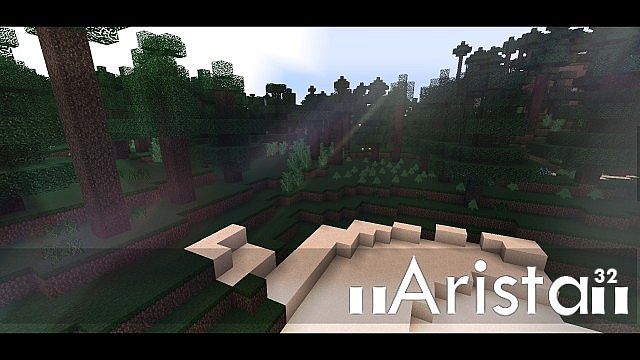
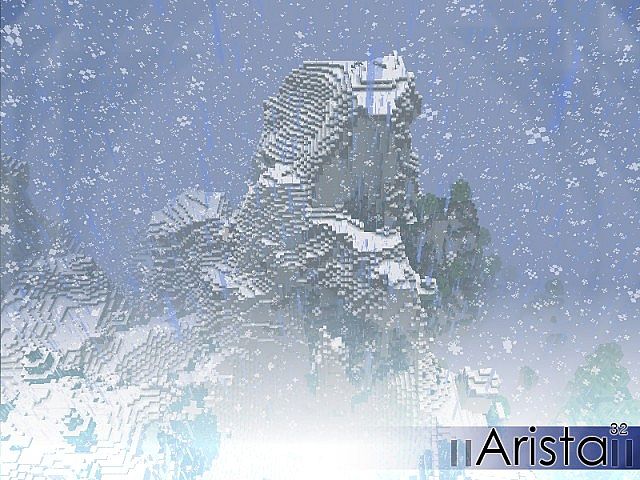
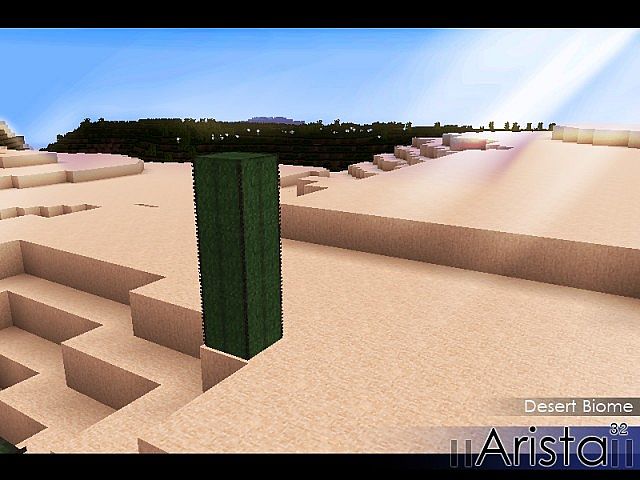
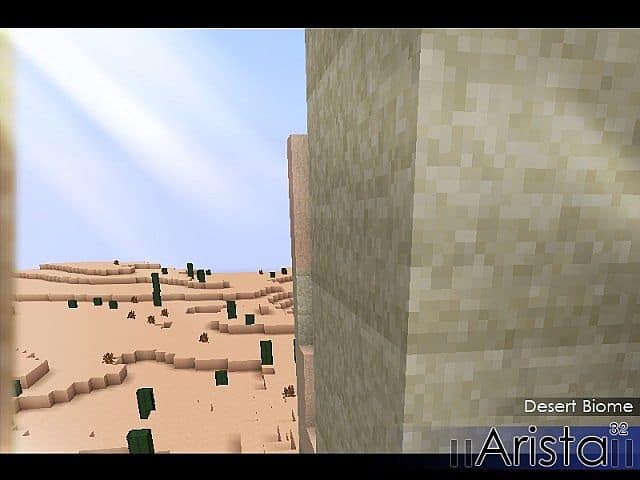
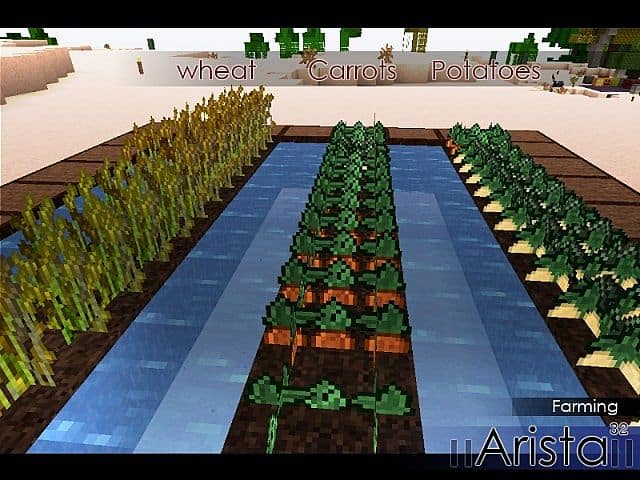
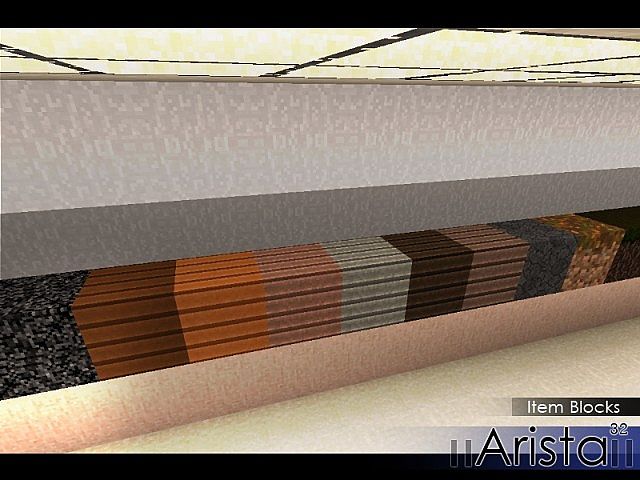
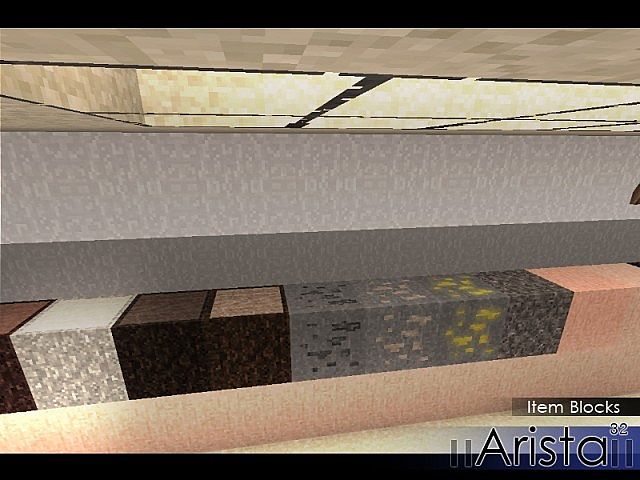
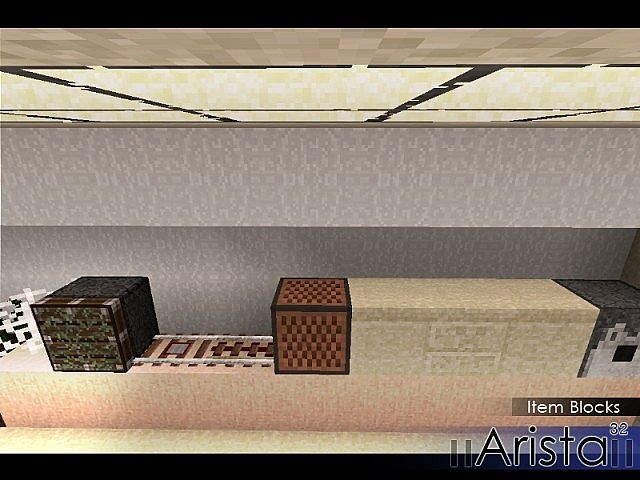
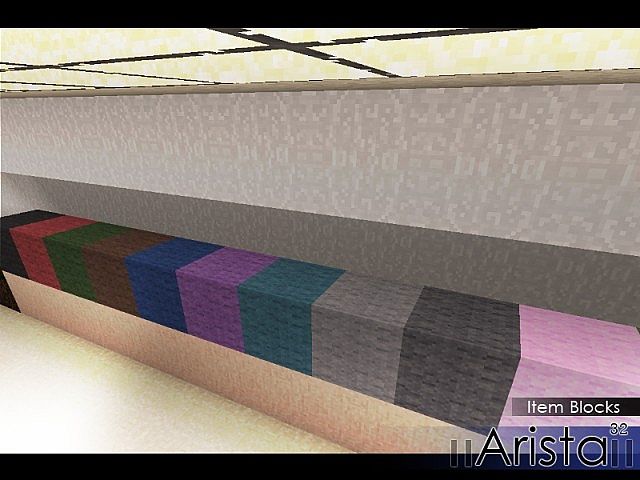
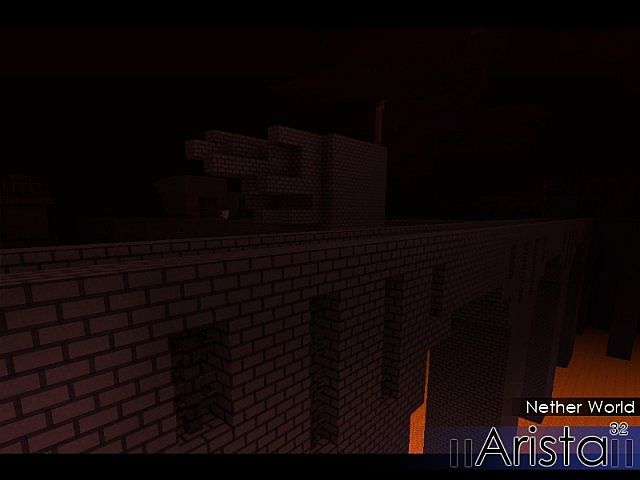
Loading into a world with the Arista Resource Pack feels like that moment when you clean your glasses and suddenly everything just… looks better. Not wildly different. Just clearer. Softer. More grounded. It doesn’t try to flip Minecraft upside down or scream “realism” at you. Instead, it quietly refines what’s already there. Blocks look smoother, more intentional, and easier on the eyes, like someone carefully went over vanilla textures and fixed the parts that always felt a bit rough.
What I really appreciate about the Arista Resource Pack is how calm it feels. Stone looks solid and believable, dirt doesn’t feel flat, and landscapes have this subtle depth that makes wandering around way more enjoyable. It reminds me of packs like the Soartex Fanver Resource Pack or even the clean realism vibe from the LB Photo Realism Reload Resource Pack — not as heavy, but definitely in the same “polished but respectful” zone. You still know you’re playing Minecraft, and that’s the point.
Right now, the focus is mostly on block textures, and honestly, that’s fine. The world already feels more put together. There’s talk of future mob updates too, which could be really interesting once those roll in. The Arista Resource Pack comes in both 32x and a much sharper 256x version, so whether you’re running a modest setup or something beefier, you’ve got options. If you’ve ever tried something like the Clarity Resource Pack, you’ll instantly get why this kind of balance works so well.
After a few sessions, you stop noticing individual textures and start noticing how comfortable the world feels. That’s where the Arista Resource Pack shines. It doesn’t overwhelm, doesn’t clutter your screen, and doesn’t fight the game’s original style. It just quietly makes everything look better, more natural, more… finished. If you’re after a realistic touch without losing that classic Minecraft soul, this one slides in perfectly.
| Minecraft Version | Compatibility |
|---|---|
| 1.7.10 | ✅ Supported |
| 1.7.9 | ✅ Supported |
| 1.7.4 | ✅ Supported |
| 1.7 | ✅ Supported |
| 1.6.4 | ✅ Supported |
| 1.6.2 | ✅ Supported |
Arista Resource Pack – Screenshots & Videos
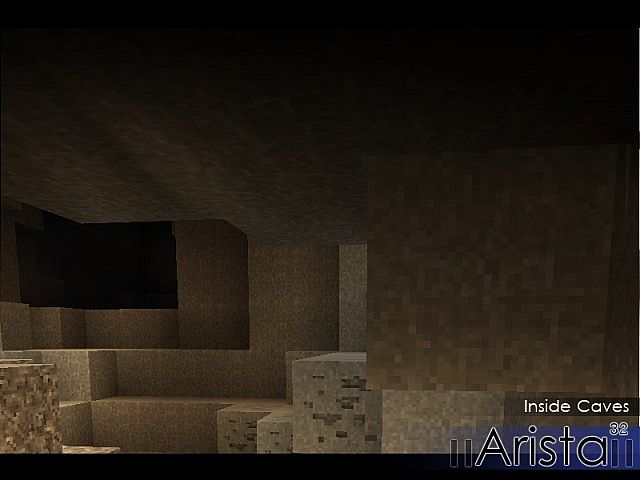
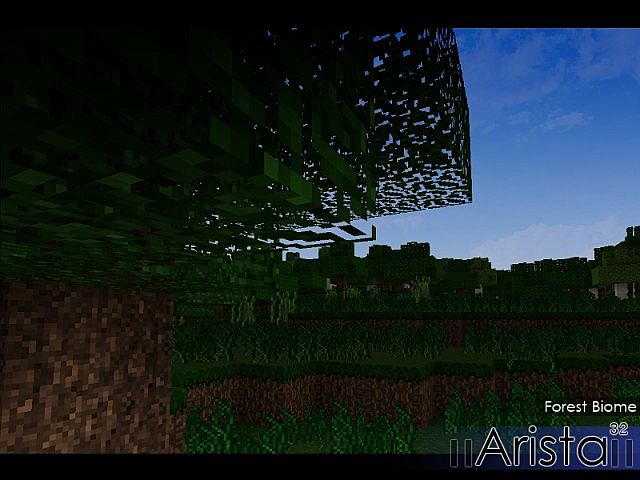
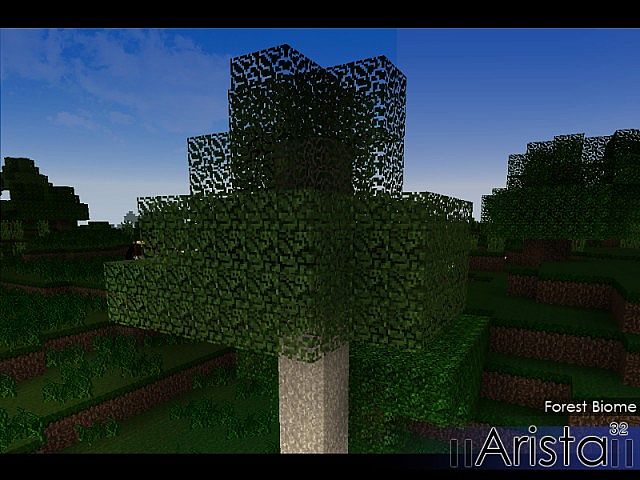
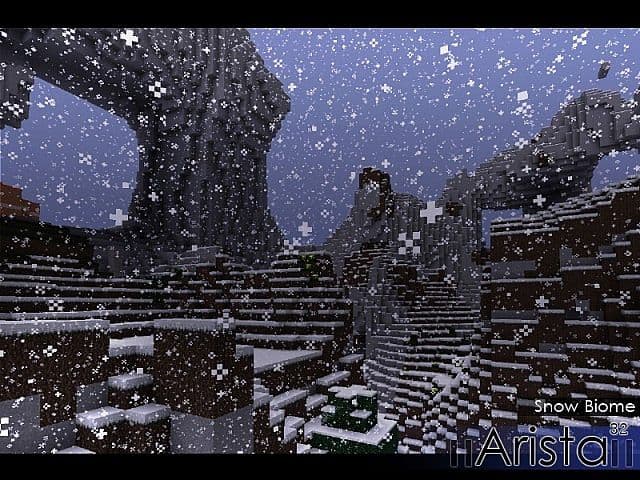
How to Install Texture Pack (Simple 10 Steps)
- Download Optifine: Most of the texture packs and shaders need Optifine. That’s why, first download and install Optifine for the version of Minecraft you want to play.
- Download the Texture Pack: Get the texture pack you want from the download section. Choose the version that works with your Minecraft and your PC’s performance.
- Open Minecraft Launcher: Start Minecraft using the official game launcher – or even TLauncher, if you use that.
- Go to Options: From the main menu, click on the “Options” button.
- Open Resource Packs: Inside Options, click on “Resource Packs…”.
- Open the Resource Pack Folder: Click on “Open Resource Pack Folder” – this will open a folder named “resourcepacks”.
- Move the Pack File: Copy or move the .zip file you downloaded into that “resourcepacks” folder. (Don’t unzip the file – Minecraft uses it as-is!)
- Go Back and Refresh: Close the folder and click “Done”, then go back into “Resource Packs…” again.
- Activate the Pack: You’ll see the pack on the left side. Hover over it and click the arrow to move it to the right (active side). Tip: If you get a message that the pack is for a different version, just click “Yes” – it usually works fine.
- Click Done and Enjoy: Click “Done” again. Now your pack is ready to use in-game. It’s that easy!
Download
(32x) (1.7) (1.6) Download Arista Resource Pack | Mirror
Download Instructions
- CurseForge: If the pack is hosted on CurseForge, the download will begin automatically after a few seconds. If it does not start, use the “Download” button shown on the page.
- Modrinth: If the download is from Modrinth, click the file version that matches your Minecraft build, then press the Download button. Modrinth usually offers multiple releases, so make sure you pick the correct version before installing.
- Mediafire: On Mediafire, click the large blue Download button to start the file download. Avoid any extra pop-ups or buttons that are not related to the direct download.
- Google Drive: For Google Drive, click the small download icon at the top right corner of the page. It looks like a downward arrow. The file will be saved to your computer immediately.
Disclaimer We do not create or modify any of the texture packs or shader packs shared on this website. All credit goes to the original creators, and every download link we provide is the official link from their page, which keeps all downloads safe. Some links may stop working after updates, so if you find a broken one, let us know in the comments and we will update it quickly. If you like a pack, consider supporting the creator by visiting their official page or website that we have linked below, and feel free to leave a comment or vote to help their work reach more players.