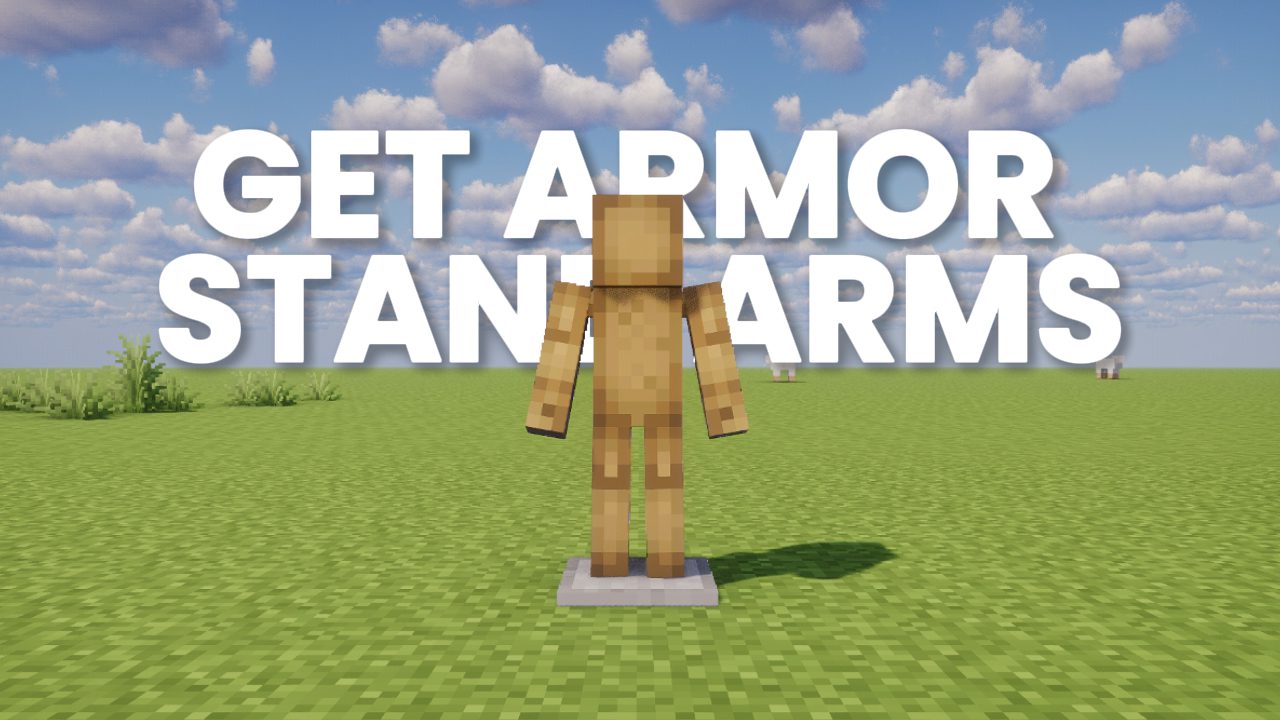
If you’ve ever switched between Bedrock and Java Edition, then you probably noticed this instantly… Java armor stands feel weirdly unfinished.
In Bedrock Edition, armor stands already come with arms by default, they can pose properly, and they actually feel useful for decoration. But in Java Edition? They just stand there looking stiff with no arms at all unless you start using commands or mods.
And honestly, this is something that surprised me a lot because almost nobody properly explains how to actually make Java armor stands work like Bedrock ones.
So after testing different mods and resource packs, I finally found a setup that completely overhauls armor stands from those thin wooden sticks into something that actually looks usable inside modern Minecraft builds.
The best part is that all these mods and packs work together really well.
Armor Stand Poses
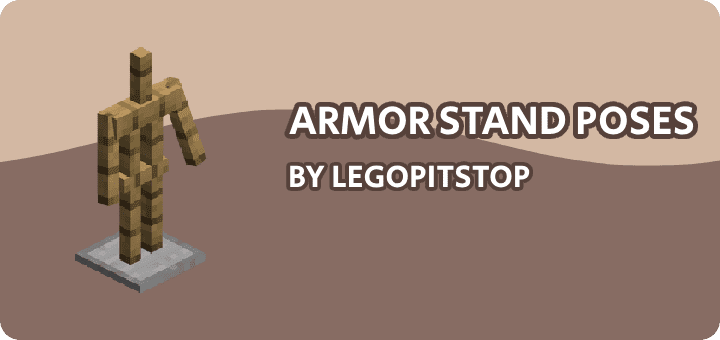
This is the main mod that basically turns Java armor stands into Bedrock Edition armor stands.
It adds proper arms, multiple poses, and overall functionality that honestly feels like it should already exist in vanilla Minecraft. The moment you install it, armor stands stop looking lifeless and suddenly become way more useful for decoration, cinematic builds, medieval setups, RPG maps, and even simple survival bases.
What I personally like most is that the poses still feel vanilla-friendly. It doesn’t look overdesigned or heavily modded. It simply feels like Java finally caught up with Bedrock.
And once you start using posed armor stands with weapons, shields, or custom armor textures, your builds instantly feel more alive.
Download Link: Armor Stand Poses
⚠️ This mod also requires the Framework mod to work properly. Without it, the mod won’t load in Minecraft.
Framework Download:
Armed Stands

Now this second mod fixes another annoying problem.
Sometimes you want armor stands with arms… and sometimes you don’t.
Instead of forcing one style permanently, Armed Stands lets you toggle the arms individually just by crouching and right-clicking the armor stand. That means every armor stand inside your world can have a different setup depending on the build.
And honestly, this tiny feature is way more useful than it sounds.
For example, one armor stand can hold a sword dramatically while another one stays clean for displaying armor only. Small detail… but it makes decorations feel much less repetitive.
The best part is that this mod is server-side too, which makes it really practical for multiplayer worlds and SMPs.
Download Link: Armed Stands
Armorstands Reimagined
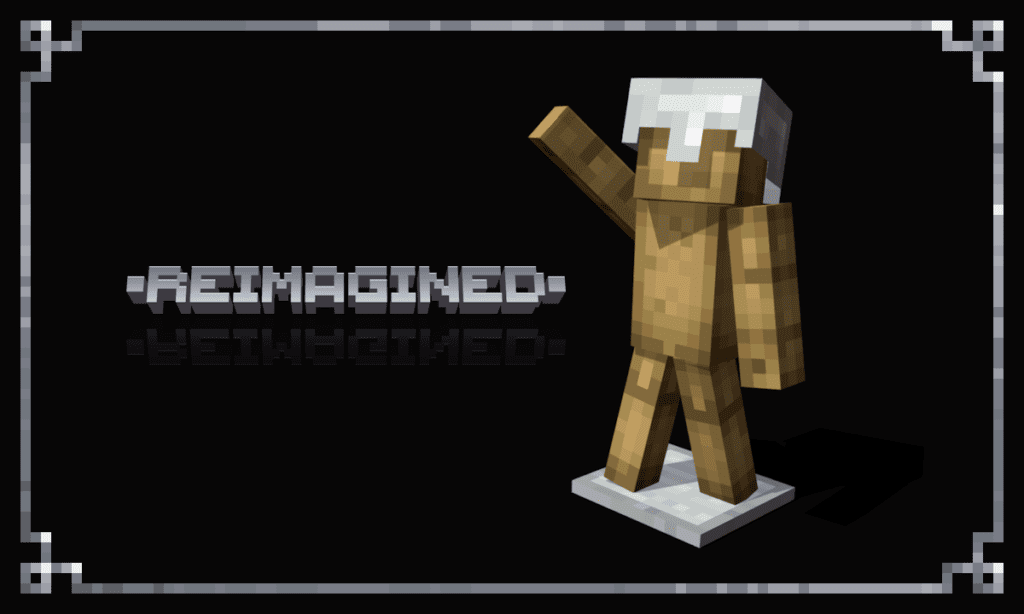
Even after adding arms and poses, vanilla armor stands still have one big problem…
They look way too thin.
Especially when wearing heavier armor sets like Netherite. It honestly looks like the armor stand is struggling to even hold the armor.
That’s where this resource pack helps a lot.
Armorstands Reimagined redesigns armor stands so they actually look capable of wearing armor properly. The proportions feel stronger, cleaner, and much more natural while still keeping Minecraft’s vanilla aesthetic.
And surprisingly, this changes the overall look way more than expected.
Normally armor stands feel like decoration placeholders. But with this pack installed, they actually start looking like proper display mannequins made for armor.
It’s also completely compatible with custom armor stand poses which makes it perfect with the earlier mods.
Download Link: Armorstands Reimagined
Fancy Gear
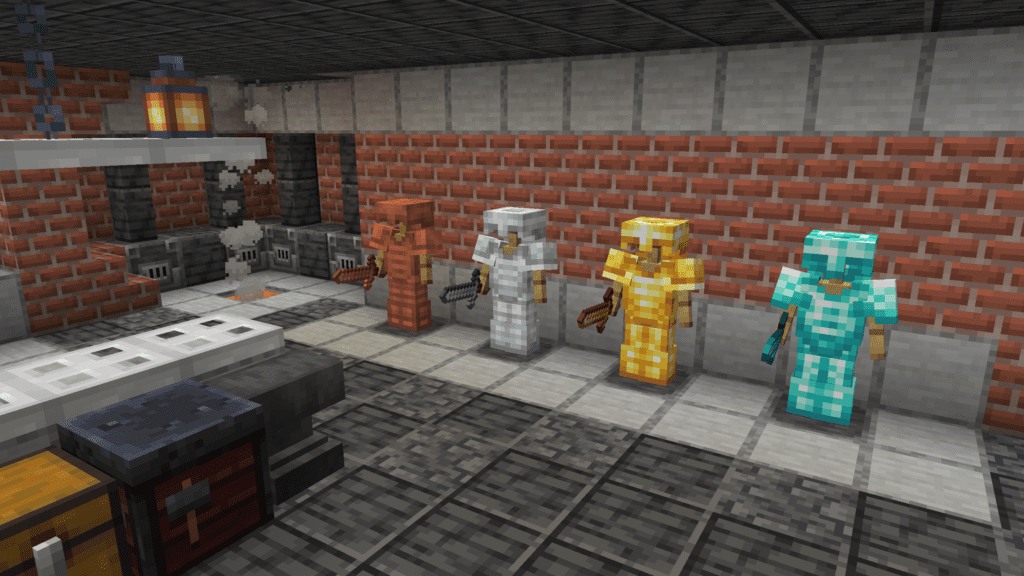
Now once your armor stands finally look good, the next thing you’ll notice is the armor itself.
Vanilla armor can sometimes look a little flat compared to modern resource packs. So if you really want armor stands to become proper decoration pieces, this pack gives them a huge visual upgrade.
Fancy Gear overhauls tools, weapons, and armor while still maintaining the vanilla Minecraft style. And honestly that’s the best part because many overhaul packs completely destroy Minecraft’s original aesthetic.
But this one still feels like Minecraft.
The armor textures become cleaner, sharper, and way more detailed which makes posed armor stands look significantly better inside bases, castles, and storage rooms.
Download Link: Fancy Gear
Glowing 3D Armor

If you want your armor stands to look genuinely cinematic, then this pack looks incredible.
Glowing 3D Armor adds proper 3D armor models along with glowing details that make armor displays stand out massively, especially in darker environments or fantasy builds.
And because the armor has actual depth now, armor stands stop looking flat from a distance.
This works especially well with shaders because the lighting reflects beautifully on the glowing parts of the armor.
So if your world has magical builds, RPG themes, or cinematic areas, this pack adds a really cool final touch.
Download Link: Glowing 3D Armor
Uni’s Magical Minimal Armor
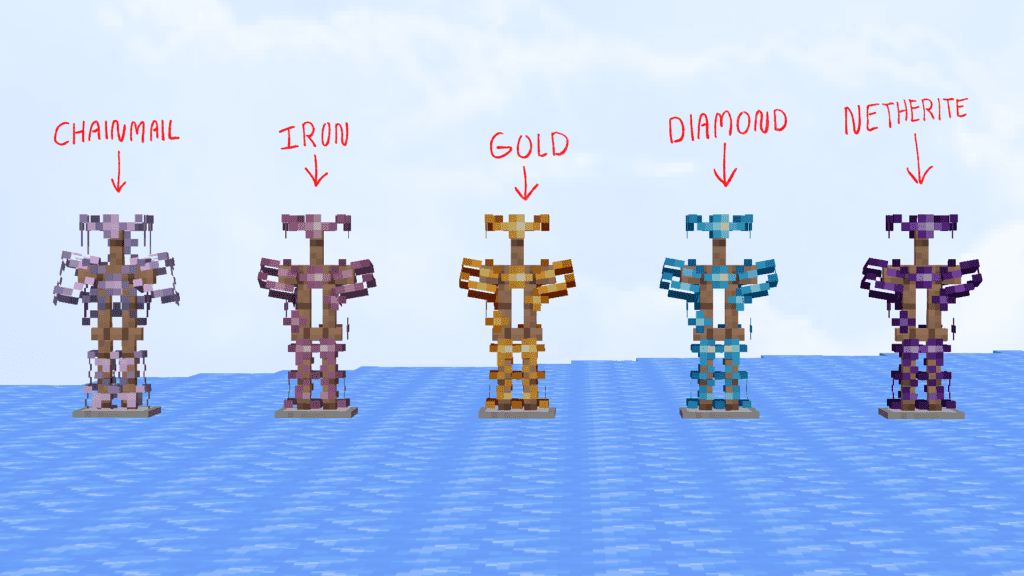
This one goes in a completely different direction compared to the previous armor pack.
Instead of making armor look heavier or more realistic, it makes armor look lighter, cleaner, and almost magical.
The armor slightly “floats” off the player which creates a unique fantasy-like appearance. And honestly, this looks surprisingly good on posed armor stands.
Instead of feeling like normal armor displays, they start looking more like magical museum pieces or fantasy decorations.
This pack is especially good for aesthetic builds because it keeps things minimal while still making armor stands look unique.
Download Link: Uni’s Magical Minimal Armor
Final Setup
If you combine all these together:
- Armor Stand Poses or Armed Stands
- Armorstands Reimagined
- Fancy Gear or Glowing 3D Armor
…you basically end up with the Bedrock Edition armor stand system Java players always wanted.
Except honestly… it looks even better.
Armor stands finally gain proper arms, better poses, improved proportions, and detailed armor visuals that make builds feel far more alive.
And after using this setup for a while, going back to normal Java armor stands genuinely feels unfinished.