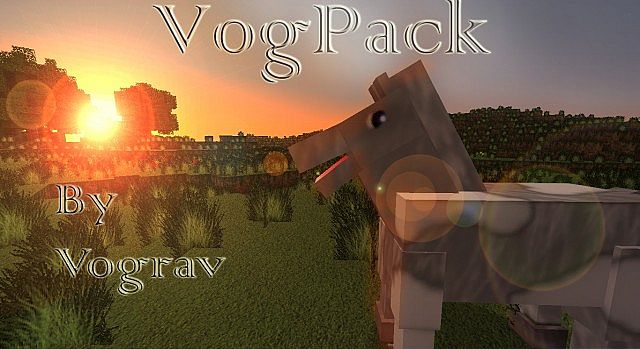
Exploring the blocky landscapes of Minecraft takes on an entirely new dimension with the Vogpack HD Resource Pack. From the moment you load into your world, you’ll be struck by a profound visual transformation, bringing an unparalleled sense of realism to every corner of your environment. This isn’t just a simple texture overhaul; it’s a meticulously crafted experience by the talented creator Vograv, designed to elevate your gameplay to new heights.
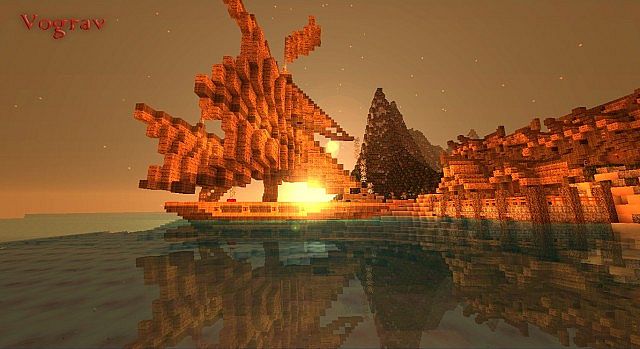
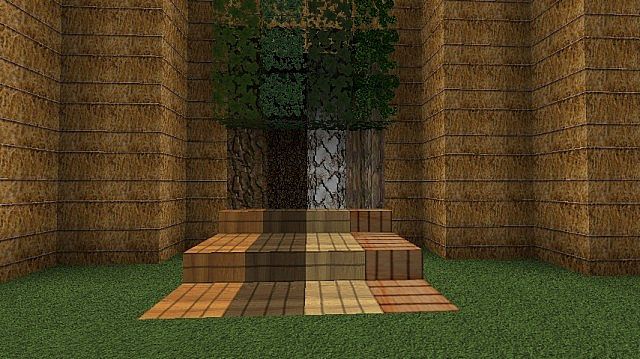
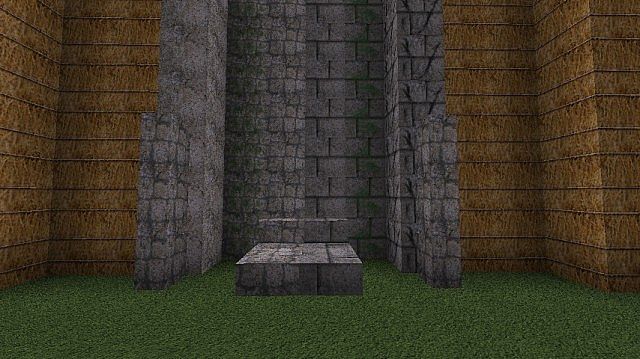
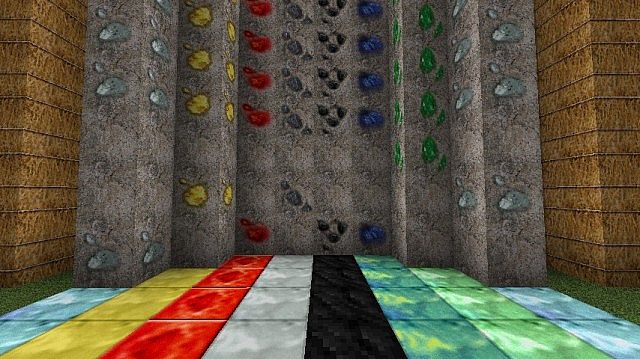
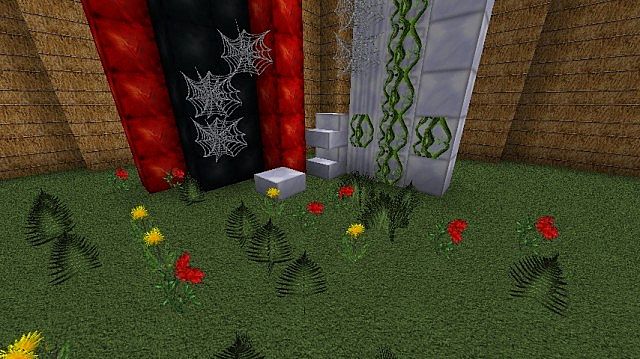
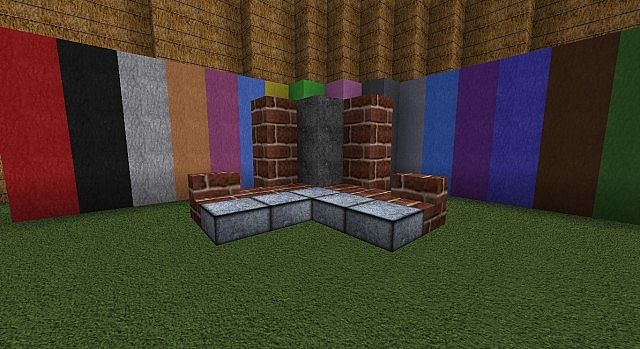
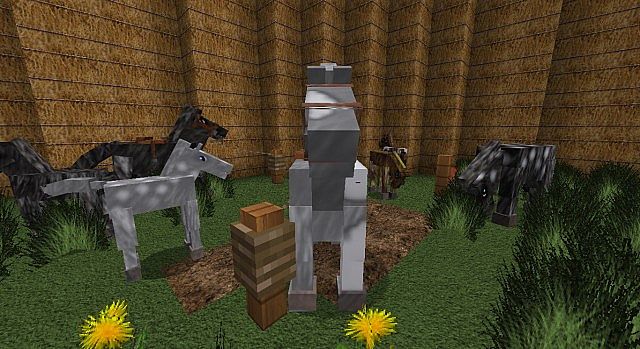
The pack’s greatest strength lies in its commitment to high-definition realism. Grasses sway with newfound detail, stones reveal intricate patterns, and trees boast textures that feel genuinely organic. Walking through a forest or standing by a flowing river, you might momentarily forget you’re in Minecraft, as the world around you pulses with a lifelike fidelity. Every block, item, and environmental element has been carefully re-imagined to contribute to this cohesive, realistic style, from the subtle glint on metallic surfaces to the soft interplay of light and shadow on rustic wooden planks.
Related Articles:
• Simplex Resource Pack
• Ornate 5 Revived Resource Pack
• Exposa Unique Shaders
Vogpack HD truly shines in creating an immersive atmosphere. Whether you’re delving into a dimly lit cave, admiring a sunrise over a vast plains biome, or constructing an intricate build, the textures work in harmony to enhance the visual storytelling. This pack is particularly well-suited for players seeking a more mature and grounded aesthetic for their Minecraft adventures. While the pack delivers stunning high-definition visuals, it’s worth noting that a powerful computer is recommended to fully appreciate its detailed textures without compromising performance. If your rig is up to the task, prepare to embark on a journey through a Minecraft world that feels more alive and breathtakingly real than ever before.
| Minecraft Version | Compatibility |
|---|---|
| 1.7.10 | ✅ Supported |
| 1.7.9 | ✅ Supported |
| 1.7.4 | ✅ Supported |
| 1.7 | ✅ Supported |
| 1.6.4 | ✅ Supported |
| 1.6.2 | ✅ Supported |
Vogpack HD – Screenshots
How to Install Texture Pack (Simple 10 Steps)
- Download Optifine: Most of the texture packs and shaders need Optifine. That’s why, first download and install Optifine for the version of Minecraft you want to play.
- Download the Texture Pack: Get the texture pack you want from the download section. Choose the version that works with your Minecraft and your PC’s performance.
- Open Minecraft Launcher: Start Minecraft using the official game launcher – or even TLauncher, if you use that.
- Go to Options: From the main menu, click on the “Options” button.
- Open Resource Packs: Inside Options, click on “Resource Packs…”.
- Open the Resource Pack Folder: Click on “Open Resource Pack Folder” – this will open a folder named “resourcepacks”.
- Move the Pack File: Copy or move the .zip file you downloaded into that “resourcepacks” folder. (Don’t unzip the file – Minecraft uses it as-is!)
- Go Back and Refresh: Close the folder and click “Done”, then go back into “Resource Packs…” again.
- Activate the Pack: You’ll see the pack on the left side. Hover over it and click the arrow to move it to the right (active side). Tip: If you get a message that the pack is for a different version, just click “Yes” – it usually works fine.
- Click Done and Enjoy: Click “Done” again. Now your pack is ready to use in-game. It’s that easy!
Download
(64x) (1.7) 1.6) Download Vogpack HD Resource Pack
Download Instructions
- CurseForge: If the pack is hosted on CurseForge, the download will begin automatically after a few seconds. If it does not start, use the “Download” button shown on the page.
- Modrinth: If the download is from Modrinth, click the file version that matches your Minecraft build, then press the Download button. Modrinth usually offers multiple releases, so make sure you pick the correct version before installing.
- Mediafire: On Mediafire, click the large blue Download button to start the file download. Avoid any extra pop-ups or buttons that are not related to the direct download.
- Google Drive: For Google Drive, click the small download icon at the top right corner of the page. It looks like a downward arrow. The file will be saved to your computer immediately.
Disclaimer: We do not create or modify any of the texture packs or shader packs shared on this website. All credit goes to the original creators, and every download link we provide is the official link from their page, which keeps all downloads safe. Some links may stop working after updates, so if you find a broken one, let us know in the comments and we will update it quickly. If you like a pack, consider supporting the creator by visiting their official page or website that we have linked below, and feel free to leave a comment or vote to help their work reach more players.