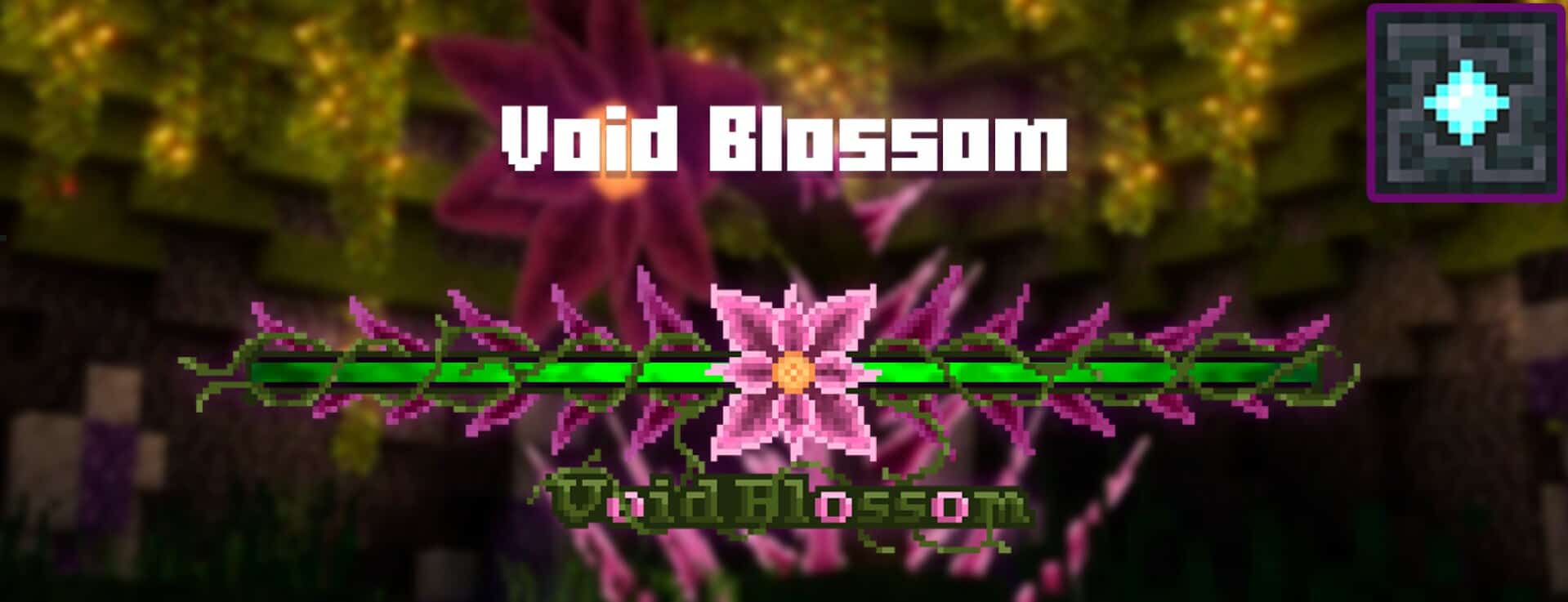
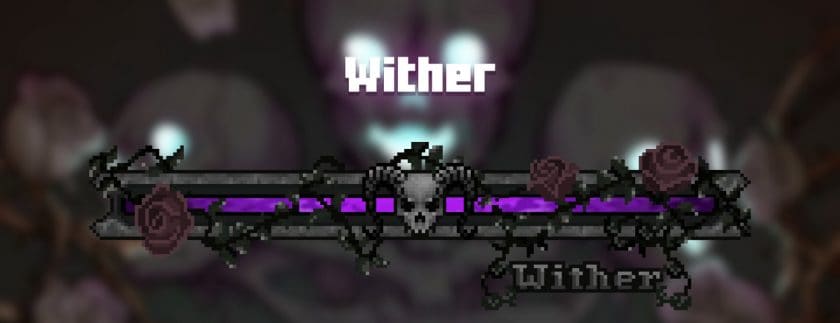
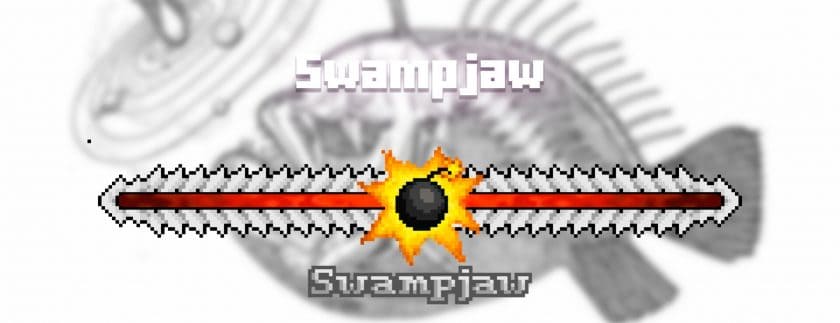
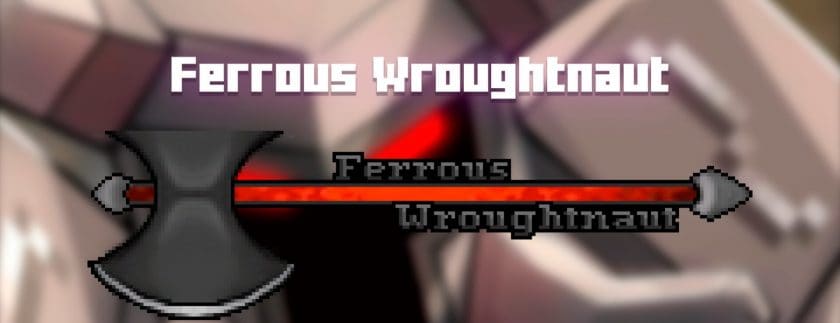
The Enhanced Boss Bars Resource Pack is a lightweight Minecraft resource pack that completely refreshes the appearance of boss health bars without changing the game’s core mechanics. Instead of the standard vanilla boss bar, this pack introduces beautifully designed alternatives that make encounters with powerful enemies feel more exciting and immersive. Whether you prefer clean modern styles or fantasy-inspired themes, the redesigned boss bars blend naturally with Minecraft’s interface while adding a more polished and cinematic look to every battle. From the Ender Dragon to the Wither, every boss fight becomes more visually engaging.
One of the biggest advantages of the Enhanced Boss Bars Texture Pack is its excellent compatibility with both vanilla Minecraft and many popular boss mods. It works smoothly alongside well-known adventure mods such as Twilight Forest, Roguelike Dungeons, and Bosses of Mass Destruction, allowing custom bosses to display enhanced health bars without conflicts. The pack is also regularly updated to support newer Minecraft versions, improve performance, and maintain compatibility with other resource packs, making it a reliable addition to almost any modded or vanilla setup.
Despite its visual improvements, the Enhanced Boss Bars Resource Pack has very little impact on performance because it only modifies interface textures rather than world graphics. Players on both low-end and high-end PCs can enjoy smoother gameplay while customizing boss bars with different color themes and artistic designs that match the intensity of each encounter. Whether you’re exploring survival worlds, completing adventure maps, or fighting challenging modded bosses, this resource pack adds a stylish finishing touch that makes every boss battle feel more memorable and immersive.
| Minecraft Version | Compatibility | Recommended Resolution |
|---|---|---|
| 26.2 | Supported | 16× |
| 26.1.2 | Supported | 16× |
| 26.1.1 | Supported | 16× |
| 26.1 | Supported | 16× |
| 1.21.11 | Supported | 16× |
| 1.21.10 | Supported | 16× |
| 1.21.9 | Supported | 16× |
| 1.21.8 | Supported | 16× |
| 1.21.7 | Supported | 16× |
| 1.21.6 | Supported | 16× |
| 1.21.5 | Supported | 16× |
| 1.21.4 | Supported | 16× |
| 1.21.3 | Supported | 16× |
| 1.21.2 | Supported | 16× |
| 1.21.1 | Supported | 16× |
| 1.21 | Supported | 16× |
| 1.20.6 | Supported | 16× |
| 1.20.5 | Supported | 16× |
| 1.20.4 | Supported | 16× |
| 1.20.3 | Supported | 16× |
| 1.20.2 | Supported | 16× |
| 1.20.1 | Supported | 16× |
| 1.20 | Supported | 16× |
| 1.19.4 | Supported | 16× |
| 1.19.3 | Supported | 16× |
| 1.19.2 | Supported | 16× |
| 1.19.1 | Supported | 16× |
| 1.19 | Supported | 16× |
| 1.18.2 | Supported | 16× |
| 1.18.1 | Supported | 16× |
| 1.18 | Supported | 16× |
| 1.17.1 | Supported | 16× |
| 1.17 | Supported | 16× |
| 1.16.5 | Supported | 16× |
| 1.16.4 | Supported | 16× |
| 1.16.3 | Supported | 16× |
| 1.16.2 | Supported | 16× |
| 1.16.1 | Supported | 16× |
| 1.16 | Supported | 16× |
| Bedrock Edition | Supported | 16× |
| PE | Supported | 16× |
Enhanced Boss Bars — Screenshots
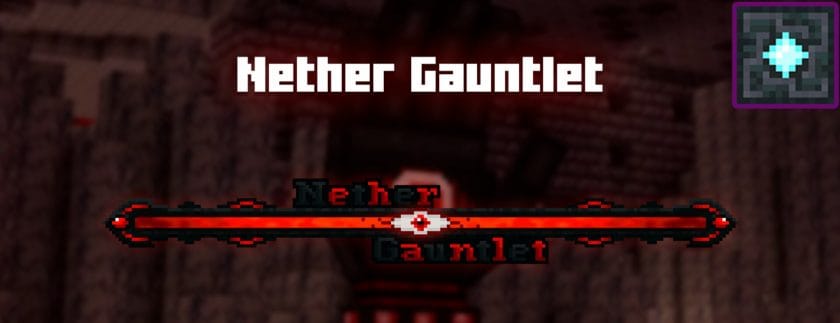
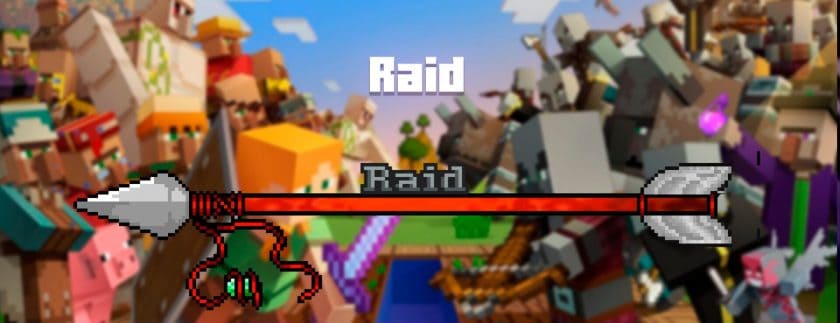
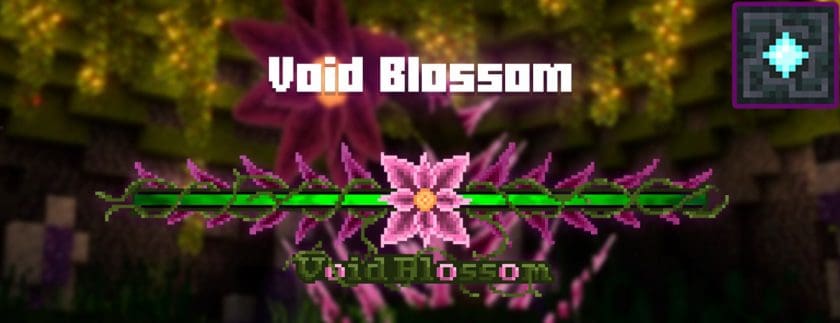
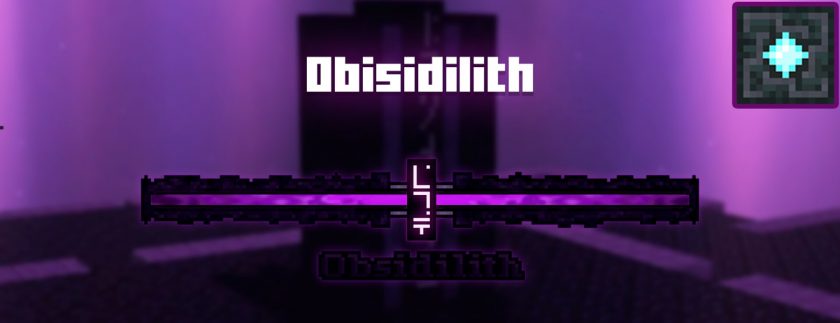
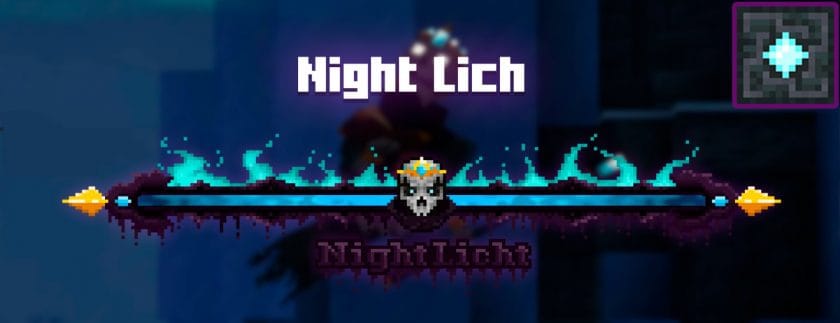
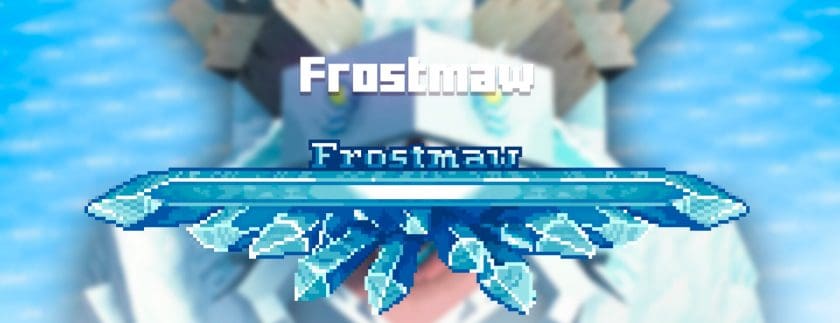
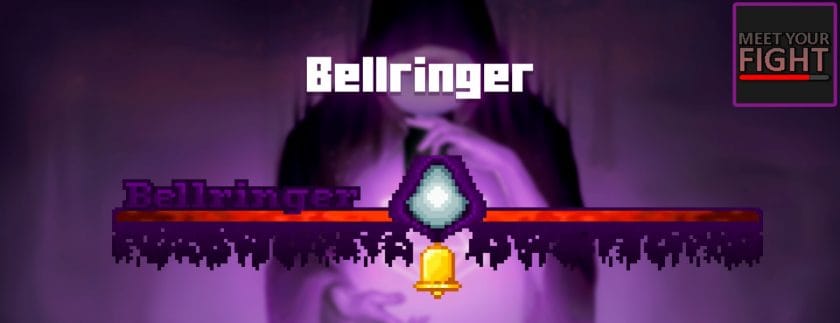
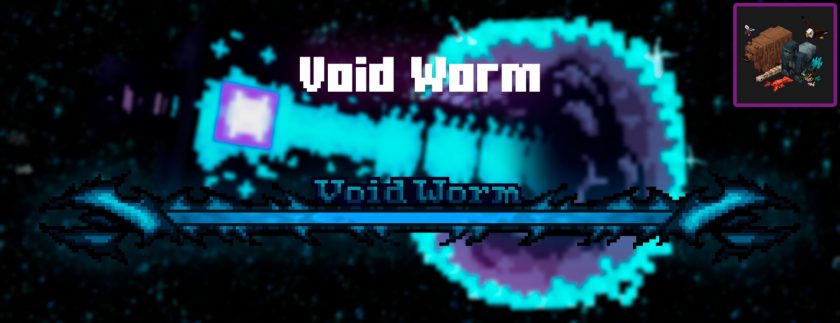
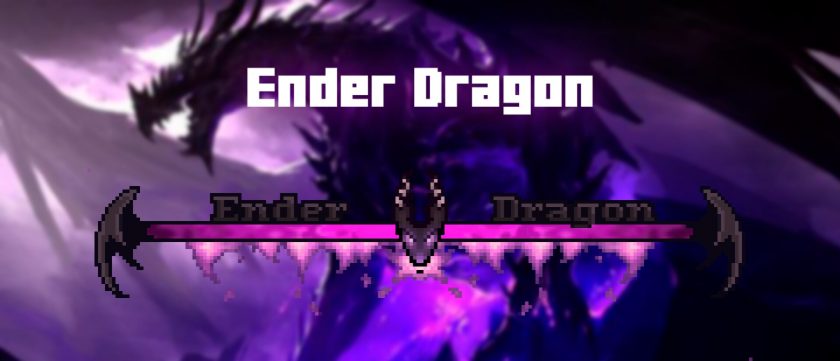
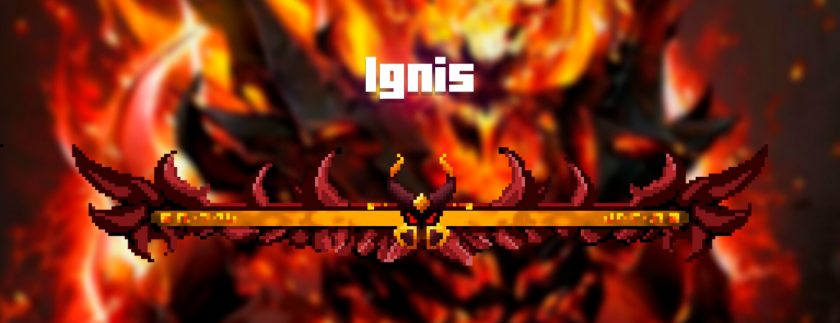
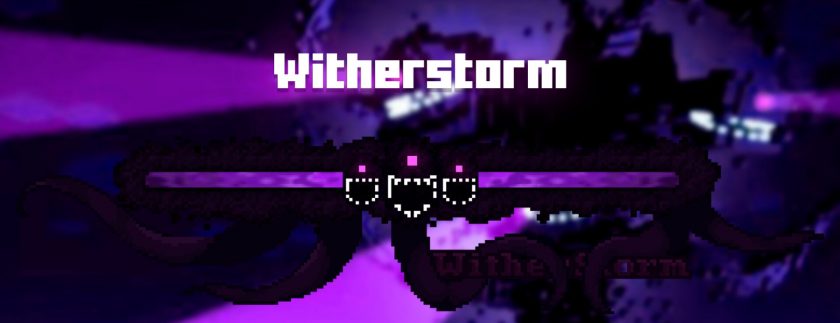
How to install the Enhanced Boss Bars Resource Pack:
- Most source packages require Optifine, so be sure to download and install it. – a general recommended step for all packages, Optifine is also needed for most shaders
- Download the Enhanced Boss Bars texture pack for Minecraft from the download section below. – if there are many different versions, just choose the one you like, is compatible with your version/edition of minecraft that you think your computer can handle in terms of performance.
- Launch the game client via the Minecraft launcher.
- Click “Options” in the main menu.
- Click on “Resource Packs…” from the options menu.
- Click “Open Resource Pack Folder”. – a folder named “resourcepacks” will appear.
- Move the .zip file you downloaded in the first step into the newly opened “resourcepacks” folder.
- Click “Done”.
- Click on “Resource Pack…” again.
- Your package should appear in the left window, just hover over it and click on the arrow pointing to the right.
QUICK TIP: Sometimes when activating a pack, the game may say that the pack is made for a newer or older version of Minecraft. This is just a warning, it doesn’t affect your game in any way and you can still activate and enjoy the pack by just clicking “Yes” when prompted.
- Click “Done” again.
- The package has now been successfully loaded and is ready to use in your world!
Supported mods:
- Mowzie’s mobs
- L_Ender’s Cataclysm
- Meet your fight
- Cracker’s Witherstorm
- Alex’s mobs
- Bosses of mass destruction
- Blue sky
- Astemir’s Forestcraft
- AdventureZ
- A divine RPG
- Twilight Forest
- More coming soon!
Enhanced Boss Bars texture pack download
- We never modify or modify resource packs in any way. None of the resource packs, shader mods or tools you see on this site are hosted on our servers. We only use official download links provided by official authors. Therefore, they are completely safe.
- Since the links are official and we update them manually – the links may stop working with each new update. We try to update the links as fast as possible and usually we update everything on time and users don’t have any problems, but if suddenly any link stops working – let us know through comments below.
- Don’t forget to leave a comment below and vote for the pack. In this way, you will help the authors to constantly improve the project. If you want to support the author(s), be sure to check the author links right below the download links.
DOWNLOAD LINKS
Bedrock Edition:
[16x] Download Enhanced Boss Bars Bedrock Edition Resource Pack
Java Edition:
[16x] [26.2.x – 26.1.x] Download Enhanced Boss Bars Resource Pack
[16x] [1.21.x] Download Enhanced Boss Bars Resource Pack
[16x] [1.20.6 – 1.20.2] Download Enhanced Boss Bars Resource Pack
[16x] [1.20.1 – 1.20] Download Enhanced Boss Bars Resource Pack
[16x] [1.19.x] Download Enhanced Boss Bars Resource Pack
[16x] [1.18.x – 1.17.x] Download Enhanced Boss Bars Resource Pack
[16x] [1.16.x] Download Enhanced Boss Bars Resource Pack
Download instructions:Curseforge: download starts automatically after a few seconds;
Mediafire: click the big blue button with the text “DOWNLOAD”;
Google Drive: in the top right corner you will see a small download icon (down arrow), click it and the download should start;