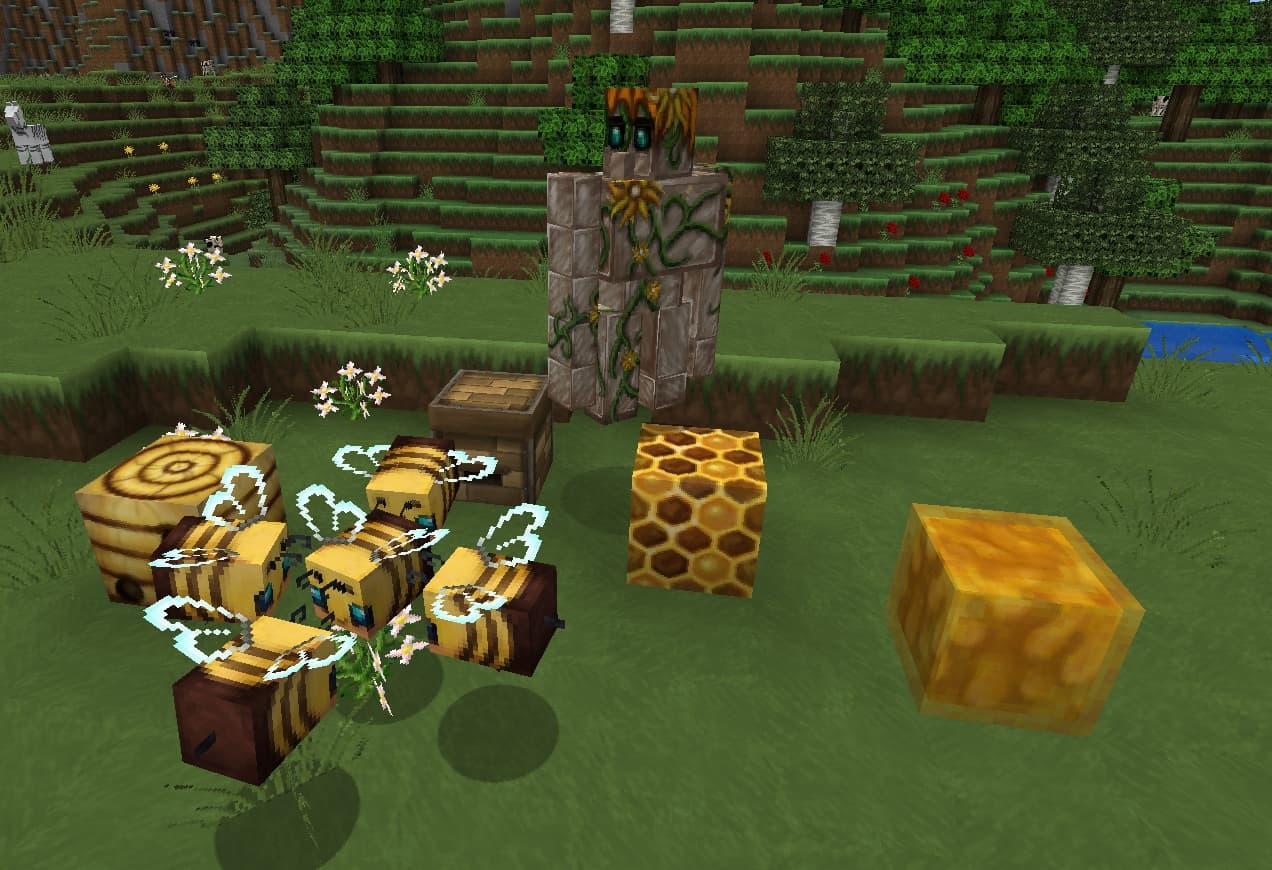
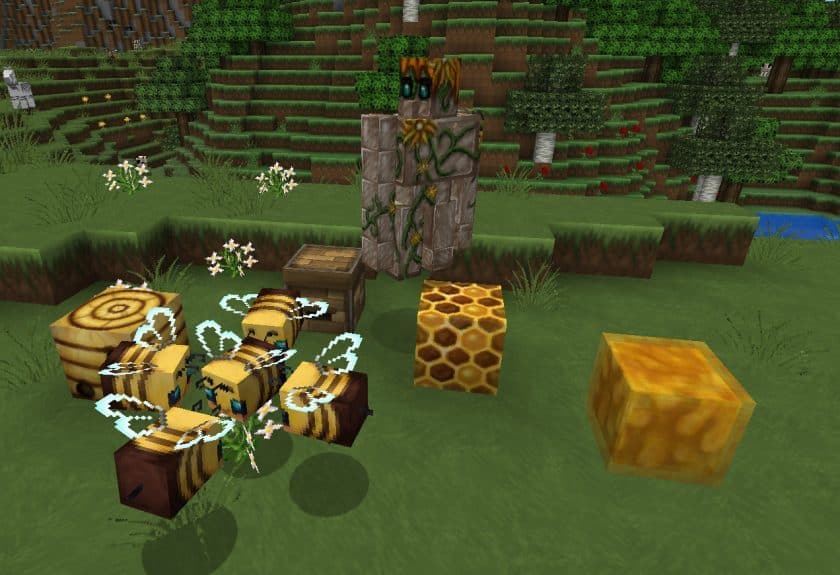
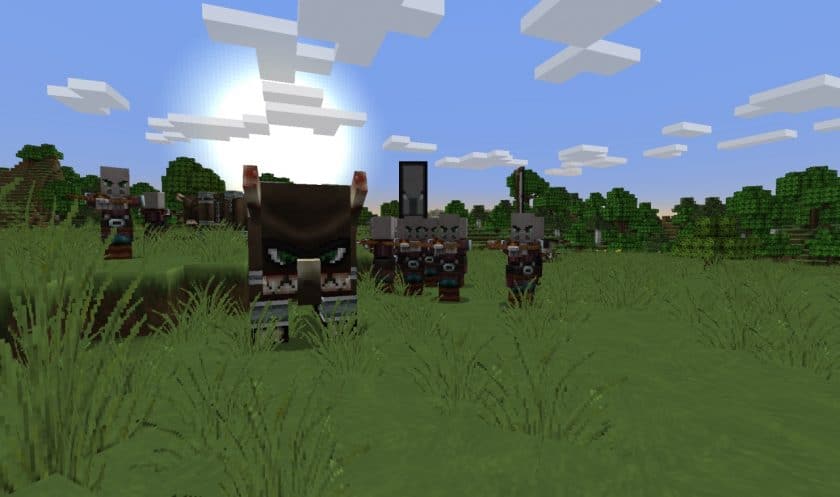
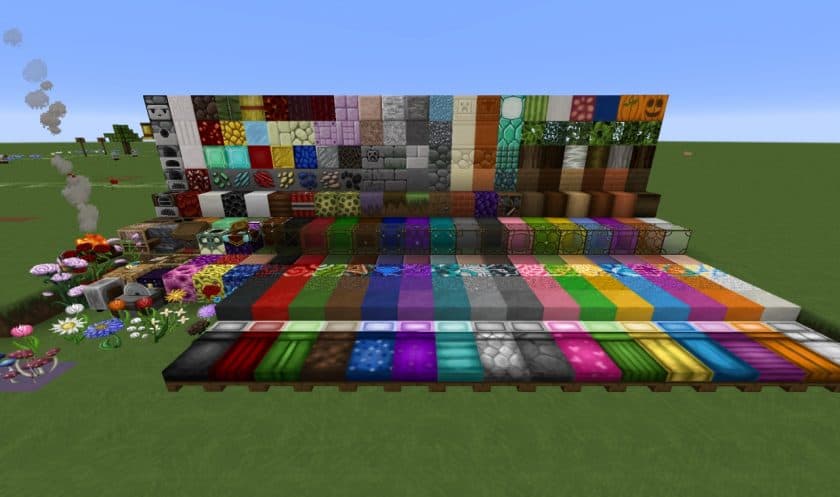
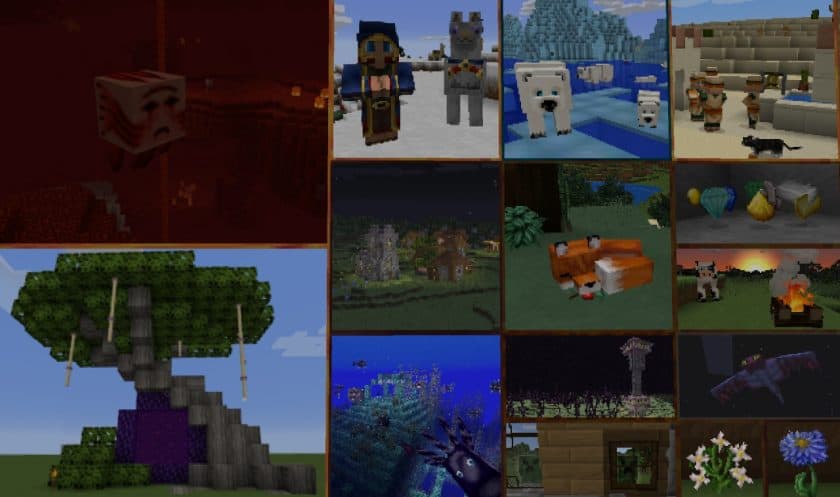
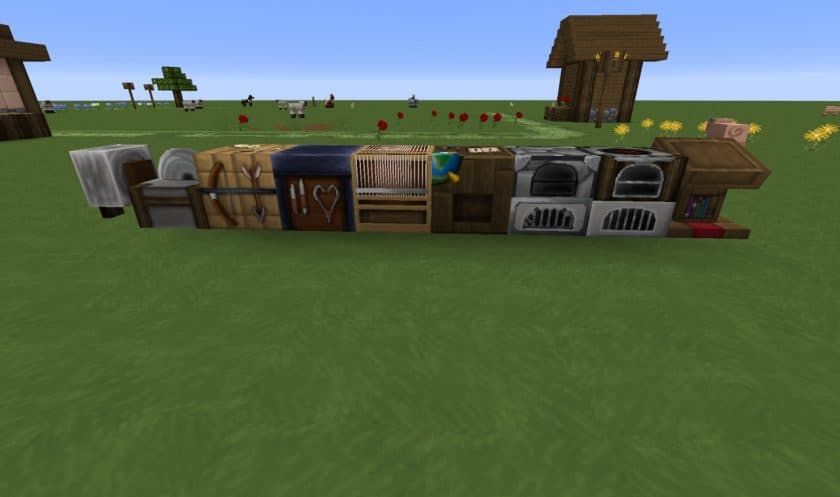
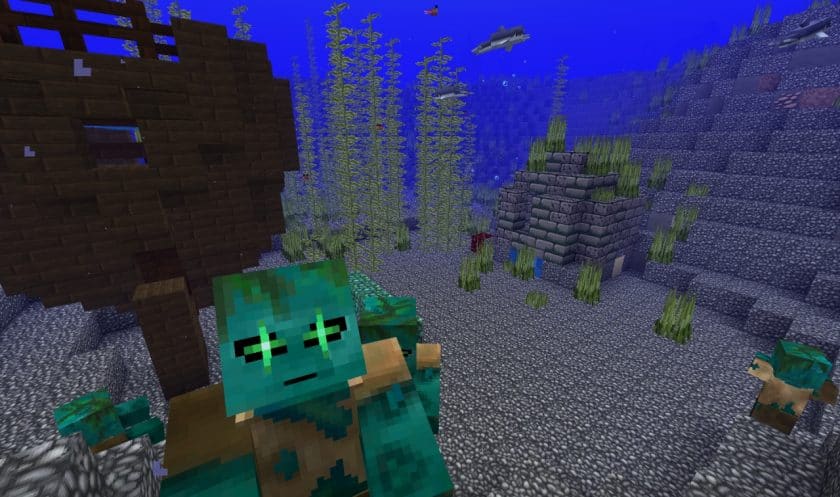
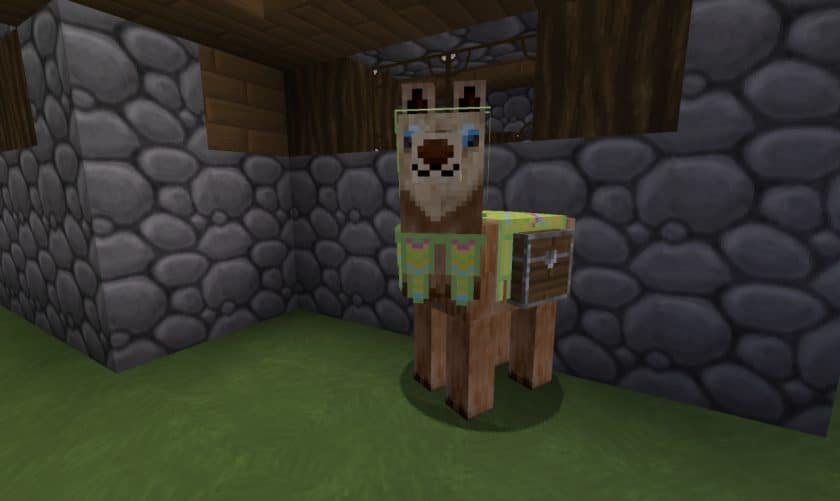
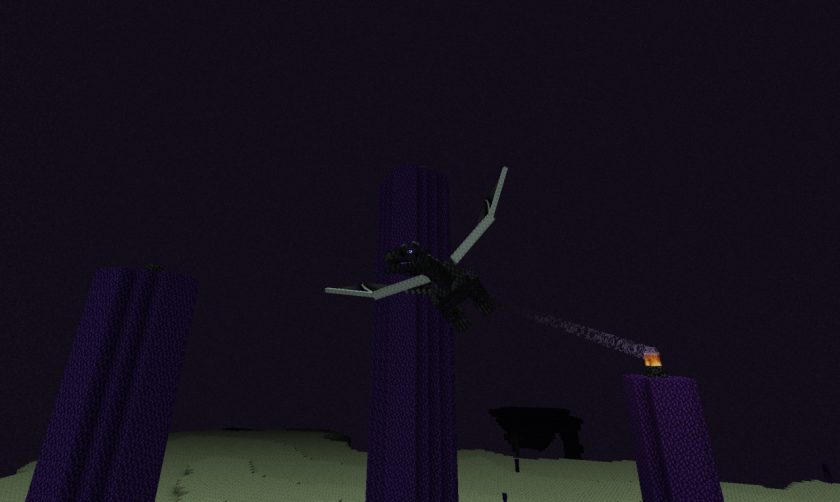
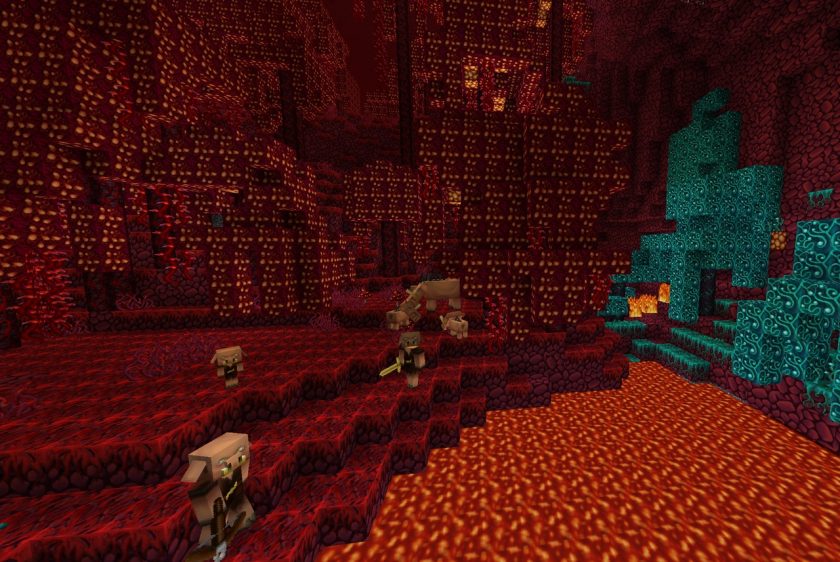
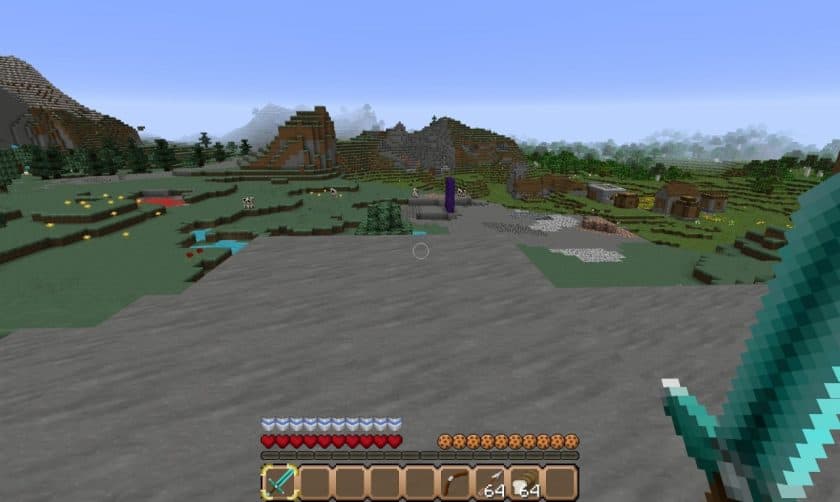
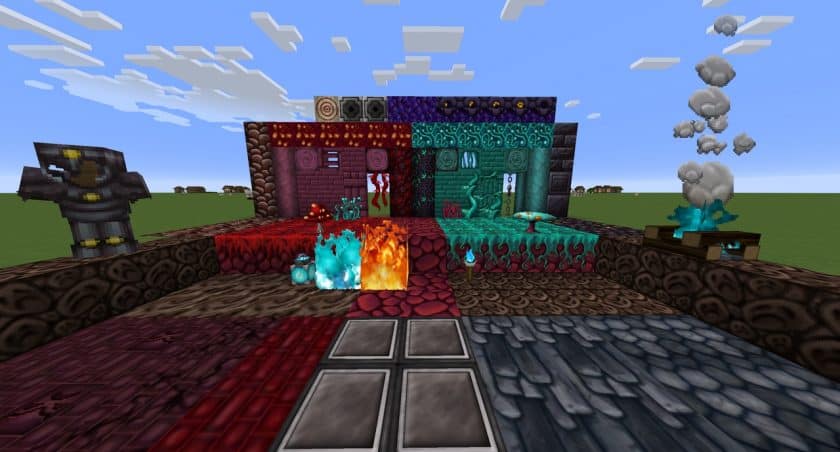
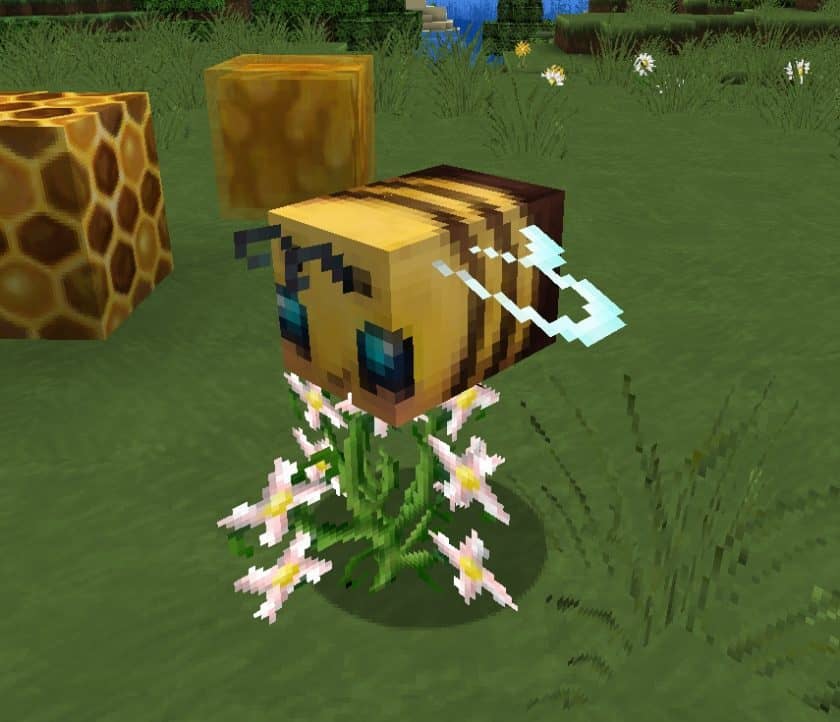
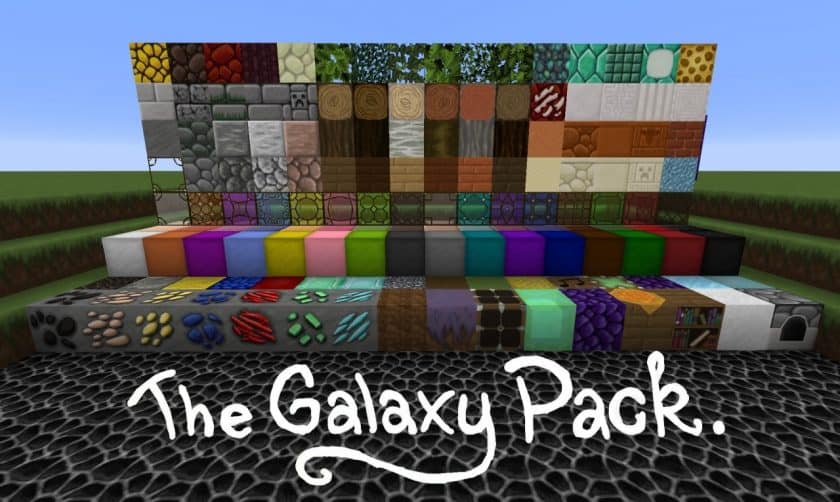
The Galaxy Pack offers a complete transformation of your Minecraft experience, taking the familiar blocky world and infusing it with a unique, vibrant character. Despite its cosmic-sounding name, this isn’t a sci-fi adventure; instead, it’s a meticulously crafted resource pack designed to bring a bright, smooth, and distinctly cartoonish aesthetic to every corner of your game. From the delicate models of flowers swaying gently in the breeze to the grand structures of realms and hidden dungeons, every single texture has been reimagined with remarkable care and precision. The overarching goal of The Galaxy Pack is to achieve a pristine, clean visual style. Players will immediately notice how incredibly sharp and pleasant the textures appear once installed, creating a neat array of visual effects that enhance gameplay without overwhelming it. What truly sets this pack apart is its dedication to originality; virtually every texture has been painstakingly created by hand, offering a truly unique and completely original look that stands out from other packs.
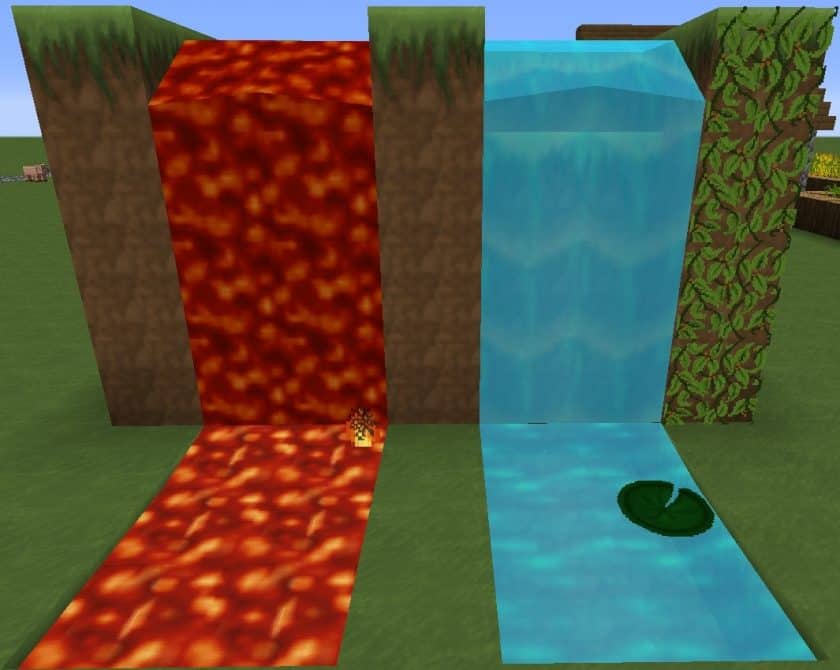
Exploring a world with The Galaxy Pack installed feels like stepping into a beautifully illustrated storybook. The pack boasts a remarkably bright color palette, which generally suits most biomes and structures, bathing the landscape in a cheerful glow. While some areas might feel exceptionally vibrant, this is a minor detail that contributes to the pack’s distinct charm rather than detracting from it. Every visual element, from the foundational block textures to the intricate details of items and objects, exudes a polished smoothness and sharpness that is immensely appealing. This high-quality design is further amplified by its 64x resolution, striking a fantastic balance between detailed visuals and performance. Players won’t have to worry about encountering unfinished elements, as The Galaxy Pack is a comprehensive and complete offering, ensuring a consistent visual experience across the entire game. Furthermore, its optimized design means it runs smoothly on a wide range of systems, including those with lower specifications, making this fresh, new Minecraft adventure accessible to almost everyone. The sheer amount of thoughtful content and features within this pack is sure to impress and delight Minecraft players seeking a visually uplifting overhaul.
| Minecraft Version | Compatibility |
|---|---|
| 1.16.5 | ✅ Supported |
| 1.16.4 | ✅ Supported |
| 1.16.3 | ✅ Supported |
| 1.16.2 | ✅ Supported |
| 1.16.1 | ✅ Supported |
| 1.16 | ✅ Supported |
| 1.15.2 | ✅ Supported |
| 1.15.1 | ✅ Supported |
| 1.15 | ✅ Supported |
| 1.14.4 | ✅ Supported |
| 1.14.3 | ✅ Supported |
| 1.14.2 | ✅ Supported |
| 1.14 | ✅ Supported |
| 1.13.2 | ✅ Supported |
| 1.13 | ✅ Supported |
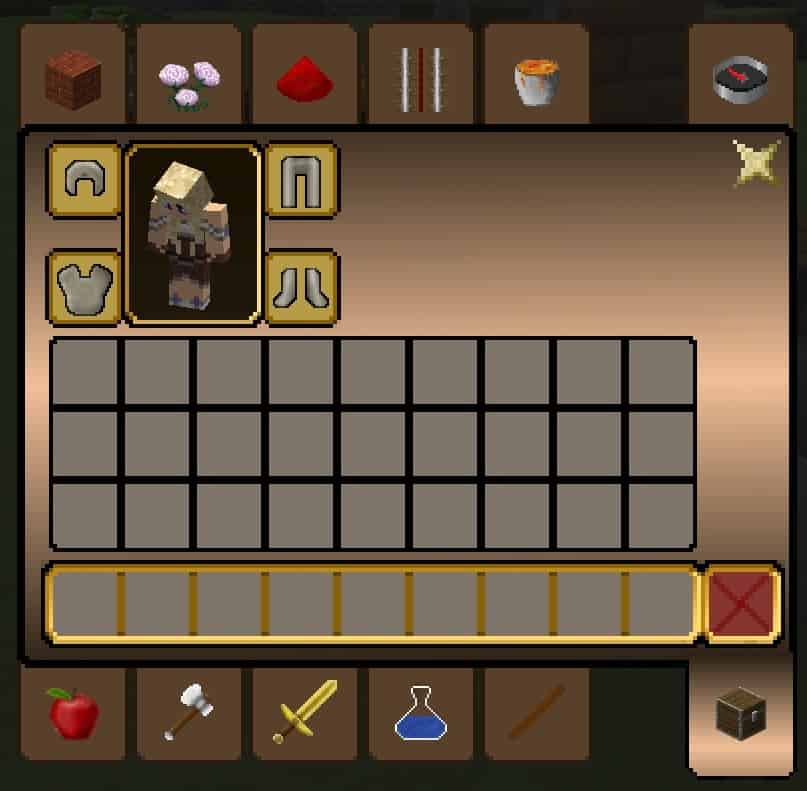
The Galaxy Pack – Screenshots
How to Install Texture Pack (Simple 10 Steps)
- Download Optifine: Most of the texture packs and shaders need Optifine. That’s why, first download and install Optifine for the version of Minecraft you want to play.
- Download the Texture Pack: Get the texture pack you want from the download section. Choose the version that works with your Minecraft and your PC’s performance.
- Open Minecraft Launcher: Start Minecraft using the official game launcher – or even TLauncher, if you use that.
- Go to Options: From the main menu, click on the “Options” button.
- Open Resource Packs: Inside Options, click on “Resource Packs…”.
- Open the Resource Pack Folder: Click on “Open Resource Pack Folder” – this will open a folder named “resourcepacks”.
- Move the Pack File: Copy or move the .zip file you downloaded into that “resourcepacks” folder. (Don’t unzip the file – Minecraft uses it as-is!)
- Go Back and Refresh: Close the folder and click “Done”, then go back into “Resource Packs…” again.
- Activate the Pack: You’ll see the pack on the left side. Hover over it and click the arrow to move it to the right (active side). Tip: If you get a message that the pack is for a different version, just click “Yes” – it usually works fine.
- Click Done and Enjoy: Click “Done” again. Now your pack is ready to use in-game. It’s that easy!
Download
Java Edition:
(64x) (1.16.x – 1.15.x) Download The Galaxy Resource Pack
(64x) (1.14.x – 1.13.x) Download The Galaxy Resource Pack
Download Instructions
- CurseForge: If the pack is hosted on CurseForge, the download will begin automatically after a few seconds. If it does not start, use the “Download” button shown on the page.
- Modrinth: If the download is from Modrinth, click the file version that matches your Minecraft build, then press the Download button. Modrinth usually offers multiple releases, so make sure you pick the correct version before installing.
- Mediafire: On Mediafire, click the large blue Download button to start the file download. Avoid any extra pop-ups or buttons that are not related to the direct download.
- Google Drive: For Google Drive, click the small download icon at the top right corner of the page. It looks like a downward arrow. The file will be saved to your computer immediately.
Disclaimer: We do not create or modify any of the texture packs or shader packs shared on this website. All credit goes to the original creators, and every download link we provide is the official link from their page, which keeps all downloads safe. Some links may stop working after updates, so if you find a broken one, let us know in the comments and we will update it quickly. If you like a pack, consider supporting the creator by visiting their official page or website that we have linked below, and feel free to leave a comment or vote to help their work reach more players.