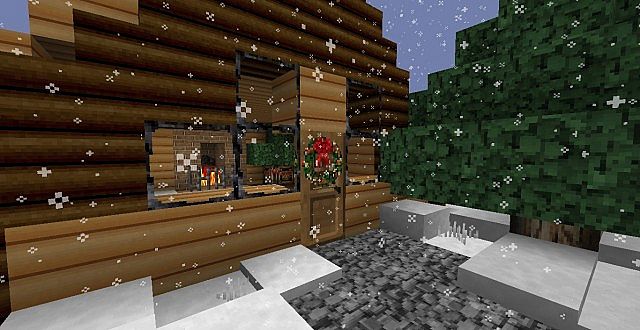
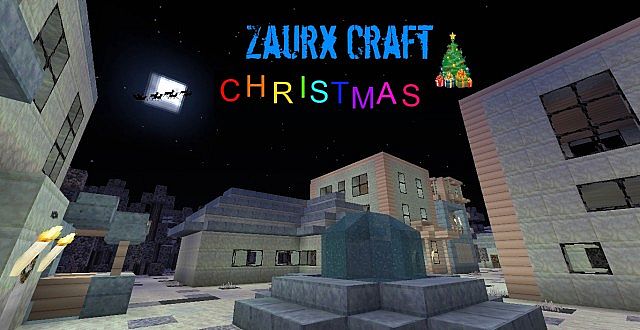
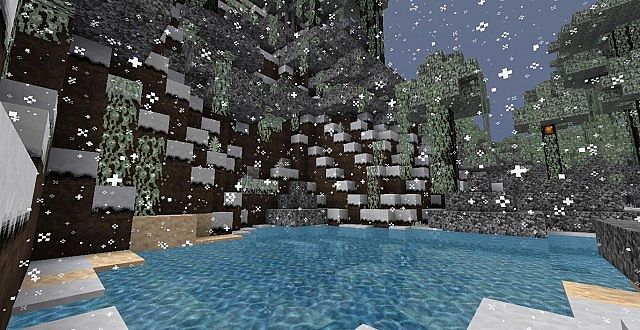
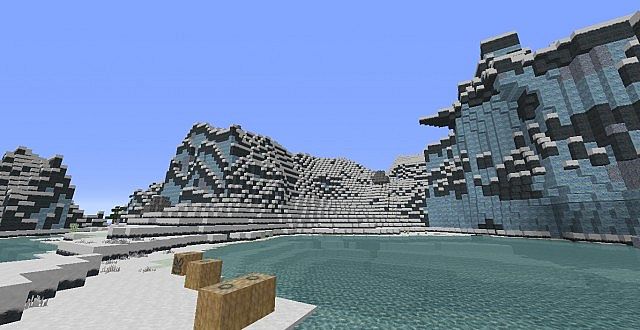
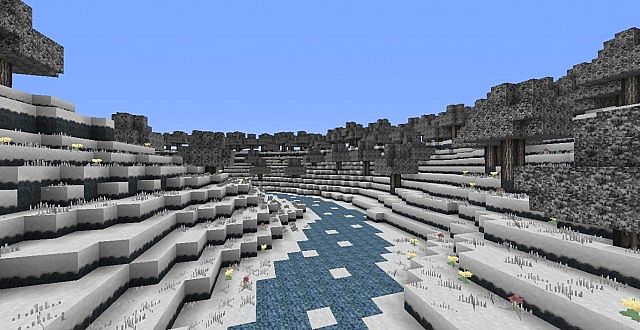
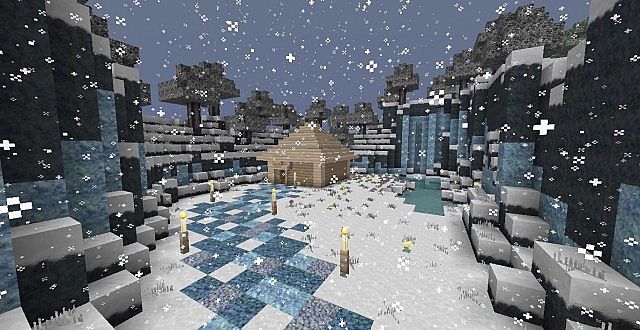
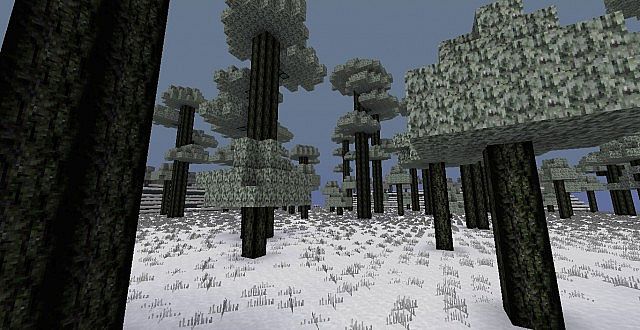
The Zaurx Craft Christmas resource pack transforms your Minecraft world into a festive winter wonderland, perfectly capturing the heartwarming spirit of the holiday season. From the moment you load into your game, you’ll be enveloped by an atmosphere brimming with Yuletide charm and playful surprises. This isn’t just a simple texture overhaul; it’s a complete sensory experience designed to immerse you in a truly unique Christmas adventure. The pack introduces custom textures that imbue familiar blocks and items with a cozy, festive aesthetic, alongside bespoke sounds and music that evoke feelings of joy and holiday cheer. Imagine wandering through snow-dusted forests, listening to new, delightful jingles, and encountering creatures that have undergone charming transformations.
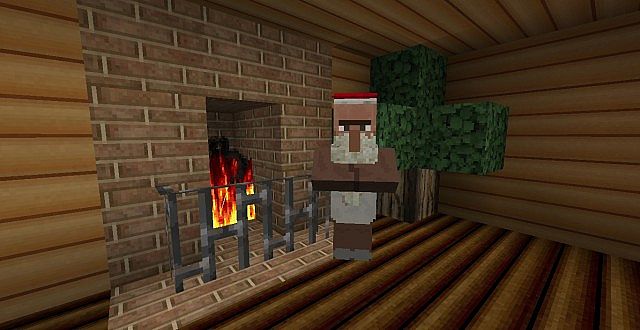
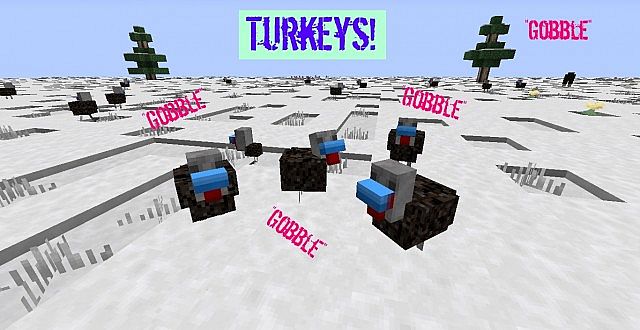
One of the most engaging aspects of Zaurx Craft Christmas is its imaginative reinterpretation of Minecraft’s inhabitants. Chickens are no longer just ordinary poultry; they’ve been magically transformed into plump, festive turkeys, complete with their own distinct gobbling sounds, adding a touch of rustic holiday feast preparation to the environment. Perhaps even more delightful is the sight of villagers, who shed their mundane robes to don the iconic red and white attire of Santa Claus. These jolly Santa villagers come with their own unique sound effects, spreading merriment as they go about their daily routines. Exploring your world with this pack feels like stepping into a beloved Christmas tale, with every corner holding a new, festive detail to discover.
Related Articles:
• RX3 Cartoon Resource Pack
• Frenden’s Meringued Cartoon Resource Pack
• Digs Simple Resource Pack
The overall visual vibe leans into a cheerful, storybook aesthetic, making your Minecraft experience feel fresh and enchanting during the colder months. While no specific resolution is highlighted, the pack focuses on delivering a cohesive and immersive thematic change rather than pushing ultra-high fidelity, suggesting it aims for broad accessibility while still providing a significant visual upgrade. Whether you’re building a gingerbread house, decorating a virtual Christmas tree, or simply enjoying the snow, Zaurx Craft Christmas provides a heartwarming backdrop that makes the game feel truly special. It invites players to fully embrace the holiday spirit within their blocky universe, promising a charming and memorable journey filled with custom elements that make every moment feel like a festive celebration.
| Minecraft Version | Compatibility |
|---|---|
| 1.7.10 | ✅ Supported |
| 1.7.9 | ✅ Supported |
| 1.7.4 | ✅ Supported |
| 1.7 | ✅ Supported |
Zaurx Craft: Christmas – Screenshots
How to Install Texture Pack (Simple 10 Steps)
- Download Optifine: Most of the texture packs and shaders need Optifine. That’s why, first download and install Optifine for the version of Minecraft you want to play.
- Download the Texture Pack: Get the texture pack you want from the download section. Choose the version that works with your Minecraft and your PC’s performance.
- Open Minecraft Launcher: Start Minecraft using the official game launcher – or even TLauncher, if you use that.
- Go to Options: From the main menu, click on the “Options” button.
- Open Resource Packs: Inside Options, click on “Resource Packs…”.
- Open the Resource Pack Folder: Click on “Open Resource Pack Folder” – this will open a folder named “resourcepacks”.
- Move the Pack File: Copy or move the .zip file you downloaded into that “resourcepacks” folder. (Don’t unzip the file – Minecraft uses it as-is!)
- Go Back and Refresh: Close the folder and click “Done”, then go back into “Resource Packs…” again.
- Activate the Pack: You’ll see the pack on the left side. Hover over it and click the arrow to move it to the right (active side). Tip: If you get a message that the pack is for a different version, just click “Yes” – it usually works fine.
- Click Done and Enjoy: Click “Done” again. Now your pack is ready to use in-game. It’s that easy!
Download
(32x) (1.7) Download Zaurx Craft Christmas resource
Download Instructions
- CurseForge: If the pack is hosted on CurseForge, the download will begin automatically after a few seconds. If it does not start, use the “Download” button shown on the page.
- Modrinth: If the download is from Modrinth, click the file version that matches your Minecraft build, then press the Download button. Modrinth usually offers multiple releases, so make sure you pick the correct version before installing.
- Mediafire: On Mediafire, click the large blue Download button to start the file download. Avoid any extra pop-ups or buttons that are not related to the direct download.
- Google Drive: For Google Drive, click the small download icon at the top right corner of the page. It looks like a downward arrow. The file will be saved to your computer immediately.
Disclaimer We do not create or modify any of the texture packs or shader packs shared on this website. All credit goes to the original creators, and every download link we provide is the official link from their page, which keeps all downloads safe. Some links may stop working after updates, so if you find a broken one, let us know in the comments and we will update it quickly. If you like a pack, consider supporting the creator by visiting their official page or website that we have linked below, and feel free to leave a comment or vote to help their work reach more players.