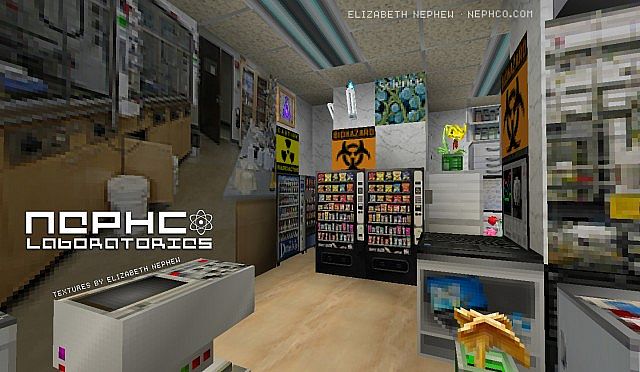
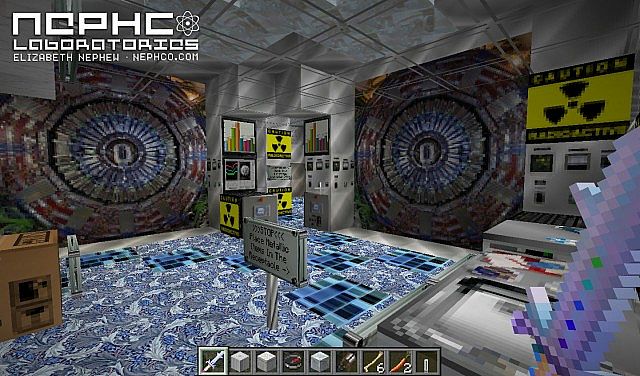
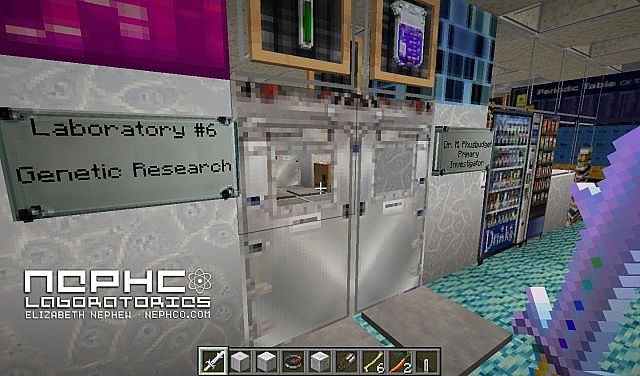
Step into a world where Minecraft meets the wonders of science and biology with the Science & Biology Pack, a meticulously crafted collection of textures and animations designed for players with a passion for discovery. Imagine transforming your blocky landscapes into sophisticated laboratories, teeming with advanced machinery, bubbling concoctions, and vibrant ecosystems. This pack invites you to immerse yourself in various scientific disciplines, whether you dream of being a meticulous chemist, a curious microbiologist, or an innovative engineer.
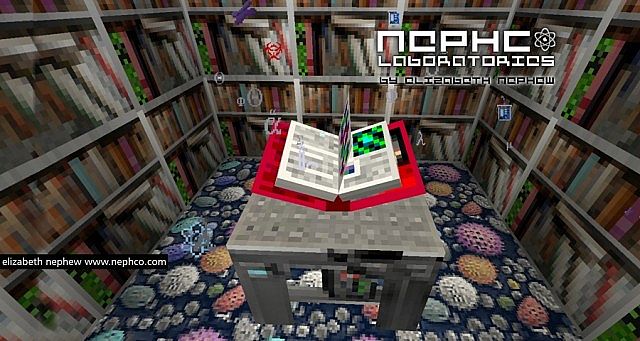
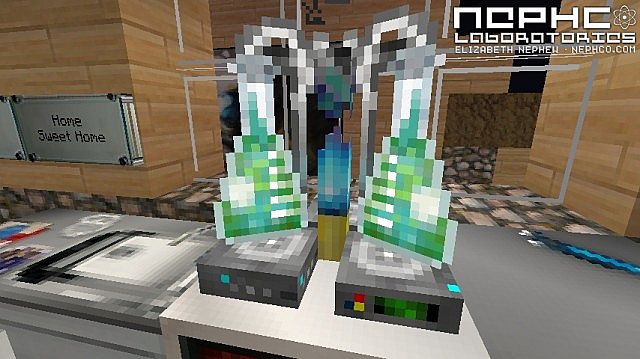
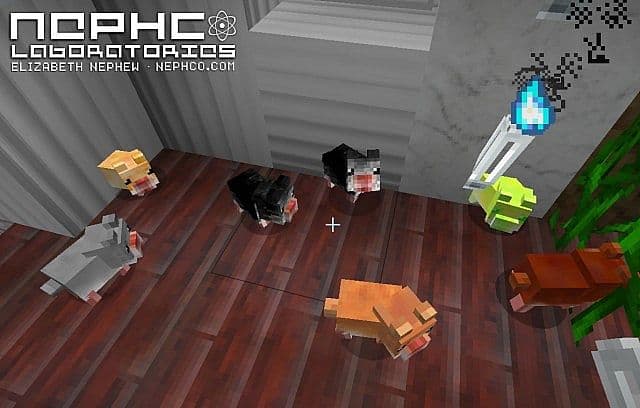
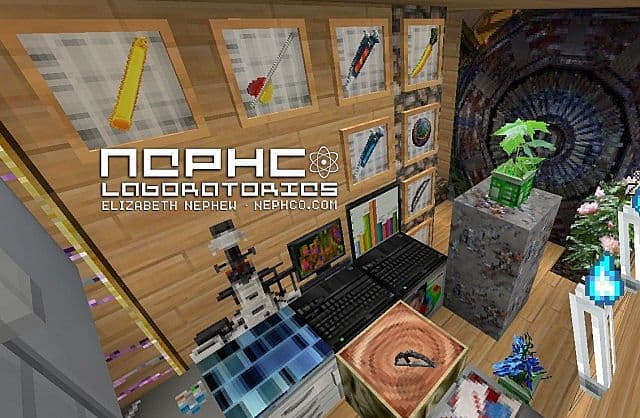
As you venture through your transformed world, you’ll encounter stunning visual overhauls. Potions no longer appear as simple vials but as detailed Erlenmeyer flasks, complete with mesmerizing, bizarrely bubbling liquids that hint at complex chemical reactions. For those with a biological curiosity, the pack re-imagines familiar elements to include intricate designs of red blood cells, microbial life forms like E. Coli, and other captivating details usually observed under a microscope. Even the flora and fauna of your Minecraft world take on a more scientifically inspired appearance, adding depth to your natural explorations.
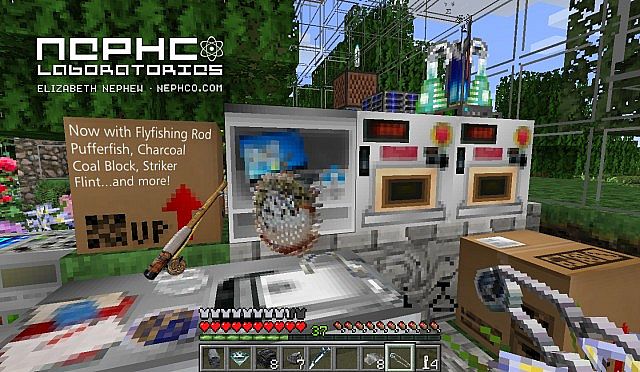
Beyond the organic, the Science & Biology Pack also caters to the technologically inclined. You’ll discover innovative computers and futuristic devices that evoke the sleek aesthetics of a Star-Trek enterprise. Crafting becomes an experience straight out of a space-age workshop with a redesigned anvil, while a cool, self-updating clock display keeps you perfectly synchronized with your Minecraft world’s time. The pack excels in creating an atmosphere of intellectual exploration and high-tech marvels, making every build and interaction feel part of a grand scientific endeavor. Despite its detailed transformations, the pack strives for a balance, ensuring smooth performance for a wide range of players. It’s an invitation to let your imagination run wild, building worlds that thrive on a unique blend of scientific accuracy and fantastical mysticism.
| Minecraft Version | Compatibility |
|---|---|
| 1.8.9 | ✅ Supported |
| 1.8.8 | ✅ Supported |
| 1.8.1 | ✅ Supported |
| 1.8.6 | ✅ Supported |
| 1.8 | ✅ Supported |
| 1.7.10 | ✅ Supported |
| 1.7.9 | ✅ Supported |
| 1.7.4 | ✅ Supported |
| 1.7 | ✅ Supported |
Science & Biology Pack – Screenshots & Videos
How to Install Texture Pack (Simple 10 Steps)
- Download Optifine: Most of the texture packs and shaders need Optifine. That’s why, first download and install Optifine for the version of Minecraft you want to play.
- Download the Texture Pack: Get the texture pack you want from the download section. Choose the version that works with your Minecraft and your PC’s performance.
- Open Minecraft Launcher: Start Minecraft using the official game launcher – or even TLauncher, if you use that.
- Go to Options: From the main menu, click on the “Options” button.
- Open Resource Packs: Inside Options, click on “Resource Packs…”.
- Open the Resource Pack Folder: Click on “Open Resource Pack Folder” – this will open a folder named “resourcepacks”.
- Move the Pack File: Copy or move the .zip file you downloaded into that “resourcepacks” folder. (Don’t unzip the file – Minecraft uses it as-is!)
- Go Back and Refresh: Close the folder and click “Done”, then go back into “Resource Packs…” again.
- Activate the Pack: You’ll see the pack on the left side. Hover over it and click the arrow to move it to the right (active side). Tip: If you get a message that the pack is for a different version, just click “Yes” – it usually works fine.
- Click Done and Enjoy: Click “Done” again. Now your pack is ready to use in-game. It’s that easy!
Download
Java Edition:
(32x) (1.8.x – 1.7.x) Download Science & Biology Resource Pack
Download Instructions
-
CurseForge: If the pack is hosted on CurseForge, the download will begin automatically after a few seconds. If it does not start, use the “Download” button shown on the page.
-
Modrinth: If the download is from Modrinth, click the file version that matches your Minecraft build, then press the Download button. Modrinth usually offers multiple releases, so make sure you pick the correct version before installing.
-
Mediafire: On Mediafire, click the large blue Download button to start the file download. Avoid any extra pop-ups or buttons that are not related to the direct download.
-
Google Drive: For Google Drive, click the small download icon at the top right corner of the page. It looks like a downward arrow. The file will be saved to your computer immediately.
Disclaimer We do not create or modify any of the texture packs or shader packs shared on this website. All credit goes to the original creators, and every download link we provide is the official link from their page, which keeps all downloads safe. Some links may stop working after updates, so if you find a broken one, let us know in the comments and we will update it quickly. If you like a pack, consider supporting the creator by visiting their official page or website that we have linked below, and feel free to leave a comment or vote to help their work reach more players.