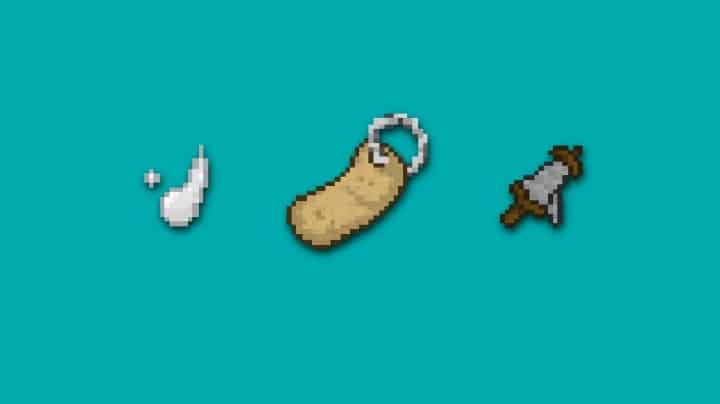
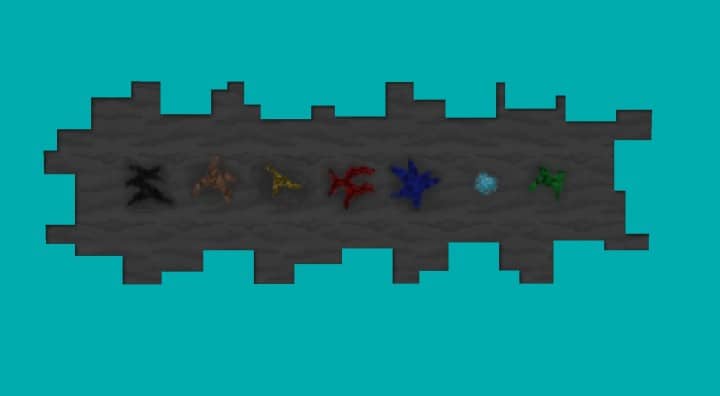
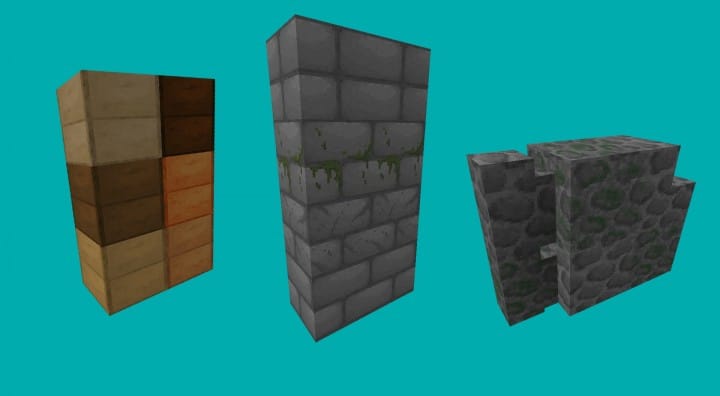
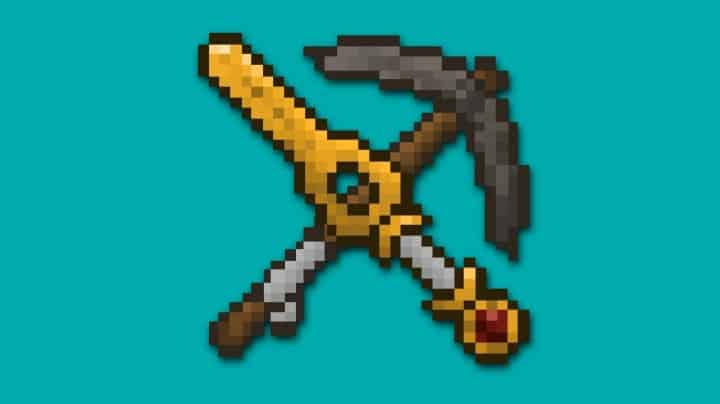
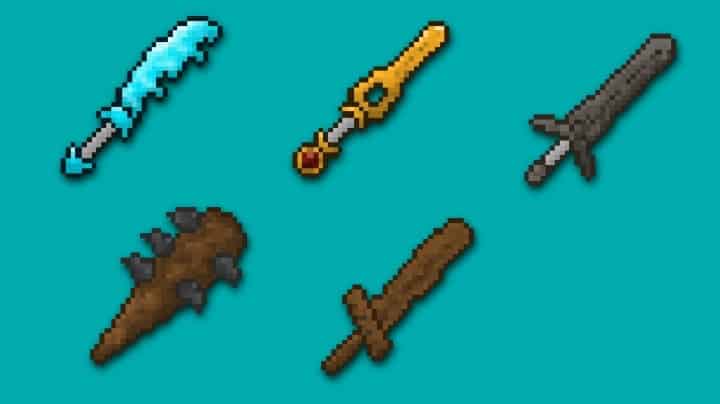
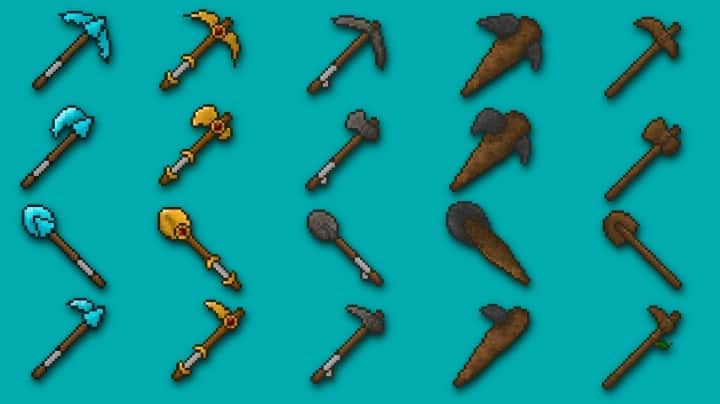
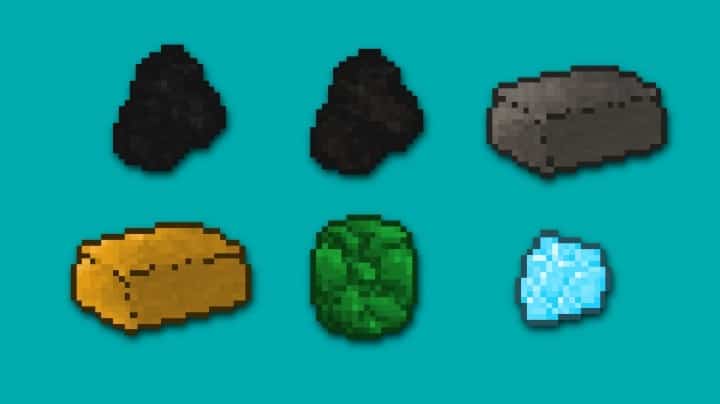
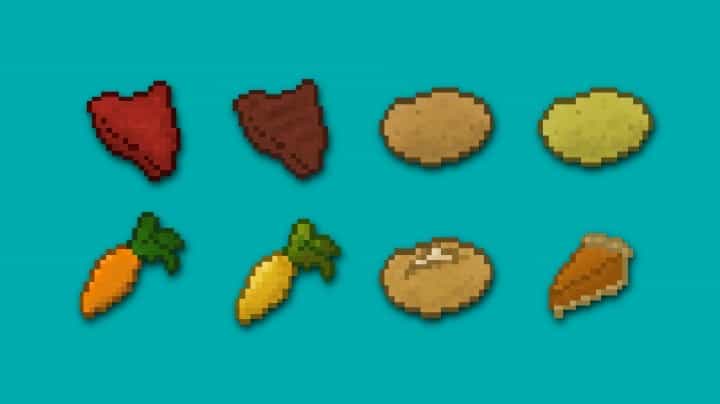
Stepping into a Minecraft cave with the Miner’s Delight Resource Pack is like rediscovering the thrill of subterranean exploration. This pack isn’t just about changing textures; it’s about transforming the entire mining experience into something genuinely more convenient and profoundly enjoyable. From the moment you descend into the earth, you’ll notice a fresh, appealing aesthetic that makes every ore vein pop and every stone formation feel distinct. The textures are designed with clarity in mind, ensuring that vital resources are easy to spot, even in dimly lit caverns. It’s a resource pack crafted for those who find solace and satisfaction in the rhythmic pickaxe swings and the gleam of newly discovered diamonds, preferring the quiet pursuit of mineral wealth over the roar of combat or the vastness of surface exploration.
Miner’s Delight excels at making your underground adventures less of a chore and more of a visual treat. The rock formations take on a more defined, pleasant appearance, while the various blocks, from cobblestone to deepslate, integrate seamlessly to create an immersive environment that doesn’t strain the eyes. You’ll appreciate how easily different types of ore distinguish themselves from the surrounding blocks, reducing the need for constant scrutiny and allowing for more efficient mining runs. This pack subtly enhances your visual perception, making each mining trip feel more productive and less tedious. Whether you’re sifting through gravel for flint or digging deep for ancient debris, the clear, beautiful textures contribute significantly to a smoother, more engaging gameplay flow. It’s a thoughtful reinterpretation of Minecraft’s underground, focusing purely on the miner’s perspective and ensuring that every delve is a delight.
| Minecraft Version | Compatibility |
|---|---|
| 1.8.1 | ✅ Supported |
| 1.8.6 | ✅ Supported |
| 1.8 | ✅ Supported |
| 1.7.10 | ✅ Supported |
| 1.7.9 | ✅ Supported |
| 1.7.4 | ✅ Supported |
| 1.7 | ✅ Supported |
Miner’s Delight – Screenshots
How to Install Texture Pack (Simple 10 Steps)
- Download Optifine: Most of the texture packs and shaders need Optifine. That’s why, first download and install Optifine for the version of Minecraft you want to play.
- Download the Texture Pack: Get the texture pack you want from the download section. Choose the version that works with your Minecraft and your PC’s performance.
- Open Minecraft Launcher: Start Minecraft using the official game launcher – or even TLauncher, if you use that.
- Go to Options: From the main menu, click on the “Options” button.
- Open Resource Packs: Inside Options, click on “Resource Packs…”.
- Open the Resource Pack Folder: Click on “Open Resource Pack Folder” – this will open a folder named “resourcepacks”.
- Move the Pack File: Copy or move the .zip file you downloaded into that “resourcepacks” folder. (Don’t unzip the file – Minecraft uses it as-is!)
- Go Back and Refresh: Close the folder and click “Done”, then go back into “Resource Packs…” again.
- Activate the Pack: You’ll see the pack on the left side. Hover over it and click the arrow to move it to the right (active side). Tip: If you get a message that the pack is for a different version, just click “Yes” – it usually works fine.
- Click Done and Enjoy: Click “Done” again. Now your pack is ready to use in-game. It’s that easy!
Download
(32x) (1.8) (1.7) Download Miner’s Delight Resource Pack
Download Instructions
-
CurseForge: If the pack is hosted on CurseForge, the download will begin automatically after a few seconds. If it does not start, use the “Download” button shown on the page.
-
Modrinth: If the download is from Modrinth, click the file version that matches your Minecraft build, then press the Download button. Modrinth usually offers multiple releases, so make sure you pick the correct version before installing.
-
Mediafire: On Mediafire, click the large blue Download button to start the file download. Avoid any extra pop-ups or buttons that are not related to the direct download.
-
Google Drive: For Google Drive, click the small download icon at the top right corner of the page. It looks like a downward arrow. The file will be saved to your computer immediately.
Disclaimer We do not create or modify any of the texture packs or shader packs shared on this website. All credit goes to the original creators, and every download link we provide is the official link from their page, which keeps all downloads safe. Some links may stop working after updates, so if you find a broken one, let us know in the comments and we will update it quickly. If you like a pack, consider supporting the creator by visiting their official page or website that we have linked below, and feel free to leave a comment or vote to help their work reach more players.