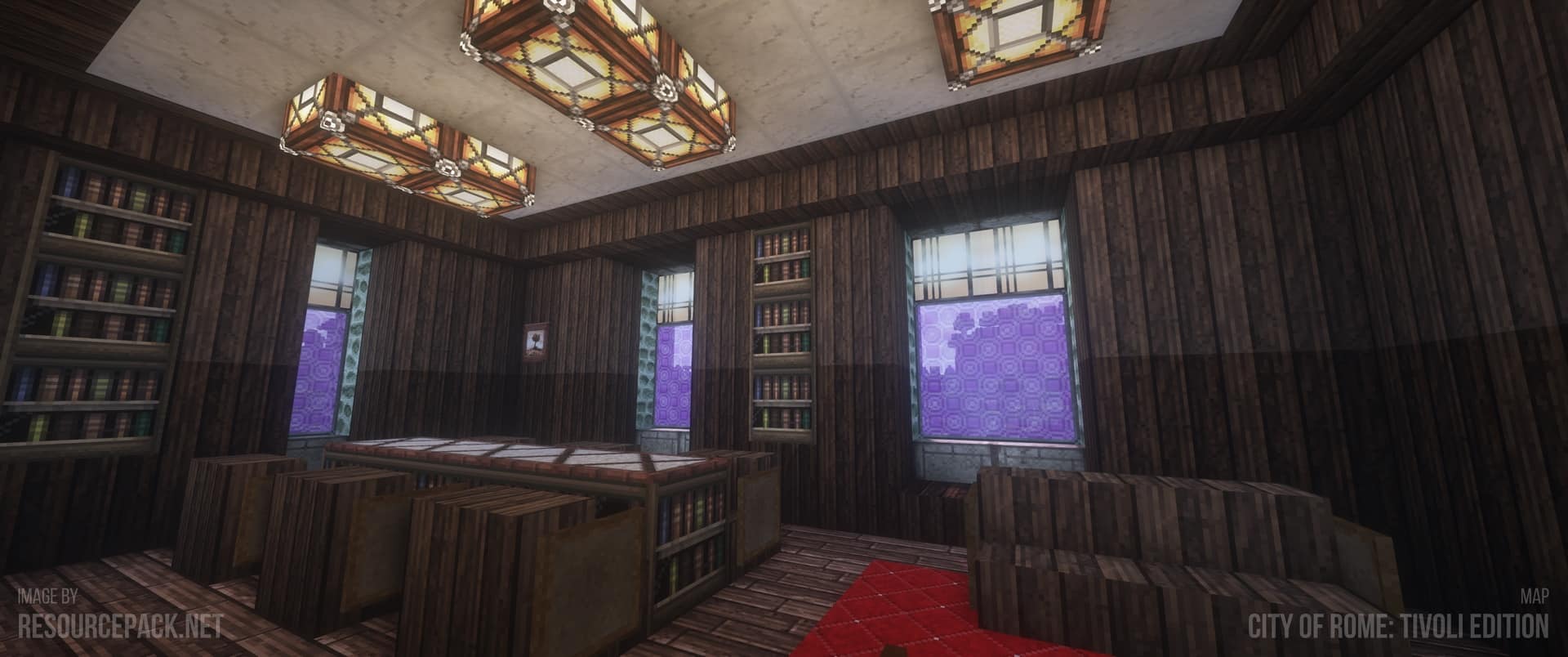
Should you enjoy Minecraft and wish to give your game a fresh and vintage appearance, the John Smith Legacy Resource Pack is an excellent option. Looking more medieval and realistic, this texture pack alters the look of blocks, objects, and the entire game environment. Players who appreciate creating castles, villages, and old-style homes will find it ideal.
John Smith Legacy’s textures are finely detailed yet not overly vivid or flambrous. They impart to the game a natural and smooth feel. This pack is loved by many Minecraft players since it preserves the original Minecraft appeal and adds more beauty and design. This pack makes everything appear far nicer whether you are excavating cavernues or creating a little house.
It is routinely upgraded and performs nicely on several Minecraft variants. Using shaders with it gives the game even more remarkable. The best thing is that it hardly slows down your game, thus you may enjoy it even with a less powerful computer.
John Smith Legacy is compatible with all of the following Minecraft versions: 26.3 – 26.2 – 26.1.2 – 26.1.1 – 26.1 – 1.21.11 – 1.21.10 – 1.21.9 – 1.21.8 – 1.21.7 – 1.21.6 – 1.21.5 – 1.21.4 – 1.21.3 – 1.21.2 – 1.21.1 – 1.21 – 1.20.6 – 1.20.5 – 1.20.4 – 1.20.3 – 1.20.2 – 1.20.1 – 1.20 – 1.19.4 – 1.19.3 – 1.19.2 – 1.19.1 – 1.19 – 1.18.2 – 1.18.1 – 1.18 – 1.17.1 – 1.17 – 1.16.5 – 1.16.4 – 1.16.3 – 1.16.2 – 1.16.1 – 1.16 – 1.15.2 – 1.15.1 – 1.15 – 1.14.4 – 1.14.3 – 1.14.2 – 1.14 – 1.13.2 – 1.13.1 – 1.13 – 1.12.2 – 1.12 – 1.11.2 – 1.11 – 1.10.2 – 1.10 – 1.9.4 – 1.9 – 1.8.9 – 1.8.8 – 1.8.1 – 1.8.6 – 1.8 – 1.7.10 – 1.7.9 – 1.7.4 – 1.7 – 1.6.4 – 1.6.2 – Bedrock Edition – PE
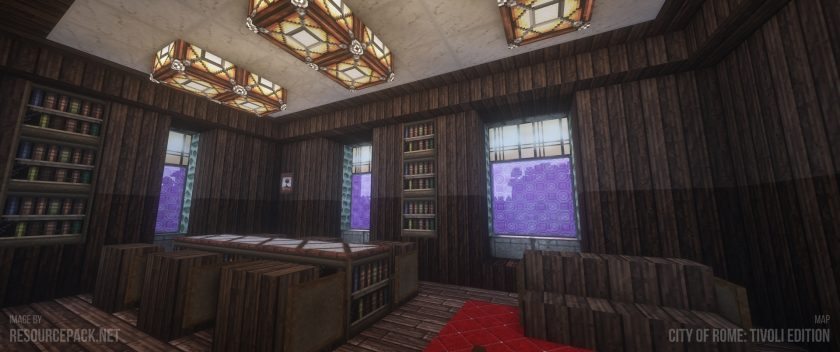
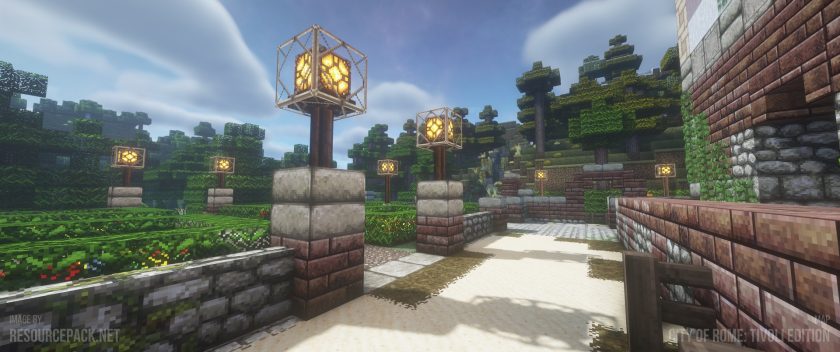
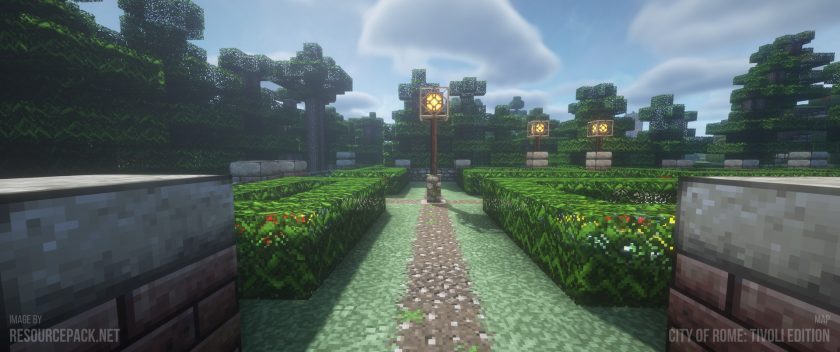
John Smith Legacy — Video and Screenshots
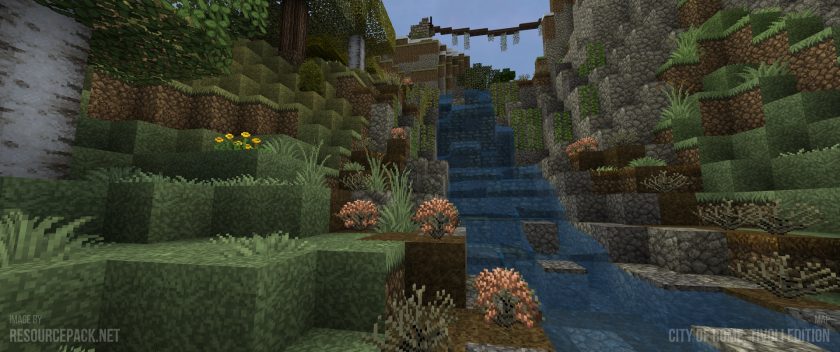
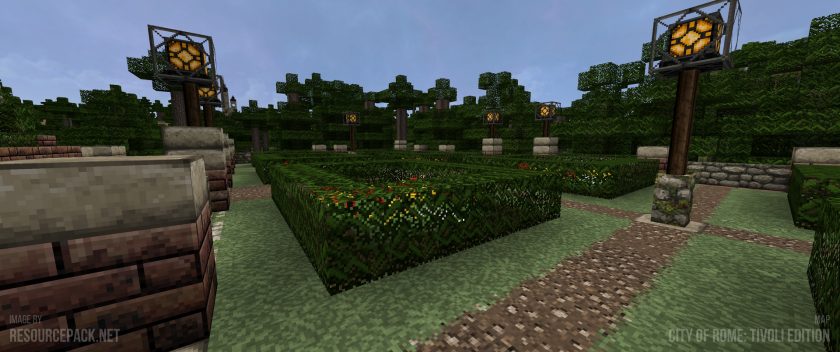
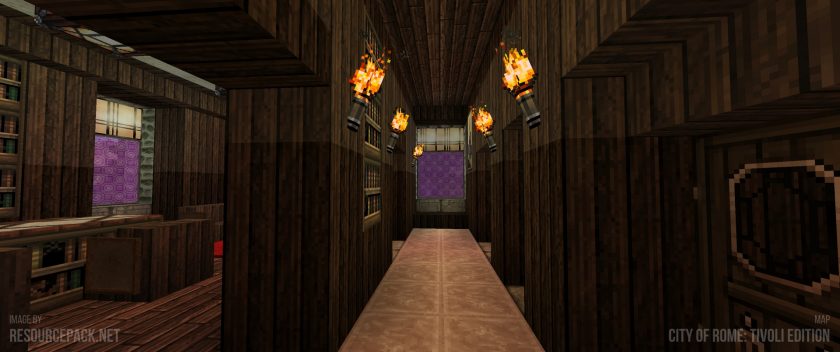
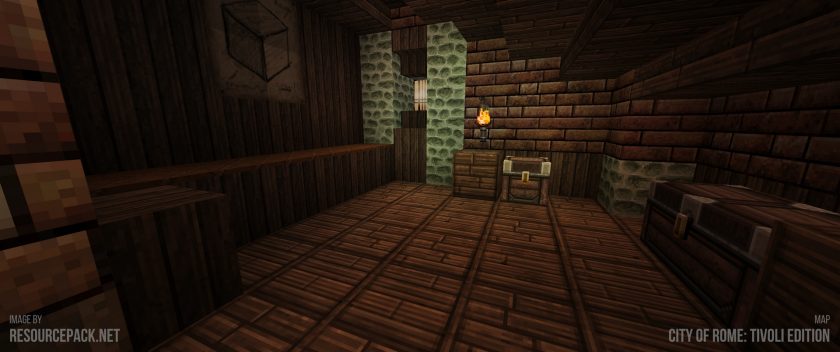
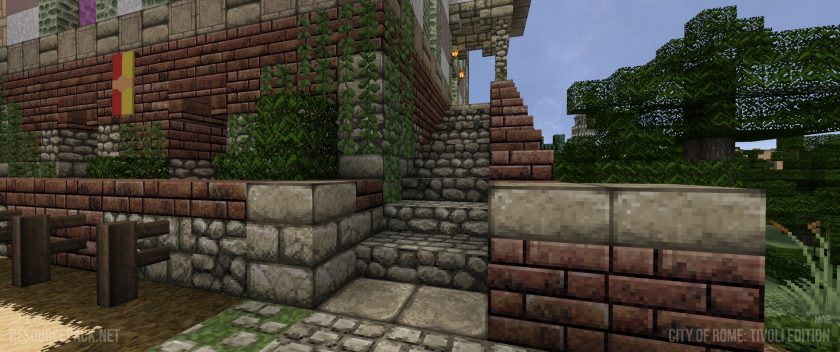
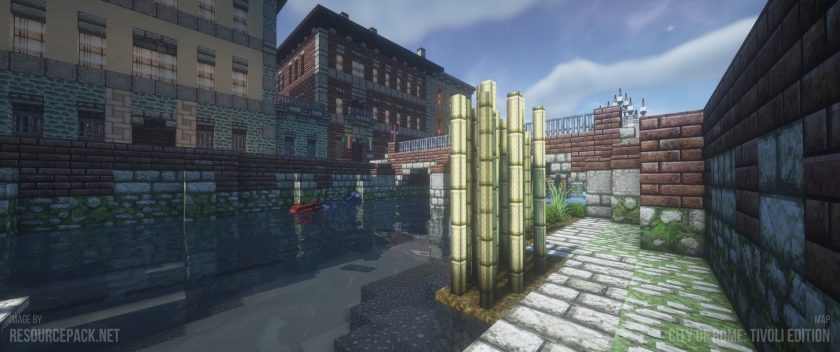
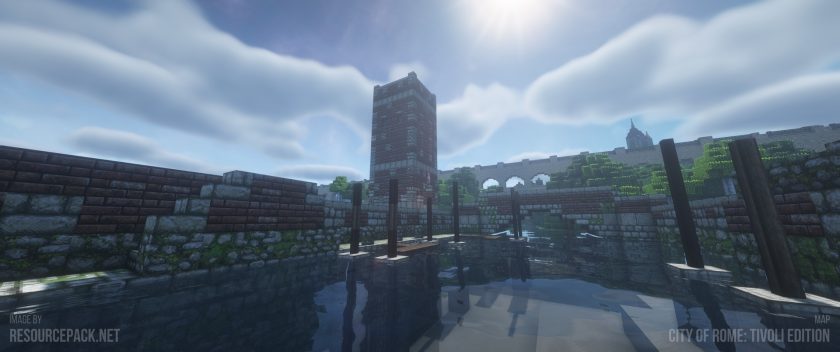
How to install the John Smith Legacy Resource Pack:
- Most source packages require Optifine, so be sure to download and install it. – a general recommended step for all packages, Optifine is also needed for most shaders
- Download the John Smith Legacy texture pack for Minecraft from the download section below. – if there are many different versions, just choose the one you like, is compatible with your version/edition of minecraft that you think your computer can handle in terms of performance.
- Launch the game client via the Minecraft launcher.
- Click “Options” in the main menu.
- Click on “Resource Packs…” from the options menu.
- Click “Open Resource Pack Folder”. – a folder named “resourcepacks” will appear.
- Move the .zip file you downloaded in the first step into the newly opened “resourcepacks” folder.
- Click “Done”.
- Click on “Resource Pack…” again.
- Your package should appear in the left window, just hover over it and click on the arrow pointing to the right.
QUICK TIP: Sometimes when activating a pack, the game may say that the pack is made for a newer or older version of Minecraft. This is just a warning, it doesn’t affect your game in any way and you can still activate and enjoy the pack by just clicking “Yes” when prompted.
- Click “Done” again.
- The package has now been successfully loaded and is ready to use in your world!
- We never modify or modify resource packs in any way. None of the resource packs, shader mods or tools you see on this site are hosted on our servers. We only use official download links provided by official authors. Therefore, they are completely safe.
- Since the links are official and we update them manually – the links may stop working with each new update. We try to update the links as fast as possible and usually we update everything on time and users don’t have any problems, but if suddenly any link stops working – let us know through comments below.
- Don’t forget to leave a comment below and vote for the pack. In this way, you will help the authors to constantly improve the project. If you want to support the author(s), be sure to check the author links right below the download links.
John Smith Legacy Texture Pack Download
Bedrock & Java Edition:
[32x] [26.3.x – 1.4.x] Download John Smith Legacy Resource Pack
3D Models Add-on:
This is for Java Edition only. The main John Smith Legacy pack is required. Install the main pack first, and then place the 3D Models add-on above it.
[32x] [1.21.x] Download John Smith Legacy 3D Models Add-on Pack
[32x] [1.19.x] Download John Smith Legacy 3D Models Add-on Pack
[32x] [1.18.x] Download John Smith Legacy 3D Models Add-on Pack
[32x] [1.17.x] Download John Smith Legacy 3D Models Add-on Pack
[32x] [1.16.x] Download John Smith Legacy 3D Models Add-on Pack
[32x] [1.15.x] Download John Smith Legacy 3D Models Add-on Pack
[32x] [1.14.x] Download John Smith Legacy 3D Models Add-on Pack
[32x] [1.13.x] Download John Smith Legacy 3D Models Add-on Pack
[32x] [1.12.x – 1.10.x] Download John Smith Legacy 3D Models Add-on Pack
[32x] [1.9.x – 1.8.x] Download John Smith Legacy 3D Models Add-on Pack
Modded Version:
Mod support packs are no longer supported. Version 1.20.x is the final release, but some features are now included in the normal packs.
[32x] [1.20.x] Download John Smith Legacy – Modded Resource Pack
[32x] [1.16.x] Download John Smith Legacy – Modded Resource Pack
[32x] [1.12.x] Download John Smith Legacy- Modded Resource Pack
[32x] [1.10.x] Download John Smith Legacy- Modded Resource Pack
[32x] [1.9.x] Download John Smith Legacy- Modded Resource Pack
[32x] [1.8.x] Download John Smith Legacy- Modded Resource Pack
[32x] [1.7.x] Download John Smith Legacy – Modded Resource Pack
Download Instructions:
CurseForge: The download will start by itself after a few seconds.
Mediafire: Click the big blue “DOWNLOAD” button.
Google Drive: Click the small download icon (a down arrow) at the top-right corner to start the download.
Disclaimer
We are not the creators of any texture packs or shader packs shared on this site. All credit goes to the original authors. We do not edit or change any files in any way. Also, none of the downloads are hosted on our servers — we only provide official links shared by the original creators. That means all downloads are completely safe.
❗Note: Since we manually add the official links, so some may stop working after updates. If you find a broken link, tell us in the comments and we’ll fix it as soon as we can.
If you like a pack, please leave a comment and vote for it — this helps the creators improve their work. You can also support them directly through the links below the download section.