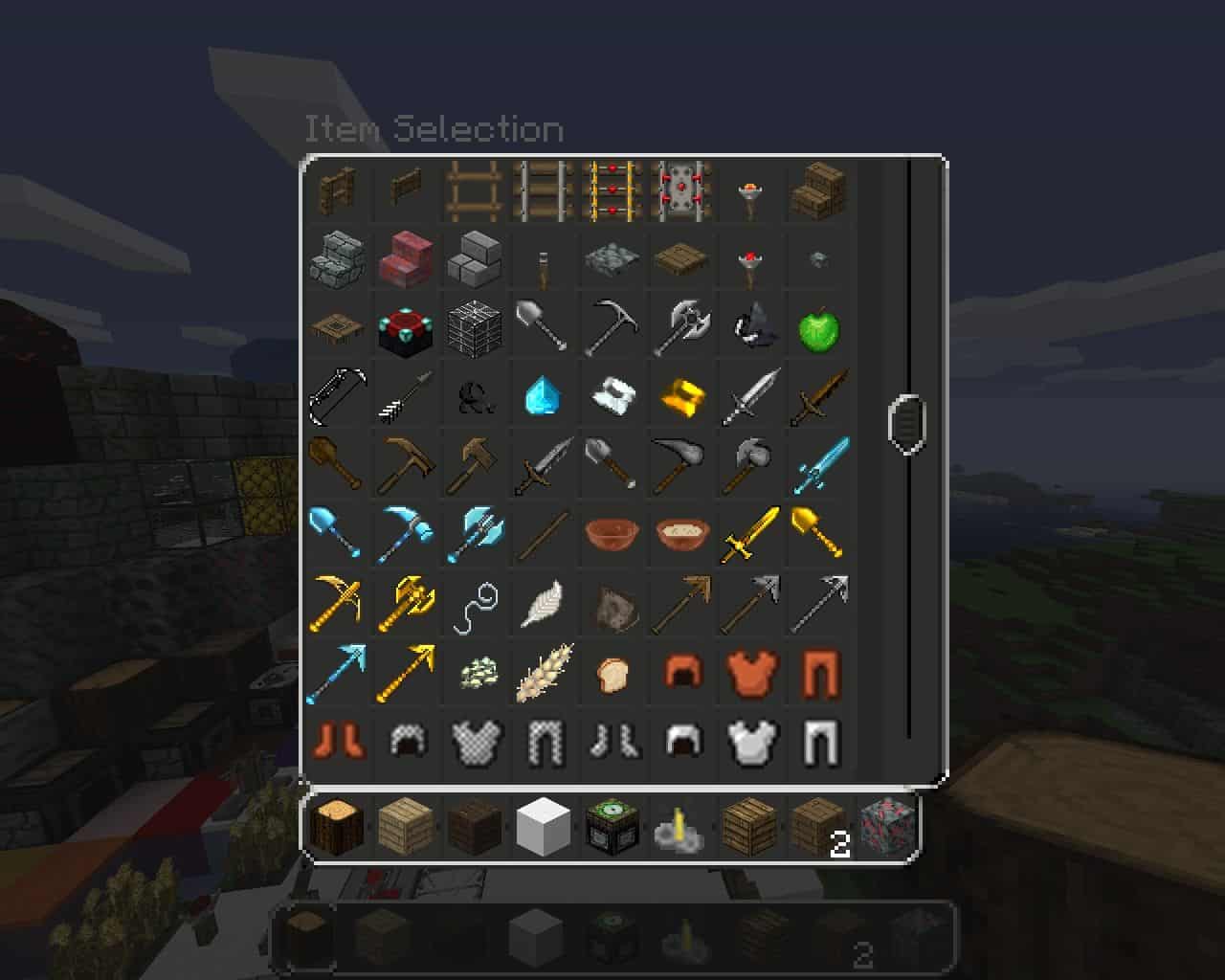
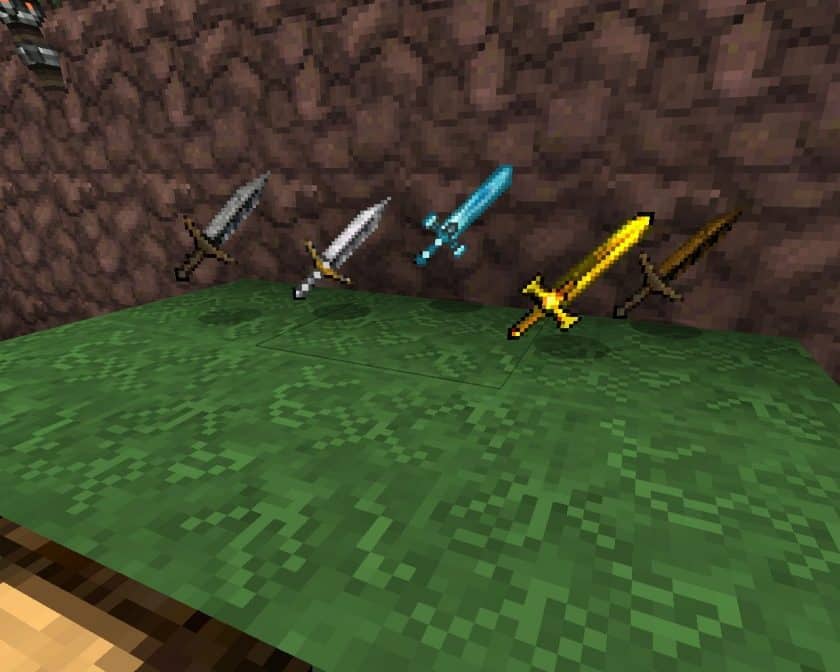
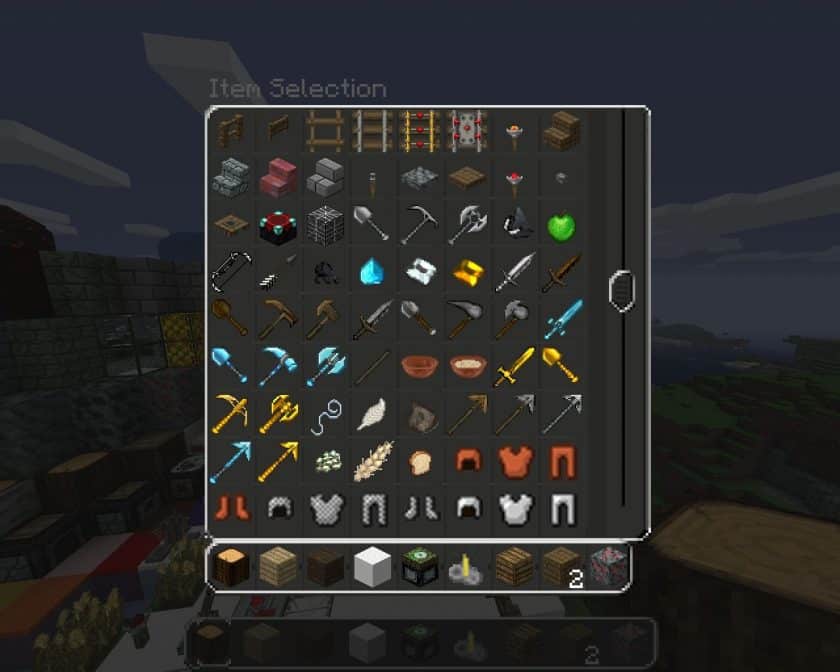
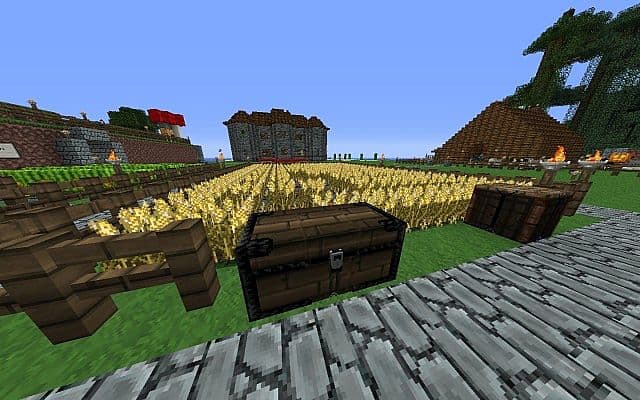
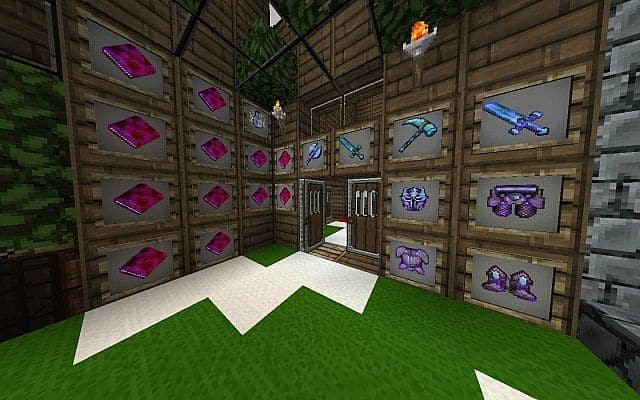
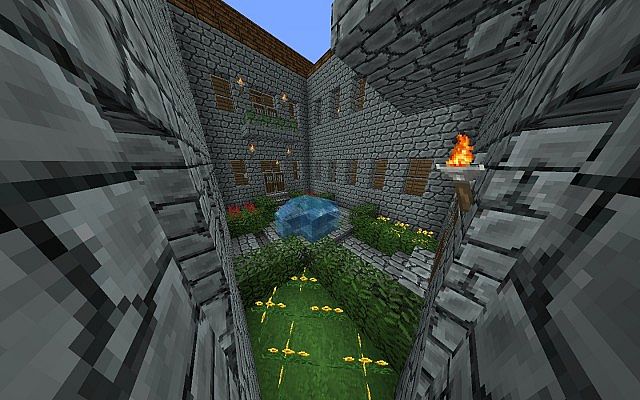
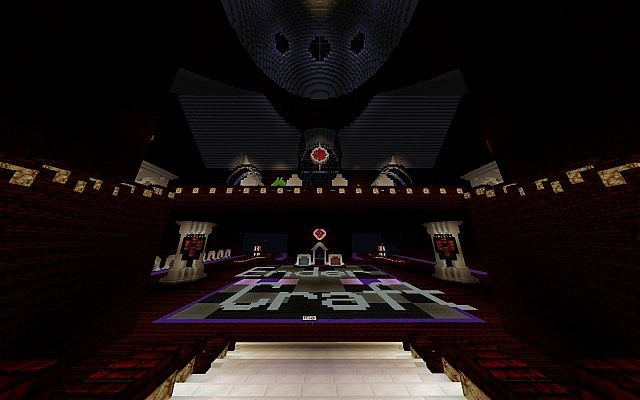
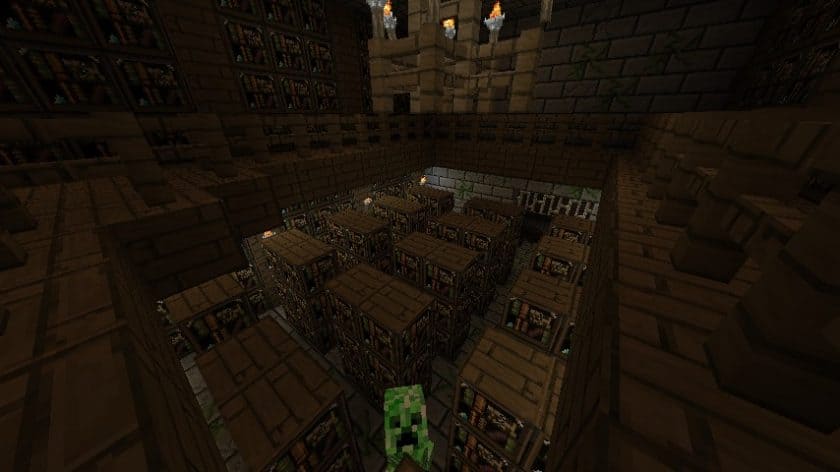
Stepping into a world transformed by the EnderCraft Resource Pack, also known as Enders Adventure Pack, feels like entering a realm designed specifically for those with a fondness for the enigmatic Endermen. From the moment you load it, the pack establishes a unique and somewhat mysterious atmosphere, clearly celebrating these tall, purple-eyed denizens of the End. Every texture within this pack is a testament to the creator’s artistic vision, boasting a distinctly hand-drawn and original aesthetic that sets it apart from more conventional resource packs. It’s immediately apparent that a great deal of care went into crafting visuals that feel both familiar and refreshingly new, all while centering around the Endermen theme.
Related Articles:
• Ornate 5 Revived – best fantasy-style resource pack
• Simplex – dark-themed Minecraft resource pack
• Unsimple – shadow-style Minecraft texture pack
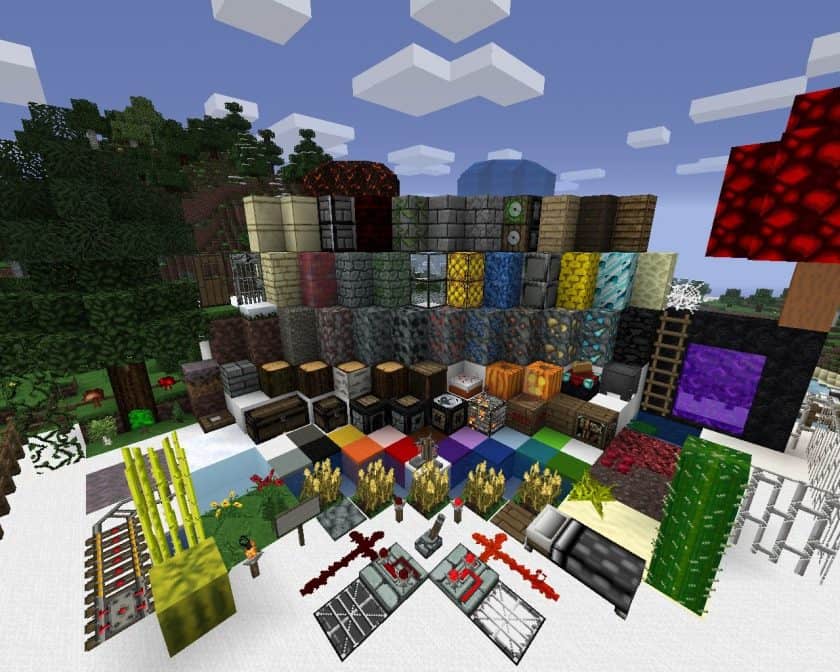
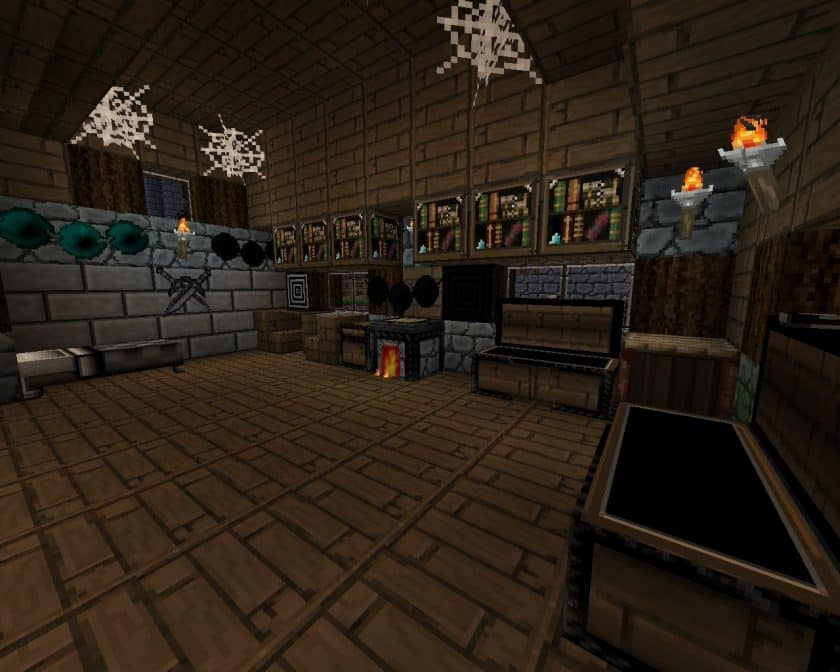
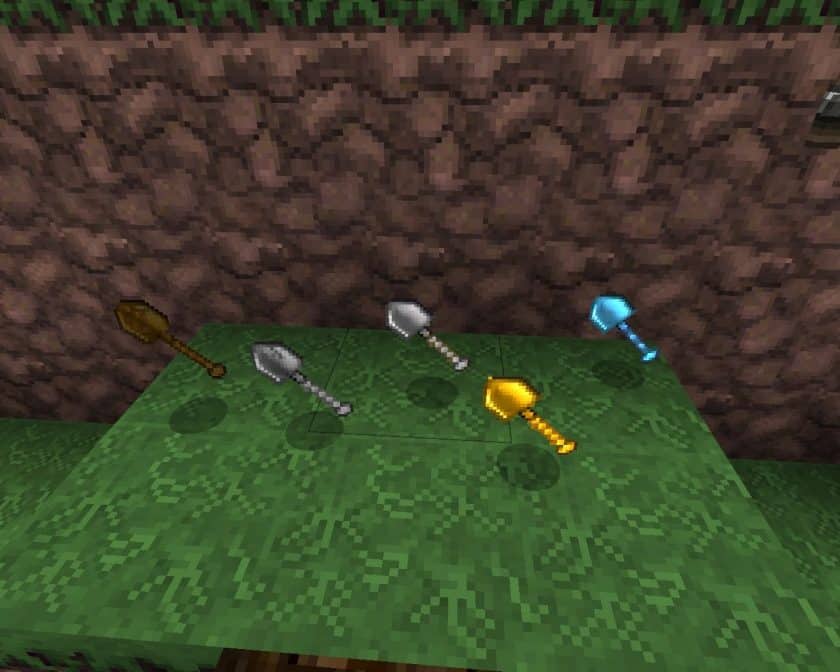
Playing with EnderCraft provides a fresh perspective on the Minecraft landscape. The block palette, while maintaining a connection to the vanilla game, often features subtle shifts in hue and detail that evoke a sense of the End dimension spilling into the overworld. Whether you’re traversing a dark forest or delving into a deep cave, the environment feels subtly altered, hinting at the presence and influence of Endermen. This pack doesn’t just reskin mobs; it redefines the entire visual narrative, making interactions with Endermen feel more integral to the world itself. The 32x resolution, as suggested by its download options, strikes a perfect balance, offering crisp details without demanding excessive performance, making it accessible for a wide range of systems. It’s a delightful experience for players who enjoy a cohesive theme and appreciate the artistry of custom, hand-drawn textures, especially those who find themselves frequently engaging with or just admiring Minecraft’s most iconic teleporting mob. The pack offers broad compatibility, supporting various Minecraft versions from 1.7.10 all the way back to 1.6.2, ensuring many players can dive into this Enderman-centric adventure.
| Minecraft Version | Compatibility |
|---|---|
| 1.7.10 | ✅ Supported |
| 1.7.9 | ✅ Supported |
| 1.7.4 | ✅ Supported |
| 1.7 | ✅ Supported |
| 1.6.4 | ✅ Supported |
| 1.6.2 | ✅ Supported |
EnderCraft – Screenshots
How to Install Texture Pack (Simple 10 Steps)
- Download Optifine: Most of the texture packs and shaders need Optifine. That’s why, first download and install Optifine for the version of Minecraft you want to play.
- Download the Texture Pack: Get the texture pack you want from the download section. Choose the version that works with your Minecraft and your PC’s performance.
- Open Minecraft Launcher: Start Minecraft using the official game launcher – or even TLauncher, if you use that.
- Go to Options: From the main menu, click on the “Options” button.
- Open Resource Packs: Inside Options, click on “Resource Packs…”.
- Open the Resource Pack Folder: Click on “Open Resource Pack Folder” – this will open a folder named “resourcepacks”.
- Move the Pack File: Copy or move the .zip file you downloaded into that “resourcepacks” folder. (Don’t unzip the file – Minecraft uses it as-is!)
- Go Back and Refresh: Close the folder and click “Done”, then go back into “Resource Packs…” again.
- Activate the Pack: You’ll see the pack on the left side. Hover over it and click the arrow to move it to the right (active side). Tip: If you get a message that the pack is for a different version, just click “Yes” – it usually works fine.
- Click Done and Enjoy: Click “Done” again. Now your pack is ready to use in-game. It’s that easy!
Download
Download Instructions
- CurseForge: If the pack is hosted on CurseForge, the download will begin automatically after a few seconds. If it does not start, use the “Download” button shown on the page.
- Modrinth: If the download is from Modrinth, click the file version that matches your Minecraft build, then press the Download button. Modrinth usually offers multiple releases, so make sure you pick the correct version before installing.
- Mediafire: On Mediafire, click the large blue Download button to start the file download. Avoid any extra pop-ups or buttons that are not related to the direct download.
- Google Drive: For Google Drive, click the small download icon at the top right corner of the page. It looks like a downward arrow. The file will be saved to your computer immediately.
Disclaimer We do not create or modify any of the texture packs or shader packs shared on this website. All credit goes to the original creators, and every download link we provide is the official link from their page, which keeps all downloads safe. Some links may stop working after updates, so if you find a broken one, let us know in the comments and we will update it quickly. If you like a pack, consider supporting the creator by visiting their official page or website that we have linked below, and feel free to leave a comment or vote to help their work reach more players.