
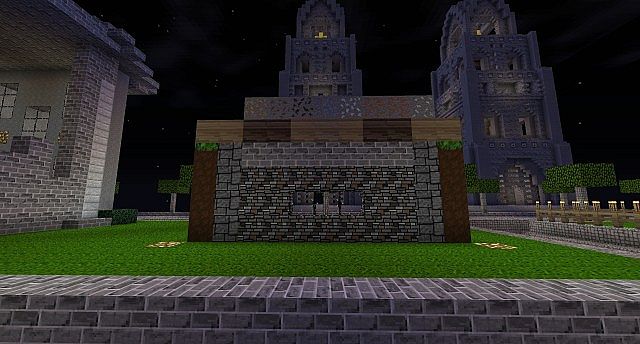
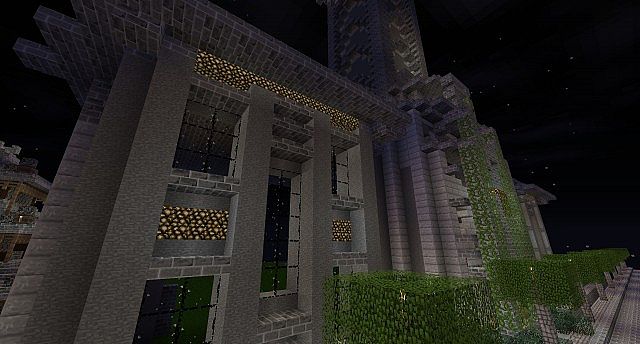
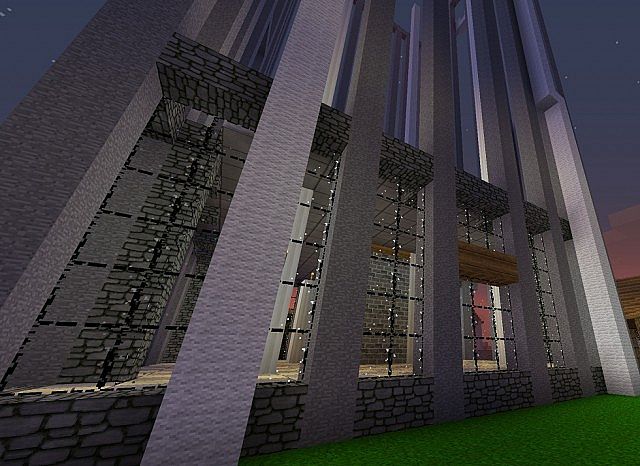
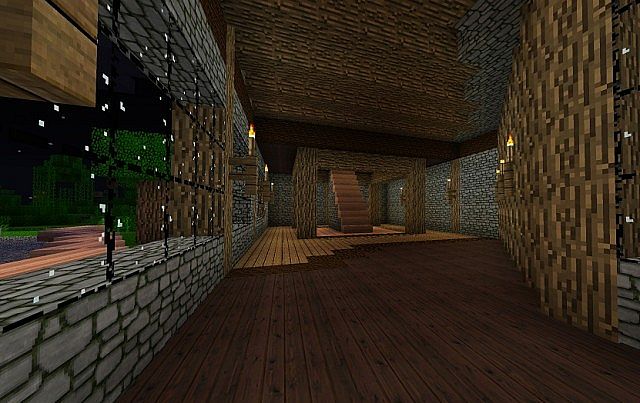
The BeerDogs Resource Pack feels like one of those quiet upgrades that just works. You load into the world and nothing screams for attention, but after a few minutes you realize everything looks cleaner, sharper, and a bit more polished. It sticks to 32x, which honestly is a sweet spot — enough detail to notice the difference, but not so much that your PC starts struggling. It keeps that vanilla Minecraft soul intact while smoothing out the rough edges, if that makes sense.
What I like about the BeerDogs Resource Pack is how consistent it feels. Blocks don’t clash with each other, items look clearer, and structures gain just a little extra depth without going full HD. Exploring biomes feels more immersive, but still familiar. It’s the same kind of balanced approach you’ll find in packs like the Unity Resource Pack, where the goal isn’t to reinvent Minecraft, just to make it nicer to look at.
The author clearly put real care into the details. Nothing feels rushed or unfinished. Patterns are more defined, textures feel intentional, and the whole world comes together smoothly. You can build, mine, or wander around for hours without visual fatigue. If you’ve ever enjoyed that clean, lightweight feel from something like the Better Vanilla Building Resource Pack, you’ll probably appreciate what BeerDogs is doing here.
Performance is another big win. The BeerDogs Resource Pack runs well even on modest systems, which makes it easy to recommend. No stutters, no lag spikes, just smooth gameplay. And if you’re curious how different vanilla-style packs handle balance, checking out the Stay True Resource Pack gives a nice comparison point.
At the end of the day, the BeerDogs Resource Pack is perfect for players who want Minecraft to look better without feeling heavier. It’s simple, well-designed, and genuinely pleasant to play with — the kind of pack you install and then forget about because everything just feels right.
| Minecraft Version | Compatibility |
|---|---|
| 1.7.10 | ✅ Supported |
| 1.7.9 | ✅ Supported |
| 1.7.4 | ✅ Supported |
| 1.7 | ✅ Supported |
| 1.6.4 | ✅ Supported |
| 1.6.2 | ✅ Supported |
BeerDogs – Screenshots
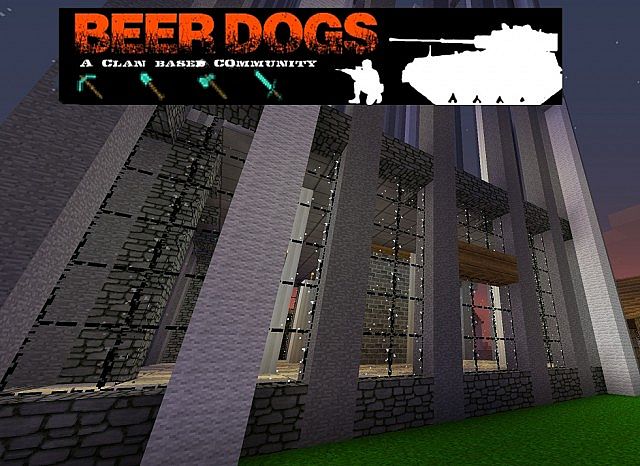
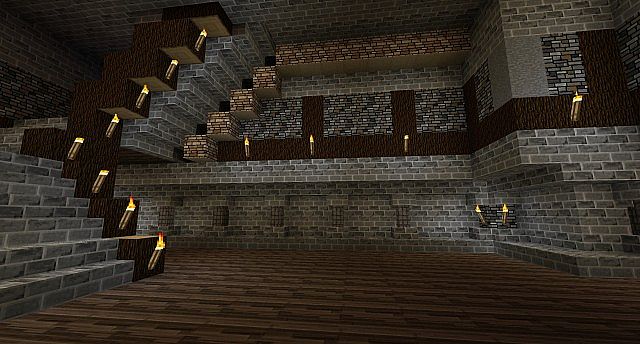
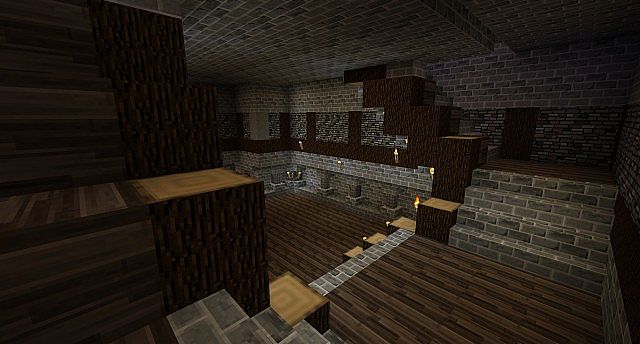
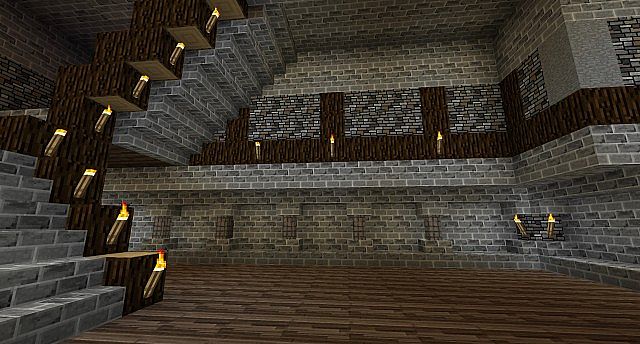
How to Install Texture Pack (Simple 10 Steps)
- Download Optifine: Most of the texture packs and shaders need Optifine. That’s why, first download and install Optifine for the version of Minecraft you want to play.
- Download the Texture Pack: Get the texture pack you want from the download section. Choose the version that works with your Minecraft and your PC’s performance.
- Open Minecraft Launcher: Start Minecraft using the official game launcher – or even TLauncher, if you use that.
- Go to Options: From the main menu, click on the “Options” button.
- Open Resource Packs: Inside Options, click on “Resource Packs…”.
- Open the Resource Pack Folder: Click on “Open Resource Pack Folder” – this will open a folder named “resourcepacks”.
- Move the Pack File: Copy or move the .zip file you downloaded into that “resourcepacks” folder. (Don’t unzip the file – Minecraft uses it as-is!)
- Go Back and Refresh: Close the folder and click “Done”, then go back into “Resource Packs…” again.
- Activate the Pack: You’ll see the pack on the left side. Hover over it and click the arrow to move it to the right (active side). Tip: If you get a message that the pack is for a different version, just click “Yes” – it usually works fine.
- Click Done and Enjoy: Click “Done” again. Now your pack is ready to use in-game. It’s that easy!
Download
(32x) (1.7) (1.6) Download BeerDogs Resource Pack
Download Instructions
- CurseForge: If the pack is hosted on CurseForge, the download will begin automatically after a few seconds. If it does not start, use the “Download” button shown on the page.
- Modrinth: If the download is from Modrinth, click the file version that matches your Minecraft build, then press the Download button. Modrinth usually offers multiple releases, so make sure you pick the correct version before installing.
- Mediafire: On Mediafire, click the large blue Download button to start the file download. Avoid any extra pop-ups or buttons that are not related to the direct download.
- Google Drive: For Google Drive, click the small download icon at the top right corner of the page. It looks like a downward arrow. The file will be saved to your computer immediately.
Disclaimer We do not create or modify any of the texture packs or shader packs shared on this website. All credit goes to the original creators, and every download link we provide is the official link from their page, which keeps all downloads safe. Some links may stop working after updates, so if you find a broken one, let us know in the comments and we will update it quickly. If you like a pack, consider supporting the creator by visiting their official page or website that we have linked below, and feel free to leave a comment or vote to help their work reach more players.
