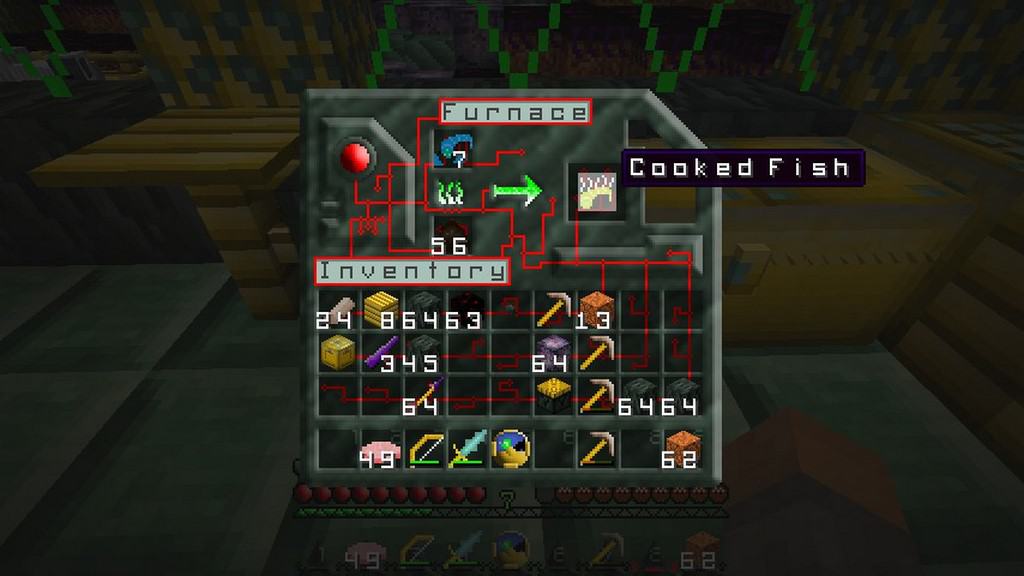
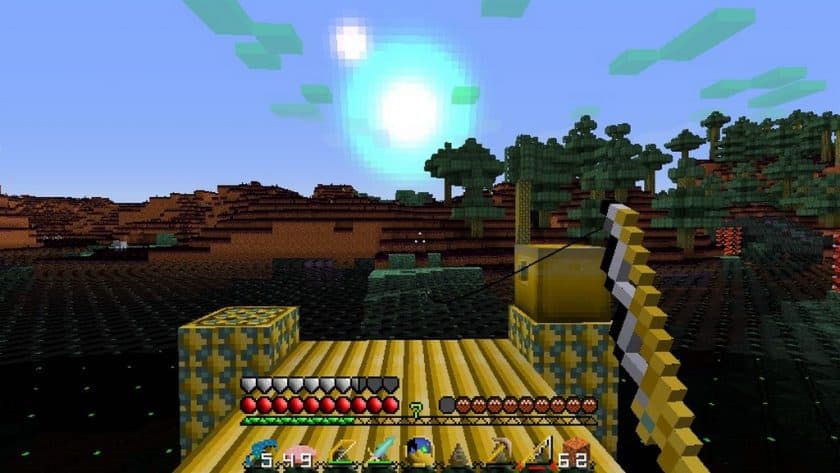
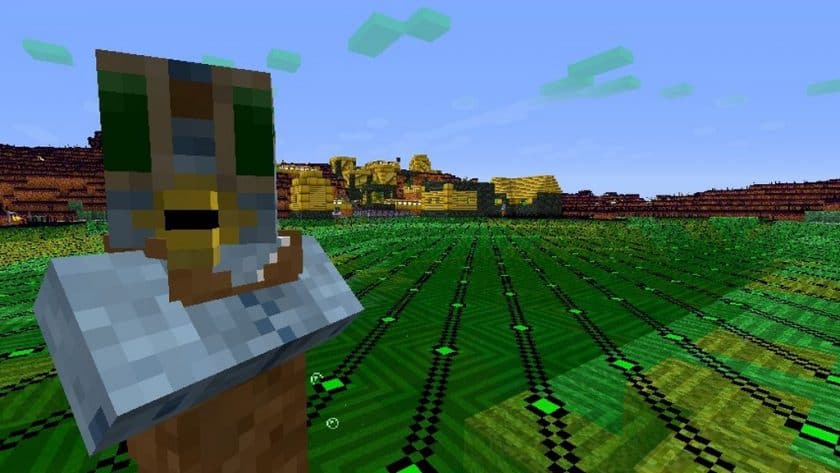
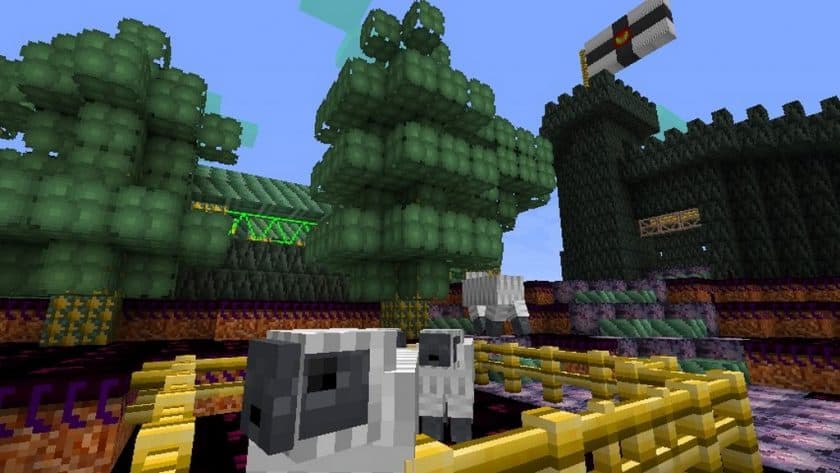
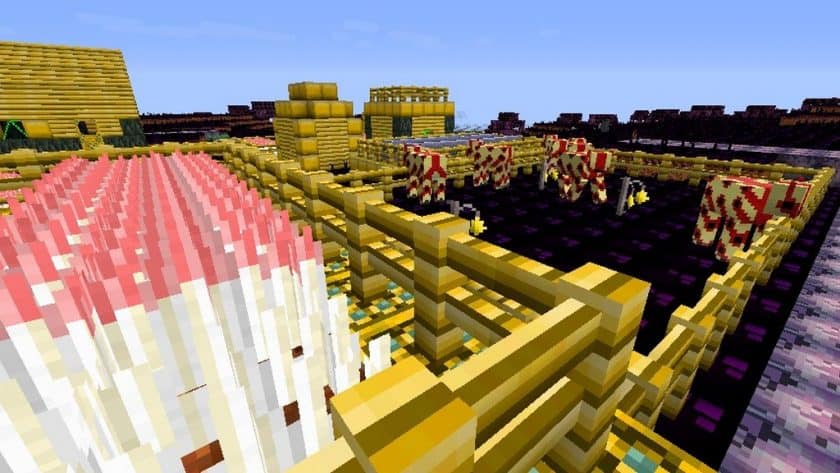
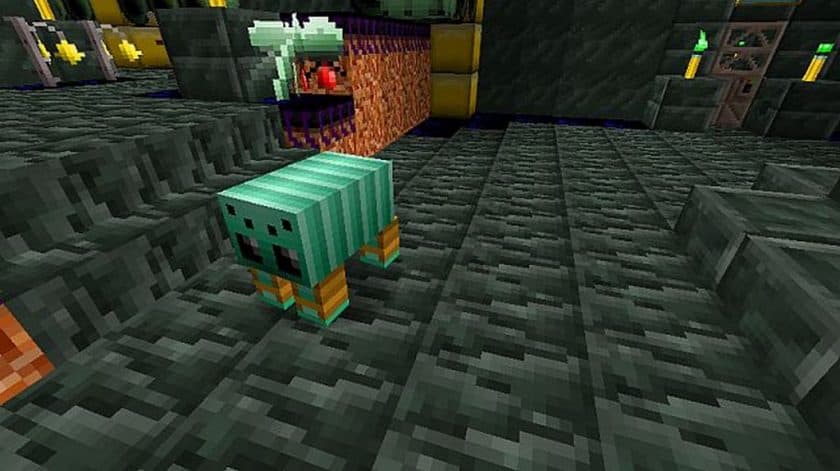
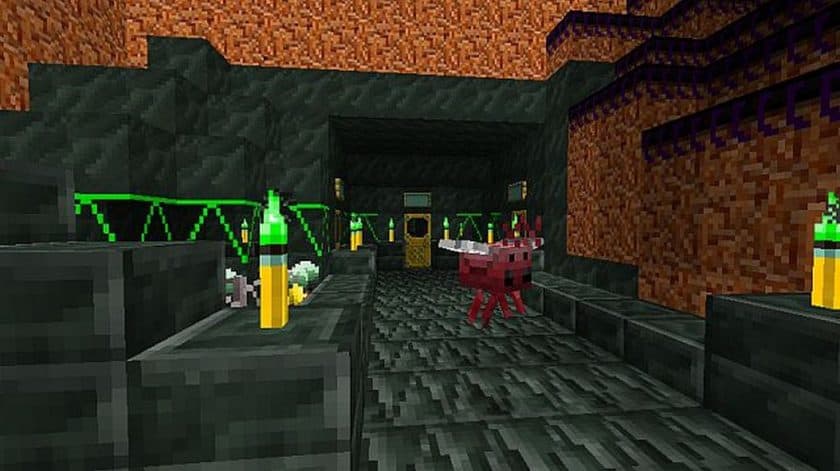
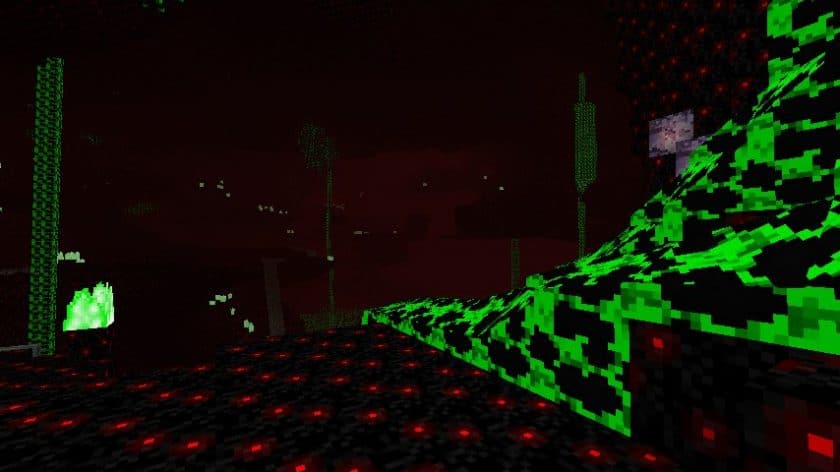
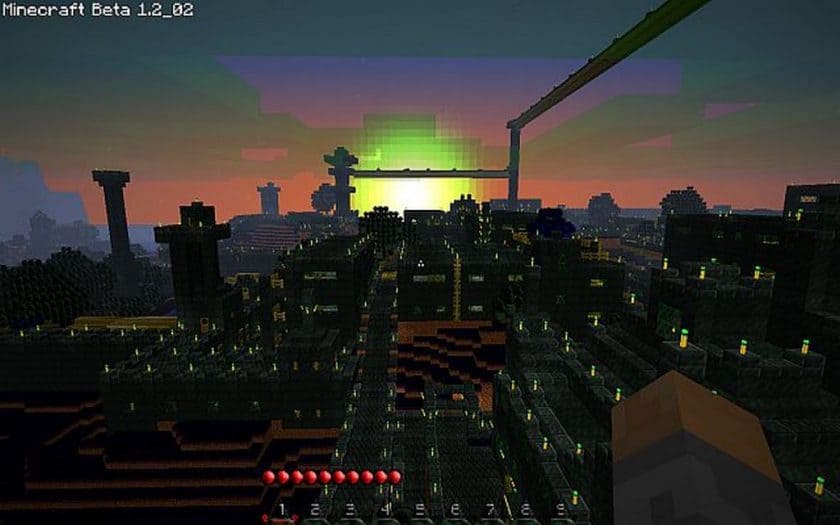
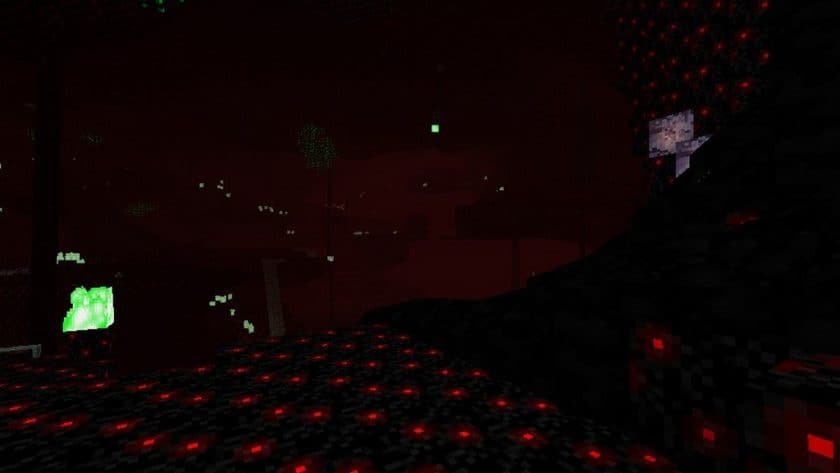
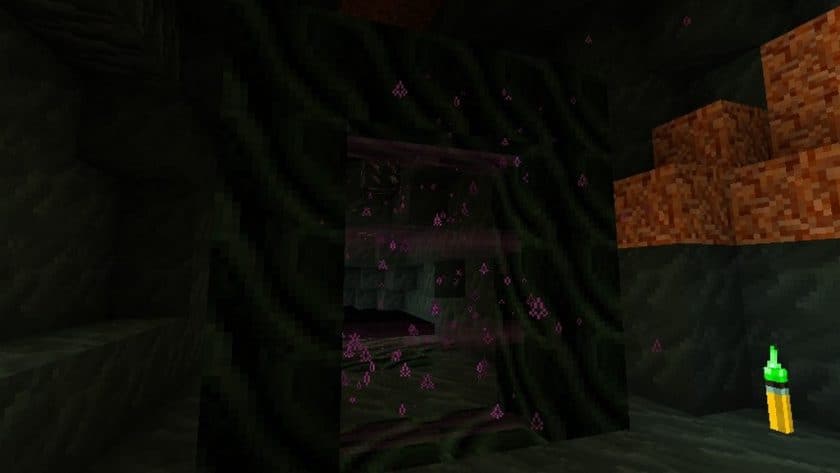
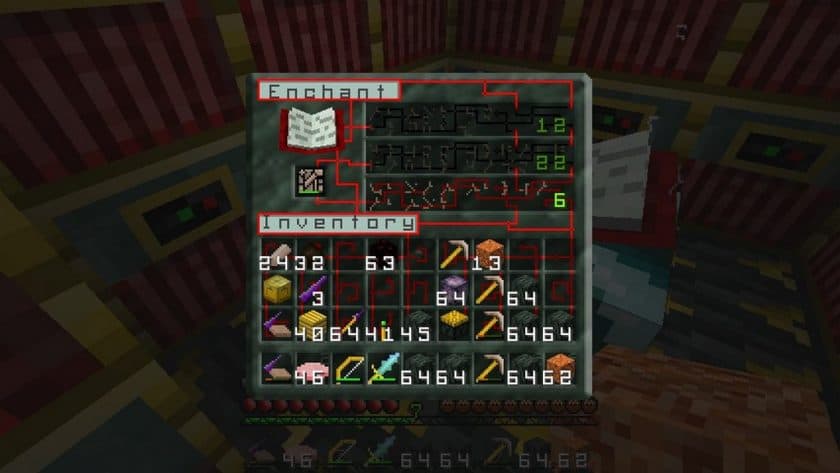
This pack transports players to a distant, futuristic realm where the familiar landscapes of Minecraft are imbued with an unmistakable alien essence. From the moment you load the Aleph Setei Resource Pack, you’ll find your world transformed into an interstellar frontier, blending the comforting blocky aesthetics with a fresh, otherworldly design. The creator, Aleph Setei, has meticulously crafted an immersive visual experience that feels both innovative and true to the spirit of Minecraft.
Stepping into a world powered by Aleph Setei is like venturing into the far reaches of the galaxy, exploring planets where the flora and fauna have evolved in unimaginable ways. While the core structure of Minecraft remains, every mob, item, and interface element undergoes a stunning metamorphosis. Trees might still be trees, and torches still recognizable, but their appearance is subtly twisted, hinting at an alien origin without becoming entirely unrecognizable. This careful balance ensures that the game feels profoundly different and fresh, yet still navigable and enjoyable for veteran players.
Beyond the aesthetic overhaul, the Aleph Setei Resource Pack introduces exciting alterations to gameplay elements, particularly in crafting. Forget traditional paper and books; prepare to transmute redreed into intricate wires, then flat cables, ultimately constructing advanced mainframes. The culinary landscape also shifts dramatically: wheat is replaced by curious tube worms, which can be processed into regular worms, and eventually, a delicious worm patty. These inventive crafting changes push the boundaries of what you thought was possible in Minecraft, encouraging exploration and adaptation within its alien ecosystem.
The visual palette of the Aleph Setei Resource Pack is a captivating blend of vibrant hues and deep, dark tones. This eclectic mix creates an atmosphere that is at once mysterious and inviting, perfect for players seeking a unique adventure. Crucially, this immersive experience doesn’t come at the cost of performance. The pack boasts a 16x resolution, making it incredibly accessible for players running Minecraft on lower-end PCs. This thoughtful optimization means you can dive headfirst into this alien-themed world without worrying about significant performance issues, allowing everyone to enjoy the enhanced graphics and fresh perspective that Aleph Setei brings to the game.
| Minecraft Version | Compatibility |
|---|---|
| 1.8.9 | ✅ Supported |
| 1.8.8 | ✅ Supported |
| 1.8.1 | ✅ Supported |
| 1.8.6 | ✅ Supported |
| 1.8 | ✅ Supported |
| 1.7.10 | ✅ Supported |
| 1.7.9 | ✅ Supported |
| 1.7.4 | ✅ Supported |
| 1.7 | ✅ Supported |
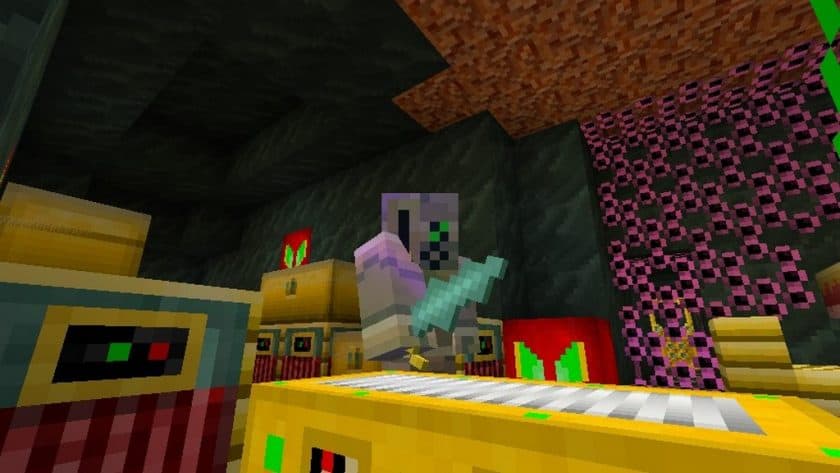
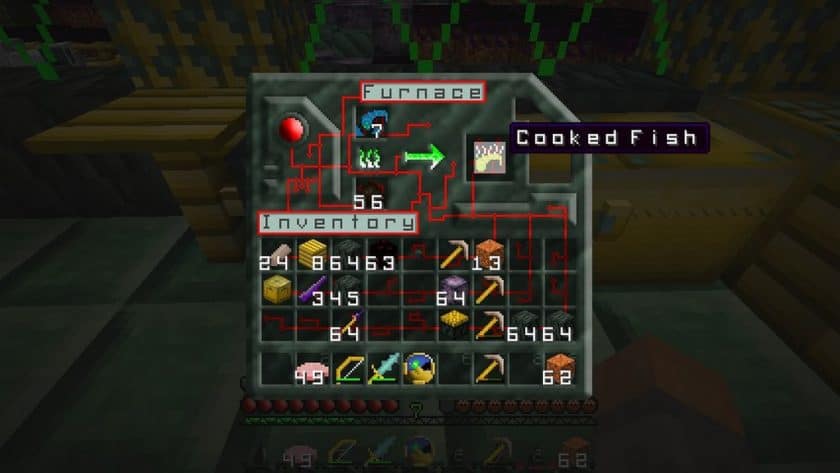
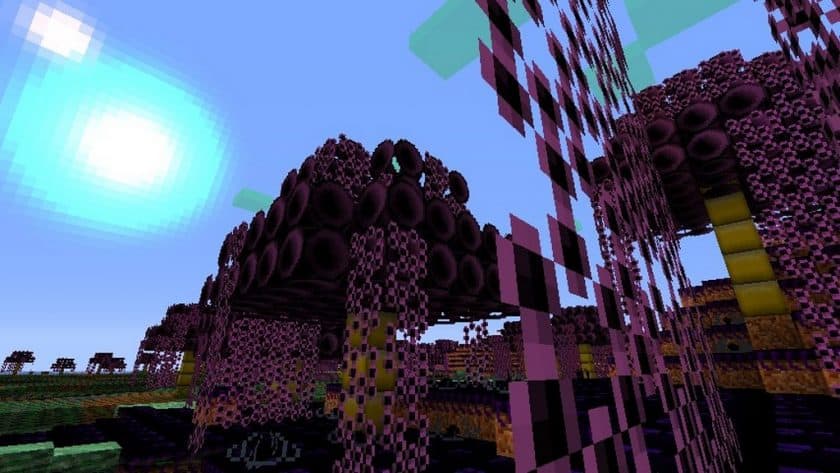
Aleph Setei – Screenshots
How to Install Texture Pack (Simple 10 Steps)
- Download Optifine: Most of the texture packs and shaders need Optifine. That’s why, first download and install Optifine for the version of Minecraft you want to play.
- Download the Texture Pack: Get the texture pack you want from the download section. Choose the version that works with your Minecraft and your PC’s performance.
- Open Minecraft Launcher: Start Minecraft using the official game launcher – or even TLauncher, if you use that.
- Go to Options: From the main menu, click on the “Options” button.
- Open Resource Packs: Inside Options, click on “Resource Packs…”.
- Open the Resource Pack Folder: Click on “Open Resource Pack Folder” – this will open a folder named “resourcepacks”.
- Move the Pack File: Copy or move the .zip file you downloaded into that “resourcepacks” folder. (Don’t unzip the file – Minecraft uses it as-is!)
- Go Back and Refresh: Close the folder and click “Done”, then go back into “Resource Packs…” again.
- Activate the Pack: You’ll see the pack on the left side. Hover over it and click the arrow to move it to the right (active side). Tip: If you get a message that the pack is for a different version, just click “Yes” – it usually works fine.
- Click Done and Enjoy: Click “Done” again. Now your pack is ready to use in-game. It’s that easy!
Download
Java Edition:
(16x) (1.8.x – 1.7.x) Download Aleph Setei Resource Pack
Download Instructions
-
CurseForge: If the pack is hosted on CurseForge, the download will begin automatically after a few seconds. If it does not start, use the “Download” button shown on the page.
-
Modrinth: If the download is from Modrinth, click the file version that matches your Minecraft build, then press the Download button. Modrinth usually offers multiple releases, so make sure you pick the correct version before installing.
-
Mediafire: On Mediafire, click the large blue Download button to start the file download. Avoid any extra pop-ups or buttons that are not related to the direct download.
-
Google Drive: For Google Drive, click the small download icon at the top right corner of the page. It looks like a downward arrow. The file will be saved to your computer immediately.
Disclaimer We do not create or modify any of the texture packs or shader packs shared on this website. All credit goes to the original creators, and every download link we provide is the official link from their page, which keeps all downloads safe. Some links may stop working after updates, so if you find a broken one, let us know in the comments and we will update it quickly. If you like a pack, consider supporting the creator by visiting their official page or website that we have linked below, and feel free to leave a comment or vote to help their work reach more players.