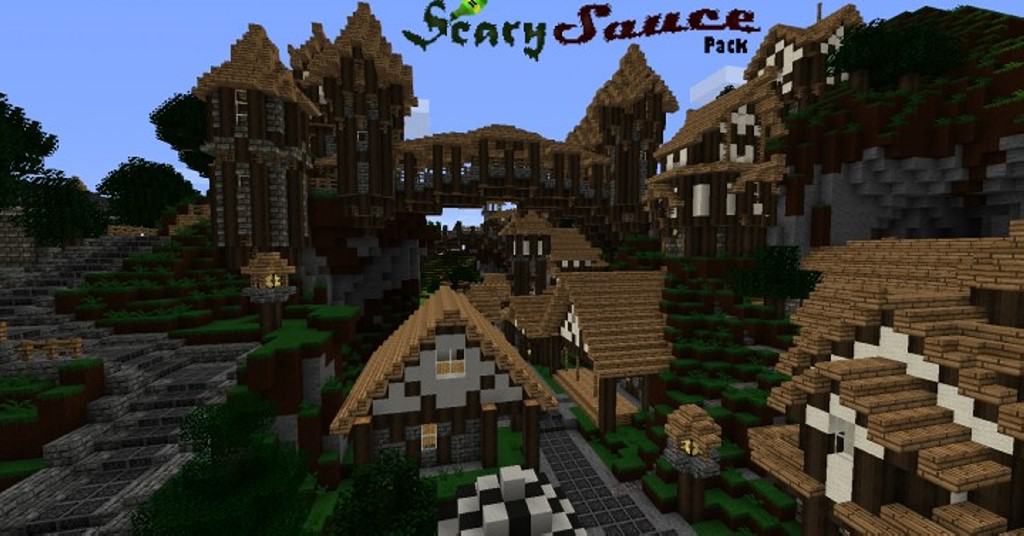
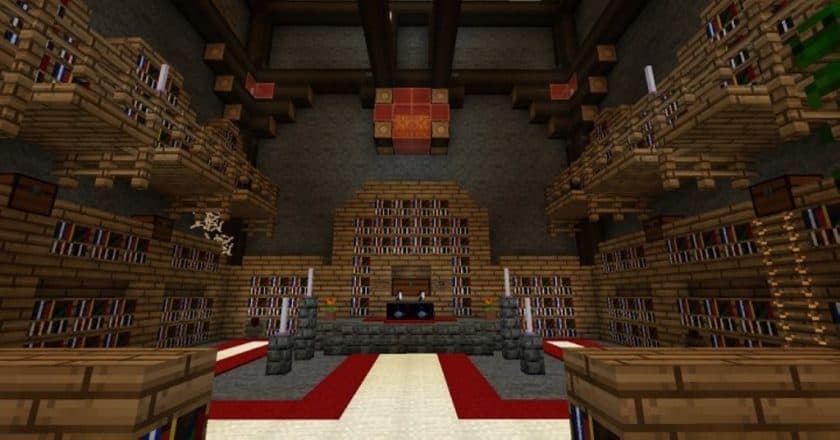
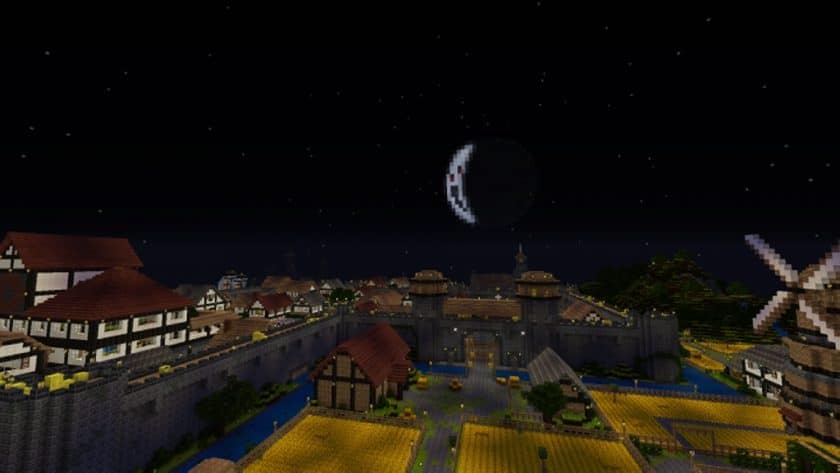
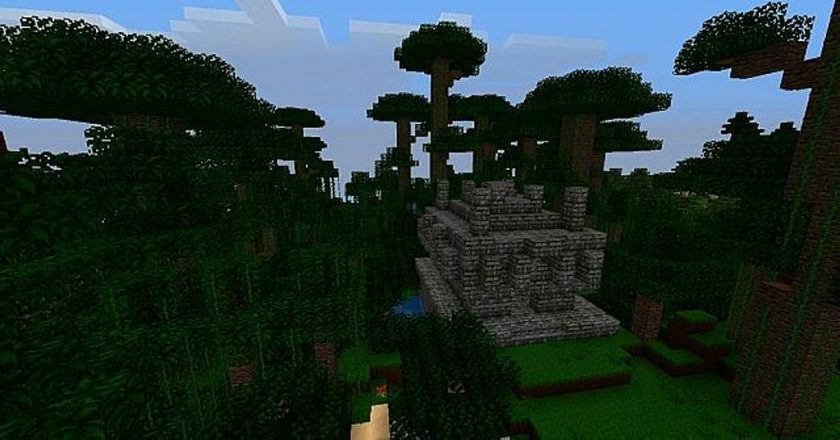
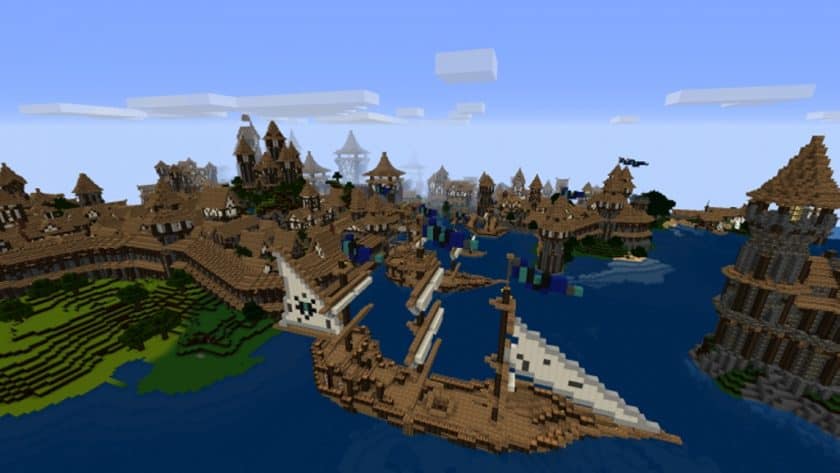
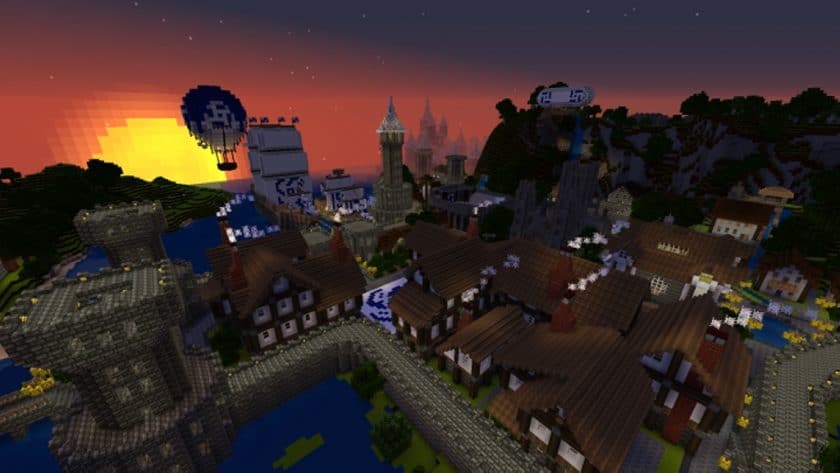
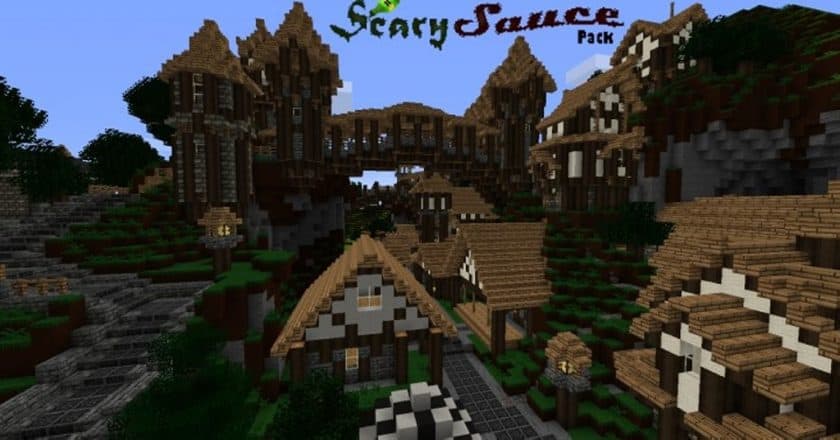
Stepping into a world transformed by the ScarySauce Resource Pack, you immediately shed the familiar brightness of vanilla Minecraft for something much more atmospheric and rich with history. Despite its rather misleading name, there’s nothing overtly “scary” about this pack; instead, it’s a captivating journey back to the heart of the Middle Ages. From the moment you load into your world, you’ll feel the weight of its immersive medieval and fantasy inspiration, echoing the grand narratives of classic games.
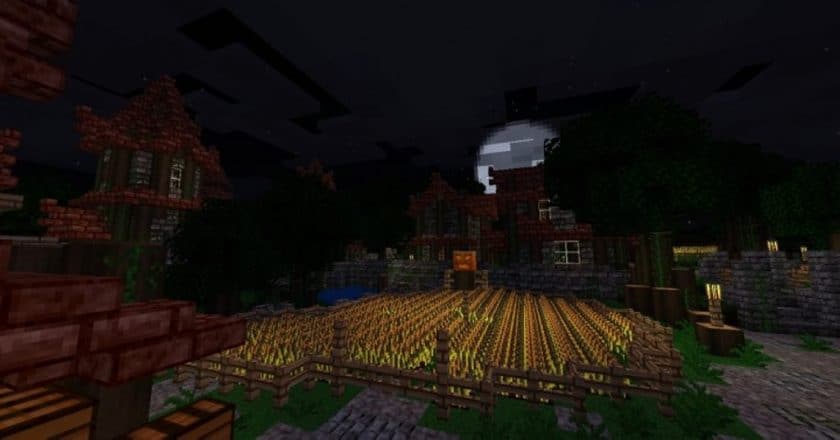
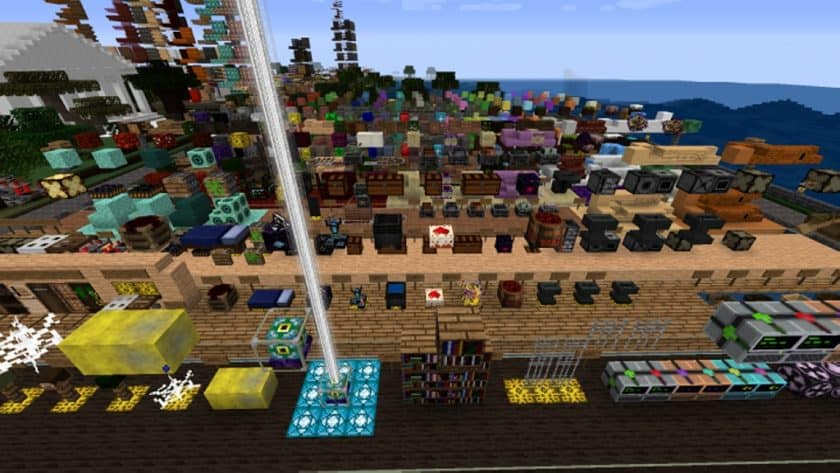
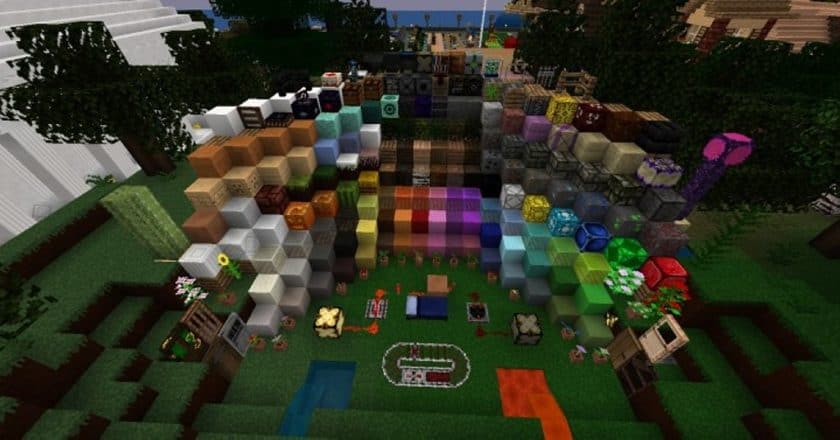
What truly sets the ScarySauce Resource Pack apart is its meticulous attention to detail, evident in the freshly designed items and blocks. Everything feels intentionally crafted, from the weathered textures of stone bricks to the rustic appearance of ordinary blocks, all imbued with a distinct character often overlooked in other packs. The landscape itself takes on a new personality with a palette of darker, duller shades that immediately establish a gloomy, yet profoundly authentic, medieval atmosphere. This isn’t just a simple texture overhaul; it’s a complete shift in the visual language of your Minecraft experience, allowing for the creation of intricate fantasy and medieval structures that truly pop against the revised backdrop.
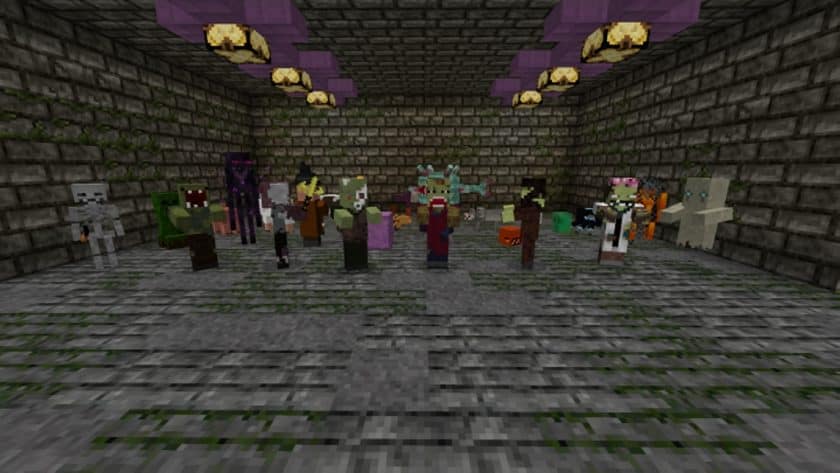
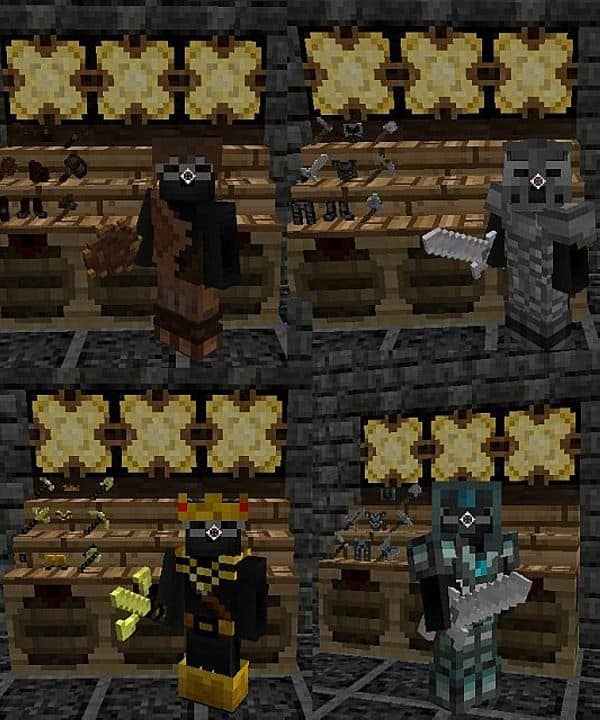
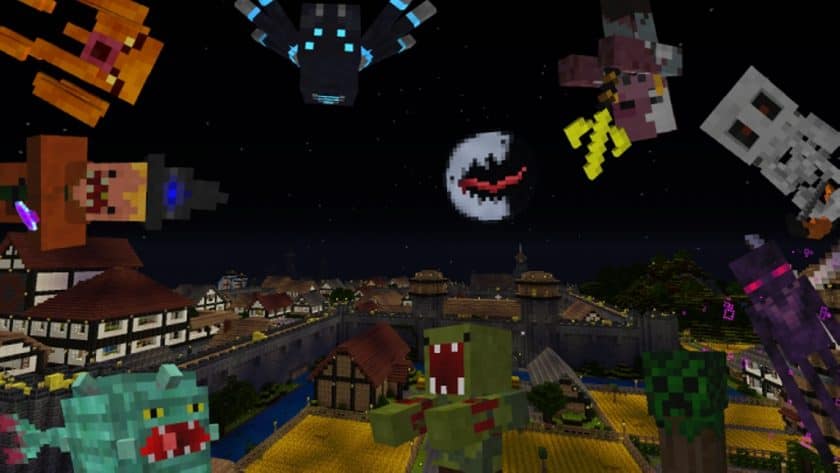
Beyond the scenery, the pack makes subtle yet impactful changes that redefine your role within the game. You’ll discover updated weapon and armor designs that instantly transform your character into a heroic knight, ready to embark on epic quests across the land. Even the small, often-forgotten details like sugarcane receive a fresh look, demonstrating the developer’s commitment to a cohesive aesthetic. The user interface also benefits from thoughtful GUI updates, enhancing immersion without disrupting the core gameplay. Furthermore, mobs have been re-imagined to fit this darker, more stylized world, ensuring that every encounter feels consistent with the pack’s overarching theme.
One of ScarySauce’s significant advantages lies in its optimized performance. Operating at a standard 16×16 resolution, this resource pack ensures that players can fully enjoy the revamped visuals without sacrificing valuable frames per second. You’ll experience smooth gameplay and quick world loading times, making for an enjoyable and uninterrupted adventure through this beautifully crafted medieval realm. The ScarySauce Resource Pack proves that a powerful aesthetic can be achieved without demanding high-end hardware, making it accessible to a wide range of Minecraft players seeking a truly transformative experience.
| Minecraft Version | Compatibility |
|---|---|
| 1.11.2 | ✅ Supported |
| 1.11 | ✅ Supported |
| 1.10.2 | ✅ Supported |
| 1.10 | ✅ Supported |
ScarySauce Resource Pack – Screenshots & Videos

How to Install Texture Pack (Simple 10 Steps)
- Download Optifine: Most of the texture packs and shaders need Optifine. That’s why, first download and install Optifine for the version of Minecraft you want to play.
- Download the Texture Pack: Get the texture pack you want from the download section. Choose the version that works with your Minecraft and your PC’s performance.
- Open Minecraft Launcher: Start Minecraft using the official game launcher – or even TLauncher, if you use that.
- Go to Options: From the main menu, click on the “Options” button.
- Open Resource Packs: Inside Options, click on “Resource Packs…”.
- Open the Resource Pack Folder: Click on “Open Resource Pack Folder” – this will open a folder named “resourcepacks”.
- Move the Pack File: Copy or move the .zip file you downloaded into that “resourcepacks” folder. (Don’t unzip the file – Minecraft uses it as-is!)
- Go Back and Refresh: Close the folder and click “Done”, then go back into “Resource Packs…” again.
- Activate the Pack: You’ll see the pack on the left side. Hover over it and click the arrow to move it to the right (active side). Tip: If you get a message that the pack is for a different version, just click “Yes” – it usually works fine.
- Click Done and Enjoy: Click “Done” again. Now your pack is ready to use in-game. It’s that easy!
Download
(16x) (1.11.x) Download ScarySauce Resource Pack
(16x) (1.10.x) Download ScarySauce Resource Pack
Official links:
Check out the ScarySauce Resource Pack on the official resource
Download Instructions
-
CurseForge: If the pack is hosted on CurseForge, the download will begin automatically after a few seconds. If it does not start, use the “Download” button shown on the page.
-
Modrinth: If the download is from Modrinth, click the file version that matches your Minecraft build, then press the Download button. Modrinth usually offers multiple releases, so make sure you pick the correct version before installing.
-
Mediafire: On Mediafire, click the large blue Download button to start the file download. Avoid any extra pop-ups or buttons that are not related to the direct download.
-
Google Drive: For Google Drive, click the small download icon at the top right corner of the page. It looks like a downward arrow. The file will be saved to your computer immediately.
Disclaimer We do not create or modify any of the texture packs or shader packs shared on this website. All credit goes to the original creators, and every download link we provide is the official link from their page, which keeps all downloads safe. Some links may stop working after updates, so if you find a broken one, let us know in the comments and we will update it quickly. If you like a pack, consider supporting the creator by visiting their official page or website that we have linked below, and feel free to leave a comment or vote to help their work reach more players.