
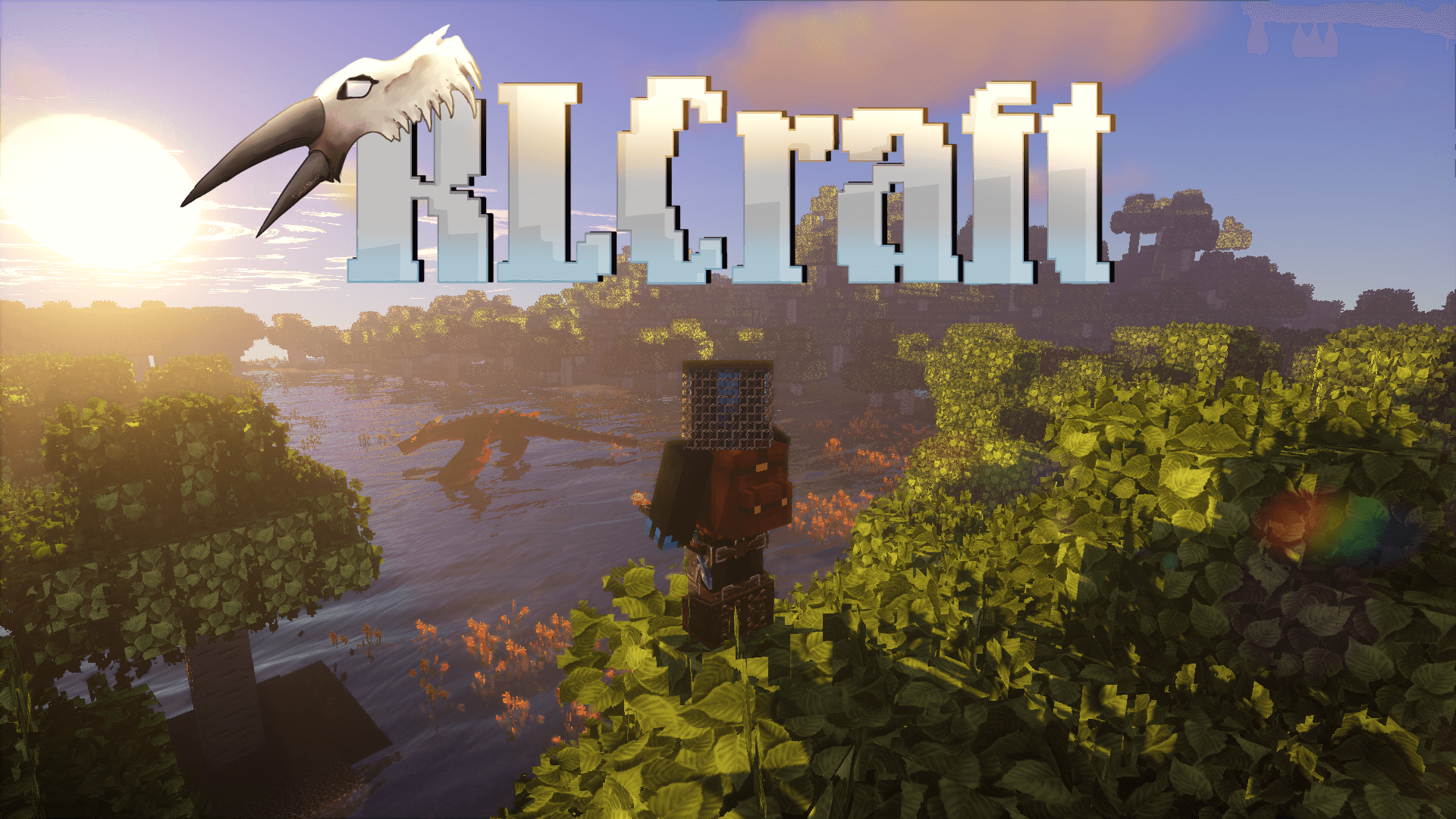
RLCraft is not a modpack you install just to try something new for fun. Even though downloading it from CurseForge is literally one click, surviving inside it is a completely different story.
This modpack takes Minecraft and removes every safety net you are used to. You are no longer the center of the world. You are not strong. You are not special. The world does not care if you just spawned or if you lost everything five minutes ago.
That is exactly why RLCraft still feels fresh even after all these years. It turns Minecraft into a true survival experience where learning the mechanics matters more than rushing progress.
If vanilla Minecraft feels too predictable and most modpacks feel too forgiving, RLCraft exists to remind you how dangerous Minecraft can actually be.
What Is RLCraft
RLCraft is a hardcore survival modpack built around realism, difficulty, and long-term progression. It combines a large number of mods that completely change how basic Minecraft systems work.
You cannot punch trees. You cannot ignore hunger. You cannot fight everything you see. Temperature, thirst, body damage, and skill levels all play a role in how you survive.
Even movement feels different. Jumping, swimming, and sprinting without thinking can get you killed. Simple actions suddenly have consequences.
This is not difficulty for the sake of difficulty. It is about making the world feel hostile and alive.
How RLCraft Feels to Play
The biggest change RLCraft makes is how you think while playing.
In vanilla Minecraft, danger disappears quickly. In RLCraft, danger never fully goes away. Nights are genuinely scary. Caves are not early-game content anymore. Even forests can hide mobs that destroy you in seconds.
Progression is slow but meaningful. Getting basic tools feels rewarding again. Finding shelter actually matters. Learning which mobs to avoid becomes a survival skill.
Deaths are common, especially early on. But instead of feeling unfair, they teach you how the world works. Every death adds knowledge, not just frustration.
This is also why RLCraft works so well with shaders. The atmosphere is already heavy, and good lighting makes the experience even more intense.
Performance Requirements and Hardware Reality
RLCraft is not lightweight. It is important to be honest about this.
The modpack is CPU-heavy and uses a lot of RAM. Even without shaders, it runs much heavier than vanilla Minecraft.
Here is a realistic expectation.
For playable performance without shaders:
-
CPU: Intel i5 4th gen or Ryzen 3
-
RAM: 6 to 8 GB allocated to Minecraft
-
GPU: Any dedicated GPU like GT 1030 or better
-
Storage: SSD recommended
For smooth gameplay with shaders:
-
CPU: Intel i5 9th gen or Ryzen 5 3600
-
GPU: GTX 1660, RTX 2060, or RX 6600
-
RAM: 8 to 10 GB allocated
-
SSD: Strongly recommended
If you are on a low-end PC or laptop, RLCraft can still run, but you will need lower render distance and no shaders. Stable FPS matters more than high FPS here.
FPS Mindset for RLCraft
RLCraft is not about 144 FPS. It is about consistency.
A stable 45 to 60 FPS is completely fine. What you want to avoid are sudden frame drops during combat or exploration. That is when things go wrong.
Lower render distance. Reduce particles. Disable unnecessary visual effects. These changes improve survival more than visual quality ever will.
How to Download and Install RLCraft (CurseForge Method)
Since you are using the official CurseForge page, this is the safest and easiest way to install RLCraft.
Step 1: Install CurseForge
Download and install the CurseForge launcher. This launcher handles the correct Minecraft version, Forge loader, and all required mods automatically.
Step 2: Find RLCraft
Open CurseForge, go to the Minecraft section, and search for RLCraft.
Make sure you are selecting the original modpack and not a random copy.
Step 3: Install the Modpack
Open the RLCraft page and click Install. CurseForge will download everything needed. This may take some time because the pack is large.
Step 4: Allocate Enough RAM
Before launching, open the profile settings and set RAM allocation:
-
Minimum: 6 GB
-
Recommended: 8 GB if your system allows
This step is extremely important. Leaving default RAM often causes stutters or crashes.
Step 5: First Launch Without Shaders
Launch the modpack once without shaders. This allows the game to generate all config files properly. After confirming it runs fine, close the game.
Best Shaders to Use with RLCraft
Shaders are optional, but they can make RLCraft feel even more immersive if used correctly.
Lightweight shaders work best here. Soft lighting and shadows add atmosphere without killing performance.
Good options include:
-
BSL on low or medium settings
-
Complementary on performance profiles
-
Derivative-style shaders with minimal post-processing
Avoid ultra-heavy realistic shaders. RLCraft already stresses your CPU, and stacking heavy shaders on top usually results in poor performance.
The goal is mood, not realism.
Who RLCraft Is Made For
RLCraft is not for every Minecraft player.
If you enjoy casual building, relaxed exploration, or fast progression, this modpack will feel exhausting. It punishes rushing and rewards patience.
RLCraft is perfect for players who:
-
Want Minecraft to feel dangerous again
-
Enjoy learning complex systems
-
Like slow, meaningful progression
-
Prefer survival over comfort
If losing progress frustrates you easily, this modpack will test your limits.
My Personal Take on RLCraft
RLCraft is one of those modpacks I do not play all the time, but I always come back to.
It reminds me that Minecraft is not just about building pretty things. It is about surviving in a world that does not care about you. Every small success feels earned.
It is frustrating. It is brutal. And that is exactly why surviving even one night feels satisfying.
Get the RLCraft Modpack
You can download the official RLCraft modpack directly from CurseForge. This is the safest source and ensures you get the correct version with all required files.
Final Thoughts
RLCraft is not just harder Minecraft. It is a completely different mindset.
If you treat it like vanilla, it will punish you. If you slow down, learn the systems, and respect the world, it becomes one of the most rewarding survival experiences Minecraft has to offer.
Just remember one thing before you start.
This world does not care about you.
Surviving in it is your responsibility.
