
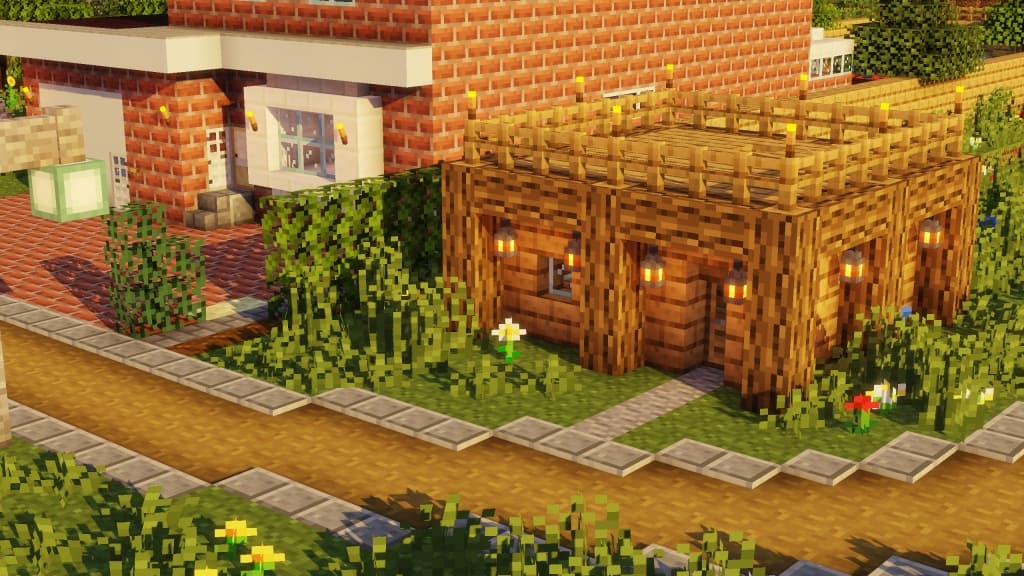
Stepping into a world powered by the F8thful Resource Pack instantly feels like a familiar embrace, yet with a crisp, revitalized edge. This remarkable pack doesn’t aim to reinvent Minecraft’s iconic look but rather to refine and enhance it, making it accessible and enjoyable for a broader range of hardware. Primarily designed with an 8×8 resolution, F8thful ingeniously halves the texture detail from Minecraft’s default 16×16, resulting in a significantly lighter load on your system. This translates to wonderfully smoother performance, whether you’re adventuring on an older PC or exploring new biomes on a mobile device.
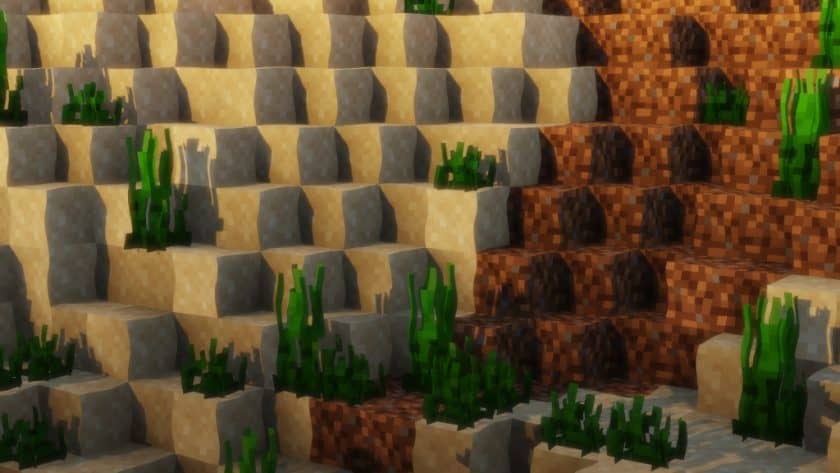
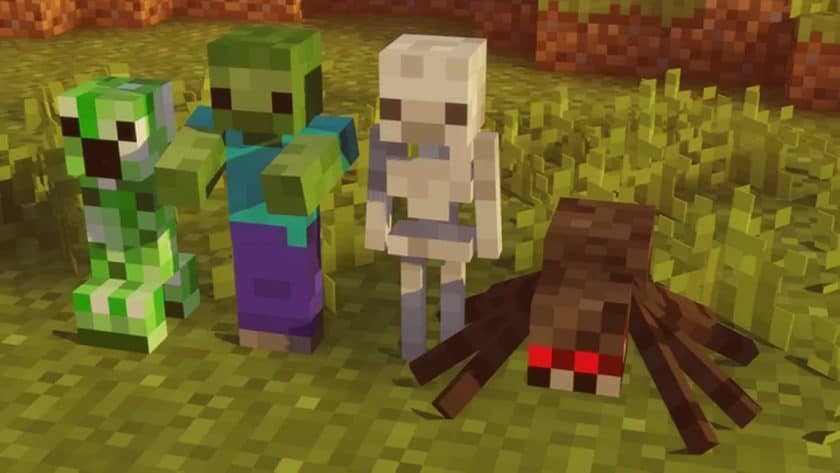
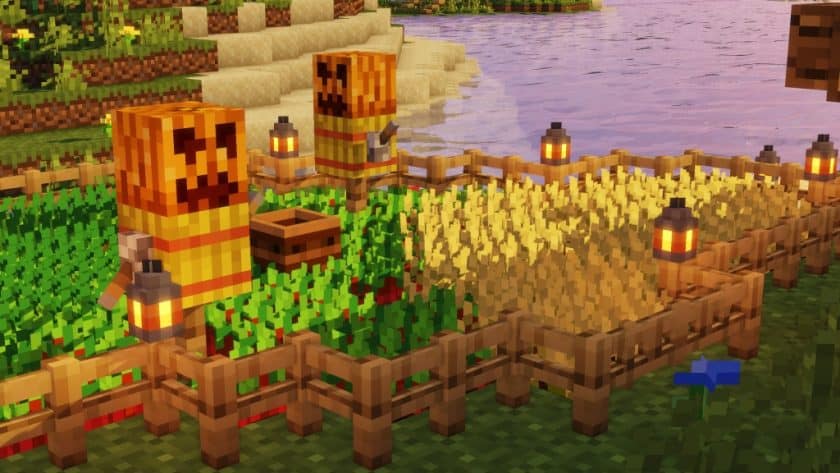
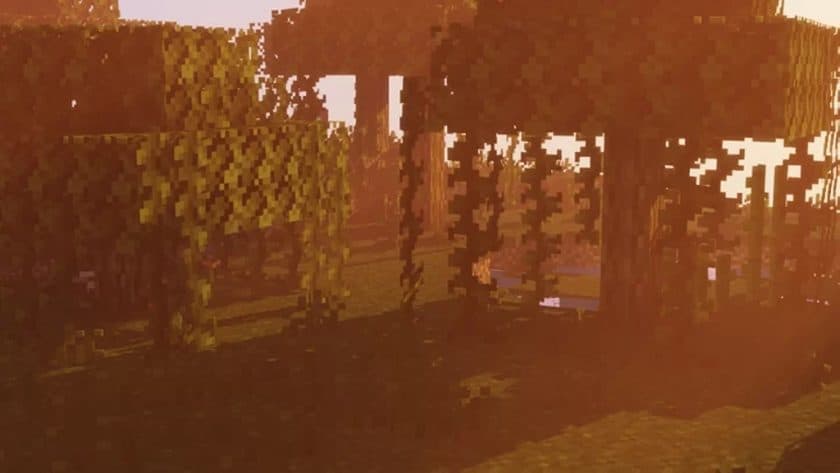
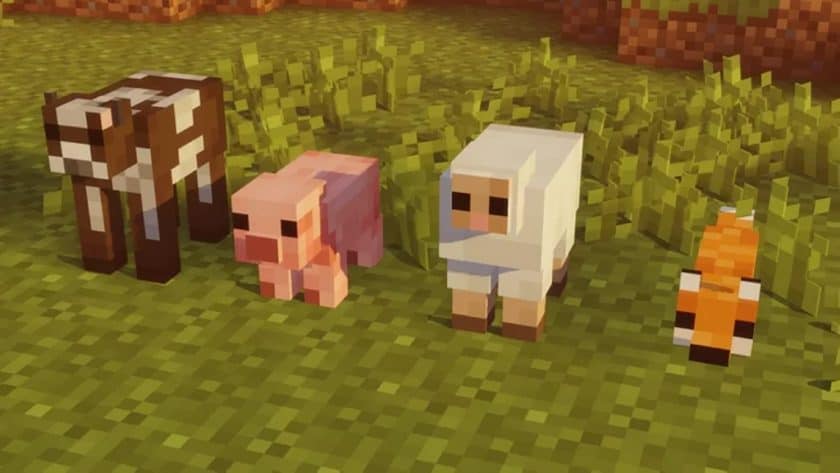
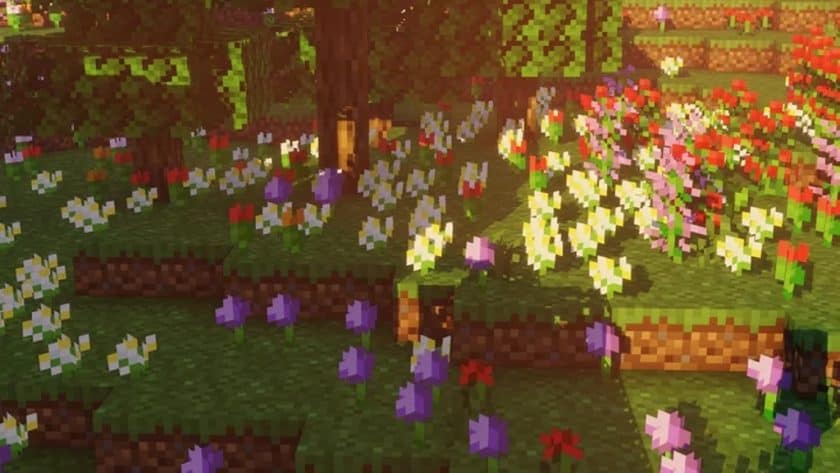
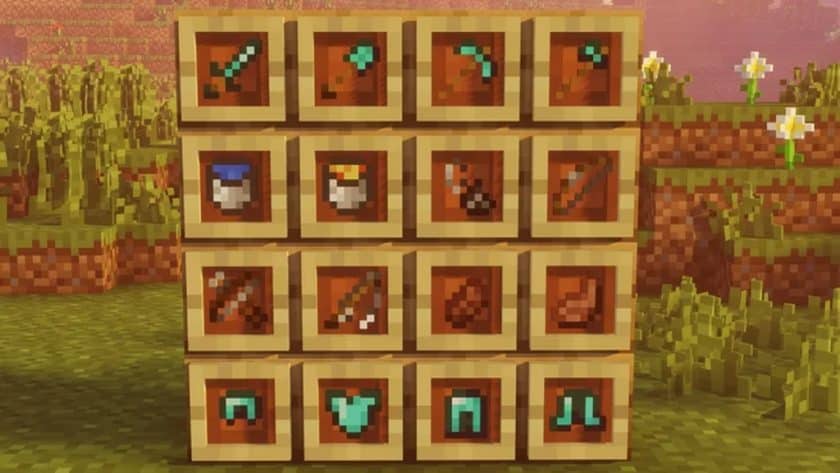
Despite the reduced pixel count, the F8thful pack maintains the core essence of Minecraft’s aesthetic. Blocks, items, and even the creatures you encounter remain instantly recognizable, though now presented with a cleaner, more pixel-perfect finish. The world takes on a delightfully “neat” and tidy appearance, almost like a carefully crafted digital diorama. Every texture, from the rough stone of a mountain to the intricate patterns on a crafting table, feels intentional and simplified without losing its character.
Playing with F8thful is an experience of pure, unadulterated Minecraft. Building elaborate structures feels more precise, exploring vast landscapes becomes less taxing, and even battling hordes of mobs feels snappier. There’s a certain charm to its subtle retro vibe, which harks back to simpler times while still feeling perfectly at home in modern Minecraft versions. This pack is a testament to the idea that sometimes, less is truly more. It’s for players who cherish the original art style but yearn for an optimization boost, ensuring their gameplay is fluid and responsive without sacrificing the beloved visual identity of their blocky world. It truly offers a seamless blend of classic charm and optimized playability, making every in-game moment more enjoyable.
| Minecraft Version | Compatibility |
|---|---|
| 1.21 | ✅ Supported |
| 1.20.6 – 1.20 | ✅ Supported |
| 1.19.4 – 1.19 | ✅ Supported |
| 1.18.2 – 1.18 | ✅ Supported |
| 1.17.1 – 1.17 | ✅ Supported |
| 1.16.5 – 1.16 | ✅ Supported |
| 1.15.2 – 1.15 | ✅ Supported |
| 1.8.9 – 1.8.6 | ✅ Supported |
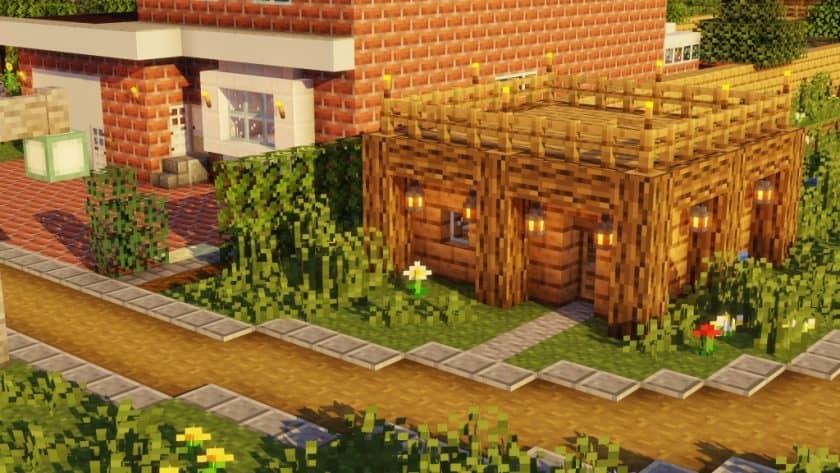
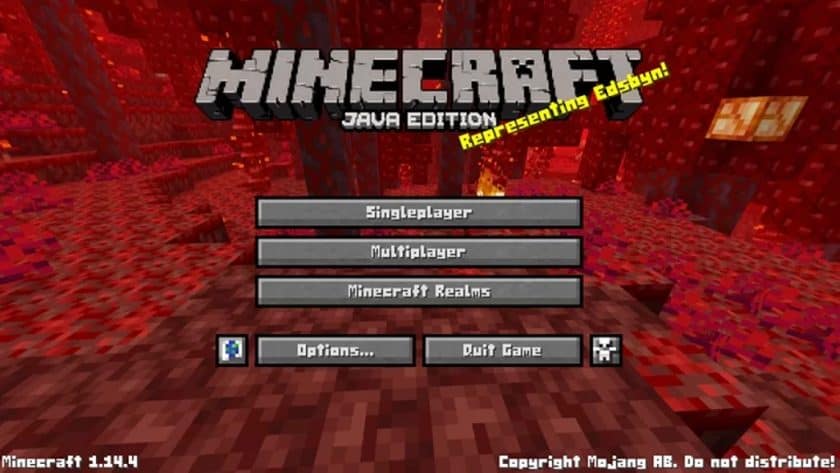
F8thful Resource Pack – Screenshots & Videos
How to Install Texture Pack (Simple 10 Steps)
- Download Optifine: Most of the texture packs and shaders need Optifine. That’s why, first download and install Optifine for the version of Minecraft you want to play.
- Download the Texture Pack: Get the texture pack you want from the download section. Choose the version that works with your Minecraft and your PC’s performance.
- Open Minecraft Launcher: Start Minecraft using the official game launcher – or even TLauncher, if you use that.
- Go to Options: From the main menu, click on the “Options” button.
- Open Resource Packs: Inside Options, click on “Resource Packs…”.
- Open the Resource Pack Folder: Click on “Open Resource Pack Folder” – this will open a folder named “resourcepacks”.
- Move the Pack File: Copy or move the .zip file you downloaded into that “resourcepacks” folder. (Don’t unzip the file – Minecraft uses it as-is!)
- Go Back and Refresh: Close the folder and click “Done”, then go back into “Resource Packs…” again.
- Activate the Pack: You’ll see the pack on the left side. Hover over it and click the arrow to move it to the right (active side). Tip: If you get a message that the pack is for a different version, just click “Yes” – it usually works fine.
- Click Done and Enjoy: Click “Done” again. Now your pack is ready to use in-game. It’s that easy!
Download
Bedrock Edition:
(8x) (1.17.x) Download F8thful Resource Pack
(8x) (1.16.x – 1.15.x) Download F8thful Resource Pack
(8x) (1.14.x) Download F8thful Resource Pack
Java Edition:
(8x) (1.21.x – 1.20.2) Download F8thful Resource Pack
(8x) (1.20.1 – 1.20) Download F8thful Resource Pack
(8x) (1.19.x) Download F8thful Resource Pack
(8x) (1.18.x) Download F8thful Resource Pack
(8x) (1.17.x) Download F8thful Resource Pack
(8x) (1.16.x – 1.15.x) Download F8thful Resource Pack
(8x) (1.8.x) Download F8thful Resource Pack
Download Instructions
-
CurseForge: If the pack is hosted on CurseForge, the download will begin automatically after a few seconds. If it does not start, use the “Download” button shown on the page.
-
Modrinth: If the download is from Modrinth, click the file version that matches your Minecraft build, then press the Download button. Modrinth usually offers multiple releases, so make sure you pick the correct version before installing.
-
Mediafire: On Mediafire, click the large blue Download button to start the file download. Avoid any extra pop-ups or buttons that are not related to the direct download.
-
Google Drive: For Google Drive, click the small download icon at the top right corner of the page. It looks like a downward arrow. The file will be saved to your computer immediately.
Disclaimer We do not create or modify any of the texture packs or shader packs shared on this website. All credit goes to the original creators, and every download link we provide is the official link from their page, which keeps all downloads safe. Some links may stop working after updates, so if you find a broken one, let us know in the comments and we will update it quickly. If you like a pack, consider supporting the creator by visiting their official page or website that we have linked below, and feel free to leave a comment or vote to help their work reach more players.
