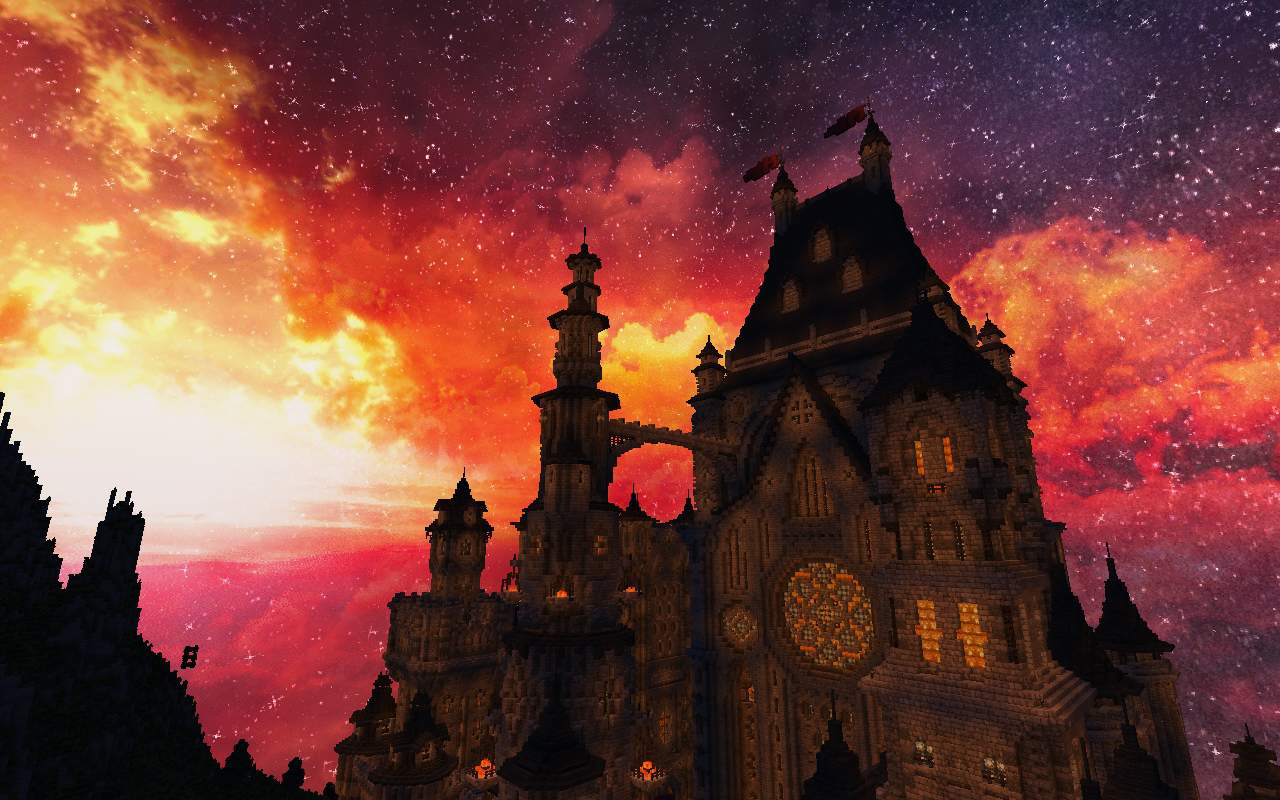
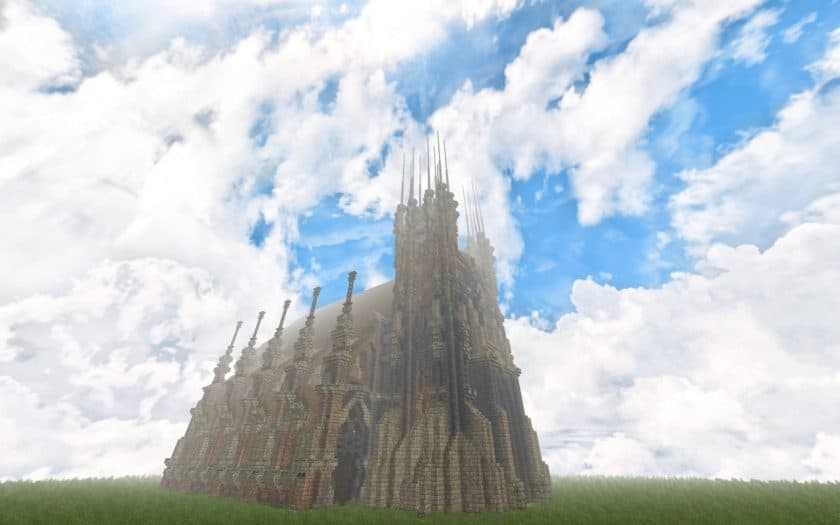
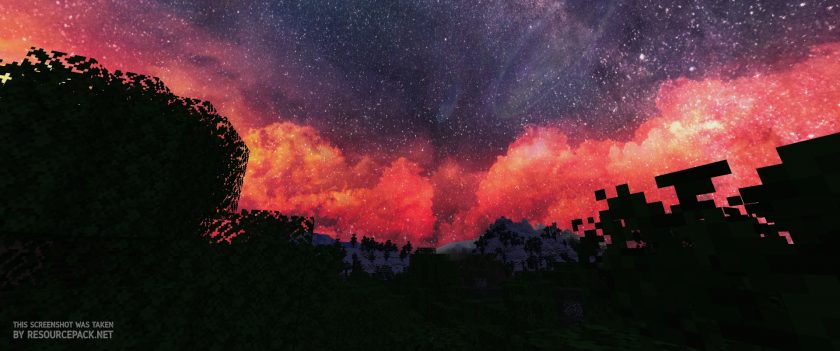
The world of Minecraft is vast and captivating, but for many players, the sky above remains a rather static backdrop, changing only in hue with the progression of day and night. Enter the Revived Space resource pack, formerly known as Epic Horizon, a truly transformative addition that redefines the overhead experience. This pack doesn’t just tweak colors; it introduces a dynamic, full-scale celestial canvas that evolves as you adventure, offering a breathtaking new dimension to your Minecraft world. Its singular focus on the sky sets it apart from typical resource packs, which often prioritize terrain and block aesthetics. While those packs enhance the ground beneath your feet, Revived Space ensures that your gaze upwards is met with equally stunning visuals, replacing the familiar plain sky with an extraordinary, realistic vista.
From the moment you install Revived Space, you’ll notice an immediate and profound change. The sky is no longer a mere painted texture but a living entity, with high-resolution details that render clouds with super-realistic fluffiness and dynamic weather events that bring new life to rain, sun, and snow. Imagine exploring your carefully crafted builds or vast landscapes under a sky that shifts with vibrant, exciting colors and intricate atmospheric effects. The dedication of its creator is evident, having invested several months into perfecting these massive 1024×1024 textures, which speak volumes about the quality and visual richness awaiting players. While the pack exclusively enhances the sky, leaving terrain and blocks in their vanilla state, it harmonizes beautifully with other resource packs like Norzeteus Space for a futuristic feel or OzoCraft for a more realistic yet familiar look, allowing for a complete visual overhaul if desired.
However, to fully unlock the magic of Revived Space, the installation of Optifine is essential. Without it, the custom sky features will remain dormant, and you’ll find yourself looking at the default Minecraft sky. Once Optifine is in place, navigating to your in-game video settings and enabling the “Custom Sky” option (found under ESC > Option > Video Setting > Quality) will bring the celestial wonders to life. This requirement underscores the pack’s advanced graphical capabilities, which, coupled with its high-resolution textures, mean a PC with robust hardware is recommended to maintain smooth frame rates. For players who cherish Minecraft’s core aesthetic but crave a significantly upgraded and immersive overhead experience, Revived Space offers an unparalleled journey into a sky reimagined, making every dawn and dusk a moment to behold.
Revived Space (formerly Epic Horizon) is compatible with all of the following Minecraft versions: 1.19.2 – 1.19.1 – 1.19 – 1.18.2 – 1.18.1 – 1.18 – 1.17.1 – 1.17 – 1.16.5 – 1.16.4 – 1.16.3 – 1.16.2 – 1.16.1 – 1.16 – 1.15.2 – 1.15.1 – 1.15 – 1.14.4 – 1.14.3 – 1.14.2 – 1.14 – 1.13.2 – 1.13.1 – 1.13 – 1.11.2 – 1.11 – 1.10.2 – 1.10 – 1.9.4 – 1.9
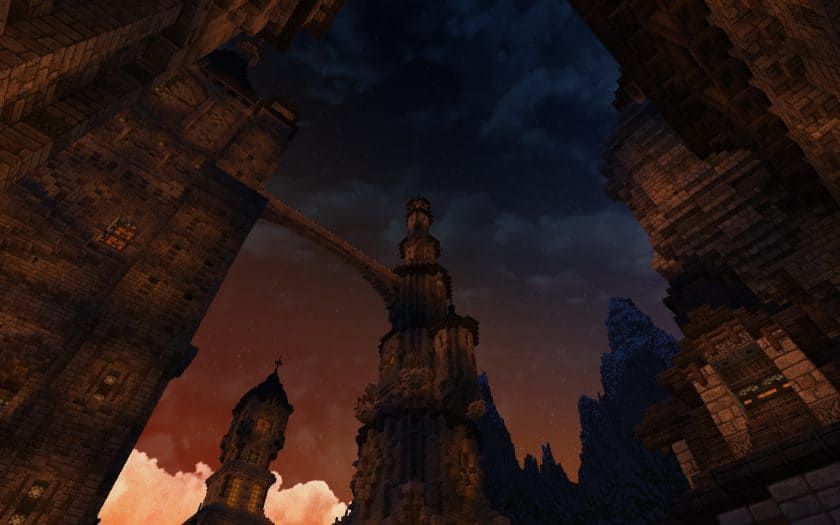
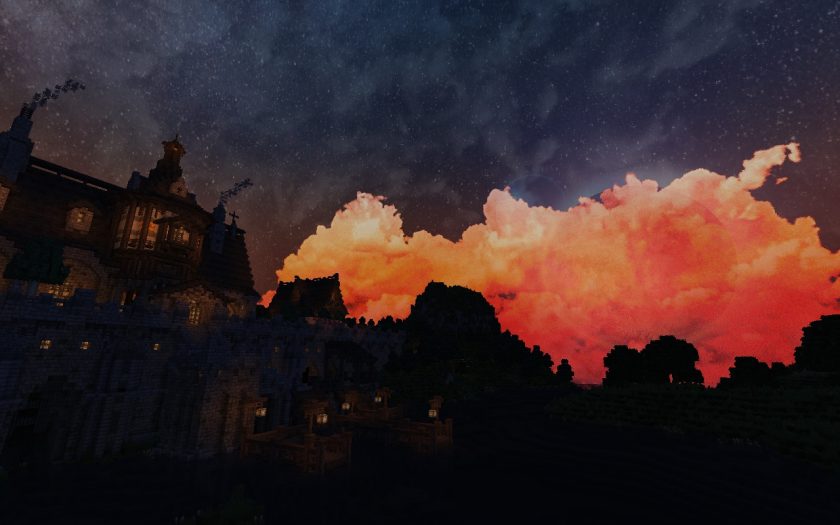
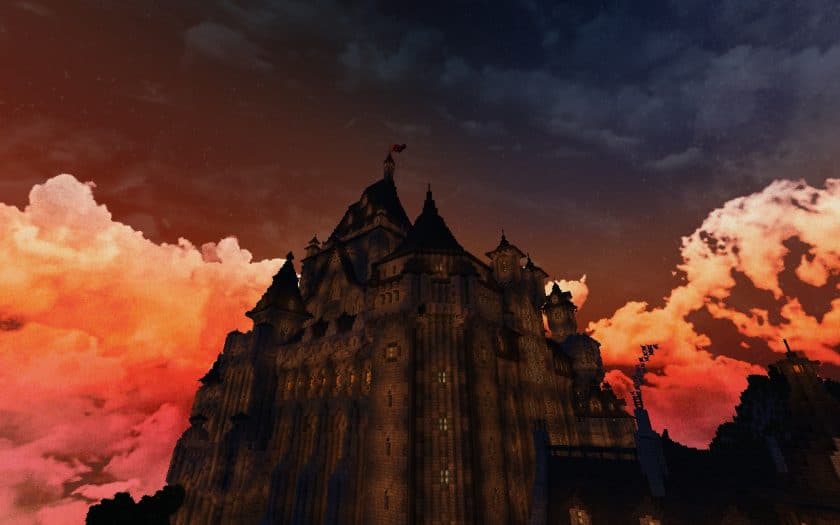
Revived Space (formerly Epic Horizon) – Screenshots
How to Install Texture Pack (Simple 10 Steps)
- Download Optifine: Most of the texture packs and shaders need Optifine. That’s why, first download and install Optifine for the version of Minecraft you want to play.
- Download the Texture Pack: Get the texture pack you want from the download section. Choose the version that works with your Minecraft and your PC’s performance.
- Open Minecraft Launcher: Start Minecraft using the official game launcher – or even TLauncher, if you use that.
- Go to Options: From the main menu, click on the “Options” button.
- Open Resource Packs: Inside Options, click on “Resource Packs…”.
- Open the Resource Pack Folder: Click on “Open Resource Pack Folder” – this will open a folder named “resourcepacks”.
- Move the Pack File: Copy or move the .zip file you downloaded into that “resourcepacks” folder. (Don’t unzip the file – Minecraft uses it as-is!)
- Go Back and Refresh: Close the folder and click “Done”, then go back into “Resource Packs…” again.
- Activate the Pack: You’ll see the pack on the left side. Hover over it and click the arrow to move it to the right (active side). Tip: If you get a message that the pack is for a different version, just click “Yes” – it usually works fine.
- Click Done and Enjoy: Click “Done” again. Now your pack is ready to use in-game. It’s that easy!
Download
Java Edition:
[1024x] [1.19.x – 1.13.x] Download Revived Space Resource Pack – just click “Yes” when the incompatibility message “made for an older version” appears, it will work;
Mediafire: click the big blue button with the text “DOWNLOAD”;
Google Drive: in the top right corner you will see a small download icon (down arrow), click it and the download should start;
Download Instructions
- CurseForge: If the pack is hosted on CurseForge, the download will begin automatically after a few seconds. If it does not start, use the “Download” button shown on the page.
- Modrinth: If the download is from Modrinth, click the file version that matches your Minecraft build, then press the Download button. Modrinth usually offers multiple releases, so make sure you pick the correct version before installing.
- Mediafire: On Mediafire, click the large blue Download button to start the file download. Avoid any extra pop-ups or buttons that are not related to the direct download.
- Google Drive: For Google Drive, click the small download icon at the top right corner of the page. It looks like a downward arrow. The file will be saved to your computer immediately.
Disclaimer We do not create or modify any of the texture packs or shader packs shared on this website. All credit goes to the original creators, and every download link we provide is the official link from their page, which keeps all downloads safe. Some links may stop working after updates, so if you find a broken one, let us know in the comments and we will update it quickly. If you like a pack, consider supporting the creator by visiting their official page or website that we have linked below, and feel free to leave a comment or vote to help their work reach more players.