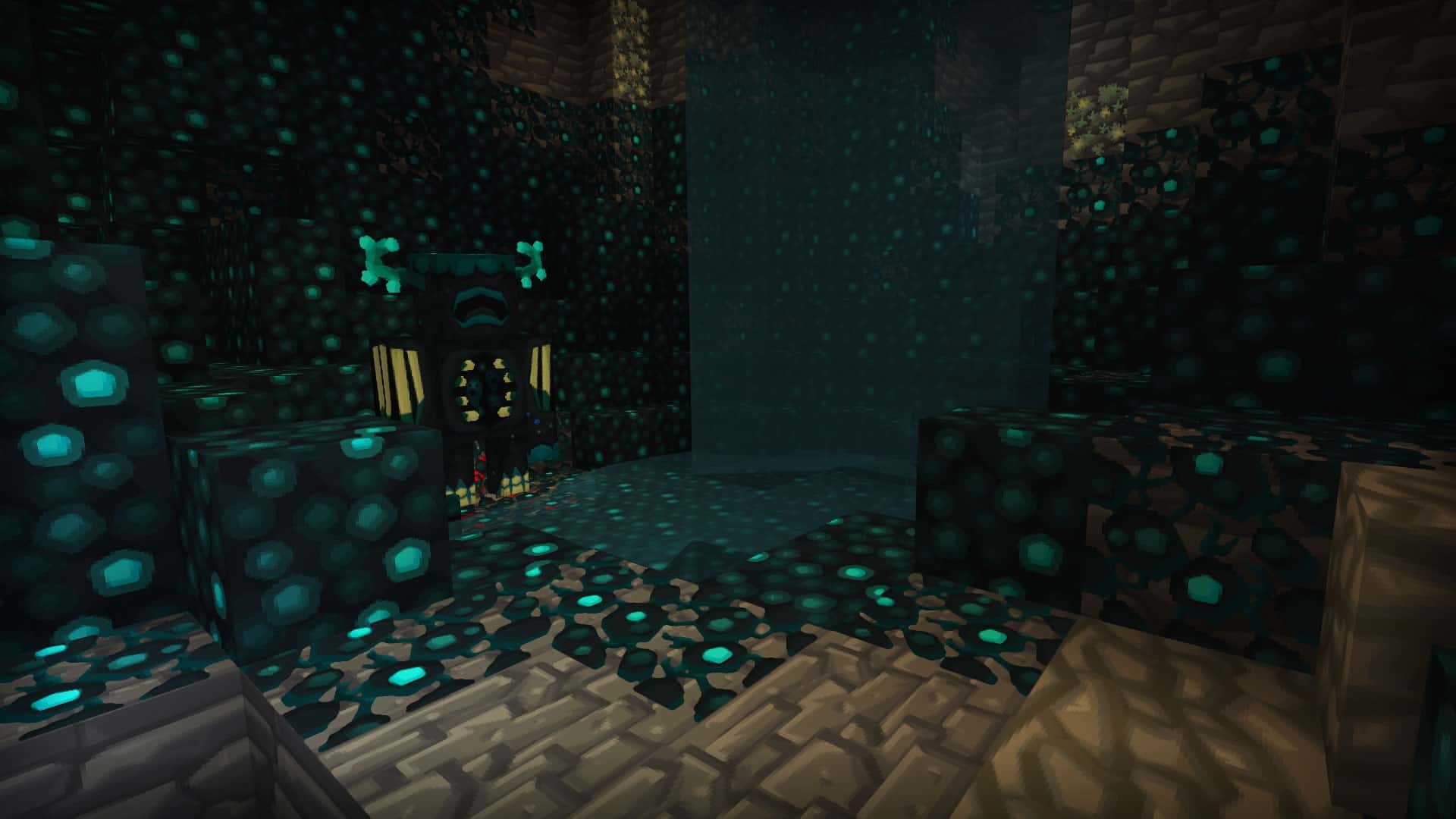
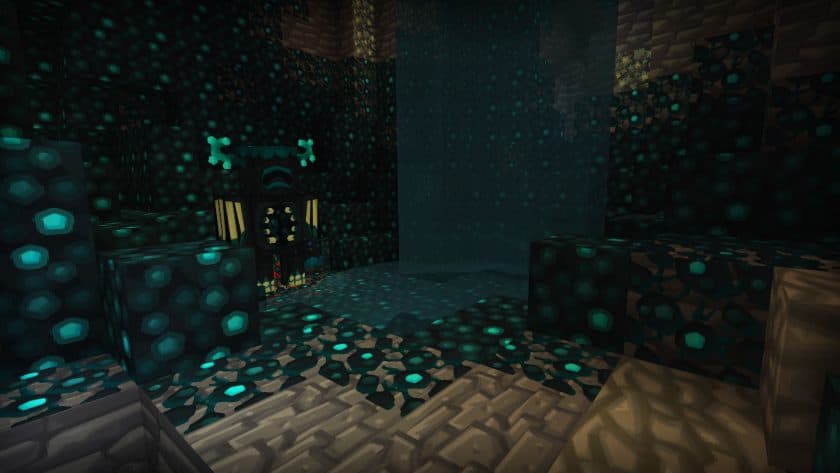
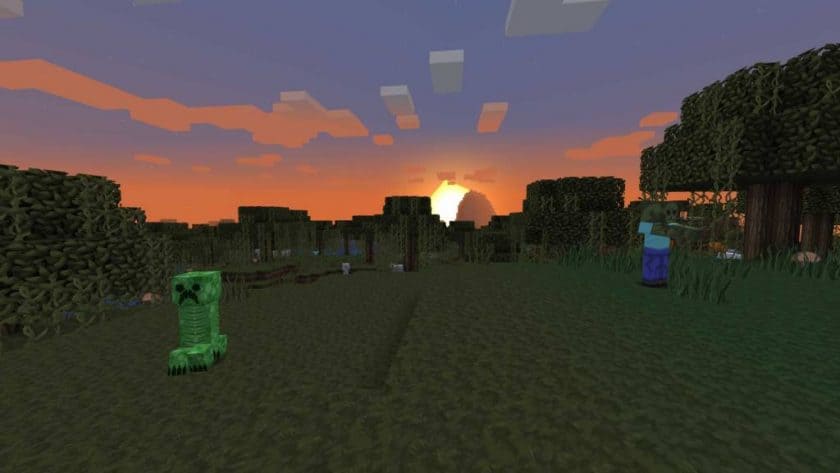
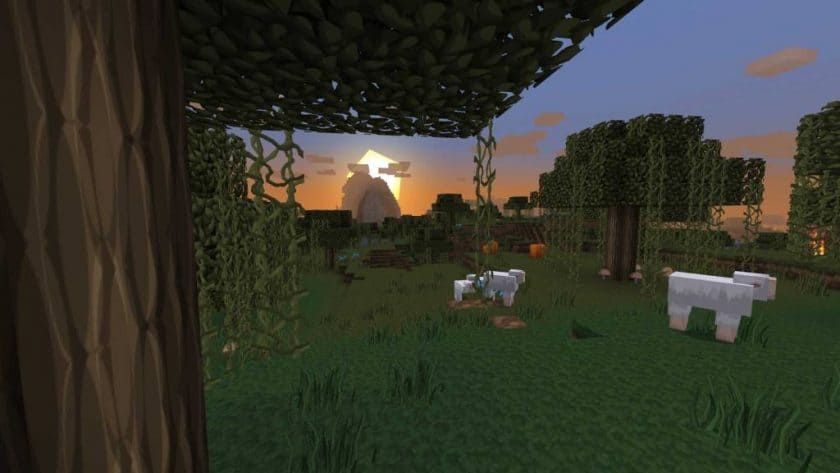
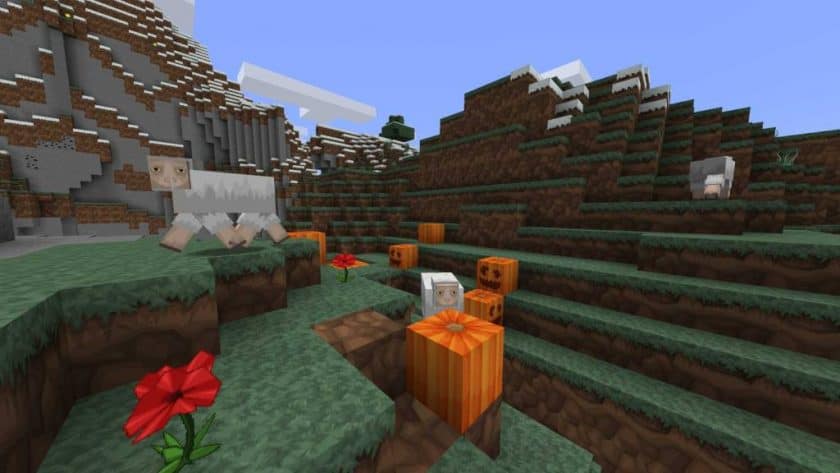
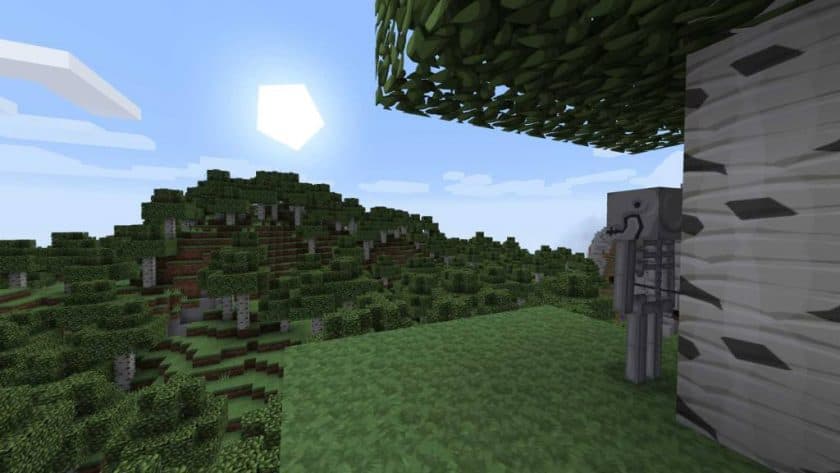
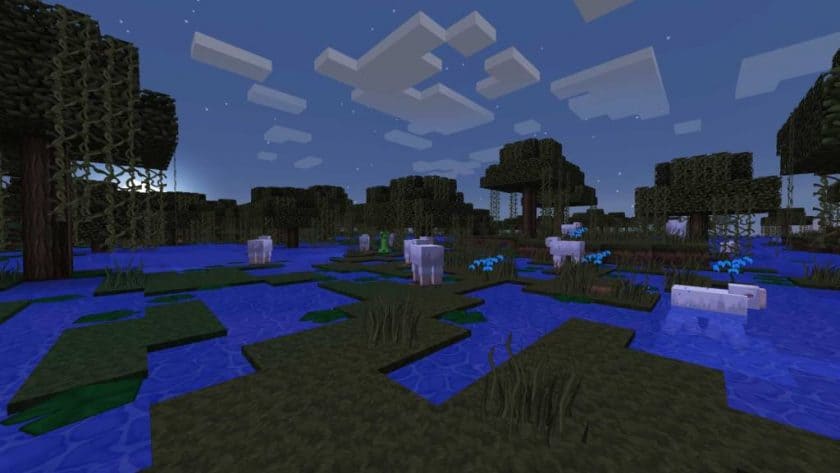
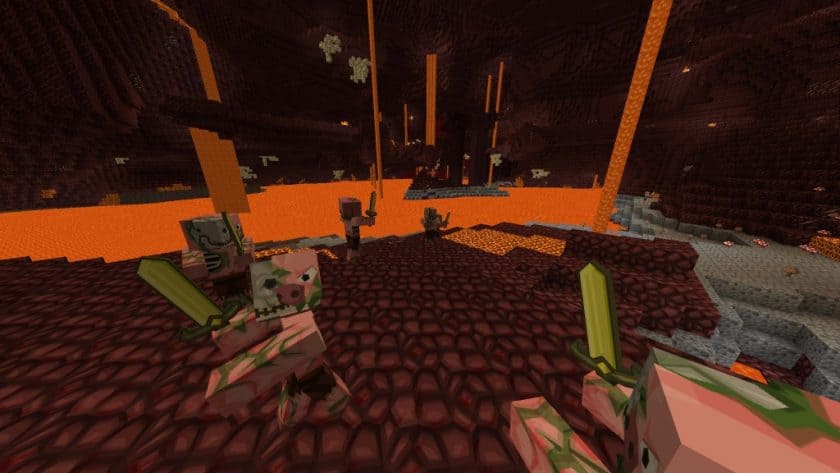
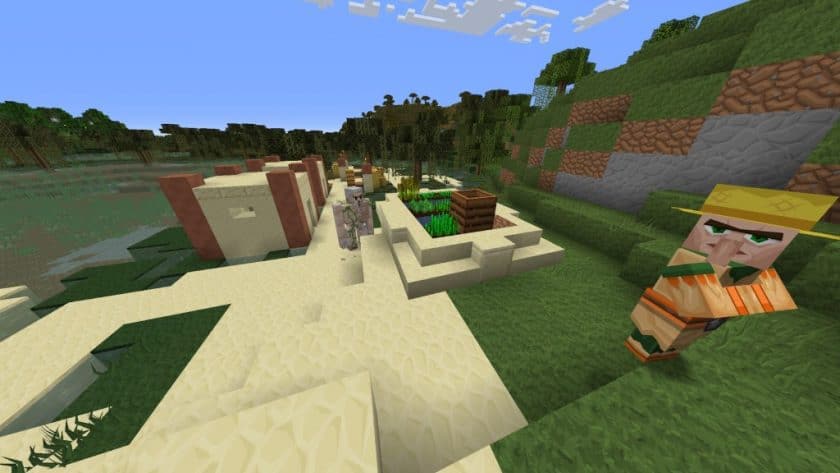
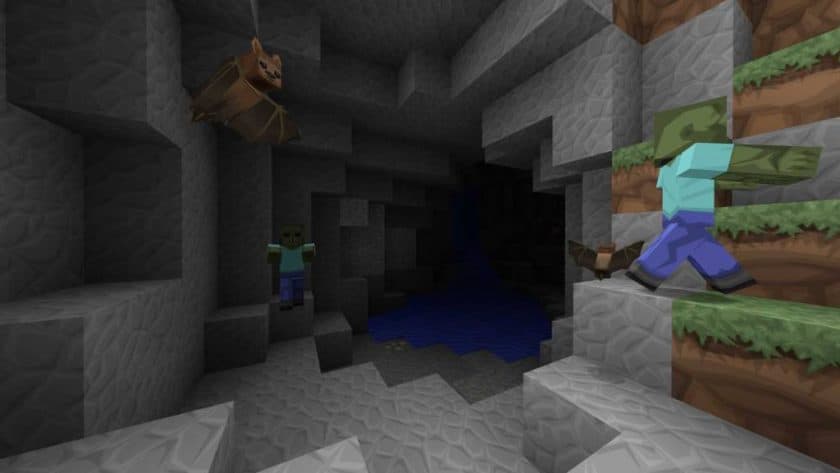
Stepping into a world transformed by the VanillaBDCraft Resource Pack feels like experiencing Minecraft with a fresh pair of eyes, where every block and creature glows with a newfound vibrancy while retaining the heart of the original game. This pack isn’t about radically altering the beloved aesthetic but rather refining it, making everything appear more polished, gorgeous, and undeniably flawless. It’s an artistic reimagining, bringing a clean, cartoon-style visual flair that washes over your entire world, from the simplest dirt block to the most intricate mob designs. You’ll notice immediately how the textures feel smoother and more intentionally crafted, yet they never stray far from the familiar charm that defines Minecraft.
Developed by the same talented team behind the iconic Sphax PureBDCraft bundle, VanillaBDCraft carries a legacy of quality and a deep understanding of what makes a resource pack truly stand out. This particular iteration is a masterclass in subtlety, tailored for players who crave enhanced graphics without sacrificing the authentic Minecraft experience. It’s perfect for builders who want their creations to shine with a crisp, appealing aesthetic, or for explorers who desire a world that feels both new and comfortably familiar. The pack ensures that blocks, items, and even the smallest details on creatures are rendered with brighter, more finely detailed textures, creating an atmosphere that is both inviting and visually satisfying.
One of its significant strengths lies in its commitment to broad accessibility; VanillaBDCraft is designed to work effectively across a vast spectrum of Minecraft versions, making it an easy choice for many players. You won’t typically find yourself wrestling with complex installation processes, as it’s quite straightforward. Whether you’re constructing a grand castle or simply admiring a sunset, this pack elevates the visual journey, offering a delightful blend of basic, appealing designs and enhanced clarity that makes every moment in-game feel more immersive and enjoyable. It truly breathes new life into the vanilla experience, making it a must-try for anyone looking to enjoy Minecraft with an extra layer of visual polish.
VanillaBDCraft is compatible with all of the following Minecraft versions: 1.21.11 – 1.21.10 – 1.21.9 – 1.21.8 – 1.21.7 – 1.21.6 – 1.21.5 – 1.21.4 – 1.21.3 – 1.21.2 – 1.21.1 – 1.21 – 1.20.6 – 1.20.5 – 1.20.4 – 1.20.3 – 1.20.2 – 1.20.1 – 1.20 – 1.19.4 – 1.19.3 – 1.19.2 – 1.19.1 – 1.19 – 1.18.2 – 1.18.1 – 1.18 – 1.17.1 – 1.17 – 1.16.5 – 1.16.4 – 1.16.3 – 1.16.2 – 1.16.1 – 1.16 – 1.15.2 – 1.15.1 – 1.15 – 1.14.4 – 1.14.3 – 1.14.2 – 1.14 – 1.13.2 – 1.13.1 – 1.13 – 1.12.2 – 1.12 – 1.11.2 – 1.11 – 1.10.2 – 1.10 – 1.9.4 – 1.9 – 1.8.9 – 1.8.8 – 1.8.1 – 1.8.6 – 1.8 – 1.7.10 – 1.7.9 – 1.7.4 – 1.7 – Bedrock Edition – PE
VanillaBDCraft Resource Pack – Screenshots & Videos
How to Install Texture Pack (Simple 10 Steps)
- Download Optifine: Most of the texture packs and shaders need Optifine. That’s why, first download and install Optifine for the version of Minecraft you want to play.
- Download the Texture Pack: Get the texture pack you want from the download section. Choose the version that works with your Minecraft and your PC’s performance.
- Open Minecraft Launcher: Start Minecraft using the official game launcher – or even TLauncher, if you use that.
- Go to Options: From the main menu, click on the “Options” button.
- Open Resource Packs: Inside Options, click on “Resource Packs…”.
- Open the Resource Pack Folder: Click on “Open Resource Pack Folder” – this will open a folder named “resourcepacks”.
- Move the Pack File: Copy or move the .zip file you downloaded into that “resourcepacks” folder. (Don’t unzip the file – Minecraft uses it as-is!)
- Go Back and Refresh: Close the folder and click “Done”, then go back into “Resource Packs…” again.
- Activate the Pack: You’ll see the pack on the left side. Hover over it and click the arrow to move it to the right (active side). Tip: If you get a message that the pack is for a different version, just click “Yes” – it usually works fine.
- Click Done and Enjoy: Click “Done” again. Now your pack is ready to use in-game. It’s that easy!
Download
Bedrock Edition:
Get VanillaBDCraft for Bedrock Edition here – VanillaBDCraft is available on the Marketplace for 660 Minecoins.
Java Edition:
Download the VanillaBDCraft Resource Pack from the Official Website
Add-ons:
Font Addon – java edition only, replaces the vanilla minecraft font with a custom comic book font;
Noteblock Addon – java edition only, modifies how the Noteblock looks;
Download Instructions
- CurseForge: If the pack is hosted on CurseForge, the download will begin automatically after a few seconds. If it does not start, use the “Download” button shown on the page.
- Modrinth: If the download is from Modrinth, click the file version that matches your Minecraft build, then press the Download button. Modrinth usually offers multiple releases, so make sure you pick the correct version before installing.
- Mediafire: On Mediafire, click the large blue Download button to start the file download. Avoid any extra pop-ups or buttons that are not related to the direct download.
- Google Drive: For Google Drive, click the small download icon at the top right corner of the page. It looks like a downward arrow. The file will be saved to your computer immediately.
Disclaimer: We do not create or modify any of the texture packs or shader packs shared on this website. All credit goes to the original creators, and every download link we provide is the official link from their page, which keeps all downloads safe. Some links may stop working after updates, so if you find a broken one, let us know in the comments and we will update it quickly. If you like a pack, consider supporting the creator by visiting their official page or website that we have linked below, and feel free to leave a comment or vote to help their work reach more players.