
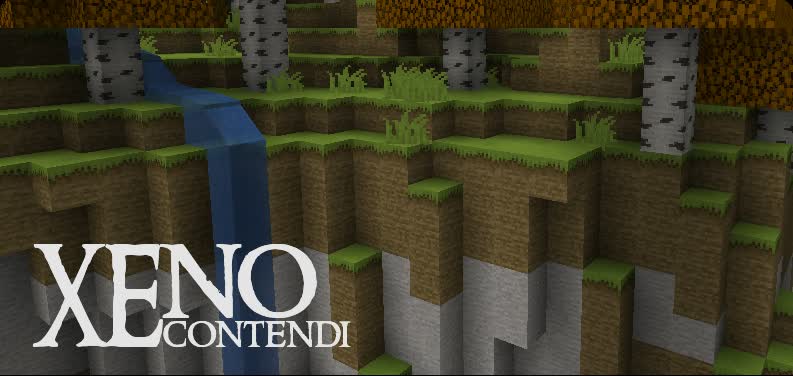
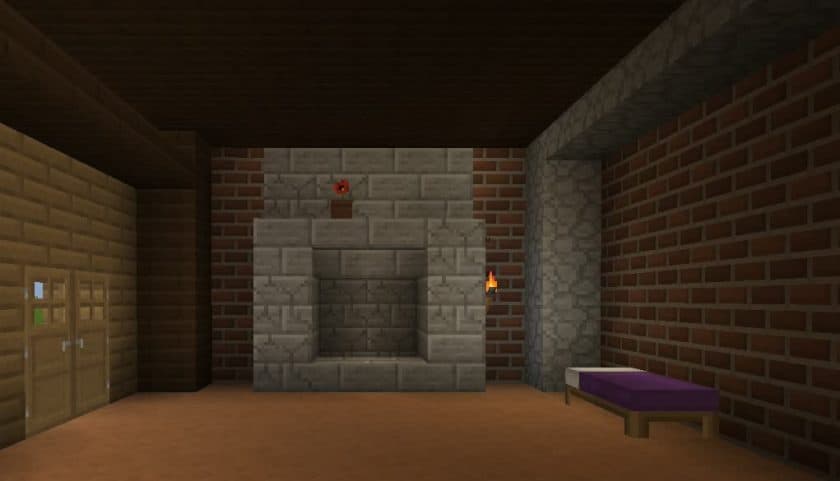
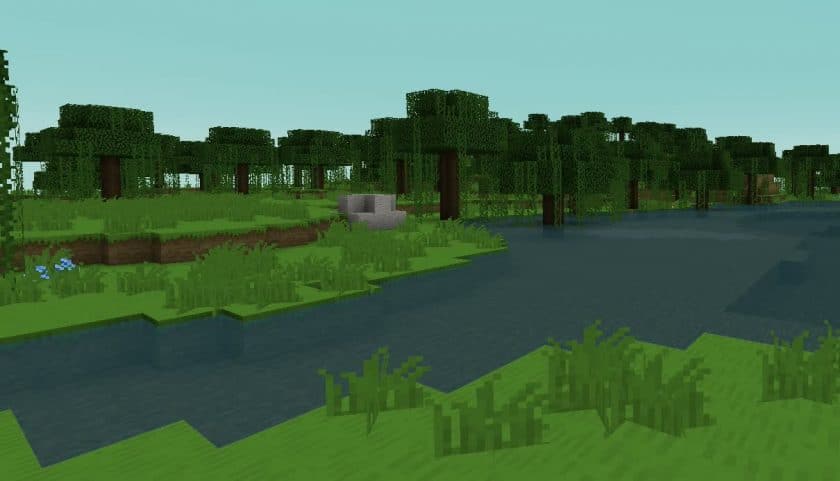
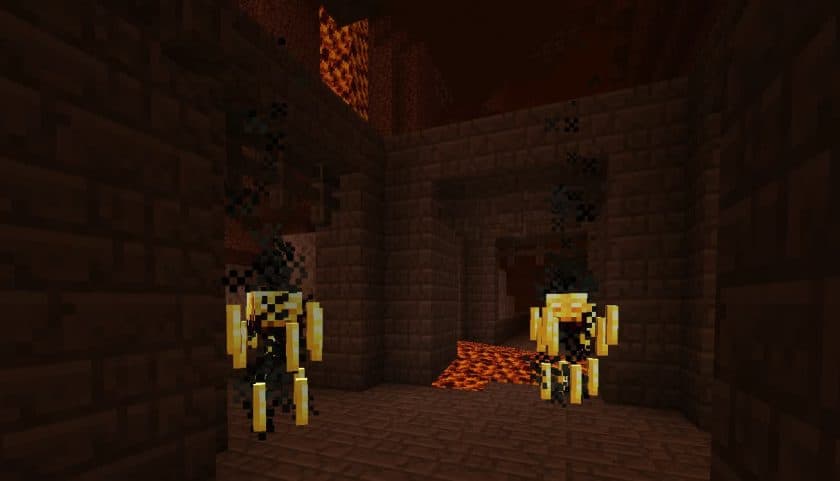
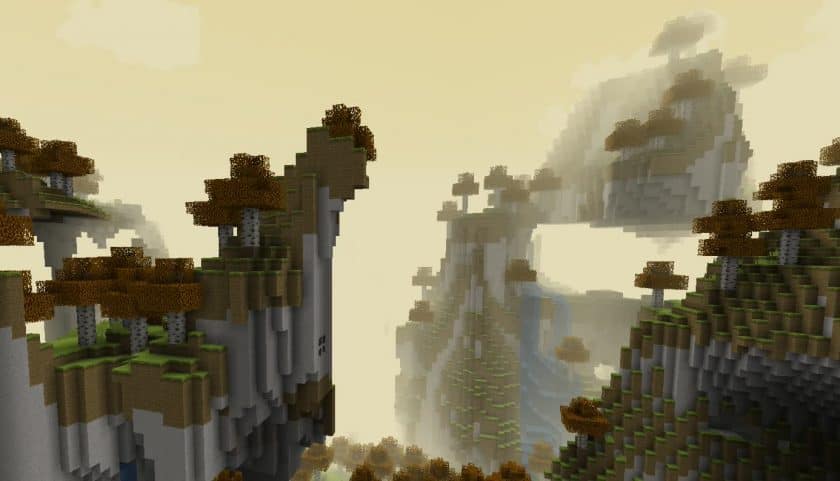
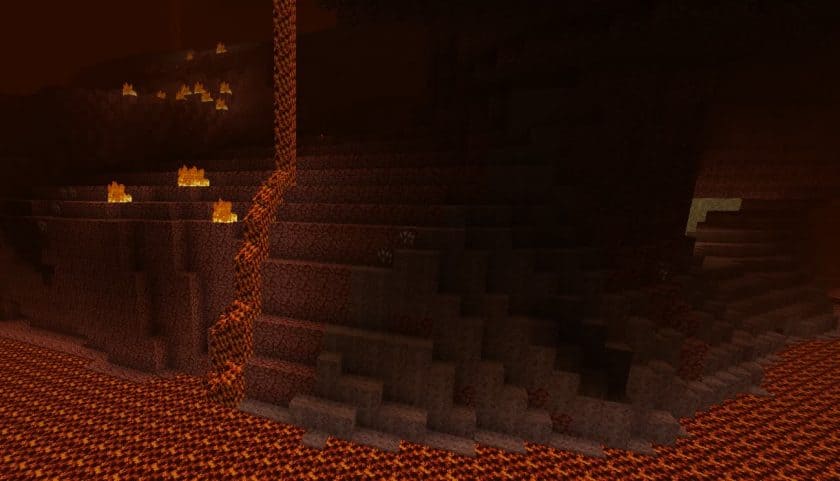
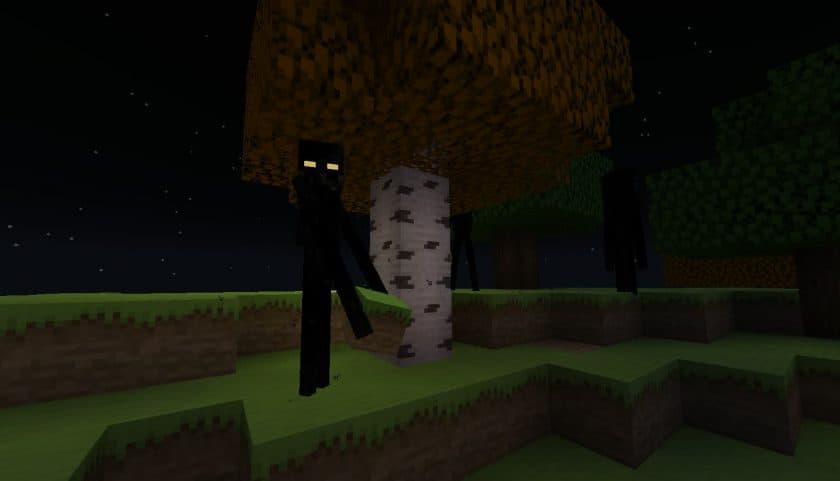
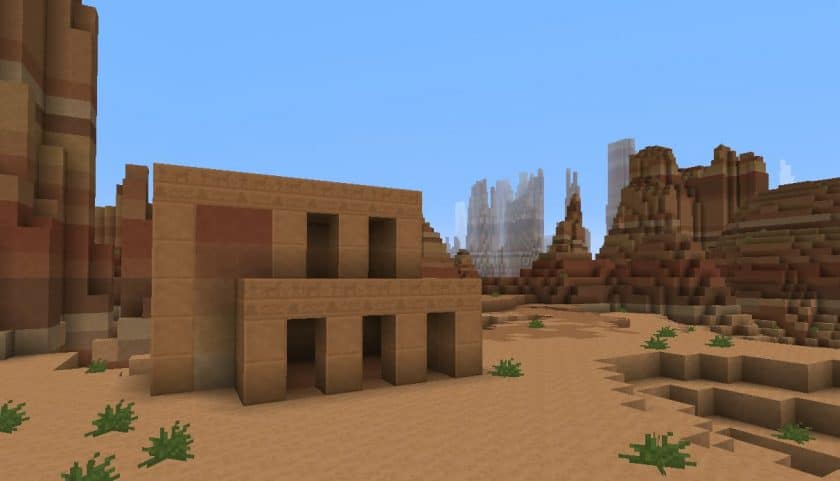
Stepping into a world with the Xenocontendi Resource Pack feels like experiencing Minecraft with a subtle, yet significant, glow-up. This pack doesn’t aim to reinvent the wheel; instead, it refines the familiar vanilla aesthetic, infusing it with a brighter, more cheerful, and undeniably cleaner visual vibe. From the moment you load it, you notice how textures, while retaining their classic feel, exhibit a newfound clarity. Unnecessary details have been artfully trimmed, leading to blocks and environments that look smoother, more elegant, and less cluttered. It’s an understated charm that truly sets Xenocontendi apart, making your exploration feel fresh without ever feeling foreign.
The genius of Xenocontendi lies in its meticulous attention to color. It masterfully blends a vibrant, beautiful palette with more muted tones, striking a balance that enhances realism without pushing into hyper-detail. This thoughtful color work adds incredible character to the game, creating a visual depth that feels both natural and captivating. Every biome, every structure, and even the smallest block takes on a renewed appeal. Crucially, this immersive transformation comes without a performance hit. Operating at the standard 16×16 resolution, Xenocontendi ensures that if your system comfortably runs vanilla Minecraft, you’ll enjoy a perfectly stable frame rate. It’s an impressive achievement to deliver such a refined look while maintaining the original game’s accessibility.
Beyond its stunning visuals, the Xenocontendi Resource Pack also enriches the auditory experience with custom sounds, further deepening immersion. For those who enjoy fine-tuning their game, it offers built-in support for popular mods like OptiFine and MCPatcher, though your world will still look fantastic without them. The pack’s design ethos, focused on enhancing rather than replacing, means all your existing builds and favorite areas will continue to look their best, seamlessly integrating with the improved textures and colors. This versatility, combined with its unique blend of bright and matte hues, truly makes Xenocontendi a standout choice for players seeking an elevated, yet authentically Minecraft, adventure.
| Minecraft Version | Compatibility |
|---|---|
| 1.8.9 | ✅ Supported |
| 1.8.8 | ✅ Supported |
| 1.8.1 | ✅ Supported |
| 1.8.6 | ✅ Supported |
| 1.8 | ✅ Supported |
| 1.7.10 | ✅ Supported |
| 1.7.9 | ✅ Supported |
| 1.7.4 | ✅ Supported |
| 1.7 | ✅ Supported |
| 1.6.4 | ✅ Supported |
| 1.6.2 | ✅ Supported |
Xenocontendi Resource Pack – Screenshots & Videos
How to Install Texture Pack (Simple 10 Steps)
- Download Optifine: Most of the texture packs and shaders need Optifine. That’s why, first download and install Optifine for the version of Minecraft you want to play.
- Download the Texture Pack: Get the texture pack you want from the download section. Choose the version that works with your Minecraft and your PC’s performance.
- Open Minecraft Launcher: Start Minecraft using the official game launcher – or even TLauncher, if you use that.
- Go to Options: From the main menu, click on the “Options” button.
- Open Resource Packs: Inside Options, click on “Resource Packs…”.
- Open the Resource Pack Folder: Click on “Open Resource Pack Folder” – this will open a folder named “resourcepacks”.
- Move the Pack File: Copy or move the .zip file you downloaded into that “resourcepacks” folder. (Don’t unzip the file – Minecraft uses it as-is!)
- Go Back and Refresh: Close the folder and click “Done”, then go back into “Resource Packs…” again.
- Activate the Pack: You’ll see the pack on the left side. Hover over it and click the arrow to move it to the right (active side). Tip: If you get a message that the pack is for a different version, just click “Yes” – it usually works fine.
- Click Done and Enjoy: Click “Done” again. Now your pack is ready to use in-game. It’s that easy!
Download
Java Edition:
(16x) (1.8.x) Download Xenocontendi Resource Pack
(16x) (1.7.x) Download Xenocontendi Resource Pack
(16x) (1.6.x) Download Xenocontendi Resource Pack
(16x) (1.5.x) Download Xenocontendi Resource Pack
(16x) (1.4.x) Download Xenocontendi Resource Pack
Download Instructions
-
CurseForge: If the pack is hosted on CurseForge, the download will begin automatically after a few seconds. If it does not start, use the “Download” button shown on the page.
-
Modrinth: If the download is from Modrinth, click the file version that matches your Minecraft build, then press the Download button. Modrinth usually offers multiple releases, so make sure you pick the correct version before installing.
-
Mediafire: On Mediafire, click the large blue Download button to start the file download. Avoid any extra pop-ups or buttons that are not related to the direct download.
-
Google Drive: For Google Drive, click the small download icon at the top right corner of the page. It looks like a downward arrow. The file will be saved to your computer immediately.
Disclaimer We do not create or modify any of the texture packs or shader packs shared on this website. All credit goes to the original creators, and every download link we provide is the official link from their page, which keeps all downloads safe. Some links may stop working after updates, so if you find a broken one, let us know in the comments and we will update it quickly. If you like a pack, consider supporting the creator by visiting their official page or website that we have linked below, and feel free to leave a comment or vote to help their work reach more players.
