
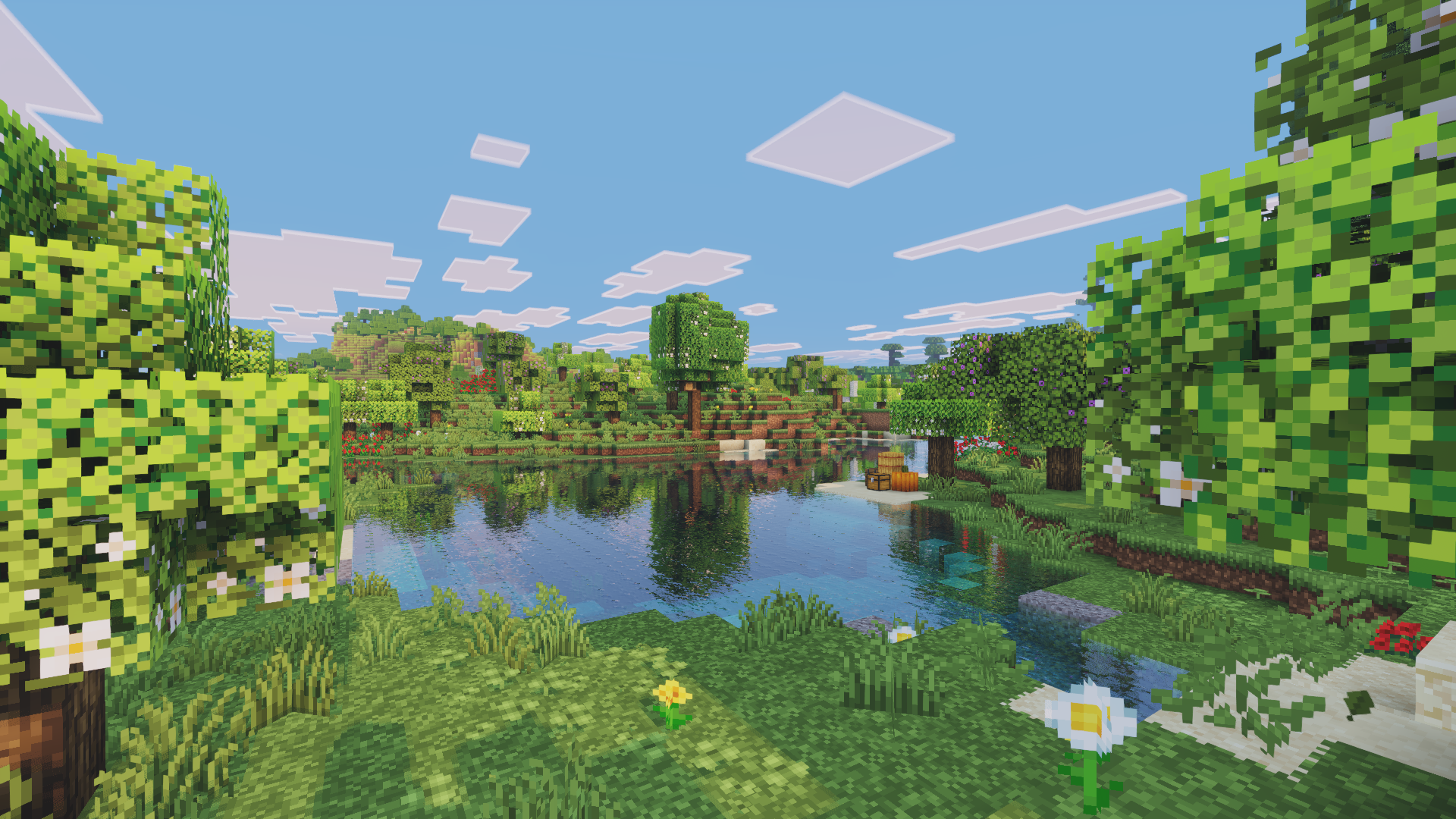
Not every shader pack tries to turn Minecraft into a realistic tech demo. Some are made to do one simple thing really well: make the game feel better to look at without changing its soul. Visual Vibrance fits exactly into that category. It is a lightweight shader that focuses on improving colors, lighting, and overall clarity while keeping the vanilla identity fully intact.
This shader is often mentioned alongside Bedrock’s built in Vibrant Visuals, and for good reason. It aims to deliver a similar boosted look for Java players, but in a way that respects performance and simplicity. Visual Vibrance does not overwhelm you with settings or extreme effects. It quietly improves what is already there.
What Visual Vibrance Is
Visual Vibrance is a lightweight Minecraft shader available on Modrinth. It is designed for players who want brighter colors, cleaner lighting, and a more lively world without stepping into heavy cinematic or realistic territory.
The core idea behind Visual Vibrance is enhancement, not replacement. Instead of reshaping how Minecraft looks, it subtly boosts saturation, contrast, and lighting behavior. Shadows are present but soft. Lighting feels smoother and more natural. The game ends up looking clearer and more polished while still being instantly recognizable as Minecraft.
It runs through Iris and works best alongside performance mods like Sodium, which makes it a popular choice for players on low to mid range systems.
Visual Style and Atmosphere
The visual style of Visual Vibrance can be described as clean, colorful, and calm. Colors are noticeably richer, but they never feel artificial. Grass looks greener, skies feel brighter, and sunsets gain a gentle warmth without turning overly dramatic.
Lighting is one of the shader’s strongest points. Daytime feels crisp and readable, with fewer harsh shadows. Indoors areas are easier to navigate compared to many darker shaders. At night, visibility remains fair while still feeling atmospheric, which makes it comfortable for survival gameplay.
Water reflections are subtle and smooth. They add depth without stealing attention. There is no aggressive bloom, heavy fog, or cinematic blur. Everything stays grounded and practical. This makes the shader feel usable for long play sessions rather than something you turn on just for screenshots.
Performance and System Requirements
Performance is where Visual Vibrance really shines. It is designed to run on a wide range of hardware, including integrated GPUs and older systems. Compared to heavier shaders like Insanity, IterationT, or SEUS, the performance impact here is minimal.
On most systems, players can expect very high frame rates, often staying close to vanilla performance when paired with Sodium and Iris. The shader avoids expensive effects like volumetric lighting and advanced reflections, which keeps GPU usage low.
This makes Visual Vibrance suitable for content creators, survival players, and anyone who values smooth gameplay over extreme visuals. You do not need a powerful graphics card to enjoy it, and that accessibility is a big part of its appeal.
Who This Shader Is For
Visual Vibrance is ideal for players who want their game to look better without complicating things. If you are new to shaders, this is an excellent starting point. It introduces improved lighting and colors without overwhelming you with settings or FPS drops.
It is also great for low end or mid range PCs where heavier shaders are simply not practical. If you have ever felt that most shaders either kill performance or change Minecraft too much, this one sits comfortably in the middle.
On the other hand, if you are looking for cinematic depth of field, ultra realistic clouds, or film style visuals, Visual Vibrance will feel too simple. That is not a weakness, but a design choice.
Screenshots Section
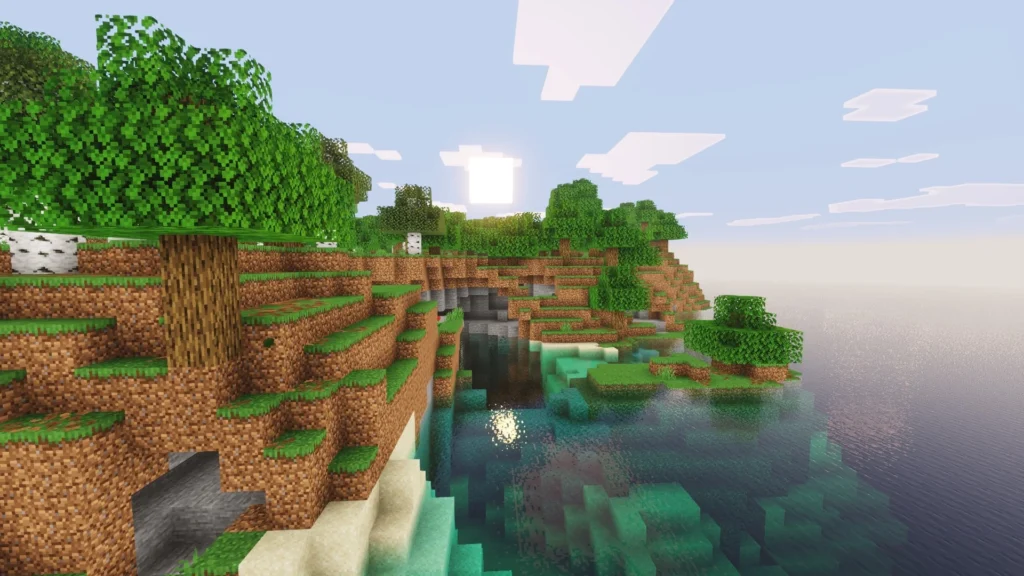
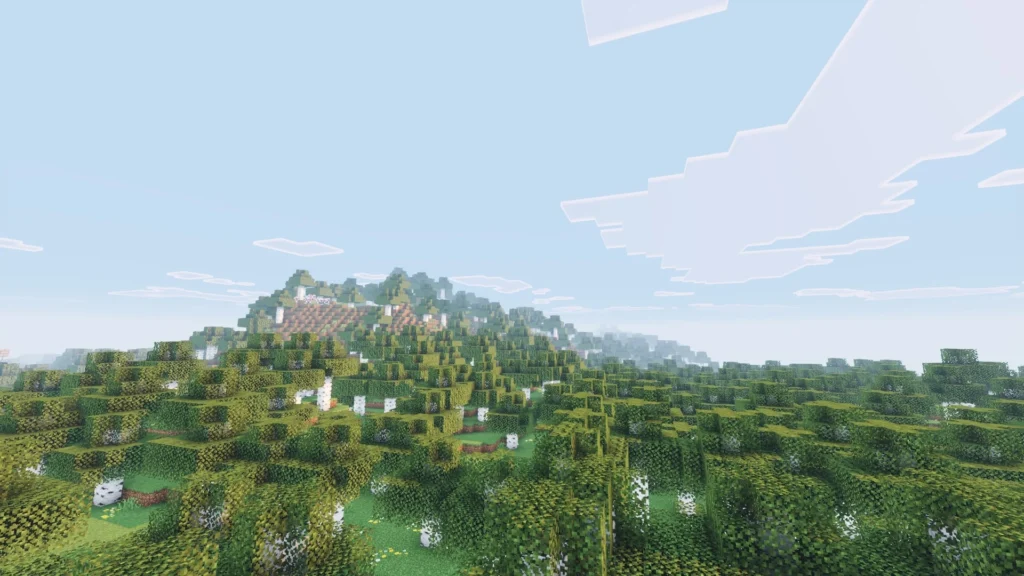
Screenshots of Visual Vibrance should focus on comparison and clarity. Daytime landscapes showing richer grass and brighter skies help highlight its color improvements. Sunset shots work well to show the soft lighting transitions without dramatic overprocessing.
Water scenes are useful to showcase reflections that feel natural and clean. Nighttime screenshots can demonstrate how the shader maintains visibility while still adding atmosphere. Side by side comparisons with vanilla Minecraft also help show how much changes without breaking the original style.
My Personal Take on Visual Vibrance
Visual Vibrance feels like a shader that understands restraint. When I use it, I do not feel like I am playing a different game. I feel like I am playing Minecraft on a really good day. Everything is clearer, slightly more colorful, and easier on the eyes.
What I personally like most is how comfortable it feels during long sessions. I do not get that visual fatigue that some heavier shaders cause. It fits perfectly when I want smooth gameplay, recording footage, or just relaxing in a survival world.
Compared to cinematic shaders like Bliss or Insanity, Visual Vibrance sits much closer to vanilla. That makes it less impressive at first glance, but far more practical. Some players might skip it because it does not look dramatic enough, but others will appreciate that it respects performance and simplicity.
For me, this shader works best as a daily driver. It is not about showing off visuals. It is about making Minecraft quietly better.
Download and Credits
You can download Visual Vibrance from its official Modrinth page here:
All credit goes to the original creator for developing and maintaining this shader. Always download from official sources to ensure you get the latest and safest version.
Disclaimer
We did not create Visual Vibrance. This article is an independent overview based on hands on experience and publicly available information. All rights and ownership belong to the original shader creator
