
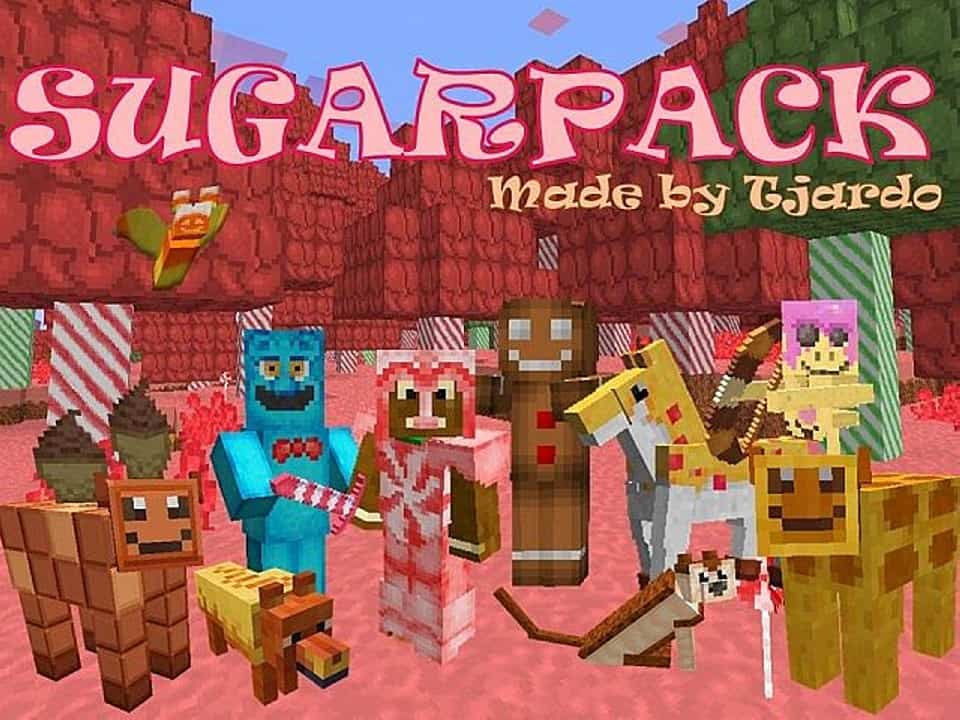
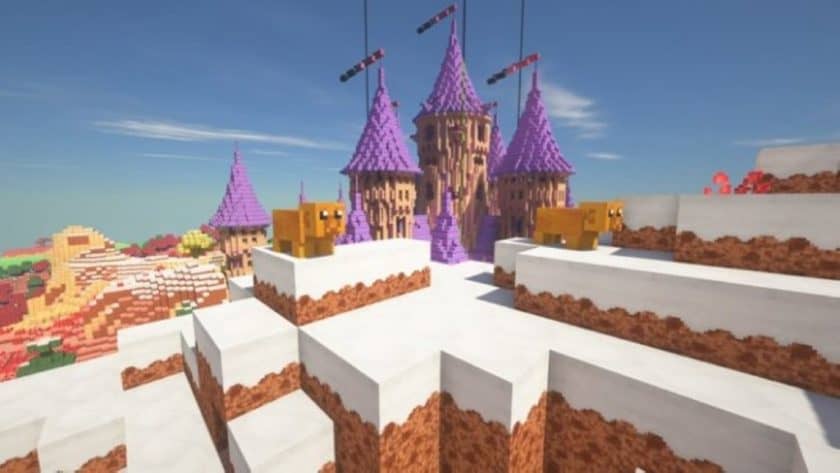
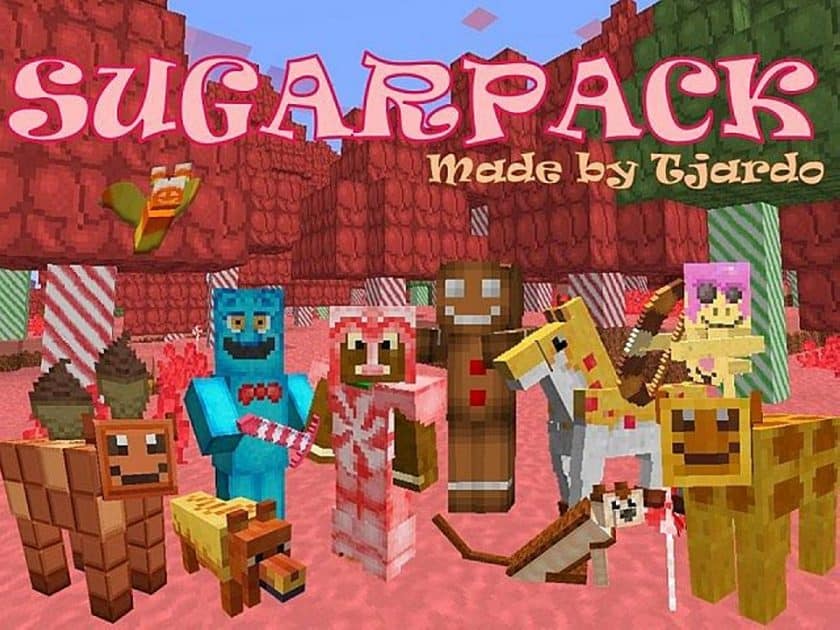
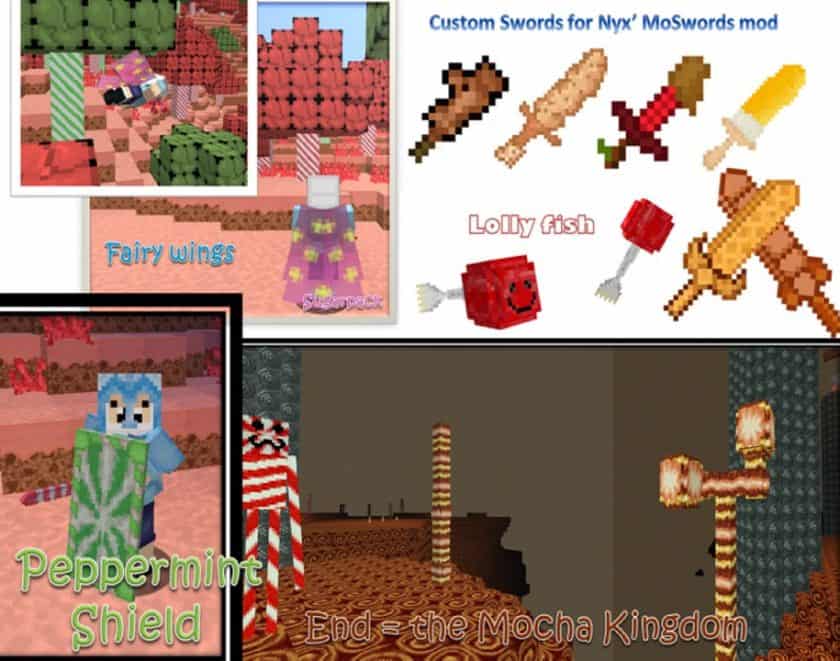
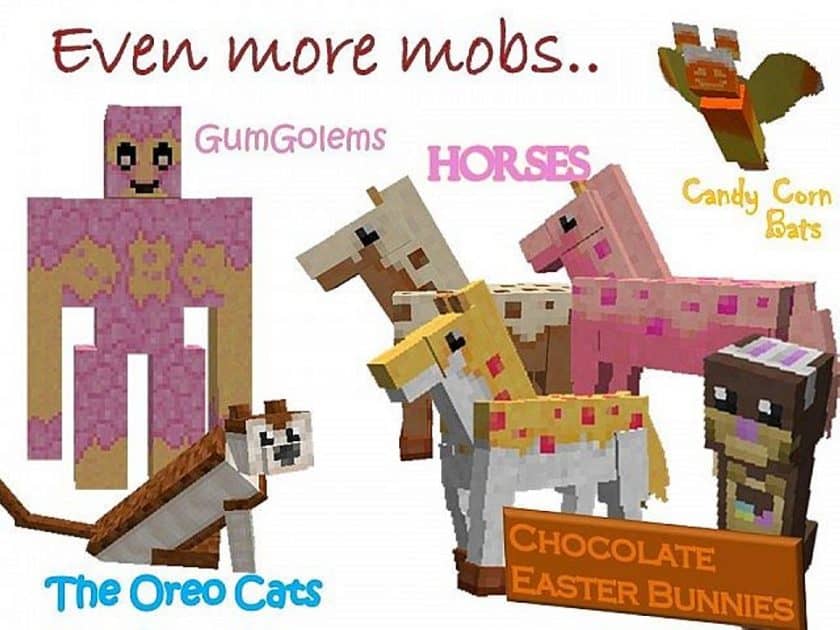
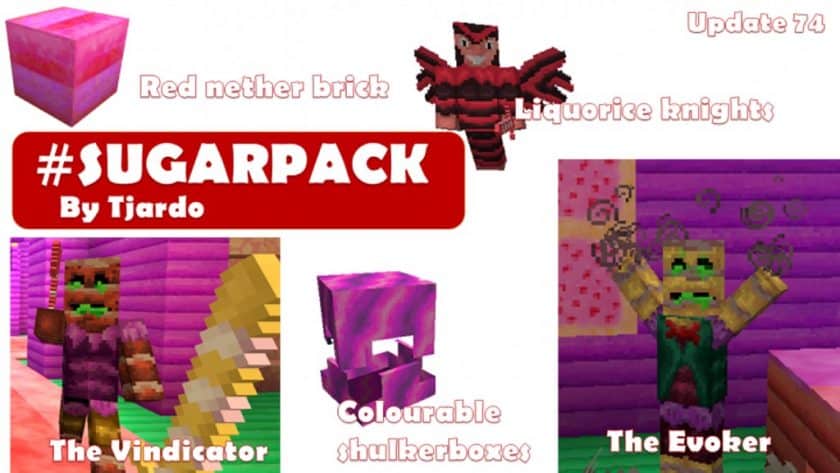
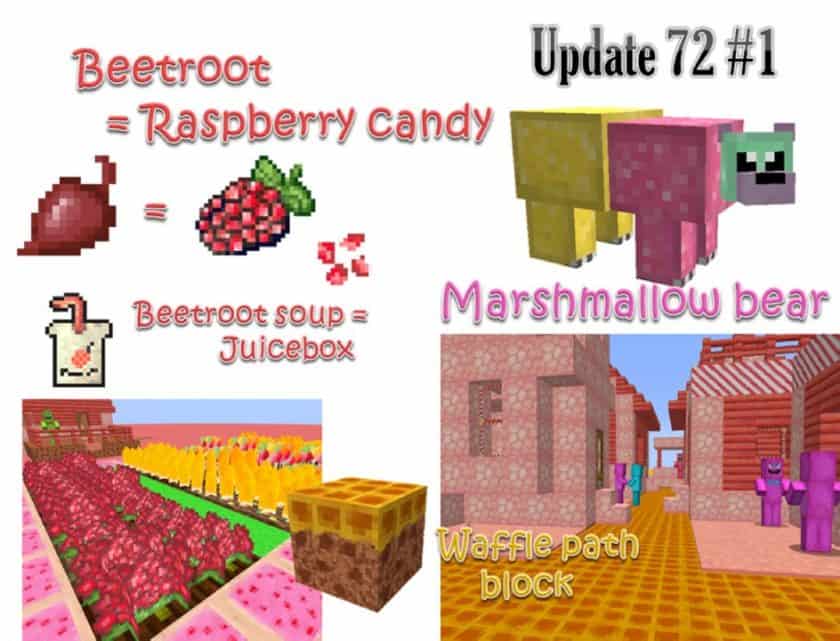
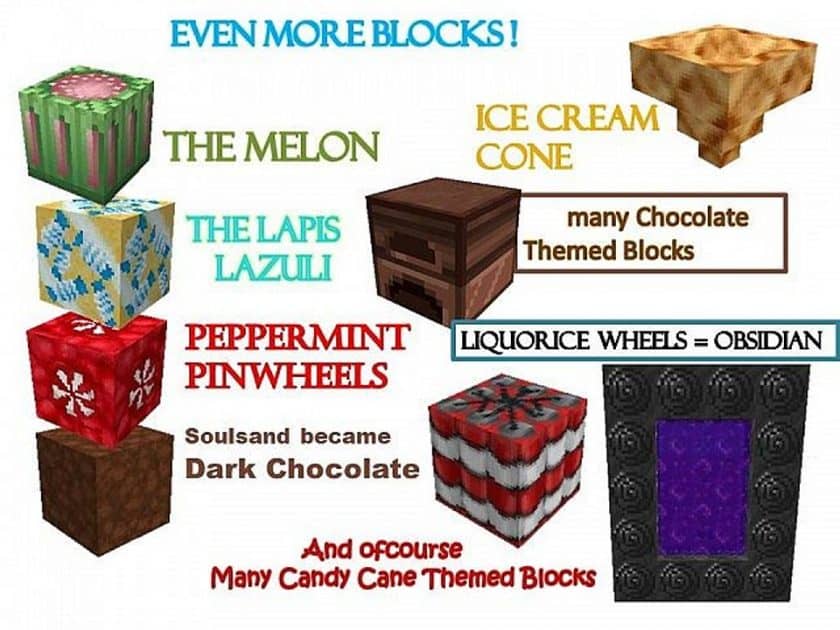
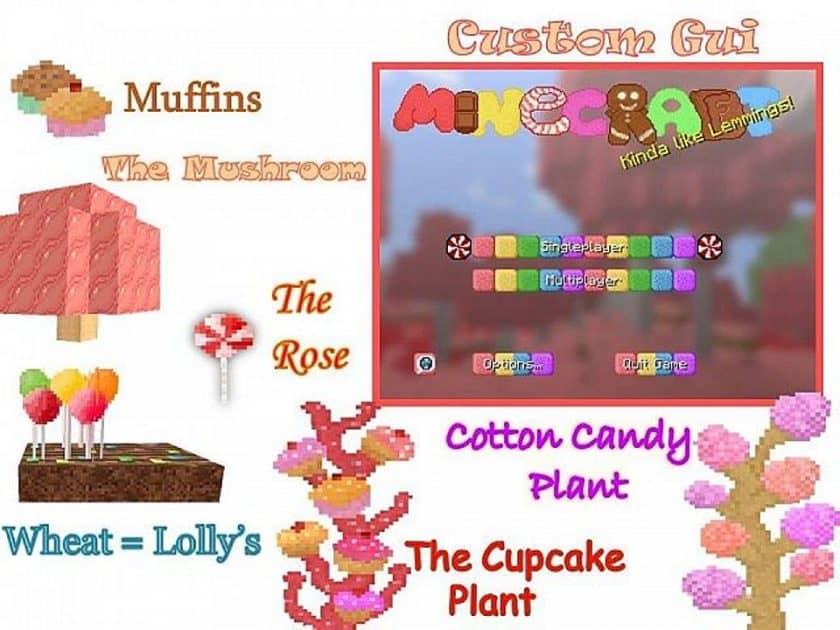
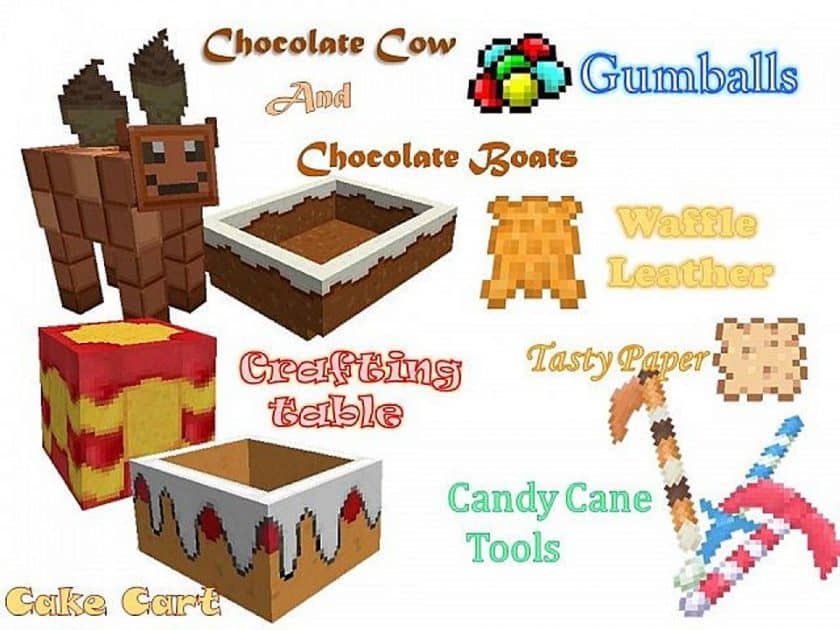
Stepping into a world infused with the Sugarpack resource pack is like wandering through a vibrant, whimsical candyland, where every corner promises a delightful surprise. Immediately, the familiar, blocky landscape of Minecraft transforms into a sugary dreamscape, perfect for those with an insatiable sweet tooth. Imagine all your basic food items morphing into delectable treats, from frosted cakes to colorful candies, making every inventory check a mouth-watering experience. It’s not just the edibles that get a sweet makeover; even the creatures roaming the land take on charming, confectionery forms. Villagers might resemble gingerbread people, while sheep become fluffy marshmallows and even formidable monsters turn into playful, sugary antagonists. Your trusty tools and armor also glisten with a sugary sheen, transforming mundane gear into glowing, edible-looking contraptions that somehow still protect you during adventures.
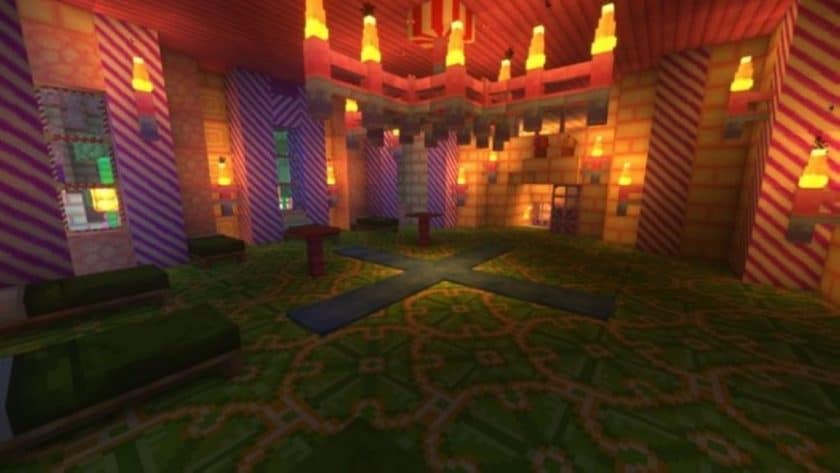
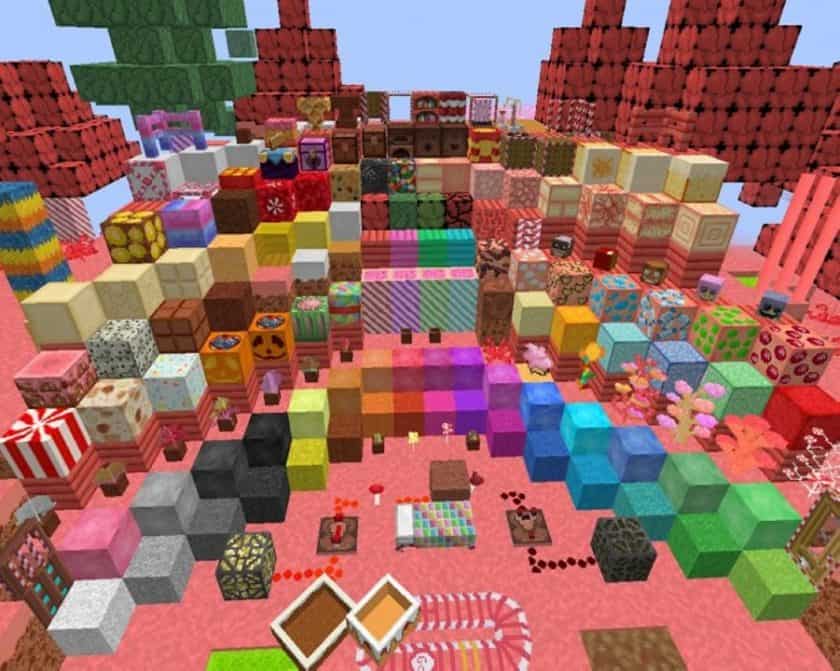
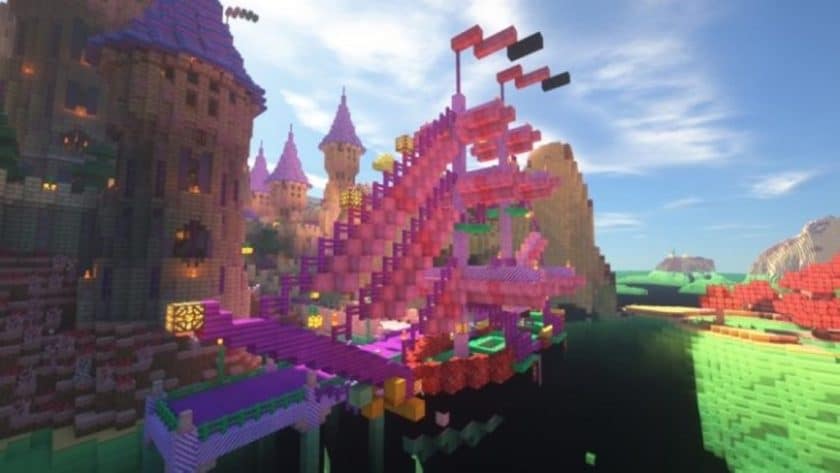
The visual vibe of Sugarpack is undeniably playful and bright, creating an atmosphere that’s lighthearted and fun, encouraging exploration with a smile. The pack masterfully reinterprets textures, making blocks like dirt and grass appear as if they’re covered in sprinkles or layers of rich chocolate. While the transformation is extensive, it’s not overwhelming; some core building blocks like stone or colored clay retain their original appearance, grounding the world just enough to maintain practicality while ensuring the candy theme remains prominent. This thoughtful balance prevents a complete sugar coma, allowing builders to create structures that are both fantastical and functional.
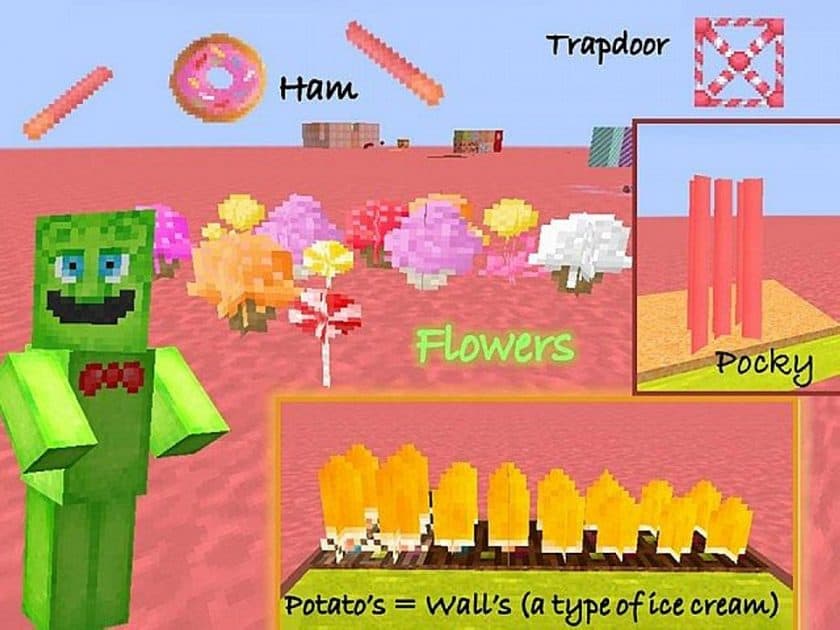
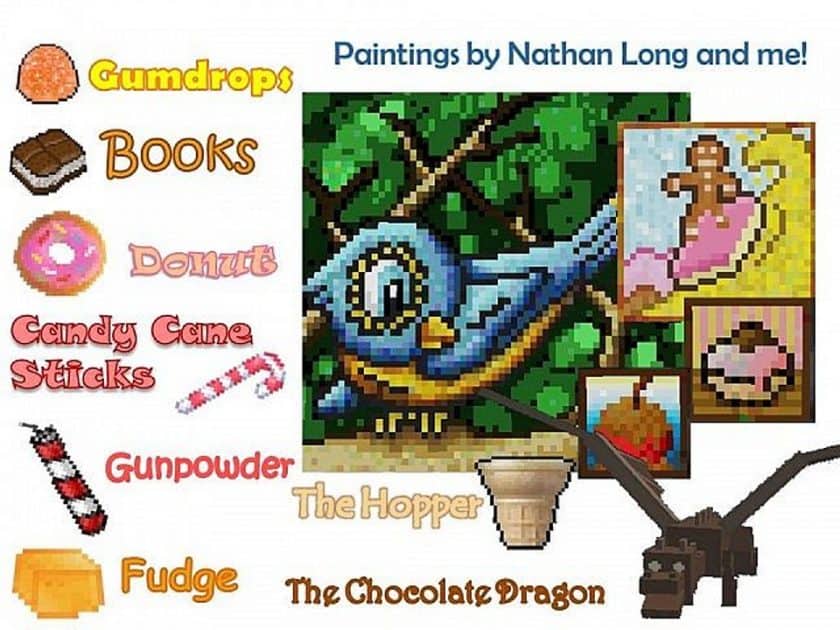
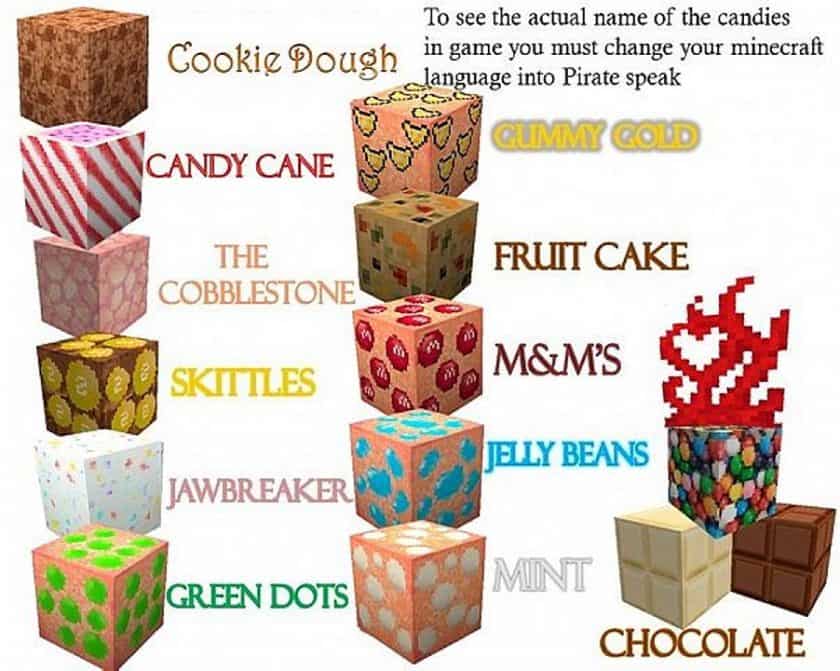
One of the true strengths of Sugarpack lies in its meticulous detail, offering new and vibrant textures even for the latest Minecraft blocks and entities. You’ll stumble upon everything from M&M’s and jelly beans to mints and various chocolates seamlessly integrated into the environment, making discovery a constant joy. The pack is also commendably kept up-to-date, ensuring smooth compatibility with recent Minecraft versions, including 1.14, so players can enjoy this sweet adventure without compatibility worries. Opting for a 32x resolution, the Sugarpack delivers a crisp, clear look without demanding excessive resources, making it accessible for a wide range of systems. It’s an enchanting experience that redefines your Minecraft journey into a truly sweet dream.
| Minecraft Version | Compatibility |
|---|---|
| 1.14.4 | ✅ Supported |
| 1.14.3 | ✅ Supported |
| 1.14.2 | ✅ Supported |
| 1.14 | ✅ Supported |
| 1.13.2 | ✅ Supported |
| 1.13.1 | ✅ Supported |
| 1.13 | ✅ Supported |
Sugarpack – Screenshots & Videos
How to Install Texture Pack (Simple 10 Steps)
- Download Optifine: Most of the texture packs and shaders need Optifine. That’s why, first download and install Optifine for the version of Minecraft you want to play.
- Download the Texture Pack: Get the texture pack you want from the download section. Choose the version that works with your Minecraft and your PC’s performance.
- Open Minecraft Launcher: Start Minecraft using the official game launcher – or even TLauncher, if you use that.
- Go to Options: From the main menu, click on the “Options” button.
- Open Resource Packs: Inside Options, click on “Resource Packs…”.
- Open the Resource Pack Folder: Click on “Open Resource Pack Folder” – this will open a folder named “resourcepacks”.
- Move the Pack File: Copy or move the .zip file you downloaded into that “resourcepacks” folder. (Don’t unzip the file – Minecraft uses it as-is!)
- Go Back and Refresh: Close the folder and click “Done”, then go back into “Resource Packs…” again.
- Activate the Pack: You’ll see the pack on the left side. Hover over it and click the arrow to move it to the right (active side). Tip: If you get a message that the pack is for a different version, just click “Yes” – it usually works fine.
- Click Done and Enjoy: Click “Done” again. Now your pack is ready to use in-game. It’s that easy!
Download
(32x) (1.14.x – 1.13.x) Download Sugarpack Resource Pack
Check out Sugarpack on the official feed
Download Instructions
-
CurseForge: If the pack is hosted on CurseForge, the download will begin automatically after a few seconds. If it does not start, use the “Download” button shown on the page.
-
Modrinth: If the download is from Modrinth, click the file version that matches your Minecraft build, then press the Download button. Modrinth usually offers multiple releases, so make sure you pick the correct version before installing.
-
Mediafire: On Mediafire, click the large blue Download button to start the file download. Avoid any extra pop-ups or buttons that are not related to the direct download.
-
Google Drive: For Google Drive, click the small download icon at the top right corner of the page. It looks like a downward arrow. The file will be saved to your computer immediately.
Disclaimer We do not create or modify any of the texture packs or shader packs shared on this website. All credit goes to the original creators, and every download link we provide is the official link from their page, which keeps all downloads safe. Some links may stop working after updates, so if you find a broken one, let us know in the comments and we will update it quickly. If you like a pack, consider supporting the creator by visiting their official page or website that we have linked below, and feel free to leave a comment or vote to help their work reach more players.
